
Helpjuice Review 2026: AI Knowledge Base Software Tested
Helpjuice is a focused knowledge base platform used by more than 130,000 people at companies such as Amazon, Hertz, and Shipt, according to the vendor. It is not a helpdesk, a CRM, or a project tool. It does one job: help you build, organize, and publish searchable answers for customers and employees.
That focus is the main reason to consider it — and the main reason some teams outgrow it. This review walks through who it fits, what it does well, where it falls short, how pricing tends to work, and how to decide whether it belongs in your 2026 stack.
What Helpjuice actually is
Helpjuice is a SaaS knowledge base platform. You create categories, write articles in a rich text editor, customize the design, and publish a searchable help center or internal wiki. Articles can be public, internal-only, or restricted to specific teams.
The platform is best understood as a self-service layer. Customers search for answers instead of emailing support; employees search for SOPs instead of asking a manager. The value depends almost entirely on whether your content is accurate and well organized — the software surfaces information, it does not create it for you.
Who Helpjuice is ideal for
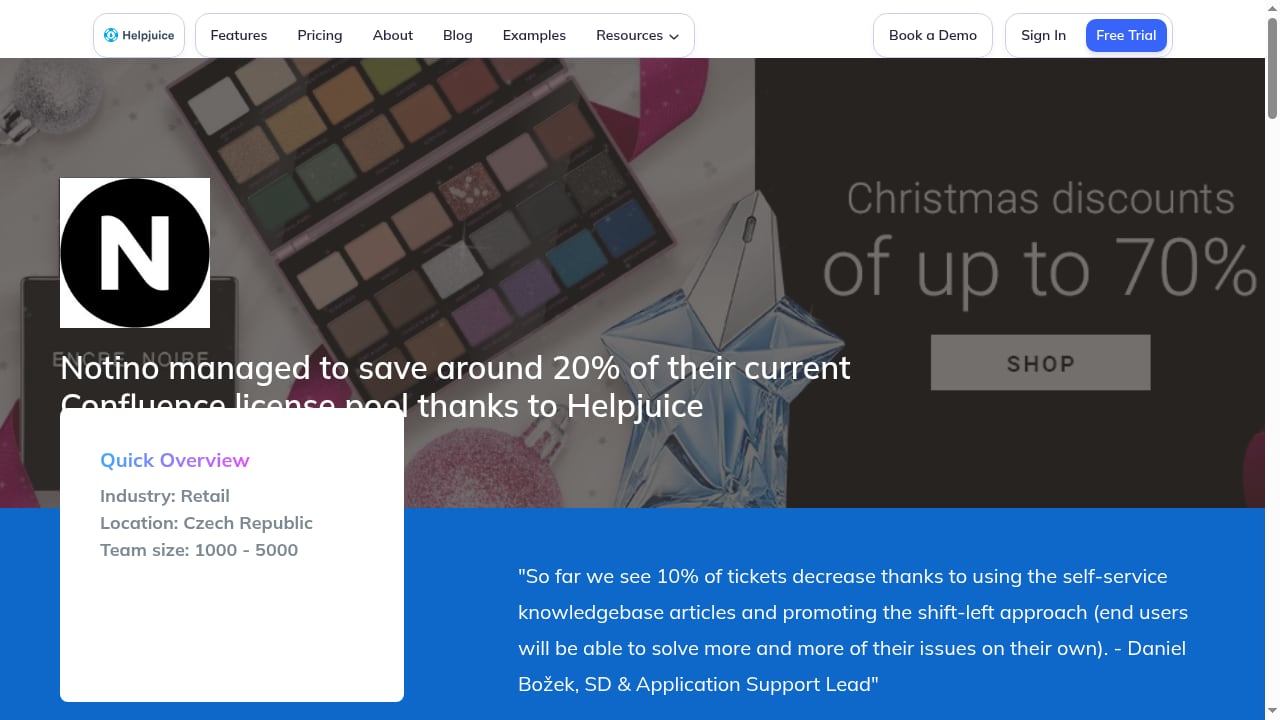
First viewport screenshot of Notino managed to save around 20% of their current Confluence license pool thanks to Helpjuice.
Based on user feedback and documented features, Helpjuice fits these profiles best:
- Support teams with repetitive ticket volume. If the same 50 questions arrive every week, a searchable help center can deflect a meaningful share of them.
- Companies running both external and internal knowledge bases. Public articles and restricted internal articles can live in one platform with separate permissions.
- Global teams that need multiple languages. Helpjuice supports multilingual knowledge bases with language switching and translation workflows, though you still supply or review the translations.
- Teams that value search quality over editor polish. Reviewers consistently praise the search and the analytics; the editor gets more mixed feedback.
- Organizations that want a knowledge base, not a suite. If you do not need built-in ticketing or chat, a focused tool avoids paying for features you will not use.
Key strengths, with evidence
Search that handles imprecise queries
Search is the most consistently praised part of Helpjuice. It surfaces relevant articles even when users do not type exact keywords. That matters because real users type vague, misspelled, frustrated queries — not the tidy phrases you wrote in your article titles.
Analytics that show content gaps
The analytics dashboard tracks total searches, found answers, contacted support, support cases avoided, and a Solution Quality Index (SQI). You can also see which searches return nothing. That last metric is the most actionable: every zero-result search is a content gap you can close.
Permissions for mixed audiences
You can make some articles public, some internal-only, and some restricted to specific teams. This is what makes a single platform viable for both a customer help center and an employee wiki.
Multilingual support
Helpjuice supports 300+ languages, language switching for readers, translation update syncing, and integration with external translation APIs. It is not fully automatic translation — you still need human review — but the infrastructure is there.
Integrations with the tools support teams already use
Helpjuice lists more than 100 integrations, including Slack, Zendesk, Salesforce, and Intercom. The practical effect is that agents can surface articles inside tickets or chat widgets without switching tabs.
Fast, low-friction setup
Setup is straightforward: create categories, write articles, publish. Most admins do not need a tutorial. Design changes are easy for colors and fonts; deeper customization requires CSS knowledge.
Limitations and honest trade-offs
The editor is functional, not delightful
Multiple reviews note that the editor works but feels less smooth than Notion, Google Docs, or Confluence. If your writers are used to modern block-based editors, expect a small adjustment period.
Bulk editing and large-scale reorganization are slow
Reorganizing hundreds of articles takes time. Teams with large, messy knowledge bases should plan for a migration and cleanup project, not a quick import.
The interface can feel dated to some users
Some reviewers describe the interface as less modern than newer competitors. This is subjective, but it is a recurring theme worth weighing if design polish matters to your team.
It will not fix bad content
This is true of every knowledge base, but it is worth stating plainly: if your articles are vague, outdated, or poorly categorized, Helpjuice will not rescue the experience. Users will still leave frustrated.
It is not a helpdesk
If you need ticketing, live chat, or a full customer service suite, Helpjuice is a component rather than a replacement. You will pair it with a helpdesk or chat tool.
Pricing signals: what to expect

First viewport screenshot of Knowledge Base Software – Helpjuice.
Helpjuice does not publish a simple public price list, and pricing is typically quoted based on users, features, and support level. For budgeting, use these market signals from the broader knowledge base software category:
| Budget range | What it typically buys |
|---|---|
| Free / $0 | Basic article creation, limited search, vendor branding, little or no analytics |
| $50–$100/month | Clean editor, basic search, limited integrations, entry-level analytics |
| $100–$300/month | AI-assisted search, deeper analytics, more integrations, collaboration features |
| $300–$800/month | Advanced AI, full branding control, SSO, priority support, higher limits |
| $800+/month | Enterprise security, SLA guarantees, unlimited content, white-labeling, multi-language sync |
Helpjuice offers a 14-day free trial, which is the right time to test search quality, editor comfort, and analytics against your real content. Treat any quoted price as a starting point and confirm what is included — seats, article limits, AI features, and support tiers vary by plan.
Setup and adoption: what the first 30 days look like

First viewport screenshot of Pricing | World's Most Powerful & Simple Knowledge Base Software – Free 14 Day Trial.
- Define the audience. Decide whether the first knowledge base is customer-facing, internal, or both. This determines your permission model from day one.
- Map categories before writing. A shallow, predictable structure beats a deep, clever one. Users search, but they also browse.
- Migrate your top 20 articles first. Do not import everything. Start with the questions that generate the most tickets.
- Test search like a frustrated user. Type vague queries, misspellings, and synonyms. If search fails, adoption fails.
- Watch zero-result searches weekly. This is your content backlog, ranked by real demand.
- Assign owners. A knowledge base without owners decays within a quarter.
How Helpjuice compares to alternatives
If you are evaluating the wider category, it helps to see Helpjuice alongside adjacent options:
- Against full customer service suites: Helpjuice is narrower. If you want ticketing and knowledge in one system, a suite may fit better. See our comparison of top customer service AI platforms.
- Against other knowledge portals: Platforms such as HelpLook, Docsie, and Archbee compete on AI search, no-code editing, and SEO. Our HelpLook vs Docsie vs Archbee comparison breaks down those trade-offs.
- Against reliable, simpler tools: If you want a dependable, no-frills knowledge base, see our KnowledgeOwl review for a different point on the spectrum.
- Against the broader market: For a ranked view of AI knowledge base and support automation platforms, see our top 10 AI knowledge base and customer support automation platforms.
Decision criteria: should you choose Helpjuice?

First viewport screenshot of Customers | World's Most Powerful & Simple Knowledge Base Software – Free 14 Day Trial.
Choose Helpjuice if:
- Search quality and analytics matter more to you than editor polish.
- You need one platform for both customer-facing and internal knowledge.
- You operate in multiple languages and need translation infrastructure.
- You want a focused knowledge base rather than a full support suite.
- Your team can commit to ongoing content ownership.
Look elsewhere if:
- You need built-in ticketing, live chat, or a complete service desk.
- Your writers expect a Notion-like editing experience.
- You need to reorganize thousands of articles frequently.
- You want transparent, self-serve public pricing before a sales conversation.
For a broader buying framework, the vendor's own knowledge base software buying guide is a useful checklist, and G2's Helpjuice reviews give a steady stream of user sentiment to compare against your own trial.
Related reading
- Top 10 AI Customer Support Software Products 2026 - Compare the top 10 AI customer support software products for 2026. Evidence-based rankings, pricing, strengths, limits, and a practical buyer's checklist.
- How to Use HelpLook with MkDocs: Workflow & Setup - Learn how to combine HelpLook and MkDocs: keep docs-as-code in MkDocs, then publish AI-powered, SEO-ready help centers with HelpLook.
- HelpLook vs Archbee: Which Knowledge Portal Fits in 2026? - HelpLook vs Archbee compared: AI search, no-code editing, SEO, portals, and pricing. See which knowledge platform fits your support and docs teams.
Sources and further reading
- Helpjuice Review 2026 – Features, Pricing, Pros & Cons - Introduction You might have heard about Helpjuice if you’ve recently been interested in getting a knowledge base solution for your organization. It is a
FAQ
Is Helpjuice good for customer support?
Yes, for self-service. It reduces repetitive tickets by letting customers find answers themselves. It is not a helpdesk, so most teams pair it with a ticketing or chat tool.
Does Helpjuice have AI features?
Helpjuice positions itself as an AI knowledge base, with smart search that handles imprecise queries and analytics that surface content gaps. The AI improves retrieval; it does not replace the need for accurate, maintained articles.
How much does Helpjuice cost?
Pricing is typically quoted based on users, features, and support level rather than published as a flat list. Budget against the market ranges above and confirm details during the 14-day free trial.
How hard is Helpjuice to set up?
Setup is straightforward for admins: create categories, write articles, publish. The real work is content migration and organization, especially if you are moving a large existing knowledge base.
Is Helpjuice good for internal wikis?
Yes. Permissions let you keep internal articles restricted to specific teams while keeping customer-facing content public in the same platform.
What are the main Helpjuice drawbacks?
The editor feels less modern than some competitors, bulk editing is slow, and the interface can feel dated to some users. None of these are deal-breakers for teams that prioritize search and analytics.
Conclusion
Helpjuice earns its place in the knowledge base market by doing one thing well: making organizational knowledge searchable and measurable. Its search and analytics are the strongest reasons to choose it, and its editor and bulk-management tools are the most common reasons teams look elsewhere.
If your priority is deflecting repetitive questions with a searchable, multilingual, permission-aware knowledge base — and you are ready to own the content — Helpjuice is a credible choice. Test it against your real content during the trial, watch the zero-result searches, and let the data make the decision.