
HelpLook vs Crisp: Which Platform Fits Your Support and Knowledge Strategy?
Choosing between HelpLook and Crisp often comes down to a simple question: are you building a knowledge-first help center or an omnichannel support desk? Both products use AI to deflect tickets and improve customer experience, but they start from different centers of gravity. This comparison breaks down their strengths, trade-offs, and ideal use cases so you can pick the right tool for your team.
Quick comparison: HelpLook vs Crisp at a glance
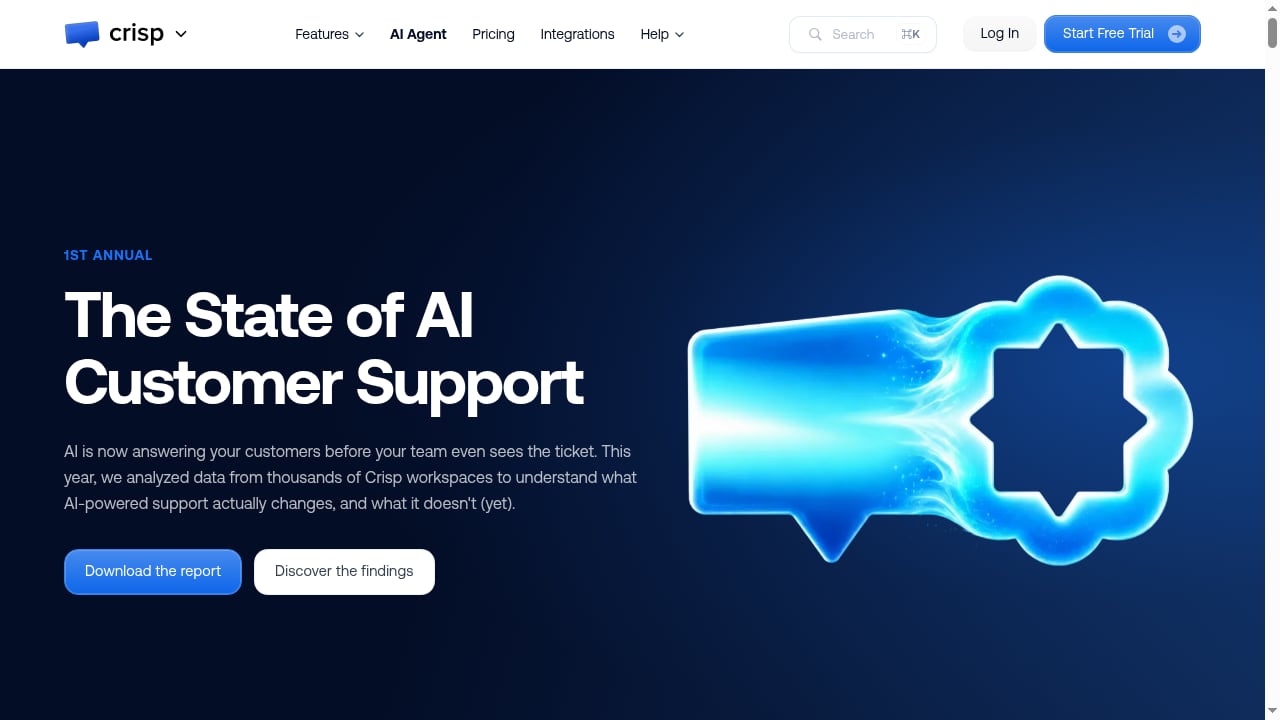
First viewport screenshot of crisp.chat.
| Aspect | HelpLook | Crisp |
|---|---|---|
| Primary focus | AI knowledge base and help center creation | Omnichannel customer support and shared inbox |
| Core strength | No-code help centers, internal knowledge bases, blogs, product manuals | Centralized chat, email, WhatsApp, and other channels with AI agents |
| AI capabilities | AI search and chatbot powered by GPT-3.5/4.0 and Wenxin Yiyan | AI agents trained on public and private resources; automates up to 50% of inquiries |
| Best for | Content creators, operations teams, customer service teams building self-service | Support teams managing high-volume, multi-channel conversations |
| Pricing model | Free tier; subscription plans starting at ¥99/month | Flat pricing; 14-day free trial; free plan for solopreneurs |
| Proof points | 10,000+ companies; ISO/IEC 27001 certified; high ratings on ProductHunt and PartnerShare | 10,000+ companies; publishes AI support benchmark reports |
What HelpLook does best
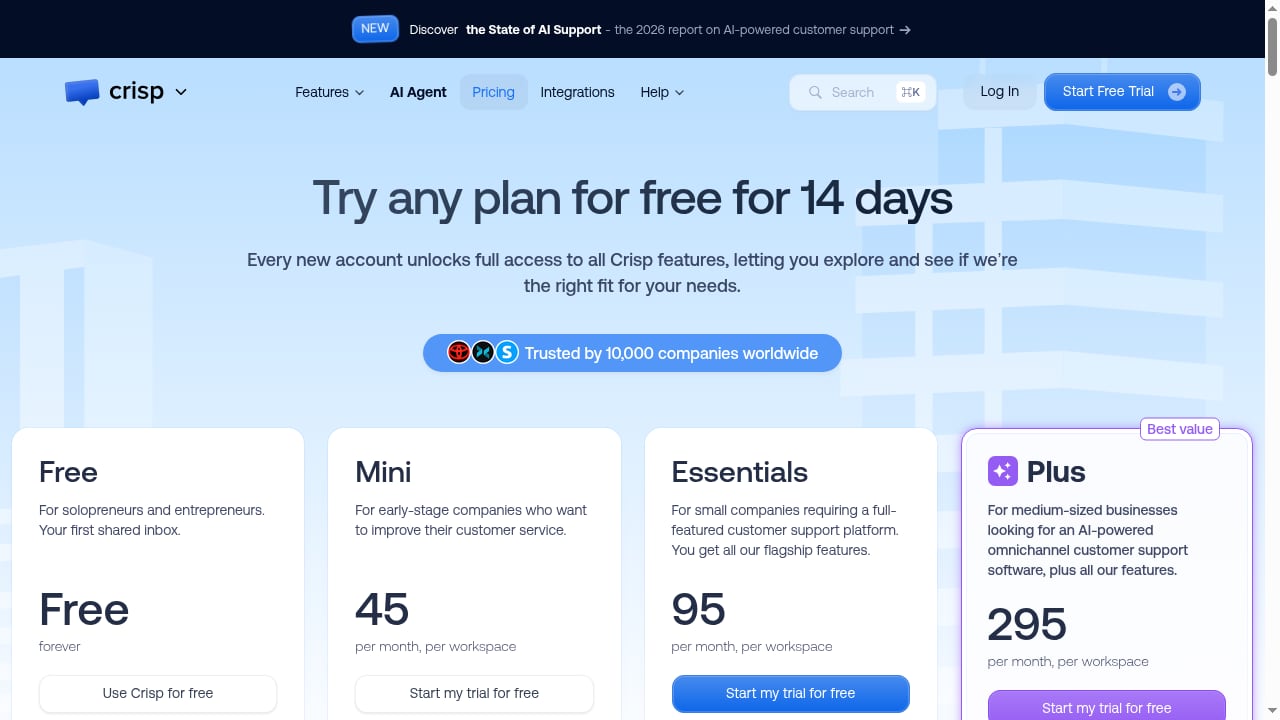
First viewport screenshot of crisp.chat.
HelpLook is a one-stop AI knowledge base building system. It lets businesses create and optimize help centers, internal knowledge bases, enterprise blogs, and e-commerce product manuals without code. The platform combines a WYSIWYG editor with AI-powered features, including integration with GPT-3.5/4.0 and Wenxin Yiyan for intelligent search and chatbots.
Strengths of HelpLook
- Knowledge-first architecture: HelpLook is built around creating and organizing content, making it a strong fit for teams that want to reduce support costs through self-service. The website portal can be public or private, and the website widget embeds knowledge bases or AI chatbots directly into your product or site.
- AI editor and search: The AI editor backend helps teams write and optimize content, while AI search surfaces answers from your knowledge base. This is particularly useful for SaaS, legal, healthcare, finance, and education teams that need accurate, structured information.
- SEO and traffic benefits: HelpLook emphasizes boosting SEO traffic, which matters if your help center also serves as a marketing and acquisition channel.
- Security and trust: ISO/IEC 27001 certification and over 10,000 companies using the platform provide reassurance for organizations with compliance requirements.
- Accessible pricing: A free tier and subscription plans starting at ¥99/month make it approachable for small and mid-sized teams.
Where HelpLook may not fit
HelpLook is not positioned as an omnichannel helpdesk. If your team needs a shared inbox that unifies chat, email, WhatsApp, and social messaging into one agent workspace, HelpLook alone may not cover those workflows. It is better suited to knowledge management and self-service than to live conversation routing.
What Crisp does best
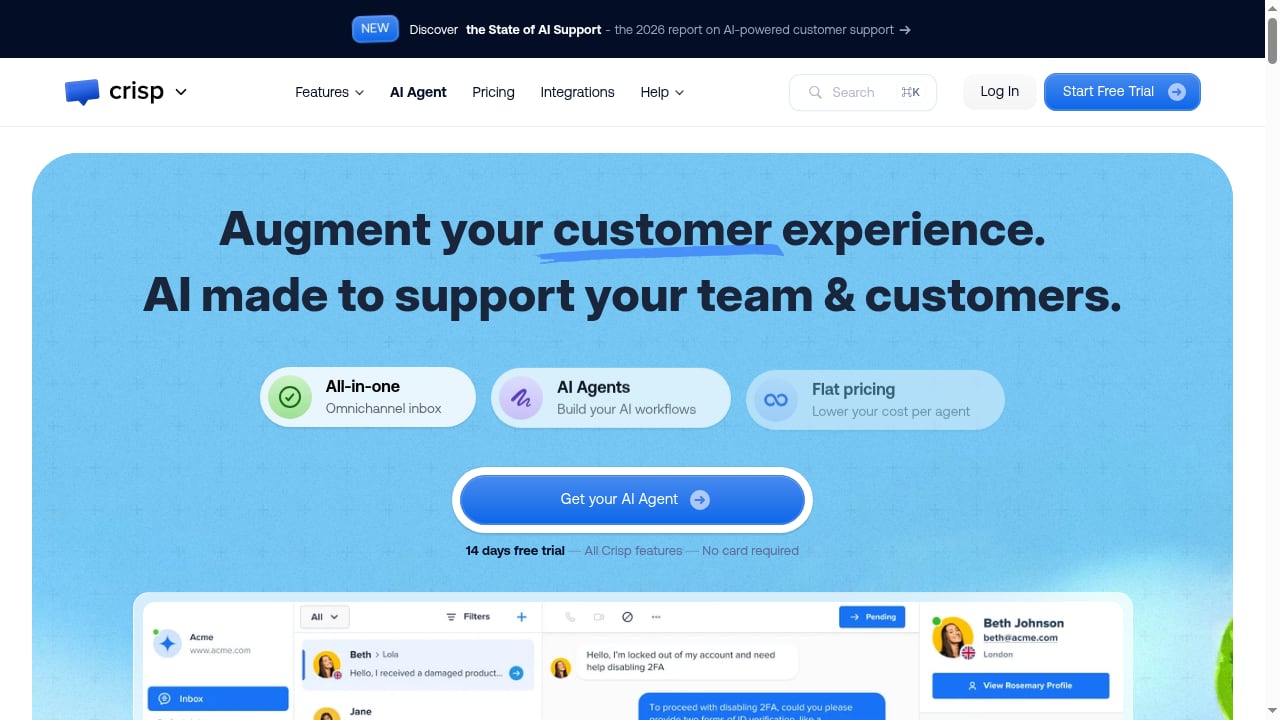
First viewport screenshot of crisp.chat.
Crisp is an AI-powered customer support platform that combines an omnichannel shared inbox, AI agents, a website chat widget, knowledge base, support CRM, and analytics into one platform. It is designed for businesses of all sizes—from solopreneurs to large support teams—that need to centralize customer conversations across chat, email, WhatsApp, and other channels.
Strengths of Crisp
- Omnichannel inbox: Crisp excels at bringing multiple conversation channels into a single workspace, which reduces context switching for support agents.
- AI automation at scale: The platform automates up to 50% of inquiries with AI, enabling teams to focus on complex, high-value conversations. Crisp also publishes benchmark reports showing that AI can resolve around 40% of conversations without human involvement.
- Support CRM and analytics: Customer journey tracking and automated ticket routing help teams manage high-volume support operations.
- Flexible pricing: Flat pricing, a 14-day free trial, and a free plan for solopreneurs make it accessible for different business sizes.
Where Crisp may fall short
Crisp's knowledge base is one component of a broader support platform, not the central product. Teams that need deep content creation, structured documentation, or SEO-oriented help centers may find Crisp less specialized than a dedicated knowledge base tool. Additionally, Crisp's AI automation rates, while impressive, are based on its own benchmark reports and may vary by industry and content quality.
Head-to-head: key differences
1. Core focus: knowledge base vs helpdesk
HelpLook is built for creating and optimizing knowledge. If your priority is a searchable, SEO-friendly help center with AI-powered self-service, HelpLook is the more direct fit. Crisp is built for managing conversations. If your priority is a unified inbox across channels, Crisp is the stronger choice.
2. AI capabilities
Both platforms use AI to deflect tickets. HelpLook integrates with GPT-3.5/4.0 and Wenxin Yiyan for intelligent search and chatbots, with an AI editor to help create content. Crisp builds AI agents trained on public and private resources and focuses on automating conversations across channels. The difference is in the starting point: HelpLook's AI is grounded in your knowledge base content, while Crisp's AI is grounded in your support conversations and resources.
3. Pricing and plans
HelpLook offers a free tier and subscription plans starting at ¥99/month. Crisp offers flat pricing, a 14-day free trial, and a free plan for solopreneurs. The right choice depends on your team size and whether you need omnichannel support or knowledge management.
4. Security and compliance
HelpLook is ISO/IEC 27001 certified, which is relevant for regulated industries. Crisp's security certifications are not detailed in the sources reviewed here, so teams with strict compliance needs should verify directly.
When to choose HelpLook
Choose HelpLook if:
- You want to build a public or private help center, internal knowledge base, blog, or product manual without code.
- Your priority is reducing support costs through self-service and AI-powered search.
- You need SEO benefits from your help content.
- You operate in SaaS, legal, healthcare, finance, or education and need a structured, secure knowledge base.
- You want an accessible entry price with a free tier.
For a broader look at how HelpLook compares with other knowledge base tools, see our comparison of HelpLook vs Knowledge Base Software vs GitBook.
When to choose Crisp
First viewport screenshot of crisp.chat.
Choose Crisp if:
- You need an omnichannel shared inbox for chat, email, WhatsApp, and other channels.
- Your support team handles high-volume conversations and needs automated routing and customer journey tracking.
- You want AI agents that automate up to 50% of inquiries.
- You prefer flat pricing and a free plan for solopreneurs.
If you are evaluating AI support platforms more broadly, our Top 10 AI-Powered Customer Support & Knowledge Base Software 2026 roundup covers grounded AI, pricing models, and automation depth.
Can you use HelpLook and Crisp together?
Yes. Some teams use HelpLook as their knowledge base and Crisp as their omnichannel support desk. HelpLook's AI chatbot can handle self-service, while Crisp manages live conversations and routes complex issues to agents. This combination can work well if you want best-in-class knowledge management and omnichannel support without choosing one over the other. For integration ideas, see how to use HelpLook with CoSupport AI for automated ticket resolution.
Sources and further reading
- Best AI Knowledge Base Software in 2026 | Techreviewer - Find the best AI knowledge base software of 2026. Compare search, automation, verified reviews, and pricing to give your team instant answers.
- 2024 Toyota Grand Highlander - 2024 Toyota Grand Highlander
- KORG ELECTRIBE Wave - Ratings & Reviews - App Store - See reviews and ratings for KORG ELECTRIBE Wave and more on the App Store.
FAQ
Is HelpLook a good alternative to Crisp?
HelpLook is a good alternative if your primary need is a knowledge base or help center rather than an omnichannel helpdesk. If you need a shared inbox across chat, email, and WhatsApp, Crisp is the more direct fit.
Does Crisp include a knowledge base?
Yes, Crisp includes a knowledge base as part of its support platform. However, it is one component of a broader omnichannel support system, whereas HelpLook is built specifically around knowledge base creation and optimization.
Which platform is better for SEO?
HelpLook emphasizes SEO traffic benefits from help content, making it a stronger choice if your help center is also a marketing channel. Crisp's focus is on support conversations, not SEO.
How much do HelpLook and Crisp cost?
HelpLook offers a free tier and subscription plans starting at ¥99/month. Crisp offers flat pricing, a 14-day free trial, and a free plan for solopreneurs. Exact pricing depends on your team size and feature needs.
Can I use HelpLook and Crisp together?
Yes, many teams use HelpLook for knowledge management and Crisp for omnichannel support. This combination lets you leverage the strengths of both platforms.
Conclusion
HelpLook and Crisp serve different but overlapping needs. HelpLook is the stronger choice for teams that want to build and optimize an AI-powered knowledge base, help center, or internal wiki with SEO benefits and accessible pricing. Crisp is the stronger choice for teams that need an omnichannel shared inbox and AI-driven conversation automation. If you need both, using them together can be a practical solution. Evaluate your primary use case—knowledge creation or conversation management—to make the right call.
For more evidence-based comparisons, see our Chatbase Review 2026: AI Agents for Customer Experience.