
How to Use HelpLook with LiveAgent: Setup & Workflow
Most support teams don't have a knowledge problem or a ticketing problem — they have a gap between the two. Articles live in one tool, conversations in another, and agents end up retyping answers that already exist. Connecting HelpLook's AI knowledge base with LiveAgent's help desk closes that gap: customers find answers on their own, and the tickets that do arrive reach agents with context attached.
This guide walks through the setup, the daily workflow, and the practical problems the combination solves.
Why pair a knowledge base with a help desk?
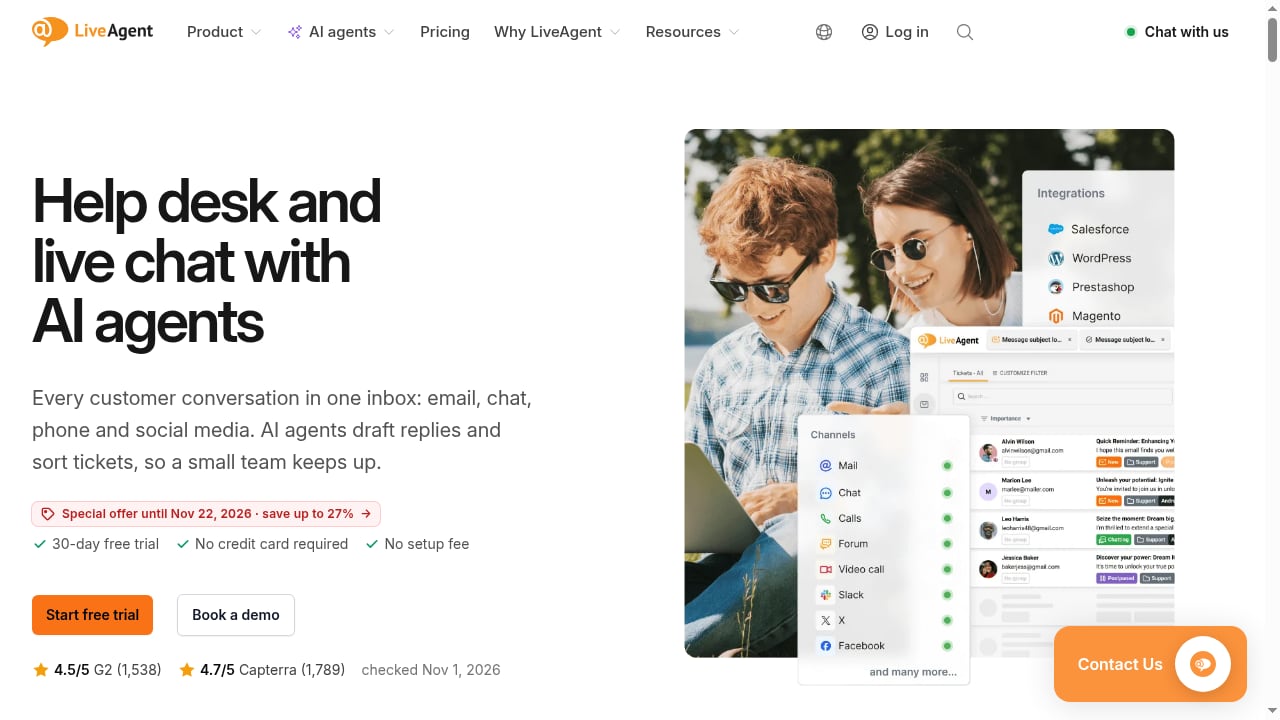
First viewport screenshot of www.liveagent.com.
HelpLook and LiveAgent solve different halves of support:
- HelpLook builds and hosts your help center, internal knowledge base, product manuals, and AI chatbot. It handles the content side: writing, structuring, searching, and deflecting questions before they become tickets.
- LiveAgent handles the conversation side: a shared inbox for email, live chat, phone, social media, and WhatsApp, plus ticketing, routing, and AI-assisted replies.
Used alone, each has a blind spot. A knowledge base with no ticketing layer can't track who still needs help. A help desk with a thin knowledge base produces repetitive replies and slow onboarding for new agents. Together, they form a loop: self-service first, human help second, and every resolved ticket feeds better content back into the knowledge base.
What each tool contributes
| Capability | HelpLook | LiveAgent |
|---|---|---|
| Public help center / portal | Yes, public or private | Basic knowledge base |
| AI search and chatbot | Yes, with GPT-3.5/4.0 and Wenxin Yiyan | AI Chatbot and AI Answer Assistant |
| Embeddable website widget | Yes (knowledge base or chatbot) | Live chat widget with proactive invitations |
| Ticketing and shared inbox | No | Yes, multi-channel |
| Phone / call center (IVR, recording) | No | Yes, from the Team plan |
| AI ticket summary and routing | No | Yes |
| SEO-oriented public pages | Yes | Limited |
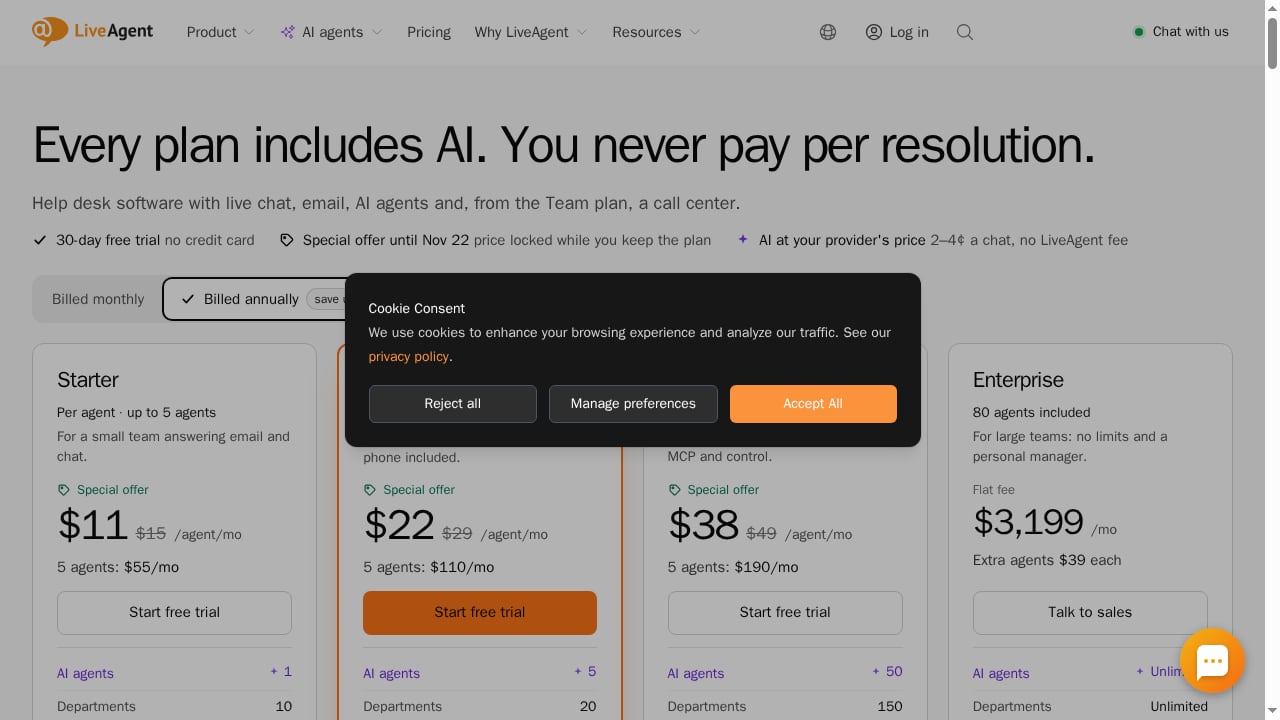
A quick note on scale: LiveAgent plans run from up to 5 agents (Starter) to 15 (Team) and beyond, with AI included on every plan and usage billed at provider cost (roughly 2–4¢ per chat). HelpLook offers a free tier and paid plans starting around ¥99/month. For a small team, that combination is usually cheaper than buying an enterprise suite where you'd use a fraction of the features.
The workflow at a glance
First viewport screenshot of www.liveagent.com.
- Customer asks a question — via your HelpLook help center, the embedded HelpLook chatbot, or a LiveAgent chat/email channel.
- HelpLook answers first. Its AI search surfaces the most relevant article; the chatbot handles common questions end to end.
- Unresolved questions become tickets in LiveAgent, tagged and routed to the right team.
- Agents reply using the knowledge base rather than writing from scratch, with AI drafting and summarizing.
- Gaps get logged. Any ticket that required a new answer becomes a HelpLook article draft.
- The article is published, and the next customer with that question self-serves.
That fifth step is the one most teams skip — and it's the one that makes the setup compound in value over time.
Step-by-step setup
Step 1: Build the core knowledge base in HelpLook
Start with the questions your team actually answers. Pull the last 90 days of tickets from LiveAgent and group them by theme. Write or restructure HelpLook articles around those themes, using the WYSIWYG editor, and organize them into clear categories (billing, setup, troubleshooting, account management).
Keep articles task-oriented: a clear title phrased the way customers ask, short steps, and screenshots where a visual saves a paragraph.
Step 2: Publish the help center and embed the widget
Set the HelpLook portal to public if you want SEO traffic and open self-service, or private if the content is internal-only. Then embed the HelpLook website widget on your product site and app so the knowledge base and AI chatbot are reachable at the moment of confusion — not three clicks deep in a footer link.
Step 3: Configure LiveAgent's channels and routing
In LiveAgent, connect the channels you actually support: email, live chat, WhatsApp, social, and phone if you're on the Team plan. Set up departments and routing rules so billing questions don't land in the technical queue. Turn on the AI Chatbot for first-touch conversations and the AI Answer Assistant for drafting replies.
Step 4: Connect the two surfaces
There are two practical ways to link them, and most teams use both:
- Link out from LiveAgent to HelpLook. Add your HelpLook help center URL to LiveAgent's knowledge base settings and to canned reply templates, so agents can paste a relevant article link in one click. LiveAgent's built-in knowledge base can also hold short internal notes that point to the fuller HelpLook article.
- Link back from HelpLook to LiveAgent. Place a "Contact support" or "Chat with us" button in the HelpLook portal and widget that opens a LiveAgent chat or ticket form. This is the handoff point — the moment self-service fails, the customer should reach a human without re-explaining anything.
If your stack includes other AI support layers, the same pattern applies; see how it works with CoSupport AI for a comparable setup.
Step 5: Write the handoff rules
Decide, in writing, when the chatbot stops and a human takes over. Common triggers:
- The customer asks for a person, twice.
- The question involves billing disputes, refunds, or account security.
- The AI's confidence is low or it has failed the same question twice.
- The customer is on a high-value account.
Put these rules in both tools so behavior is consistent whether the customer starts in HelpLook or LiveAgent.
Step 6: Test with real questions
Before launch, run 20 real customer questions through the full path. Check that HelpLook returns a relevant article, that the widget handoff opens a LiveAgent conversation, and that the ticket arrives with the customer's original question attached. Fix the three worst failures before going live.
Practical examples
First viewport screenshot of www.liveagent.com.
Example 1: SaaS onboarding. A new user can't connect an integration. They open the HelpLook widget, search "connect integration," and land on a step-by-step article with screenshots. Resolved in under a minute, no ticket. If the article fails, the "Chat with us" button opens LiveAgent, where the agent sees the article the customer just read and skips straight to the missing step.
Example 2: E-commerce product manuals. A buyer asks whether a part is compatible with their model. The HelpLook product manual answers it via AI search. If the answer is ambiguous, the ticket goes to LiveAgent tagged "product compatibility," and the support lead rewrites the manual page that caused the confusion.
Example 3: Regulated industries. In finance, legal, or healthcare, answers must be accurate and auditable. HelpLook holds the approved, versioned content; LiveAgent holds the conversation record. Agents answer from approved articles rather than improvising, and the ticket history shows which article was used. HelpLook's ISO/IEC 27001 certification matters here for security reviews.
Example 4: Reducing live agent load. Teams commonly report a meaningful drop in the need for live agent support once self-service is solid — one industry benchmark cited by HelpLook puts the reduction around 32%. Treat that as a directional signal, not a promise; your deflection rate depends on content quality and question mix.
Where the combination fits — and where it doesn't
First viewport screenshot of www.liveagent.com.
It's a strong fit if:
- You're a small or growing team (roughly 5–15 agents) that needs both a real help center and a real ticketing system.
- You want AI assistance without per-resolution fees.
- You publish a lot of customer-facing documentation and want it to earn SEO traffic.
- You need a fast setup — LiveAgent advertises readiness in about a minute, and HelpLook requires no code.
Look elsewhere if:
- You need a single vendor for everything, including advanced call-center routing at scale.
- Your knowledge base is deeply code-based and lives in a docs-as-code pipeline — a GitBook-style tool may fit better, as compared in this HelpLook vs GitBook breakdown.
- You need enterprise-grade AI search across many disconnected repositories; a specialized search platform may be the better layer.
For a broader view of how these categories compare, see the top AI-powered customer support and knowledge base software.
Common problems and fixes
Duplicate answers drift apart. If the same question is answered in both LiveAgent's knowledge base and HelpLook, the two will eventually disagree. Keep one canonical source — usually HelpLook — and make LiveAgent's entries short pointers.
The chatbot deflects too aggressively. Customers who feel trapped by a bot escalate angrily. Set a low threshold for human handoff and always show a visible "talk to a person" option.
Agents don't use the knowledge base. Usually a search problem, not a discipline problem. If finding the right article takes more than a few seconds, agents will write from memory. Improve titles, add synonyms, and pin the top 20 articles in canned replies.
Content goes stale. Assign an owner and a review cadence per category. A quarterly review of your top 50 articles by traffic prevents the slow rot that erodes trust in self-service.
Handoff loses context. Test that the customer's question and the article they viewed travel with the ticket. Without that, the customer repeats themselves — the exact frustration that sends people to public complaint threads instead of your support team.
Related reading
- HelpLook vs HappySupport vs HappyFox: AI Support Showdown - Compare HelpLook, HappySupport, and HappyFox for AI customer support. See strengths, trade-offs, and which fits your help center, ticketing, and knowledge needs.
- HelpLook vs Crisp: AI Knowledge Base or Omnichannel Helpdesk? - Compare HelpLook and Crisp for AI knowledge base and customer support. See which fits your help center, chatbot, and omnichannel needs in 2026.
- Chatbase Review 2026: AI Agents for Customer Experience - Evidence-based Chatbase review for 2026: AI support agent strengths, limits, pricing signals, setup, ideal users, and how it compares for CX teams.
Sources and further reading
- Financial Knowledge Management Software for Credit Unions and Banking Institution - Discover comprehensive knowledge management solutions tailored for financial institutions. Enhance efficiency, raise customer satisfaction, and reduce risks.
- How to Fix RAM GPS Map Update Problems? - 👉 For Support :Click Here A reliable navigation system is an important part of the driving experience, especially when traveling through unfamiliar cities, exploring new route
- The heart of the internet - I have been in a loop with coinbase "support" for over 4 months. Is there any way I can reach a LIVE HUMAN support person? The bots are useless and sending me in circles and circles. I am not an idiot. I know how to "follow the steps" and "verify my identity", yet somehow coinbase has successfully gotten me to question my sanity and intelligence, as they bounce me around from useless help to useless help. I'm kind of loosing it over here with how messed up it is that I can not speak to a live person in regards to my own money that I (regretfully) put into their service. Please. Help. Me. Kindly. Thank you.
FAQ
Do HelpLook and LiveAgent have a native one-click integration?
There isn't a single built-in connector that syncs everything automatically. In practice, teams connect them through shared links: the HelpLook help center URL and widget inside LiveAgent's reply workflow, and a LiveAgent chat or contact form inside the HelpLook portal. This covers the vast majority of real support scenarios without custom development.
Can I use just one of them?
Yes. If you only need documentation and self-service, HelpLook alone works. If you only need a shared inbox and ticketing, LiveAgent alone works. The combination pays off when you have both a content problem and a conversation problem.
How long does setup take?
A basic setup — help center live, widget embedded, channels connected, handoff rules written — is usually a few days of focused work, most of it spent writing and organizing content rather than configuring software. LiveAgent's own setup is fast; the content is the real project.
Will the AI chatbot give wrong answers?
It can, which is why grounding matters. Restrict the chatbot to your HelpLook content, review its most common answers monthly, and route low-confidence conversations to humans. Never let it improvise on billing, legal, or medical specifics.
Is it suitable for regulated industries?
Yes, with governance. Keep approved content in HelpLook, restrict who can publish, and use LiveAgent's ticket history as the audit trail. HelpLook's ISO/IEC 27001 certification helps satisfy security review requirements.
What does it cost?
HelpLook has a free tier and paid plans starting around ¥99/month. LiveAgent offers a 30-day free trial with no credit card, no setup fee, and free migration help; AI usage is billed at provider cost (roughly 2–4¢ per chat) rather than per resolution.
Conclusion
HelpLook and LiveAgent work best as a loop, not a stack. HelpLook answers the question; LiveAgent catches the ones it can't and turns them into better content. Set up the knowledge base around real ticket themes, embed the widget where customers get stuck, route unresolved conversations into LiveAgent with context intact, and review gaps on a schedule. Do that, and every ticket makes the next one less likely.
Start with the free tiers, run 20 real questions through the path, and measure deflection before you commit to paid plans.