
Top 10 AI-Powered Documentation Platforms for 2026
Documentation teams in 2026 face a familiar squeeze: code ships faster, API surfaces expand, and readers expect instant, grounded answers instead of a search box and a prayer. AI-powered documentation platforms have moved from novelty to infrastructure, but they are not interchangeable. Some are built for API-first engineering teams, others for enterprise help centers, and a few blur the line between docs and internal knowledge.
This review ranks ten platforms that genuinely belong to the AI-powered documentation category. Every entry is evaluated against the same criteria, with evidence drawn from vendor documentation, public product pages, and independent 2026 comparisons. If you are also weighing adjacent knowledge-base or help-desk tools, see our companion knowledge base software and hosted help center review for a broader buying frame.
How we evaluated these platforms
Top 10 AI-Powered Documentation Platforms for 2026 - Quick comparison: which platform fits which team?.
We scored each product on six dimensions that matter most to documentation owners:
- AI grounding and answer quality — Does the assistant cite sources, stay within your docs, and handle multi-step technical questions?
- Docs-as-code and source sync — Can content live in Git, sync bi-directionally, and survive refactors without manual reconciliation?
- API reference support — Native OpenAPI rendering, interactive playgrounds, and schema-driven updates.
- Authoring and collaboration — WYSIWYG vs Markdown, review workflows, and how easily non-engineers contribute.
- Governance and enterprise readiness — SSO, versioning, permissions, audit trails, and compliance posture.
- Pricing transparency and scaling model — Per-seat, per-site, per-project, or usage-based, and how costs behave as readers grow.
No platform wins on all six. The ranking below reflects overall strength for a typical cross-functional documentation team in 2026, not a single use case.
The top 10 AI-powered documentation platforms for 2026
Top 10 AI-Powered Documentation Platforms for 2026 - The top 10 AI-powered documentation platforms for 2026.
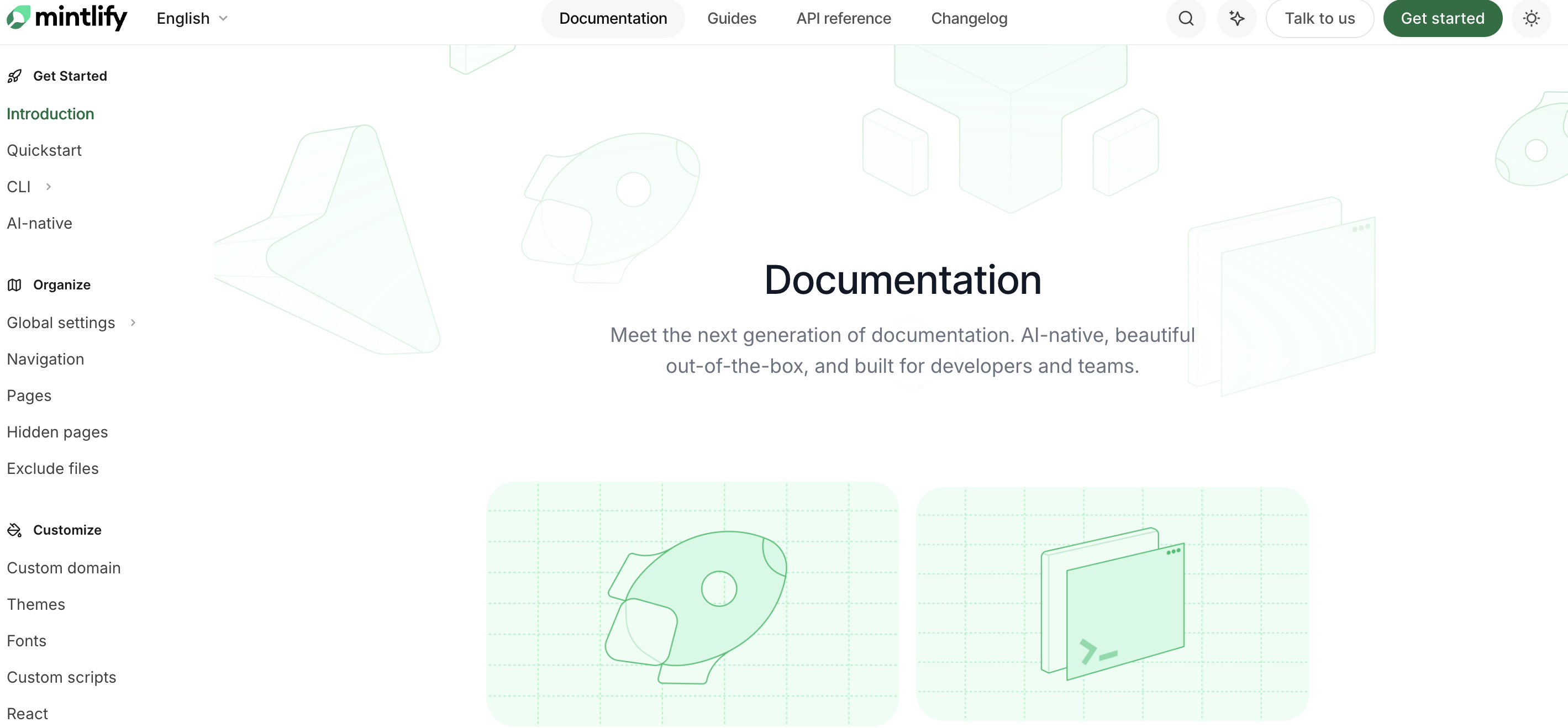
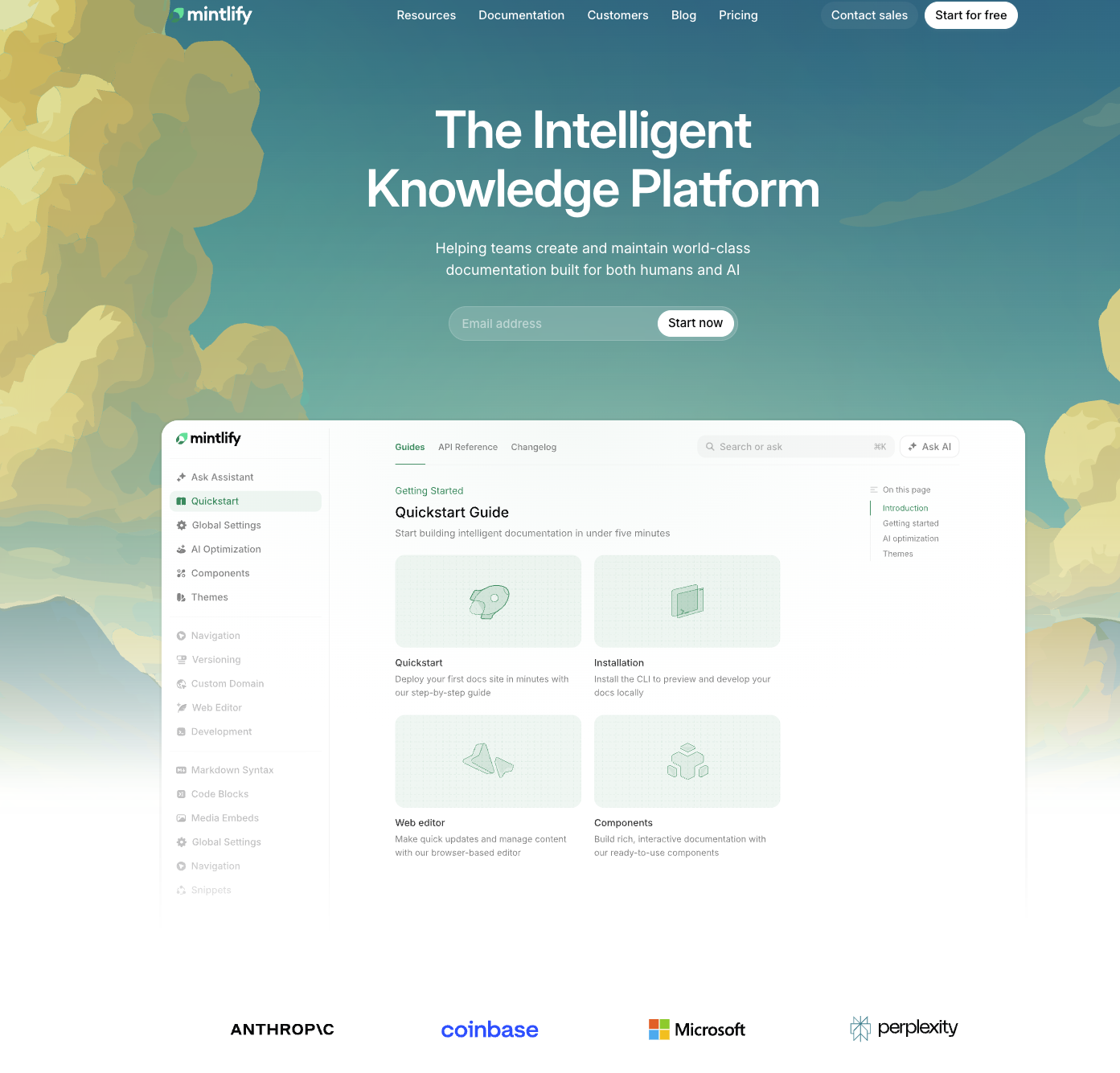
1. Mintlify
Best for: API-first engineering teams that want documentation generated and maintained close to the codebase.
Mintlify stores docs as version-controlled MDX in your repository and pairs that with an AI engine that parses the codebase to draft pages and open pull requests. Its native OpenAPI 3.1 support includes interactive playgrounds, and the reader-facing doc bot answers technical questions using only verified documentation. Independent 2026 benchmarks highlight sub-120ms page transitions and autonomous AI bot behavior as standout strengths.
Watch-outs: Paid tiers jump to around $120/month for custom domains and advanced analytics, and the workflow assumes comfort with Markdown and Git pull requests. Non-technical support teams may find it less natural than a WYSIWYG-first tool.
2. GitBook
Best for: Cross-functional product and engineering teams that need one hub for public docs and internal knowledge.
GitBook combines a visual editor with bi-directional GitSync to GitHub and GitLab, so engineers can push Markdown while product managers edit visually without touching a terminal. Its AI layer provides semantic search across public and private spaces, summarizes complex dependencies, and identifies knowledge gaps. The platform is positioned as a knowledge layer that connects docs, product, and users.
Watch-outs: Hybrid pricing charges per published site plus per user, which compounds as teams grow. The free plan excludes reader-facing AI assistants and caps the agent to roughly 10 messages per week. For a direct head-to-head with a no-code knowledge base, see HelpLook vs GitBook: AI knowledge base comparison.
3. Document360
Best for: Enterprise help centers and customer-facing knowledge bases with governance requirements.
Document360 pairs its Eddy AI suite with multi-versioning, category-level permissions, and support for both public and private knowledge bases. It handles Swagger/OpenAPI references and integrates with GitHub and webhooks for content pipelines. The platform is frequently cited as the strongest enterprise customer knowledge base option in 2026 roundups, particularly where support and documentation teams share ownership.
Watch-outs: Pricing is quote-based, so budget approval takes longer. The breadth of features can feel heavy for small teams that only need a public docs site.
4. ReadMe
Best for: Developer hubs that need interactive API references and a conversational developer assistant.
ReadMe is built around the API developer experience. It renders OpenAPI 3.1 natively, supports live request testing, and provides Owlbot, an AI assistant that answers developer questions in context. CLI and GitHub Actions integrations keep reference content aligned with releases. Teams that need to combine API docs with a broader support knowledge base often pair ReadMe with a help center tool; our guide on using HelpLook with ReadMe for a unified docs workflow covers that pattern.
Watch-outs: The free tier is limited, and project-based pricing at $99/month can rise quickly across multiple API products. It is less suited to non-API documentation such as HR policies or onboarding guides.
5. Swimm
Best for: Enterprise engineering organizations modernizing large or legacy codebases.
Swimm couples documentation to code using AST analysis, so explanations stay attached to the functions and modules they describe. Its CI/CD PR bot flags documentation that drifts when code changes, which is valuable in monoliths and microservice architectures where context is easily lost. It is priced by lines of code and targets organizations with dedicated developer-experience budgets.
Watch-outs: There is no free tier, pricing is custom quote only, and the product is code-centric rather than reader-centric. Customer-facing help content is out of scope.
6. Archbee
Best for: Technical product documentation that mixes prose, diagrams, and API references.
Archbee offers AI search, content rephrasing, and interactive Swagger rendering alongside GitHub and GitLab sync. It supports a range of content blocks, making it useful for product teams that document both APIs and internal architecture. At $99/month entry pricing, it sits in the mid-market range.
Watch-outs: AI capabilities are more assistive than autonomous compared with Mintlify or GitBook. Teams expecting agentic documentation generation may find it lighter than advertised.
7. Slite
Best for: Team wikis and internal knowledge hubs that need AI synthesis more than public docs hosting.
Slite's Ask Slite feature synthesizes answers across internal pages, which helps onboarding, process documentation, and meeting notes stay useful. It supports Markdown export and API access, and starts at $8/user/month with a free tier. It is a strong fit for operations and internal knowledge teams.
Watch-outs: It is wiki-centric, with no native OpenAPI rendering or docs-as-code Git sync. Public developer documentation is not its target use case.
8. Docusaurus
Best for: Teams that want full control over a self-hosted documentation site.
Docusaurus is a free, MIT-licensed React framework rather than a hosted AI platform. It handles versioned documentation and integrates with Algolia or custom RAG search plugins. For organizations with engineering capacity, it offers maximum flexibility and no vendor lock-in.
Watch-outs: There is no native AI assistant or docs generation. You own search quality, hosting, and maintenance, which can become a hidden cost.
9. Adobe Acrobat AI Assistant
Best for: Teams that need AI analysis of existing PDF-heavy documentation sets.
Acrobat AI Assistant processes up to 100 documents at once, supports prompt templates, and provides enterprise-grade security. It is useful when documentation lives in PDFs, contracts, or scanned manuals rather than a structured docs site. It is available through the Acrobat Studio plan at $34.99/month.
Watch-outs: It is an analysis layer, not a documentation authoring or publishing platform. It will not replace a docs site, help center, or knowledge base.
10. Azure AI Document Intelligence
Best for: Developers building custom documentation pipelines and extraction workflows.
Azure AI Document Intelligence provides flexible deployment across cloud, on-premises, and hybrid environments, with data extraction for specific file types. It is priced per 1,000 pages by processor, which suits high-volume ingestion scenarios. Teams use it to convert legacy documents into structured content that feeds a documentation platform or RAG pipeline.
Watch-outs: It is infrastructure, not an end-user documentation product. You need engineering resources to build the authoring, search, and publishing layers around it.
Quick comparison: which platform fits which team?
First viewport screenshot of gitbook.com.
| Platform | Primary strength | AI depth | Docs-as-code | Best team profile |
|---|---|---|---|---|
| Mintlify | API docs + code sync | High | Native MDX + GitHub bot | API-first engineering |
| GitBook | Cross-functional knowledge hub | High | Bi-directional GitSync | Product + engineering |
| Document360 | Enterprise help centers | High | GitHub + webhooks | Support + docs governance |
| ReadMe | Interactive API hubs | Medium-high | CLI + GitHub Actions | Developer relations |
| Swimm | Codebase modernization | Medium | CI/CD PR bot | Enterprise engineering |
| Archbee | Technical product docs | Medium | GitHub + GitLab | Product documentation |
| Slite | Internal wikis | Medium | API + Markdown export | Operations + internal knowledge |
| Docusaurus | Self-hosted control | None native | Git native | Engineering-led docs |
| Adobe Acrobat AI Assistant | PDF analysis | Medium | None | PDF-heavy documentation |
| Azure AI Document Intelligence | Custom extraction pipelines | Medium | None | Platform engineering |
How to choose in 2026
Top 10 AI-Powered Documentation Platforms for 2026 - How to choose in 2026.
Start with the reader, not the feature list. If your readers are developers testing endpoints, prioritize OpenAPI 3.1 rendering and interactive playgrounds. If your readers are customers searching for answers, prioritize grounded AI search, SEO-friendly hosting, and self-service analytics. If your readers are internal employees, prioritize permissions, synthesis across pages, and integration with the tools they already use.
Second, decide how much engineering you want to own. Hosted platforms trade flexibility for speed; frameworks like Docusaurus trade speed for control. Third, pressure-test pricing against reader growth, not just author seats. Per-site and per-project models can surprise teams that scale traffic faster than headcount.
Finally, consider the adjacent workflows. Many teams run a developer documentation platform alongside a customer knowledge base or help desk. That is where a tool like HelpLook fits naturally: it handles no-code help centers, AI search, SEO optimization, and self-service support, and it can complement a docs-as-code platform rather than replace it. If you are evaluating that combination, our HelpLook vs AI-based knowledge management software comparison walks through the trade-offs.
Related reading
- How to Use HelpLook with AI-Powered ITSM Platform - Learn how to integrate HelpLook with an AI-powered ITSM platform to automate ticket deflection, sync knowledge, and deliver scalable IT service for every business.
- HelpLook vs Knowledge Base Software vs eGain: 2026 Comparison - Compare HelpLook, hosted knowledge base software, and eGain for AI search, self-service, SEO, and enterprise CX. Find the right fit for your team.
Sources and further reading
- The 11 Best AI Document Analysis Tools [2026] - Discover the top AI solutions for document analysis that are revolutionizing industries and workflows. Compare platforms by capabilities, use cases, and key features.
- Top 15 AI Document Processing Platforms for Enterprise Teams (2026) - The definitive guide to intelligent document processing platforms, PDF parsing tools, entity extraction APIs, and building document context for AI workflows.
- 8 Best AI Documentation Tools in 2026 (Mintlify vs GitBook vs Swimm vs Document360) - Discover the 8 best AI documentation tools in 2026. Compare Mintlify, GitBook, Swimm, Document360, Archbee, and ReadMe for automated codebase sync, OpenAPI 3.1 rendering, and developer knowledge bases.
Frequently asked questions
What is an AI-powered documentation platform?
It is software that combines documentation authoring, publishing, and search with AI capabilities such as grounded question answering, content generation, semantic search, and drift detection. The AI layer is integrated into the docs workflow rather than bolted on as a separate chatbot.
Which platform is best for API documentation in 2026?
Mintlify and ReadMe are the strongest options for API-first teams, both offering native OpenAPI 3.1 support and interactive testing. Mintlify leans toward code-synced MDX authoring, while ReadMe leans toward interactive developer hubs.
Can I use a documentation platform and a knowledge base together?
Yes. Many teams use a docs-as-code platform for developer and product documentation, and a no-code knowledge base for customer support, FAQs, and internal guides. The two serve different readers and often different teams.
Do AI documentation platforms replace technical writers?
No. They reduce manual maintenance, surface gaps, and speed up drafting, but human review remains essential for accuracy, tone, and governance. The strongest results come from writers directing the AI rather than competing with it.
How important is docs-as-code in 2026?
It matters most when documentation must track fast-moving code. If your docs change with every release, Git sync and drift detection prevent stale content. If your docs are mostly customer-facing help articles, a WYSIWYG knowledge base may be a better fit.
Conclusion
The AI-powered documentation market in 2026 rewards teams that match tool architecture to reader needs. Mintlify and ReadMe lead for API-first developer experiences, GitBook and Document360 lead for cross-functional and enterprise knowledge, and Swimm, Archbee, Slite, Docusaurus, Adobe, and Azure cover specialized niches from codebase modernization to PDF analysis and custom extraction.
Pick the platform that fits your readers, your engineering capacity, and your governance requirements. Then audit it every year, because this category is moving faster than any documentation stack before it.