
The Customer Service AI Platform for Modern Support Teams Review
The Customer Service AI Platform for Modern Support Teams is built around a single promise: lower support costs and better customer experiences through AI agents that resolve issues automatically. That promise is now credible, but only under specific conditions. This review breaks down who it fits, where it struggles, how pricing tends to work, and what to check before you commit.
What the platform actually does

Hero Image.
At its core, the platform deploys AI agents that read incoming requests, search approved knowledge sources, take permitted actions in connected systems, and escalate to humans when confidence or policy requires it. The operating loop is consistent across mature products in this category:
- Detect intent and pull relevant customer context.
- Retrieve answers from verified documentation and connected data.
- Execute a multi-step action when allowed (order lookup, address change, refund, subscription update).
- Verify whether the issue is resolved.
- Hand off to a human with the full transcript and context when needed.
The difference between platforms that deflect tickets and platforms that resolve them shows up in steps 3 and 4. Retrieval-only systems typically plateau at 40–50% automation. Systems that can act on backend data push resolution into the 60–80% range on structured workflows. That distinction is the single most important thing to test during a trial.
Who gets the most value

logo.
This platform rewards teams with volume, repeatable issues, and clean knowledge. It is a weaker fit for low-volume or highly bespoke support.
Strong fit:
- SaaS and subscription businesses with high ticket volume and recurring questions about billing, accounts, and configuration.
- Ecommerce and retail operations where order status, shipping, and returns dominate the queue.
- Mid-market and enterprise support organizations that already run a helpdesk and want to add an AI resolution layer rather than replace their stack.
- Teams with documented processes, because AI agents need procedures to execute reliably.
Weak fit:
- Very small teams with fewer than a few hundred tickets a month, where seat-based helpdesk plans plus AI usage fees rarely pay back.
- Businesses with unpredictable, one-off requests that resist standardization.
- Organizations without anyone owning knowledge quality, since stale content directly degrades resolution rates.
Use cases that hold up in production
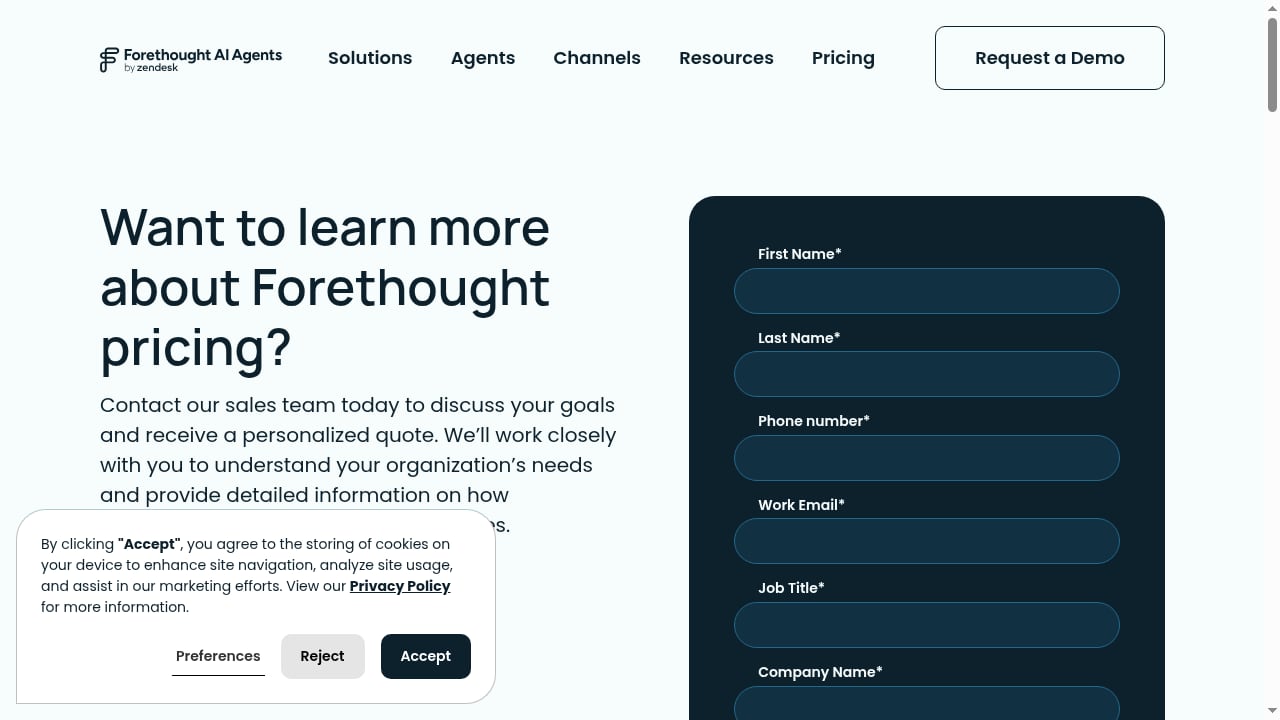
First viewport screenshot of Pricing - Learn More | Forethought.
Ticket deflection on high-volume FAQs
Password resets, plan comparisons, and policy questions are the easiest wins. These resolve well because the answer is stable and the knowledge source is unambiguous.
Action-heavy workflows
Order tracking, address changes, cancellations, and refunds are where action depth matters. An agent that can query an order system and issue a refund resolves far more than one that only links to a help article.
Agent assist and escalation quality
Even when the AI cannot finish a request, it can summarize the issue, suggest a response, and route to the right queue. This reduces handle time and improves consistency across a support floor.
Multichannel coverage
Chat, email, messaging, and increasingly voice. The practical question is whether one agent handles a single issue that moves across channels without losing context.
If your team is weighing whether to add an AI layer to an existing service desk, the integration patterns in this walkthrough of connecting HelpLook with an AI-powered ITSM platform are a useful reference for ticket deflection and knowledge sync.
Strengths
- End-to-end resolution, not just answers. The best implementations execute actions, not just retrieve articles.
- Human handoff with context. Escalations preserve the transcript, intent, and work already done, which keeps CSAT from dropping at the handoff point.
- Self-managed deployment. Modern platforms let CX teams configure agents, test responses, and adjust escalation rules without waiting on engineering sprints.
- Measurable outcomes. Resolution rate, escalation reasons, and knowledge-gap reports give teams something to iterate on.
- Broad channel coverage. Chat, email, SMS, social, and voice are increasingly standard rather than premium add-ons.
Limitations and risks
- Knowledge quality is the ceiling. Weak, outdated, or contradictory documentation caps resolution rates no matter how good the model is.
- Deflection metrics can mislead. A platform reporting 80% deflection may only resolve 50% of real issues. Always audit resolution, not deflection.
- Total cost is not the headline price. Helpdesk seats, AI usage, platform fees, implementation, and overages all stack up.
- Enterprise tiers get expensive. Outcome-based pricing looks attractive at low volume and becomes a serious line item at scale.
- Legacy stack lock-in. Teams standardized on older helpdesks may face a choice between integrating first or consolidating over time.
- Governance gaps. Once agents can read account data and take actions, permissions, audit logs, and privacy controls stop being optional.
Pricing signals
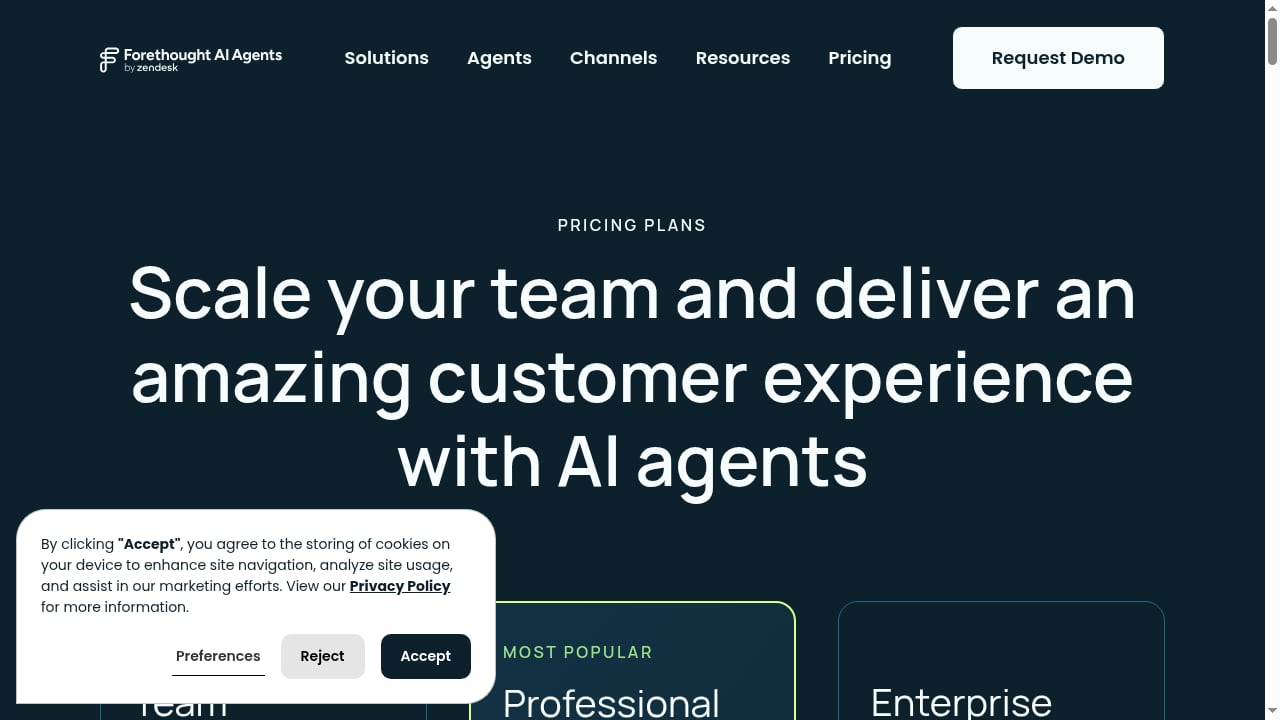
First viewport screenshot of Forethought Pricing | Outcome-Based AI Solution.
Pricing in this category has converged on a few models. Treat these as directional signals, not quotes.
| Model | Typical shape | Watch out for |
|---|---|---|
| Per resolution | Roughly $0.50–$1.00 per successfully resolved conversation | Minimum monthly commitments; what counts as "resolved" |
| Per conversation | Flat fee regardless of outcome | You pay even when the customer gives up |
| Platform fee + usage | Annual platform fee plus per-conversation charges | Entry points in the tens of thousands per year |
| Seat + AI add-on | Per-agent subscription plus an AI add-on | AI fees billed separately from helpdesk seats |
| Custom enterprise | Negotiated contracts | Limited transparency; implementation costs often excluded |
Two practical checks: ask what happens to your bill at 3x current volume, and confirm whether the helpdesk is included or billed separately. For a broader view of how knowledge and support platforms price against each other, this comparison of HelpLook, hosted knowledge base software, and eGain covers self-service and enterprise CX pricing models side by side.
Setup and rollout
Deployment effort varies more than marketing pages suggest. A realistic sequence:
- Connect the helpdesk and knowledge sources. Most platforms integrate with Zendesk, Salesforce, Freshdesk, HubSpot, and similar systems.
- Audit content before training. Remove contradictory articles. Agents trained on conflicting docs produce inconsistent answers.
- Define procedures for action workflows. Refunds, cancellations, and account changes need explicit rules and limits.
- Set escalation thresholds. Decide what confidence level, topic, or customer tier triggers a human.
- Run simulations. Test against historical tickets before going live.
- Launch on a narrow slice. Start with one channel or one issue type, then expand.
Self-managed platforms can go live in days to weeks. Engineering-heavy enterprise deployments with custom SDKs and policy frameworks commonly run three to seven months.
How to decide
Score your situation against these criteria before shortlisting vendors:
- Volume: Below a few hundred tickets a month, the math rarely works.
- Action depth needed: If resolution requires backend writes, prioritize platforms with proven workflow execution.
- Existing stack: Decide early whether you are integrating an AI layer or consolidating your helpdesk.
- Knowledge readiness: If your documentation is fragmented, budget for cleanup before launch.
- Governance requirements: Regulated industries need auditability, permissions, and certification evidence.
- Pricing model fit: Outcome-based pricing rewards high resolution rates; per-conversation pricing does not.
- Internal ownership: Someone must own content quality and agent tuning after launch.
For teams comparing the wider landscape of AI knowledge and documentation tools that feed these agents, this review of AI knowledge base software and hosted help centers covers ideal users, limits, and buying criteria in more depth.
Related reading
- Top 10 AI-Powered Documentation Platforms for 2026 - Compare the top 10 AI-powered documentation platforms of 2026 on AI search, docs-as-code sync, API references, governance, and pricing.
- HelpLook vs AI-Based Knowledge Management Software - Compare HelpLook with AI-based knowledge management software like Bloomfire: AI search, no-code help centers, SEO, analytics, pricing, and fit.
Sources and further reading
- Top 7 AI Customer Service Platforms in 2026 [Comprehensive Guide] : r/AI_CustomerService - Hey everyone! I've been working in customer support for years and wanted to share my research on AI customer service platforms that are actually worth considering in 2026.
- 10 Best AI Customer Support Software in 2026 - Compare the 10 best AI customer support software platforms for 2026 by resolution rate, pricing, channels, and real-world performance data.
- 9 Best AI Customer Service Agents for Support in 2026 - Compare 10 top AI customer service agents for 2026 across pricing, automation, integrations, handoff quality, and the teams each platform fits best.
FAQ
Is this a replacement for human agents? No. It handles routine, structured requests and escalates complex ones. Human agents shift toward exceptions, high-value accounts, and quality oversight.
What resolution rate should I expect? Production deployments on structured workflows commonly reach 55–70%, with mature programs pushing higher. Results depend heavily on content quality and action depth.
How long does implementation take? Self-managed deployments can launch in days to weeks. Enterprise configurations with custom integrations often take three to seven months.
Does it work with my existing helpdesk? Most platforms integrate with major helpdesks including Zendesk, Salesforce, Freshdesk, and HubSpot. Some also offer a native helpdesk if you prefer consolidation.
What is the biggest hidden cost? Usage at scale. Outcome-based pricing is cheap at low volume and expensive at high volume. Model your bill at three times current ticket volume before signing.
How do I measure success? Track resolution rate, not deflection rate. Add escalation reasons, CSAT at handoff, and knowledge-gap reports.
Conclusion
The Customer Service AI Platform for Modern Support Teams delivers on its core promise when three conditions hold: your ticket volume is high enough to justify the cost, your knowledge base is clean enough to ground answers, and your agents can take real actions rather than just retrieve articles. Teams that meet those conditions see meaningful cost reduction and faster resolution. Teams that do not will pay for automation that deflects rather than resolves.
Start with a narrow pilot, measure resolution rather than deflection, and model total cost at scale before committing. The platforms that win long term are the ones your team can actually operate, not the ones with the longest feature list.