
GitBook Review 2026: The Knowledge Layer for AI Docs
Documentation teams now serve two audiences at once: humans who read and agents that retrieve, summarize, and act. GitBook positions itself as a knowledge layer for AI, connecting docs, product, and users while flagging where knowledge has drifted. This review examines what GitBook actually does well, where it falls short, who should adopt it, and how it compares to alternatives such as HelpLook, Helpjuice, and GitBook itself.
What GitBook is
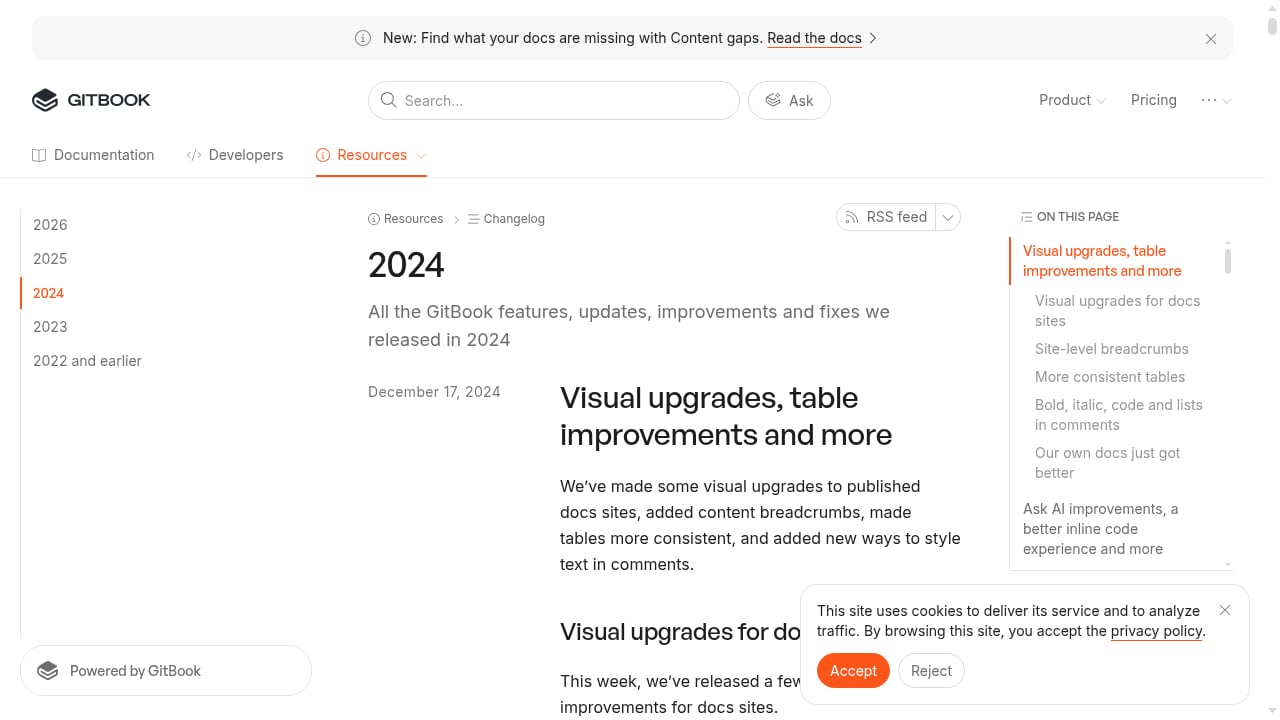
First viewport screenshot of 2024 | Changelog | GitBook Documentation.
GitBook is an AI-powered documentation platform. Its core promise is a knowledge layer that keeps docs accurate as products change, answers user questions, and surfaces knowledge gaps. The platform combines a hosted editor, Git-based workflows (docs-as-code), AI insights, and enterprise controls.
Unlike a general-purpose wiki, GitBook treats documentation as a living product surface. It tracks how readers and agents interact with pages, then uses that signal to recommend fixes.
Key capabilities
Content Gaps
Content Gaps compares external sources against your docs and flags what is missing or outdated. This is aimed at a real problem: when your product changes, docs do not update automatically. GitBook spots the drift and queues it for review before a wrong answer spreads.
Broken Links
Broken Links runs daily checks for dead URLs and suggests the right page to redirect to. For large documentation sets, this removes a recurring manual audit.
Style Guide
Style Guide checks docs against your rules and flags tone or formatting issues. Teams with strict editorial standards can enforce consistency without a separate linting tool.
AI Insights
AI Insights tracks where readers and agents get stuck, and shows gaps and dead links dropping as you fix them. This turns documentation quality into a measurable metric rather than a subjective one.
Docs-as-code support
GitBook supports docs-as-code workflows, so teams can manage content in Git and publish through a pipeline. This matters for engineering-led organizations that already review documentation like code.
Enterprise controls
GitBook states SOC 2, ISO 27001, and GDPR compliance, with SAML-based SSO. Tiered role and permission settings let teams choose who can view and edit content, and authenticated access restricts docs to chosen customers, team members, or authorized users. White-glove migration, 1:1 support and training, and custom integrations are offered for larger deployments.
Ideal users and use cases
First viewport screenshot of gitbook.com.
GitBook fits teams that:
- Maintain public product documentation and want it to stay accurate as the product changes.
- Serve developer audiences that expect Git workflows and API references.
- Need an AI-readable knowledge layer so agents and chatbots can answer from reliable content.
- Operate in regulated or security-sensitive environments that require SSO, access control, and compliance certifications.
- Want to measure documentation quality with concrete signals rather than guesswork.
It is less suited to teams that want a simple internal wiki with minimal setup, or that need a full help desk with ticketing and omnichannel support. For that broader category, see our top help desk and customer service software comparison.
Strengths
- Drift detection is a genuine differentiator. Most documentation tools focus on making docs readable by agents. GitBook focuses on making what agents find reliable. That distinction matters when an agent follows stale instructions.
- Quality signals are built in. Content Gaps, Broken Links, Style Guide, and AI Insights cover the most common causes of documentation decay.
- Docs-as-code without losing the editor. Teams can keep Git workflows while non-engineers still contribute through a hosted interface.
- Enterprise readiness. SOC 2, ISO 27001, GDPR, SAML SSO, and tiered permissions address procurement and security review requirements.
- Migration support. White-glove migration and training reduce the risk of a large documentation move stalling.
Limitations and trade-offs
- AI quality depends on your content. GitBook can flag gaps and drift, but it cannot invent accurate product knowledge. Teams still need a review process.
- Not a help desk. GitBook does not replace ticketing, live chat, or omnichannel support. If you need those, pair it with a help desk or choose a combined platform.
- Enterprise features sit behind higher tiers. SSO, advanced permissions, and migration support are typically part of enterprise agreements, so smaller teams may not get the full value.
- Docs-as-code has a learning curve. Teams without Git experience will need time to adopt the workflow.
- Pricing is not fully transparent. GitBook publishes free and paid tiers, but enterprise pricing is quote-based. Budget for a sales conversation.
Pricing signals
GitBook offers a free tier for individuals and small projects, paid plans for growing teams, and enterprise pricing on request. The enterprise tier is where SSO, advanced access control, compliance documentation, white-glove migration, and custom integrations live. Because enterprise pricing is quote-based, the practical signal is this: if you need security review, migration help, and granular permissions, expect a sales-led process rather than a self-serve checkout.
For a side-by-side look at how GitBook's pricing and features compare with other knowledge platforms, see HelpLook vs Helpjuice vs GitBook.
Setup and onboarding

The knowledge layer for AI | GitBook product interface.
A typical GitBook rollout looks like this:
- Import or connect content. Migrate existing docs or connect a Git repository for docs-as-code.
- Define structure. Organize spaces and collections so both humans and agents can navigate them.
- Configure access. Set roles, permissions, and authenticated access for private content.
- Apply a style guide. Encode your editorial rules so Style Guide can enforce them.
- Connect AI surfaces. Point chatbots or agents at the knowledge layer so answers come from approved content.
- Monitor AI Insights. Watch gaps and broken links, then fix what surfaces.
For teams that also want a chatbot layer on top of their knowledge base, our HelpLook with ChatBot setup guide walks through a comparable pattern.
How GitBook compares to alternatives

The knowledge layer for AI | GitBook product interface.
| Criterion | GitBook | Typical wiki | Full help desk |
|---|---|---|---|
| AI knowledge layer | Yes, with gap detection | Rare | Sometimes |
| Docs-as-code | Yes | Rare | Rare |
| Ticketing and chat | No | No | Yes |
| Enterprise SSO and compliance | Yes | Varies | Varies |
| Best for | Product and developer docs | Internal notes | Customer support operations |
If your priority is an AI knowledge base with self-service portals and SEO, compare GitBook with HelpLook and Helpjuice. If your priority is ticket routing and omnichannel support, a help desk is the better fit.
Decision criteria
Choose GitBook if:
- Your documentation changes frequently and accuracy is critical.
- You serve developers and want docs-as-code.
- You need enterprise security and compliance.
- You want AI agents to answer from reliable, governed content.
Look elsewhere if:
- You need ticketing, live chat, and customer support workflows.
- You want a lightweight internal wiki with minimal setup.
- You need fully transparent, self-serve enterprise pricing.
Related reading
- HelpLook vs LiveAgent: Knowledge Base or Help Desk? (2026) - HelpLook vs LiveAgent compared for 2026: AI knowledge base and self-service versus omnichannel help desk. See features, pricing, and which fits your team.
Sources and further reading
- The knowledge layer for AI | GitBook - GitBook is a knowledge platform that connects your docs, product and users, answers user questions, and identifies knowledge gaps. Docs-as-code support & AI insights included.
- The knowledge layer for enterprise AI - The knowledge layer (KL) is a shared, governed substrate where an enterprise's knowledge lives. Learn more about it in our blog post.
- The AI Knowledge Layer: scaling judgement - LinkedIn - Part 2 of a series on AI and Corporate Affairs, by Andrea Christianson, Partner, Penta Group and Russ Grote, Managing Director, KPMG US There
FAQ
Is GitBook a knowledge base or a documentation platform?
It is both. GitBook is a documentation platform that also functions as a knowledge layer for AI, meaning it organizes content so humans and agents can retrieve reliable answers.
Does GitBook replace a help desk?
No. GitBook handles documentation and knowledge quality. Ticketing, live chat, and omnichannel support require a help desk tool.
What is docs-as-code in GitBook?
Docs-as-code means managing documentation in Git and publishing through a pipeline, so content goes through the same review process as code. GitBook supports this while still offering a hosted editor.
How does GitBook detect outdated docs?
Content Gaps compares external sources to your docs and flags missing or outdated content. Broken Links checks daily for dead URLs. Style Guide flags tone and formatting issues.
Is GitBook secure for enterprise use?
GitBook states SOC 2, ISO 27001, and GDPR compliance, with SAML-based SSO and tiered role and permission settings. Authenticated access restricts docs to authorized users.
How much does GitBook cost?
GitBook has a free tier, paid team plans, and quote-based enterprise pricing. Enterprise features such as SSO and migration support are typically part of enterprise agreements.
Conclusion
GitBook's strongest claim is not that it makes docs readable by AI. It is that it keeps docs reliable as products change. Content Gaps, Broken Links, Style Guide, and AI Insights address documentation decay directly, and enterprise controls make it viable for regulated teams. The trade-off is that GitBook is not a help desk, and its enterprise pricing requires a sales conversation. For teams whose documentation accuracy is a competitive concern, GitBook is a strong candidate. For teams that need support operations, pair it with a help desk or evaluate a combined platform.