
HelpLook vs Archbee: Which Knowledge Portal Fits in 2026?
Choosing a knowledge platform is really a decision about who your content serves: customers looking for fast answers, internal teams hunting for procedures, or developers who want docs living next to their code. HelpLook and Archbee both promise to organize knowledge in a portal that is easy to navigate and search, but they approach the job from different angles. This comparison breaks down where each platform is strong, where trade-offs appear, and how to decide without overbuying.
What Each Platform Is Built For
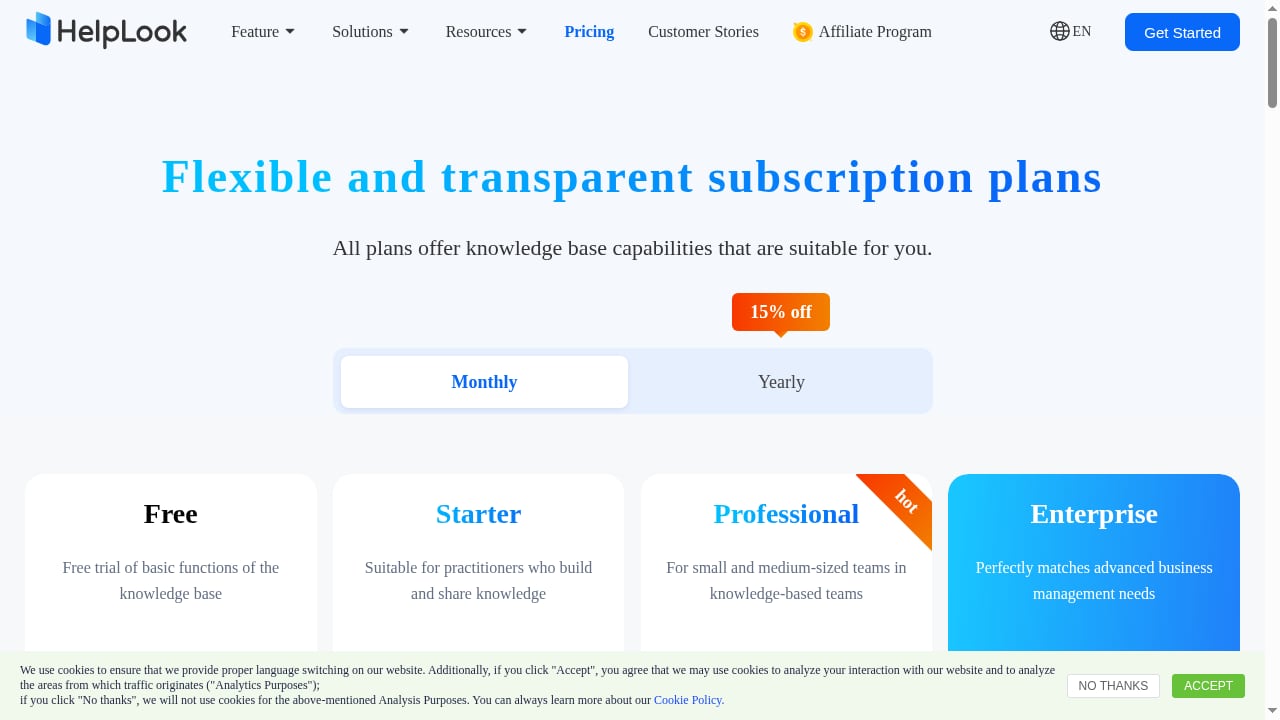
First viewport screenshot of HelpLook Pricing - AI-Powered Knowledge Base & Help Desk Software.
HelpLook: AI-powered knowledge base and help desk in one
HelpLook is an all-in-one, AI-powered platform for building knowledge bases, help desks, and self-service support experiences. It is designed for no-code creation of customer-facing help centers, internal knowledge bases, product manuals, enterprise blogs, FAQs, user guides, and troubleshooting content.
Its core strengths cluster around three areas:
- AI-powered search that helps visitors find answers quickly instead of scanning long tables of contents.
- No-code content creation so editors, support teams, and operations staff can publish without engineering involvement.
- SEO optimization and customizable portals, plus widgets that embed help content into web pages and applications.
HelpLook positions itself as a low-code, ready-to-use SaaS system, and it reports being trusted by over 10,000 companies across SaaS, e-commerce, legal, healthcare, financial services, and education. Typical use cases include customer knowledge bases, e-commerce product manuals, enterprise blogs, and internal knowledge repositories.
Archbee: a knowledge portal platform
Archbee describes itself as "The First Knowledge Portal Platform" — a tool for building knowledge portals that are easy to navigate, search, share, and contribute to. The emphasis is on the portal experience itself: structured documentation that teams and customers can move through comfortably.
That positioning makes Archbee a natural substitute when your priority is a polished, navigable documentation hub. The question is whether a portal-first tool covers everything a support-driven organization needs, or whether you eventually bolt on separate tools for AI search, help desk workflows, and SEO.
Feature-by-Feature Comparison
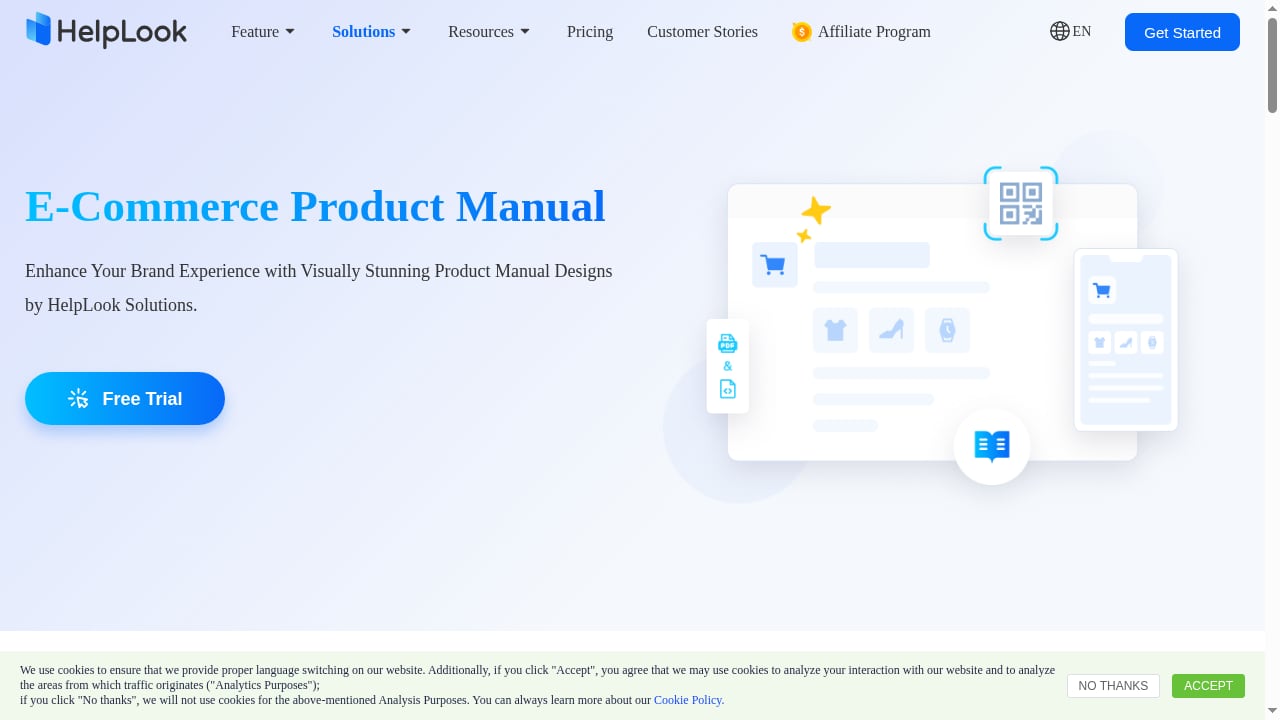
First viewport screenshot of Online E-Commerce Product Manual Creator - HelpLook.
| Dimension | HelpLook | Archbee |
|---|---|---|
| Primary positioning | AI-powered knowledge base and help desk | Knowledge portal platform |
| Content creation | No-code editing for non-technical teams | Portal-oriented documentation authoring |
| AI search | Built-in AI-powered search | Portal search and navigation focus |
| SEO optimization | Included as a core capability | Not the central selling point |
| Help desk / self-service | Combined with support experiences | Portal-first, not help desk-first |
| Embedding into products | Widgets for web pages and applications | Sharing and contribution workflows |
| Analytics | Included for content and support insight | Portal usage context |
| Target users | Editors, support teams, content creators, operations | Teams building navigable knowledge portals |
A quick note on fairness: the table reflects each product's stated positioning and the capabilities described in its own materials. Neither column should be read as a complete feature audit — always confirm specifics like SSO, localization, and API limits directly with each vendor before signing.
Where HelpLook Pulls Ahead
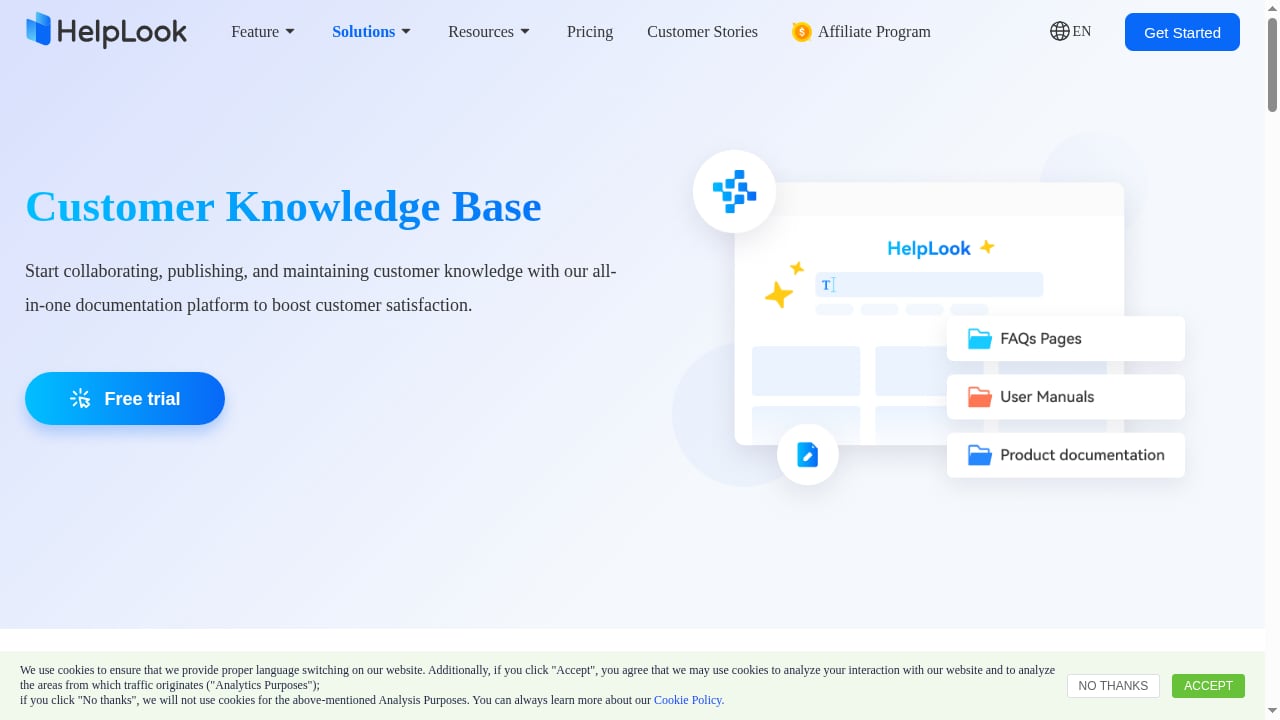
First viewport screenshot of Best Help Center Software & Knowledge Base 2025 - HelpLook.
1. Support and knowledge live in the same system
Many teams end up with a documentation tool for articles and a separate help desk for tickets. HelpLook collapses that split by combining knowledge base and help desk capabilities. For a support organization, that means a customer who cannot find an answer does not fall off a cliff — the same platform can capture the request.
2. AI search is a first-class feature, not an add-on
AI-powered search is central to HelpLook's design. For large knowledge bases, this matters more than portal aesthetics: visitors who cannot find an answer in seconds will open a ticket or leave. If reducing support costs is a stated goal, search quality is the lever.
3. SEO optimization for public-facing content
HelpLook includes SEO optimization as a core capability. If your help center or product manual is meant to rank and deflect questions before they reach support, this is a meaningful advantage over portal tools that treat public discoverability as secondary.
4. No-code publishing for non-engineers
Editors, marketers, and support leads can create and manage content without coding. That lowers the operational cost of keeping documentation current — usually the hardest part of knowledge management.
5. Embeddable widgets
Widgets for web pages and applications let you surface help content inside the product or site where customers already are, rather than forcing a context switch to a separate portal.
Where Archbee Fits Better
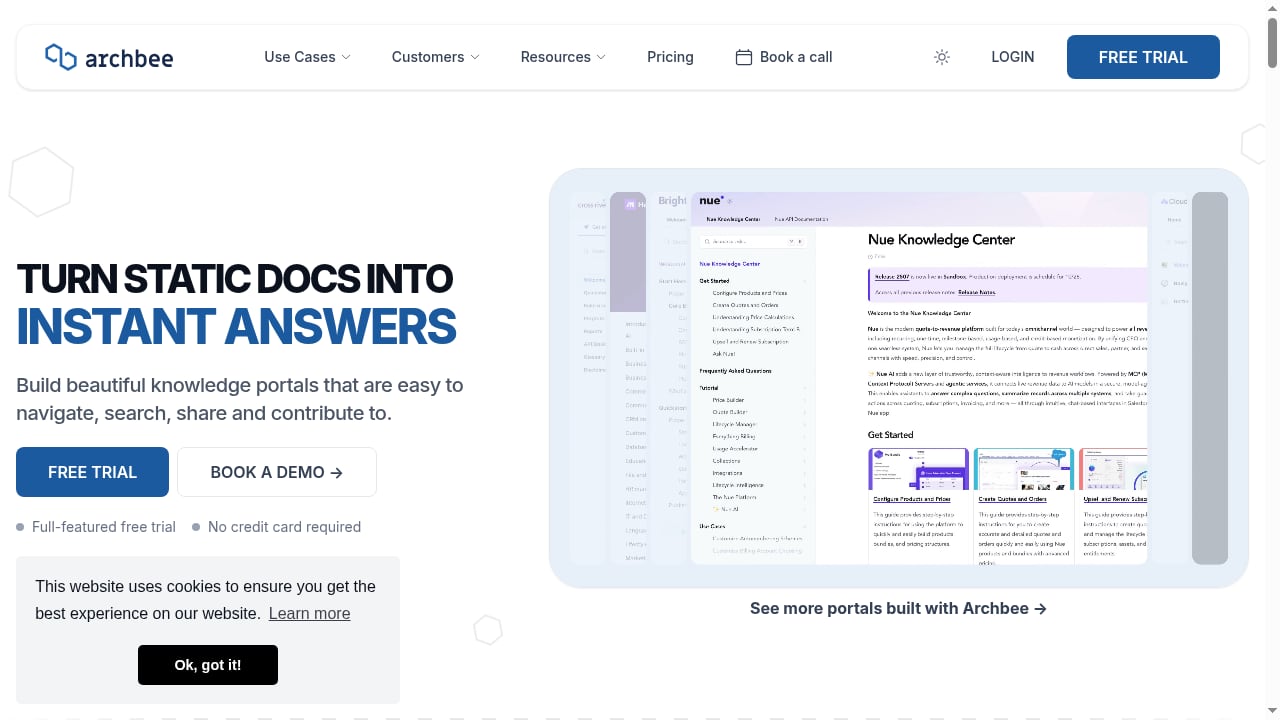
First viewport screenshot of Archbee — The First Knowledge Portal Platform.
To keep this honest, Archbee has genuine strengths worth naming:
- Portal experience first. If your primary need is a beautiful, navigable knowledge portal and your audience is comfortable with a documentation-style structure, Archbee's focus is aligned with that goal.
- Contribution workflows. Archbee explicitly emphasizes sharing and contributing, which suits teams where many people add to the knowledge base.
- Narrower scope can be simpler. If you do not need help desk functionality, AI search tuning, or SEO features, a portal-focused tool can mean less surface area to configure.
The trade-off is scope. When your requirements grow to include self-service support, AI answer retrieval, or search visibility, a portal-only platform may require additional tools — and additional tools mean additional cost and integration work.
Pricing and Total Cost of Ownership
Neither platform should be evaluated on sticker price alone. Build a three-year estimate that includes:
- Seats and editors — how many people will actually publish, not just read.
- AI or search add-ons — confirm whether advanced search or AI features are bundled or metered.
- Help desk seats — if you need ticketing, check whether it is included or a separate purchase.
- Migration and setup — importing existing documentation is rarely free in time terms.
- Integrations — every external tool you connect is another contract to manage.
For a broader view of how platforms in this category price and position themselves, see our roundup of the top 10 AI knowledge base and customer support automation platforms.
Decision Guide: Which One Should You Choose?
Choose HelpLook if:
- You want knowledge base and help desk in one platform.
- AI-powered search and self-service deflection are priorities.
- Public-facing content needs SEO optimization to be discoverable.
- Non-technical editors must publish without engineering help.
- You want to embed help content into your product via widgets.
Choose Archbee if:
- Your core need is a navigable knowledge portal, not a support system.
- Contribution from many team members is the primary workflow.
- You already have separate tools for ticketing, AI search, and SEO.
Consider a third option if: you need self-hosted deployment or strict compliance controls. Our comparison of self-hosted enterprise wiki software covers that scenario in detail.
Practical Evaluation Checklist
Before committing, run a two-week pilot with real content:
- Import 30–50 of your messiest existing articles and see how each platform handles structure.
- Ask five non-technical colleagues to publish an article without assistance.
- Test search with the exact phrasing real customers use, not internal terminology.
- Check how each platform behaves on mobile, where most self-service happens.
- Verify analytics: can you see which articles deflect tickets?
- Confirm export options so you are never locked in.
If you are also weighing adjacent tools, our HelpLook vs Mintlify vs Stonly comparison walks through audience fit, AI search, and pricing for developer- and support-oriented platforms.
Related reading
- KnowledgeOwl Review 2026: Reliable Knowledge Base Software? - Evidence-based KnowledgeOwl review covering ideal users, use cases, strengths, limitations, pricing, setup, and decision criteria for 2026.
- Top 10 Customer Service AI Platforms 2026: Ranked & Reviewed - Compare the top 10 customer service AI platforms for 2026. Evidence-based rankings, pricing, strengths, limits, and a practical buyer's checklist.
Sources and further reading
- Shelf | Software Reviews & Alternatives - Shelf Review: 'Shelf is an award winning knowledge management tool that helps companies save time and avoid costly mistakes. '
- All post content by year - Stay updated with best practices for technical writers. Includes an API documentation course for technical writers and engineers learning how to document APIs. The course includes sections on what an API is, API reference documentation, OpenAPI specification and Swagger, docs-as-code publishing and workflows, conceptual topics, tutorials, API documentation jobs, and more.
- ClickHelp | Software Reviews & Alternatives - ClickHelp Review: 'ClickHelp is an AI-powered online documentation tool. Create, translate, and publish your technical documentation in a single portal!'
Frequently Asked Questions
Is Archbee a direct replacement for HelpLook?
Not exactly. Archbee is a knowledge portal platform focused on building navigable, shareable documentation portals. HelpLook is an AI-powered knowledge base and help desk platform. They overlap in documentation, but HelpLook extends into self-service support, AI search, and SEO — areas Archbee does not center on.
Can HelpLook replace a separate help desk tool?
HelpLook combines knowledge base and help desk capabilities in one platform, which reduces the need for a separate ticketing system for many support teams. Confirm your specific workflow requirements — such as SLA rules or advanced routing — against current product documentation before migrating.
Which platform is better for SEO?
HelpLook includes SEO optimization as a core feature, which suits teams that want help content to rank in search engines. Archbee's stated focus is the portal experience — navigation, search, sharing, and contribution — rather than public search visibility.
Do I need technical skills to publish content?
HelpLook is designed as a no-code platform for editors, support teams, and content creators. Archbee also targets collaborative contribution workflows. In both cases, run a pilot with your least technical editor to confirm the experience matches the marketing.
How should I compare pricing fairly?
Compare total cost of ownership, not list price. Include editor seats, AI or search add-ons, help desk seats, migration effort, and integration contracts. A cheaper portal can become more expensive once you add the support and search tools it lacks.
Conclusion
HelpLook and Archbee are not identical products wearing different logos — they solve overlapping but distinct problems. Archbee is built around the knowledge portal experience: navigation, search, sharing, and contribution. HelpLook is built around the full self-service loop: AI-powered search, no-code creation, SEO-optimized public content, embeddable widgets, analytics, and help desk functionality in one system.
If your goal is a well-organized documentation portal and nothing more, Archbee's narrower focus may be sufficient. If your goal is to reduce support costs, deflect questions with AI search, and keep content discoverable and current without engineering help, HelpLook's combined scope is the more direct fit. Start with the pilot checklist above — real content and real colleagues will tell you more than any feature matrix.