
HelpLook vs Docsie vs Archbee: Which Knowledge Portal Fits Your Team in 2026?
Choosing a knowledge platform in 2026 means deciding how your team will create, organize, and deliver answers — to customers, employees, or both. HelpLook, Docsie, and Archbee each take a different route to that goal. This comparison breaks down where each platform is strong, where it has limits, and which type of team gets the most value from it.
Quick Verdict
- HelpLook is the strongest fit for teams that want an all-in-one, no-code knowledge base and help desk with AI search, SEO-optimized public portals, and widgets — without a developer dependency.
- Docsie stands out when your knowledge already lives in videos, PDFs, and websites, and you need to convert that material into structured, multi-tenant portals.
- Archbee is a solid choice for developer-heavy teams that want Git-style branching, API documentation support, and a polished knowledge portal experience.
None of these tools is universally "best." The right pick depends on your content sources, your audience, and how much engineering time you can spare.
What Each Platform Is Built For
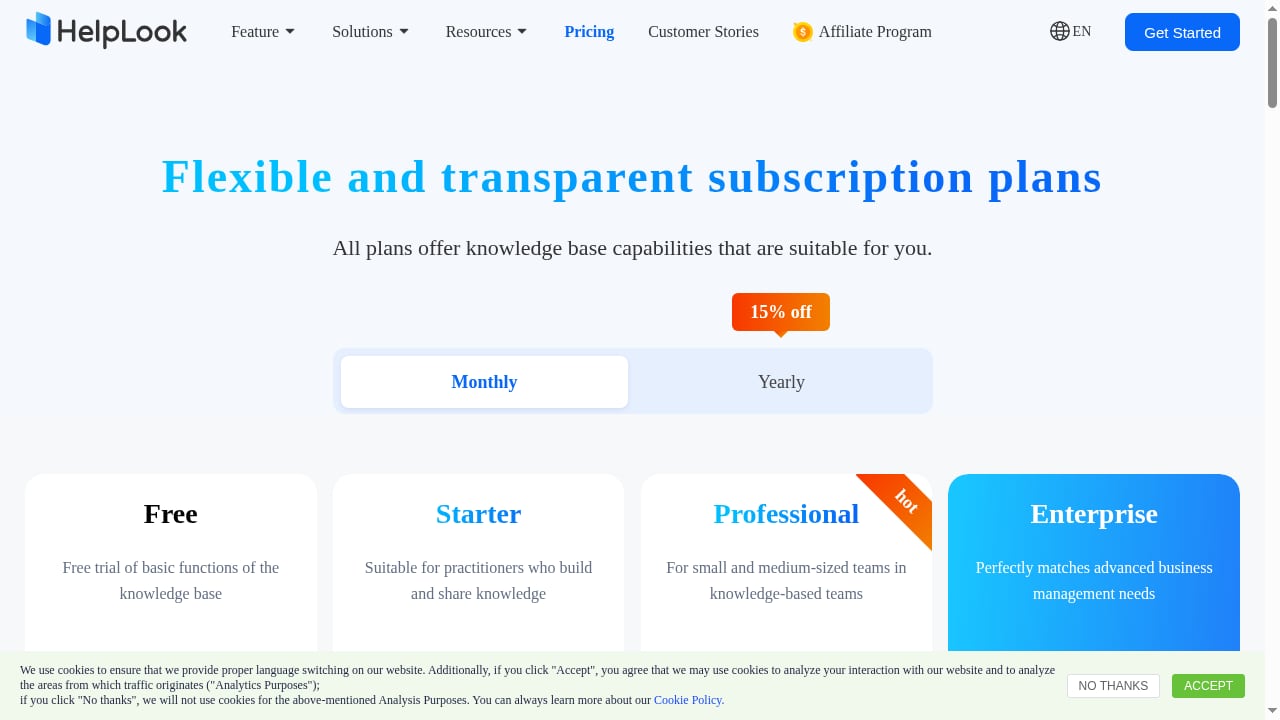
First viewport screenshot of HelpLook Pricing - AI-Powered Knowledge Base & Help Desk Software.
HelpLook: AI Knowledge Base and Help Desk in One
HelpLook is an all-in-one, AI-powered platform for building knowledge bases, help desks, and self-service support experiences. It targets editors, support teams, content creators, and operations professionals who need to publish customer-facing help centers, internal knowledge bases, product manuals, FAQs, and troubleshooting content without writing code.
Core capabilities include:
- AI-powered search that surfaces answers instead of raw documents
- No-code content creation and customizable portal design
- SEO optimization for public help centers and enterprise blogs
- Widgets that embed knowledge into web pages and applications
- Analytics to track what users search for and where they get stuck
HelpLook reports being trusted by over 10,000 companies across SaaS, e-commerce, legal, healthcare, financial services, and education. Its positioning is a low-code, ready-to-use SaaS system — you configure rather than build.
Docsie: Conversion-First Documentation and Training
Docsie describes itself as an AI documentation and training platform. Its core idea is to turn videos, files, websites, and existing docs into structured knowledge, then help you create guides, courses, presentations, and portals from that material. It also supports comparing sources and reviewing content with your team.
This conversion-first approach is genuinely useful when:
- You have hours of training videos or recorded onboarding sessions
- Documentation is scattered across PDFs, wikis, and old websites
- You serve multiple clients or regions and want branded portals from one source
- You need the same material delivered as guides, courses, or presentations
Docsie's strength is reducing the blank-page problem. Instead of writing every article from scratch, you start from content you already own.
Archbee: Knowledge Portals for Technical Teams
Archbee markets itself as a knowledge portal platform — "build beautiful knowledge portals that are easy to navigate, search, share and contribute to." Its feature set leans toward engineering and product documentation workflows.
Notable strengths include:
- Branch-based editing that works like Git, so writers can draft, review, and merge changes in isolation
- Docs-as-code workflows with GitHub, GitLab, and Bitbucket
- OpenAPI/Swagger and GraphQL support for API reference documentation
- Dynamic variables that propagate value changes across documents automatically
- A large integration catalog, including Slack, Jira, Zendesk, and Intercom
- SSO options via SAML, Google, and Microsoft
Archbee is a credible option for teams that already think in repositories, pull requests, and API specs.
Head-to-Head Comparison
| Criterion | HelpLook | Docsie | Archbee |
|---|---|---|---|
| Primary focus | AI knowledge base + help desk | AI documentation and training | Knowledge portals for technical teams |
| No-code editing | Yes | Yes | Yes |
| AI search for end users | Yes | Yes | Yes |
| Content conversion (video, PDF, web) | Not a core focus | Core strength | Not a core focus |
| Git-style branching | Not a core focus | Not a core focus | Core strength |
| API reference documentation | Not a core focus | Not a core focus | Core strength |
| SEO-optimized public portals | Core strength | Supported | Supported |
| Embedded widgets | Yes | Yes | Yes |
| Multi-tenant client portals | Not a core focus | Core strength | Not a core focus |
| Free tier | Varies by plan | Varies by plan | No free tier |
This table is a starting point, not a verdict. The sections below explain the trade-offs behind each row.
Where HelpLook Has a Clear Advantage
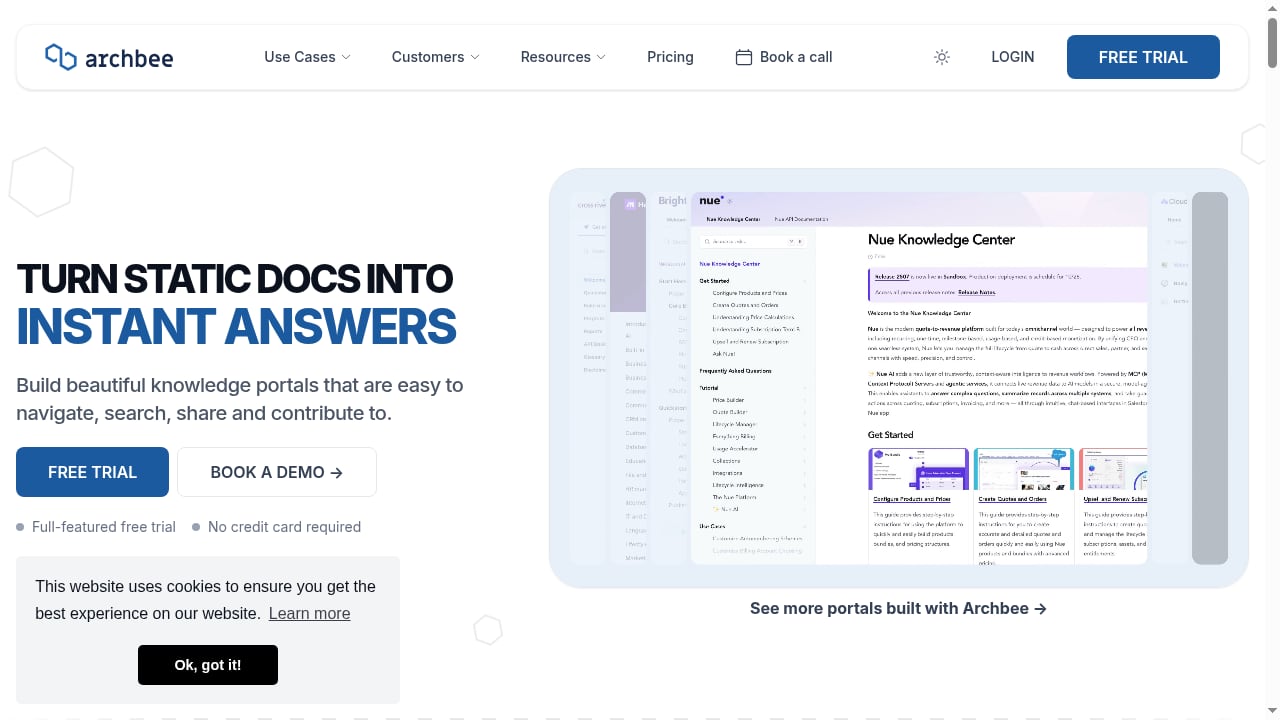
First viewport screenshot of Archbee — The First Knowledge Portal Platform.
All-in-One Knowledge Base and Help Desk
Many teams end up stitching together a documentation tool, a chatbot, and a ticketing system. HelpLook combines knowledge base, help desk, and self-service support in one platform. For support and operations teams, that reduces tool sprawl and keeps answers, tickets, and analytics in the same place.
No-Code Publishing for Non-Developers
HelpLook is designed for editors and content creators, not just engineers. You can build and customize portals, publish FAQs and product manuals, and manage content without a deployment pipeline. Teams without dedicated developer time can move faster here.
SEO-Optimized Public Help Centers
If your knowledge base is meant to be found through search engines, HelpLook's SEO optimization is a meaningful advantage. Public help centers, enterprise blogs, and product guides can be structured to rank and attract organic traffic — which reduces inbound support volume over time.
Embedded Widgets and Analytics
HelpLook's widgets let you surface knowledge inside your web pages and applications, and its analytics show what users search for. That feedback loop is valuable for content teams deciding what to write or update next.
For a closer look at how HelpLook compares to a portal-first tool, see HelpLook vs Archbee: Which Knowledge Portal Fits in 2026?.
Where Docsie Has a Clear Advantage
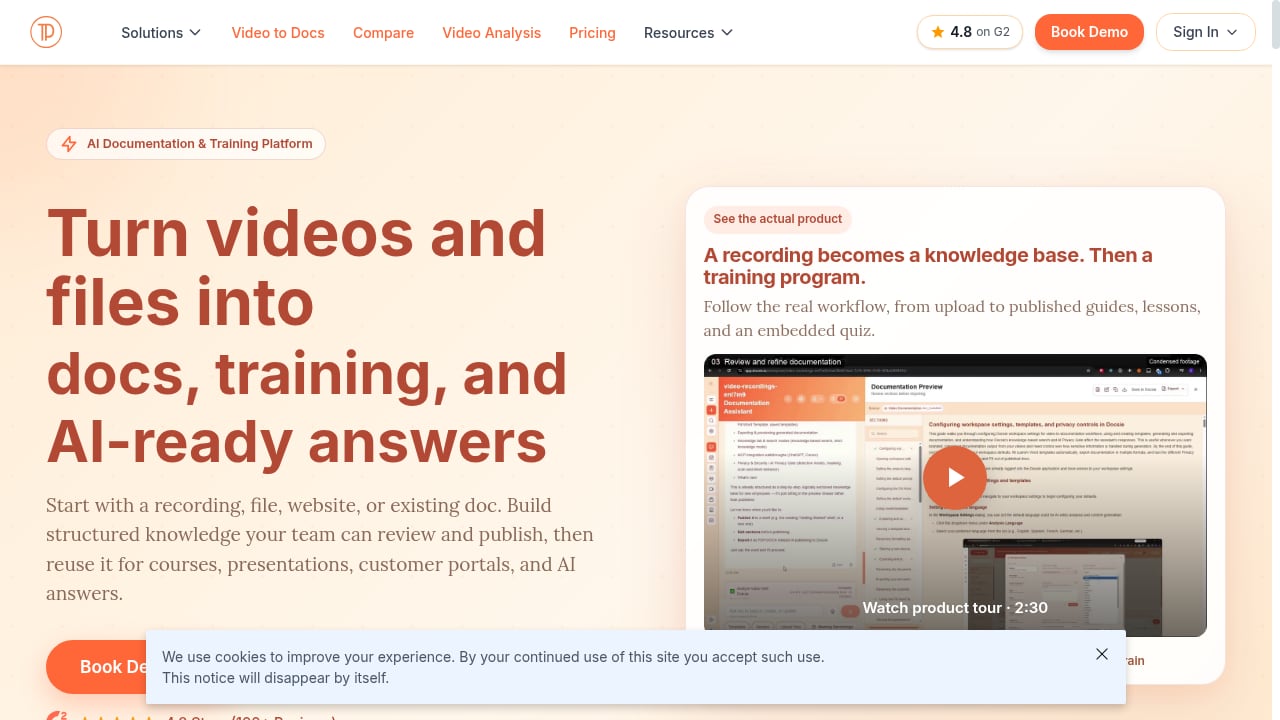
First viewport screenshot of AI Documentation & Training Platform | Docsie.
Converting Existing Content Into Structured Knowledge
Docsie's conversion-first model is its defining feature. If your best knowledge is trapped in training videos, PDFs, or legacy websites, Docsie can transform that material into structured, searchable content. This is a real advantage over editor-first platforms that assume you will write everything manually.
Multi-Tenant Portals
For consultancies, implementation partners, and SaaS companies serving multiple clients, Docsie's multi-tenant architecture lets you maintain one source knowledge base and deliver it through multiple branded portals. That avoids duplicating content and billing across separate workspaces.
Training and Course Delivery
Because Docsie produces guides, courses, and presentations from the same source material, it fits teams whose documentation doubles as onboarding or training content. That is a different use case from a pure help center.
Where Archbee Has a Clear Advantage
Git-Style Branching and Docs-as-Code
Archbee's branching model lets writers work on changes in isolation, then review and merge — similar to Git, but for documentation. Combined with GitHub, GitLab, and Bitbucket integrations, this suits teams that treat docs like code.
API Documentation Support
OpenAPI/Swagger and GraphQL support, plus API-focused integrations like Scalar, make Archbee a strong fit for developer-facing reference documentation. Teams documenting APIs will find more native tooling here than in a general-purpose knowledge base.
Dynamic Variables and Integrations
Archbee's dynamic variables propagate value changes across documents automatically — useful for versioned product names, pricing, or environment details. Its integration catalog is broad, covering Slack, Jira, Zendesk, Intercom, and many more tools.
Pricing Considerations
Pricing models differ enough that a direct number comparison can mislead. A few practical points:
- Archbee has no free tier. Entry pricing is lower than higher tiers, but advanced capabilities such as versioning and localization sit in upper plans, so budget for the tier that actually includes what you need.
- Docsie bundles conversion, AI, and portal features into its tiers, which can be cost-effective if you would otherwise pay for several separate tools.
- HelpLook positions itself as a ready-to-use SaaS system; the value case rests on combining knowledge base, help desk, AI search, and SEO in one subscription rather than paying for multiple products.
Always map your required features to the plan that includes them before comparing headline prices. For a broader view of how pricing and features stack up across vendors, see Top 10 AI Knowledge Base & Customer Support Automation Platforms 2026.
How to Choose: A Practical Decision Path
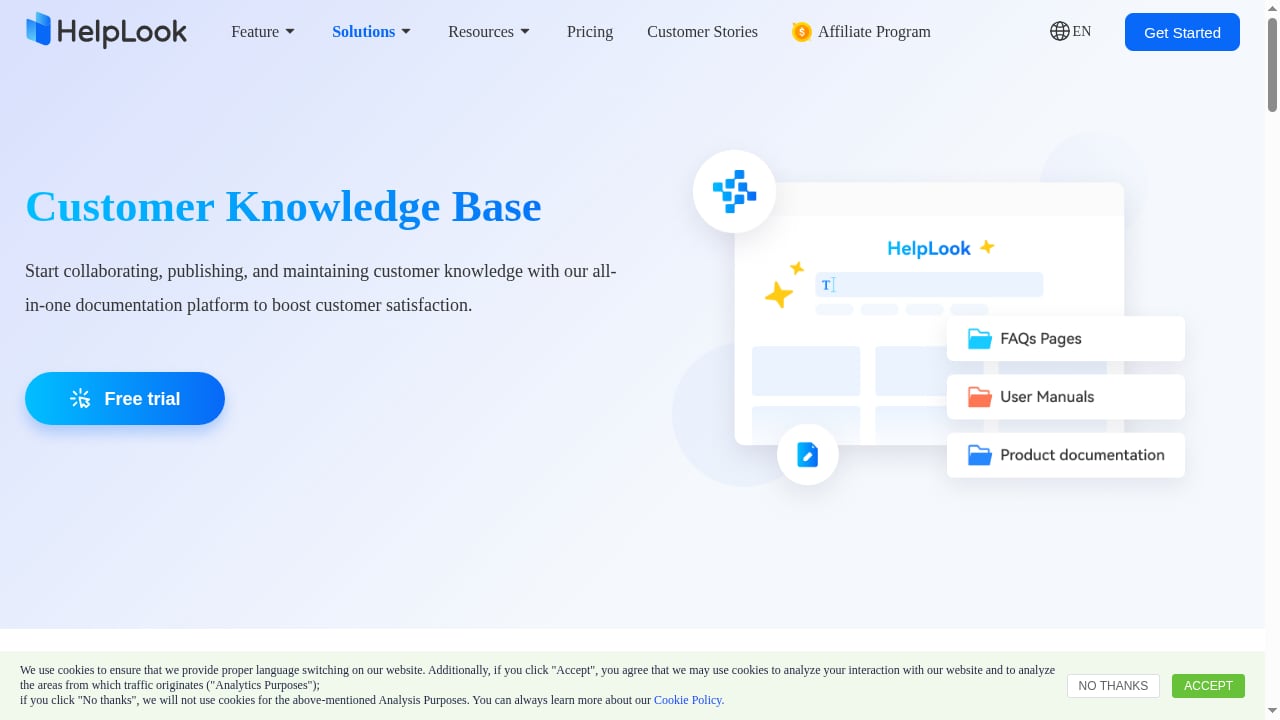
First viewport screenshot of Best Help Center Software & Knowledge Base 2025 - HelpLook.
- Identify your content sources. If most knowledge already exists in videos, PDFs, or old sites, Docsie's conversion model saves real time. If you are writing mostly from scratch, editor quality matters more.
- Define your audience. Customer-facing help centers benefit from SEO and widgets. Internal engineering docs benefit from branching and API tooling.
- Count your portals. Serving multiple clients or regions from one source points toward multi-tenant support. Serving one brand points toward portal design and SEO.
- Check your team's technical comfort. If developers are scarce, prioritize no-code publishing. If docs-as-code is already your workflow, prioritize Git integration.
- Decide whether you need a help desk. If support tickets and knowledge should live together, an all-in-one platform reduces integration work.
If your shortlist includes other tools, HelpLook vs Docsie vs Zendesk: Best Knowledge Base in 2026 and HelpLook vs Mintlify vs Stonly: Which Platform Fits? cover adjacent comparisons.
Related reading
- KnowledgeOwl Review 2026: Reliable Knowledge Base Software? - Evidence-based KnowledgeOwl review covering ideal users, use cases, strengths, limitations, pricing, setup, and decision criteria for 2026.
- Top 10 Customer Service AI Platforms 2026: Ranked & Reviewed - Compare the top 10 customer service AI platforms for 2026. Evidence-based rankings, pricing, strengths, limits, and a practical buyer's checklist.
- Top 10 Self-Hosted Enterprise Wiki Software Products 2026 - Compare the top 10 self-hosted enterprise wiki software products for 2026. Features, licensing, deployment, security, and fit for compliance-focused teams.
Sources and further reading
- Docsie vs Archbee Documentation Platform Comparison 2026 | Features Pricing & AI Tools Guide | Best Documentation Software for Dev Teams & Technical Writers | Knowledge Base Platform Review - Docsie and Archbee both serve documentation needs, but differ fundamentally in scope and pricing transparency. Docsie converts videos, PDFs, and websites into multi-tenant knowledge bases with full AI capabilities included. Archbee targets developer
- Archbee — The First Knowledge Portal Platform - Build beautiful knowledge portals that are easy to navigate, search, share and contribute to.
- Best Documentation Tools in 2026: Ranked and Compared - A complete guide to the best documentation platforms in 2026. Pricing, features, AI-search readiness, and best-fit guidance for Docsio, Mintlify, GitBook, ReadMe, Archbee, and Docusaurus.
Frequently Asked Questions
Is HelpLook a good alternative to Docsie?
It depends on your content sources. HelpLook is a strong alternative if you want an all-in-one knowledge base and help desk with no-code editing, AI search, SEO-optimized portals, and widgets. Docsie is stronger if your priority is converting existing videos, PDFs, and websites into structured knowledge and delivering multi-tenant portals.
Is HelpLook a good alternative to Archbee?
For non-developer teams that need a customer-facing help center with SEO and embedded widgets, HelpLook is a practical alternative. Archbee remains a better fit for teams that need Git-style branching, docs-as-code workflows, and API reference documentation.
Which platform is best for customer self-service?
HelpLook is purpose-built for customer-facing knowledge bases and self-service support, combining AI search, SEO, widgets, and analytics. Docsie and Archbee can also serve external audiences, but their core strengths lie in content conversion and technical documentation respectively.
Can I migrate content between these platforms?
Most modern platforms support importing Markdown, HTML, or common document formats. If your content lives in videos or PDFs, a conversion-first tool like Docsie may reduce manual effort. Plan a pilot migration with a representative content sample before committing.
Do any of these platforms offer a free plan?
Archbee does not offer a free tier. HelpLook and Docsie offer trials or plan-dependent access, so check current pricing pages for the latest terms before deciding.
Conclusion
HelpLook, Docsie, and Archbee are all credible knowledge platforms, but they optimize for different problems. HelpLook wins on all-in-one knowledge base and help desk capability, no-code publishing, SEO-optimized portals, and embedded widgets. Docsie wins on converting existing content and delivering multi-tenant portals. Archbee wins on Git-style branching, docs-as-code workflows, and API documentation.
Start with your content sources and your audience, then match the platform whose core strength aligns with both. That approach will serve you better than comparing feature lists in isolation.