
HelpLook vs Document360: AI Knowledge Base Software Compared
Choosing an AI knowledge base platform in 2026 means deciding how much of the documentation lifecycle you want automated, how much control you need over the public-facing experience, and how the tool fits the rest of your support stack. HelpLook and Document360 are both established options in this category, but they approach the problem from different angles. This comparison breaks down where each platform is strong, where it has limits, and which teams should pick which.
What each platform is built to do
First viewport screenshot of Trusted by Industry Leaders | Document360 Customer Success Stories.
HelpLook: all-in-one AI knowledge base and help desk
HelpLook is an AI-powered platform for building knowledge bases, help desks, and self-service support experiences. It combines AI search, content creation, and SEO optimization in a no-code SaaS package. Teams use it for customer-facing help centers, internal knowledge repositories, product manuals, enterprise blogs, FAQs, user guides, and troubleshooting content. The platform is trusted by over 10,000 companies and serves editors, support teams, content creators, and operations professionals across SaaS, e-commerce, legal, healthcare, financial services, and education.
Core capabilities include AI-powered search, no-code content creation, SEO optimization, customizable portals, embeddable widgets for web pages and applications, and analytics. HelpLook positions itself as a low-code, ready-to-use system that simplifies knowledge management and reduces support costs.
Document360: dedicated knowledge base software for documentation
Document360 is a knowledge base platform for public help centers, product documentation, and internal wikis. Its Eddy AI assistant answers questions from published content, and the authoring experience is well regarded, with category management, versioning, and analytics that show which articles perform. According to an independent comparison from IrisAgent, Document360 is a clean choice when documentation quality is the priority, and it fits teams that need a polished, well-organized help center and care about the writing and publishing experience.
The same source notes a limitation: Document360's AI is mostly an answer layer on top of content you still write yourself, so it does little to fill gaps automatically from ticket data. That distinction matters if your goal is reducing the manual authoring burden rather than improving the presentation of content you already produce.
Side-by-side comparison
HelpLook vs Document360: AI Knowledge Base Software Compared - Side-by-side comparison.
| Dimension | HelpLook | Document360 |
|---|---|---|
| Primary positioning | All-in-one AI knowledge base and help desk | Dedicated knowledge base for documentation |
| AI search | Built-in AI-powered search | Eddy AI assistant answers from published content |
| Content creation | No-code creation with AI assistance | Strong authoring experience with category management and versioning |
| SEO optimization | Built-in SEO tools for public content | Not highlighted as a core differentiator |
| Customization | Customizable portals and embeddable widgets | Polished, structured help center layouts |
| Analytics | Included | Included, with article performance views |
| Automatic gap detection | Not positioned as a core feature | Limited; AI is an answer layer, not a gap-filling engine |
| Pricing model | SaaS with free trial and free version | Free trial and free version available |
Both platforms appear in broad market roundups such as Techreviewer's AI knowledge base category, which lists them alongside Docsie, Helpjuice, GitBook, and others. Neither vendor publishes fully transparent enterprise pricing on every tier, so budget conversations should start with a demo and a scoped seat or traffic estimate.
Where HelpLook has an advantage
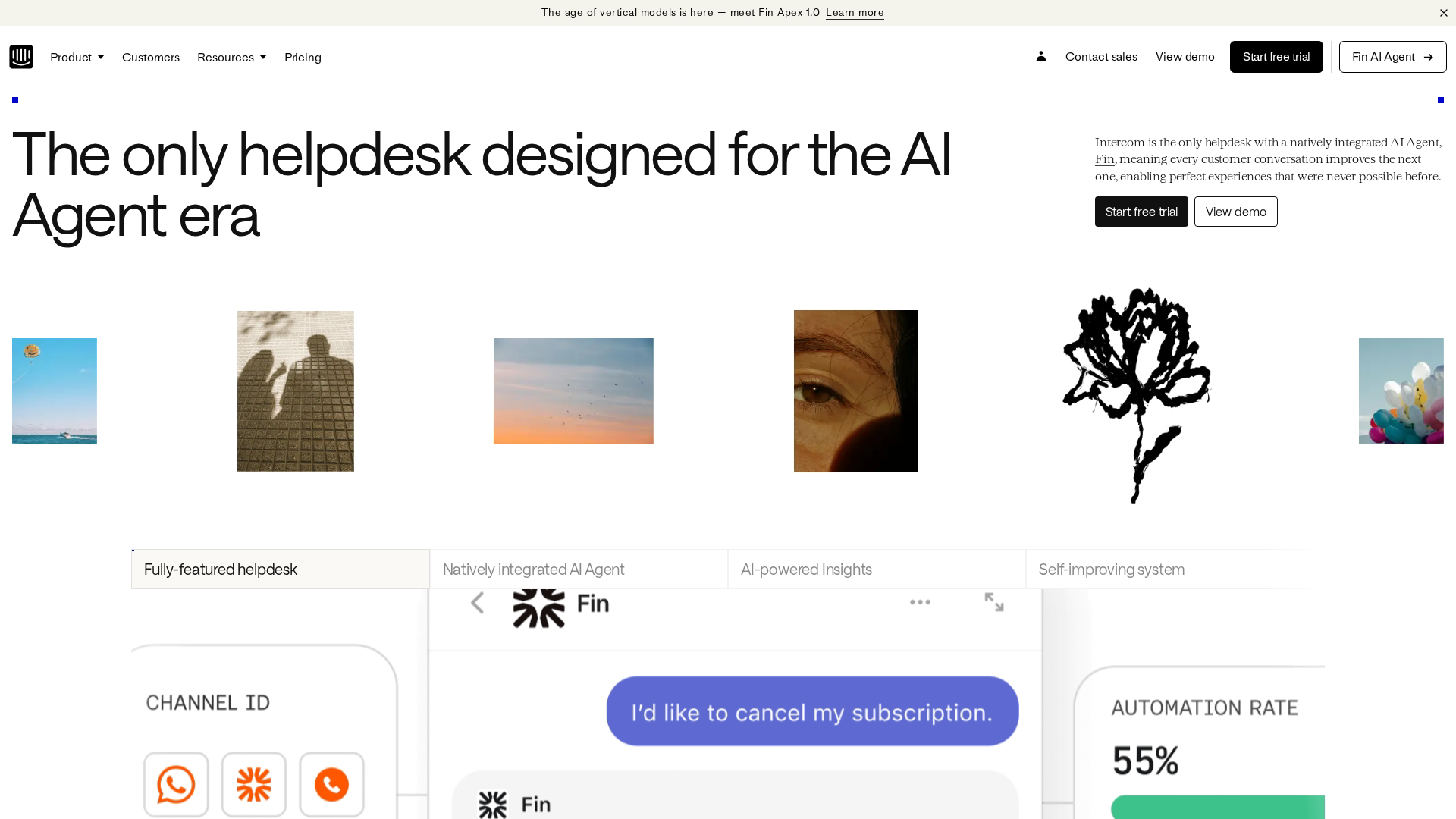
HelpLook vs Document360: AI Knowledge Base Software Compared - Where HelpLook has an advantage.
Combined knowledge base and help desk workflow
HelpLook is not only a documentation repository. It is designed as an all-in-one platform for knowledge bases, help desks, and self-service support. That means a team can publish help content and manage the support experience in one system rather than stitching together a standalone wiki and a separate ticketing tool. For smaller teams without a dedicated documentation operations function, that consolidation reduces tooling overhead.
SEO optimization as a first-class feature
Public help content only deflects tickets if people can find it. HelpLook includes SEO optimization in the core feature set, which matters for teams that treat their help center as an acquisition and retention surface, not just a support cost center. Product manuals, FAQs, and troubleshooting articles that rank in search engines reduce inbound ticket volume without paid distribution.
No-code creation and embeddable widgets
HelpLook's no-code content creation and embeddable widgets let support and operations teams publish without engineering involvement, and surface answers inside web pages and applications. This is useful for e-commerce product manuals, in-app guidance, and enterprise blogs where the content owner is not a developer.
Broad use-case coverage
Because HelpLook covers customer knowledge bases, internal repositories, product manuals, enterprise blogs, and FAQs, it can serve multiple departments from one platform. Teams that would otherwise run separate tools for external help content and internal documentation can consolidate.
Where Document360 has an advantage
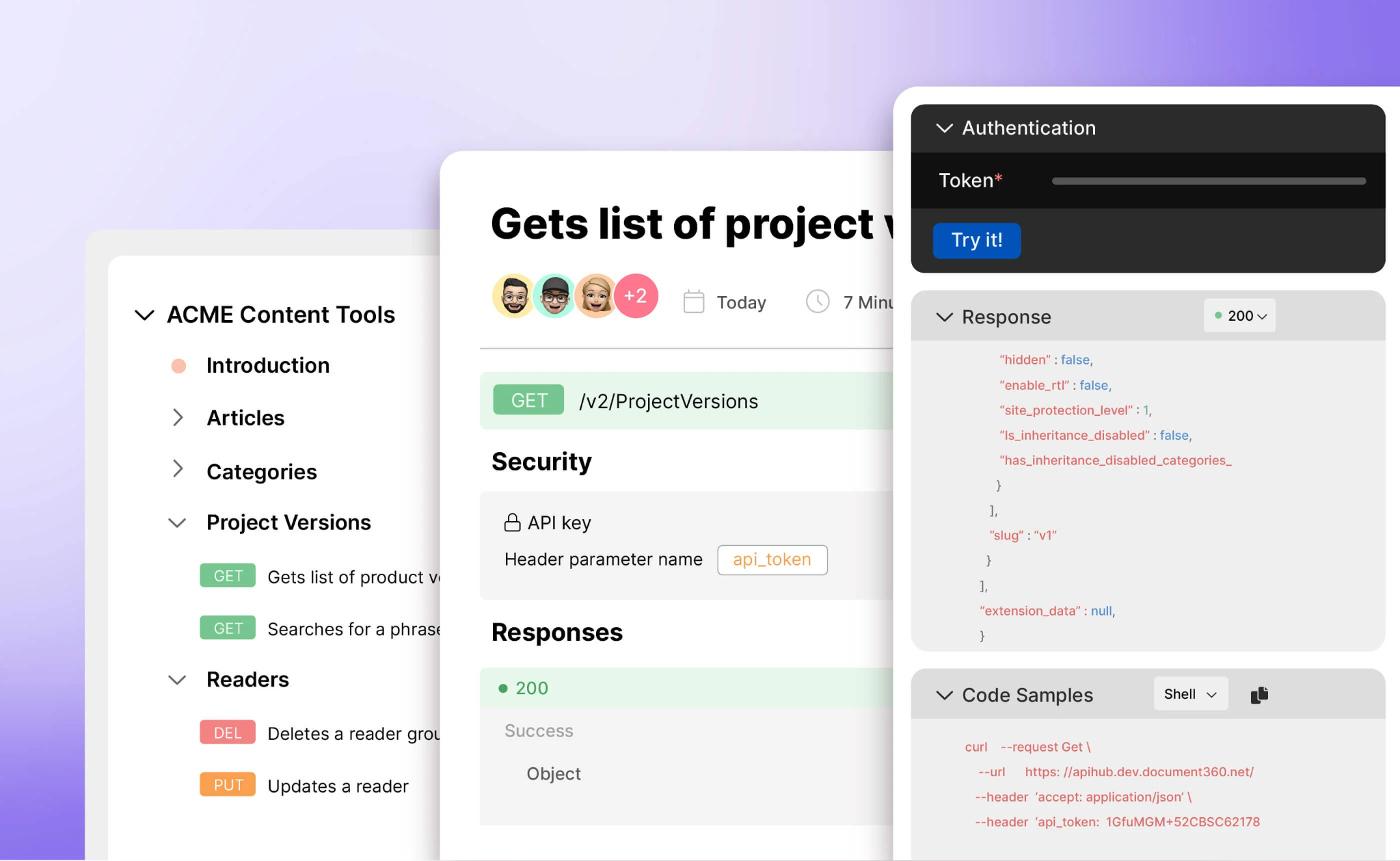
HelpLook vs Document360: AI Knowledge Base Software Compared - Where Document360 has an advantage.
Mature authoring and publishing workflow
Document360's strength is the writing and publishing experience. Category management, versioning, and article-level analytics give documentation teams fine-grained control over structure and lifecycle. For technical writing teams that treat documentation as a discipline with review cycles and release alignment, that depth is valuable.
Polished public help center presentation
If the primary goal is a clean, well-organized public help center, Document360 delivers that out of the box. The platform is frequently recommended for teams where documentation quality and presentation are the top priorities.
Established review presence
Document360 has a longer track record in third-party review aggregators, which can matter for procurement teams that require peer validation before purchase. HelpLook appears in the same category listings but with a shorter review history.
Where Document360 falls short
AI is an answer layer, not a content engine
The most material limitation, supported by the IrisAgent comparison, is that Document360's AI mostly answers from content you write yourself. It does not automatically generate articles from resolved tickets or proactively fill knowledge gaps from support data. Teams hoping to reduce manual authoring effort through AI will find the ceiling lower than expected.
Less emphasis on SEO for public content
Document360 is positioned around documentation quality and organization rather than search visibility. Teams that want their help center to rank and attract organic traffic may need additional tooling or manual optimization work.
Separate help desk considerations
Document360 is a knowledge base platform first. Teams that need integrated help desk and ticketing functionality may need to pair it with another system, which adds integration and cost overhead compared with an all-in-one approach.
Which should you choose?
Choose HelpLook if:
- You want knowledge base and help desk capabilities in one platform
- SEO visibility for public help content is a priority
- You need no-code creation and embeddable widgets for in-app or on-site answers
- You serve multiple use cases (customer help, internal wiki, product manuals, blogs) from one system
- You want AI search and content assistance without a heavy documentation operations process
Choose Document360 if:
- Documentation authoring quality and versioning are your top priorities
- You have a dedicated technical writing team with established review workflows
- You need a polished public help center and are comfortable writing content manually
- Peer review presence in procurement matters to your organization
Consider a broader evaluation if:
- You need automatic article generation from resolved tickets — neither platform is positioned as a leader here
- You want to compare more options, such as the platforms covered in our Top 10 AI Documentation and Training Platforms 2026 roundup
Practical integration examples
If you run HubSpot as your CRM, HelpLook can connect to it to deflect tickets and route leads while syncing support data. See our step-by-step guide on how to use HelpLook with HubSpot for the setup.
If you use a chatbot on your website, HelpLook's knowledge base can power 24/7 self-service answers. Our guide on using HelpLook with ChatBot covers the configuration.
For a three-way comparison that includes Documentation.AI, see HelpLook vs Document360 vs Documentation.AI.
Related reading
- Productlane Review 2026: AI Support Built for Linear Teams - Evidence-based Productlane review: support inbox, AI agent, feedback portal, changelog, Linear and GitHub workflows, pricing signals, limits, and fit.
Sources and further reading
- Best 11 interactive product documentation tools in 2026 - Guideflow Blog - Interactive product documentation works better when users click, not just read. Choosing the right tool depends on more than feature lists.
FAQ
Is HelpLook a full help desk or only a knowledge base?
HelpLook is an all-in-one platform for knowledge bases, help desks, and self-service support experiences. It includes AI search, no-code content creation, SEO optimization, customizable portals, widgets, and analytics.
Does Document360 generate documentation automatically with AI?
Based on the IrisAgent comparison, Document360's AI is primarily an answer layer over content you write yourself. It does not automatically generate articles from resolved tickets or fill gaps from ticket data.
Which platform is better for SEO?
HelpLook includes SEO optimization as a core feature, which supports organic discovery of public help content. Document360 is positioned around documentation quality and organization rather than search visibility.
Can I try both before committing?
Both platforms list a free trial and a free version in third-party category listings such as Techreviewer. Enterprise pricing typically requires a demo and scoped quote.
What if I need AI that writes articles from support tickets?
Neither HelpLook nor Document360 is positioned as a leader in automatic article generation from tickets. If that is a hard requirement, evaluate platforms specifically built for ticket-driven knowledge generation, as discussed in the IrisAgent comparison.
Conclusion
HelpLook and Document360 both serve the AI knowledge base category, but they optimize for different outcomes. Document360 is a strong choice for documentation teams that prioritize authoring depth, versioning, and a polished public help center, and who are prepared to write content manually. HelpLook is a better fit for teams that want an all-in-one knowledge base and help desk, SEO-optimized public content, no-code creation, and embeddable self-service experiences across multiple use cases. The deciding question is whether you need a documentation platform or a self-service support platform — and how much of the content lifecycle you expect AI to handle.