
Top 10 AI Documentation and Training Platforms 2026
Documentation teams in 2026 face a different problem than they did five years ago. Writing a first draft is no longer the bottleneck; keeping published guides, API references, and training material accurate after every release is. This review ranks ten platforms that combine AI-assisted authoring with the ability to turn product knowledge into documentation, courses, and self-service training experiences.
How We Evaluated These Platforms
We scored each product against six criteria drawn from how documentation and training teams actually work:
- AI-assisted authoring and generation — can the platform draft content from videos, files, code, or existing docs?
- Content maintenance and drift detection — does it flag or update pages when the underlying product changes?
- Training and enablement output — can it produce guides, courses, presentations, or portals, not just static articles?
- Search and retrieval quality — how well do AI search and cited answers surface the right content?
- Governance and review workflows — versioning, approval rules, permissions, and audit trails.
- Pricing transparency and scaling — published tiers, seat limits, AI usage metering, and add-on costs.
We weighted maintenance and training output more heavily than editor polish, because those are the areas where teams report the most ongoing pain. Every ranked product below has verifiable feature and pricing evidence from its own documentation or pricing page.
The Top 10 AI Documentation and Training Platforms for 2026
First viewport screenshot of AI Documentation Platform - Automate Your Knowledge Base | Docsie.
1. Docsie — Best for turning mixed sources into structured training content
Docsie is an AI documentation and training platform that ingests videos, files, websites, and existing documentation, then converts them into structured knowledge. From that base it generates guides, courses, presentations, and portals, and it can compare sources side by side so writers can spot contradictions before publishing. Team review workflows keep multiple contributors aligned on the same source of truth.
Best for: Teams that need to repurpose scattered product knowledge into onboarding courses, customer guides, and internal training portals.
Watch-outs: Because it spans documentation and training, teams with a narrow single-format need may find the breadth unnecessary.
2. Mintlify — Best for AI-native developer documentation
Mintlify publishes docs in formats AI tools consume directly, including llms.txt and llms-full.txt, and generates MCP servers for structured agent access. Engineers work in MDX through Git while product managers edit the same content in a visual browser editor. Its writing agent monitors code changes, drafts updates, and opens pull requests for human review.
Best for: AI engineering teams that need docs-as-code workflows, OpenAPI reference generation, and agent-readable output out of the box.
Watch-outs: Enterprise controls such as SSO, SCIM, and self-hosting require the Enterprise plan, and Pro pricing is credit-metered.
3. GitBook — Best for collaborative product and knowledge documentation
GitBook centers on a visual block editor with two-way GitHub and GitLab sync, so writers avoid local Markdown management while engineers still review changes. Change Requests add approval rules similar to pull requests, and a Docs Site can combine product guides, API documentation, and changelogs under one destination. OpenAPI sync, llms.txt, and MCP support help AI tools retrieve published content.
Best for: Mixed teams blending product documentation with a knowledge base and preferring collaborative editing over strict docs-as-code.
Watch-outs: API generation depends on OpenAPI specs and does not track broader codebase changes; per-site and per-user charges can grow across multiple products. See our GitBook review for 2026 for a deeper breakdown.
4. Document360 — Best for governed enterprise knowledge bases
Document360 is a structured knowledge-base platform with categories, versioning, roles, and workflow controls built for documentation teams. Its Eddy AI appears both for authors, drafting articles such as setup guides, and for readers, answering questions from published content. Interactive API references sync from OpenAPI specifications through CI/CD, so endpoint details update with the spec rather than through manual article edits.
Best for: Enterprises where who approved a change matters as much as how fast it shipped, and where product guides and developer docs share one governed system.
Watch-outs: Pricing is quote-only, which adds a sales cycle before small teams can evaluate it.
5. Scribe — Best for visual step-by-step training guides
Scribe captures clicks and screenshots to produce step-by-step guides automatically, which makes it a strong fit for internal SOPs and process documentation. Re-capturing a workflow refreshes the guide when a process changes.
Best for: Operations and enablement teams that document repeatable workflows without writing from a blank page.
Watch-outs: It does not connect to code repositories or detect drift in written articles, so it complements rather than replaces a documentation platform.
6. ReadMe — Best for interactive API documentation hubs
ReadMe builds developer hubs and API references from OpenAPI specifications and written guides. Its AI Writer operates on pull requests, and CLI spec sync keeps the reference aligned with the deployed interface. Endpoint-level usage analytics show which parts of the API developers actually use.
Best for: API-first companies that want an interactive API Explorer alongside written developer guides.
Watch-outs: Its strength is developer-facing reference content; broader training or course output is limited.
7. Swimm — Best for code-coupled internal engineering documentation
Swimm lives next to the source code and helps internal engineering teams reduce documentation debt on legacy systems. It flags documentation when referenced code moves, which keeps internal guides tied to the codebase rather than drifting silently.
Best for: Engineering teams maintaining internal documentation for complex or legacy systems.
Watch-outs: It has repositioned toward code modernization, and pricing is custom per lines of code, so it is not a general-purpose training platform.
8. Promptless — Best for repo-driven documentation pull requests
Promptless reads pull requests, Slack threads, and documentation tickets, then proposes documentation updates as pull requests. At $500 per month flat for up to 200 pages, it targets teams that want documentation changes to flow through the same review process as code.
Best for: Engineering-led teams that want documentation updates proposed automatically from repository activity.
Watch-outs: The flat page-volume tier can become limiting for large documentation sets.
9. DocuWriter.ai — Best for first drafts generated from source code
DocuWriter.ai generates architecture overviews, code references, READMEs, and API documentation from a source repository. Its Autopilot feature on the Enterprise plan keeps generated documentation updated as code changes.
Best for: Teams that want fast first drafts of code documentation without writing from scratch.
Watch-outs: Autopilot updates are limited to the Enterprise tier, and generated content still needs human review for accuracy.
10. Docusaurus — Best for free, self-hosted documentation sites
Docusaurus is a React-based framework for building documentation sites with deep customization and built-in document versioning. It is free and open source, which makes it attractive for teams with frontend resources and strict hosting requirements.
Best for: React teams that want full control over their documentation site and are comfortable maintaining the build themselves.
Watch-outs: It provides no AI drafting, drift detection, or training output; those capabilities must come from other tools.
How to Choose Between an AI Documentation Platform and an AI Training Platform
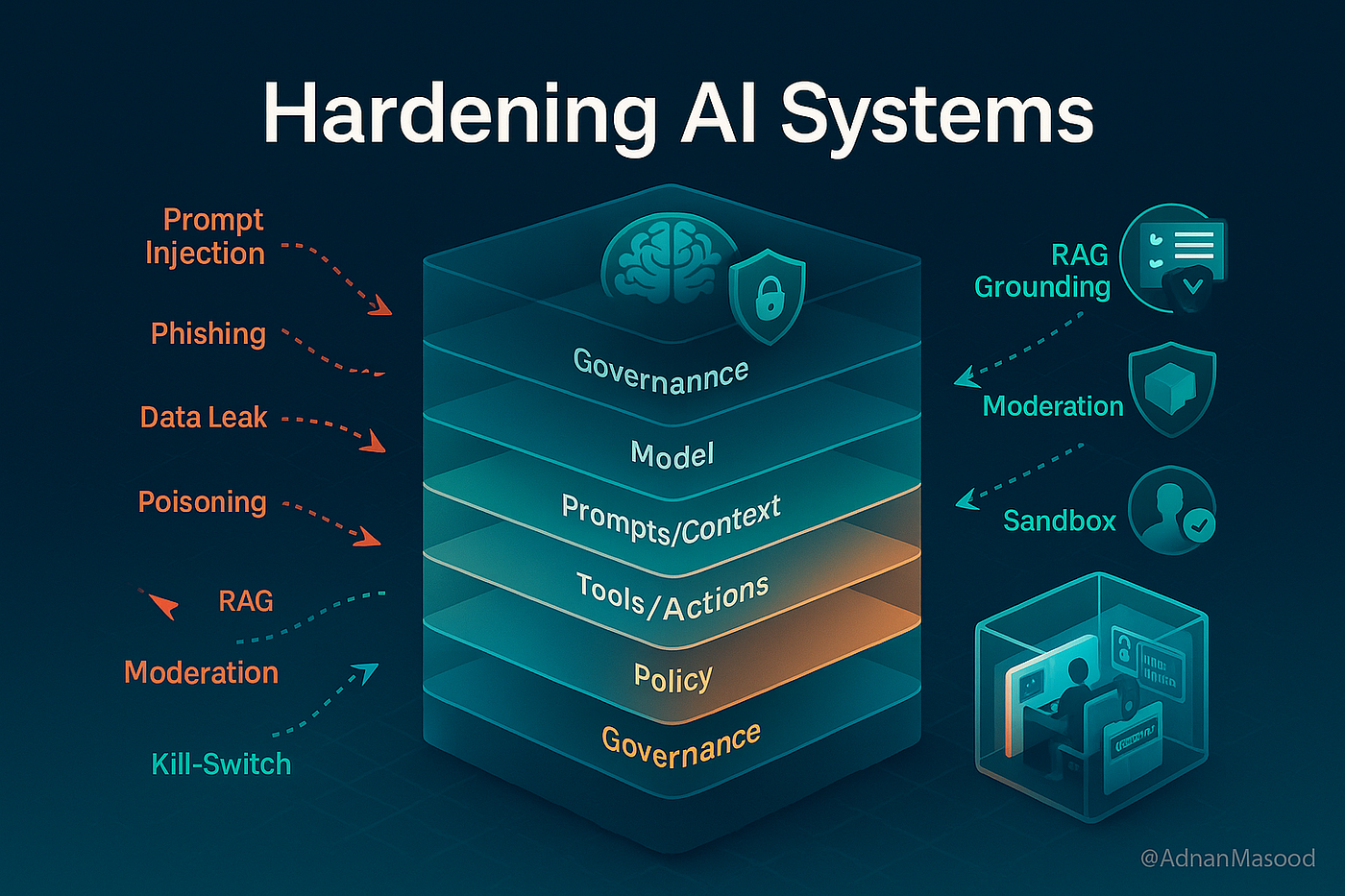
Top 10 AI Documentation and Training Platforms 2026 - How to Choose Between an AI Documentation Platform and an AI Training Platform.
The two categories overlap but serve different primary jobs. Documentation platforms focus on publishing accurate reference material that readers and AI assistants can retrieve. Training platforms focus on turning that material into courses, onboarding paths, and step-by-step guides that change behavior.
If your main pain is stale API references and developer docs, prioritize Mintlify, ReadMe, or Promptless. If your main pain is governed enterprise knowledge with approval workflows, look at Document360. If your main pain is converting scattered videos, files, and existing docs into structured training content, Docsie is built for that job.
Many teams end up running two tools: a documentation platform for reference content and a separate system for customer-facing self-service. If your support team also needs a customer knowledge base, help desk, and AI search, an adjacent option like HelpLook can sit alongside your documentation stack rather than replacing it. Our comparison of HelpLook vs Document360 vs Documentation.AI covers where that boundary typically falls.
Practical Example: A Release That Breaks Step Four

Top 10 AI Documentation and Training Platforms 2026 - Practical Example: A Release That Breaks Step Four.
Consider a SaaS team that ships weekly. A release redesigns the "Invite teammates" flow. Three artifacts are now wrong: the customer help article with screenshots, the onboarding course module, and the internal SOP for support agents.
A maintenance-native platform such as Mintlify or Promptless reads the pull request and drafts updates for the affected articles, which a human reviews before publishing. A training-focused platform such as Docsie regenerates the affected course module from the updated source. A visual tool such as Scribe requires re-capturing the workflow. Teams that only use a static site generator like Docusaurus discover the breakage when a customer complains.
The lesson: match the tool to the change signal you actually have. Code changes need repo-connected platforms. Process changes need capture-based tools. Mixed sources need a platform that can ingest and compare them.
Related reading
- HelpLook vs Helpjuice: Best Knowledge Base Software 2026 - Compare HelpLook and Helpjuice knowledge base software in 2026: AI search, pricing, SEO, customization, and which platform fits your support team.
Sources and further reading
- Top AI Tools for Software Documentation in 2026: 8 Compared - Compare the top AI tools for software documentation in 2026 by job: developer docs, help centers, and internal guides. See how each stays current.
- Best AI Documentation Tools in 2026 (Honest Ranking) - Compare 8 AI documentation tools by maintenance vs creation, with verified pricing for HappySupport, Mintlify, Document360, Swimm and GitBook.
- 10 best software documentation tools for AI teams - Compare 10 software documentation tools for AI teams across docs-as-code workflows, API reference generation, agent-readable output, AI-assisted maintenance, versioning, and governance.
FAQ
What is the difference between an AI documentation platform and an AI training platform?
An AI documentation platform focuses on authoring, publishing, and maintaining reference content such as API docs, help articles, and knowledge bases. An AI training platform focuses on turning that content into courses, onboarding paths, and step-by-step guides. Some platforms, including Docsie, span both.
Do I need a docs-as-code workflow in 2026?
Only if your documentation changes alongside code. Teams shipping weekly benefit from Git-based workflows and automated update drafts. Teams documenting stable processes may not need the overhead.
How important is drift detection?
It is the single most weighted criterion in this review. A draft has little value if it becomes inaccurate after the next release. Platforms that flag or draft updates from code changes reduce the manual audit burden significantly.
Can I use a knowledge base tool alongside a documentation platform?
Yes. Many teams pair a documentation platform for reference content with a customer-facing knowledge base for self-service support. Tools like HelpLook serve that adjacent role, and integrations such as HelpLook with HubSpot show how support data can flow between systems.
Which platform is best for small teams?
Small teams with published pricing and low setup effort should look at Mintlify's free Starter plan, GitBook's free single-user tier, Scribe's free Basic plan, or DocuWriter.ai's $20 per month Starter tier. Quote-only platforms add a sales cycle that slows early evaluation.
Conclusion
The best AI documentation and training platform for 2026 depends on which job you are solving. Mintlify and ReadMe lead for developer-facing API documentation. GitBook and Document360 lead for collaborative and governed knowledge bases. Scribe and Docsie lead for turning workflows and mixed sources into training material. Docusaurus remains the strongest free, self-hosted option for teams with frontend resources.
Start by identifying your change signal: code commits, process updates, or scattered source material. That single question narrows the list faster than any feature comparison. Then verify pricing against your expected AI usage and seat count, because credit-metered and per-site models scale differently. Finally, run a two-week trial with one real release or process change to see whether the platform keeps content current without manual auditing.
For teams that also need customer-facing self-service, pair your documentation platform with a knowledge base tool and connect them through your CRM or support stack. The platforms above cover the documentation and training side; the support side is a separate decision.