
HelpLook vs Documentation.AI vs Bloomfire: 2026 Comparison
Choosing between HelpLook, Documentation.AI, and Bloomfire comes down to one question: what kind of knowledge problem are you actually solving? HelpLook is built for teams that want a customer-facing self-service portal without touching code. Documentation.AI targets product and developer teams that need living, API-friendly docs. Bloomfire is an enterprise knowledge management layer designed to connect siloed information across entire organizations.
This comparison breaks down how the three platforms differ across AI capabilities, content creation, publishing workflows, analytics, and pricing so you can match the tool to your team's reality.
How the Three Platforms Position Themselves

Bloomfire product interface.
Before diving into feature-by-feature comparisons, it helps to understand the core identity of each product.
HelpLook is an AI-powered knowledge base and help desk platform focused on no-code self-service portals. It lets businesses build branded customer and employee knowledge bases, add AI search and chatbot support, and track usage analytics. The platform integrates with AI models like OpenAI, ERNIE Bot, and Azure, and serves over 10,000 global brands. Its sweet spot is reducing support tickets through customer-facing portals, product manuals, and internal wikis.
Documentation.AI is an AI-native documentation platform for product teams, developers, and support teams. Its standout feature is an AI Documentation Agent that drafts, formats, and refreshes content automatically, plus an Ask AI assistant that answers user questions with citations directly inside docs. The platform supports both a visual web editor and a docs-as-code workflow with Git integration, making it a strong fit for teams that treat documentation like a software artifact.
Bloomfire is an enterprise knowledge management platform built to surface trusted knowledge across departments. It combines AI-powered search, authoring tools, and an Enterprise Intelligence engine that converges knowledge management, business intelligence, and generative AI. Bloomfire is trusted by Global 2000 companies including Novonesis, Regeneron, and Germania Insurance, with compliance certifications like SOC2, GDPR, SSO, and SCIM.
AI Search and Answering Capabilities
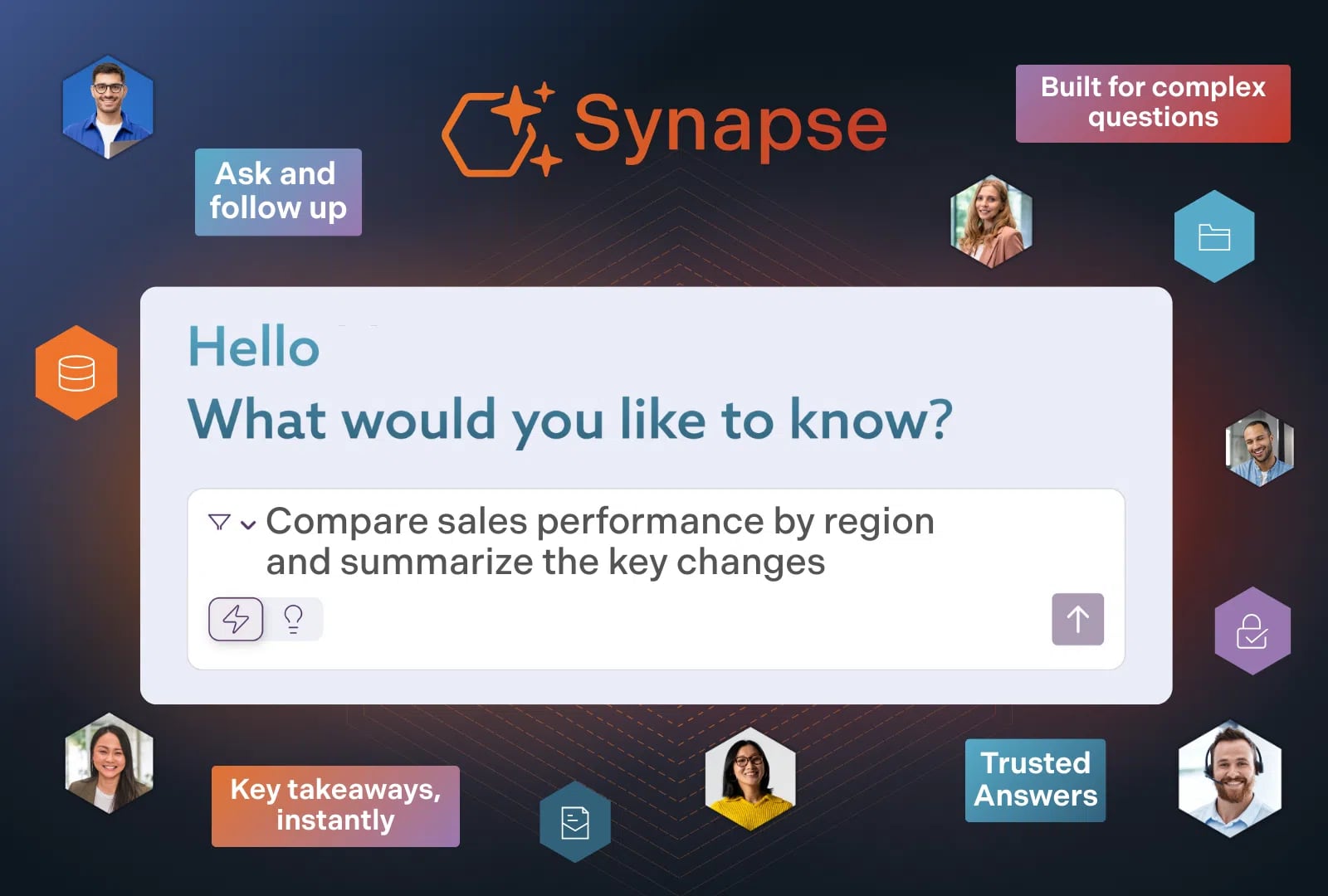
Bloomfire product interface.
AI search quality is the single biggest differentiator in modern knowledge platforms. All three tools offer AI-assisted discovery, but their approaches differ meaningfully.
HelpLook provides AI-driven search and chatbot capabilities that let visitors ask questions in natural language and receive answers drawn from your knowledge base. The platform supports document-based AI search and answers, with multilingual support and data encryption. For customer-facing portals, this reduces the volume of repetitive support tickets by letting users self-serve before contacting a human agent.
Documentation.AI takes an answer-first approach with its Ask AI assistant. Users type a question and receive an instant, cited answer pulled directly from your docs. The citation component matters for technical audiences: developers and product users can verify the source rather than trusting a generated summary. The platform is also structured to be consumed by AI agents and LLMs, which future-proofs your documentation as more teams adopt agentic workflows.
Bloomfire positions AI search as an enterprise discovery layer. Its search engine is designed to surface trusted knowledge across departments, not just within a single knowledge base. The platform reports a 72% search conversion rate, meaning nearly three-quarters of searches end with the user finding a relevant result. For large organizations with fragmented content repositories, this cross-silo search capability is a core reason to choose Bloomfire.
Practical takeaway: If your primary goal is deflecting customer support tickets, HelpLook's AI chatbot and search are purpose-built for that flow. If you need cited answers inside technical documentation, Documentation.AI's Ask AI assistant is the stronger fit. If your problem is finding knowledge scattered across an enterprise, Bloomfire's search layer addresses that directly.
Content Creation and Maintenance
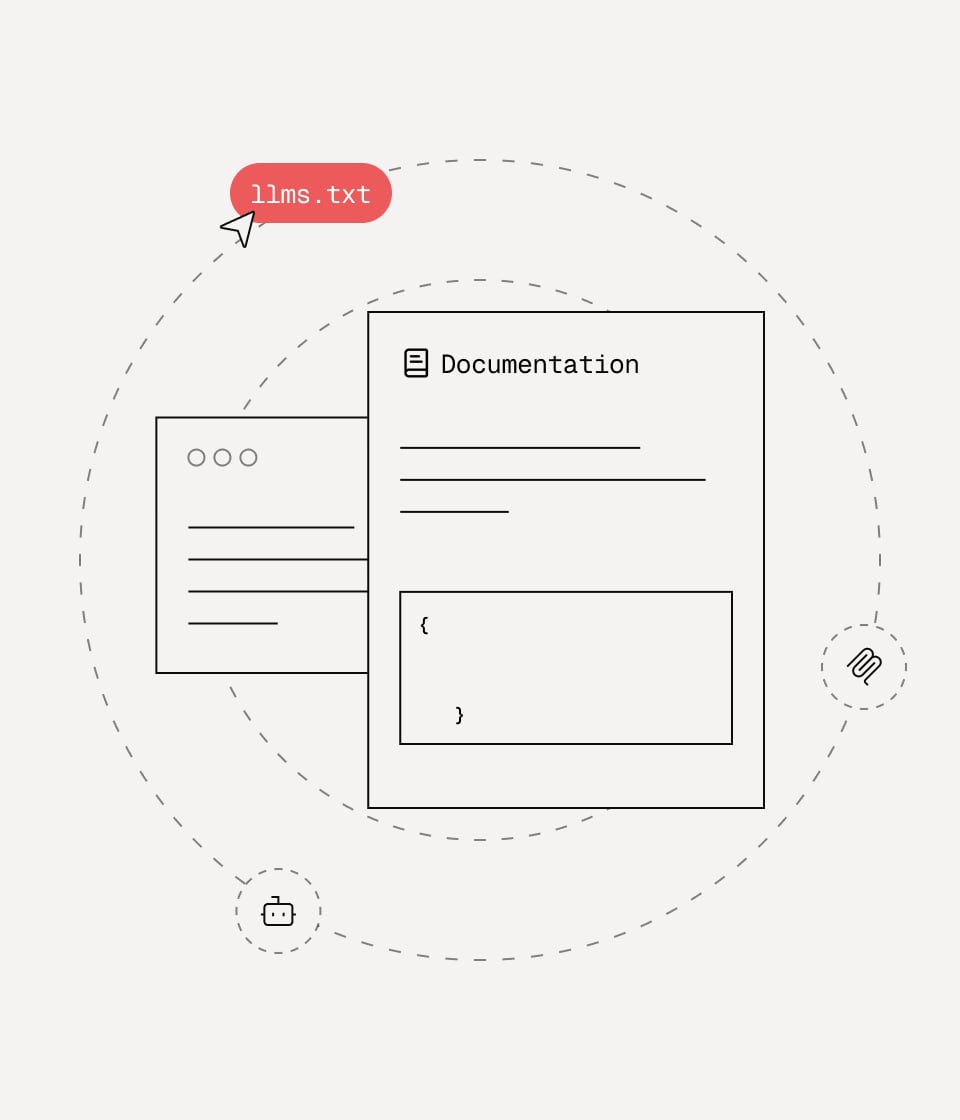
Documentation.AI product interface.
How content gets created—and how easily it stays current—varies significantly across the three platforms.
HelpLook emphasizes no-code content creation. Teams can build knowledge bases, product manuals, and internal wikis through a visual interface without engineering involvement. The platform also offers customizable site branding, SEO optimization for public-facing content, QR code access, and PDF downloads. For support teams that need to publish quickly and maintain a branded portal, this low-friction workflow is a genuine advantage.
Documentation.AI is built around the concept of self-updating documentation. The AI Documentation Agent suggests, writes, and formats content to keep docs fresh as your product evolves. Teams can publish through a web editor or a docs-as-code workflow with Git integration, which appeals to developers who want version control, pull requests, and CI/CD pipelines for their documentation. Customer stories from Datafiniti and Videograph highlight migrations from ReadMe to gain AI-powered search, analytics, and easier maintenance.
Bloomfire includes AI-powered authoring tools designed to help subject matter experts capture knowledge faster. The platform's self-healing knowledge base concept means content is continuously improved through usage signals, AI suggestions, and community contributions. For enterprises where knowledge lives in the heads of experienced employees, Bloomfire's authoring and capture tools help convert tacit expertise into searchable, reusable content.
Practical takeaway: HelpLook wins on pure no-code simplicity for support teams. Documentation.AI wins for developer-centric teams that want Git-based workflows and automatic content refreshes. Bloomfire wins for enterprises that need to capture institutional knowledge from employees across departments.
Publishing Flexibility and Developer Experience

Bloomfire product interface.
HelpLook is designed for business users. You can publish a branded self-service portal, embed it on your website, and share content via QR codes or PDF downloads. The platform supports third-party integrations, but its publishing model is primarily portal-centric rather than code-centric.
Documentation.AI offers the most developer-friendly publishing options. The docs-as-code workflow with Git integration means your documentation can live alongside your source code, follow the same review processes, and deploy with your product releases. This is a meaningful advantage for engineering teams that treat documentation as part of the product itself.
Bloomfire focuses on internal publishing and knowledge distribution across an enterprise. Its data foundations and Enterprise Intelligence engine are designed to connect knowledge management with business intelligence and generative AI, creating a unified layer for decision-making. For internal use cases like onboarding, sales enablement, and cross-departmental collaboration, this enterprise-grade publishing model is well suited.
Analytics and ROI Measurement
All three platforms offer analytics, but the depth and focus differ.
HelpLook provides analytics to track usage of your knowledge base and help desk. Teams can see which articles are being read, how often the AI chatbot resolves questions, and where content gaps exist. For support leaders, this translates directly into measurable reductions in ticket volume and support costs.
Documentation.AI includes analytics designed to show how documentation impacts product adoption and support load. The platform's positioning emphasizes reducing support tickets and accelerating onboarding, with analytics that help teams understand which docs are performing and where users get stuck.
Bloomfire reports concrete ROI metrics from its customer base, including a 13% reduction in call volumes and annual time savings equivalent to $469,000 for a major credit union. For enterprise buyers who need to justify knowledge management investment in financial terms, these proof points are compelling.
Pricing and Plans
Pricing transparency varies across the three platforms, so requesting current quotes is essential.
HelpLook offers a free tier and scales through subscription plans to enterprise-level pricing. The plans include AI credits and scalable resources, making it accessible for small teams while still supporting larger deployments.
Documentation.AI starts with a free tier and scales to enterprise plans that include SSO, custom SLAs, and advanced analytics. The free tier makes it easy for product teams to test the platform before committing.
Bloomfire targets mid-market and enterprise organizations. While it does not publish a free tier prominently, its pricing reflects the enterprise-grade compliance, security, and intelligence features included. Buyers should expect a sales-led pricing process.
When to Choose Each Platform
Choose HelpLook if:
- You need a no-code, customer-facing self-service portal quickly
- Your primary goal is reducing support tickets through AI search and chatbot deflection
- You want branded portals with SEO optimization, QR code access, and PDF downloads
- You serve multilingual audiences and need document-based AI answers
Choose Documentation.AI if:
- Your team is product- or developer-led and wants docs-as-code with Git integration
- You need self-updating documentation that stays current as your product changes
- Your users expect cited, verifiable AI answers inside technical docs
- You are migrating from ReadMe or a similar developer documentation tool
Choose Bloomfire if:
- You are an enterprise with knowledge scattered across departments and systems
- You need AI-powered search that surfaces trusted knowledge across silos
- Your use cases include onboarding, sales enablement, and cross-departmental collaboration
- You require enterprise compliance features like SOC2, GDPR, SSO, and SCIM
Comparison at a Glance
| Criteria | HelpLook | Documentation.AI | Bloomfire |
|---|---|---|---|
| Primary audience | Support teams, business users | Product and developer teams | Enterprise knowledge managers |
| Content creation | No-code visual editor | Web editor + docs-as-code with Git | AI-powered authoring tools |
| AI search | Document-based AI search and chatbot | Cited Ask AI answers | Enterprise cross-silo search |
| Publishing model | Branded self-service portal | Portal or Git-based workflow | Internal enterprise knowledge layer |
| Free tier | Yes | Yes | Not prominently offered |
| Compliance focus | Data encryption, multilingual support | SSO, custom SLAs on enterprise plans | SOC2, GDPR, SSO, SCIM, encryption |
| Best for | Customer support deflection | Living product documentation | Enterprise knowledge management |
Related reading
- HelpLook vs Helpjuice vs Zendesk: 2026 Comparison - Compare HelpLook, Helpjuice, and Zendesk on AI search, knowledge base features, pricing, and ease of use. Find the right platform for your support team.
- HelpLook vs KnowledgeBase vs Archbee: 2026 Comparison - Compare HelpLook, KnowledgeBase, and Archbee on AI search, knowledge base features, pricing, and ease of use. Find the right platform for your support or docs team.
- HelpLook vs HelpCenter.io vs KnowledgeOwl: 2026 Comparison - Compare HelpLook, HelpCenter.io, and KnowledgeOwl on AI search, pricing, content creation, and ease of use. Find the right knowledge base for your team.
Sources and further reading
- One moment, please... - Please wait while your request is being verified...
- HelpLook Reviews 2026: Details, Pricing, & Features | G2 - ... and supports document-based AI search and answers. With features like data encryption, customization options, and multilingual support, HelpLook provides a ...
FAQ
Is HelpLook a good alternative to Bloomfire?
For customer-facing self-service portals and support ticket deflection, yes. HelpLook's no-code portal builder and AI chatbot are purpose-built for that use case. However, if you need enterprise-wide knowledge discovery across departments, Bloomfire's cross-silo search and compliance features are stronger.
Can Documentation.AI replace a traditional knowledge base?
Documentation.AI can serve as both product documentation and a help center. Its self-updating AI agent and cited answers make it particularly effective for technical audiences. Teams that need a purely internal enterprise knowledge platform may find Bloomfire's enterprise intelligence features more relevant.
Which platform is best for reducing support tickets?
All three platforms target support ticket reduction, but through different mechanisms. HelpLook uses AI chatbots and self-service portals, Documentation.AI uses cited AI answers within docs, and Bloomfire reports a 13% reduction in call volumes through better enterprise search. The best choice depends on where your support questions originate.
Do these platforms offer free trials?
HelpLook and Documentation.AI both offer free tiers. Bloomfire's enterprise-focused model typically involves a demo and custom quote rather than a self-serve free tier.
Which platform is easiest for non-technical teams?
HelpLook's no-code interface is the most accessible for non-technical users. Documentation.AI supports a visual editor but also offers Git-based workflows that require developer familiarity. Bloomfire's authoring tools are designed for subject matter experts, but the platform's enterprise scope can require more setup.
Conclusion
HelpLook, Documentation.AI, and Bloomfire solve related but distinct problems. HelpLook excels at no-code, customer-facing self-service portals that reduce support load. Documentation.AI is the strongest choice for product and developer teams that need living, cited, Git-integrated documentation. Bloomfire is the enterprise answer for organizations that need to surface trusted knowledge across departments and systems.
If you are still evaluating options, our HelpLook vs KnowledgeBase vs Helpjuice comparison and HelpLook vs Document360 vs Stonly comparison explore additional alternatives for support and documentation teams. For a broader view of the AI knowledge base landscape, the SourceForge AI Knowledge Base category provides current reviews and comparisons across dozens of tools.
The right choice comes down to your primary audience, your content workflow, and whether your knowledge problem is customer-facing, developer-facing, or enterprise-wide.