
HelpLook vs Documentation.AI vs Mintlify: Which AI Knowledge Platform Fits Your Team?
Choosing between HelpLook, Documentation.AI, and Mintlify isn't just about picking a tool—it's about matching your team's workflow, technical skill set, and support goals. HelpLook focuses on no-code, customer-facing self-service portals. Documentation.AI brings AI-native maintenance to product and support teams. Mintlify excels in developer-first, docs-as-code environments. This comparison breaks down where each platform shines, where they fall short, and how to decide based on real-world use cases.
Quick Comparison Overview
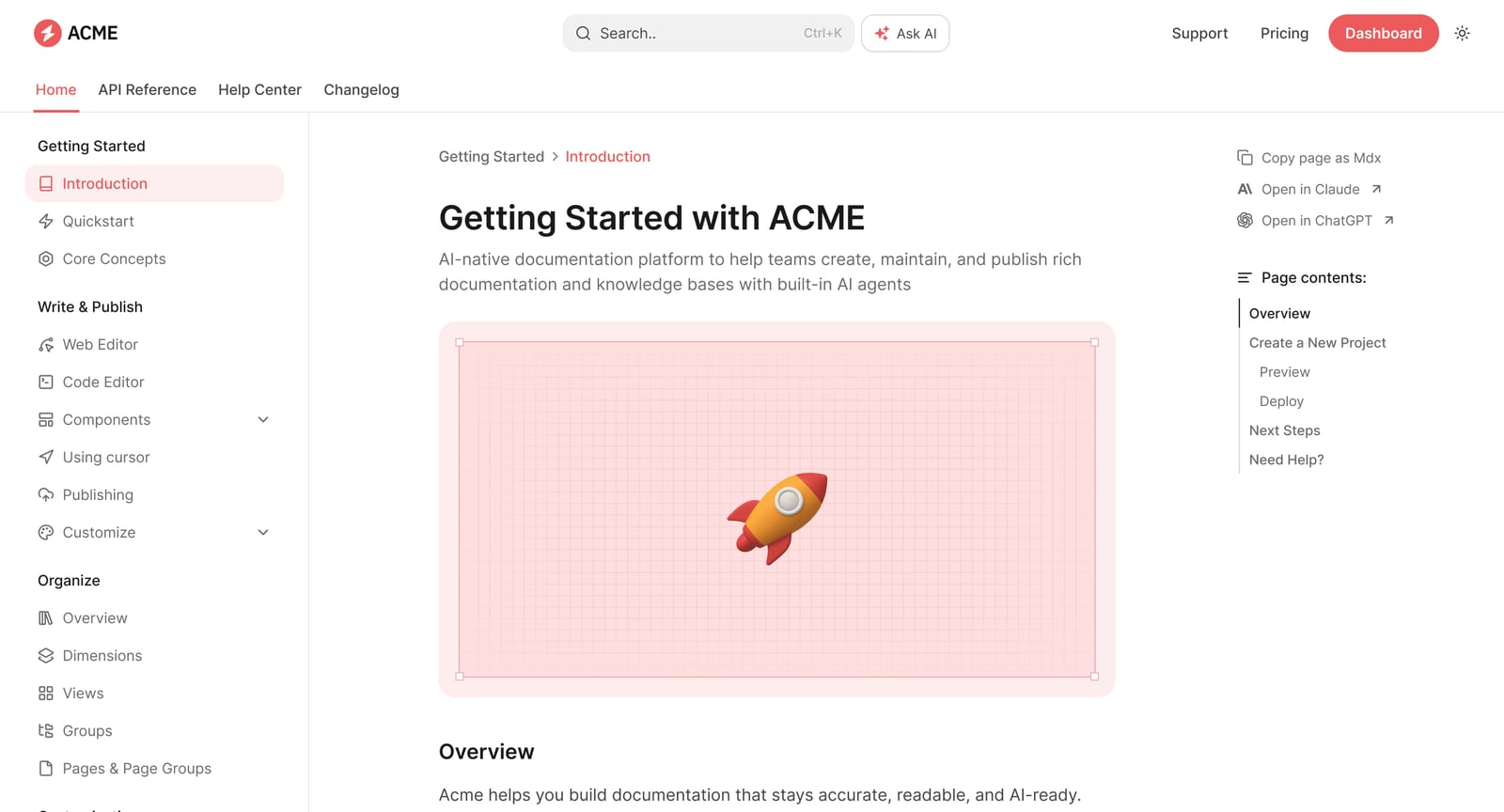
Documentation.AI product interface.
Before diving into details, here’s a snapshot of how these three platforms position themselves in 2026.
| Criteria | HelpLook | Documentation.AI | Mintlify |
|---|---|---|---|
| Primary Audience | Support teams, non-technical content creators | Product, support, and mixed technical teams | Developer-led teams |
| Core Workflow | No-code visual builder | Visual editor with optional Git sync | Docs-as-code (Markdown/MDX, Git) |
| AI Capabilities | AI search, chatbot, content generation | AI agent for structure, updates, and user Q&A | AI writing assistant, reader chat, agent |
| Publishing Model | Instant, no-code deployment | Instant with auto-generated structure | Git-based deployment |
| Best Use Case | Customer self-service portals, internal KBs | Living product docs, reducing support tickets | Public API references, developer docs |
When HelpLook Is the Better Fit
HelpLook is purpose-built for teams that need to launch a professional, search-optimized knowledge base without writing a single line of code. It prioritizes accessibility for non-technical users while still offering powerful AI features.
No-Code Content Creation and Branding
HelpLook provides a true no-code interface where anyone can create articles, organize categories, and customize the site’s appearance to match their brand. Unlike platforms that require configuration files or Git commands to adjust navigation, HelpLook lets you manage structure visually. This makes it ideal for support teams, HR departments, or e-commerce managers who need to publish help centers, product manuals, or internal wikis quickly.
Integrated AI Search and Chatbot
HelpLook’s AI-driven search understands user intent, not just keywords, helping customers find answers faster. The platform also includes an AI chatbot that can be embedded directly into your knowledge base, providing instant, cited responses. This combination actively deflects support tickets and improves customer satisfaction without requiring a separate chatbot integration.
SEO and Multi-Channel Access
HelpLook includes built-in SEO optimization tools to help your knowledge base rank in search engines, driving organic traffic to your self-service content. It also supports QR code generation for easy sharing and PDF downloads for offline access. These features are particularly useful for e-commerce product guides, enterprise onboarding, and customer-facing help centers that need to meet users wherever they are.
If your priority is launching a customer self-service portal with minimal technical overhead, HelpLook’s approach aligns well with those goals. For a broader look at how it stacks up against other knowledge base tools, see our HelpLook vs HelpCenter.io vs Helpjuice comparison.
Where Documentation.AI Excels
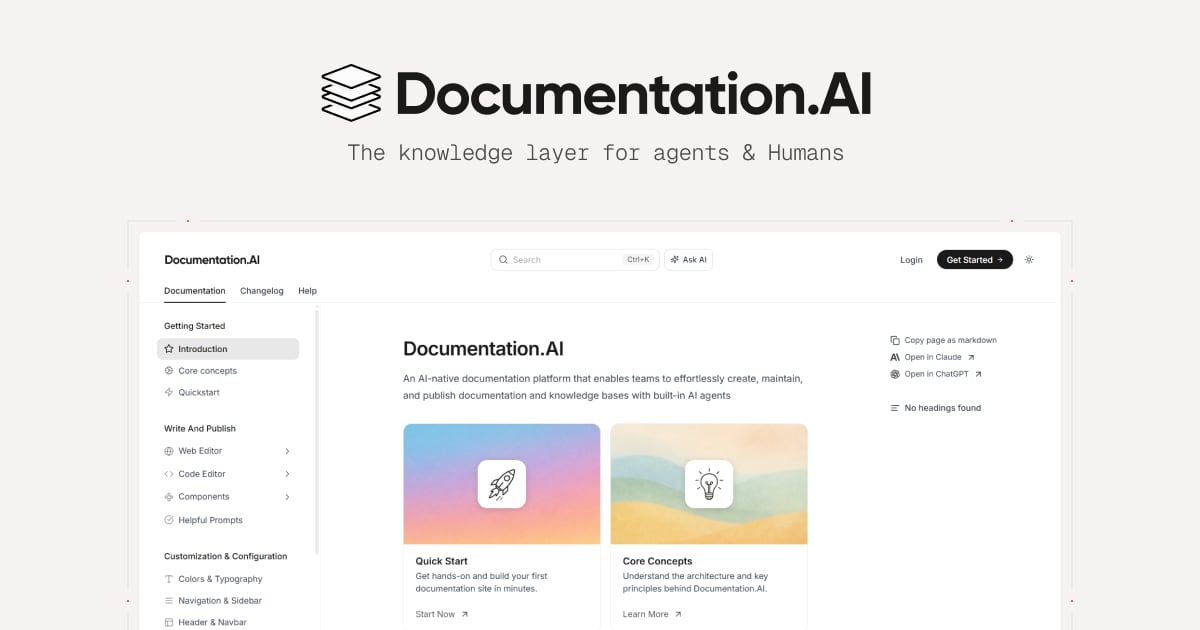
Documentation.AI product interface.
Documentation.AI is an AI-native platform designed to keep documentation alive as products evolve. It targets teams where documentation ownership is shared across developers, product managers, and support staff.
AI Agent for Continuous Maintenance
Documentation.AI’s standout feature is its AI Documentation Agent. Unlike basic writing assistants, this agent can generate entire documentation structures, suggest reorganizations, and help maintain content over time. It works directly within a visual editor, so non-technical contributors can accept or refine changes without touching code. This reduces the drift between product updates and stale documentation—a common pain point for fast-moving teams.
Flexible Workflows for Mixed Teams
The platform offers two onboarding paths: a Quick Setup using a web editor with no GitHub required, and a Developer Flow that syncs with a repository for docs-as-code workflows. This dual approach means developers retain control when they want it, while product managers and support teams can edit and restructure content visually. Navigation changes are reflected live, eliminating the need to manually edit configuration files.
Ask AI for User Self-Service
Documentation.AI embeds an AI assistant called Ask AI directly into published docs. Users ask questions and receive instant, cited answers drawn from the documentation. This feature actively reduces support tickets and accelerates onboarding. The platform also supports MCP servers, allowing AI agents to connect documentation with external tools and live product context.
For teams evaluating how Documentation.AI compares specifically to Mintlify, the detailed Documentation.AI vs Mintlify analysis provides deeper insights into real-world usage differences.
Where Mintlify Excels
Mintlify product interface.
Mintlify is a polished, developer-centric platform that has earned trust among engineering-led organizations. It powers documentation for companies like Anthropic, Coinbase, and HubSpot.
Docs-as-Code with Deep GitHub Integration
Mintlify’s workflow revolves around Git and Markdown/MDX. Developers manage documentation directly from their IDE, and changes are deployed through pull requests. This tight integration with GitHub makes it a natural fit for teams that treat documentation like code, with version control, preview deployments, and branch locking. For engineering teams already comfortable in this environment, Mintlify feels seamless.
AI-Native Features for Reading and Writing
Mintlify has invested heavily in AI. Its reader-facing assistant lets users chat with documentation to get immediate answers, while the writing agent creates pull requests with proposed changes based on prompts, Slack threads, or repository activity. The platform also optimizes content for AI agents by serving Markdown to LLMs, which reduces token usage and improves processing speed. A Visibility component lets authors tailor content separately for human readers and AI agents.
Agent-Native Knowledge Infrastructure
Mintlify positions itself as knowledge infrastructure for AI agents. It automatically hosts llms.txt and skill.md files, runs an MCP server for connecting documentation to AI tools, and offers Mintlify Index for retrieving context across publisher-maintained docs and the web. These capabilities make it a strong choice for organizations building agentic experiences on top of their documentation.
Pricing and Scalability Considerations

Mintlify product interface.
Pricing models differ significantly and often influence the final decision.
- HelpLook offers subscription plans from a free tier to enterprise-level pricing, with AI credits and scalable resources. This tiered approach allows small teams to start free and scale as usage grows.
- Documentation.AI provides a free plan and paid plans starting around $55 per month, with a Pro plan around $159 per month (billed yearly). This positions it as a more accessible option for teams that find Mintlify’s entry point steep.
- Mintlify offers a free plan for individuals or small experiments, but its Pro plan starts around $450 per month for team collaboration and advanced AI tools. Enterprise plans require custom pricing. AI agent and automation runs are metered as credits, which can add to costs as usage scales.
For teams prioritizing cost predictability, HelpLook and Documentation.AI offer more gradual scaling paths. For a broader pricing comparison across knowledge base platforms, our HelpLook vs Docsie vs Docmost guide provides additional context.
How to Choose Based on Your Team Structure
Your team’s composition is the most reliable predictor of which platform will work best.
Choose HelpLook if:
- Your primary goal is a customer-facing self-service portal or internal knowledge base.
- Content creators are non-technical and need a true no-code experience.
- You value built-in SEO, QR code access, and PDF downloads out of the box.
- You want integrated AI search and chatbot without third-party tools.
Choose Documentation.AI if:
- Documentation ownership is shared across developers, PMs, and support.
- You need AI to actively maintain and restructure documentation, not just assist with writing.
- You want a visual editor but also the option for Git-based workflows.
- Predictable, lower-entry pricing matters for your budget.
Choose Mintlify if:
- Your documentation is owned almost entirely by developers.
- You prefer a strict docs-as-code workflow with Git and MDX.
- You’re building agent-native experiences and need MCP server support.
- Your organization can absorb the higher starting price for advanced AI features.
Related reading
- HelpCenter.io vs DocsBot vs HelpLook: AI Knowledge Base Comparison - Compare HelpCenter.io, DocsBot, and HelpLook on AI search, pricing, ease of use, and core features. Find the best AI knowledge base for customer support in 2026.
- HelpLook vs Bloomfire vs GitBook: 2026 Comparison - Compare HelpLook, Bloomfire, and GitBook on AI search, knowledge management, pricing, and ease of use. Find the best fit for your team in 2026.
Sources and further reading
- AI-native documentation - Mintlify - Discover how AI-native features enhance reading, writing, and discovering your documentation with the assistant, agent, and MCP server.
- 5 Best Mintlify Alternatives for Documentation in 2026 - The best Mintlify alternatives in 2026. Compare Documentation.AI, GitBook, ReadMe, Docusaurus and more by pricing, AI automation and open-source options.
Frequently Asked Questions
Is there a free plan available for these platforms?
Yes, all three offer free plans. HelpLook provides a free tier with basic features. Documentation.AI has a free plan suitable for small projects. Mintlify offers a free plan for individual developers or small experiments, though advanced AI features require a paid plan.
Can non-developers use Mintlify effectively?
Mintlify has introduced a beta visual editor to improve accessibility for non-developers, but meaningful customization and structural changes still typically require working with Git and configuration files. For teams with many non-technical contributors, HelpLook or Documentation.AI will feel more accessible.
Which platform is best for reducing support tickets?
All three platforms help deflect tickets through self-service. HelpLook combines AI search with an integrated chatbot. Documentation.AI’s Ask AI provides cited answers directly in docs. Mintlify’s reader assistant offers similar capabilities but requires a paid plan and usage is metered.
Do these platforms support API documentation?
Mintlify and Documentation.AI both support API references and developer documentation workflows. HelpLook is more focused on knowledge base articles and help centers, though it can host technical content.
Final Verdict
HelpLook, Documentation.AI, and Mintlify serve distinct audiences with overlapping capabilities. HelpLook is the strongest choice for support-led teams that need a no-code, customer-facing knowledge base with integrated AI search and chatbot. Documentation.AI bridges the gap between technical and non-technical contributors with an AI agent that actively maintains documentation. Mintlify remains the gold standard for developer-first, docs-as-code teams building agent-native knowledge infrastructure.
Align your choice with who will own the documentation, how they prefer to work, and what you need the documentation to accomplish—whether that’s deflecting support tickets, onboarding developers, or powering AI agents.