
HelpLook vs HelpCenter.io vs KnowledgeBase: Which AI Knowledge Base Is Right for You?
Choosing an AI-powered knowledge base can dramatically cut support tickets and give your customers instant answers. Three tools often come up in the search: HelpLook, HelpCenter.io, and KnowledgeBase. Each takes a different approach to self-service, from contextual widgets to AI-generated articles. This comparison details their strengths so you can decide based on your team’s priorities—whether that’s flexible AI models, frictionless setup, or built-in integrations with a broader help desk suite.
Round 1: AI-Powered Search and Chatbot Capabilities

KnowledgeBase product interface.
A knowledge base is only as good as the answers it surfaces. All three platforms now embed AI to move beyond keyword matching.
HelpCenter.io: Contextual Suggestions That Keep Users in Flow
HelpCenter.io’s AI Widget is a standout. It reads the page a visitor is on and proactively suggests relevant articles from your knowledge base. No need for the customer to open a separate widget—the help appears inline, keeping them on your pricing page or checkout. All AI answers are grounded strictly in your own published articles, never pulled from the open web. This makes it especially valuable for ecommerce and SaaS teams that want to reduce friction without interrupting the user journey.
KnowledgeBase: AI-Generated Articles and Instant QuickAnswers
KnowledgeBase brings AI directly into content creation. It can generate entire articles, titles, and keywords, which speeds up the writing process for busy support teams. Its QuickAnswer feature delivers tailored, real-time responses to customer queries, and everything lives inside a centralized knowledge base. If you already rely on LiveChat, ChatBot, or HelpDesk, KnowledgeBase slots in natively to give agents and customers the same AI-powered answers.
HelpLook: Multi-Model AI That Adapts to Your Stack
HelpLook’s advantage in AI is choice. While other platforms tie you to a single AI provider, HelpLook natively integrates with OpenAI, ERNIE Bot, and Azure. This gives teams flexibility to select the model that best fits their data policies, language needs, or performance benchmarks. The AI powers both a smart search bar and an embeddable chatbot, and usage is metered through AI credits, so you scale costs predictably. According to user data, 91% of questions are resolved without escalation when HelpLook’s AI chatbot is active.
Round 2: Content Creation and Customization

HelpLook product interface.
How you build your help center matters as much as what it contains. The three tools take different approaches to editing and design.
HelpCenter.io: Drag-and-Drop, No-Code Visual Editor
HelpCenter.io shines in simplicity. You start from a template, restyle it in a live editor, and publish without code. The editor gives a real-time preview, drag-and-drop components, and the ability to embed dynamic FAQs anywhere on your website. Make an update in HelpCenter.io, and every embedded FAQ instance stays current. For teams that want a polished, branded help center without waiting on a sprint, this is a compelling option.
KnowledgeBase: AI-Assisted Article Writing
Where KnowledgeBase adds unique value is in content generation. You can have the AI draft articles, suggest titles, and even optimize keywords—turning what is often a manual chore into a guided process. The platform supports both internal and external knowledge bases and provides customizable help center layouts. If your team writes a high volume of support content, this AI assistance can save hours every week.
HelpLook: Versatile Content Types and Rich Customization
While HelpLook supports a clean WYSIWYG editor, its edge lies in versatility. Not only can you create classic knowledge base articles, but also product manuals, enterprise blogs, and FAQs—all from the same platform. It supports Markdown for those who prefer it, and offers QR code access and PDF downloads for offline or physical distribution. Real-time collaboration lets teams work on articles together, and deep branding options—including custom domains, SEO optimization, and a homepage builder—give you full control over the customer-facing portal. For organizations managing multiple content formats beyond a simple FAQ, this breadth reduces the need for extra tools.
Round 3: Self-Service and Support Experience
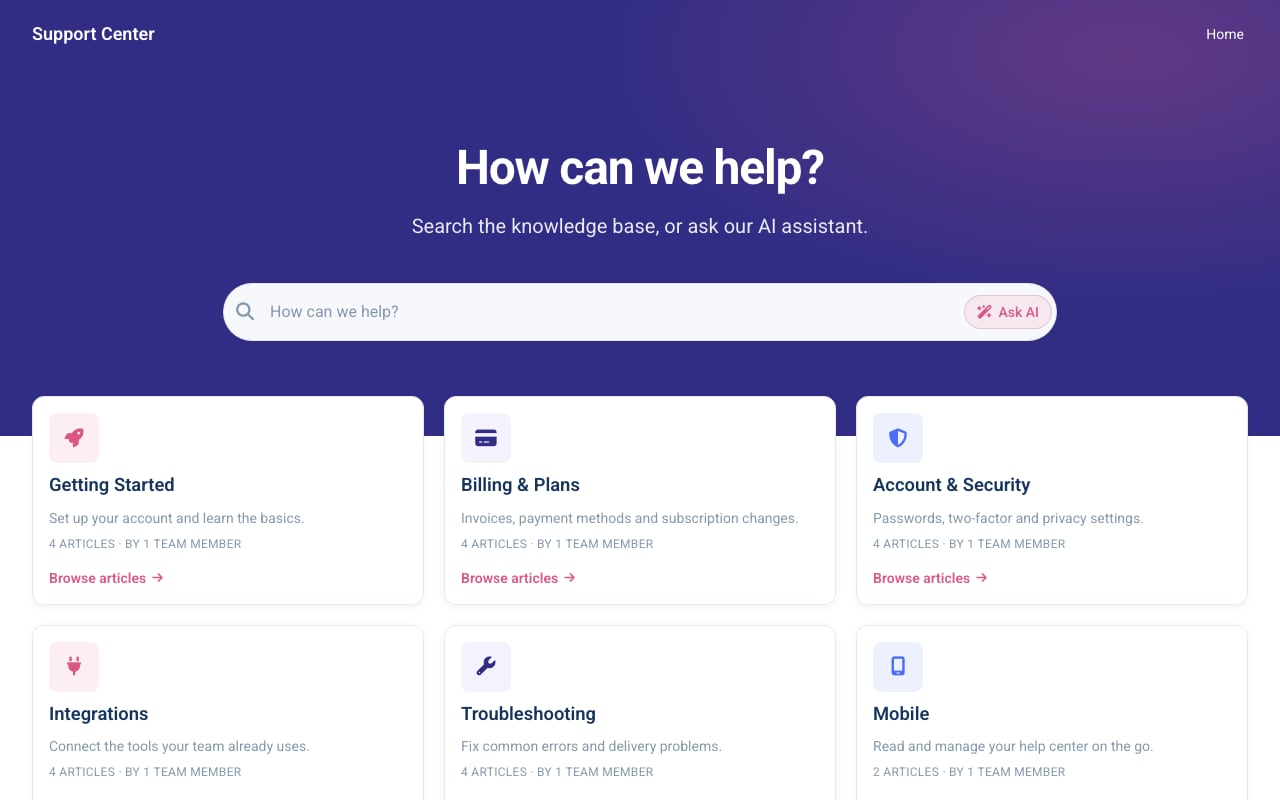
Aurora Support help center template.
How each tool reduces support workload tells you a lot about its philosophy.
HelpCenter.io: Analytics That Link Content to Tickets
HelpCenter.io treats your help center as a user-research channel. Its analytics show not just searches, but where reading ends and support tickets begin. You can see, per topic, whether self-service resolved the issue or if the user still contacted support. Failed searches create a backlog that points to content gaps—or even product UX problems. The result: you know exactly which articles to improve and which features to fix.
KnowledgeBase: Speed for Agents and Customers
KnowledgeBase focuses on giving agents lightning-fast access to information. Because it integrates tightly with LiveChat and HelpDesk, an agent can pull up the right article mid-conversation without switching tools. For customers, the AI QuickAnswer resolves queries before they even reach an agent. This dual use—external self-service plus internal agent support—makes it appealing for teams that already operate within the Text, Inc. ecosystem.
HelpLook: Data-Driven Gap Identification and Portal Analytics
HelpLook’s analytics are built to inform ongoing content strategy. Detailed reports uncover not only which articles get the most views, but what users are searching for and where the knowledge base falls short. Combined with real-time collaboration, this allows teams to close those gaps quickly. The platform also tracks AI chatbot performance, giving you a direct line of sight into how many inquiries are deflected before they ever reach a human. For businesses that want to continuously optimize self-service based on behavioral data, these insights translate directly into lower support costs.
Round 4: Integrations and Ecosystem
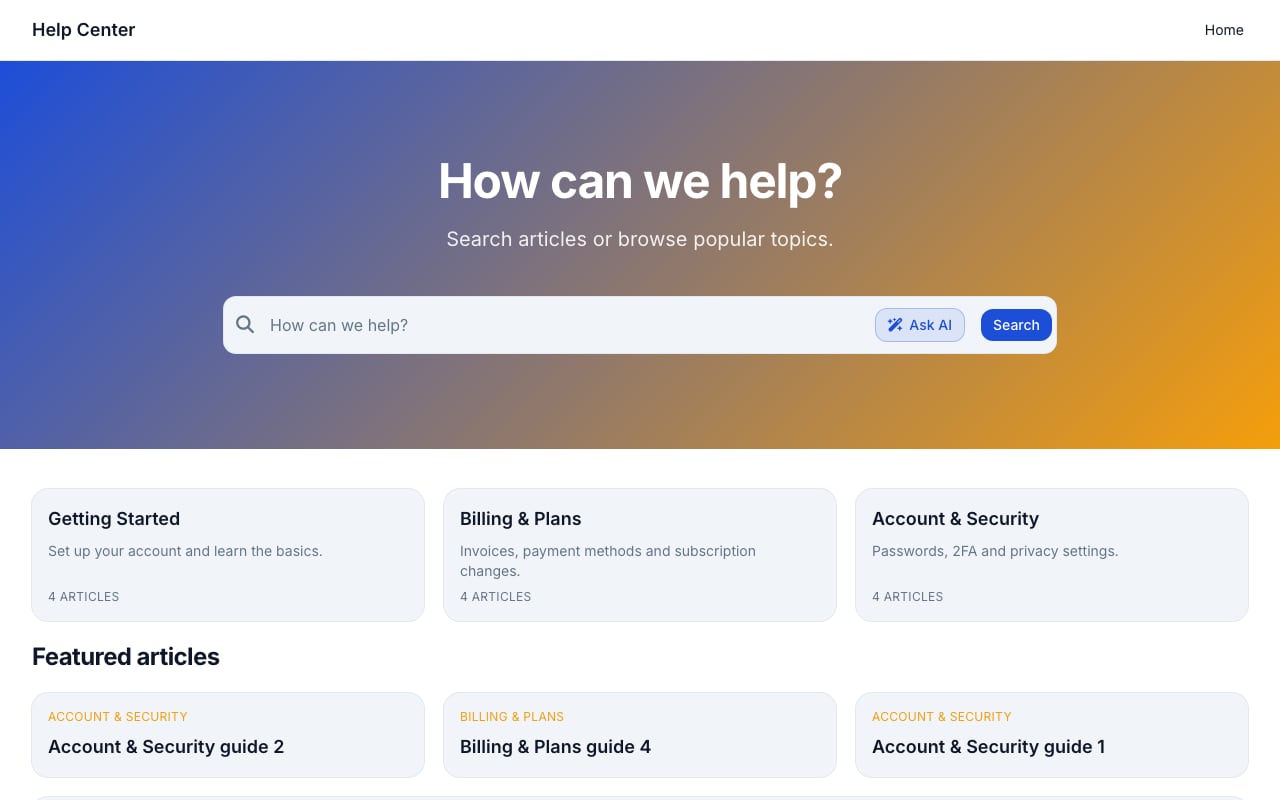
Support Classic help center template.
No knowledge base lives in isolation. Consider how each product connects to your existing workflow.
HelpCenter.io: Seamless Import from Major Help Desks
Transitioning to a new knowledge base can be painful. HelpCenter.io mitigates that with one-pass import from Zendesk, Intercom, or Notion. If you’re migrating away from a legacy help desk, you can bring your articles over without manual copying. It also supports webhooks and common integrations, though its strength is really in making the initial move painless.
KnowledgeBase: Native Integration with LiveChat, ChatBot, and HelpDesk
If you already use products from Text, Inc., KnowledgeBase fits into your stack instantly. A customer chatting via LiveChat gets article suggestions pulled directly from the knowledge base. A support agent in HelpDesk sees the same content. This tight connection creates a unified experience and reduces the training burden on teams who already know the parent ecosystem.
HelpLook: Open Ecosystem and Enterprise-Grade Security
Where HelpLook has an advantage is its open integration philosophy and security posture. The platform allows you to bind your HelpLook content site or AI chatbot across multiple third-party channels, not just a predefined list. It also holds ISO/IEC 27001 certification, uses TLS encryption, and provides daily backups. For industries with strict compliance requirements or teams that need to embed knowledge into custom apps, this openness and security is a significant differentiator. You can see how these kinds of capabilities compare across other leading platforms in our Top 10 AI Knowledge Base & Help Desk Software in 2026 guide.
Round 5: Pricing and Scalability
Cost predictability matters, especially as your user base grows.
HelpCenter.io: Flat-Rate with Unlimited Viewers
Plans start at $29 per month, and all tiers include unlimited viewers. That means you don’t pay more as your knowledge base serves more customers—a welcome change from per-seat pricing models. With a 14-day free trial and no credit card required, it’s easy to test before committing.
KnowledgeBase: Free Trial with Text, Inc. Backing
KnowledgeBase offers a 14-day free trial, also without a credit card. While official pricing isn’t always publicly listed, being backed by Text, Inc. gives it the resources of a company serving tens of thousands of businesses. Expect scale-ready infrastructure if you’re already in that ecosystem.
HelpLook: Generous Free Tier and AI Credits
HelpLook takes a different approach by offering a free tier that lets small teams get started at no cost. Paid subscriptions then layer on AI credits and scalable resources, so you pay in proportion to your usage. This tiered model—combined with the ability to create multiple types of content under one roof—makes it particularly attractive for startups and enterprises alike. Over 10,000 global brands use HelpLook today, which speaks to its ability to scale economically. For a deeper dive into how HelpLook stacks up against other tools on pricing and content versatility, check out our HelpLook vs Helpjuice vs Stonly comparison.
Which One Should You Choose?
Your specific needs will determine the best fit:
- Choose HelpCenter.io if your priority is a super-fast, no-code setup with contextual help that meets customers on the page they’re already viewing. The AI Widget and embedded dynamic FAQs are excellent at keeping users in flow, and the flat-rate pricing with unlimited viewers is ideal for high-traffic public help centers. You can explore its features directly on HelpCenter.io.
- Choose KnowledgeBase if you already use LiveChat, ChatBot, or HelpDesk and want a knowledge base that plugs right into that environment. The AI-assisted content creation is a bonus for teams that produce a lot of articles. The unified ecosystem makes support more seamless.
- Choose HelpLook if you need a versatile platform that goes beyond a simple knowledge base—handling product manuals, blogs, internal wikis, and more—while giving you the flexibility to pick your AI model (OpenAI, ERNIE, Azure). It’s also the strongest choice for teams that require enterprise security certifications, real-time collaboration, and deep analytics to continuously improve self-service.
A detailed side-by-side look at HelpLook and other top alternatives is available on Slashdot’s HelpCenter.io vs HelpLook comparison. For a broader view of how different AI knowledge base platforms perform in areas like developer docs and SEO, see our HelpLook vs GitBook vs KnowledgeOwl analysis.
Related reading
- HelpLook vs Document360 vs Mintlify: 2025 Comparison Guide - See how HelpLook, Document360, and Mintlify compare on AI search, ease of use, developer docs, pricing, and more. Find the best knowledge platform for your team.
- HelpLook vs Archbee vs DocsBot: AI Knowledge Base Showdown 2025 - Compare HelpLook, Archbee, and DocsBot for AI knowledge bases, documentation, and customer support. See which fits your team’s self-service and chatbot needs.
Sources and further reading
- Customize and Optimize Your AI-Powered Knowledge Base - HelpLook is a tool for quickly building a free help desk and knowledge base system, providing comprehensive support and assistance for your products. Help you create product manuals, blogs, FAQs, user guides, troubleshooting, and other content without coding, solving various problems for your users. By using HelpLook, you can add SEO optimized keywords to your official product website, helping more users discover and utilize your product. The fast, simple, and free user experience allows you to focus on product development and operations without worrying about the construction of the help center and knowledge base.
Frequently Asked Questions
Can I use these tools to create both public and internal knowledge bases?
Yes. HelpCenter.io and KnowledgeBase primarily target external customer-facing help centers, but both support access controls for internal content. HelpLook is explicitly designed for multiple use cases, including internal knowledge bases, customer self-service portals, e-commerce manuals, and corporate blogs—all managed from a single dashboard.
Which platform offers the best AI search experience?
It depends on what you’re optimizing for. HelpCenter.io excels at contextual, proactive suggestions through its AI Widget, which reads the page and recommends articles. KnowledgeBase provides instant AI-generated QuickAnswers and can also generate article content. HelpLook gives you a choice of AI models (OpenAI, ERNIE Bot, Azure) to power both search and a chatbot, making it the most flexible if you have specific AI requirements.
Do any of these tools support multi-language knowledge bases?
HelpCenter.io provides multi-language support so you can serve customers in their own language. KnowledgeBase and HelpLook also support multiple languages for articles and the help center interface. Among the three, HelpLook additionally offers SEO optimization on a per-language basis, which can help your content rank better in regional search engines.
How hard is it to migrate from another knowledge base?
HelpCenter.io makes migration straightforward with direct importers for Zendesk, Intercom, and Notion. KnowledgeBase and HelpLook both offer import capabilities, but if you’re coming from a major help desk, HelpCenter.io’s one-pass imports are a clear time-saver. Always check for the specific import format you’ll need.
Is there a free plan?
All three offer a free trial. HelpCenter.io gives you 14 days with no credit card required. KnowledgeBase also has a 14-day free trial. HelpLook goes further by offering a permanent free tier, which lets you launch a basic knowledge base before deciding whether to upgrade.
Conclusion
HelpLook, HelpCenter.io, and KnowledgeBase each solve self-service differently. HelpCenter.io wins on ease of setup, visual editing, and contextual AI that keeps customers on your site. KnowledgeBase fits naturally into the Text, Inc. product family and boosts content creation with AI. HelpLook stands out when you need a broad content platform with multi-model AI, enterprise security, and the analytics to prove self-service ROI. Match the tool to your team’s workflow, and you’ll see faster setups, fewer support tickets, and happier customers.