
HelpLook vs GitBook vs KnowledgeOwl: Which AI Knowledge Base Should You Choose?
Choosing between HelpLook, GitBook, and KnowledgeOwl isn't just about features—it's about which platform truly fits your team's documentation DNA. Developers want Git sync and API rendering. Support teams need a no‑fuss help center that deflects tickets. Business leaders crave AI that answers questions before a human even reads the article. This comparison cuts through the noise so you can match your most urgent needs to the right tool.
GitBook vs KnowledgeOwl: Where Each One Shines

HelpLook vs GitBook vs KnowledgeOwl: 2025 AI Knowledge Base Comparison product interface and feature overview.
Before bringing HelpLook into the picture, let’s look at what the two substitutes do best—objectively, without marketing spin.
GitBook – Built for Developer Documentation
GitBook is the first choice for engineering teams that treat docs like code. Its core DNA revolves around Git‑based workflows, Markdown editing, and a publishing pipeline that feels familiar to any developer.
- Docs‑as‑code that actually works: Local Git sync, change requests modeled on pull requests, and native OpenAPI rendering make API references a first‑class citizen.
- AI that understands code: The built‑in AI Assistant can summarize, rewrite, and generate content. With MCP (Model Context Protocol) support on higher plans, GitBook positions itself as the knowledge layer for AI agents.
- Enterprise readiness: SOC 2 Type II, ISO 27001, GDPR compliance, and SSO at lower plan tiers give InfoSec teams confidence.
If your primary audience is developers consuming API docs, SDK references, or technical guides, GitBook is purpose‑built for that workflow. However, non‑technical content teams often find the rigid Git workflow and Markdown requirement a barrier. And if you need native multilingual help centers, GitBook doesn’t offer multi‑language support or auto‑translation.
KnowledgeOwl – The Support Team’s Secret Weapon
KnowledgeOwl takes the opposite approach: give non‑technical teams a friendly WYSIWYG editor and fanatical support, so they can publish polished help centers fast.
- Typo‑tolerant search that actually finds stuff: Users can misspell and still get the right answer—a huge win for customer‑facing knowledge bases.
- Granular reader access controls: Article‑level permissions, reader groups, and private sections let you manage who sees what without complexity.
- White‑glove migration and onboarding: Every plan includes hands‑on data migration and recurring 1:1 onboarding calls. With a 90+ NPS sustained for five years, the service stands out.
- Custom branding, no developer needed: Hand‑editable HTML themes, snippets, glossary, and PDF export—all without touching a repo.
KnowledgeOwl is a strong choice for call centers, healthcare, credit unions, and any team where deep domain knowledge lives with support agents, not developers. The trade‑offs: its AI capabilities are still catching up, multi‑language requires separate knowledge bases (and separate billing), and SSO/API access demands the $999/month Enterprise tier.
Where HelpLook Outperforms Both

HelpLook vs GitBook vs KnowledgeOwl: 2025 AI Knowledge Base Comparison product interface and feature overview.
Now that we’ve seen what GitBook and KnowledgeOwl do well, let’s introduce HelpLook where it holds a clear advantage. HelpLook is an all‑in‑one AI knowledge base that bridges the gap between developer‑grade tooling and support‑team simplicity, while adding powerful AI search and multilingual capabilities neither substitute fully matches.
AI That Goes Beyond a Simple Chat Widget
HelpLook integrates with multiple AI models—including OpenAI, ERNIE Bot, and Azure—to power a complete self‑service experience. The HelpLook AI component offers:
- An AI‑powered search bar that understands intent and retrieves the most relevant article, not just keyword matches.
- An intelligent chatbot that can answer follow‑up questions, generate content summaries, and even personalize responses based on user behavior.
- Automated article tagging and content suggestions that keep your knowledge base organized as it grows.
GitBook’s AI Assistant is useful for generation and rewrites, but its chatbot capabilities are more limited. KnowledgeOwl offers AI article creation and a chatbot, but the underlying search intelligence and multi‑model flexibility lag behind. For companies that want AI to actively reduce support tickets—not just help authors write faster—HelpLook provides a more comprehensive solution.
All‑in‑One Versatility Beyond Documentation
HelpLook isn’t just a documentation platform. The four core components—Portal, Site, Widget, and HelpLook AI—let you create multiple self‑service assets from a single hub:
- Customer‑facing help centers
- Internal knowledge bases for employee onboarding or SOPs
- E‑commerce product manuals
- Enterprise blogs or news centers
Both GitBook and KnowledgeOwl focus on narrower use cases: GitBook on tech docs, KnowledgeOwl on help centers. HelpLook gives you the flexibility to serve multiple departments without switching tools, all within a no‑code environment.
Native Multilingual Support Made Simple
If you serve a global audience, multilingual documentation is non‑negotiable. GitBook currently lacks built‑in multi‑language support. KnowledgeOwl’s workaround—creating a separate knowledge base for each language—works but fragments your content and multiplies costs.
HelpLook offers integrated multilingual support that keeps all languages under one roof. You can manage translations, maintain a consistent brand experience, and let the AI search surface results in the reader’s language automatically. No separate billing, no duplicated effort.
Built‑in SEO Optimization for Public Help Centers
A help center is only useful if people find it. HelpLook includes SEO‑optimization tools out of the box: custom meta tags, clean URL structures, sitemap generation, and fast‑loading pages. While GitBook sites can be indexed, they require extra setup and lack dedicated SEO features. KnowledgeOwl provides basic SEO options, but HelpLook’s deeper, automated optimization gives you a head start on organic visibility.
Balanced Pricing Without Feature Gating
HelpLook provides a free starter plan, and its paid tiers scale predictably—without locking essential capabilities like AI search, SSO, or API access behind a top‑tier plan. GitBook’s $65/site custom domain fee can surprise growing teams, and KnowledgeOwl’s $999/month Enterprise gate for SSO and API access often penalizes mid‑size businesses. For teams that need enterprise‑grade features without enterprise‑grade shock, HelpLook’s pricing is often the more transparent choice.
Which Tool Matches Your Team? A Quick Decision Guide
HelpLook vs GitBook vs KnowledgeOwl: 2025 AI Knowledge Base Comparison product interface and feature overview.
- Choose GitBook if you’re a product or engineering team that lives in GitHub, needs flawless API documentation, and already relies on docs‑as‑code workflows. GitBook’s version control, Git sync, and OpenAPI rendering are developer‑gold.
- Choose KnowledgeOwl if you’re a support or success team that values hand‑holding, typo‑tolerant search, and granular reader controls above all else. The white‑glove migration and sustained high NPS tell a story of genuine customer commitment.
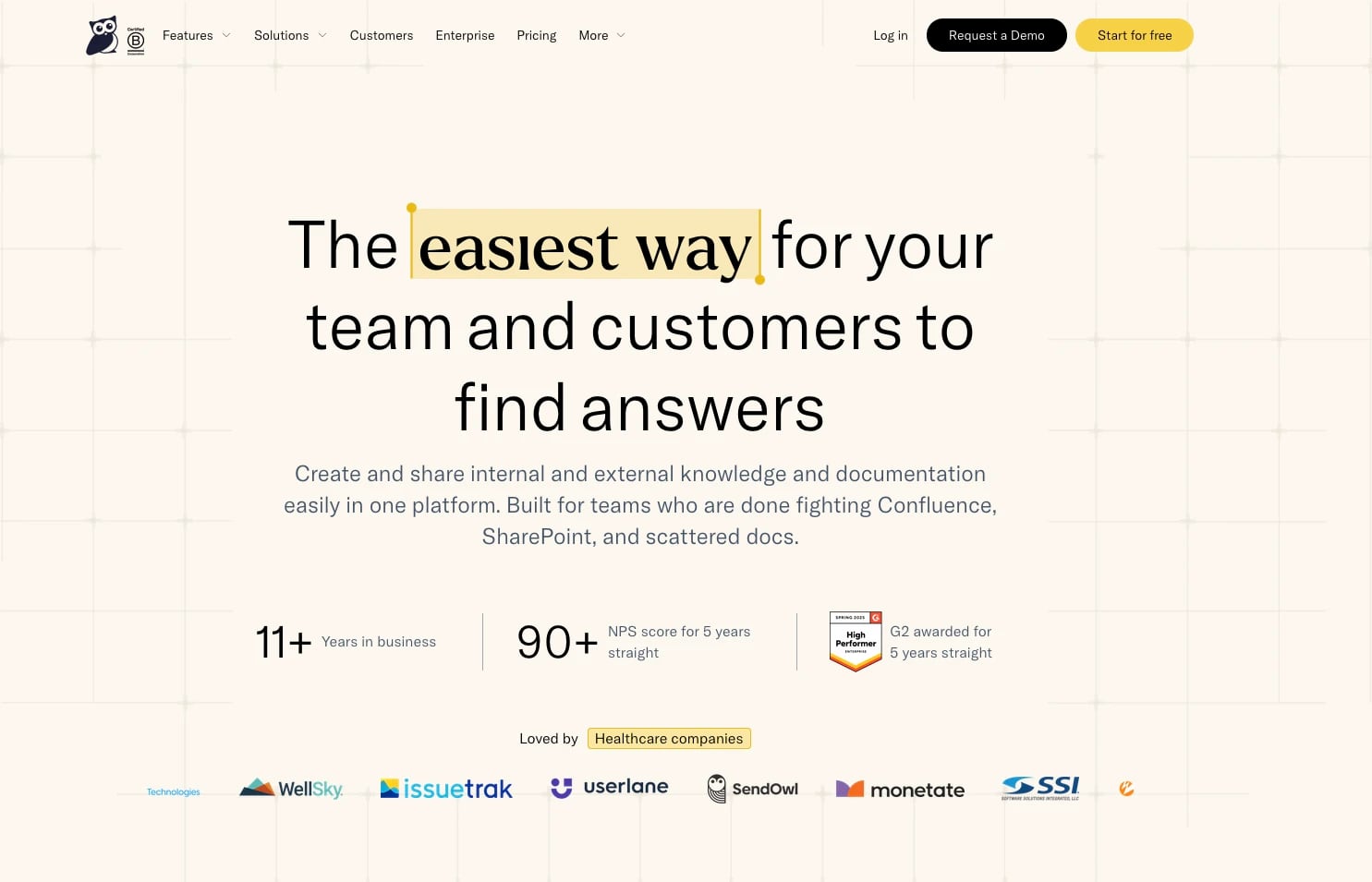
- Choose HelpLook if you need an AI‑first, multilingual platform that handles multiple content types (help center, internal KB, manuals, blogs) without coding. HelpLook’s integrated AI search and chatbot, native multi‑language support, and SEO tools give it the edge for growing businesses that want to deflect tickets and empower users from day one.
Related reading
- HelpLook vs Helpjuice vs Archbee: AI Knowledge Base Comparison (2025) - Compare HelpLook, Helpjuice, and Archbee on AI search, pricing, SEO, collaboration, and unique use cases. Find the best AI knowledge base for your team's needs.
- HelpLook vs Bloomfire vs Docmost: 2025 Comparison Guide - Compare HelpLook, Bloomfire, and Docmost on AI search, ease of use, deployment, pricing, and security. Find the best knowledge base or wiki for your team.
Sources and further reading
- GitBook vs KnowledgeOwl (2026): Which Is Better? | Docsie - GitBook vs KnowledgeOwl: compare features, pricing, and use cases to find the best documentation tool—or discover a stronger alternative.
- Knowledge base comparisons and alternatives | HelpDocs - Honest, side-by-side comparisons of HelpDocs versus Document360, Intercom, Notion, Zendesk, and more, across features, real pricing, and migration.
- GitBook vs. KnowledgeOwl Comparison 2026 - GitBook vs. KnowledgeOwl Comparison 2026G2https://www.g2.com › ... › GitBook › KnowledgeOwlG2https://www.g2.com › ... › GitBook › KnowledgeOwlWhen assessing the two solutions, reviewers found GitBook easier to use, set up, and administer. However, reviewers preferred doing business with KnowledgeOwl
FAQ
Q: Can GitBook or KnowledgeOwl support a public AI chatbot like HelpLook's? GitBook includes an AI Assistant mainly for authoring and Q&A; it’s not a standalone public chatbot. KnowledgeOwl offers an AI chatbot, but its intelligence and multi‑model support are more limited than HelpLook's dedicated AI search and chatbot that integrate with OpenAI, ERNIE Bot, and Azure.
Q: Does HelpLook offer a free plan, and what's included? Yes, HelpLook provides a free starter plan that allows you to build a knowledge base with core features. Paid plans unlock higher usage limits, custom domains, and advanced AI capabilities. For more on how HelpLook compares on pricing and features, see our HelpLook vs Document360 vs KnowledgeOwl comparison.
Q: Which platform is easiest for non‑technical authors? KnowledgeOwl and HelpLook both prioritize no‑code editing with WYSIWYG interfaces. GitBook requires comfort with Markdown and Git concepts. Between the two easy‑use options, HelpLook adds more built‑in AI assistance and multilingual management without extra setup.
Q: I need both API docs and a customer help center. Can one tool handle both? GitBook excels at API docs, while KnowledgeOwl is purpose‑built for help centers. HelpLook’s versatility allows you to create a help center, internal documentation, and even product manuals—all within one platform. While it may not replace a dedicated developer documentation portal like GitBook for pure API references, it covers the broadest set of use cases under one roof.
Q: How does HelpLook compare directly to GitBook in AI capabilities? For a head‑to‑head comparison, read our HelpLook vs GitBook vs DocsBot analysis. It breaks down AI search, content generation, and chatbot features across the three tools.
The Bottom Line
HelpLook vs GitBook vs KnowledgeOwl: 2025 AI Knowledge Base Comparison product interface and feature overview.
GitBook and KnowledgeOwl are each excellent in their lanes—developer docs and support‑led help centers, respectively. HelpLook enters the picture when you need a single platform that marries powerful AI search, genuine multilingual support, and the flexibility to create more than just one type of content. It’s not always about beating the alternatives on every metric; it’s about not needing two or three different tools to get the job done. For thousands of businesses already using HelpLook, that all‑in‑one approach is the difference that matters.
Ready to explore further? Compare how HelpLook stacks up against more alternatives in our HelpLook vs Documentation.AI vs GitBook guide.