
HelpLook vs KnowledgeBase vs Docsie: Which AI Knowledge Base Fits Your Team in 2026?
Choosing an AI knowledge base is no longer just about hosting articles. The right platform now determines how fast customers find answers, how much time agents save, and whether your documentation stays accurate as products change. HelpLook, KnowledgeBase, and Docsie all promise AI-powered self-service, but they approach the problem from different angles. This comparison breaks down where each platform excels, where they diverge, and which one matches your support or documentation workflow.
Quick Verdict: How the Three Platforms Differ
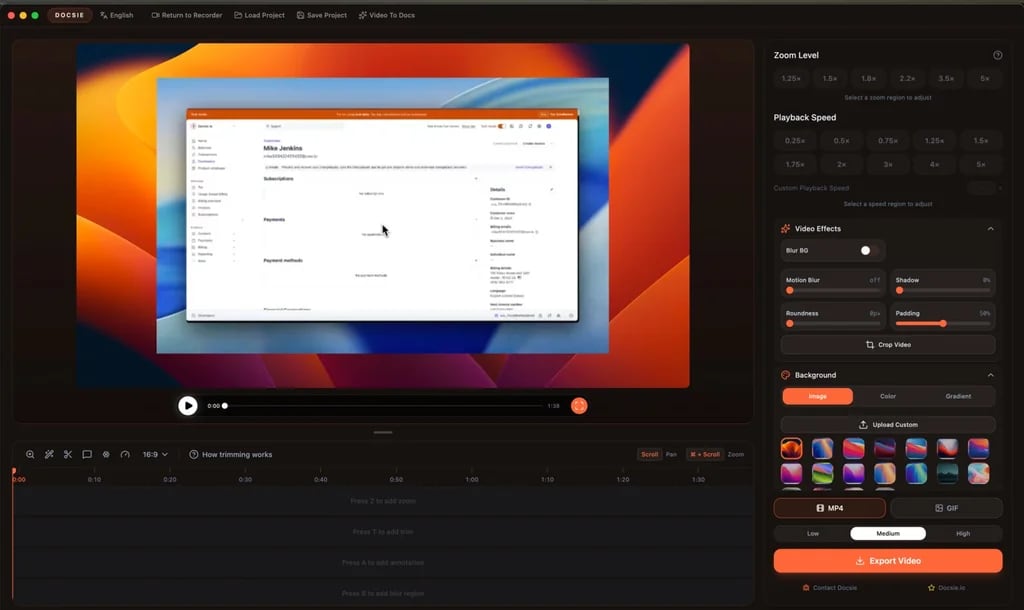
Docsie product interface.
Before diving into details, here is the short version:
- KnowledgeBase is built for support teams that already live inside the Text ecosystem (LiveChat, ChatBot, HelpDesk). Its QuickAnswer feature and AI-generated articles make it a strong fit for reducing ticket volume fast.
- Docsie is a documentation-first platform with deep version control, translation, and video-to-docs capabilities. It suits product teams, compliance-heavy industries, and anyone managing complex, multi-language documentation.
- HelpLook positions itself as a no-code, AI-powered knowledge base and help desk hybrid. It emphasizes easy site building, SEO optimization, and integrated AI search and chatbot features for customer-facing and internal portals.
Each tool can serve as a knowledge base. The decision comes down to whether your priority is support automation, documentation governance, or a balanced self-service portal with strong branding controls.
Comparison at a Glance
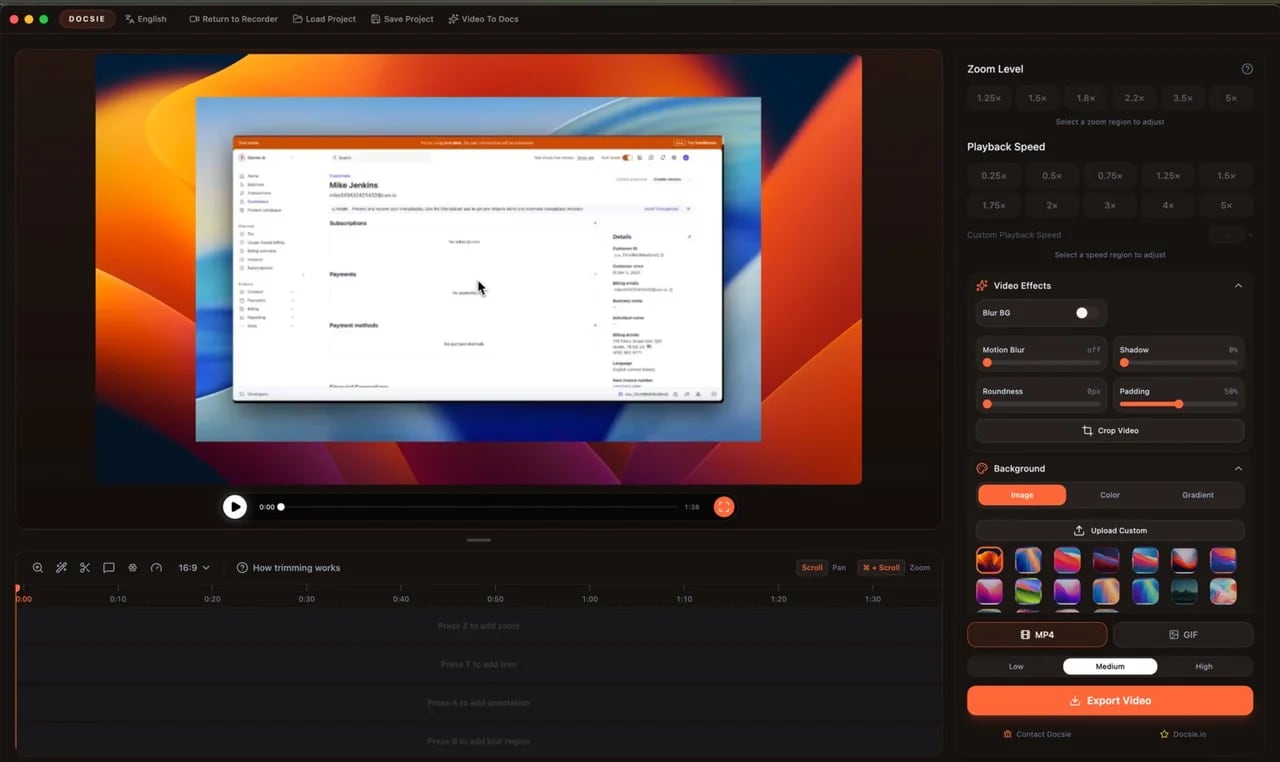
Docsie product interface.
| Criteria | HelpLook | KnowledgeBase | Docsie |
|---|---|---|---|
| Primary focus | AI knowledge base + help desk | AI support self-service | AI documentation & training |
| No-code content creation | Yes | Yes | Yes |
| AI search / chatbot | Yes | Yes (QuickAnswer) | Yes (AI chatbot, semantic search) |
| Custom branding | Yes | Yes | Yes |
| Multi-language translation | Supported via AI integrations | Not a headline feature | Yes, 40+ languages |
| Version control | Not a headline feature | Not a headline feature | Yes, strong versioning |
| Video-to-docs conversion | Not a headline feature | Not a headline feature | Yes |
| Ecosystem integrations | OpenAI, ERNIE Bot, Azure | LiveChat, ChatBot, HelpDesk | Broad API, SSO, webhooks |
| Free tier / trial | Free tier available | 14-day free trial, no credit card | Free trial available |
KnowledgeBase: Built for Support Teams That Want Speed
KnowledgeBase, backed by Text, Inc., is designed for one job: reducing support workload through self-service. Its tight integration with LiveChat, ChatBot, and HelpDesk makes it a natural extension of an existing Text-powered support stack.
Where KnowledgeBase Shines
AI-generated articles from real conversations. One of KnowledgeBase's standout features is the ability to generate help articles, titles, and keywords automatically. Support teams can turn recurring customer questions into polished articles without starting from a blank page.
QuickAnswer for instant responses. The AI-powered QuickAnswer feature delivers tailored answers directly to customers, pulling from your knowledge base. This reduces the need for customers to browse article lists and lowers ticket volume at the source.
Multiple knowledge bases under one roof. Teams managing several products, brands, or audiences can create internal and external knowledge bases separately, keeping content organized without juggling multiple tools.
Who Should Choose KnowledgeBase
KnowledgeBase is ideal for support teams that:
- Already use LiveChat, ChatBot, or HelpDesk and want a native knowledge base integration.
- Want AI to draft articles based on real support interactions.
- Need to launch a self-service portal quickly with minimal setup friction.
The 14-day free trial with no credit card requirement makes it easy to test whether the Text ecosystem fits your workflow.
Docsie: The Documentation Powerhouse for Complex Content
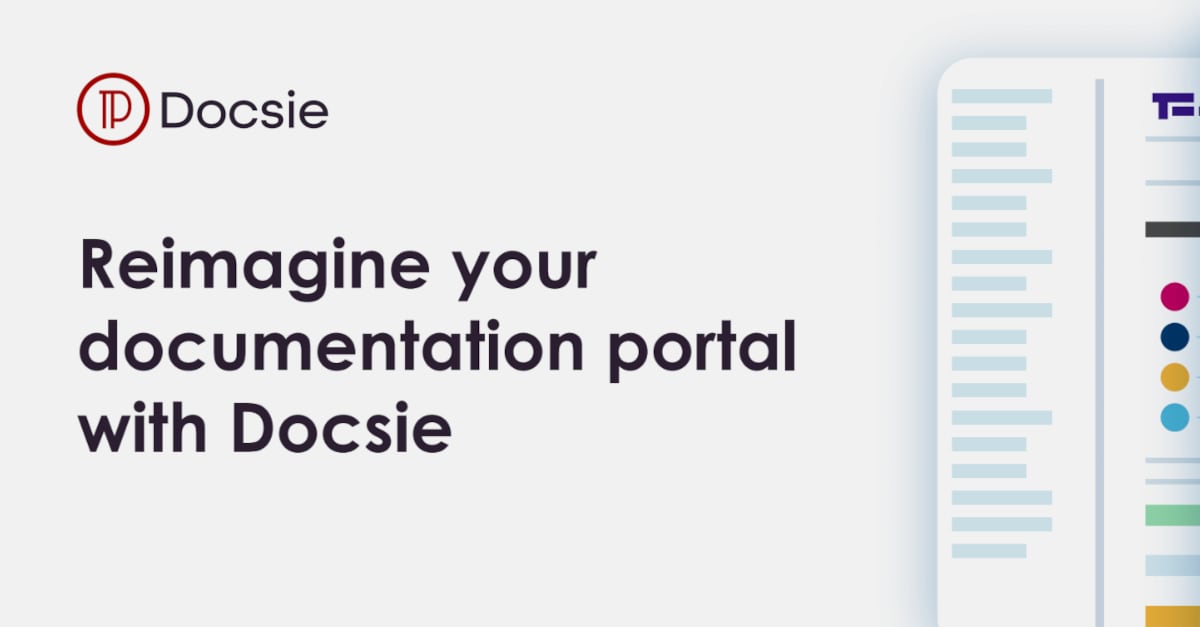
Docsie product interface.
Docsie approaches knowledge management from a documentation and training perspective. It transforms raw content—videos, PDFs, SOPs, workflow captures—into structured, versioned, translatable documentation. This makes it especially appealing to product teams, manufacturers, energy companies, and compliance-driven organizations.
Where Docsie Shines
Video-to-docs conversion. Docsie can turn training recordings and workflow captures into onboarding guides and help center articles. This is a differentiator for teams that produce a lot of video content but struggle to convert it into searchable documentation.
Version control and approval workflows. For regulated industries or fast-moving product teams, Docsie's versioning, review, and approval features provide governance that basic knowledge base tools lack. You can track changes, approve content, and publish with confidence.
Multi-language translation at scale. Docsie supports translation into 40+ languages, making it a strong candidate for global companies that need consistent documentation across markets.
AI credit pricing model. Instead of charging per seat for every viewer or contributor, Docsie uses an AI credit model. Growing teams that need many contributors but not unlimited AI generation may find this more cost-effective than traditional per-seat pricing.
Who Should Choose Docsie
Docsie is the better fit for teams that:
- Manage complex, versioned documentation across multiple products or regions.
- Need to convert training videos and SOPs into structured knowledge content.
- Operate in compliance-heavy industries where approval workflows matter.
- Want to avoid per-seat pricing as their contributor base grows.
Docsie's 4.8-star rating from 100+ reviews and adoption by 1,000+ companies signal strong satisfaction among documentation-focused teams.
HelpLook: A No-Code Portal Builder with AI Search and Chatbot
HelpLook targets businesses that want a polished, branded self-service portal without engineering effort. Its no-code interface, SEO optimization, and AI-driven search and chatbot capabilities make it a practical choice for customer support knowledge bases, e-commerce product manuals, enterprise blogs, and internal wikis.
Where HelpLook Shines
No-code site building with branding control. HelpLook lets teams create a fully branded help center or knowledge portal without touching code. Custom domain support, site branding, and layout controls give non-technical teams ownership over the customer-facing experience.
SEO optimization built in. For businesses that rely on organic search to drive product discovery or reduce support inquiries, HelpLook's SEO features help knowledge articles rank and get found outside the support portal.
Flexible AI model integrations. HelpLook integrates with leading AI models including OpenAI, ERNIE Bot, and Azure. This flexibility lets teams choose the AI backend that fits their budget, language needs, or data residency requirements.
QR code access and PDF downloads. These distribution features are useful for physical product companies, field service teams, or any business that wants customers to access manuals and guides from packaging or offline contexts.
Who Should Choose HelpLook
HelpLook is a strong option for teams that:
- Want a customer-facing help center with strong branding and SEO without developer resources.
- Need both a knowledge base and basic help desk functionality in one platform.
- Prefer flexibility in choosing which AI model powers search and chatbot responses.
- Serve customers who access documentation via QR codes or offline PDFs.
For a deeper look at how HelpLook compares with other documentation tools, see our HelpLook vs Mintlify vs GitBook comparison and HelpLook vs Documentation.AI vs Document360 comparison.
Head-to-Head: Key Decision Criteria
Docsie free screen recorder interface.
AI Search and Chatbot Quality
All three platforms offer AI-powered search and chatbot capabilities, but the implementation differs:
- KnowledgeBase focuses on QuickAnswer, which delivers tailored responses directly in the support flow. Its strength is tight coupling with live chat and ticketing tools.
- Docsie offers semantic search and an AI chatbot trained on your structured documentation. Its strength is answering questions accurately from versioned, multi-language content.
- HelpLook provides AI-driven search and chatbot features with the flexibility to choose between OpenAI, ERNIE Bot, or Azure as the underlying model.
If your priority is reducing live chat volume, KnowledgeBase's QuickAnswer is compelling. If you need answers grounded in complex, versioned docs, Docsie's semantic search is the stronger fit. If you want model flexibility and a customer-facing portal, HelpLook is worth evaluating.
Content Creation Workflow
- KnowledgeBase accelerates article creation by generating drafts, titles, and keywords from AI. This is ideal for support teams that need to publish quickly.
- Docsie excels at transforming existing raw content—videos, PDFs, SOPs—into structured documentation. This is ideal for teams with a backlog of training material.
- HelpLook offers a no-code content creation interface that non-technical users can master quickly, with AI assistance for search and chatbot responses.
Pricing and Value
Pricing models differ significantly:
- KnowledgeBase offers a 14-day free trial with no credit card required. Pricing details are available on request or through the Text ecosystem.
- Docsie uses an AI credit model rather than strict per-seat pricing, which can be more economical for growing teams. Its starting price is around $39 per month on annual billing, according to SourceForge's Docsie listing.
- HelpLook offers subscription plans ranging from a free tier to enterprise-level pricing, with AI credits and scalable resources.
For teams watching budget, the free tier from HelpLook and the no-credit-card trial from KnowledgeBase lower the barrier to entry. Docsie's credit model may deliver better long-term value for documentation-heavy teams.
Integrations and Ecosystem
- KnowledgeBase integrates natively with LiveChat, ChatBot, and HelpDesk. If you already use Text products, this is a major advantage.
- Docsie offers API access, SSO, webhooks, and integrations suited to enterprise documentation workflows.
- HelpLook integrates with OpenAI, ERNIE Bot, and Azure, plus third-party integrations for broader workflow support.
Decision Guide: Which Tool Should You Pick?
Choose KnowledgeBase if...
- You use LiveChat, ChatBot, or HelpDesk and want a native knowledge base.
- Your main goal is deflecting support tickets through AI-generated answers.
- You want to launch a self-service portal quickly without a steep learning curve.
Choose Docsie if...
- You manage complex, versioned, or multi-language documentation.
- You need to convert training videos and SOPs into structured help content.
- Compliance, approval workflows, and content governance are priorities.
- You want to avoid per-seat pricing as your team grows.
Choose HelpLook if...
- You want a branded, SEO-optimized customer portal without coding.
- You need both knowledge base and help desk features in one platform.
- You prefer flexibility in choosing the AI model behind search and chatbot.
- You serve customers who access docs via QR codes or PDF downloads.
For more comparisons involving HelpLook and other leading platforms, check out our HelpLook vs Zendesk vs DocsBot analysis and HelpLook vs Document360 vs Zendesk comparison.
Sources and further reading
- Best AI Knowledge Base Software in 2026 | Techreviewer - Find the best AI knowledge base software of 2026. Compare search, automation, verified reviews, and pricing to give your team instant answers.
- Altiam AINetwork - Stop copy‑pasting articles into docs. Build a self‑updating summary feed for your team in minutes👇
Frequently Asked Questions
What is the main difference between HelpLook, KnowledgeBase, and Docsie?
HelpLook is a no-code AI knowledge base and help desk hybrid focused on branded, SEO-friendly portals. KnowledgeBase is a support-first tool tightly integrated with the Text ecosystem (LiveChat, ChatBot, HelpDesk). Docsie is a documentation and training platform with strong version control, translation, and video-to-docs capabilities.
Which platform is best for reducing support tickets?
KnowledgeBase is purpose-built for ticket deflection, with QuickAnswer delivering instant AI responses and AI-generated articles based on real customer questions. HelpLook also supports self-service through AI search and chatbot features, while Docsie reduces tickets by making complex documentation easier to find and understand.
Does Docsie support multiple languages?
Yes. Docsie supports translation into 40+ languages, making it a strong choice for global teams that need consistent documentation across markets.
Does HelpLook offer a free plan?
Yes. HelpLook offers a free tier alongside paid subscription plans, with AI credits and scalable resources available at higher tiers.
Can KnowledgeBase work without other Text products?
Yes. KnowledgeBase functions as a standalone knowledge base, but its biggest advantage is native integration with LiveChat, ChatBot, and HelpDesk. Teams outside the Text ecosystem can still use it, but may not unlock its full potential.
Which platform is best for non-technical teams?
All three platforms offer no-code content creation. HelpLook emphasizes a no-code site builder with branding controls, making it particularly accessible for marketing and support teams without developer resources.
Conclusion
HelpLook, KnowledgeBase, and Docsie each solve a distinct problem. KnowledgeBase is the fastest path to AI-powered ticket deflection for support teams in the Text ecosystem. Docsie is the most robust choice for documentation governance, versioning, and multi-language content at scale. HelpLook sits in the middle, offering a balanced no-code portal builder with AI search, chatbot flexibility, and help desk features for teams that want a polished customer-facing experience without heavy engineering investment.
The right choice depends on your primary workflow. If support automation is the goal, start with KnowledgeBase. If documentation quality and governance matter most, evaluate Docsie. If you want a branded, SEO-friendly portal with flexible AI options, HelpLook deserves a close look. Most teams will benefit from testing two platforms side by side with real content before committing.