
HelpLook vs Stonly vs GitBook: Which Knowledge Base Wins?
Choosing a knowledge base is not just a tooling decision. It shapes how fast your customers find answers, how quickly new agents get productive, and how much engineering time your documentation consumes. HelpLook, Stonly, and GitBook all solve parts of that problem, but they start from very different places: HelpLook is an AI-powered knowledge base and help desk platform built for no-code self-service, Stonly is a customer service knowledge platform built around interactive step-by-step guides, and GitBook is a documentation platform built for technical teams that live in Git.
This comparison looks at where each product is genuinely strong, where the tradeoffs appear, and which one fits your team. If you want a broader field of options first, you can also read HelpLook vs GitBook vs Docmost or HelpLook vs Document360 vs DocsBot for adjacent alternatives.
Quick Verdict: Who Should Pick Which?
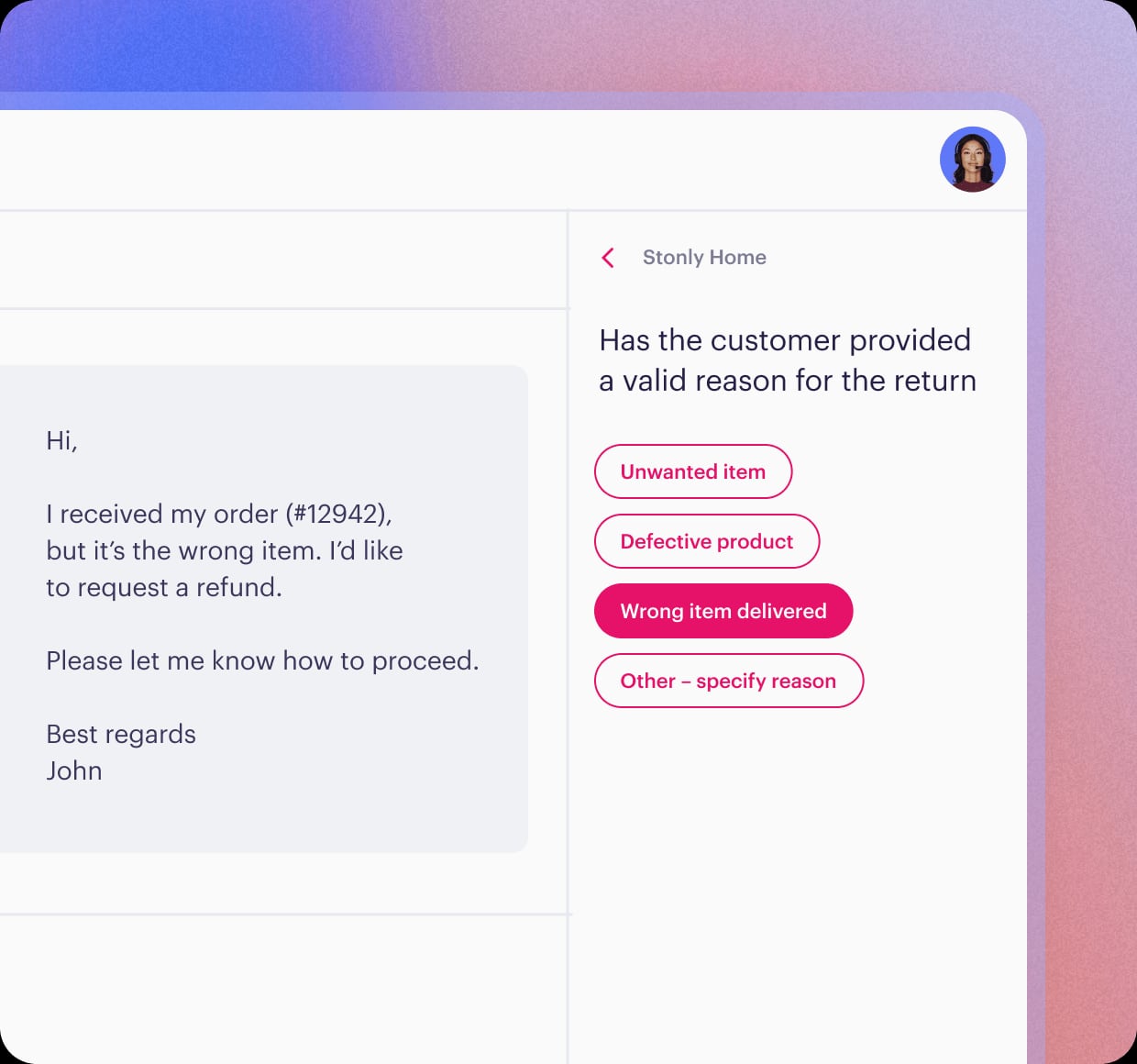
Stonly product interface.
| If your priority is... | Best fit |
|---|---|
| No-code self-service portals with AI search, chatbot, SEO, and analytics for customers and employees | HelpLook |
| Interactive, branching step-by-step guides that walk users through a process inside your product | Stonly |
| Developer-first documentation with Markdown, Git sync, and AI-ready publishing | GitBook |
None of these is universally "best." The right answer depends on whether your bottleneck is content creation speed, guided troubleshooting, or docs-as-code workflows.
HelpLook: No-Code AI Knowledge Base and Help Desk
HelpLook is an AI-powered knowledge base and help desk platform that lets teams publish self-service portals without writing code. The core appeal is breadth: you can run a customer support knowledge base, an e-commerce product manual, an enterprise blog, or an internal knowledge base from the same no-code editor.
Where HelpLook stands out:
- No-code content creation. Writers, support leads, and marketers can build and publish structured pages without waiting on engineering. Custom branding, custom domains, and site theming are configuration tasks, not development projects.
- AI search and chatbot. HelpLook connects to leading AI models such as OpenAI, ERNIE Bot, and Azure, so visitors can ask questions in natural language and get answers assembled from your documentation rather than a list of links.
- SEO and analytics. Public portals are built to be indexed, and the analytics layer tracks usage so you can see which articles actually reduce contact volume and which ones need rewriting.
- Practical delivery features. QR code access, PDF downloads, and third-party integrations make the same content usable in field service, retail, and offline scenarios.
- Accessible entry point. Subscription plans run from a free tier up to enterprise pricing, with AI credits and scalable resources, which matters if you want to validate a portal before committing budget.
HelpLook reports usage by more than 10,000 global brands, which is a reasonable signal for teams that want a proven no-code option rather than a developer tool they have to maintain.
Stonly: Interactive Guides for Customer Service
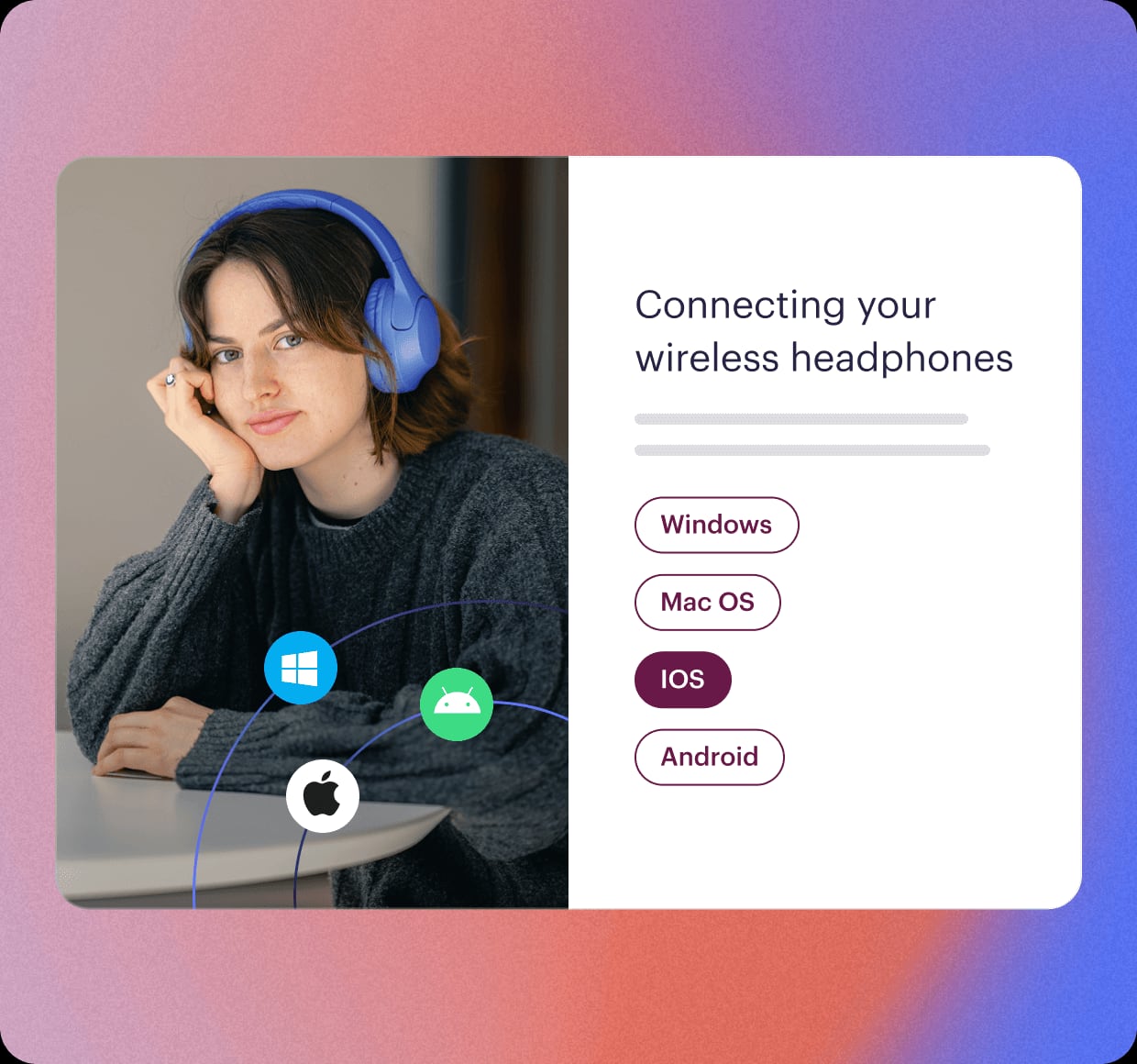
Stonly product interface.
Stonly approaches knowledge differently. Instead of a library of articles that users read, it delivers personalized, step-by-step guides that walk someone through a task or a troubleshooting flow. That interactive format is the product's defining strength, and it is genuinely hard to replicate with a plain article-based knowledge base.
Where Stonly stands out:
- Interactive step-by-step guides. Branching flows adapt to what the user selects, which is far more effective than static instructions for onboarding, activation, and issue resolution.
- AI agents and AI-powered search. Stonly pairs its guides with AI search and AI agents so support teams and end users can surface accurate answers quickly.
- Process automation and no-code triggers. Guides can be triggered contextually inside a product or help desk without engineering work.
- Full-path analytics and versioning. You can see where users drop off in a flow and maintain controlled versions of content.
- Help desk integrations. Native connections to Zendesk, Salesforce, and Freshdesk make Stonly a natural layer on top of an existing support stack.
Stonly publishes customer proof points including up to 80% decrease in support tickets, 20% reduction in resolution time, and 58% reduction in training time. Customers cited in its materials include Anderson America, Dashlane, Devialet, Bpifrance, and Carta. If your support model depends on guiding users through multi-step processes, Stonly's format is a real advantage.
GitBook: Developer-First Documentation with Git Sync

GitBook product interface.
GitBook sits at the technical end of the spectrum. It combines a rich Markdown editor with docs-as-code practices, making it a strong fit for product documentation, API references, internal knowledge bases, and technical guides.
Where GitBook stands out:
- Git sync and version control. Documentation can live alongside code, so changes ship with releases and technical writers get real review workflows.
- Markdown-first editing. A rich editor with Markdown support suits developers and technical writers who do not want a heavy CMS.
- AI Assistant. GitBook offers AI for content generation and Q&A, and positions itself as "the knowledge layer for AI," emphasizing AI-readiness and accuracy.
- MCP support for AI agents. Support for the Model Context Protocol lets AI agents integrate with your documentation, which is a meaningful advantage for teams building AI-assisted workflows.
- Developer integrations. Slack and VS Code integrations keep documentation close to where engineers already work.
- Continuous product investment. GitBook ships frequently, with more than 100 changelog entries, and offers a customizable publishing platform.
Pricing data from software comparison directories lists GitBook starting around $6.40 per user per month billed yearly, with a free trial and no free version. Buyer sentiment tends to praise ease of use and collaboration while noting limited customization and pricing transparency as common complaints. For a technical documentation team, GitBook's Git-centric workflow is often the deciding factor.
Head-to-Head Comparison
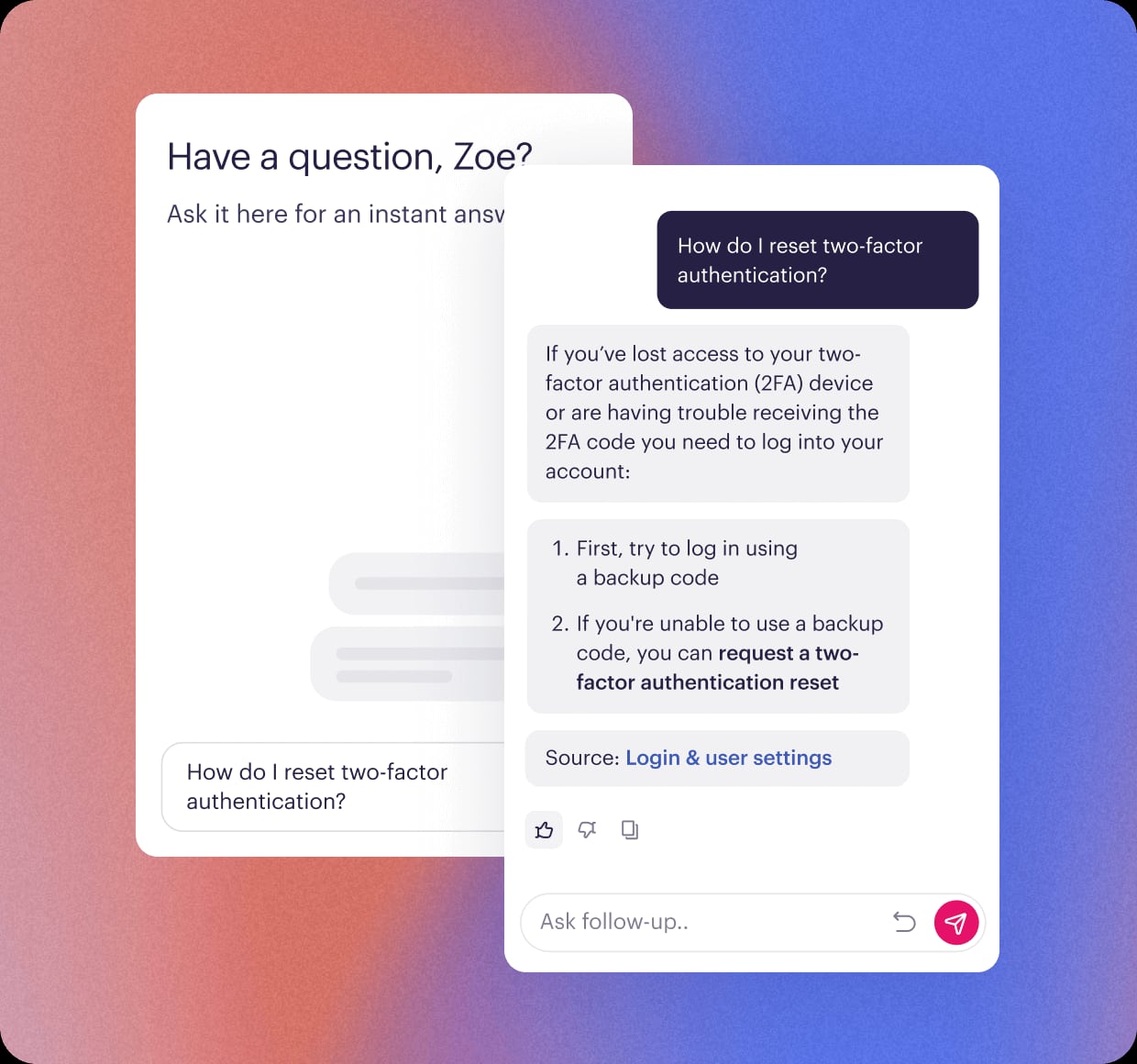
Stonly product interface.
| Criterion | HelpLook | Stonly | GitBook |
|---|---|---|---|
| Primary audience | Support, marketing, and internal teams wanting no-code portals | Customer support and customer success teams | Developers, technical writers, product teams |
| Content format | Structured articles and pages with AI answers | Interactive branching step-by-step guides | Markdown documentation with Git sync |
| No-code editing | Yes, core design principle | Yes, including no-code triggers | Editor is approachable, but Git workflow assumes technical comfort |
| AI capabilities | AI search and chatbot with OpenAI, ERNIE Bot, Azure | AI agents and AI-powered search | AI Assistant, AI-readiness, MCP support |
| SEO for public portals | Built-in optimization focus | Not the primary positioning | Customizable publishing, docs-oriented |
| Analytics | Usage and content analytics | Full-path analytics for guide flows | Content insights |
| Best-known integrations | Third-party integrations, QR codes, PDF export | Zendesk, Salesforce, Freshdesk | Slack, VS Code, Git providers |
| Entry pricing | Free tier through enterprise plans | From about $29 per month billed yearly | From about $6.40 per user per month billed yearly |
How to Read This Table
The table is not a scorecard. It shows that each product optimizes for a different job:
- HelpLook wins when the job is "publish a branded, searchable, AI-assisted portal fast, without engineers."
- Stonly wins when the job is "guide a user through a process step by step inside the support experience."
- GitBook wins when the job is "keep documentation versioned with code and readable by both humans and AI agents."
Decision Guide by Scenario
Scenario 1: You run customer support and want fewer tickets
If your tickets come from users who cannot find answers, both HelpLook and Stonly attack that problem, but differently. HelpLook reduces tickets by making answers searchable and AI-answerable in a self-service portal. Stonly reduces tickets by replacing static answers with guided flows that resolve the issue in the moment. If your issues are procedural (setup, configuration, troubleshooting sequences), Stonly's format has an edge. If your issues are informational (policies, features, how things work), an AI search knowledge base like HelpLook tends to be more efficient.
Scenario 2: You need documentation that ships with your product
This is GitBook's home turf. Git sync, Markdown, and review workflows mean documentation changes can be reviewed like code. If your writers are comfortable in Git and your release process is engineering-led, forcing that content into a no-code CMS usually creates friction.
Scenario 3: You want one portal for customers and employees
HelpLook is designed to support multiple use cases from the same platform, including customer support knowledge bases, product manuals, enterprise blogs, and internal knowledge bases. That flexibility is useful for teams that do not want to buy and maintain separate tools for external help content and internal documentation.
Scenario 4: You are building AI agents on top of your docs
GitBook's MCP support and "knowledge layer for AI" positioning make it a strong choice if AI agents need structured access to your documentation. HelpLook's AI chatbot and multi-model integrations cover the conversational layer for end users. Stonly's AI agents focus on resolving support interactions. The right pick depends on whether your AI consumers are external users, internal agents, or both.
Pricing and Adoption Considerations
Pricing structures differ enough that a direct number comparison can mislead:
- HelpLook offers a free tier plus paid plans up to enterprise level, with AI credits and scalable resources. That makes it easy to start small and expand.
- Stonly starts around $29 per month billed yearly on its Basic help content plan, with tiers that scale by guide count and user seats.
- GitBook starts around $6.40 per user per month billed yearly, with Community, Team, and Business plans. Note that per-user pricing grows quickly as your writing team expands.
Beyond list price, weigh implementation cost. A no-code platform like HelpLook can be launched by a support or marketing team alone. Stonly requires someone to design guide flows, which is a content skill rather than an engineering one. GitBook assumes some technical fluency in your documentation team, which is either a strength or a hiring constraint depending on your organization.
Related reading
- HelpLook vs Document360 vs DocsBot: Best AI KB in 2026 - Compare HelpLook, Document360, and DocsBot on AI search, chatbots, no-code editing, SEO, integrations, and pricing to pick the right knowledge base.
- HelpLook vs Mintlify vs Bloomfire: Which Knowledge Base Wins? - Compare HelpLook, Mintlify, and Bloomfire on AI search, no-code editing, developer docs, enterprise knowledge management, and pricing to pick the right platform.
- HelpLook vs Mintlify vs Docmost: Which Knowledge Base Wins? - Compare HelpLook, Mintlify, and Docmost on AI search, no-code editing, self-hosting, SEO, and pricing to pick the right knowledge base in 2026.
Sources and further reading
- Stonly Official Site - Built For Customer Support - Resolve every customer issue quickly and accurately with Stonly. Stonly helps thousands of companies support millions of customers.
- HelpLook VS GitBook:A Side-by-Side Comparison - In this article, we will take a closer look at both Gitbook and HelpLook and examine their strengths and weaknesses to help you make the right decision for your company.
- GitBook vs HelpDocs vs Stonly: Pricing, Features and Best Fit - GitBook vs HelpDocs vs Stonly: compare pricing, features, trial availability, user reviews, and best-fit details to find the right Customer Self-Service Software pick faster.
FAQ
Is HelpLook a replacement for GitBook?
Only for some teams. If you need Git sync and docs-as-code workflows, GitBook remains the stronger fit. If you need a no-code, SEO-friendly, AI-searchable portal that non-technical teams can run, HelpLook is the more practical choice. See HelpLook vs GitBook vs Docmost for a closer look at that tradeoff.
Is Stonly better than a traditional knowledge base?
For procedural content, often yes. Interactive step-by-step guides outperform static articles when users need to complete a sequence of actions. For reference content, policies, and searchable answers, a traditional or AI-powered knowledge base is usually more efficient.
Which platform has the best AI features?
They target different AI use cases. HelpLook focuses on AI search and chatbot experiences for portal visitors, with integrations to OpenAI, ERNIE Bot, and Azure. Stonly focuses on AI agents and AI-powered search inside support workflows. GitBook focuses on AI-assisted writing and AI-readiness, including MCP support for agent integration.
Can I use more than one of these tools together?
Yes, and many teams do. A common pattern is GitBook for developer and API documentation, Stonly for guided in-product troubleshooting, and an AI self-service portal for customer-facing answers. The cost is tool sprawl; the benefit is each audience getting the format it needs.
Which is cheapest for a small team?
HelpLook's free tier makes it the lowest-commitment starting point. GitBook's per-user entry price is low for one or two writers but scales with team size. Stonly's entry plan is priced per month rather than per user, which can favor small teams with a limited number of guides.
Conclusion
HelpLook, Stonly, and GitBook are not three versions of the same product. HelpLook is the no-code AI knowledge base and help desk for teams that want to publish fast, rank in search, and deflect questions with AI answers. Stonly is the interactive guide platform for support teams that resolve issues through step-by-step flows. GitBook is the developer-first documentation platform for teams that treat docs like code.
If you are still weighing alternatives, the HelpLook vs Document360 vs DocsBot and HelpLook vs Mintlify vs Bloomfire comparisons cover other combinations of AI knowledge base, developer documentation, and enterprise knowledge management tools.
Start with the bottleneck, not the feature list: if content creation speed and self-service deflection matter most, evaluate HelpLook first. If guided resolution matters most, evaluate Stonly. If version-controlled technical documentation matters most, evaluate GitBook.