
HelpLook vs Stonly vs Zendesk: Choosing the Right Support Platform
Selecting the right software to manage customer support and knowledge sharing can feel overwhelming. You might be comparing an established suite like Zendesk, an interactive knowledge platform like Stonly, or an accessible AI-powered solution like HelpLook. Each tool approaches the same core problem—helping customers and agents find answers quickly—from a different angle. This comparison breaks down their strengths, key differences, and ideal use cases so you can make a more confident decision.
Stonly: Interactive Guidance and Contextual Knowledge

Stonly product interface.
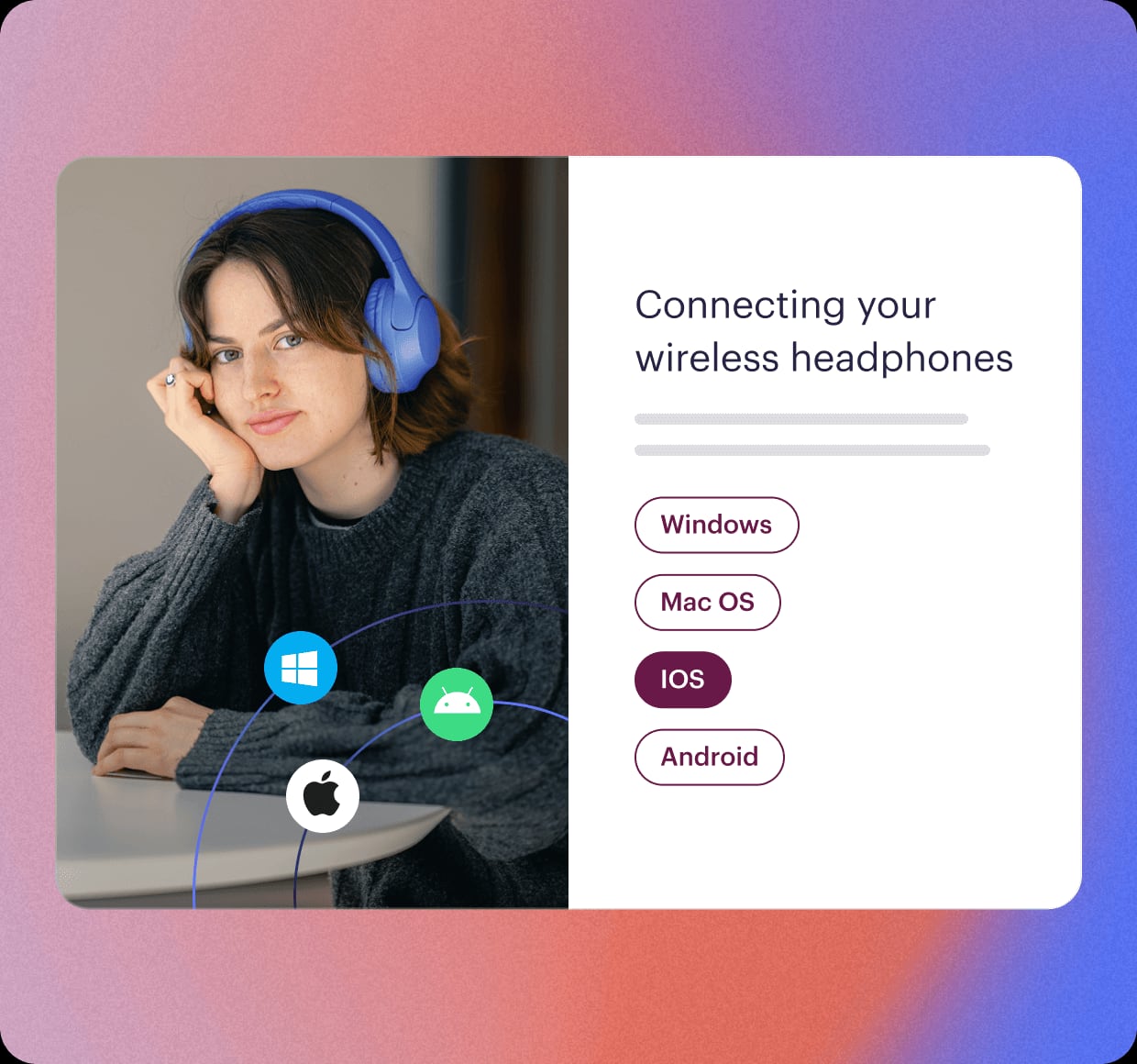
Stonly positions itself as a modern knowledge platform that goes beyond traditional help articles. It focuses on turning complex processes into interactive, step-by-step guides that adapt to user responses. This makes it especially valuable for support teams dealing with intricate products or multi-step troubleshooting.
Key Strengths of Stonly
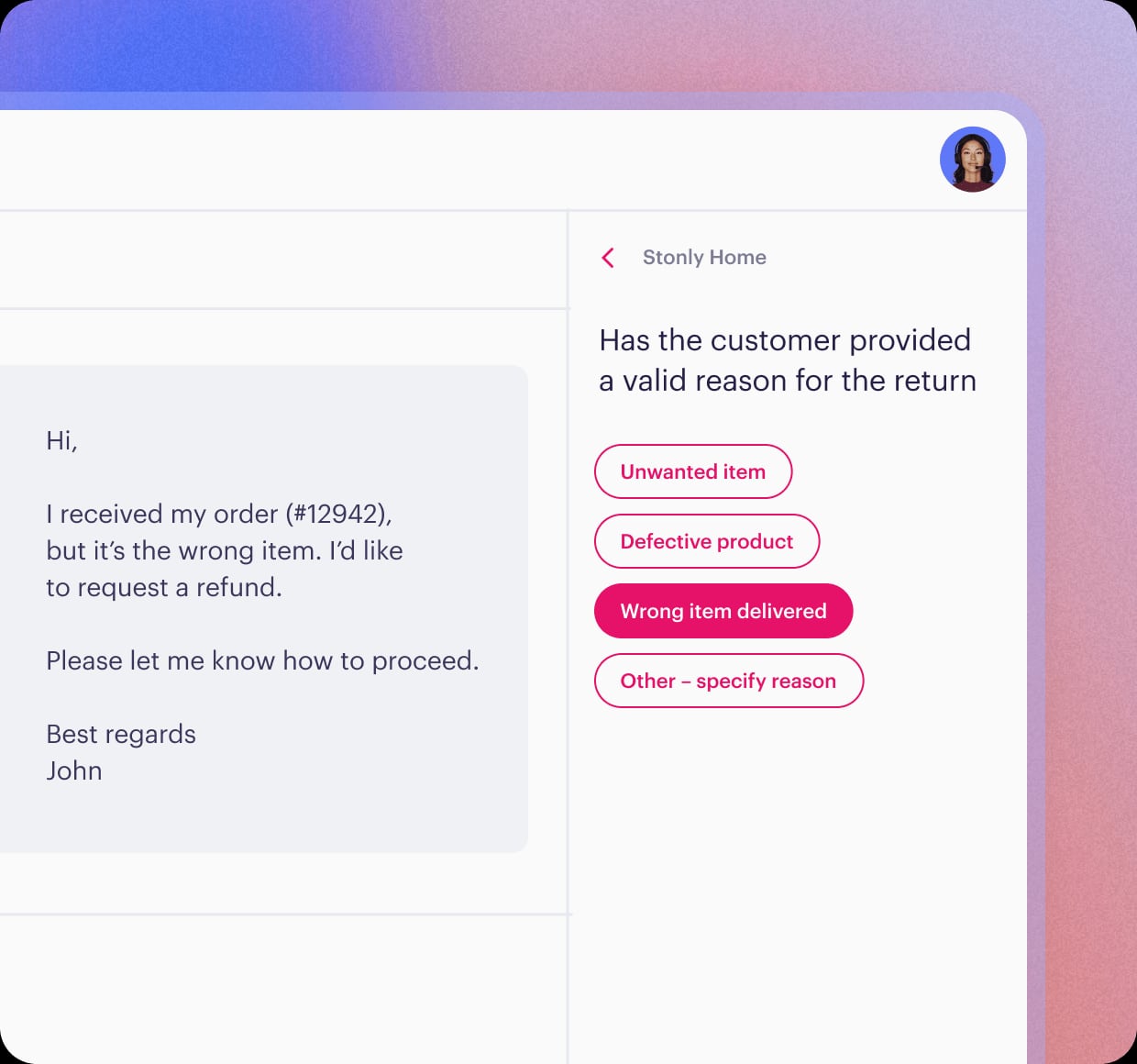
- Interactive, branching guides: Unlike static FAQs, Stonly’s guides can ask users questions and show different paths based on their answers. This reduces the cognitive load on customers and helps agents resolve issues faster.
- Contextual embedding: Knowledge doesn’t have to live in a separate portal. Stonly lets you embed guides, tooltips, and popups directly inside your web app, CRM, or other tools, so help appears exactly where users need it.
- Platform-agnostic integrations: Stonly works with multiple ticketing systems, including Zendesk, Salesforce, Freshdesk, and ServiceNow. This flexibility is critical if you want to keep your knowledge base independent from your help desk.
- Outcome-focused analytics: The platform tracks where users get stuck or drop off within a guide, not just page views. This helps teams continuously improve content based on actual user behavior.
Who Benefits Most from Stonly
Stonly is a strong fit for customer support and success teams in technology, manufacturing, finance, or energy sectors that need to reduce ticket volume while improving resolution accuracy. Companies that want to embed help contextually and maintain knowledge portability across different ticketing systems will find its architecture appealing.
Zendesk: The Omnichannel AI-Powered Support Suite

Zendesk product interface.
Zendesk is a comprehensive customer service platform known for its omnichannel capabilities and enterprise-grade AI features. It unifies messaging, voice, email, chat, and social media into a single workspace, backed by a mature marketplace and deep analytics.
Key Strengths of Zendesk
- Resolution Learning Loop: Zendesk’s AI agents continuously learn from every interaction, aiming to resolve customer inquiries automatically rather than simply deflecting them. This self-improving loop can automate up to 80% of requests.
- Unified Resolution Platform: Data and workflows from different systems connect in one place, giving agents full context without switching tools. This is particularly powerful for large teams managing high volumes of tickets.
- Workforce management and QA: Built-in tools for forecasting, scheduling, and quality assurance help larger support organizations optimize staffing and maintain service consistency.
- Enterprise trust and compliance: Zendesk holds SOC 2 and ISO 27001 certifications and is recognized as a Leader in the 2025 Gartner Magic Quadrant for CRM Customer Engagement Center.
Who Benefits Most from Zendesk
Zendesk suits businesses that need a full-scale customer service platform, from small teams to Fortune 500 companies. It is especially valuable for organizations that want a tightly integrated ticketing, AI, and analytics ecosystem and have the budget and technical resources to configure it properly.
HelpLook: No-Code AI Knowledge Base with Built-In Chatbot
HelpLook takes a focused approach to knowledge management by combining a no-code content creation interface with AI-driven search and chatbot capabilities. It is designed for businesses that want to build a branded self-service portal quickly, without developer support.
Where HelpLook Excels
- No-code site building and customization: HelpLook allows teams to create a fully branded knowledge base, blog, or help center using an intuitive visual editor. Custom domains, layouts, and styling are achievable without writing code.
- Integrated AI search and chatbot: The platform supports keyword search and AI-powered search on the same interface. Its built-in chatbot, compatible with models like OpenAI, ERNIE Bot, and Azure, provides 24/7 automated answers drawn from your existing content.
- SEO optimization built in: HelpLook automatically generates SEO-friendly structures, sitemaps, and metadata, helping public-facing knowledge bases rank in search engines—an advantage for e-commerce product manuals or public documentation.
- Accessible pricing for growing teams: With plans starting from a free tier and a low-cost entry point for paid features, HelpLook makes AI-powered knowledge management available to small and mid-sized teams without a large upfront investment.
Who Benefits Most from HelpLook
HelpLook is ideal for startups, small to medium businesses, and teams that need a lightweight yet powerful knowledge base. It works well for customer-facing FAQs, internal wikis, e-commerce product guides, and any scenario where quick setup and AI-enhanced self-service are priorities.
Feature Comparison at a Glance
Stonly product interface.
| Feature | Stonly | Zendesk | HelpLook |
|---|---|---|---|
| Content formats | Interactive guides, decision trees, articles | Static articles, community forums | Rich articles, embedded media, PDF exports |
| AI capabilities | AI-generated answers, content suggestions | AI agents, Resolution Learning Loop, analytics | AI search, integrated chatbot (OpenAI, ERNIE, Azure) |
| Contextual help | In-app widgets, tooltips, popups | Widget, browser extension, URL suggestions | Embeddable widget, QR code access |
| Customization | Visual editor, custom branding, no-code triggers | Extensive but often requires developer resources | No-code visual editor, custom domains, CSS/JS |
| Analytics | Guide completion, drop-off points, agent usage | Operational metrics, AI analytics (add-on) | Content usage, search analytics |
| Integrations | Zendesk, Salesforce, Freshdesk, ServiceNow | 1,500+ marketplace apps | Third-party integrations, API access |
| Pricing model | Custom quote | Per-agent, suite plans | Free tier, subscription plans with AI credits |
How to Choose the Right Platform
Stonly product interface.
Your decision should align with your team’s primary goal and operational maturity.
- Choose Stonly if your support relies on complex, multi-step procedures and you need interactive guides that can live inside your product or CRM. Its ticketing-agnostic approach also protects your knowledge investment if you switch help desks later.
- Choose Zendesk if you require a full omnichannel support suite with mature AI, workforce management, and deep analytics. It fits organizations ready to commit to a comprehensive ecosystem and manage its configuration complexity.
- Choose HelpLook if you want an affordable, no-code knowledge base with strong AI search and a built-in chatbot. It is particularly effective for teams that need to launch a public-facing help center or internal wiki quickly, with minimal technical overhead.
For teams evaluating other options alongside these three, our AI Knowledge Base & Help Desk Software comparison explores additional platforms that might match your specific requirements. If you are specifically weighing HelpLook against documentation-focused tools, the HelpLook vs Document360 vs Docmost guide provides a deeper feature breakdown.
Related reading
- HelpLook vs KnowledgeBase vs GitBook: AI Knowledge Base Comparison - Compare HelpLook, KnowledgeBase, and GitBook on AI search, pricing, ease of use, and documentation features. Find the best AI knowledge base for your support or dev team.
- HelpLook vs Docmost vs DocsBot: Which Tool Fits Your Team? - Compare HelpLook, Docmost, and DocsBot on AI search, self-hosting, chatbot automation, and pricing. Find the best fit for your knowledge base and support needs.
- HelpLook vs Bloomfire vs KnowledgeOwl: 2026 Comparison - Compare HelpLook, Bloomfire, and KnowledgeOwl on AI search, knowledge base use cases, pricing, and ease of use. Find the best fit for your team's self-service and knowledge management needs.
Sources and further reading
- 10 Best Zendesk Knowledge Alternatives: 2026 Comparison - Zendesk Knowledge is a widely used solution for customer support documentation. But like any tool, it has its limitations.
Some support teams have noted frustrations with its support for static articles only, the inability to embed help contextually within products, its surface-level analytics that don't show task completion and customizations that require extensive technical resources, and the challenge of vendor lock-in that makes switching ticketing systems difficult.
Many teams choose Zend
- Compare HelpLook vs Hugo vs Stonly - Side-by-side comparison of HelpLook (78%), Hugo (91%) and Stonly (93%) including features, pricing, scores, reviews & trends.
- HelpLook VS Zendesk: Which Knowledge Base Software is Better Suited for Your Business - Explore Zendesk vs HelpLook for effective knowledge management solutions.
Frequently Asked Questions
Can Stonly replace Zendesk entirely?
Stonly is primarily a knowledge management platform, not a full ticketing system. It integrates with Zendesk and other help desks, so you can use Stonly for knowledge while keeping your existing ticketing infrastructure. If you need both ticketing and knowledge, Stonly works alongside your help desk rather than replacing it.
Does HelpLook offer a free plan?
Yes. HelpLook provides a free tier that lets you explore its core features, including AI search and site building, before upgrading to a paid plan for additional AI credits and advanced capabilities.
Which platform is easiest to set up without technical skills?
HelpLook’s no-code interface and visual editor are designed for non-technical users to launch a knowledge base quickly. Stonly also offers a user-friendly guide builder, while Zendesk often requires more configuration and training.
How do these platforms handle AI search?
Zendesk embeds AI across its suite with advanced analytics and self-learning agents, though advanced AI features may require paid add-ons. Stonly uses AI to generate answers and content suggestions from your knowledge base. HelpLook integrates AI search and a customizable chatbot directly into the platform, supporting multiple AI models without separate add-ons.
Final Thoughts
Stonly, Zendesk, and HelpLook each solve distinct pieces of the customer support puzzle. Stonly shines with interactive, contextual guides that reduce ticket volume. Zendesk provides an enterprise-grade omnichannel platform with powerful AI and operational depth. HelpLook delivers an accessible, no-code knowledge base with integrated AI search and chatbot functionality at a competitive price. Align your choice with your team’s complexity, budget, and long-term support strategy, and you will find the right foundation for better customer experiences.
For a closer look at how HelpLook stacks up against other knowledge management tools, read our HelpLook vs KnowledgeOwl vs DocsBot comparison.