
How to Use HelpLook with ChatBot: The Best AI Chatbot Software for Your Website
Your customers ask the same questions every day. They want order status, pricing details, setup steps, and refund policies. Your team answers them one by one, and the queue never shrinks. The fix is not more agents. It is a knowledge base that holds the answers and a chatbot that delivers them instantly, on any page, at any hour.
This guide shows how HelpLook and ChatBot: The Best AI Chatbot Software for Your Website work together. HelpLook builds and organizes your knowledge. ChatBot turns that knowledge into conversations. Together they create a self-service loop that answers questions, recommends products, and hands complex cases to humans with full context.
What each tool does

ChatBot: The Best AI Chatbot Software for Your Website product interface.
HelpLook is an AI-powered knowledge base and help desk platform. You use it to create help centers, FAQs, product manuals, user guides, and internal knowledge repositories without writing code. Its AI search indexes your content and returns direct answers instead of a list of links. It also supports SEO optimization, customizable portals, widgets, and analytics that show which questions your users actually ask.
ChatBot.com is AI chatbot software for your website. It answers questions, recommends products, and closes sales around the clock. You train it on your own content and go live in minutes. It handles natural-language conversations, so visitors do not need to learn a menu tree.
The division of labor is simple:
- HelpLook is the source of truth. It stores, structures, and continuously improves your answers.
- ChatBot is the front door. It greets visitors, interprets intent, and responds in real time.
When the two are connected, your chatbot stops guessing. Every answer it gives is grounded in content your team has reviewed and published.
Why the combination solves real support problems
First viewport screenshot of AI Chatbot Solutions for Every Industry | ChatBot.com.
Problem 1: The chatbot does not know your product
A chatbot without a knowledge source produces generic replies. It cannot explain your onboarding steps, your warranty terms, or your API limits. Connecting ChatBot to HelpLook gives it a curated corpus: your help articles, FAQs, and manuals. The bot answers with your language, your policies, and your product names.
Problem 2: Customers cannot find the right article
Search boxes fail when users do not know the right keywords. HelpLook AI search addresses this by summarizing answers from indexed documentation. ChatBot extends that capability to visitors who never open the help center at all. They ask in the chat widget and get the same answer in seconds.
Problem 3: Support teams repeat themselves
Every repeated question is a ticket your team should not have to handle. A trained chatbot deflects password resets, shipping questions, and billing basics. HelpLook analytics then show which topics still generate escalations, so you can improve the source article instead of rewriting the bot.
Problem 4: Sales and support live in separate silos
A visitor asking about delivery times is not just a logistics question. It is a buying signal. ChatBot can recommend products and guide purchase decisions inside the same conversation, while HelpLook supplies the accurate policy and specification details behind those recommendations.
How the workflow fits together
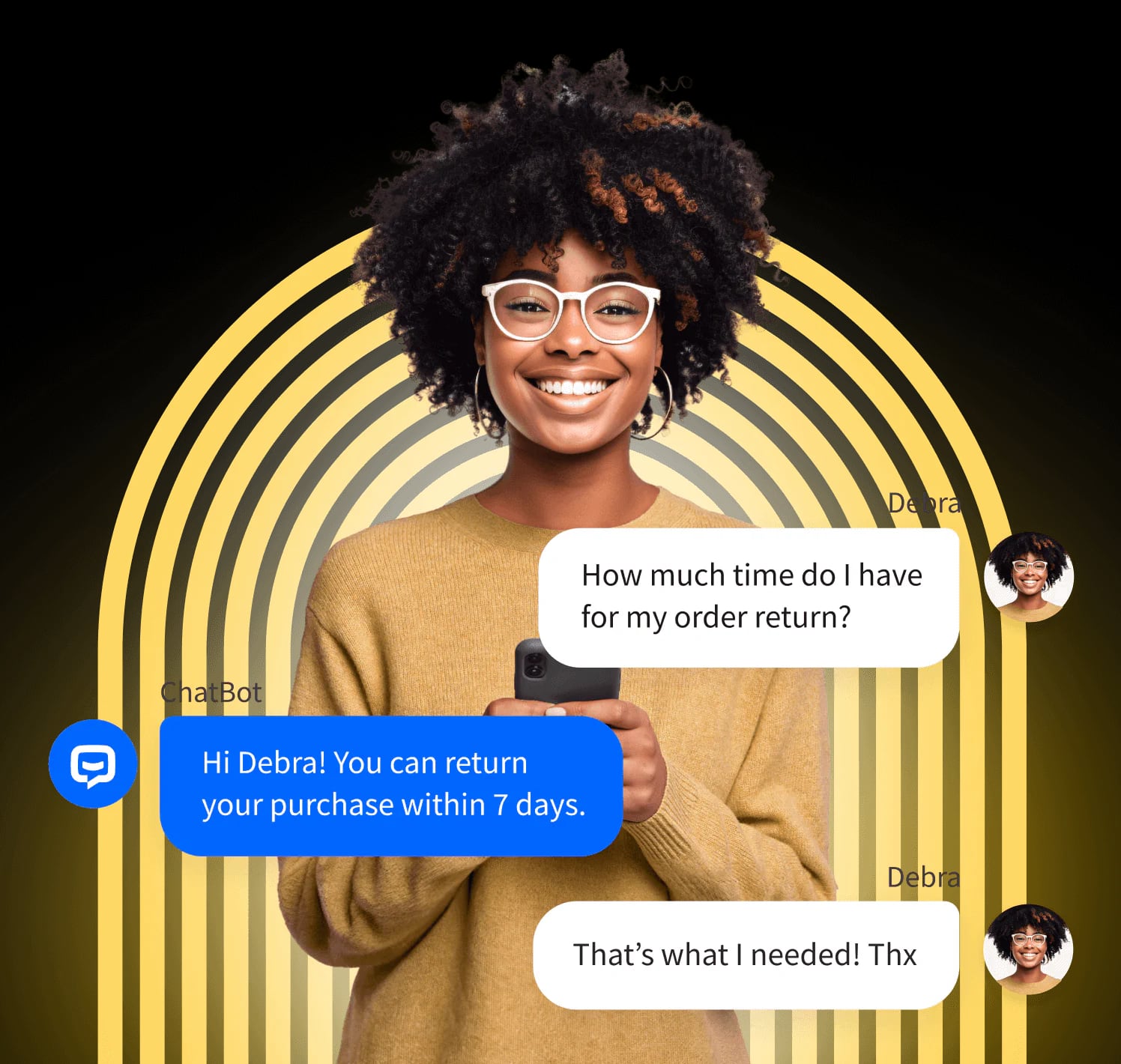
ChatBot: The Best AI Chatbot Software for Your Website product interface.
Think of the combined system as a four-stage loop.
- Create and publish. Your team writes help articles, FAQs, and product manuals in HelpLook. The platform handles structure, categories, and SEO metadata.
- Index and retrieve. HelpLook AI indexes the published content and generates concise answers to natural-language questions.
- Converse and convert. ChatBot handles the live conversation on your website, using your content as training material. It answers, recommends, and asks follow-up questions.
- Measure and improve. HelpLook analytics reveal popular queries, content gaps, and unresolved topics. You update the knowledge base, and the chatbot improves automatically on the next training cycle.
This loop is what separates a static FAQ page from a self-service system that gets better every month.
Setup steps
First viewport screenshot of AI Chatbot for Banking | Secure Customer Support for Banks | ChatBot.com.
Step 1: Build your HelpLook knowledge base
Start with the questions your support team answers most. Create a HelpLook site and organize content into clear categories: getting started, billing, troubleshooting, and policies. Write each article around one question. Use descriptive titles that match how customers speak, not internal jargon.
If you already have documentation elsewhere, migrate the highest-traffic articles first. HelpLook supports a WYSIWYG editor and Markdown, so formatting is straightforward. Enable AI search once your core content is published.
Step 2: Prepare content for chatbot training
A chatbot performs best when its source material is clean. Before connecting ChatBot, review your HelpLook content for:
- Short paragraphs. Long walls of text produce vague answers.
- Explicit answers. State the policy or step directly instead of implying it.
- Consistent terminology. Use the same product names and feature labels everywhere.
- Up-to-date pricing and limits. Stale numbers create wrong answers at scale.
Step 3: Connect ChatBot to your knowledge source
In ChatBot.com, create a bot and add your HelpLook content as a training source. You can point the bot at your public help center URL or import specific articles. Train the bot, then test it with real questions your customers ask. Check whether it returns the correct policy, the right pricing tier, and the proper escalation path.
Step 4: Design the conversation flow
Decide what the bot handles alone and what it escalates. A practical split:
- Bot handles: order status, shipping times, pricing questions, feature explanations, password resets, return policy.
- Human handles: refund disputes, account security issues, enterprise pricing negotiations, bug reports that need engineering.
Configure ChatBot to collect an email address or ticket reference before escalation, so your team starts with context instead of a blank conversation.
Step 5: Embed the widget and launch
Add the ChatBot widget to your website, product pages, and help center. HelpLook also supports widgets for web pages and applications, so you can place AI search and chat access where users already are. Launch to a small traffic segment first, review transcripts, and fix weak answers before rolling out site-wide.
Step 6: Monitor and iterate
Use HelpLook analytics to track search queries and content gaps. Use ChatBot conversation logs to find questions the bot answered poorly. Update the HelpLook article, retrain the bot, and repeat. This cycle is the core maintenance habit that keeps self-service quality high.
Practical examples
Example 1: SaaS onboarding support
A SaaS company publishes setup guides and integration docs in HelpLook. ChatBot is trained on those articles. When a trial user asks "How do I connect my CRM?", the bot returns the exact steps and links to the full guide. The user never files a ticket, and the support team focuses on configuration edge cases.
Example 2: E-commerce product questions
An online store uses HelpLook for product manuals, sizing charts, and return policies. ChatBot answers pre-purchase questions like "Does this ship to Canada?" and recommends related items. The same bot handles post-purchase questions about returns, reducing both pre-sale hesitation and post-sale tickets.
Example 3: Internal help desk
An operations team maintains an internal knowledge base in HelpLook for HR policies, IT procedures, and tool access. ChatBot is deployed on the internal portal. Employees get instant answers about leave requests or software licenses, and the IT team stops answering the same Slack messages.
Example 4: Regulated industries
A financial services firm publishes compliance-approved answers in HelpLook. Because the chatbot draws only from that reviewed content, responses stay within approved language. Escalation rules route sensitive account questions to licensed staff.
Decision guidance: when this combination fits
This setup works best when:
- You have a meaningful volume of repeat questions.
- Your answers change often enough that static FAQ pages go stale.
- You want 24/7 coverage without expanding headcount.
- You need sales and support conversations in the same channel.
It may be overkill when your product has very few support requests, or when every customer interaction requires a human specialist by regulation. In those cases, a well-organized HelpLook knowledge base alone may be enough. If you are also evaluating broader help desk options, see our comparison of HelpLook vs LiveAgent: knowledge base or help desk.
For teams comparing knowledge platforms before committing, our HelpLook vs Guru vs ProProfs knowledge base comparison breaks down AI search, portals, and pricing fit.
Common mistakes to avoid
- Training the bot on outdated content. Retrain after every major policy or pricing change.
- Letting the bot guess. If an answer is not in HelpLook, the bot should escalate, not improvise.
- Ignoring conversation logs. Transcripts are the fastest way to find content gaps.
- Skipping escalation design. A bot without a clean handoff frustrates customers more than no bot at all.
- Writing for search engines only. Write for the question a customer actually types into chat.
Related reading
- HelpLook vs Helpjuice vs GitBook: Best Knowledge Base 2026 - HelpLook vs Helpjuice vs GitBook compared for 2026: AI search, self-service portals, SEO, docs-as-code, pricing fit, and which knowledge base suits your team.
- HelpLook vs LiveAgent: Knowledge Base or Help Desk? (2026) - HelpLook vs LiveAgent compared for 2026: AI knowledge base and self-service versus omnichannel help desk. See features, pricing, and which fits your team.
- Guru Review 2026: AI Knowledge Management Tested - Evidence-based Guru review for 2026: ideal users, use cases, strengths, limits, pricing signals, setup effort, and how it compares to alternatives.
Sources and further reading
- Customize and Optimize Your AI-Powered Knowledge Base - HelpLook is a tool for quickly building a free help desk and knowledge base system, providing comprehensive support and assistance for your products. Help you create product manuals, blogs, FAQs, user guides, troubleshooting, and other content without coding, solving various problems for your users. By using HelpLook, you can add SEO optimized keywords to your official product website, helping more users discover and utilize your product. The fast, simple, and free user experience allows you to focus on product development and operations without worrying about the construction of the help center and knowledge base.
- Smarter Customer Support With HelpLook AI - Enhance support with HelpLook AI: smart, rapid responses tailored to user needs for a revolutionized service experience.
- What Is an AI Agent and How Businesses Use Them Today - What is an AI agent? Learn how AI agents work, how they differ from chatbots, and how businesses use them to automate support, sales, and more.
FAQ
Do I need coding skills to set this up?
No. HelpLook is a no-code platform for building knowledge bases and portals, and ChatBot.com is designed for quick deployment. Most teams can publish a help center and launch a trained bot without developer involvement.
How long does setup take?
A basic setup can go live in a day if you already have documentation. The longer work is content preparation: reviewing articles, removing ambiguity, and defining escalation rules. Budget a few days for a quality launch.
Can ChatBot answer questions that are not in HelpLook?
It should not. Restrict the bot to your reviewed knowledge base so answers stay accurate. Configure fallback behavior that collects the user's question and routes it to a human when no confident answer exists.
How do I keep answers accurate over time?
Treat the knowledge base as a living product. Review HelpLook analytics monthly, update weak articles, and retrain ChatBot after significant changes. Accuracy is a maintenance process, not a one-time setup.
Does this replace my support team?
No. It removes repetitive questions so your team can handle complex, high-value conversations. The goal is deflection of the routine, not elimination of the human.
Can I use my own AI model keys?
HelpLook supports custom prompts and lets you use your own OpenAI or Azure API key for AI answers, which gives you control over cost and response behavior.
Conclusion
HelpLook and ChatBot solve two halves of the same problem. HelpLook ensures your answers are organized, searchable, and current. ChatBot ensures those answers reach visitors the moment they ask, on any page, at any hour. The workflow is straightforward: publish content, train the bot, design escalation, launch, and improve on a monthly cycle.
Start with your ten most common customer questions. Publish them in HelpLook, connect ChatBot, and measure how many conversations resolve without a ticket. That single loop, repeated and refined, is what turns support from a cost center into a self-service advantage.