
How to Use HelpLook with Sendbird: Chat + AI Knowledge Base
Sendbird gives you the real-time conversation layer: in-app chat, SMS, WhatsApp, KakaoTalk, voice, video, and an AI concierge. HelpLook gives you the answer layer: an AI-powered knowledge base and help desk with AI search, no-code authoring, SEO-ready help centers, and embeddable widgets.
Used together, they close the loop that most support stacks leave open. Agents and AI agents stop guessing, customers get consistent answers in the channel they already use, and your content team sees which questions actually drive conversations. This article walks through the architecture, the setup steps, two practical workflows, and where the combination pays off — plus where it does not.
Why pair HelpLook with Sendbird?

Sendbird product interface.
Sendbird is strong at conversation orchestration and delivery. It is not a knowledge management system. HelpLook is strong at structured, searchable, AI-assisted content. It is not a messaging platform. Each covers the other's blind spot.
The problems this combination solves:
- Repetitive questions in chat. Agents paste the same answers dozens of times a day. HelpLook's AI search surfaces the canonical answer instead.
- Inconsistent answers across channels. The same question arrives via in-app chat, SMS, and WhatsApp. One HelpLook source of truth keeps every channel aligned.
- Slow agent onboarding. New agents in Sendbird Desk lack product depth. A linked HelpLook article turns a 10-minute explanation into a 30-second read.
- No feedback loop from conversations to content. Chat transcripts reveal documentation gaps. HelpLook's analytics and editor let you close them.
- Deflection without losing the human handoff. Self-service answers first, escalation to a live Sendbird agent when the article does not resolve the issue.
How the two platforms fit together
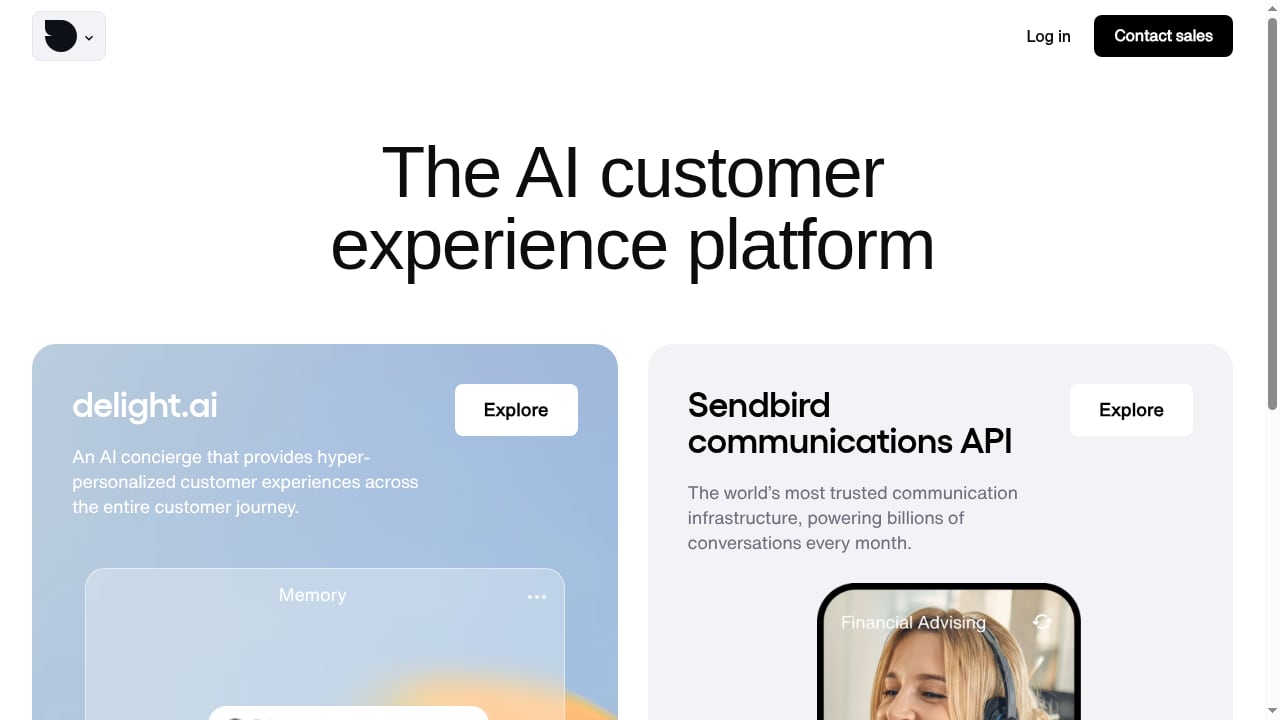
First viewport screenshot of The AI customer experience platform for enterprise.
Think of the stack in three layers:
- Conversation layer — Sendbird. Chat SDKs for iOS, Android, JavaScript, Unity, and .NET, plus the Chat Platform API for server-side operations. This is where messages, moderation, translation, push notifications, and handoffs happen.
- Knowledge layer — HelpLook. Help centers, internal knowledge bases, FAQs, product manuals, and troubleshooting content, all searchable through AI search and embeddable via widgets.
- Bridge layer — your integration. A small amount of glue code that lets Sendbird agents and bots query HelpLook content and lets HelpLook capture what customers actually ask.
There is no single official "one-click" connector between the two products. The integration is built from documented primitives on both sides: Sendbird's Platform API and webhooks on one end, HelpLook's published content and widget on the other. That is good news — it means you can start small.
Prerequisites
Before you wire anything up, confirm you have:
- A Sendbird application with its Application ID and API request URL, found in the Sendbird Dashboard under Settings > Application > General.
- A master API token or a secondary API token for server-side calls. Never ship these to a client app.
- A HelpLook workspace with at least one published help center or knowledge base and a defined URL structure for your articles.
- A server-side environment (Node.js, Python, or similar) where you can host the bridge logic.
- A decision on scope: agent-assist only, bot-answer only, or both.
Setup: connecting HelpLook and Sendbird step by step
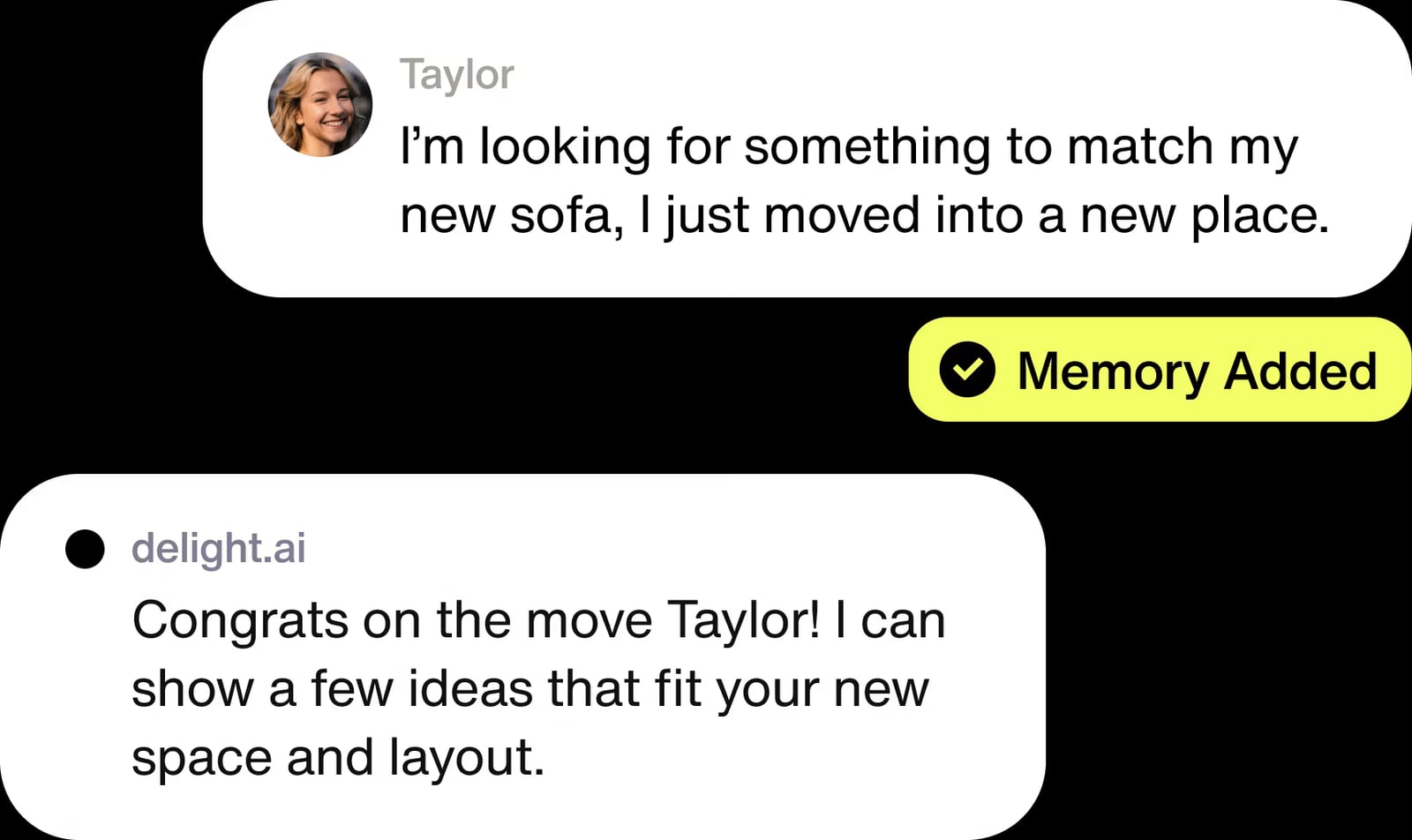
Sendbird product interface.
Step 1 — Publish and structure your HelpLook content
Integration quality is capped by content quality. Before touching Sendbird:
- Group articles by intent, not by internal team. "Reset a password" beats "Account module v2."
- Write one canonical answer per question. Duplicates confuse AI search and agents alike.
- Add stable, predictable slugs so your bridge code can construct article URLs reliably.
- Keep titles short and question-shaped — they double as suggested replies in chat.
Step 2 — Choose your integration pattern
Three patterns cover most teams:
| Pattern | What it does | Effort | Best for |
|---|---|---|---|
| Agent-assist sidebar | Agents search HelpLook from inside their Sendbird Desk workspace | Low | Support teams with human agents |
| Bot answer lookup | Sendbird bot queries HelpLook and replies with an article link or snippet | Medium | High-volume, low-complexity questions |
| Proactive widget | HelpLook widget embedded in the app alongside Sendbird chat | Low | Self-service before a conversation starts |
Most teams start with agent-assist, then add bot lookup once content coverage is proven.
Step 3 — Authenticate server-side calls to Sendbird
All Chat Platform API requests go to a base URL shaped like:
https://api-{application_id}.sendbird.com/v3
Every request needs two headers:
Content-Type: application/json
Api-Token: {master_api_token or secondary_api_token}
Use a secondary API token for routine operations and reserve the master token for token management. The master token cannot be revoked or changed, so treat it as a break-glass credential.
A minimal Python call to create or look up a user looks like this:
import requests

api_headers = {'Api-Token': '{secondary_api_token}'}
data = {'user_id': '{user_id}', 'nickname': '{nickname}'}
res = requests.post(
    'https://api-{application_id}.sendbird.com/v3/users',
    headers=api_headers,
    json=data,
)
URL-encode any non-ASCII or special characters in path parameters. For example, user_id@email.com becomes user_id%40email.com.
Step 4 — Build the lookup bridge
On the HelpLook side, expose a searchable surface for your bridge. Depending on your plan and setup, that may be a search endpoint, a published article index, or a lightweight service you maintain that maps keywords to article URLs.
On the Sendbird side, the bridge does three things:
- Receives an inbound message or an agent query.
- Runs a search against HelpLook content.
- Returns either a suggested reply for the agent or a bot message containing the top article link and a one-line summary.
Keep the response short. A chat bubble is not a documentation page. Send the headline answer plus a link, not a 900-word article.
Step 5 — Add the HelpLook widget for self-service
Embed the HelpLook widget in the same app or web surface where Sendbird chat lives. Place it so customers can search before they start a conversation — for example, on a help icon next to the chat launcher. This is the cheapest deflection you will ever ship.
Step 6 — Instrument the handoff
Define the escalation rule explicitly. A common pattern:
- Bot answers with a HelpLook article.
- If the customer replies "that didn't help" or the conversation exceeds two turns without resolution, route to a human agent in Sendbird Desk.
- Pass the article ID and the customer's original question into the agent's context so they do not ask the customer to repeat themselves.
Step 7 — Close the content feedback loop
Export conversation data from Sendbird and review it weekly against your HelpLook analytics. Look for:
- Questions with no matching article.
- Articles that get linked but never resolve the conversation.
- Topics that spike after a release.
Each of these is a content task, not a support task.
Practical example: an in-app subscription question
A customer opens your mobile app and taps chat. They type: "How do I switch from monthly to annual billing?"
- Sendbird receives the message.
- Your bridge queries HelpLook for "switch monthly to annual billing."
- HelpLook returns the canonical article, Change Your Billing Cycle.
- The bot replies: "You can switch anytime in Settings > Billing. Here's the 60-second walkthrough: [link]. Want me to connect you with a person?"
- The customer resolves it without an agent. If they tap "connect me," Sendbird Desk routes to a human with the article already attached.
Result: one conversation, zero agent minutes, and a clean data point showing that article works.
Practical example: agent-assist during a complex case
A customer reports a failed integration with a third-party tool. The agent does not know that tool's quirks.
- The agent searches HelpLook from their sidebar using the error code.
- HelpLook's AI search returns a troubleshooting article plus two related setup guides.
- The agent shares the article link in the Sendbird conversation and walks the customer through step 4.
Result: the customer gets an accurate answer in one turn instead of three, and the agent learns the product while resolving the case.
Where each platform should stay in its lane
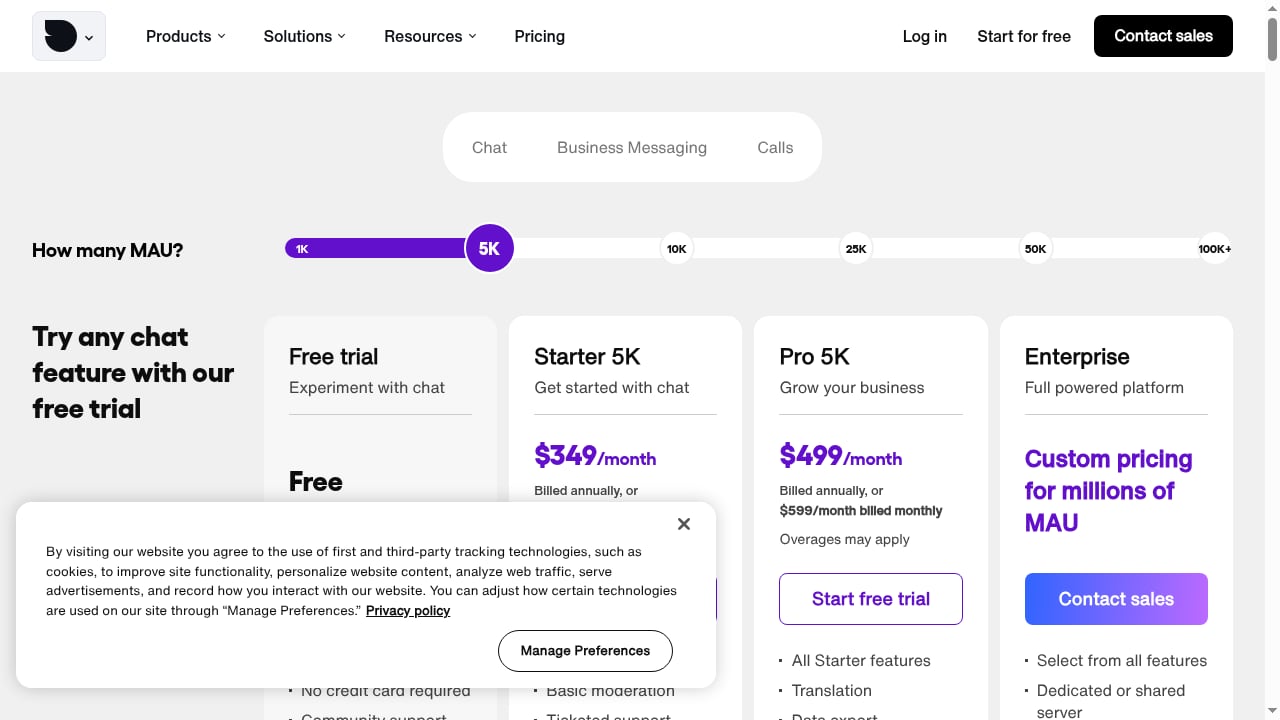
First viewport screenshot of Chat API pricing plans (try Chat free).
| Job | Owner |
|---|---|
| Real-time message delivery, presence, read receipts | Sendbird |
| Moderation, translation, push notifications | Sendbird |
| Omnichannel routing across SMS, WhatsApp, KakaoTalk | Sendbird |
| Authoring, versioning, and structuring help content | HelpLook |
| AI search over your own documentation | HelpLook |
| SEO-optimized public help center | HelpLook |
| Escalation rules and agent handoff | Sendbird (with HelpLook context) |
Do not try to make Sendbird your CMS, and do not try to make HelpLook your messaging transport. The value comes from the seam between them.
Common pitfalls
- Shipping the master API token to a client. The Chat Platform API is not designed for client-side use. Keep tokens server-side.
- Returning full articles in chat. Long messages get ignored. Return the answer plus a link.
- Skipping content cleanup first. An integration on top of messy documentation just surfaces messy answers faster.
- No escalation path. Self-service that traps customers is worse than no self-service.
- Ignoring the feedback loop. If conversation data never reaches your editors, the same gaps persist quarter after quarter.
Related reading
- HelpLook vs Docmost: AI Knowledge Base vs Self-Hosted Wiki - HelpLook vs Docmost compared: AI search, no-code help centers, SEO, and cloud SaaS versus self-hosted enterprise wiki with SSO, MFA, and compliance controls.
- Helpjuice Review 2026: AI Knowledge Base Software Tested - Evidence-based Helpjuice review for 2026: AI search, editor, analytics, pricing signals, setup, strengths, limits, and who it fits best.
Sources and further reading
- SendBird Tutorial For Beginners - How To Use SendBird - In this video you will find out How To Use SendBirdI am affiliate with website in the descriptionI provide only information what you can do, all responsbili...
FAQ
Is there an official HelpLook-Sendbird integration?
No single packaged connector covers both products end to end. You build the bridge using Sendbird's Chat Platform API and webhooks plus your HelpLook content surface. The setup is small — typically a few hundred lines of server code.
Can Sendbird's AI concierge answer from my HelpLook content?
Sendbird's AI concierge handles omnichannel automation and handoffs. To ground its answers in your documentation, you supply your HelpLook content as the retrieval source through your bridge. The concierge handles the conversation; HelpLook supplies the facts.
Do I need the Sendbird Chat Platform API if I only want agent-assist?
Not necessarily. If your agents simply open HelpLook in a browser tab or sidebar, you can skip API work entirely. Add the API when you want automated lookups, bot replies, or context passing into the agent view.
Which token should I use for routine API calls?
Use a secondary API token. Reserve the master API token for generating, listing, or revoking secondary tokens. The master token cannot be revoked or changed, which makes it risky for everyday use.
How do I measure whether the combination is working?
Track three numbers: self-service resolution rate before escalation, average turns per resolved conversation, and the count of conversations with no matching HelpLook article. The third number is your content roadmap.
Can I use HelpLook for internal support too?
Yes. Many teams run a customer-facing HelpLook help center and an internal knowledge base for agents. The same bridge can query both, with access rules deciding which content an agent sees.
Conclusion
HelpLook and Sendbird solve different halves of the same problem. Sendbird moves conversations; HelpLook supplies the answers those conversations need. Wiring them together takes a published knowledge base, a server-side bridge, a secondary API token, and a clear escalation rule — nothing exotic.
Start with the agent-assist pattern, prove that your content answers real questions, then automate the high-volume cases with bot lookups. If you are still evaluating the knowledge layer itself, it is worth comparing options before you build: see how HelpLook stacks up against hosted knowledge base software and Hesk, or review the broader field in our top AI customer support software comparison. For teams that prefer docs-as-code upstream, the HelpLook and MkDocs workflow shows how to keep authoring in Markdown while publishing an AI-searchable portal.
For reference while you build, keep the Sendbird documentation portal and the Chat Platform API preparation guide open — the base URL, header format, and token rules there are the ones your bridge must follow.