
Knowledge Base Software & Hosted Help Center Review 2026
A hosted help center is only as good as the answers it serves. This review looks at knowledge base software built for customer self-service — the kind that publishes articles to a public portal, powers a search widget, and increasingly feeds an AI answer layer. It covers who the category fits, where it breaks down, what pricing actually signals, and how to choose without overbuying.
The short version: if your support volume is dominated by repeat questions and your content is scattered across docs, tickets, and chat threads, a hosted help center with an AI retrieval layer can cut deflection costs fast. If your content is thin, stale, or owned by nobody, no tool will save you.
What this category actually is

📚 Knowledge Base Software & Hosted Help Center for Your Customers product interface.
Knowledge base software for customers does three jobs at once:
- Stores and organizes articles — collections, categories, versioning, permissions, and multilingual variants.
- Serves them to readers — a hosted help center on your domain, an in-app widget, and search that tolerates typos and vague phrasing.
- Grounds AI answers — an index that lets a chatbot or agent cite your published articles instead of inventing an answer.
The third job is what changed the category. Older help centers were static libraries. Current platforms treat the same article as a source for the portal, the widget, and an AI agent, so one edit propagates everywhere. That single-source model is the main architectural decision to evaluate.
Who should use a hosted help center
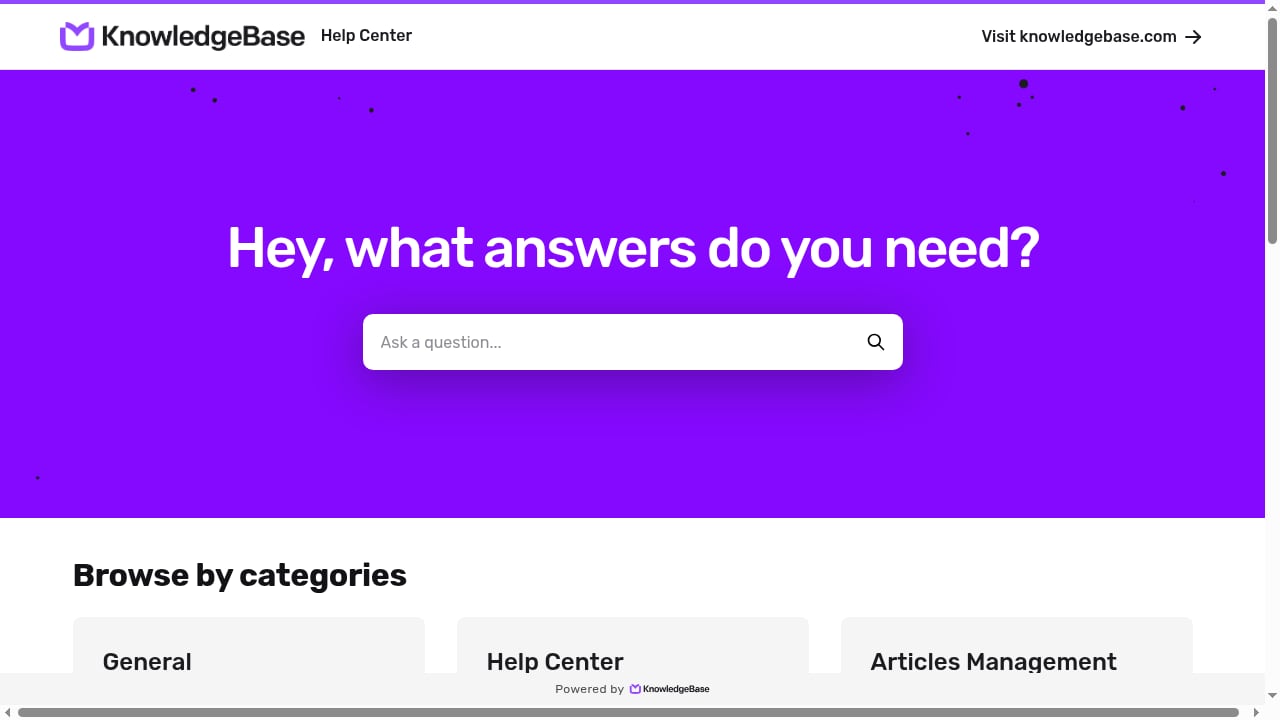
First viewport screenshot of Home | KnowledgeBase Help Center.
Strong fit
- SaaS and app teams with repeatable questions. Password resets, billing cycles, integration limits, and setup steps are self-service material.
- Support teams drowning in tier-1 tickets. Deflection only works if the answer is findable in under a minute.
- Teams with an existing AI agent or chatbot. An agent without a grounded knowledge source produces confident wrong answers. A hosted help center gives it citable content.
- Multi-product or multi-market companies. Separate help centers sharing one content operation beat one sprawling portal.
Weak fit
- Pre-product startups with no support history. You have nothing to document yet.
- Teams with no content owner. Knowledge bases decay. Without a named maintainer, the portal becomes a graveyard of outdated screenshots.
- Purely internal documentation needs. Internal wikis and customer help centers overlap but are not the same purchase. If your readers are employees asking in Slack, evaluate internal-first tools instead.
Use cases that justify the spend
Deflection at the widget. A customer hits a snag inside your app, opens the widget, types a question in their own words, and gets a cited article. No ticket created. This is the highest-ROI use case because it intercepts the question before it becomes a queue item.
AI agent grounding. If you run an AI support agent, the help center is its first source. Published articles get cited; unresolved tickets can feed back as suggested article updates. The loop matters more than the article count.
SEO as a side effect. A public help center on your domain ranks for long-tail problem queries. That is free acquisition, but only if the portal is indexable and the articles answer real questions rather than restating feature names.
Onboarding and training. The same articles that serve customers serve new support hires. One content operation, two audiences.
Strengths worth paying for
One article, many surfaces. The best implementations publish once and push to the portal, the in-app widget, and the AI agent's answer set. This eliminates the classic failure mode where the chatbot says one thing and the help center says another.
Draft-and-publish control. Edits autosave into a draft while the live version keeps serving. For teams with compliance or brand sensitivity, this is non-negotiable.
Search gap reporting. Article views, top searches, and — critically — searches that returned nothing tell you what to write next. This turns content planning from guesswork into a queue.
Import paths. Migrating from Intercom, Help Scout, Freshdesk, or a CSV means you are not starting from zero. Collections and articles come across, which shortens time-to-value considerably.
Multilingual handling. Translate, review, publish as a workflow rather than a manual duplicate-and-edit chore.
Limitations and honest trade-offs

📚 Knowledge Base Software & Hosted Help Center for Your Customers product interface.
Pricing scales on the wrong axis for some teams. Per-agent pricing punishes you for staffing up. Per-AI-reply pricing punishes you for succeeding. Per-author pricing is friendlier for large reader bases but can surprise you when more people need edit access. Match the meter to your growth pattern before signing.
AI answers are only as current as your content. A stale article misleads both the reader and the agent citing it. If your product ships weekly, your review cadence has to match.
Self-service failure is common. Industry research has repeatedly found that only a minority of service issues are fully resolved in self-service, with the leading cause being that customers cannot find relevant content. A help center does not fix findability by itself — search quality, article titles, and category structure do.
Hosted means hosted. You trade infrastructure control for speed. Teams with strict data residency or self-hosting requirements need to check that box early.
Widget and portal are not the same product. Some platforms excel at the public portal but offer a weak in-app experience, or vice versa. Test both with real customer questions.
Pricing signals to read carefully
Ignore the headline number. Read the meter.
| Pricing model | What grows the bill | Who it suits |
|---|---|---|
| Per agent/seat | Support headcount | Teams with small agent teams, large reader bases |
| Per author | Number of editors | Teams with many readers, few writers |
| Per AI reply/resolution | Automation volume | Teams confident in deflection rates |
| Flat tier by user band | Crossing a threshold | Predictable budgeting, mid-size teams |
| Bundled in a help desk suite | Existing suite spend | Teams already standardized on one vendor |
Also check: is there a permanent free tier or only a trial? Free plans typically cap pages, authors, or AI replies. Trials are usually 14–30 days, which is often too short to judge content maintenance workflows.
For a broader pricing and capability sweep across the category, see the top 10 AI documentation and knowledge base software for 2026, which compares grounded AI answers, pricing models, and governance side by side.
Setup: what the first two weeks look like
- Pick the audience and scope. Customer-facing only, or customer plus internal? Decide before you import anything.
- Import or seed content. Bring existing articles from your current help desk or a CSV. Expect to clean up formatting.
- Define collections. Group by product area or user journey, not by internal team structure. Customers do not know your org chart.
- Configure the domain and search. A help center on your own subdomain builds trust and SEO equity.
- Connect the widget. Test with five real questions customers asked last week. If search fails, fix titles before adding articles.
- Wire the AI layer. Point your agent at published articles only. Drafts should never be citable.
- Set a review cadence. Assign owners per collection. Monthly is a reasonable default for stable products.
If you are combining a hosted help center with developer-facing API docs, the workflow in how to use HelpLook with ReadMe shows how to connect the two without duplicating content.
Decision criteria: how to choose
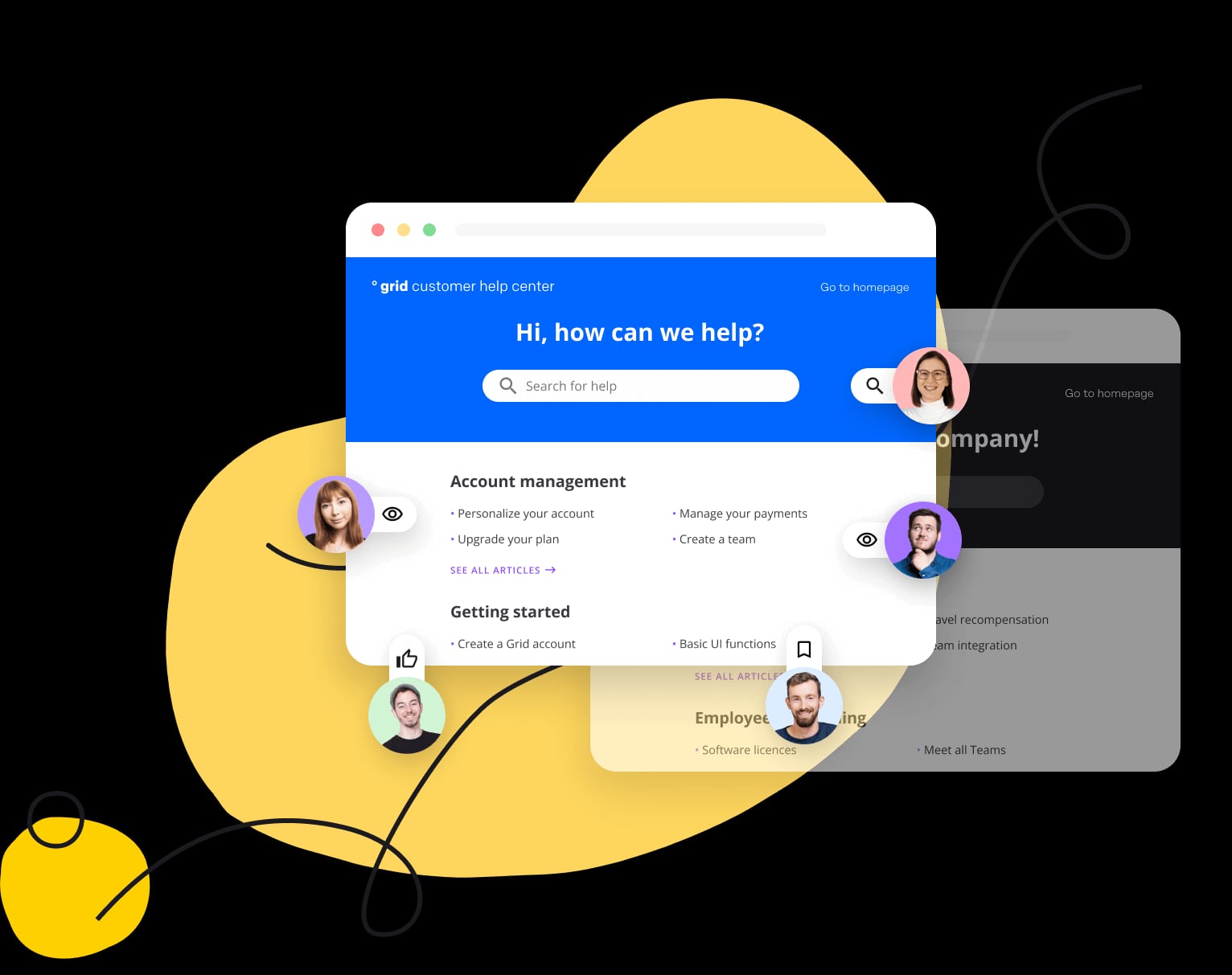
KnowledgeBase workspaces preview.
Score candidates on these, in order:
- Where do your customers ask? In-app widget, public portal, or chat. Weight the surface that carries your volume.
- Does the AI cite sources? Unsourced AI answers are a liability. Demand citations.
- What does the pricing meter track? Model your bill at 2x and 5x current volume.
- How fast can you publish? Draft-preview-publish beats a multi-step CMS for support content.
- What does search gap reporting look like? No gap data means no content roadmap.
- Migration path. Import support from your current tool reduces switching cost.
- Governance. Roles, approval flows, and version history matter once more than two people edit.
If you are weighing a general-purpose help center against a docs-as-code platform, the HelpLook vs GitBook AI knowledge layer comparison breaks down where each approach wins.
Related reading
- HelpLook vs Docsie vs TeamSupport: Best Knowledge Platform 2026 - Compare HelpLook, Docsie, and TeamSupport for AI knowledge bases, documentation, and B2B support. Find the best fit for your team in 2026.
Sources and further reading
- 12 best free knowledge base software of 2026 - Free knowledge base software helps teams share resources with customers and employees. Find the best free tools today.
- AI Knowledge Base Software for Customer Support | Gleap - Gleap's AI knowledge base is the help center customers search and the source Kai Support answers from. Write once, publish in the widget and on your domain.
- 12 Best Knowledge Base Software for Employees and Customers - Compare 12 knowledge base software tools for internal wikis and customer help centers: who reads them, where answers appear, and cost at your team size.
FAQ
Is a hosted help center the same as a knowledge base? Not exactly. The knowledge base is the content store; the hosted help center is the public-facing site that serves it. Most modern platforms bundle both, plus a widget and an AI answer layer.
Do I need AI in my knowledge base? If you run a chatbot or support agent, yes — grounding is what separates useful answers from hallucinated ones. If your only goal is a searchable article library, AI is optional but increasingly bundled by default.
How do I measure whether it is working? Track deflection rate (questions answered without a ticket), search success rate, and searches with zero results. The last one is your content backlog.
What is the biggest implementation mistake? Importing everything without pruning. A smaller, accurate, well-titled article set outperforms a large stale one — especially once an AI agent is citing it.
Can I start free? Several platforms offer permanent free tiers with caps on pages or authors, and most others offer trials in the 14–30 day range. Free tiers are fine for validating search quality; they rarely survive contact with a real support queue.
Conclusion
Knowledge base software and hosted help centers have converged into a single purchase: the article store, the public portal, the in-app widget, and the AI answer layer. The differentiator is no longer whether a tool can publish articles — it is whether one edit reaches every surface where a customer asks, and whether the AI can cite what it serves.
Choose based on where your customers ask, what your pricing meter tracks, and who owns content maintenance. Get those three right and the tool pays for itself in deflected tickets. Get them wrong and you will have an expensive, well-designed portal that nobody reads.
For a wider field of options before you commit, compare the top knowledge portal platform products for 2026 on portal design, AI search, governance, and pricing signals.