
Top 10 Knowledge Portal Platform Products for 2026
A knowledge portal is not just a folder of articles. It is the public or internal front door where people search, browse, and trust what they find. In 2026, the best portals combine clean information architecture, AI-assisted search, governance, and integrations that keep answers close to the work.
This review ranks 10 products that genuinely belong to the knowledge portal platform category. Selection is based on documented capabilities, published pricing signals, and credible user feedback. No vendor paid for placement.
How we evaluated these knowledge portal platforms
First viewport screenshot of Ultimate Guide to SaaS Product Release Notes.
We scored each product on six criteria:
- Portal experience: navigation, search, theming, and mobile access.
- Content lifecycle: authoring, review workflows, versioning, and staleness detection.
- AI and search: semantic search, generative answers, and source citation.
- Governance: permissions, audit trails, and multi-brand or multi-language control.
- Integrations: service desks, CRMs, chat tools, and developer workflows.
- Pricing transparency: whether a real price is published and how AI usage is billed.
We excluded tools that are primarily note-taking apps, project management suites, or general intranets without a true portal layer. We also excluded products that only work for very small teams and break down at enterprise volume.
1. Archbee — Best for developer-facing knowledge portals
First viewport screenshot of Changelog Integration.
Archbee is a knowledge portal platform built for teams that publish technical and product documentation. It combines a block editor, API documentation support, and AI features in a portal that is easy to navigate and search.
Key strengths:
- Block-based editor with reusable content and code blocks.
- API documentation and OpenAPI support for developer portals.
- AI search and AI writing assistance inside the portal.
- Custom domains, theming, and access controls for public or private portals.
Watch-outs:
- Pricing scales with seats and features, so small teams should model costs carefully.
- Best fit is technical documentation, not general HR or policy portals.
Best for: SaaS and API-first companies that need a polished developer knowledge portal. For a deeper look at capabilities and limits, see this Archbee review.
2. Document360 — Best for enterprise knowledge portals with AI governance
Document360 is an AI-powered knowledge management platform that supports customer and internal documentation from one interface. It is designed for help centers, API docs, SOPs, and product manuals.
Key strengths:
- Markdown and WYSIWYG editors with review workflows.
- Eddy AI for search, writing, chatbots, and duplicate content detection.
- SEO automation and analytics for customer-facing portals.
- Enterprise-grade security and multi-language support.
Watch-outs:
- Pricing is quote-only for higher tiers, so budget planning requires a sales conversation.
- The feature depth can be heavy for small teams.
Best for: Enterprises that need governance, multilingual portals, and AI-assisted content maintenance.
3. Guru — Best for verified internal knowledge portals
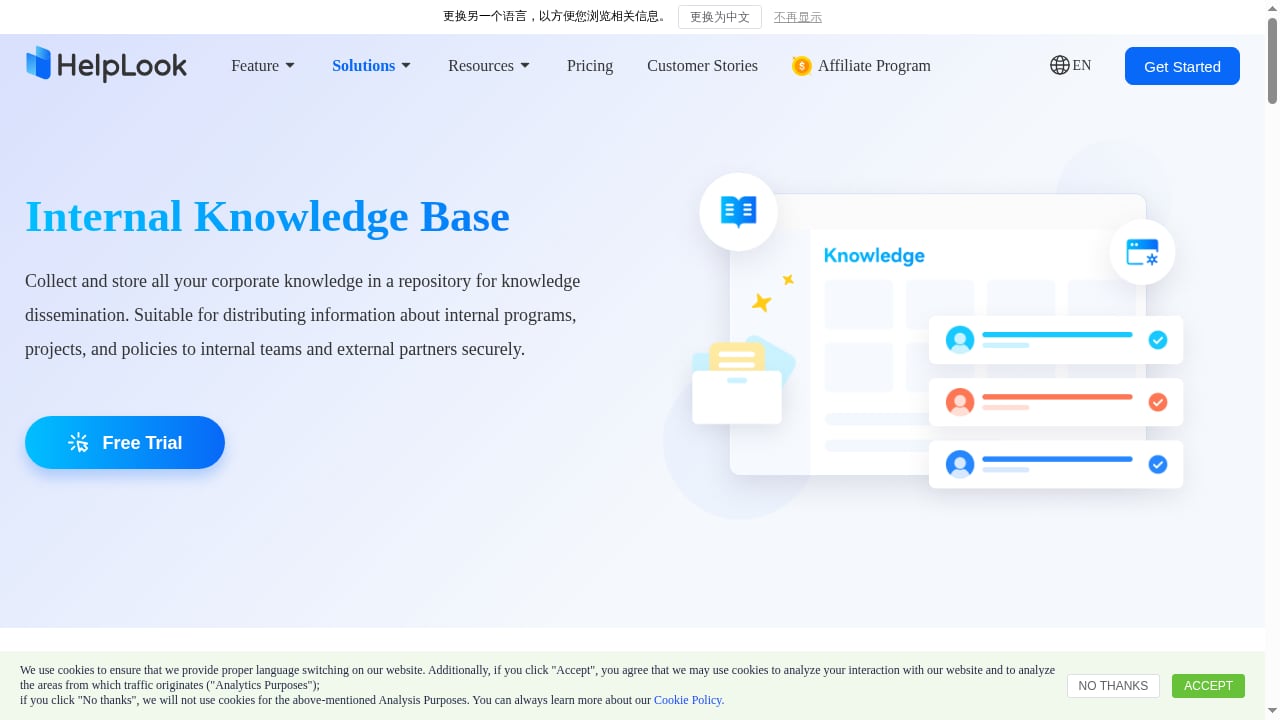
First viewport screenshot of Ideal AI-Powered Internal Knowledge Base Software- HelpLook.
Guru is an AI knowledge platform that acts as a source of truth for enterprises. It connects information from Slack, Microsoft Teams, Google Workspace, Salesforce, and other systems into a governed, permission-aware knowledge layer.
Key strengths:
- Cited AI answers delivered inside existing workflows.
- Verification workflows that keep content accurate over time.
- Centralized governance and usage-based signals.
- Strong fit for internal support, sales enablement, and operations.
Watch-outs:
- Pricing is not published, so cost transparency is limited.
- It is primarily internal-facing rather than a public customer portal.
Best for: Large organizations that need trusted answers inside chat and CRM tools.
4. Confluence — Best for internal knowledge in Atlassian environments
Confluence is a collaborative documentation platform used heavily by product, engineering, and IT teams. It works as an internal knowledge portal when teams want shared ownership, strong versioning, and deep alignment with Jira.
Key strengths:
- Page-based documentation with real-time collaboration and version history.
- Tight integration with Jira and Jira Service Management.
- Structured templates for technical docs, runbooks, and internal guides.
- Granular page permissions and space-level access controls.
Watch-outs:
- The portal experience is functional rather than polished for external audiences.
- Search can become noisy as spaces multiply without governance.
Best for: Engineering and IT teams already standardized on Atlassian.
5. Notion — Best for flexible, collaborative internal portals
Notion combines notes, databases, and documents into a single workspace. It works as a knowledge portal when teams want customizable structure and integrated AI assistance.
Key strengths:
- Flexible page and database system for custom knowledge structures.
- Notion AI for drafting, summarizing, and updating content.
- Enterprise search across pages, databases, and workspaces.
- Real-time editing with comments and mentions.
Watch-outs:
- Governance and permissions are less rigid than dedicated enterprise portals.
- External-facing portals require workarounds or third-party tools.
Best for: Startups and mid-size teams that value flexibility over formal governance.
6. Bloomfire — Best for AI-powered enterprise search
Bloomfire is a knowledge management platform that uses AI to improve information sharing and collaboration. It includes enterprise search, AI-powered author assistance, and analytics.
Key strengths:
- Ask AI returns natural-language answers from certified company knowledge.
- Author Assist speeds up content creation.
- Analytics measure engagement and knowledge impact.
- Supports customer support, research, sales enablement, and knowledge sharing.
Watch-outs:
- Pricing is not published on the public site.
- The portal is more internal-facing than customer-facing.
Best for: Enterprises that need strong search across many internal sources.
7. KMS Lighthouse — Best for contact center knowledge portals
KMS Lighthouse is an enterprise knowledge management SaaS solution that delivers real-time answers to employees, agents, and customers. It integrates with CRM, ticketing, and contact center systems such as Salesforce, Dynamics 365, and ServiceNow.
Key strengths:
- Patented search engine with deterministic answers.
- Optional GenAI-powered capabilities for context-aware answers.
- Step-by-step guides and scenario support.
- Fast authoring and easy updates for global brands.
Watch-outs:
- Pricing is quote-only.
- The product is optimized for service and sales channels rather than developer docs.
Best for: Large contact centers that need consistent answers across channels.
8. USU Knowledge Management — Best for service desk knowledge governance
USU Knowledge Management Software centralizes and organizes company knowledge for customer service and support teams. It offers a searchable knowledge base, workflow automation, structured document management, and analytics.
Key strengths:
- Standardized information that reduces search time.
- Workflow automation for knowledge capture and maintenance.
- Analytics for evaluating knowledge usage and effectiveness.
- Designed to reduce knowledge silos in service centers.
Watch-outs:
- Pricing is not published.
- The interface is built for service operations rather than public documentation.
Best for: Service organizations that need structured, governed knowledge.
9. IT Glue — Best for IT documentation portals
IT Glue centralizes and organizes critical information for IT teams. It automates documentation of SOPs, troubleshooting guides, and policies, and integrates with Microsoft 365 and Active Directory.
Key strengths:
- Intelligent documentation framework with templates and workflows.
- Integration with Microsoft 365 and Active Directory.
- Secure storage and easy retrieval of knowledge assets.
- Reduces time spent searching for IT information.
Watch-outs:
- It is specialized for IT documentation, not general knowledge portals.
- Pricing is not published for all tiers.
Best for: Managed service providers and internal IT departments.
10. Stonly — Best for interactive step-by-step knowledge portals
Stonly is designed for interactive guides, onboarding solutions, and knowledge management. It enables organizations to create step-by-step tutorials, FAQs, and support documentation that can be embedded in websites and applications.
Key strengths:
- Decision trees and interactive guides for complex processes.
- Customization and integration with customer support platforms.
- Targeted guide delivery based on user behavior.
- Analytics to optimize self-service effectiveness.
Watch-outs:
- Pricing is enterprise-only and not published.
- It is more of a guided experience tool than a full documentation portal.
Best for: Support teams that need interactive troubleshooting and onboarding content.
How to choose the right knowledge portal platform
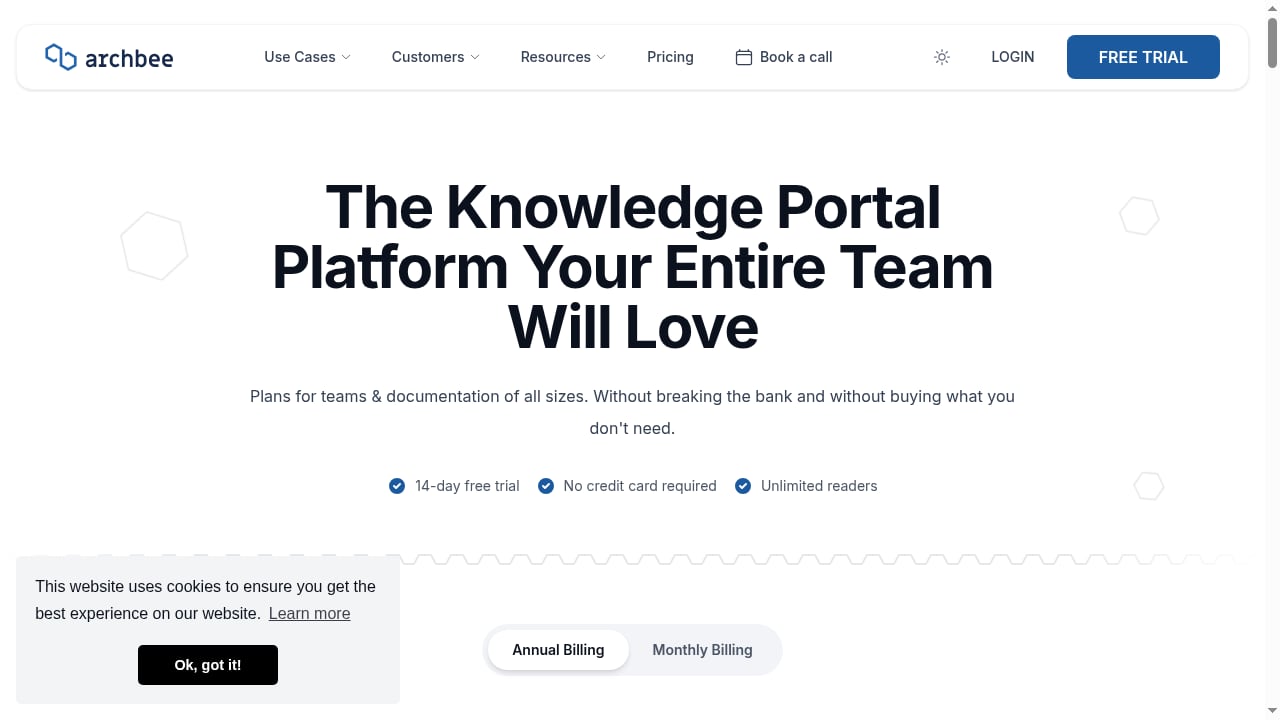
First viewport screenshot of Archbee Pricing: The Knowledge Portal Platform Your Entire Team Will Love.
Start with the audience. If your portal is customer-facing, prioritize SEO, branding, and self-service search. If it is internal, prioritize permissions, verification workflows, and integrations with chat and CRM tools.
Next, check the pricing model. Seat-based pricing can punish you for inviting the people who hold the knowledge. AI features are increasingly metered, so confirm whether AI is included or billed per credit, per resolution, or per outcome.
Finally, test the maintenance workflow. A portal that is easy to publish to but hard to update will decay. Look for review cycles, staleness detection, and ownership signals.
If your team also needs AI-powered self-service beyond the portal itself, tools like HelpLook can complement a knowledge portal by adding AI search, help desk workflows, and SEO-optimized help centers. For teams comparing adjacent options, this comparison of HelpLook, Zendesk, and Documentation.AI explores where each fits.
Related reading
- How to Use HelpLook with Fin: AI Knowledge Base + AI Agent - Learn how to connect HelpLook and Fin so your AI agent resolves tickets with accurate, source-backed answers from your knowledge base. Setup, workflow, examples.
- HelpLook vs Stonly: Best Knowledge Management for Support - HelpLook vs Stonly for customer service knowledge management. Compare AI search, no-code help centers, SEO, interactive guides, and pricing signals.
Sources and further reading
- 10 Best Knowledge Base Software Platforms for 2026 - The Best Knowledge Base Software for 2026, Compared on Real Pricing, AI Features, and Whether They Fit Internal or Customer-Facing Knowledge.
- Best Knowledge Management (KM) Software Reviews 2026 | Gartner Peer Insights - Find the top Knowledge Management Software with Gartner. Compare and filter by verified product reviews and choose the software that’s right for your organization.
- Top 10 enterprise knowledge base platforms for 2026 - Compare 10 enterprise knowledge base platforms for 2026, including monday service. Review AI search, permissions, integrations, and pricing highlights.
Frequently asked questions
What is a knowledge portal platform?
A knowledge portal platform is software that creates a searchable, organized front door to approved information. It can be customer-facing, internal, or both, and typically includes authoring, search, permissions, and analytics.
How is a knowledge portal different from a knowledge base?
A knowledge base is the collection of articles. A knowledge portal is the experience layer around it: navigation, search, branding, access control, and integrations that make the knowledge usable.
Which knowledge portal platform is best for customer-facing documentation?
Document360 and Archbee are strong for customer-facing and developer documentation. For support teams that need AI search and help desk features alongside a portal, HelpLook is a complementary option.
Are AI features included in knowledge portal pricing?
It varies. Some platforms include AI in higher tiers, while others meter AI by credits, resolutions, or outcomes. Always confirm the AI billing model before committing.
Can I use a knowledge portal for both internal and external audiences?
Yes, but most platforms are optimized for one or the other. If you need both, look for multi-brand support, granular permissions, and separate publishing workflows.
Conclusion
The best knowledge portal platform for 2026 depends on your audience, governance needs, and budget model. Archbee leads for developer-facing portals, Document360 for enterprise governance, and Guru for verified internal answers. Confluence and Notion serve internal teams well, while Bloomfire, KMS Lighthouse, USU, IT Glue, and Stonly each excel in specific niches.
Evaluate on portal experience, content lifecycle, AI search, governance, integrations, and pricing transparency. Then test the maintenance workflow, because a portal that cannot stay current will lose trust. For teams exploring AI-powered self-service alongside a portal, HelpLook offers a low-code way to add AI search and help desk capabilities without replacing your existing documentation stack.