
Document360 Review 2026: AI Knowledge Base Tested for Teams & Enterprise
For support leaders tired of answering the same questions and developers who want to stop digging through scattered docs, an AI‑powered knowledge base sounds like the obvious fix. Document360 has positioned itself as exactly that — a dedicated platform for building beautifully organized help centers, internal wikis, and developer portals. We’ve examined verified user reviews, case studies, and enterprise benchmarks to understand whether Document360 lives up to its 4.7‑star G2 rating and where it fits in a crowded landscape. At HelpLook, we test knowledge platforms across real‑world scenarios, so this review balances hands‑on insights with data from thousands of users.
Who Document360 Is For (And Who Should Look Elsewhere)
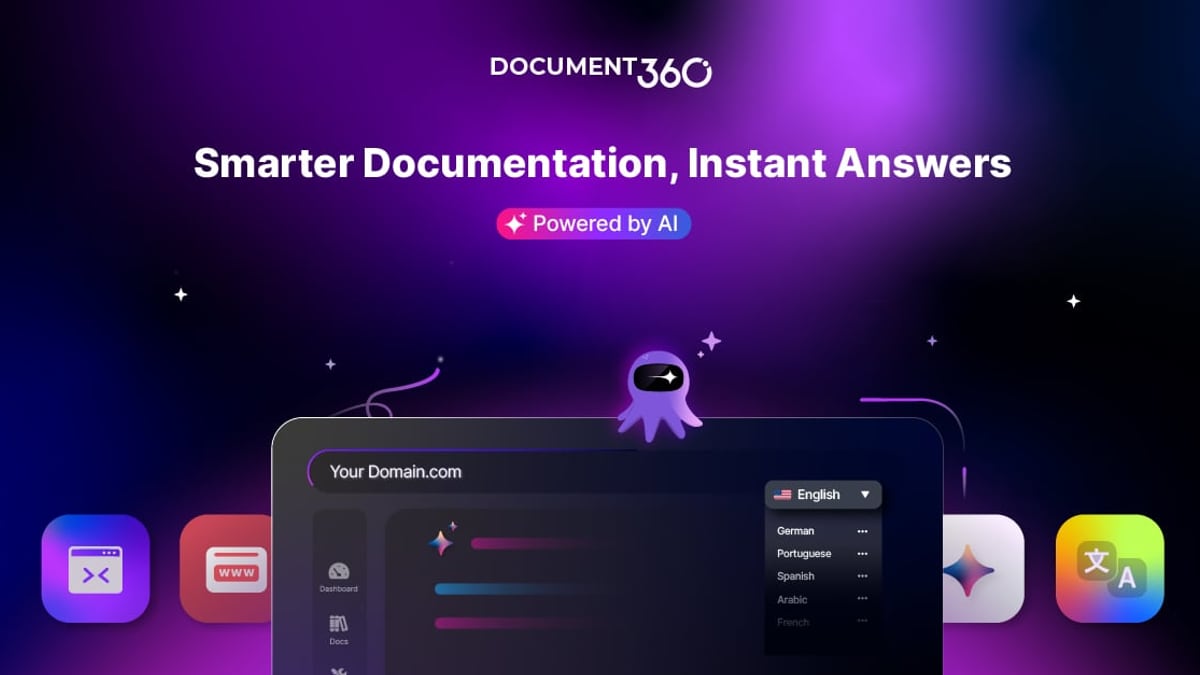
Document360 Review 2026: AI Knowledge Base Tested product interface and feature overview.
Document360 targets teams that need a structured, often public‑facing documentation hub. Typical users include:
- Customer support teams that want to deflect tickets through a robust self‑service portal.
- Technical writers and product managers who publish user manuals, SOPs, and release notes at scale.
- IT and engineering departments documenting APIs, workflows, and internal procedures.
- Regulated industries (finance, healthcare, biotech) that require SOC 2, GDPR, or HIPAA‑ready infrastructure.
It’s less suited for:
- Small teams that need a lightweight, wiki‑style tool without version control or approval workflows.
- Organizations looking for a knowledge base that also converts legacy videos into SOPs or deploys multi‑tenant client portals out of the box.
- Teams that want an AI chatbot that grounds itself dynamically across multiple disjointed data sources without heavy configuration.
If your priority is an enterprise‑grade knowledge hub with granular permissions and AI authoring, Document360 remains a top contender. For a different balance, check our side‑by‑side look at HelpLook vs Documentation.AI vs DocsBot.
Core Features That Set It Apart

Document360 Review 2026: AI Knowledge Base Tested product interface and feature overview.
Document360 packs over 100 features, but a handful define its appeal:
- AI‑powered search and Eddy chatbot: Unlike basic keyword matching, the built‑in AI agent learns from the knowledge base and can answer questions in natural language, even inside your help desk. Microsoft’s case study on Document360 reports a 50% increase in customer engagement after adopting these AI capabilities learn more.
- AI writing agent and Markdown/WYSIWYG dual editor: Authors can draft, improve, and translate content directly within the editor. The Markdown support keeps developers happy, while the WYSIWYG mode suits non‑technical contributors.
- Workflow builder and approvals: Custom review cycles ensure that compliance or accuracy checks happen before any article goes live — a feature that the enterprise market routinely demands.
- Advanced analytics: Drill down into search terms that yield no results, article performance, and reader behavior to continuously improve content coverage.
- Security and compliance: Document360 is SOC 2, ISO 27001, and GDPR compliant, with SAML SSO, RBAC, and audit logs available on higher plans.
It also now offers an MCP server to integrate knowledge with agents built on proprietary AI infrastructure, a move that future‑proofs the platform for teams building custom internal copilots.
What Users Love: Strengths from Real Feedback
Verified Gartner reviews and G2 commentary yield a consistent praise pattern:
- Clean, intuitive interface for both authors and readers. One operations manager in healthcare called it “reliable and user‑friendly,” highlighting the shallow learning curve for new contributors.
- Search and categorization: Users repeatedly call out the intelligent search and well‑structured category manager. A support manager praised the platform for “helping reduce support load while maintaining consistency.”
- Version control and access controls: Many reviewers emphasize the enterprise‑grade control over who sees what, which is particularly valuable for internal wikis that mix confidential and general content.
These strengths align neatly with teams that need structured, auditable documentation. If your use case demands more video‑first or real‑time collaborative editing, you may want to read our Bloomfire review for a different approach.
Where It Falls Short: Limitations

Document360 Review 2026: AI Knowledge Base Tested product interface and feature overview.
No review is complete without the friction points. Common limitations voiced by users include:
- Integration flexibility: A recurring complaint on Gartner’s peer insights notes that Document360 “is not as flexible in integrations with other services that use AI,” and users want a smoother way to let external AI systems access the documentation. While it connects with Zendesk, Freshdesk, and others, true omnichannel or custom API ingestion may require extra development.
- No expert verification workflows: Unlike competitor Guru, Document360 does not offer a dedicated “expert verification” label where subject‑matter experts can formally sign off on individual articles. This can be a gap for large teams that rely on peer validation.
- Missing video‑to‑document conversion: If your knowledge base strategy centers on converting recorded walkthroughs into step‑by‑step articles, Document360 will not do that automatically; you’ll need a separate tool.
- Pricing transparency: Document360 does not publish pricing publicly — a common friction point for smaller teams. Pricing signals suggest a mid‑market to enterprise focus, with annual contracts and per‑user or per‑knowledge‑base models. In the Freshservice review we discuss similar pricing dynamics for AI‑ticketing platforms.
Still, for structured, text‑heavy documentation with strong AI search, Document360 remains competitive.
Pricing Signals and Setup Experience
Document360’s pricing is quote‑based, with plans splitting by feature depth: the Standard tier includes essentials like the editor, categories, and basic reporting, while Enterprise unlocks SSO, custom workflows, AI chatbot, and advanced analytics. Setup typically takes a few hours for a basic knowledge base, though migrating legacy content or structuring complex taxonomies can stretch to days. The platform offers a free trial and a guided onboarding call that many reviewers find helpful. Expect an annual commitment if you want the full feature set at a predictable cost.
Document360 vs Alternatives: How to Choose

Document360 Review 2026: AI Knowledge Base Tested product interface and feature overview.
When evaluating Document360 against others, focus on your primary content type and governance needs:
- vs Guru: Document360 gives you a public help center, custom domains, and better categorization; Guru excels at verified internal knowledge with a browser extension. Choose Document360 if you need an outward‑facing site; Guru if you want lightweight, in‑flow verification for internal teams.
- vs HelpLook: HelpLook bundles an AI chatbot with its knowledge base from the start, often at a lower entry price and with zero‑setup simplicity. Document360’s strength is its editorial workflow engine and enterprise‑grade analytics. If you’re comparing both, our HelpLook vs KnowledgeBase vs Mintlify guide breaks down the trade‑offs.
- vs Stonly: Stonly emphasizes interactive guides and step‑by‑step widgets; Document360 is more of a pure documentation repository. For an in‑depth look at Stonly, see the Stonly review 2026.
Related reading
- HelpLook vs Docmost: AI Knowledge Base vs Self-Hosted Wiki - HelpLook offers AI-powered knowledge base and chatbot with zero setup; Docmost is a self-hosted wiki. See why HelpLook wins for ease, AI, and customer-facing support.
Sources and further reading
- Document360 builds AI knowledge base on Azure, ups efficiency and customer engagement | Microsoft Customer Stories - With an aim to help businesses improve document efficiency and transparency, Document360 wanted to build an AI-powered knowledge base and service platform.
- Document360 vs Guru for Enterprise (2026): Full Comparison | Docsie - Document360 vs Guru for enterprise: compare security, scalability, admin controls, and SLAs—then discover why Docsie wins both.
FAQ: Common Questions About Document360
Is Document360 good for API documentation?
Yes. It supports Markdown, code blocks, and OpenAPI specification display, making it suitable for developer portals. Its AI search helps developers find endpoints quickly.
Does Document360 offer a free plan?
Not a permanent free tier. You can start with a trial, but ongoing use requires a paid plan.
Can I host Document360 on‑premise?
Document360 is a cloud‑first platform built on Microsoft Azure see Microsoft case. On‑premise deployment is not standard; discuss custom options with sales.
How does the AI chatbot work across different helpdesks?
Eddy can be embedded into Zendesk, Freshdesk, and other tools, or sit on your help site. It answers based on the indexed knowledge base content and can hand off to agents when needed. The Azure‑backed infrastructure reduced operational costs for Document360 by 40% according to the company’s own data.
Is Document360 a fit for a small startup?
If you need robust versioning, workflows, and AI from day one, Document360 may be overkill and expensive. Lighter tools might serve you better until you outgrow them. But if you already have a support volume demanding a professional help center, the investment pays off quickly.
Conclusion: Is Document360 Worth It?
Document360 earns its strong reputation by delivering a polished, AI‑enhanced knowledge base that suits both customer‑facing and internal documentation. The platform shines brightest when you need structured content, advanced search, and enterprise governance. Real users consistently praise its intuitive interface and the time it saves support teams. The trade‑offs — limited AI integration flexibility, no expert verification labeling, and opaque pricing — will matter more to some buyers than others.
If your team’s documentation strategy revolves around a single source of truth with powerful analytics and AI search, Document360 is a smart shortlist candidate. To see how it stacks up against an AI‑first alternative that includes a native chatbot out of the box, explore our HelpLook vs GitBook comparison — or reach out to HelpLook for a personalized knowledge‑base platform assessment.
Gartner review excerpts sourced from Gartner Peer Insights.