
HelpLook vs Archbee vs Docmost: Pick the Right Knowledge Hub for Your Team
Choosing between a modern AI knowledge base, a developer‑focused documentation portal, and a secure self‑hosted wiki? HelpLook, Archbee, and Docmost each target a different corner of the knowledge management universe. This comparison cuts through the noise to help you decide which tool aligns with how your team works, where your data lives, and what your users expect.
Quick Overview of Each Platform

HelpLook vs Archbee vs Docmost: Pick Your Knowledge Hub product interface and feature overview.
HelpLook is an all‑in‑one, AI‑powered self‑service platform. You can build a public help center, internal knowledge base, product manuals, or even an enterprise blog—without writing code. Its standout is HelpLook AI, which embeds an intelligent chatbot and smart search directly into your content, pulling answers from multiple AI models. Over 10,000 companies use it to replace shallow search experiences with instant, personalized assistance.
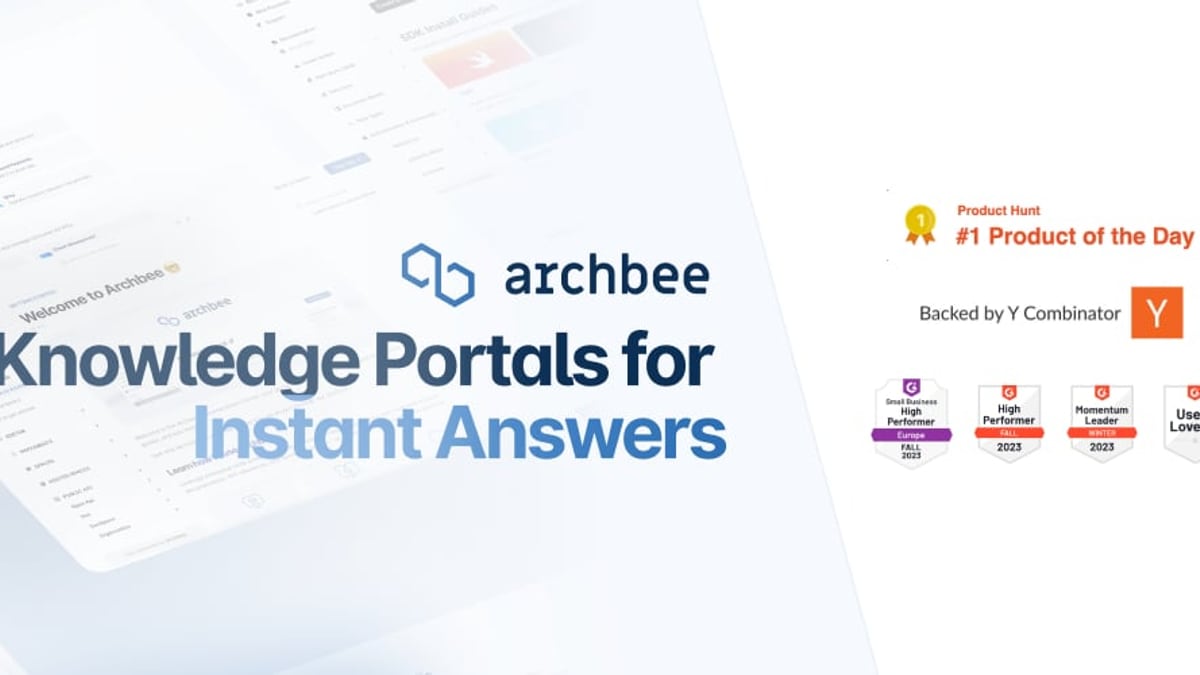
Archbee is a knowledge portal built for teams that need beautiful, fast, and scalable documentation sites. It shines when you’re creating product docs, API references, developer guides, or internal wikis. Native branching, reusable content blocks, and a polished editor make it a favorite among technical teams. Archbee is backed by Y Combinator and trusted by 3,000+ companies like Make and Rollstack.
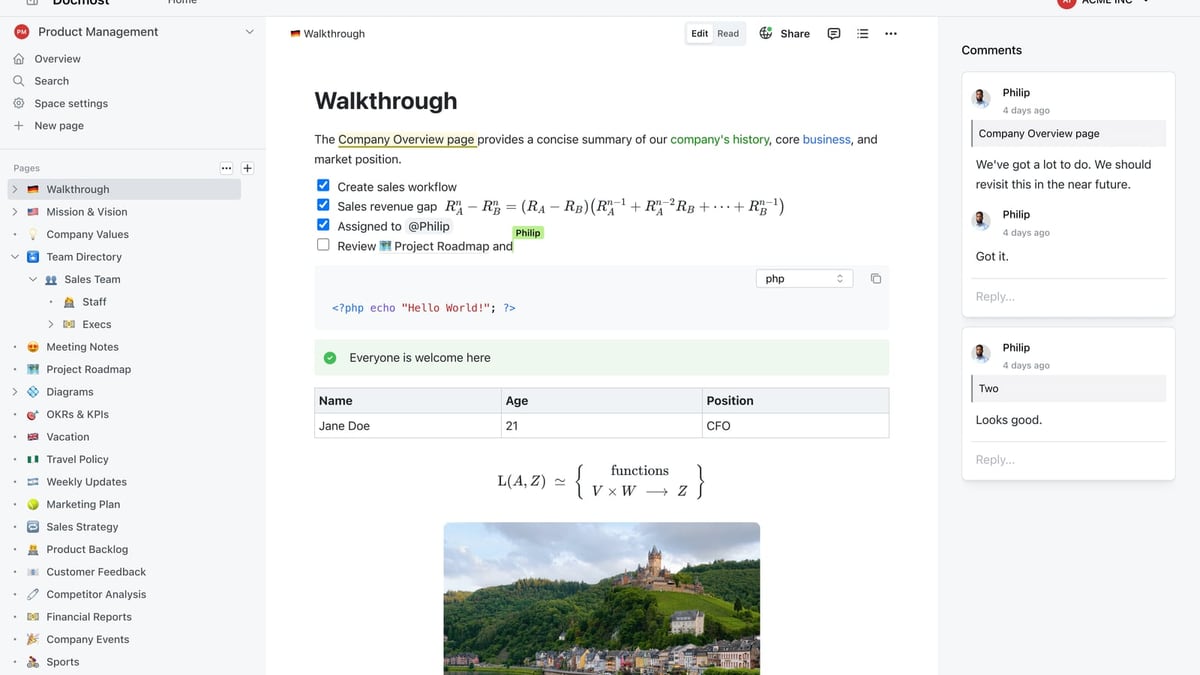
Docmost is an open‑source, enterprise‑ready collaborative wiki. If your priority is full data control—think on‑premises deployment, air‑gapped environments, and rigorous compliance—Docmost delivers that along with real‑time editing, Kanban databases, and a self‑hosted AI assistant. It has been downloaded over 3 million times and is a go‑to alternative to Confluence and Notion for privacy‑conscious teams.
Feature Comparison: Where Each Tool Excels
HelpLook vs Archbee vs Docmost: Pick Your Knowledge Hub product interface and feature overview.
AI‑Powered Search and Assistance
HelpLook puts AI at the heart of every interaction. Its integrated AI search and chatbot (powered by models like OpenAI and Azure) automatically answer repetitive customer questions, deflect tickets, and adapt responses to the user’s language. The widget embeds this intelligence directly into your website or app, giving users an instant self‑service layer without leaving the page.
Archbee offers AI‑powered search that quickly retrieves information from your documentation. While it lacks a built‑in conversational chatbot like HelpLook’s, its AI writing and translation features accelerate content creation and localization. The focus is on helping writers produce and maintain documentation, not on end‑user conversational support.
Docmost includes an AI assistant that you can connect to your own self‑hosted large language models (Ollama, vLLM, or OpenAI). This gives you full control over the AI, making it ideal for environments where data must never leave your servers. However, it is an in‑editor assistant primarily for authors; it does not offer a public‑facing chatbot out of the box.
Verdict: HelpLook gives the most complete end‑user AI experience (chatbot + search). Docmost is unbeatable for private, self‑hosted AI authoring. Archbee combines strong search with AI‑assisted writing for technical teams.
Content Creation and Collaboration
Archbee was designed with technical documentation in mind. Its editor supports Markdown, Mermaid.js diagrams, OpenAPI and GraphQL specs, and 20+ custom blocks. Real‑time collaborative editing, native branching, and display rules let multiple contributors work safely on complex docs. Version history is clean and intuitive.
Docmost brings real‑time collaborative editing to an open‑source wiki. It includes traditional wiki features like spaces, page verification workflows, and RBAC permissions. The addition of Kanban boards and database‑like views (Bases) makes it a flexible internal knowledge hub, not just a static document store.
HelpLook’s Portal editor is built for speed and simplicity. You can structure content with rich formatting, manage multilingual versions, and track article performance through built‑in analytics. While it lacks the deep diagramming and API‑first focus of Archbee, it requires no technical skill and lets you publish a fully branded knowledge base in minutes—perfect for support teams and non‑technical stakeholders.
Verdict: Archbee wins for technical, API‑heavy documentation. Docmost excels at collaborative internal wikis with process tracking. HelpLook is the easiest to deploy for customer‑facing help centers and product guides.
Customization and Branding
All three platforms support custom domains and branding. Archbee gives you deep visual control with custom CSS and JavaScript, so your docs can feel like a natural extension of your product. HelpLook also delivers custom branding and SEO optimization; its multilingual support and site analytics help you reach a global audience with minimal effort. Docmost allows white‑labeling but prioritizes functional customisation (permissions, workflows, SSO) over extensive visual CSS tweaking.
Security and Deployment
Docmost is purpose‑built for security‑conscious organizations. It offers on‑premises deployment, air‑gapped installation, SSO/SAML/OIDC/LDAP, MFA, audit logs, SCIM provisioning, and full data ownership. It can meet ITAR, FedRAMP, GDPR, SOC 2, and ISO 27001 requirements, making it a fortress for protected information.
Archbee is a cloud‑native SaaS with SOC 2 compliance and advanced authentication (including JWT for public collections). It’s secure enough for most B2B SaaS companies but does not provide a self‑hosted option.
HelpLook is also cloud‑based with emphasis on rapid deployment. It supports private and public knowledge bases with role‑based access, but it doesn’t offer self‑hosting or the depth of enterprise compliance certifications that Docmost does.
Verdict: Docmost is the clear leader when you must own your data and prove compliance. Archbee and HelpLook are appropriate for teams comfortable with trusted cloud infrastructure.
Integrations and Ecosystem
Archbee integrates tightly with developer workflows—GitHub, GitLab, and Changelog are native connections. Its API lets you automate publishing and embed docs anywhere.
Docmost integrates with identity providers and enterprise systems through SSO and directory sync. Its open‑source nature means you can extend it, but it doesn’t offer a large library of turnkey integrations out of the box.
HelpLook connects with the tools support teams already use, including analytics platforms, messaging apps, and AI models. The widget can be embedded into any web property, making it easy to unify knowledge access across your product, website, and internal apps.
Pricing and Scalability
HelpLook offers a generous free tier and scalable paid plans that grow with your audience. It’s positioned as a cost‑effective alternative to traditional knowledge bases, with pricing designed for businesses of all sizes. You can see how it stacks up against other AI‑first tools in our HelpLook vs Archbee vs Mintlify comparison.
Archbee starts with a free personal plan (unlimited docs, 2 collections) and moves to $30/month for its Growing plan (5 users). Its scalability is proven, with customers like Make achieving 5x faster publishing and ~92% documentation coverage.
Docmost is open‑source; the software itself is free, but you’ll need to host it on your own infrastructure (or pay a partner for managed hosting). This makes it highly cost‑predictable for larger enterprises, though it requires dedicated IT resources.
Which Tool Is Right for Your Team?
HelpLook vs Archbee vs Docmost: Pick Your Knowledge Hub product interface and feature overview.
Choose HelpLook if you want an all‑in‑one AI knowledge base that serves customers with smart search and a chatbot, supports multiple languages, and can be live in a day with no coding. It’s ideal for SaaS companies, e‑commerce, and support‑focused teams that need to reduce tickets and improve self‑service experiences. For a side‑by‑side look at how HelpLook matches up with another popular knowledge base, read our HelpLook vs Archbee vs KnowledgeOwl analysis.
Choose Archbee if your team creates product documentation, API references, or developer guides and needs an editor that feels built for engineers. Its Y Combinator backing and adoption by 3,000+ companies reflect its strength in handling technical content with speed and scalability. You can explore a direct head‑to‑head with another developer‑focused tool in HelpLook vs Archbee vs Mintlify.
Choose Docmost if your organization mandates on‑premises deployment, strict compliance, or total control over your wiki. It’s the open‑source alternative to Confluence that gives you real‑time editing, Kanban views, and a self‑hosted AI assistant without ever sharing your data externally.
At HelpLook, we see teams waste too much time jumping between wikis, help desks, and document portals. Tools like HelpLook, Archbee, and Docmost each solve a specific part of that puzzle. The right choice depends on whether you prioritize AI‑driven customer self‑service, technical documentation excellence, or uncompromising data sovereignty.
Related reading
- HelpLook vs Documentation.AI vs Stonly: 2025 AI KB Showdown - Compare HelpLook, Documentation.AI, and Stonly on AI search, interactive guides, pricing, and SEO. See which AI knowledge base fits your team in 2025.
- HelpLook vs Documentation.AI vs KnowledgeOwl: AI KB Comparison - Compare HelpLook, Documentation.AI, and KnowledgeOwl on AI features, pricing, content creation, SEO, and onboarding. See which AI knowledge base fits your team in 2025.
- HelpLook vs Stonly vs Bloomfire: AI Knowledge Base Comparison - Compare HelpLook, Stonly, and Bloomfire for AI-powered knowledge management. See strengths in self-service, interactive guides, enterprise search, and pricing.
Sources and further reading
- Compare HelpLook vs Document360 vs Archbee - Side-by-side comparison of HelpLook (78%), Document360 (93%) and Archbee (88%) including features, pricing, scores, reviews & trends.
- 7 Best Archbee Alternatives for Documentation and Knowledge Management - Archbee alternatives offering smarter AI, better collaboration, and easier setups—perfect for dev teams, IT pros, and growing startups.
- Archbee alternative to scale documentation - Are you looking for a better Archbee alternative? Here is the details comparison between Document360 and Archbee for you to understand which suit your needs
FAQ
Can HelpLook be used for internal documentation only? Yes. HelpLook supports both public and private knowledge bases, so you can build an internal help center with the same AI search and chatbot capabilities.
Does Archbee support self‑hosting? Archbee is a cloud‑based SaaS. If you need on‑premises deployment, Docmost is the better fit among these three.
Is Docmost really free? The open‑source software is free to download and use. You are responsible for hosting, server costs, and maintenance. Managed hosting options may carry a fee.
Which platform offers the strongest AI for end‑users? HelpLook provides the most complete AI experience for end‑users, with a chatbot that answers questions based on your content and can be embedded anywhere.
Can I migrate from Confluence to Docmost? Docmost is built as a Confluence alternative, and many teams have migrated. You should check the available import tools in the Docmost documentation for details.
Conclusion
HelpLook, Archbee, and Docmost are all excellent, but they solve different problems. HelpLook turns your knowledge base into an AI‑powered self‑service machine that works for customers and employees alike. Archbee gives technical teams a polished, fast portal for product and API docs. Docmost gives enterprises a fortress‑like wiki they can host themselves. Match the tool to your team’s core need—and you’ll spend less time managing tools and more time sharing knowledge.