
HelpLook vs Archbee vs Zendesk: AI Knowledge Hub Showdown
Choosing between a dedicated AI knowledge base, a developer documentation portal, and a full‑featured customer service platform can feel like picking the wrong tool for the job. HelpLook, Archbee, and Zendesk each tackle knowledge management from a different angle. This comparison cuts through the marketing to highlight where each tool genuinely excels, so you can match the right platform to your team’s needs without overshooting on complexity or cost.
At a Glance: Core Strengths and Target Audiences

HelpLook vs Archbee vs Zendesk: AI Knowledge Hub Showdown product interface and feature overview.
Understanding what each platform was built to do is the first step. Here’s how they line up:
- HelpLook: An all‑in‑one, AI‑powered self‑service platform. It lets you build customer‑facing help centers, internal knowledge bases, product manuals, and even enterprise blogs – all without coding. Built‑in AI search and a chatbot deliver instant answers from your content, making it ideal for SaaS companies, e‑commerce, legal, healthcare, and education teams that want a fully branded knowledge hub up and running quickly.
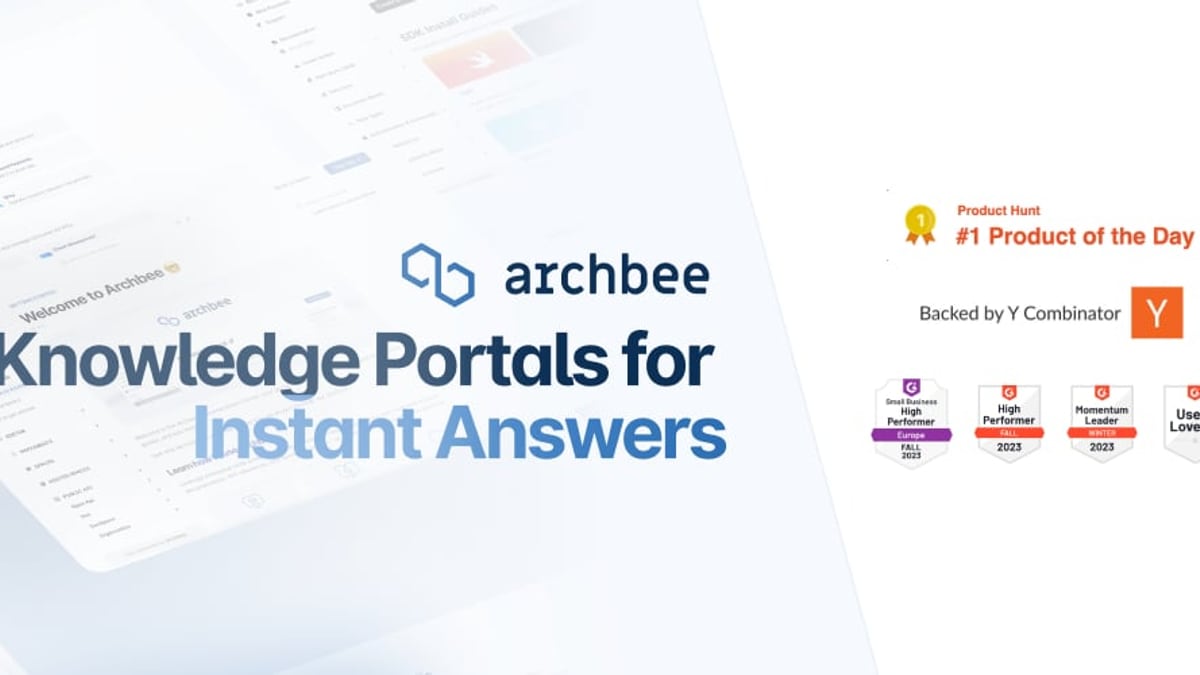
- Archbee: A knowledge portal built for technical teams. It shines when you need to create, maintain, and publish product documentation, API references, developer guides, and internal wikis. Advanced features like branching, reusable content variables, and diagram support make it a favorite for engineering and product teams who live in markdown and Git.
- Zendesk: An enterprise‑grade customer service platform that extends far beyond a static knowledge base. It unifies ticketing, live chat, voice, social messaging, and AI agents into one omnichannel solution. The knowledge base (Zendesk Guide) is part of a larger Suite designed for support teams that need to manage high‑volume, multi‑channel customer interactions at scale.
AI Capabilities That Actually Move the Needle
HelpLook vs Archbee vs Zendesk: AI Knowledge Hub Showdown product interface and feature overview.
HelpLook puts AI at the heart of the experience. Its built‑in HelpLook AI integrates with multiple large language models like OpenAI, ERNIE Bot, and Azure to power an intelligent search engine and a conversational chatbot. Visitors get precise, context‑aware answers pulled directly from your documentation. There’s no separate add‑on to activate; AI search and automated responses are part of the core platform, reducing your team’s manual intervention from day one.
Archbee offers AI Write Assist and Ask AI as paid add‑ons (extra $20/month). These are genuinely useful for technical writers – they can speed up content creation and help users find answers within documentation portals. However, the AI is designed to augment documentation, not to replace a full support chatbot. It lacks the conversation capabilities and learning loops found in customer‑facing service platforms.
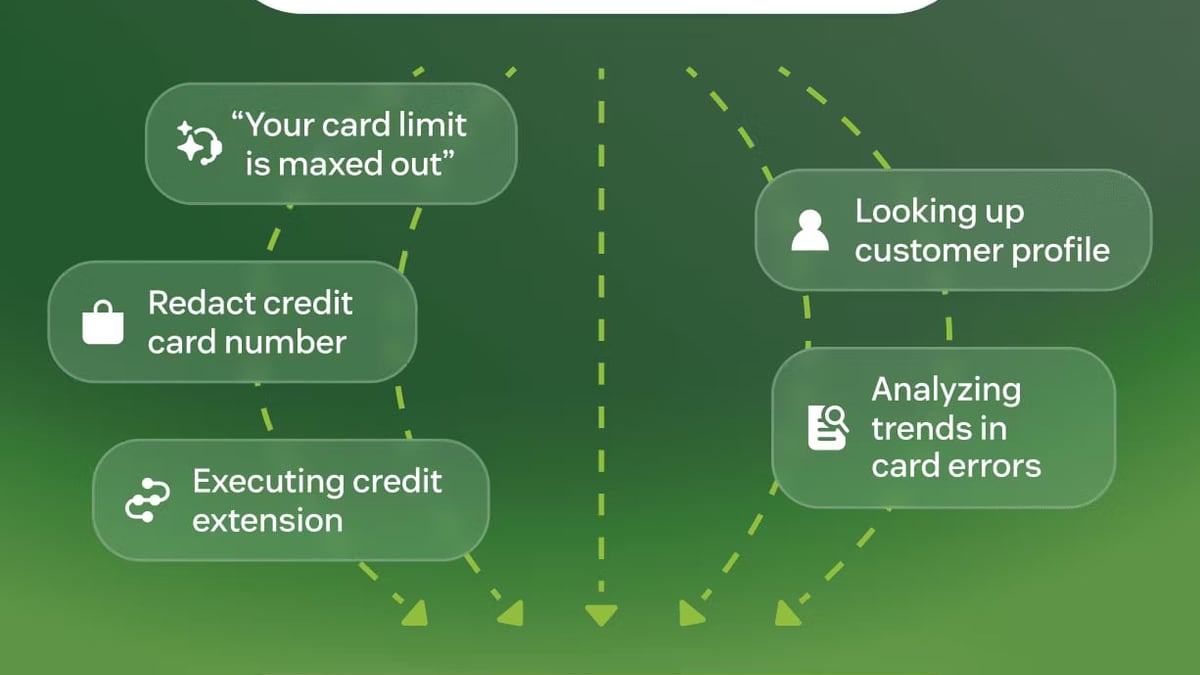
Zendesk brings the heaviest AI muscle for customer support. Its AI agents are trained on over 18 billion interactions and use a Resolution Learning Loop to handle routine inquiries autonomously. According to Zendesk, this can automate up to 80% of incoming requests. The AI creates help center articles, detects intent, and routes cases – all tightly integrated into the ticketing system. For organizations that need AI to deflect tickets and continuously improve resolution quality, this is the strongest option.
Ease of Setup and Content Management
HelpLook vs Archbee vs Zendesk: AI Knowledge Hub Showdown product interface and feature overview.
If your priority is to launch a polished knowledge base without writing a single line of code, HelpLook is purpose‑built for that. Its drag‑and‑drop editor, pre‑built templates, and instant site‑publishing flow let a non‑technical team go from zero to a live help center in hours. Built‑in SEO optimization, custom domains, and analytics are included, so you don’t need to stitch together external tools.
Archbee also offers a straightforward editing experience, with markdown shortcuts, 20+ custom blocks, and the ability to embed diagrams natively. It’s intuitive if you’re comfortable with developer‑oriented workflows, but creating a public knowledge base still requires configuration with domains and authentication rules. It’s simple for a technical audience, but may be less approachable for a marketing or support team working alone.
Zendesk has a functional knowledge base builder, but getting there means navigating the full Zendesk Suite. The platform is renowned more for its power than its simplicity; setting up a standalone help center involves understanding ticketing settings, guide layouts, and agent roles. Many teams report a steep learning curve and require dedicated admin time to maintain the knowledge base alongside the support operation.
Customization, Branding, and Multilingual Reach
HelpLook vs Archbee vs Zendesk: AI Knowledge Hub Showdown product interface and feature overview.
HelpLook gives you a customizable public or private knowledge base with full branding control, custom domain support, and a widget you can embed directly into your website or app. Multilingual content and SEO‑friendly page structures are native, helping global teams serve customers in their local language without plugins.
Archbee provides excellent branding options for documentation portals – custom domains, full CSS/JavaScript customization, and JWT authentication for private collections. However, it does not include built‑in multilingual translation capabilities. Teams that need to serve content in multiple languages must handle translation externally.
Zendesk includes automatic multi‑language content translation and supports over 40 languages in its help center. Combined with deep theme customization and dynamic content rules, it is a solid choice for global support teams – but again, all of this is locked to the Suite ecosystem.
Pricing Transparency and Total Cost
One area where HelpLook holds a clear advantage is cost predictability. It offers a free plan to start, and paid tiers scale with usage while keeping core AI, SEO, and branding features included. You won’t encounter surprise surcharges for essential functions like search analytics or the knowledge base widget.
Archbee advertises a $50/month Starter plan, but the true cost of a complete deployment tells a different story. Adding AI ($20/month), Analytics ($80/month), API access ($80/month), and the embeddable widget ($80/month) pushes the monthly bill to $150–$230, as a detailed Docsie comparison points out. While you can start small, most teams that need the full feature set will pay significantly more than the base price.
Zendesk cannot be purchased as a standalone knowledge base at any price. It comes bundled exclusively with Zendesk Suite plans starting at $55/agent/month, and autonomous AI Agents add another $50/agent/month. A modest 10‑agent team on Suite Professional with AI capabilities faces a bill around $1,650/month – and much of that is for ticketing and automation that a knowledge‑base‑only buyer may never use. As Kustomer’s analysis notes, Zendesk is a premium platform that prioritizes Fortune‑level feature depth, which can be overkill for smaller teams.
Integrations and Ecosystem
Archbee integrates deeply with developer tools like GitHub, GitLab, and Changelog, making it a natural extension of a docs‑as‑code workflow. For teams that already sync documentation with code repositories, this is a major productivity boost.
Zendesk boasts one of the largest CRM and help desk marketplaces. It connects natively to hundreds of apps for CRM, workforce management, analytics, and collaboration. If your customer service operation relies on multiple backend systems, Zendesk’s ecosystem is hard to beat.
HelpLook focuses on simplicity. Its widget embeds seamlessly into any website or web app, and it integrates with leading AI models to enhance search and chatbot responses. While it doesn’t offer the same breadth of third‑party connectors, it’s designed so that you don’t need an extensive integration layer to deliver fast, accurate self‑service answers.
Which Platform Fits Your Team?
- Choose HelpLook if you want a no‑code, AI‑powered knowledge base that you can brand, SEO‑optimize, and embed anywhere – without buying a separate ticketing system or paying extra for AI. It’s built for SaaS, e‑commerce, professional services, and educational teams that need a rapid self‑service channel.
- Choose Archbee if your focus is developer documentation, API references, or internal wikis and you need branching, draft collaboration, and deep Git integrations. Technical teams that thrive on markdown and structured docs will feel right at home.
- Choose Zendesk if you run a support operation that needs omnichannel ticketing, voice, and AI‑driven automation at scale. The knowledge base becomes one powerful pillar inside a larger customer service ecosystem – but it’s only worth the investment if you’ll use the whole Suite.
For a closer look at how Archbee stacks up against another documentation‑focused alternative, see our HelpLook vs Archbee vs Docmost comparison. And if you’re weighing enterprise knowledge management against a full service platform, our HelpLook vs Bloomfire vs Zendesk analysis offers further perspective.
Related reading
- HelpLook vs Documentation.AI vs Stonly: 2025 AI KB Showdown - Compare HelpLook, Documentation.AI, and Stonly on AI search, interactive guides, pricing, and SEO. See which AI knowledge base fits your team in 2025.
- HelpLook vs Documentation.AI vs KnowledgeOwl: AI KB Comparison - Compare HelpLook, Documentation.AI, and KnowledgeOwl on AI features, pricing, content creation, SEO, and onboarding. See which AI knowledge base fits your team in 2025.
- HelpLook vs Stonly vs Bloomfire: AI Knowledge Base Comparison - Compare HelpLook, Stonly, and Bloomfire for AI-powered knowledge management. See strengths in self-service, interactive guides, enterprise search, and pricing.
Sources and further reading
- Compare HelpLook vs Document360 vs Archbee - Side-by-side comparison of HelpLook (78%), Document360 (93%) and Archbee (88%) including features, pricing, scores, reviews & trends.
- Is Zendesk Worth It? Hmm... See The Pros & Cons - Zendesk is a CX powerhouse, but is Zendesk worth it? We did the research, so you don't have to. Here are the biggest pros & cons of Zendesk.
Frequently Asked Questions
Can I use HelpLook, Archbee, and Zendesk for the same purpose?
Rarely. HelpLook is a dedicated AI knowledge base and self‑service hub; Archbee is a documentation portal for technical content; Zendesk is a comprehensive customer service platform where the knowledge base is just one component. Many organizations use two of these side by side – for example, Archbee for internal API docs and a HelpLook site for customer self‑service – but they serve different primary missions.
Does Archbee’s base price include AI and analytics?
No. AI Write Assist and Ask AI cost an extra $20/month, Analytics (Insights) costs $80/month extra, and API access plus the embeddable widget add another $80/month each. A fully‑featured deployment typically lands between $150 and $230/month.
Is Zendesk Guide available without the full Suite?
No. Zendesk Guide is exclusively bundled with Zendesk Suite plans. You cannot purchase it as a standalone knowledge base tool, which makes it expensive if you only need a help center.
What if I need both technical documentation and a customer help center?
That’s where platform choice gets strategic. Archbee excels at technical docs but lacks support integration; Zendesk excels at customer service but is not suited for developer documentation. A dedicated knowledge base like HelpLook can serve both audiences from one interface, reducing the need to maintain two tools. Evaluate whether one unified AI‑driven portal can cover both needs before paying for multiple platforms.
Conclusion
HelpLook, Archbee, and Zendesk each solve real problems – but they’re not interchangeable. HelpLook gives you a fast, code‑free path to an AI‑enhanced knowledge experience without hidden costs. Archbee empowers technical teams to build elegant, version‑controlled documentation portals. Zendesk wraps a knowledge base inside a massive customer service machine that delivers omnichannel resolution at enterprise scale.
Your choice should align with the job you need done today, not a feature list you might grow into years from now. At HelpLook, we are committed to cutting through the noise and helping you find the right knowledge management tool for your stage, budget, and audience. Explore our other side‑by‑side comparisons to keep your decision grounded in real‑world use cases.