
How to Use HelpLook with CoSupport AI
Your help center and your AI support agent should not live in separate worlds. HelpLook builds and hosts the knowledge that answers customer questions; CoSupport AI reads that knowledge and resolves repetitive tickets automatically. Used together, they close the loop between documentation and support automation.
This guide explains how the two products complement each other, walks through a practical setup, and shows what the combined workflow looks like in day-to-day support operations.
Why combine HelpLook with CoSupport AI?
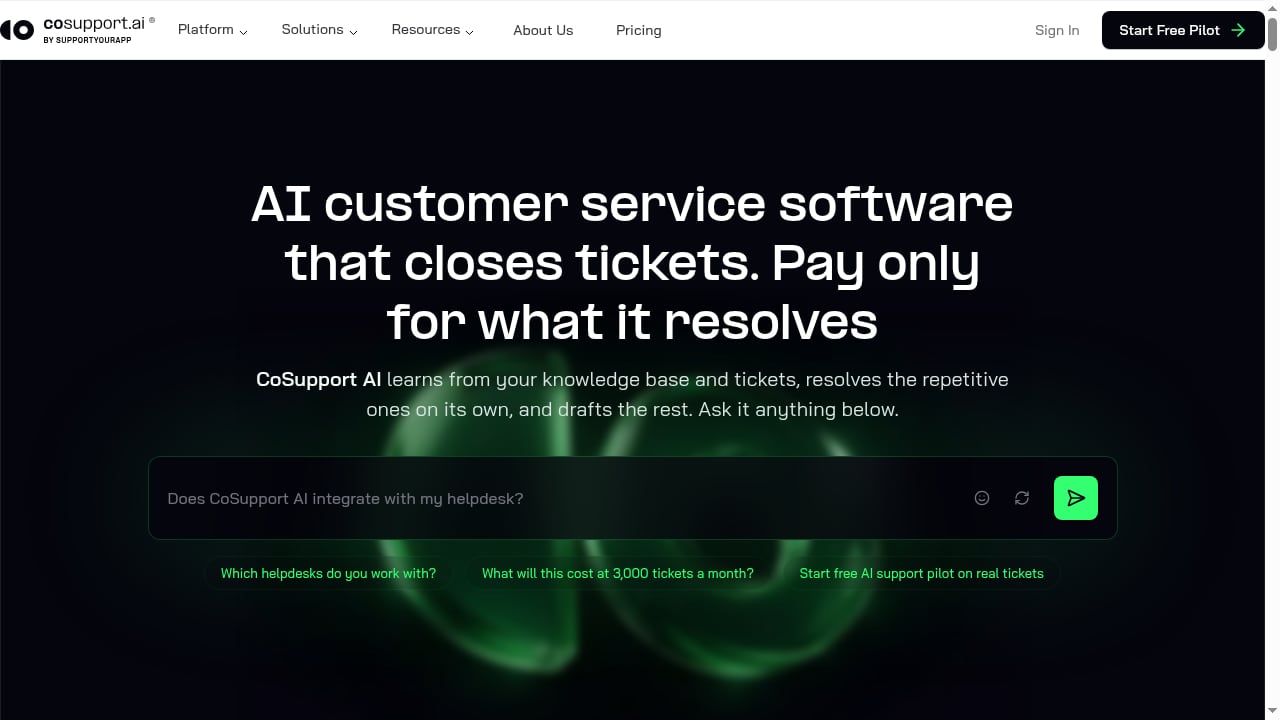
First viewport screenshot of cosupport.ai.
HelpLook is an AI knowledge base and help center platform. It gives you a no-code WYSIWYG editor, a public or private portal, an embeddable website widget, and AI-powered search and chatbots backed by models such as GPT-3.5/4.0 and Wenxin Yiyan. It is built for content creators, operations teams, and customer service teams that need a single source of truth for answers.
CoSupport AI is an AI customer service automation platform. It learns from your knowledge base and historical tickets, then autonomously resolves routine inquiries across helpdesk channels. It uses multi-step reasoning to search, validate, and refine answers, keeps decision logs for transparency, and integrates with helpdesks like Zendesk, Freshdesk, and Zoho Desk, plus tools such as Shopify, Stripe, Notion, and Confluence.
The combination solves a specific problem: most support teams have knowledge scattered across help articles, macros, and past tickets. HelpLook centralizes and structures that knowledge. CoSupport AI turns it into automated resolutions. Without a clean knowledge source, AI resolution rates stall. Without an automation layer, even a well-written help center still generates repetitive tickets.
How the two products fit together
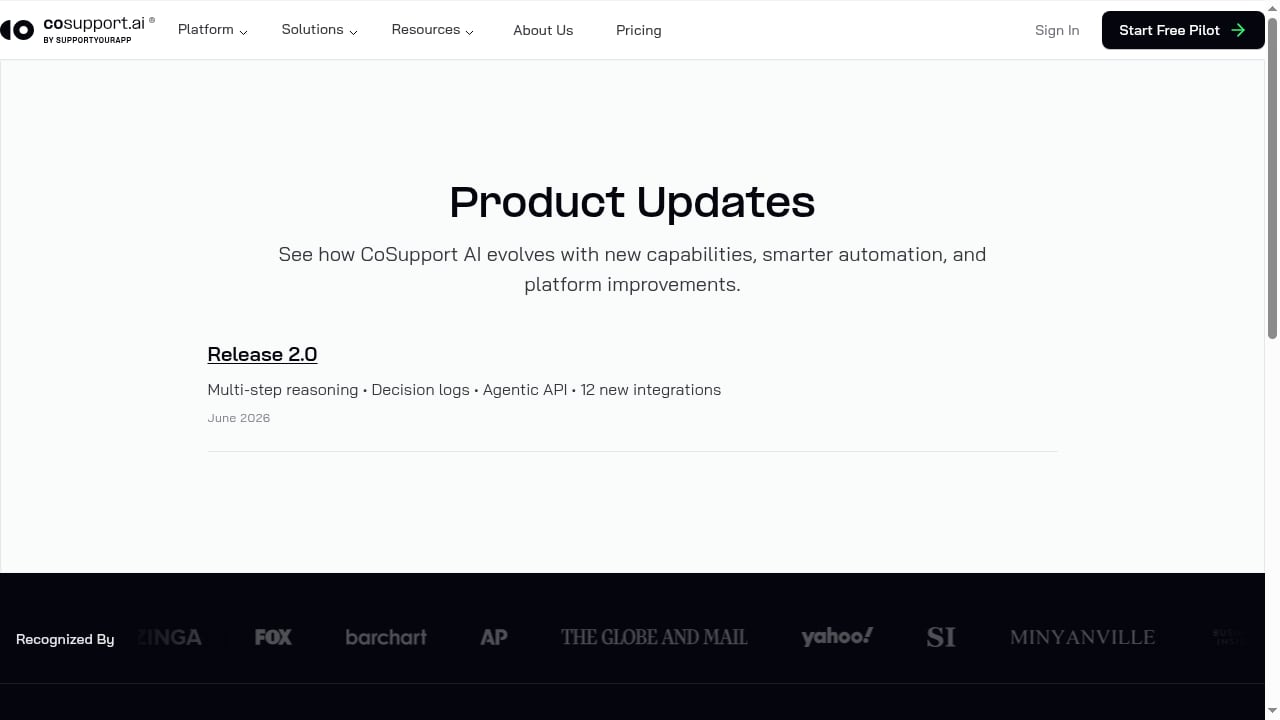
First viewport screenshot of cosupport.ai.
| Layer | HelpLook | CoSupport AI |
|---|---|---|
| Knowledge creation | WYSIWYG editor, AI-assisted writing, structured categories | Learns from existing knowledge and tickets |
| Knowledge delivery | Public help center, private portal, website widget, AI chatbot | Autonomous ticket resolution, draft replies for agents |
| Channels | Web portal, embedded widget | Helpdesk integrations (Zendesk, Freshdesk, Zoho Desk), Shopify, Stripe, Notion, Confluence |
| Transparency | Article-level analytics and search insights | Decision logs showing how each answer was reached |
| Pricing model | Free tier; subscriptions from ¥99/month | $0.50 per AI-resolved ticket; first 1,000 AI responses free; no per-seat fees |
HelpLook is the source of truth. CoSupport AI is the resolution engine. Your help center content becomes the training material that lets the AI answer accurately, and the AI's decision logs reveal which articles need improvement.
Step-by-step setup
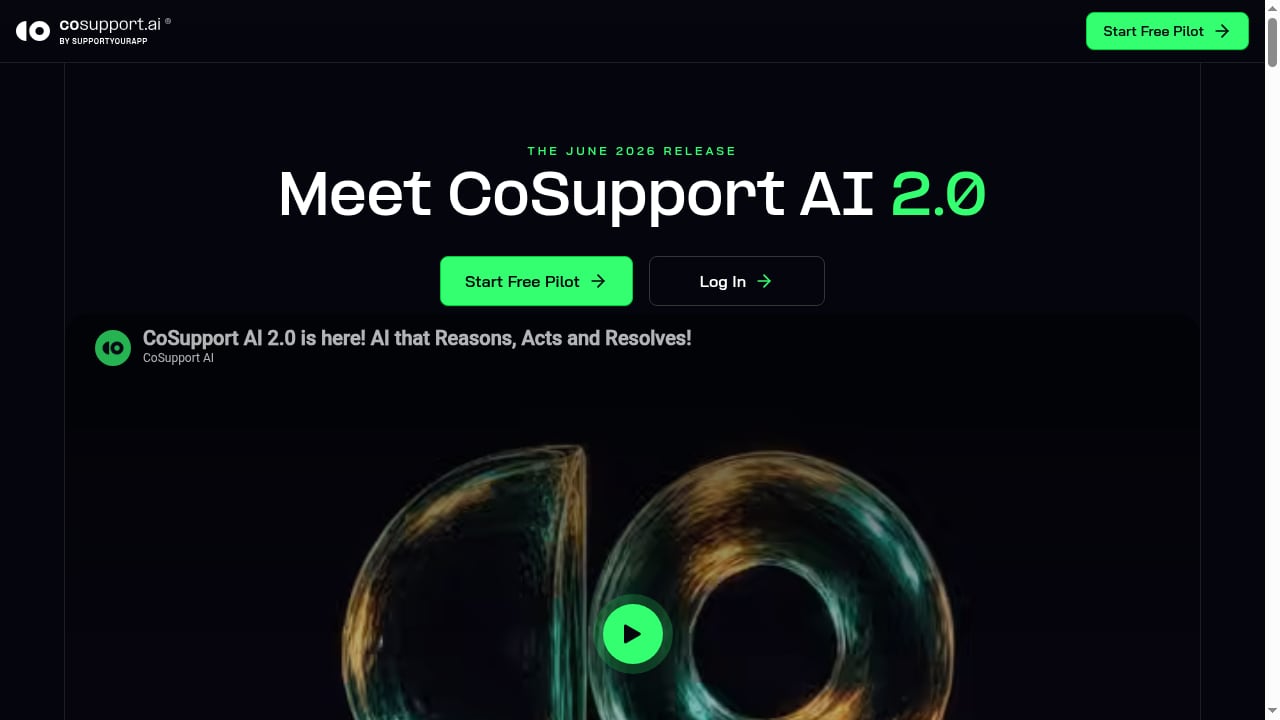
First viewport screenshot of cosupport.ai.
Step 1: Audit and structure your HelpLook knowledge base
Before connecting any AI tool, make sure your HelpLook content is clean. CoSupport AI learns from your knowledge base, so gaps and contradictions will show up as failed resolutions.
- Group articles into clear categories (billing, onboarding, troubleshooting, account management).
- Rewrite vague answers into specific, step-by-step instructions.
- Remove outdated articles or mark them private.
- Use consistent terminology for product names and features.
A useful rule: if a new support agent could not resolve a ticket using only the article, the AI probably cannot either.
Step 2: Publish your help center and enable AI search
Use HelpLook's portal to publish a public help center, or keep it private for internal use. Enable the AI chatbot and website widget so customers can self-serve before they ever open a ticket. This reduces inbound volume and gives CoSupport AI cleaner historical data to learn from.
If you are evaluating how HelpLook compares with other knowledge base tools before committing, see our HelpLook vs Knowledge Base Software vs GitBook comparison.
Step 3: Connect CoSupport AI to your helpdesk
CoSupport AI integrates with Zendesk, Freshdesk, and Zoho Desk, as well as tools like Shopify, Stripe, Notion, and Confluence. Connect the helpdesk where your tickets actually arrive. CoSupport AI will then ingest historical tickets and your knowledge sources.
Step 4: Point CoSupport AI at your HelpLook content
Depending on your plan and setup, you can expose HelpLook content to CoSupport AI through a supported connector (such as Notion or Confluence if you mirror content there), through your helpdesk's knowledge base sync, or by exporting structured articles. The goal is the same: CoSupport AI should read the same answers your human agents use.
Step 5: Run a pilot and review decision logs
CoSupport AI offers no-contract pilots and can be set up in as little as three days. Start with a narrow category, such as password resets or order status questions. Review the decision logs to see which answers the AI found, which it rejected, and where it lacked information. Feed those gaps back into HelpLook.
Step 6: Expand coverage and tune the hybrid model
Once the pilot shows a stable resolution rate, expand to more categories. Keep human agents handling complex or sensitive tickets under the same SLA. CoSupport AI drafts replies for agents, so the hybrid model stays consistent.
Practical examples
Example 1: SaaS onboarding questions
A SaaS company publishes onboarding guides in HelpLook. CoSupport AI handles questions like "How do I invite a teammate?" or "Where do I find my API key?" by retrieving the relevant HelpLook article and replying with the exact steps. Agents only see tickets that require account-specific investigation.
Example 2: E-commerce order status
An e-commerce store connects CoSupport AI to Shopify and its helpdesk. Routine questions about shipping times and return windows are answered from HelpLook articles. The AI validates the order context through Shopify before replying, reducing incorrect answers.
Example 3: Internal IT support
A finance team keeps a private HelpLook portal for internal policies. CoSupport AI uses that content to answer employee questions about expense submissions and access requests, freeing the IT desk for higher-value work.
What the combination solves
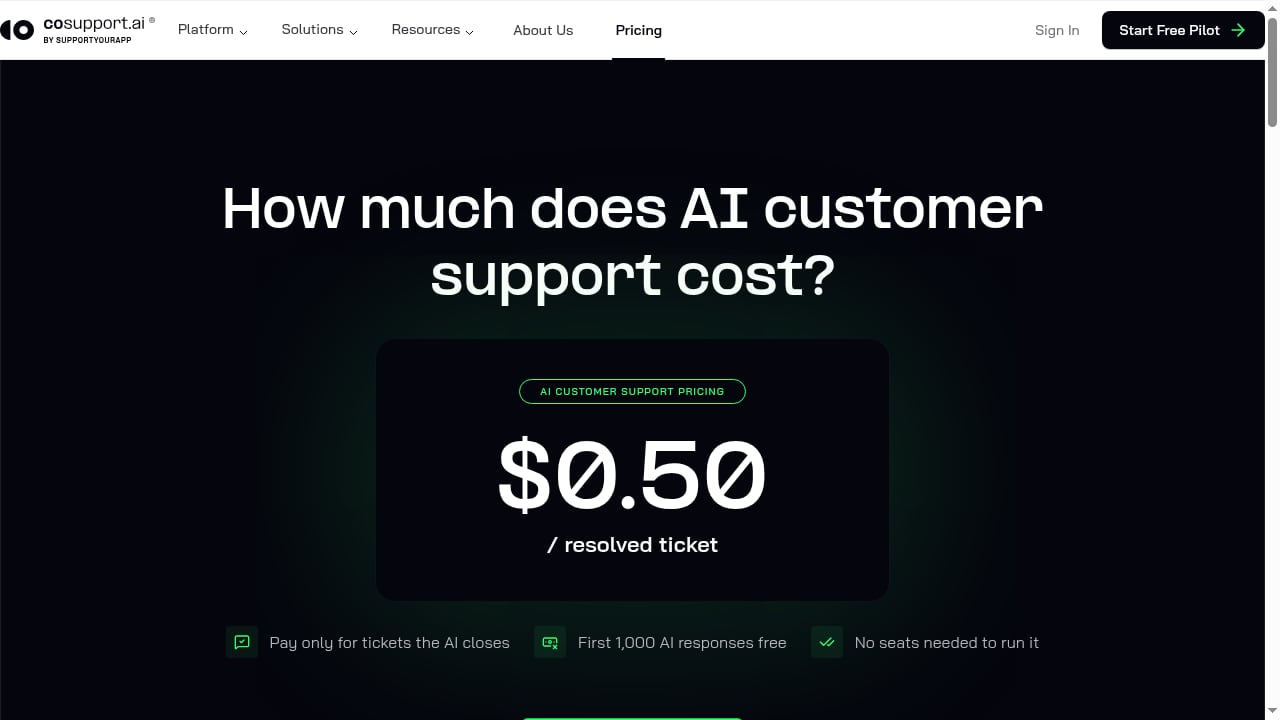
First viewport screenshot of cosupport.ai.
- Repetitive ticket volume: CoSupport AI resolves routine questions automatically, with reported outcomes such as a 74% average AI resolution rate and 81% at Cocoatech.
- Inconsistent answers: Both tools draw from the same HelpLook source, so customers and agents see the same information.
- Slow resolution times: Hour Timesheet reported 70% shorter resolution time after adopting CoSupport AI.
- Cost pressure: Remedico reported $9,300 in monthly support cost savings. CoSupport AI's per-resolution pricing ($0.50 per AI-resolved ticket, first 1,000 free) makes costs predictable.
- Knowledge decay: Decision logs show which HelpLook articles are weak, creating a feedback loop for content improvement.
When this combination is the right fit
Choose HelpLook plus CoSupport AI if you have a substantial volume of repetitive tickets, a helpdesk that CoSupport AI supports, and a team willing to maintain a structured knowledge base. The combination works best when someone owns knowledge quality.
If you are still choosing a knowledge base, our HelpLook vs eGain comparison covers AI knowledge management for customer experience automation. For teams also using chat tools, see How to Use HelpLook with Slack.
Related reading
- Coveo Review 2026: AI Search, Pricing & Fit - Evidence-based Coveo review: AI search, generative answers, pricing signals, setup, strengths, limitations, and ideal users for 2026.
- Top 10 AI Website Agent & Chatbot Platforms 2026 - We rank the top 10 AI website agent and chatbot platforms for 2026 by content training, actions, handoff, pricing, and proof. Includes a buyer's checklist.
Sources and further reading
- The heart of the internet - Were you and your other support healing and peeling for each other? When you faded on CnD, did you leave your Invis Woman alone? Teammates shouldn’t be toxic, but there are many options to counter dive. It sounds like you weren’t healing your other support when you both were getting dove, resulting in both of you dying continuously?
- Backstage - About 328 hours in, since July 15, 2026.
FAQ
Do I need a helpdesk to use CoSupport AI?
CoSupport AI integrates with helpdesks like Zendesk, Freshdesk, and Zoho Desk. It is designed to work within your existing support channels rather than replace them.
How does CoSupport AI learn from HelpLook?
CoSupport AI learns from your knowledge base and historical tickets. The cleaner and more structured your HelpLook content, the more accurately the AI can retrieve and apply answers.
What does CoSupport AI cost?
CoSupport AI charges $0.50 per AI-resolved ticket, with the first 1,000 AI responses free and no per-seat fees. Pilots are available without a contract.
Can I use HelpLook's own AI chatbot alongside CoSupport AI?
Yes. HelpLook's AI chatbot and website widget handle self-service on your help center, while CoSupport AI handles tickets in your helpdesk. They serve different stages of the customer journey.
How long does setup take?
CoSupport AI reports setup in as little as three days. The larger effort is usually cleaning and structuring your HelpLook knowledge base beforehand.
Conclusion
HelpLook and CoSupport AI solve different halves of the same problem. HelpLook gives you a structured, AI-ready knowledge base and a self-service help center. CoSupport AI turns that knowledge into automated ticket resolutions with transparent decision logs and predictable pricing. Start with a clean knowledge base, pilot one ticket category, review the logs, and expand from there. The result is a support operation where routine questions resolve themselves and human agents focus on the work that actually needs them.