
Top 10 AI-Powered Customer Support & Knowledge Base Software 2026
Customer support teams in 2026 face a familiar squeeze: ticket volumes keep climbing while headcount stays flat. AI has moved from novelty to necessity, but the market is crowded with tools that slap an "AI" badge on a pricing page without explaining what the AI actually does, where it gets its answers, or how it charges when it works well.
This review ranks ten products that genuinely combine AI-powered customer support and knowledge base capabilities. We evaluated each on grounded answers, automation depth, pricing transparency, and fit for real support workflows. If you are also weighing adjacent categories, our top 10 AI website agent and chatbot platforms covers conversational tools that sit alongside these systems.
How We Evaluated These Products
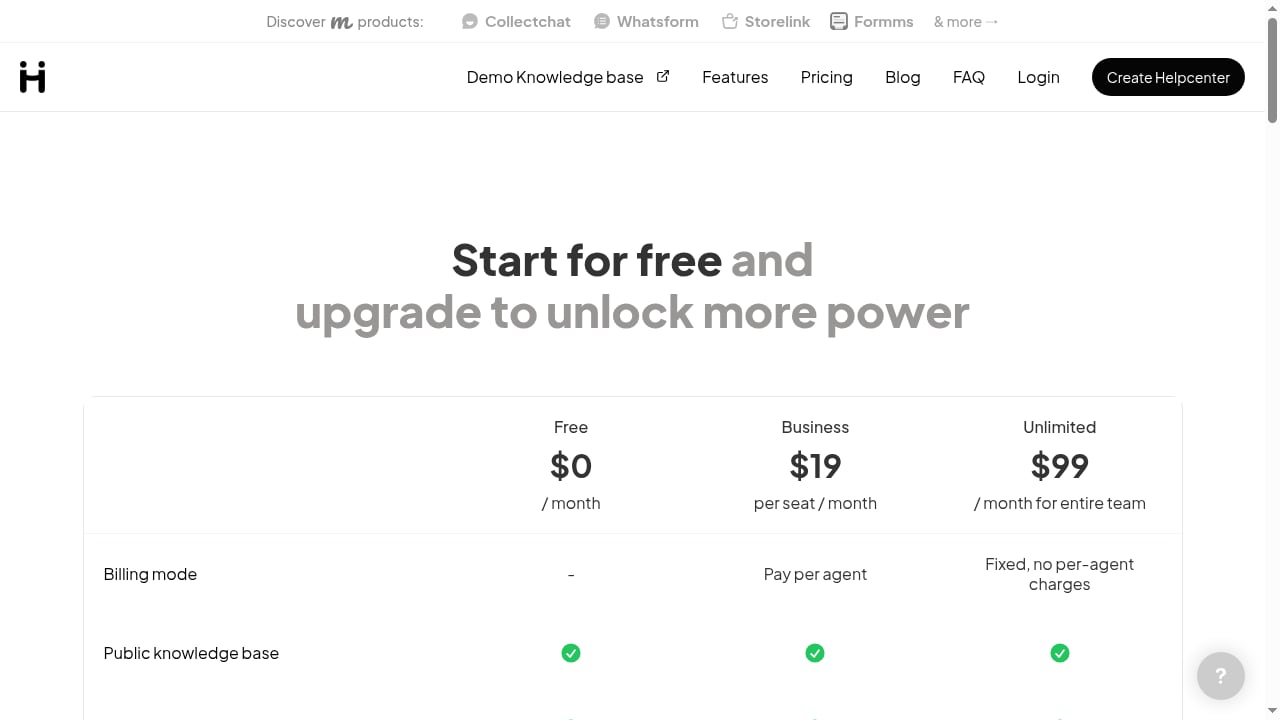
First viewport screenshot of help.center.
We used six criteria, all verifiable in a trial rather than taken on faith:
- Grounded AI with citations. Does the AI answer from your own articles and show sources, or does it improvise from general training data?
- Automation depth. Can it triage tickets, draft replies, resolve conversations end to end, and escalate cleanly?
- Knowledge base quality. Authoring tools, versioning, search, multilingual support, and content maintenance.
- Pricing model transparency. Is AI included, an add-on, metered per resolution, or sold in credits? Each model changes your bill differently.
- Reporting and failure visibility. Deflection rates, unanswered questions, and failed searches are the raw material for improvement.
- Integration and scalability. CRM, ecommerce, chat, voice, and the ability to grow without re-platforming.
One note on scope: HelpLook is an AI knowledge base and help center builder that many teams use alongside a support desk. It is not ranked here because its core strength is knowledge base construction rather than full customer support operations. We mention it later where an adjacent workflow makes it relevant.
The Top 10 at a Glance
| Rank | Product | Best For | AI Pricing Model |
|---|---|---|---|
| 1 | Intercom | Chat-first teams wanting end-to-end AI resolution | Per resolution |
| 2 | Zendesk | Enterprises needing AI across a full support operation | Paid add-on |
| 3 | Salesforce Service Cloud | Teams already on a unified CRM | Included in platform |
| 4 | Freshdesk | SMBs seeking affordable AI help desk tools | Included in higher tiers |
| 5 | Ada | Large-scale multilingual AI agent deployment | Custom/enterprise |
| 6 | Gorgias | Ecommerce and Shopify brands | Usage-based |
| 7 | Document360 | Versioned, audited documentation with AI | Included |
| 8 | Help Scout | Small teams wanting AI answers plus a shared inbox | Per resolution |
| 9 | Guru | Internal knowledge retrieval for agents | Per seat |
| 10 | Tidio | Small businesses focused on chatbot automation | Included/add-on |
1. Intercom
First viewport screenshot of help.center.
Best for: Chat-first support teams that want an AI agent to resolve conversations end to end.
Intercom's Fin AI agent handles full exchanges, asks clarifying questions, and escalates when it cannot help. Its knowledge base connects to the same content that powers the agent, so answers stay consistent across self-service and live chat. The trade-off is pricing: AI resolution is metered per resolution, which means a month where deflection works beautifully is also a month with a larger invoice. Teams with high chat volume and predictable question patterns often find the math works; teams with spiky or low-volume traffic should model costs carefully.
Strengths: Strong conversational AI, solid handoff to human agents, broad messaging channels. Limitations: Per-resolution costs scale with success; less suited to documentation-heavy public help centers.
2. Zendesk
Best for: Enterprises that need AI woven through a mature, customizable support operation.
Zendesk pairs its knowledge base with AI features for triage, agent assistance, and self-service bots. The platform's strength is breadth: triggers, SLAs, omnichannel routing, and a vast integration ecosystem. AI capabilities are typically sold as a paid add-on, so the sticker price on the base plan is not the full cost. For large teams with complex workflows, that modularity is a feature; for smaller teams, it can feel like assembling a puzzle.
Strengths: Deep customization, mature automation, extensive marketplace. Limitations: AI add-on pricing, implementation complexity, and a learning curve for admins.
3. Salesforce Service Cloud
Best for: Organizations already standardized on Salesforce CRM.
Service Cloud connects knowledge articles directly to case records, so agents see relevant content in context. Its AI layer draws on CRM data to summarize cases, suggest replies, and surface knowledge. The value is highest when service, sales, and marketing data already live in one place; if you are not a Salesforce shop, the integration advantage disappears and the platform's weight becomes a liability.
Strengths: Unified customer data, strong agent copilot features, enterprise governance. Limitations: Best value only within the Salesforce ecosystem; configuration requires specialist resources.
4. Freshdesk
Best for: Small and mid-sized businesses that want affordable AI help desk capabilities.
Freshdesk bundles AI summaries, reply drafting, and sentiment analysis into its higher tiers, making it one of the more accessible entry points into AI-assisted support. Its knowledge base is straightforward to set up, and the pricing is transparent compared with enterprise rivals. The AI is more assistive than autonomous: it helps agents work faster rather than replacing the first response entirely.
Strengths: Predictable per-agent pricing, quick setup, good SMB fit. Limitations: Less advanced autonomous resolution; AI features vary by plan tier.
5. Ada
Best for: Enterprise teams deploying large-scale, multilingual AI agents with compliance requirements.
Ada focuses on AI agents that handle conversations across chat, voice, email, and messaging, with safety guardrails and playbooks for regulated industries. Pricing is custom and enterprise-oriented, so this is not a self-serve purchase. Teams that need multilingual coverage and strict control over what the AI can say will find the investment justified; smaller teams will find it out of reach.
Strengths: Multilingual automation, compliance controls, omnichannel deployment. Limitations: Custom pricing, longer implementation, enterprise-only focus.
6. Gorgias
Best for: Ecommerce and Shopify-based brands whose support questions revolve around orders and storefront data.
Gorgias builds AI agents around order status, returns, and product questions, pulling from storefront data rather than generic documentation. Pricing is usage-based and tied to ticket volume rather than seats, which suits seasonal ecommerce patterns. The trade-off is specialization: outside ecommerce, its advantages shrink quickly.
Strengths: Ecommerce-native automation, ticket-volume pricing, Shopify integration. Limitations: Narrow fit outside retail; usage costs can spike during peak seasons.
7. Document360
Best for: Teams that need versioned, audited documentation with AI layered on top.
Document360 treats the knowledge base as the product, with version control, review workflows, and an AI assistant that answers from published content. It is a strong choice for technical documentation and internal knowledge that must stay accurate across releases. It is less of a full support desk, so most teams pair it with a ticketing system rather than replacing one.
Strengths: Documentation governance, AI grounded in published articles, clean authoring experience. Limitations: Not a complete customer support platform; pricing requires a quote.
8. Help Scout
Best for: Small and mid-sized teams that want AI answers alongside a simple shared inbox.
Help Scout's appeal has always been its clean shared inbox, and its AI answers extend that simplicity to self-service. AI resolution is metered per resolution, similar to Intercom but at a lower entry price. The platform deliberately avoids complexity, which makes it easy to adopt but limits deep workflow automation for larger operations.
Strengths: Usable interface, grounded AI answers, affordable entry point. Limitations: Limited advanced automation; per-resolution AI costs.
9. Guru
Best for: Internal knowledge retrieval so agents can find answers without interrupting colleagues.
Guru focuses inward: it captures, organizes, and surfaces what your team knows, with AI search across connected tools. For support teams drowning in internal questions, it reduces the interruptions that slow resolution. It is not a customer-facing help center or a ticketing system, so it complements rather than replaces a support desk.
Strengths: Internal knowledge capture, AI search across tools, agent-side productivity. Limitations: Not customer-facing; per-seat pricing adds up for large teams.
10. Tidio
Best for: Small businesses that want chatbot automation without a complex setup.
Tidio's Lyro AI chatbot handles FAQ-style conversations on websites and messaging channels, with a straightforward setup that suits small teams. It is primarily chat-focused, with limited workflow depth compared with full help desks. For businesses whose support is mostly pre-sale questions and simple FAQs, it covers the essentials at an accessible price.
Strengths: Easy chatbot deployment, accessible pricing, good for small teams. Limitations: Limited omnichannel and workflow automation; not built for complex support operations.
How to Choose Between These Tools
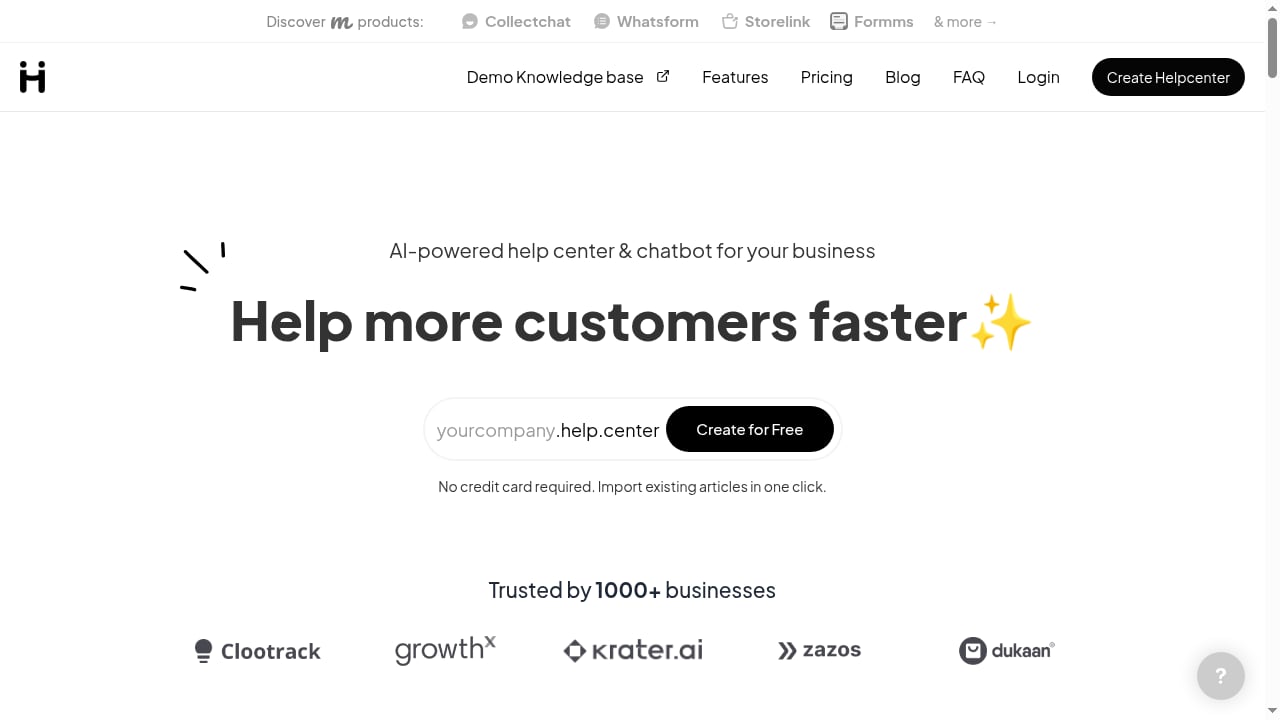
First viewport screenshot of help.center.
The right choice depends less on feature checklists than on three questions:
- Where does your AI get its answers? Grounded AI that cites your articles is auditable; general chatbots are not. Ask for a demo that shows sources.
- How does the AI pricing model behave when it succeeds? Per-resolution pricing means success costs more. Credits are predictable but finite. Included AI is simplest but may be capped. Model a busy month, not an average one.
- Which job does the AI actually do? Reader-facing answers, author assistance, and conversational agents are three different products. Many vendors market all three and ship one well.
If your priority is building a polished public help center with AI search and a chatbot widget, a knowledge-base-first tool may serve you better than a full support desk. HelpLook, for example, is a no-code AI knowledge base builder that teams use for help centers and product manuals, and it can sit alongside a ticketing system. Our HelpLook vs eGain comparison explores that adjacent space in more detail.
For teams connecting a knowledge base to an AI support layer, workflow guides like using HelpLook with CoSupport AI show how the pieces fit together in practice.
Practical Examples: What Good Looks Like
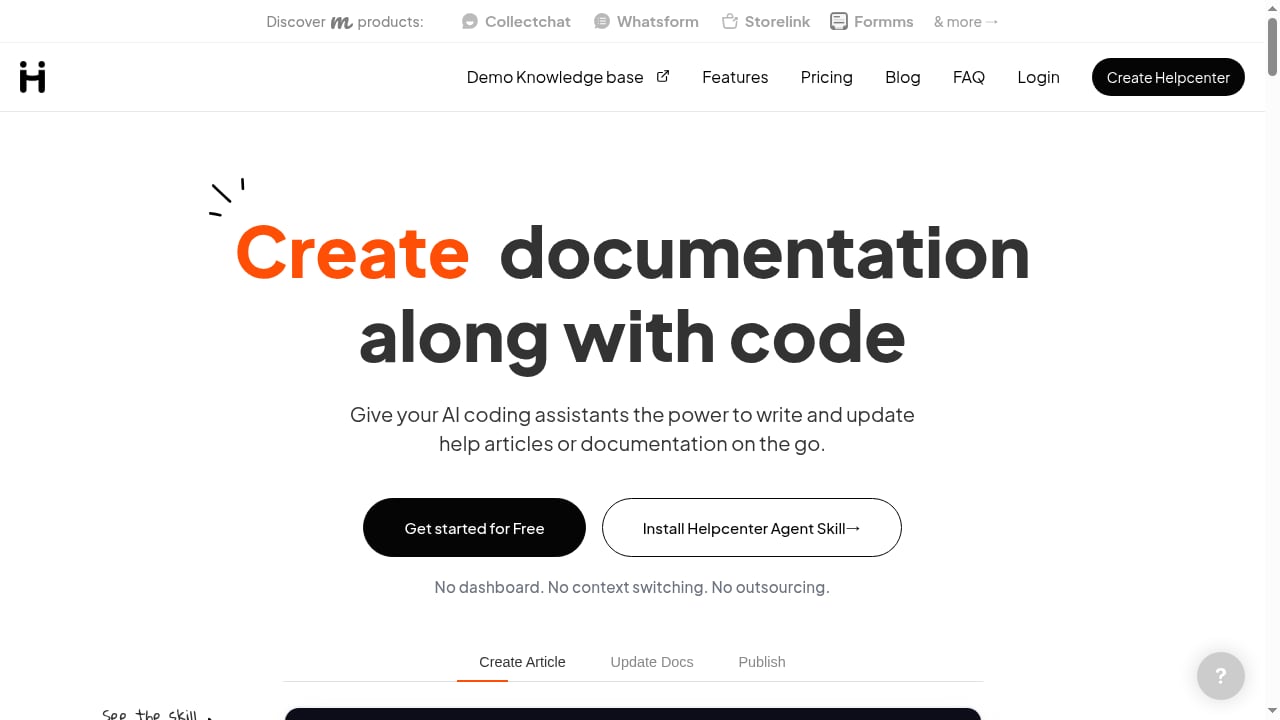
First viewport screenshot of help.center.
- Ecommerce: An AI agent answers order-status questions from storefront data, escalates refund disputes to a human, and logs the reason for each escalation. Gorgias is built for this pattern.
- SaaS: A knowledge base with versioned articles feeds an AI assistant that cites the exact release note behind an answer. Document360 fits this model.
- Internal support: An agent asks a question in a shared inbox, and AI search surfaces the answer from a connected tool instead of pinging a colleague. Guru addresses this.
Related reading
- HelpLook vs Knowledge Base Software vs GitBook - Compare HelpLook, generic knowledge base software, and GitBook on AI search, help center hosting, docs-as-code, SEO, and pricing to pick the right fit.
Sources and further reading
- 10 Best AI Knowledge Base Software Tools for 2026 - Compare leading AI solutions that scan internal information, helping to speed up case resolution and scale support operations. Kenzie Levy, Sr. Product Marketing Manager, Salesforce
- Best AI Customer Support Software in 2026 (Top 11 Compared) - Compare the best AI customer support software for 2026 across automation, agent assistance, workflows, integrations, scalability, and pricing.
- Best AI Knowledge Base Software (2026) - We compared 10 AI knowledge base tools on how their AI is grounded, what it costs per answer, and whether you can switch it off. Honest pros and cons.
Frequently Asked Questions
What is the difference between AI customer support software and an AI knowledge base?
AI customer support software manages conversations, tickets, and workflows, while an AI knowledge base organizes and retrieves content. Many products combine both, but the strongest tools usually lead with one and integrate with the other.
Is per-resolution AI pricing worth it?
It depends on your volume and deflection rate. Per-resolution pricing aligns cost with value when AI resolves a large share of tickets, but it makes budgeting harder. Compare it against included or credit-based models using a realistic busy-month scenario.
Can I use these tools together?
Yes. A common stack pairs a ticketing platform with a dedicated knowledge base and an AI agent layer. The key is avoiding duplicate content sources so the AI does not give conflicting answers.
How do I test whether AI answers are grounded?
Ask the vendor to show a live answer with its source citations, then ask a question whose answer is not in your documentation. A grounded system should say it does not know rather than inventing a response.
Where does HelpLook fit?
HelpLook is an AI knowledge base and help center builder suited to teams that need public documentation, internal wikis, or product manuals. It is not a full customer support platform, so it is typically paired with a ticketing or chat tool rather than ranked among them.
Conclusion
There is no single best AI customer support and knowledge base product in 2026; there is a best fit for your volume, your content, and your budget model. Start with the pricing question, because it is the one most likely to surprise you after signing. Then verify that the AI is grounded in your content and that you can measure its failures. The tools above all earn their place, but they earn it for different teams. Choose the one whose strengths match the work you actually do.
For a closer look at how AI search platforms compare, see our Coveo review for 2026.