
HelpLook vs Docmost: AI Knowledge Base vs Self-Hosted Enterprise Wiki
Choosing between HelpLook and Docmost is not really a feature checklist exercise. It is a deployment-model decision. HelpLook is a cloud SaaS platform built for AI-powered knowledge bases, help desks, and self-service support experiences. Docmost is an open-source, self-hosted enterprise wiki positioned as a replacement for Confluence and Notion, with on-premise documentation and compliance controls such as ITAR, FedRAMP, and GDPR alignment, SSO, MFA, and granular permissions.
Both can store documentation. They serve very different teams, budgets, and risk profiles. This comparison walks through where each product is strong, where each has limits, and how to decide.
What HelpLook is built for
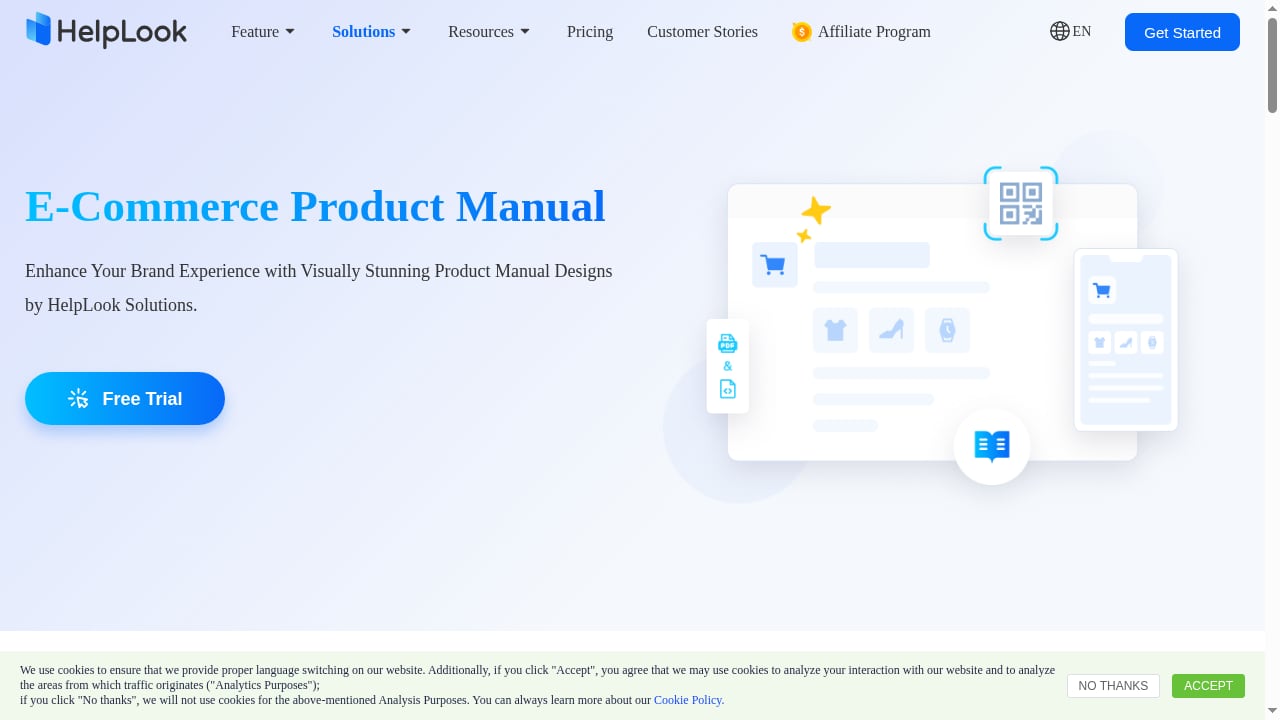
First viewport screenshot of Online E-Commerce Product Manual Creator - HelpLook.
HelpLook is an all-in-one, AI-powered platform for building knowledge bases, help desks, and self-service support experiences. It is a low-code, ready-to-use SaaS system, which means you do not manage servers, databases, or upgrades. Teams use it to publish customer-facing help centers, internal knowledge bases, product manuals, enterprise blogs, FAQs, user guides, and troubleshooting content without writing code.
Core capabilities include:
- AI-powered search that helps readers find answers in natural language instead of guessing keywords.
- No-code content creation so editors, support agents, and operations staff can publish without engineering help.
- SEO optimization for public help centers, which matters when you want product documentation to rank and deflect tickets before they are filed.
- Customizable portals and widgets that embed answers inside web pages and applications.
- Analytics to see what customers search for, what they read, and where content gaps remain.
HelpLook reports being trusted by over 10,000 companies, with users across SaaS, e-commerce, legal, healthcare, financial services, and education. Typical use cases are customer knowledge bases, e-commerce product manuals, enterprise blogs, and internal knowledge repositories.
What Docmost is built for
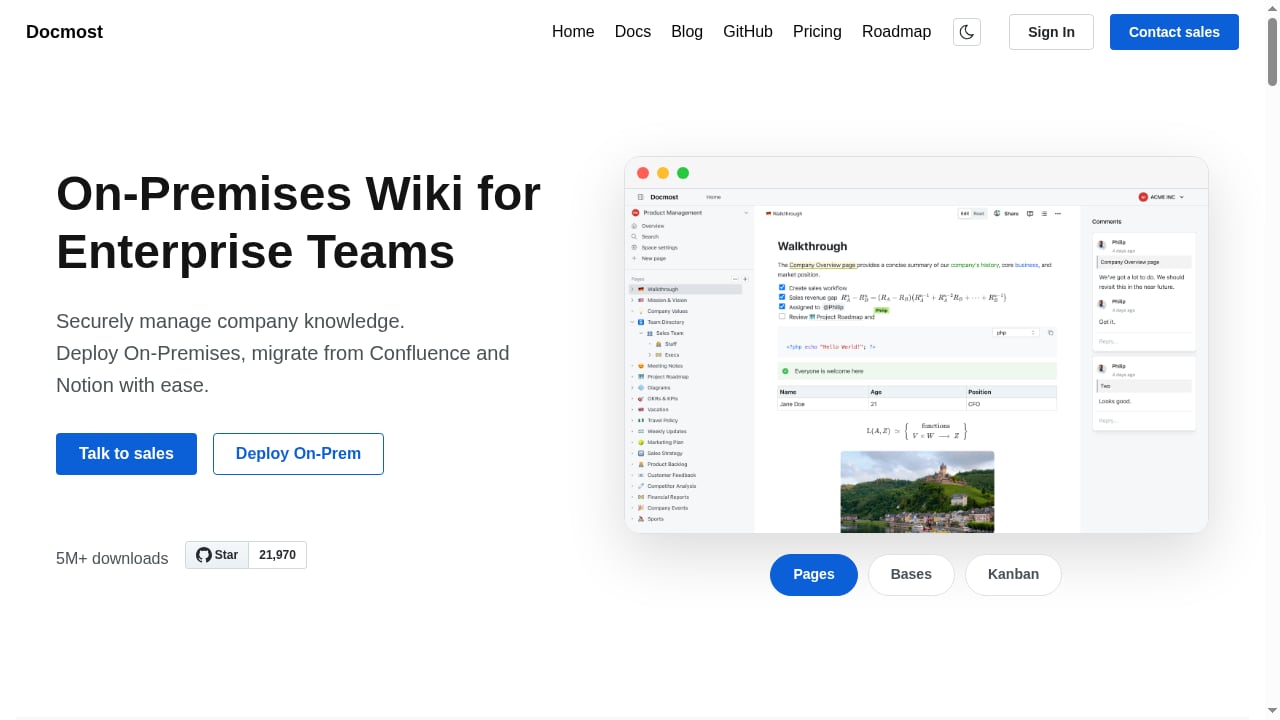
First viewport screenshot of Enterprise-ready Wiki for Teams | Docmost.
Docmost describes itself as an enterprise-grade collaborative wiki and documentation platform and a viable Confluence alternative. Its feature set is aimed at internal team documentation rather than customer-facing self-service:
- Real-time collaborative editor with multiple users editing the same page.
- Rich-text editor with LaTeX, tables, callouts, clipboard image pasting, and built-in diagramming via Drawio, Excalidraw, and Mermaid.
- Spaces, nested navigation, comments, page history, groups, and granular permissions.
- AI features such as asking questions across the knowledge base, translating pages, and generating summaries, plus MCP connections to other systems.
- Bases for spreadsheet-like structured data, and Kanban boards for lightweight project tracking.
- File attachments with indexed PDF and DOCX contents, and embeds from Airtable, Loom, YouTube, and similar tools.
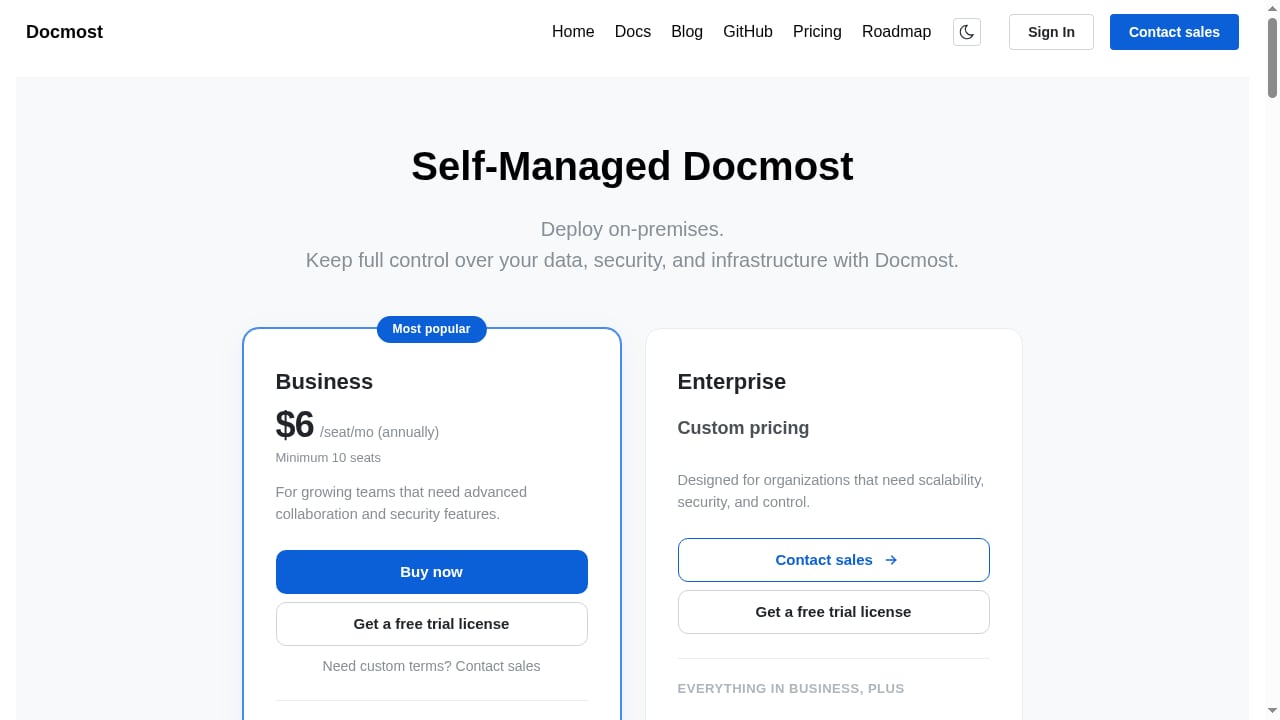
- Authentication via email and password plus LDAP, with SSO (SAML 2.0/OIDC) in the Enterprise edition.
- A Confluence importer in the Enterprise edition, and high availability architecture.
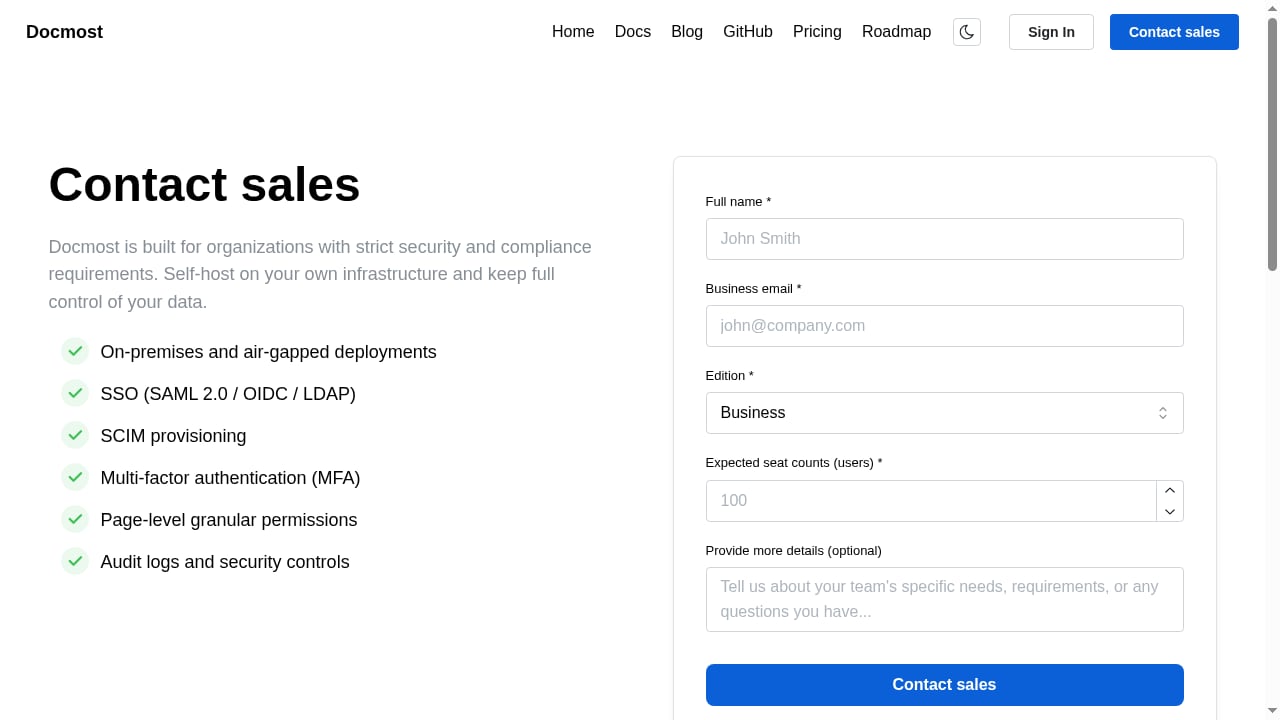
Docmost states it is air-gapped ready and helps organizations meet ITAR, FedRAMP, GDPR, and other regulatory on-premises requirements. It also lists organizations such as Airbus, the Australian Government, the German Red Cross, Bechtle GmbH, and the University of Bern as users.
That is a genuinely strong profile for a self-hosted wiki. The question is whether a self-hosted wiki is what your project actually needs.
Where HelpLook has clear advantages
First viewport screenshot of Enterprise-ready Wiki for Teams | Docmost.
Time to value and operational overhead
HelpLook is SaaS. You sign up, build content, and publish. There is no server provisioning, no database selection, no upgrade cycle, and no infrastructure team required to keep the documentation portal online. Docmost, by contrast, is self-hosted software. Someone has to deploy it, patch it, back it up, and monitor it. That is a reasonable trade for a compliance-bound enterprise. It is unnecessary friction for a support team that simply wants a help center live this week.
Customer-facing self-service and SEO
Docmost is designed as an internal wiki. HelpLook is designed for both internal knowledge and public-facing support experiences. If your goal is a help center that ranks in search engines, deflects repetitive tickets, and embeds answers into your product or website, HelpLook's SEO optimization, customizable portals, and widgets are purpose-built for that job. A self-hosted wiki typically sits behind a login, which means it cannot do that work at all.
AI search tuned for support content
Both products offer AI capabilities, but they are aimed at different readers. Docmost's AI is oriented toward internal knowledge work: asking questions across the wiki, translating pages, generating summaries. HelpLook's AI-powered search is oriented toward answer retrieval for customers, editors, and support teams, paired with analytics that show which queries fail. For support deflection, that pairing of AI search and search analytics is the more directly useful combination.
Lower barrier for non-technical editors
HelpLook is explicitly no-code. Docmost's editor is capable, but the platform assumes a technical organization comfortable with self-hosting, LDAP, SAML, and server operations. If your content contributors are support agents, marketers, or operations staff, a SaaS editor with a publishing workflow removes a lot of friction.
Where Docmost has clear advantages
First viewport screenshot of Enterprise-ready Wiki for Teams | Docmost.
Data residency and deployment control
This is Docmost's strongest ground, and it should not be minimized. Because it is self-hosted and air-gapped ready, organizations with strict data residency rules, classified information, or regulatory obligations can keep documentation entirely on their own infrastructure. Docmost explicitly targets ITAR, FedRAMP, GDPR, and other on-premises requirements. HelpLook, as a SaaS platform, does not offer that deployment model.
Open source and codebase access
Docmost is open source. Teams can inspect, modify, and extend the codebase, and there is no vendor lock-in in the traditional SaaS sense. The source material on open-source Confluence alternatives makes the underlying point well: proprietary platforms do not let customers modify the codebase to suit specific needs. For engineering-led organizations that value that freedom, Docmost is the more flexible option.
Enterprise identity and access controls
Docmost supports LDAP, and SSO via SAML 2.0 or OIDC in the Enterprise edition, alongside MFA and granular permissions. For large organizations with existing identity providers and strict access policies, that is table stakes, and Docmost addresses it directly.
Structured data and diagrams in one place
Bases, Kanban boards, and built-in Drawio, Excalidraw, and Mermaid support make Docmost more than a text wiki. Teams that want architecture diagrams, lightweight project tracking, and spreadsheet-style data alongside documentation get that without leaving the editor.
Head-to-head comparison
| Dimension | HelpLook | Docmost |
|---|---|---|
| Deployment | Cloud SaaS, ready to use | Self-hosted, air-gapped ready |
| Primary audience | Customer support, editors, operations | Internal engineering and enterprise teams |
| Public help center and SEO | Built-in SEO optimization, portals, widgets | Internal wiki focus, typically behind login |
| AI capabilities | AI-powered search for answer retrieval | Q&A across knowledge base, translation, summaries, MCP |
| Content creation | No-code editor for non-technical staff | Rich-text editor with LaTeX, diagrams, embeds |
| Identity and access | SaaS account management | LDAP, SSO (SAML 2.0/OIDC) in Enterprise, MFA, granular permissions |
| Compliance posture | SaaS platform | ITAR, FedRAMP, GDPR, on-premises requirements |
| Operational burden | Minimal | Deployment, patching, backups, monitoring |
| Extensibility | Configuration and widgets | Open source, codebase access |
| Structured content | Knowledge base articles and portals | Bases, Kanban, indexed PDF/DOCX attachments |
Which one should you choose?
Choose HelpLook if:
- You need a customer-facing help center, FAQ, product manual, or self-service portal.
- SEO visibility and ticket deflection are business goals.
- Your editors are non-technical and need a no-code publishing workflow.
- You want AI search plus analytics without running infrastructure.
- You need to launch quickly and keep operational overhead near zero.
Choose Docmost if:
- Regulatory or contractual requirements mandate self-hosting or air-gapped deployment.
- You need ITAR, FedRAMP, or GDPR-aligned on-premises documentation.
- Your organization already runs LDAP or SAML/OIDC identity infrastructure.
- You want open-source codebase access and the ability to modify the platform.
- Your primary need is internal engineering documentation with diagrams, structured data, and Kanban boards.
Consider both if: your organization needs an internal, compliance-bound wiki for engineering and a public-facing, SEO-optimized help center for customers. These are different jobs, and a single tool rarely does both well. If you are still weighing self-hosted options broadly, see this comparison of top self-hosted enterprise wiki software products. If your focus is the customer support side, the top AI customer support software products covers that category in more depth.
Practical migration notes
If you are moving from Confluence, Docmost offers a Confluence importer in its Enterprise edition, which is a meaningful advantage for teams already on Atlassian. HelpLook's strength in that scenario is different: rather than importing an internal wiki wholesale, teams typically rebuild customer-facing content in a structure optimized for search and self-service, which is a content project more than a migration project.
If you are combining docs-as-code with a published portal, a hybrid workflow is viable. You can keep source documentation in a Git-based tool and publish the reader-facing layer elsewhere; see how to use HelpLook with MkDocs for one approach.
Related reading
- Helpjuice Review 2026: AI Knowledge Base Software Tested - Evidence-based Helpjuice review for 2026: AI search, editor, analytics, pricing signals, setup, strengths, limits, and who it fits best.
- HelpLook vs Docsie vs Archbee: Best Knowledge Portal 2026 - Compare HelpLook, Docsie, and Archbee on AI search, content creation, portals, SEO, and pricing to choose the right knowledge platform for 2026.
Sources and further reading
- 5 Open-Source Alternatives to Atlassian Confluence - Confluence was created by Atlassian, an Australian company, in 2004. Since its inception, Confluence has solidified its position as one of the best knowledge management platforms on the market. Teams and organizations can easily share information, work together on projects, and speed up workflows with Confluence's many features. Although Confluence is a highly effective solution for team collaboration and documentation, it may not be the most suitable choice for everyone. This software is also p
- How do you guys maintain a large AI-written codebase? : r/ClaudeAI - Dec 13, 2025 ... Code wiki for one only works on public repos, and one of the top comments on this thread was "The truth is the visualization tools you seek ...
- Web-Based Workflow Systems Explained: Benefits, Myths & Setup ... - Tired of workflow delays? Learn benefits, myths, and setup steps of a web based workflow management system. Read now to streamline.
FAQ
Is HelpLook a replacement for Docmost?
Not directly. HelpLook is a cloud SaaS platform for AI-powered knowledge bases and help desks, while Docmost is a self-hosted enterprise wiki. If you require on-premises deployment or air-gapped operation, HelpLook does not offer that model. If you need a public, SEO-optimized help center, Docmost is not designed for that use case.
Does Docmost support SSO and MFA?
Yes. Docmost supports email and password plus LDAP, with SSO via SAML 2.0 or OIDC in the Enterprise edition, along with MFA and granular permissions.
Can HelpLook be self-hosted?
HelpLook is positioned as a low-code, ready-to-use SaaS system. Self-hosted or air-gapped deployment is a Docmost capability, not a HelpLook one.
Which is better for customer-facing documentation?
HelpLook, based on its stated focus on customer knowledge bases, help centers, SEO optimization, customizable portals, and embeddable widgets. Docmost is oriented toward internal team documentation.
Which is better for compliance-heavy environments?
Docmost, based on its stated ITAR, FedRAMP, and GDPR alignment and air-gapped readiness. Those requirements are the reason self-hosted wikis exist.
Do both products offer AI features?
Yes, but with different emphasis. Docmost offers Q&A across the knowledge base, translation, summaries, and MCP connections. HelpLook emphasizes AI-powered search for answer retrieval alongside content creation and analytics.
Conclusion
HelpLook and Docmost are not competing for the same buyer. Docmost wins on deployment control, open-source flexibility, and compliance-driven self-hosting. HelpLook wins on speed to launch, customer-facing self-service, SEO-optimized portals, no-code editing, and AI search paired with support analytics.
The deciding question is simple: does your documentation need to live on your own infrastructure behind a login, or does it need to be found by customers and search engines? Answer that first, and the product choice becomes straightforward.