
HelpLook vs Document360 vs Archbee: Which Knowledge Base Fits Your Team?
Choosing between HelpLook, Document360, and Archbee can feel like comparing three tools that all promise the same outcome: better documentation, fewer support tickets, and faster answers. But the reality is more nuanced. Each platform approaches knowledge management from a different angle, and the right choice depends heavily on your team's structure, audience, and workflow.
This comparison breaks down the strengths of each platform across the criteria that matter most: AI capabilities, content creation, customization, integrations, analytics, security, and pricing. By the end, you should have a clear picture of which tool aligns with your specific use case.
Quick Overview
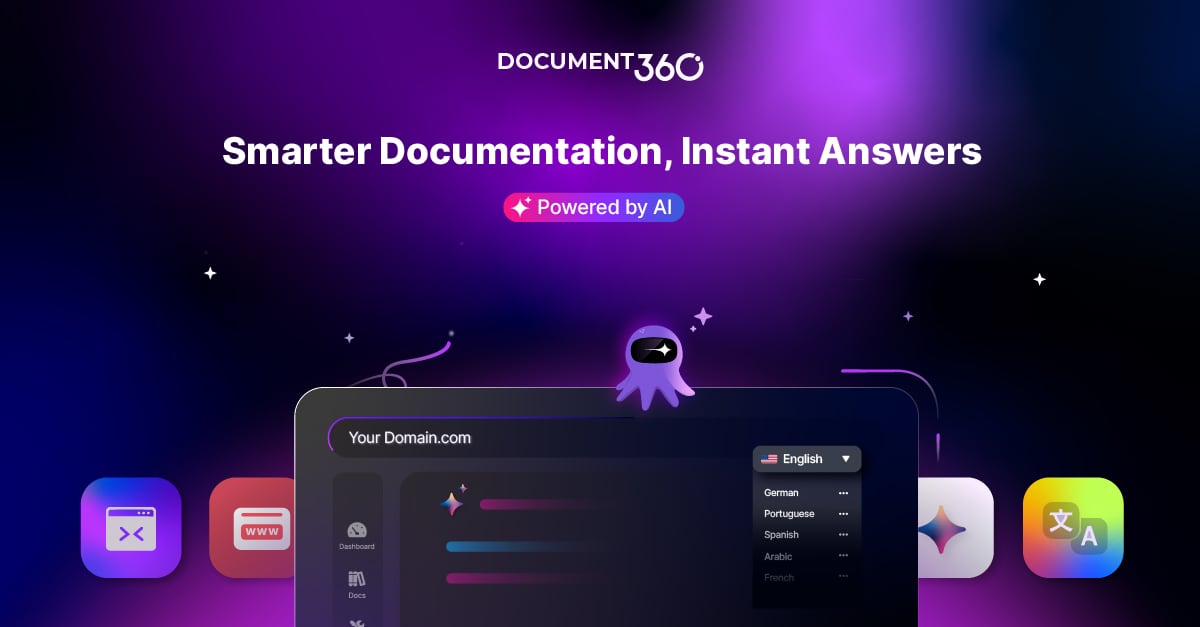
Document360 product interface.
| Criteria | HelpLook | Document360 | Archbee |
|---|---|---|---|
| Primary focus | AI-powered self-service portals | Enterprise-grade knowledge base | Developer-centric docs portals |
| Best for | Customer support, e-commerce, internal KBs | Large support teams, compliance-heavy industries | Technical docs, API documentation |
| No-code editor | Yes | Yes | Yes |
| AI search & chatbot | Yes | Yes | Yes |
| API documentation support | Limited | Yes | Strong |
| Localization | Basic | Advanced | Strong |
| G2 rating | Not publicly benchmarked | 4.7/5 | Not publicly benchmarked |
AI Search and Chatbot Capabilities
Archbee product interface.
AI-powered search has become table stakes for modern knowledge base software. All three platforms incorporate AI into their search and answer delivery, but the depth and flexibility differ.
HelpLook
HelpLook positions AI at the center of its experience. The platform integrates with leading AI models including OpenAI, ERNIE Bot, and Azure, giving teams flexibility in which model powers their search and chatbot. Its AI-driven search and chatbot capabilities are designed to reduce support costs by deflecting repetitive questions before they reach human agents.
For businesses that want a self-service portal that feels like an intelligent assistant rather than a static document repository, HelpLook's approach is compelling. The AI chatbot can answer customer questions directly from your knowledge base content, and the QR code access feature makes it easy to surface documentation in physical or mobile contexts.
Document360
Document360 brings a mature AI toolkit to the table. Its AI-powered search, AI chatbot, and AI writing agent are backed by years of refinement and a large user base. The platform's AI writing agent helps teams draft and refine articles, while the AI chatbot can be embedded across helpdesks like Zendesk and Freshdesk.
What sets Document360 apart is the breadth of its AI feature set combined with enterprise-grade governance. Teams that need AI assistance across the entire content lifecycle—from drafting to publishing to answering—will find more depth here.
Archbee
Archbee takes a developer-friendly approach to AI. Its AI-powered writing and translation features are designed for technical teams that need to produce accurate documentation quickly. The platform's AI can translate content across multiple languages, which is particularly valuable for global product teams.
For teams that live in Git-based workflows, Archbee's AI capabilities integrate naturally with the documentation-as-code philosophy.
Content Creation and Editing Experience

Gradient.
HelpLook: No-Code Simplicity
HelpLook's no-code content creation interface is designed for teams that want to launch a knowledge base without involving developers. The platform supports multiple use cases—customer support knowledge bases, e-commerce product manuals, enterprise blogs, and internal knowledge bases—all from a single interface.
The emphasis on simplicity means non-technical team members can create and publish content quickly. Customizable site branding ensures the portal matches your company's visual identity without requiring custom development.
Document360: Structured for Scale
Document360 offers over 100 features, and its editor reflects that depth. The platform supports advanced content structures, workflow builder for review and approval processes, and sophisticated versioning. For large teams with multiple contributors, the workflow capabilities help maintain quality control.
The AI writing agent accelerates content creation, but the real value is in the platform's ability to manage complex documentation ecosystems at scale.
Archbee: Built for Technical Teams
Archbee's standout feature is its native branching and drafts system, which mirrors Git workflows. Technical writers and developers can create branches, collaborate on drafts, and merge changes—all within the documentation platform. Reusable content variables and display rules reduce duplication and ensure consistency across documents.
For teams that already think in terms of pull requests and code reviews, Archbee's editing experience will feel immediately familiar.
Customization and Branding
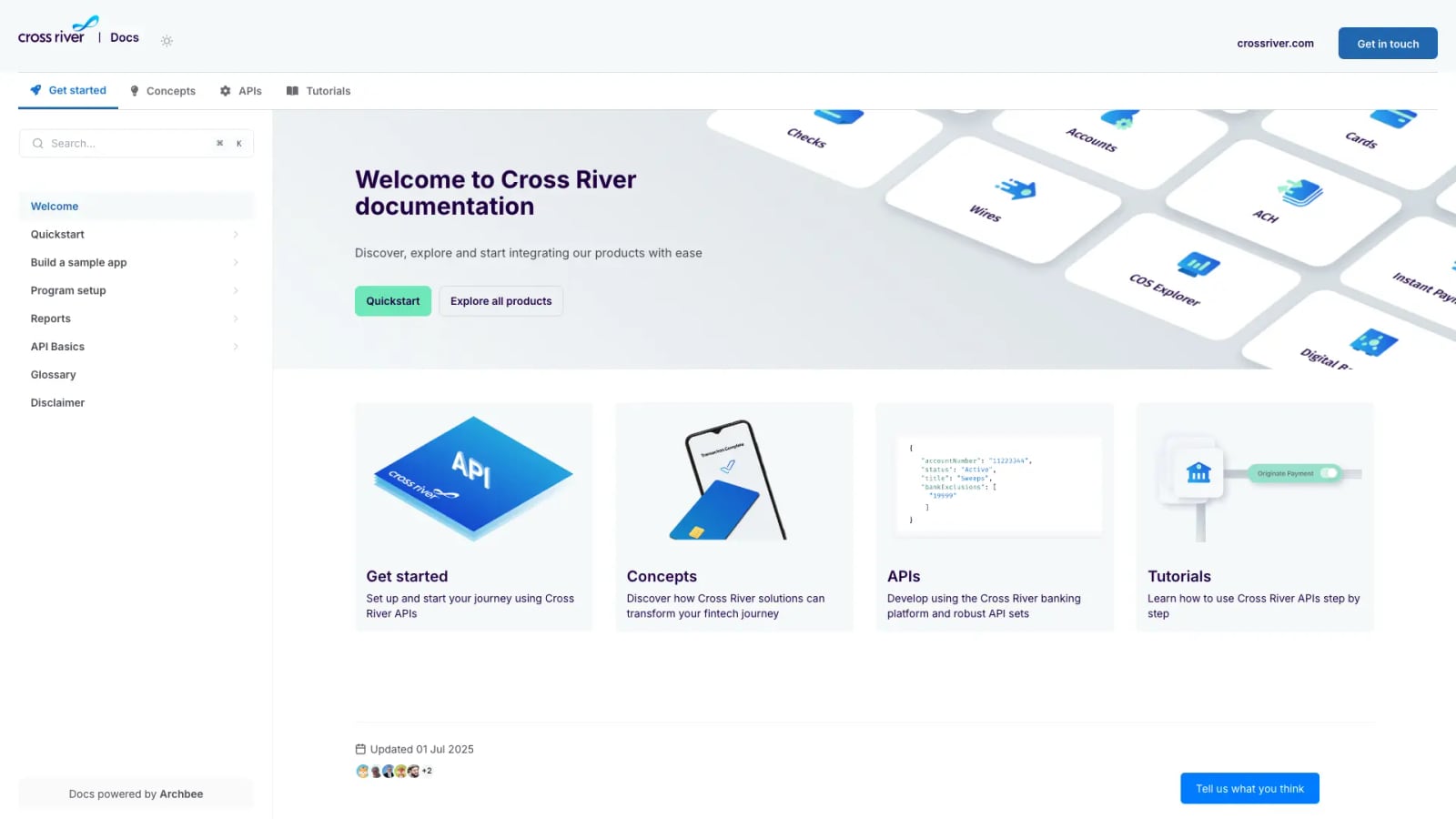
Cross River documentation portal.
HelpLook
HelpLook offers customizable site branding that lets businesses create a portal that feels like a natural extension of their website. The platform supports QR code access and PDF downloads, making content accessible across multiple channels.
Document360
Document360 provides extensive customization options, including custom domains and theming. The platform's focus on enterprise use cases means it supports complex branding requirements, including multi-brand and multi-product portals.
Archbee
Archbee emphasizes beautiful, searchable documentation portals. Custom domains and branding are supported, and the platform's design-first approach means documentation sites look polished out of the box. For teams that care about the visual presentation of their docs, Archbee delivers.
Integrations and Ecosystem
Document360
Document360's integration ecosystem is one of its strongest assets. The platform integrates seamlessly with helpdesk tools like Zendesk and Freshdesk, making it a natural fit for support teams that already use these systems. The MCP server support extends its capabilities further, allowing AI systems to access documentation programmatically.
Archbee
Archbee integrates with developer tools like GitHub, GitLab, and Changelog, making it ideal for teams that follow docs-as-code workflows. The platform's focus on technical documentation means its integrations are tailored to the developer ecosystem.
HelpLook
HelpLook offers third-party integrations and AI model flexibility through OpenAI, ERNIE Bot, and Azure. While its integration ecosystem may not be as extensive as Document360's, the platform covers the essential connections most businesses need.
Analytics and Insights
Document360
Document360's advanced analytics provide deep insights into content performance, user behavior, and search patterns. Teams can identify knowledge gaps, track article effectiveness, and measure the impact of documentation on support ticket volume.
HelpLook
HelpLook includes analytics to track usage, helping teams understand how customers interact with their knowledge base. The metrics focus on practical outcomes like reducing support costs and improving customer satisfaction.
Archbee
Archbee's analytics are designed to help teams understand documentation coverage and effectiveness. Customer stories highlight significant improvements in documentation coverage—Make achieved approximately 92% coverage and 5x faster publishing with Archbee.
Security and Compliance
Document360
Document360 leads the pack on security with SOC 2, ISO 27001, and GDPR compliance. For industries like finance, healthcare, and education that face strict regulatory requirements, this level of certification is often non-negotiable.
HelpLook and Archbee
Both HelpLook and Archbee offer standard security features, but neither matches Document360's publicly documented compliance certifications. Teams in regulated industries should factor this into their decision.
Pricing Considerations
Pricing structures vary significantly across the three platforms.
HelpLook
HelpLook offers a range of subscription plans, from a free tier to enterprise-level pricing. The free tier makes it accessible for small teams and startups that want to test the platform before committing. AI credits and scalable resources are included in paid plans.
Document360
Document360's pricing reflects its enterprise focus. While specific pricing isn't publicly listed, the platform's feature depth and compliance certifications position it at a higher price point. For teams that need advanced workflows, security, and analytics, the investment can be justified.
Archbee
Archbee offers a 50% discount on any plan for 2 years through its startup program, making it attractive for early-stage companies. The platform's pricing is generally competitive for technical documentation teams.
Decision Guide: Which Tool Should You Choose?
Choose HelpLook if:
- You need a no-code knowledge base that non-technical teams can manage
- Your primary goal is reducing support costs through AI-powered self-service
- You want flexibility in AI model selection (OpenAI, ERNIE Bot, Azure)
- You're serving customer support, e-commerce, or internal knowledge use cases
- You want to start with a free tier and scale as needed
Choose Document360 if:
- You need enterprise-grade security and compliance (SOC 2, ISO 27001, GDPR)
- Your support team already uses Zendesk or Freshdesk
- You need advanced workflow management for large content teams
- You want deep analytics to measure documentation impact
- You're in a regulated industry like finance or healthcare
Choose Archbee if:
- Your team follows docs-as-code workflows with GitHub or GitLab
- You're building API documentation or developer portals
- You need native branching and collaborative editing
- You want AI-powered translations for global audiences
- You're a startup looking for discounted pricing
Related reading
- HelpLook vs KnowledgeBase vs Docmost: Which Fits You? - Compare HelpLook, KnowledgeBase, and Docmost on AI search, deployment, security, pricing, and ease of use. Find the right knowledge base for your team.
- HelpLook vs Document360 vs KnowledgeBase: 2026 Comparison - Compare HelpLook, Document360, and KnowledgeBase on AI search, pricing, ease of use, and knowledge base features. Find the best fit for your support team.
Sources and further reading
- The second number · sourcey - Exact startup software offers, eligibility, and provenance for every vendor discount, credit scheme, and startup tier.
- BetterDocs | Software Reviews & Alternatives - BetterDocs Review: 'BetterDocs is an advanced documentation & knowledge base plugin for WordPress that helps to improve your user experience and reduce support tickets. '
- All post content by year - Stay updated with best practices for technical writers. Includes an API documentation course for technical writers and engineers learning how to document APIs. The course includes sections on what an API is, API reference documentation, OpenAPI specification and Swagger, docs-as-code publishing and workflows, conceptual topics, tutorials, API documentation jobs, and more.
Frequently Asked Questions
Is HelpLook a good Document360 alternative?
HelpLook can be a strong alternative for teams that prioritize no-code simplicity and AI-powered self-service over enterprise-grade workflow management. If your primary goal is reducing support tickets through an AI chatbot and searchable knowledge base, HelpLook offers a more accessible entry point with its free tier.
Is Archbee better than Document360 for API documentation?
For API documentation specifically, Archbee has advantages. Its native branching, Git-based workflows, and developer-focused integrations make it a natural fit for technical documentation teams. Document360 supports API documentation too, but Archbee's developer-centric design gives it an edge for this use case.
Which platform is best for small teams?
HelpLook's free tier and no-code interface make it the most accessible option for small teams. Archbee's startup discount is also attractive for early-stage companies. Document360, while powerful, may be overkill for teams that don't need enterprise features.
Do all three platforms offer AI chatbots?
Yes, all three platforms offer AI-powered search and chatbot capabilities. The key differences are in model flexibility (HelpLook supports multiple AI models), feature depth (Document360 offers the most comprehensive AI toolkit), and developer integration (Archbee's AI fits naturally into Git workflows).
Can I migrate from one platform to another?
All three platforms support content import and export, though the specific migration paths vary. Document360 and Archbee both offer import tools for common formats. If migration is a concern, check each platform's documentation for supported import methods before committing.
Conclusion
HelpLook, Document360, and Archbee each serve distinct needs within the knowledge base market. HelpLook excels at accessible, AI-powered self-service portals for customer support and internal knowledge sharing. Document360 delivers enterprise-grade depth with security, compliance, and workflow features that large organizations require. Archbee stands out for technical documentation teams that want a developer-friendly, Git-integrated experience.
The right choice depends on your team's technical sophistication, compliance requirements, and primary use case. If you're still weighing options, explore how HelpLook compares to Documentation.AI and Archbee for a deeper dive into AI-focused alternatives, or see how HelpLook stacks up against HelpCenter.io and Document360 for support team scenarios.
For teams evaluating broader knowledge base ecosystems, the HelpLook vs Stonly vs Docmost comparison offers additional perspective on interactive guides and deployment options.