
HelpLook vs Documentation.AI vs Document360: Which Knowledge Base Platform Fits Your Team?
Choosing between HelpLook, Documentation.AI, and Document360 can feel like comparing three similar tools that all promise the same outcome: faster answers, fewer support tickets, and a knowledge base that actually gets used. But under the surface, these platforms are built for different teams, different workflows, and different budgets.
This comparison breaks down what each platform does best, where they fall short, and which one deserves your shortlist in 2026.
Quick Verdict: Who Should Choose What?
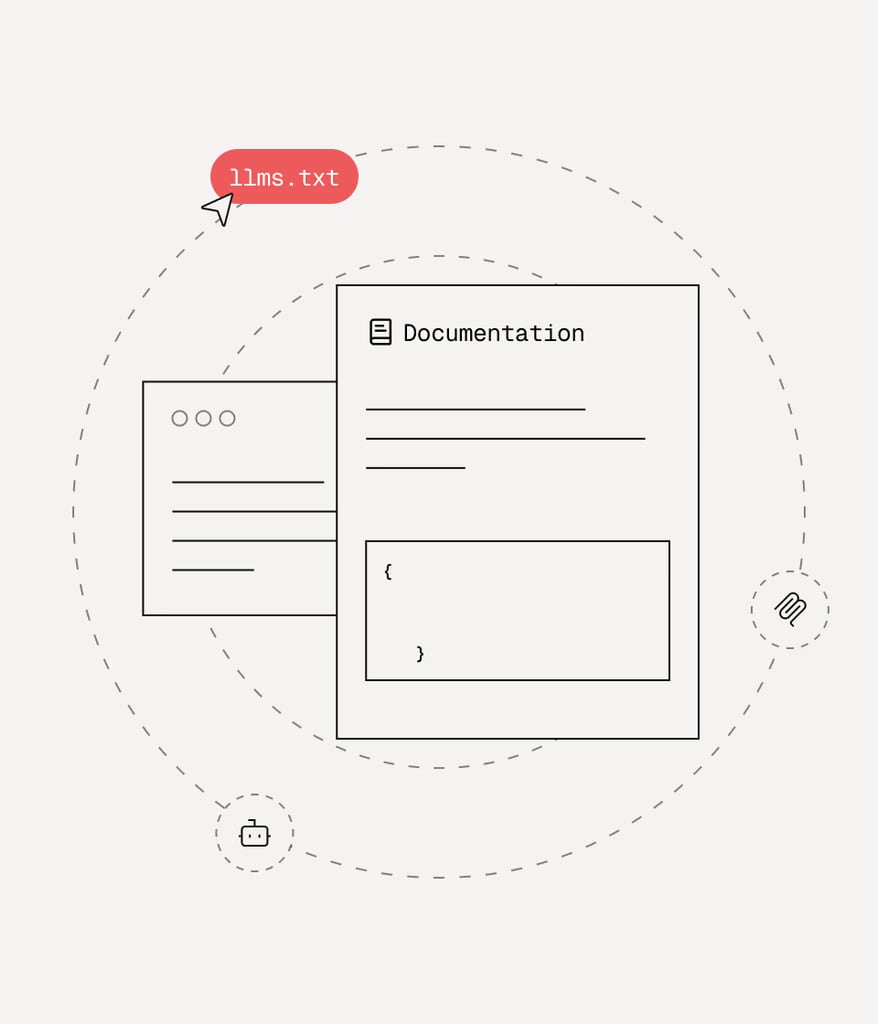
Documentation.AI product interface.
| Platform | Best for | Standout strength |
|---|---|---|
| Document360 | Mid-size to enterprise support and docs teams | Depth of features, security, and integrations |
| Documentation.AI | Product and developer teams with existing docs | AI-native maintenance and docs-as-code workflow |
| HelpLook | Small teams, startups, and budget-conscious buyers | Affordability, no-code setup, and SEO-friendly publishing |
If you need an enterprise-grade knowledge base with deep integrations and don't mind paying for it, Document360 is the strongest all-rounder. If your team lives in Git and wants documentation that updates itself, Documentation.AI is a compelling specialist. If you want a fast, affordable, no-code knowledge base with strong SEO controls, HelpLook is the pragmatic choice.
Search Intent: What Buyers Actually Want to Know
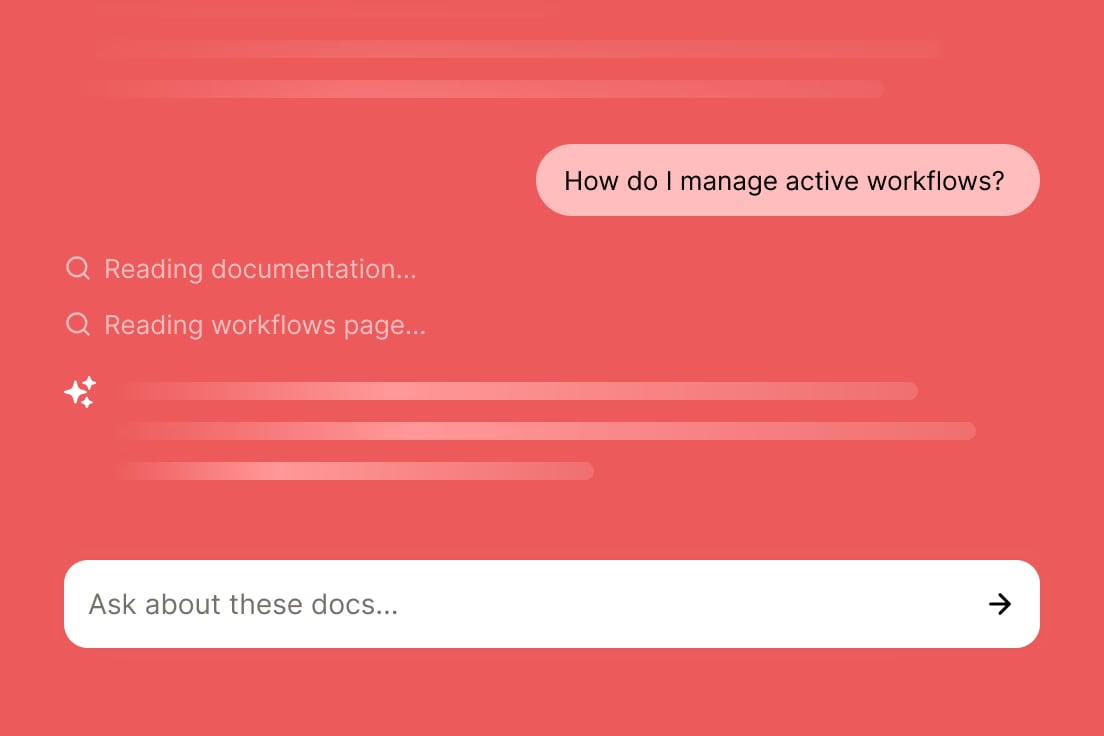
Documentation.AI product interface.
People searching for "HelpLook vs Documentation.AI vs Document360" are usually in one of three situations:
- They're evaluating knowledge base software for the first time and want a structured comparison.
- They're already using one of these tools and are considering a switch.
- They've shortlisted these three and need a final decision framework.
This article addresses all three by comparing the platforms on the criteria that matter most in real implementations: content creation, AI capabilities, publishing flexibility, pricing, and scalability.
Document360: The Enterprise-Grade Knowledge Base

Gradient.
Document360 is the most established platform in this comparison. It combines human-authored content with AI assistance and is trusted by thousands of businesses across 150+ countries. Its 4.7/5 G2 rating and leadership position in the G2 Knowledge Base category reflect years of feature development and customer feedback.
Where Document360 Excels
Feature depth. Document360 offers more than 100 features, including AI-powered search, an AI chatbot, an AI writing agent, an MCP server, advanced analytics, and a workflow builder. For teams that need granular control over content review, versioning, and publishing, this breadth is hard to match.
Security and compliance. Document360 holds SOC 2, ISO 27001, and GDPR certifications. For finance, healthcare, and enterprise buyers, these certifications are often non-negotiable requirements that smaller platforms can't easily satisfy.
Helpdesk integrations. Document360 integrates with Zendesk and Freshdesk, making it a natural fit for support teams that already run a ticketing system and want their knowledge base to feed directly into agent workflows.
Multi-language support. Document360 supports knowledge bases in multiple languages, which matters for global organizations serving customers across regions.
Where Document360 Falls Short
Cost. Document360's subscription plans are notably more expensive than both alternatives. For small teams or startups, the pricing can be prohibitive, especially when advanced features require higher-tier plans.
Onboarding friction. Document360 requires a work email address to sign up, which blocks freelancers, independent consultants, and small teams without corporate email infrastructure from evaluating the platform.
Template availability. Document360 lacks a wide variety of ready-made knowledge base templates, which means teams often start from a blank slate and spend more time on initial structure and design.
Documentation.AI: The AI-Native Specialist for Product Teams
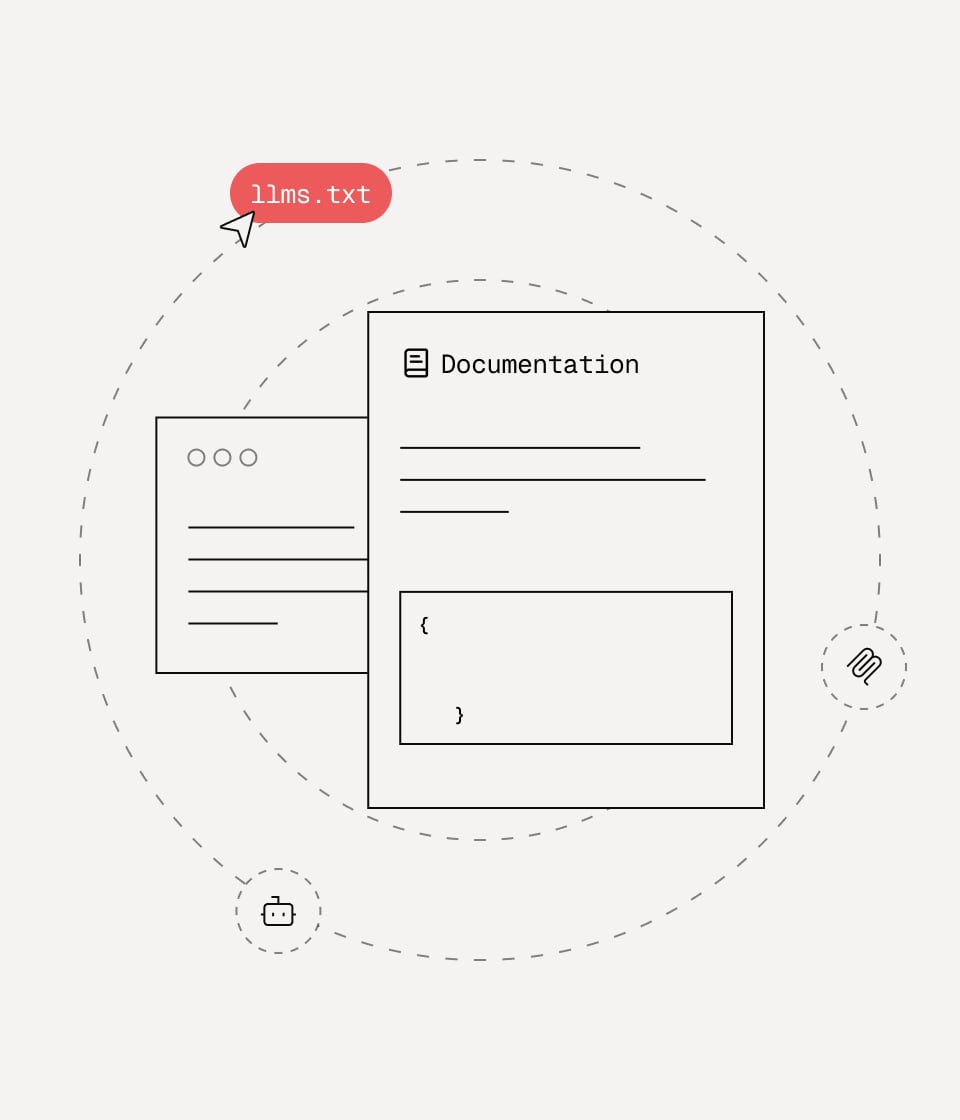
Documentation.AI product interface.
Documentation.AI takes a fundamentally different approach. Instead of treating AI as an add-on to a traditional knowledge base, it builds the entire platform around AI-assisted documentation that maintains itself.
Where Documentation.AI Excels
Self-updating documentation. The AI Documentation Agent suggests, writes, and formats content to keep documentation fresh. For product teams shipping frequent updates, this reduces the documentation debt that accumulates when engineers prioritize code over docs.
Docs-as-code workflow. Documentation.AI supports Git integration, allowing teams to manage documentation alongside their codebase. This appeals strongly to developers and technical writers who already work in repositories and want version control, code review, and CI/CD for their docs.
Cited AI answers. The Ask AI assistant provides instant answers with citations directly within documentation. Users can verify the source of every answer, which builds trust and reduces the risk of AI hallucinations.
AI-agent readiness. Documentation.AI structures content for AI agents and LLMs, making it a forward-looking choice for teams preparing for a world where customers and employees interact with AI assistants rather than traditional search.
Proven migrations. Customer stories from Datafiniti and Videograph show teams migrating from ReadMe to gain AI-powered search, analytics, and easier maintenance. This is a meaningful proof point for teams currently unhappy with developer-focused documentation tools.
Where Documentation.AI Falls Short
Narrower use case. Documentation.AI is optimized for product documentation, API references, and help centers. Teams looking for internal wikis, SOP management, or broad enterprise knowledge management may find its feature set less comprehensive than Document360's.
Smaller ecosystem. Compared to Document360's extensive helpdesk integrations and marketplace, Documentation.AI's integration ecosystem is more limited. Teams heavily invested in Zendesk, Freshdesk, or other support tools may need to build custom connections.
HelpLook: The Affordable No-Code Option with SEO Strength
HelpLook positions itself as an AI-powered knowledge base and help desk platform that anyone can set up without coding. It's used by over 10,000 global brands and offers a free tier alongside paid plans.
Where HelpLook Excels
Affordability. HelpLook's pricing starts at $7/month for a single project, making it dramatically more accessible than Document360. For small teams, startups, and businesses with budget constraints, this price difference is significant.
No-code setup and templates. HelpLook provides ready-made knowledge base templates that users can customize without technical expertise. This reduces time-to-launch for teams that don't have dedicated developers or technical writers.
SEO optimization. HelpLook includes built-in SEO tools, including TDK (Title, Description, Keywords) management, URL customization, sitemap generation, and support for custom schemas. For customer-facing documentation that needs to rank on Google, these features are genuinely useful.
Multi-language translation. HelpLook includes a translation feature that converts articles from the default language into Portuguese, Russian, Vietnamese, German, French, Spanish, and more. This is a practical advantage for businesses expanding into new markets.
AI model flexibility. HelpLook integrates with OpenAI, ERNIE Bot, and Azure, giving teams options for which AI model powers their search and chatbot features.
Where HelpLook Falls Short
Enterprise depth. HelpLook doesn't match Document360's enterprise features, security certifications, or integration ecosystem. Teams with complex compliance requirements or deep helpdesk integrations may find it limiting.
Developer workflow. Unlike Documentation.AI, HelpLook doesn't offer a native docs-as-code workflow with Git integration. Teams that want to manage documentation in repositories will find this a gap.
Head-to-Head Comparison
AI Capabilities
All three platforms offer AI-powered search and AI chatbots, but their approaches differ:
- Document360 layers AI on top of a mature knowledge base platform, with an AI writing agent, AI search, and an AI chatbot. The MCP server support is a notable addition for teams building AI workflows.
- Documentation.AI makes AI the core of the product. The AI Documentation Agent actively maintains content, and the Ask AI assistant provides cited answers. This is the most aggressive AI implementation of the three.
- HelpLook offers AI-driven search and chatbot capabilities with flexibility to choose between OpenAI, ERNIE Bot, and Azure models. The AI features are solid but less central to the product identity than Documentation.AI's.
Content Creation and Management
Document360 offers a robust editor with version control, workflow management, and multi-language support. It's built for teams that need structured content governance.
Documentation.AI offers two publishing paths: a web editor and a docs-as-code workflow with Git integration. This dual approach accommodates both non-technical writers and developer teams.
HelpLook emphasizes no-code content creation with templates and a simplified interface. It's the fastest path from zero to published knowledge base for non-technical users.
Pricing and Total Cost of Ownership
Pricing is where the platforms diverge most sharply:
- HelpLook starts at $7/month with a free tier available. All paid plans include access to all features, with differences in resources and AI credits.
- Documentation.AI offers a free tier and scales to enterprise pricing with SSO, custom SLAs, and advanced analytics.
- Document360 is the most expensive of the three, with subscription plans that can become costly as team size and feature requirements grow.
For budget-conscious teams, HelpLook offers the lowest total cost of ownership. For teams that need enterprise features, Document360's higher price may be justified by its compliance certifications and integration depth.
Publishing Flexibility and SEO
HelpLook stands out for SEO optimization, with built-in TDK management, URL customization, sitemap generation, and custom schema support. For customer-facing documentation that needs to rank in search results, these features provide a genuine advantage.
Document360 offers solid publishing options but doesn't emphasize SEO tools to the same degree. Its strength lies in content management and workflow rather than search engine visibility.
Documentation.AI focuses on AI-agent readiness and docs-as-code publishing. SEO features are less prominent, reflecting its orientation toward product documentation rather than marketing-facing content.
Decision Framework: How to Choose
Choose Document360 if:
- You need SOC 2, ISO 27001, or GDPR compliance
- Your support team already uses Zendesk or Freshdesk
- You require advanced workflow management and version control
- Budget is secondary to feature depth and security
- You're a mid-size or enterprise organization
Choose Documentation.AI if:
- Your documentation lives in Git or should live in Git
- You're a product or developer team shipping frequent updates
- You want AI to actively maintain and update your docs
- You're preparing your content for AI agents and LLMs
- You're migrating from ReadMe or another developer-focused docs tool
Choose HelpLook if:
- You're a small team, startup, or budget-conscious buyer
- You need to launch a knowledge base quickly without coding
- SEO visibility for your documentation matters
- You want multi-language support without complex setup
- You prefer simple, predictable pricing with all features included
Practical Example: Three Teams, Three Choices
Scenario 1: A 40-person SaaS company with a support team. They run Zendesk, need SOC 2 compliance for enterprise customers, and have a dedicated technical writer. Document360 is the natural fit. The Zendesk integration alone saves hours of duplicated effort, and the compliance certifications remove a sales objection.
Scenario 2: A 12-person developer tools startup. Their docs live in a GitHub repo, engineers write most of the content, and they ship weekly. Documentation.AI's Git integration and AI Documentation Agent fit their workflow perfectly. They can maintain docs without hiring a dedicated writer.
Scenario 3: A 5-person e-commerce business. They need a customer-facing help center, want it to rank on Google, and have a limited budget. HelpLook's $7/month starting price, SEO tools, and no-code templates make it the obvious choice. They can launch in a day and iterate without breaking the bank.
The Bottom Line
Document360 is the enterprise workhorse with the deepest feature set and strongest compliance story. Documentation.AI is the AI-native specialist for product and developer teams who want documentation that maintains itself. HelpLook is the affordable, no-code option with genuine SEO strengths for small teams and customer-facing knowledge bases.
The right choice depends less on which platform is "best" and more on which one matches your team's workflow, budget, and compliance requirements. If you're still comparing options, our HelpLook vs Document360 vs Zendesk comparison adds a helpdesk-native perspective, and our HelpLook vs Documentation.AI vs Bloomfire comparison explores another AI knowledge management alternative.
Related reading
- HelpLook vs KnowledgeBase vs Helpjuice: 2026 Comparison - Compare HelpLook, KnowledgeBase, and Helpjuice on AI search, content creation, pricing, and ease of use. Find the right knowledge base for your support team.
Sources and further reading
- HelpLook VS Document360: Which is Better for Knowledge Base Management? - Knowledge Base Management: HelpLook vs. Document360. Explore features, pricing, and more. HelpLook offers affordability, versatility, SEO optimization, AI search, and multi-language support.
- Best AI Knowledge Base Software in 2026 | Techreviewer - Find the best AI knowledge base software of 2026. Compare search, automation, verified reviews, and pricing to give your team instant answers.
- 20 AI-Driven Knowledge Management Tools in 2025 - Explore 20 AI-driven knowledge management tools that help organizations capture, process, and utilize information more effectively for better decision-making.
FAQ
Is HelpLook really cheaper than Document360?
Yes. HelpLook starts at $7/month for a single project, while Document360's plans are significantly more expensive. HelpLook also includes all features in every paid plan, whereas Document360 gates some features behind higher tiers.
Does Documentation.AI support non-technical users?
Yes, but with caveats. Documentation.AI offers a web editor for non-technical users, but its most distinctive features—Git integration and docs-as-code workflow—are designed for developer teams. Non-technical teams can use it, but they may not benefit from its full feature set.
Which platform has the best AI search?
All three platforms offer AI-powered search, but their approaches differ. Documentation.AI's Ask AI provides cited answers, which is valuable for trust and verification. Document360's AI search benefits from years of refinement across thousands of customer deployments. HelpLook offers AI search with flexibility to choose between multiple AI models.
Can I migrate from Document360 to HelpLook or Documentation.AI?
Yes, both platforms support content migration, though the process varies. Documentation.AI has documented migrations from ReadMe, and HelpLook offers import options for existing content. Plan your migration carefully to preserve structure, metadata, and SEO value.
Which platform is best for SEO?
HelpLook has the strongest built-in SEO tooling, including TDK management, URL customization, sitemap generation, and custom schema support. Document360 and Documentation.AI offer basic SEO features but don't emphasize search engine optimization to the same degree.
Does Document360 offer a free trial?
Document360 offers a free trial, but signup requires a work email address. Personal email addresses are not accepted, which can be a barrier for freelancers and small teams without corporate email infrastructure.
Conclusion
HelpLook, Documentation.AI, and Document360 each serve a distinct segment of the knowledge base market. Document360 delivers enterprise depth and compliance for organizations that need it. Documentation.AI reimagines documentation as a self-maintaining, AI-native asset for product teams. HelpLook makes knowledge base creation accessible and affordable while offering genuine SEO advantages for customer-facing content.
The best platform is the one that matches your team's reality—not the one with the longest feature list. Evaluate your budget, your workflow, and your compliance requirements first. Then choose the tool that fits.
For a deeper look at how HelpLook stacks up against other knowledge base platforms, see our HelpLook vs Zendesk vs DocsBot comparison or explore the HelpLook vs Document360 vs Stonly comparison for an interactive-guide perspective.