
HelpLook vs Documentation.AI vs HelpCenter.io: Which AI Knowledge Base Fits Your Team?
Choosing an AI-powered knowledge base today means balancing intelligent search, content creation workflows, and predictable pricing. Three platforms frequently surface in evaluations: HelpLook, Documentation.AI, and HelpCenter.io. Each addresses a different primary use case—general-purpose self-service portals, developer-centric product documentation, and customer-facing help centers with contextual widgets. This comparison examines their strengths side by side, focusing on the criteria where each platform genuinely excels, so you can match the tool to your team’s specific requirements.
How Documentation.AI and HelpCenter.io Differ at Their Core
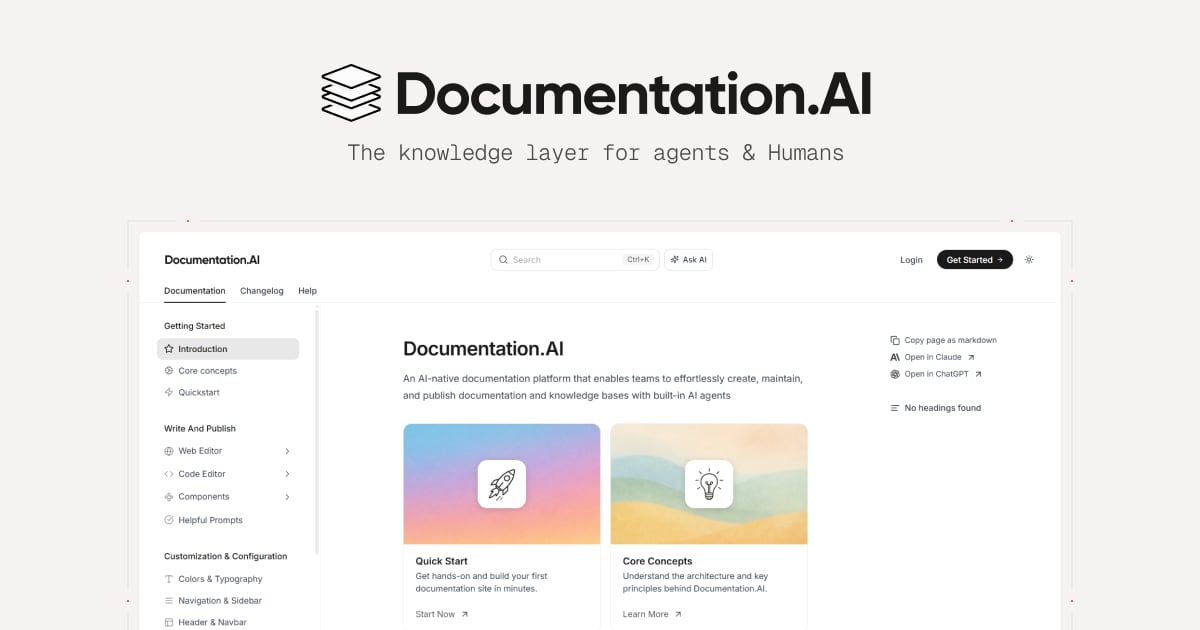
Documentation.AI product interface.
Before diving into feature-by-feature analysis, it helps to understand the fundamental positioning of the two substitutes.
Documentation.AI is built for product, engineering, and developer relations teams that need living, AI-maintained documentation. Its AI Documentation Agent actively suggests, writes, and refreshes content, while the Ask AI assistant delivers cited answers directly within docs. The platform supports a docs-as-code workflow with Git integration, making it a natural fit for teams that treat documentation like software.
HelpCenter.io is purpose-built for customer support and success teams that want to reduce ticket volume through proactive self-service. Its standout capability is an AI Widget that embeds on any page and automatically suggests relevant help articles based on the user’s current context. Flat per-workspace pricing, a no-code visual editor, and a free migration service further distinguish it from per-seat pricing models.
HelpLook serves as a versatile AI knowledge base and help desk platform that enables businesses to build self-service portals without coding. It is used across customer support, e-commerce, enterprise blogs, and internal knowledge bases, with broad AI model integration and SEO optimization features.
AI-Powered Search and Answering Capabilities
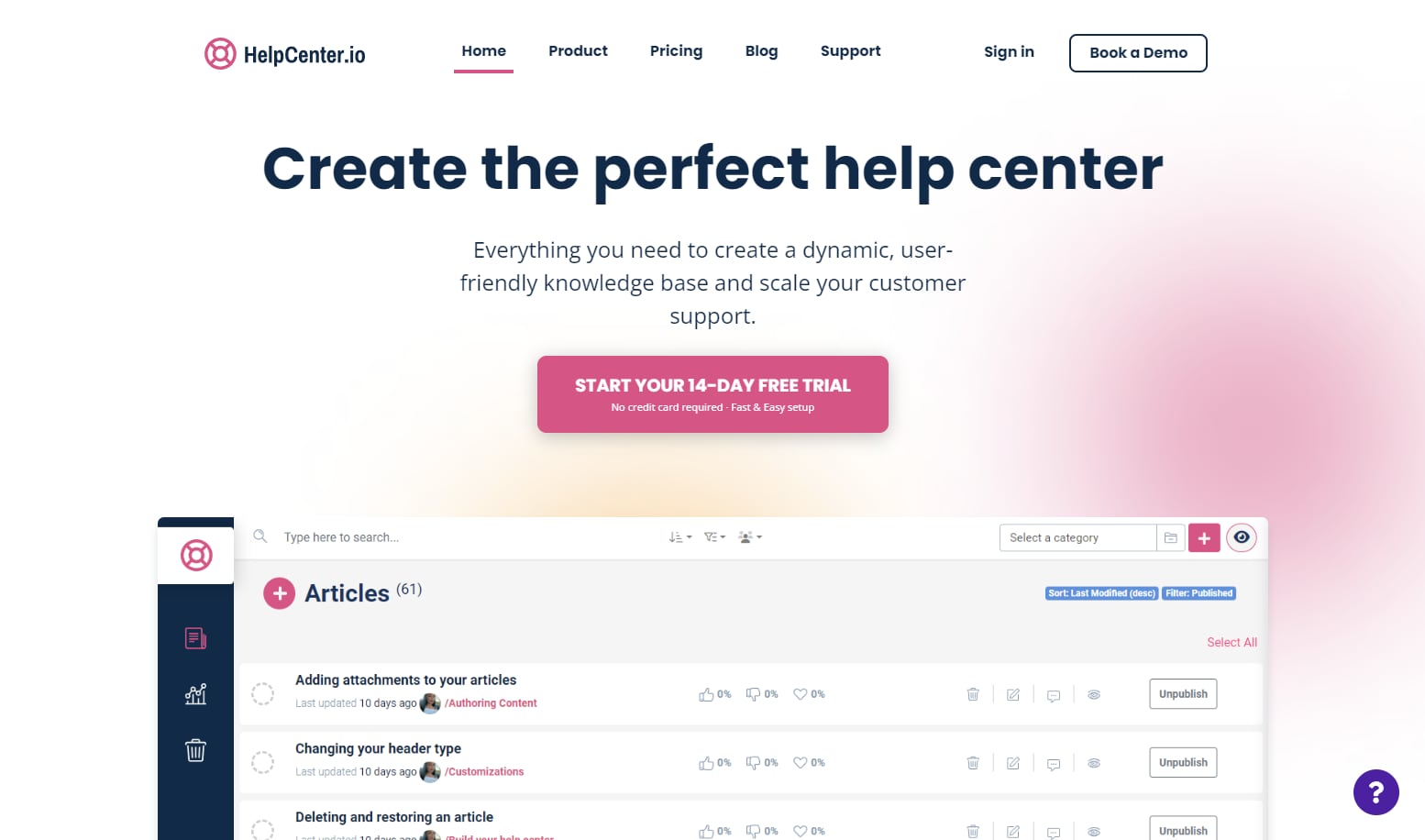
HelpCenter.io product interface.
Documentation.AI: AI Agent That Maintains Content
Documentation.AI’s AI Documentation Agent goes beyond answering questions—it monitors your existing docs and suggests updates, writes new sections, and formats content to prevent staleness. The Ask AI feature surfaces instant, cited answers to user questions, which is especially valuable for API references and technical product docs where precision matters. Teams migrating from ReadMe have cited AI-powered search and easier maintenance as primary reasons for switching.
HelpCenter.io: Contextual AI Widget and Grounded Answers
HelpCenter.io takes a different approach by embedding AI where users already are. Its AI Widget analyzes the page a visitor is viewing and proactively surfaces relevant help articles without requiring them to open a separate help center. On the public help center itself, grounded AI answers pull from your article library to give natural-language responses. This contextual delivery model helps keep users in flow and reduces the friction of searching manually.
Where HelpLook Fits
HelpLook integrates with leading AI models—including OpenAI, ERNIE Bot, and Azure—to power its AI-driven search and chatbot capabilities. This multi-model flexibility allows businesses to choose the AI backend that best fits their data residency, performance, or cost requirements. The platform’s AI search is designed to deliver accurate results across customer-facing knowledge bases, internal wikis, and e-commerce product manuals.
Content Creation and Maintenance Workflows
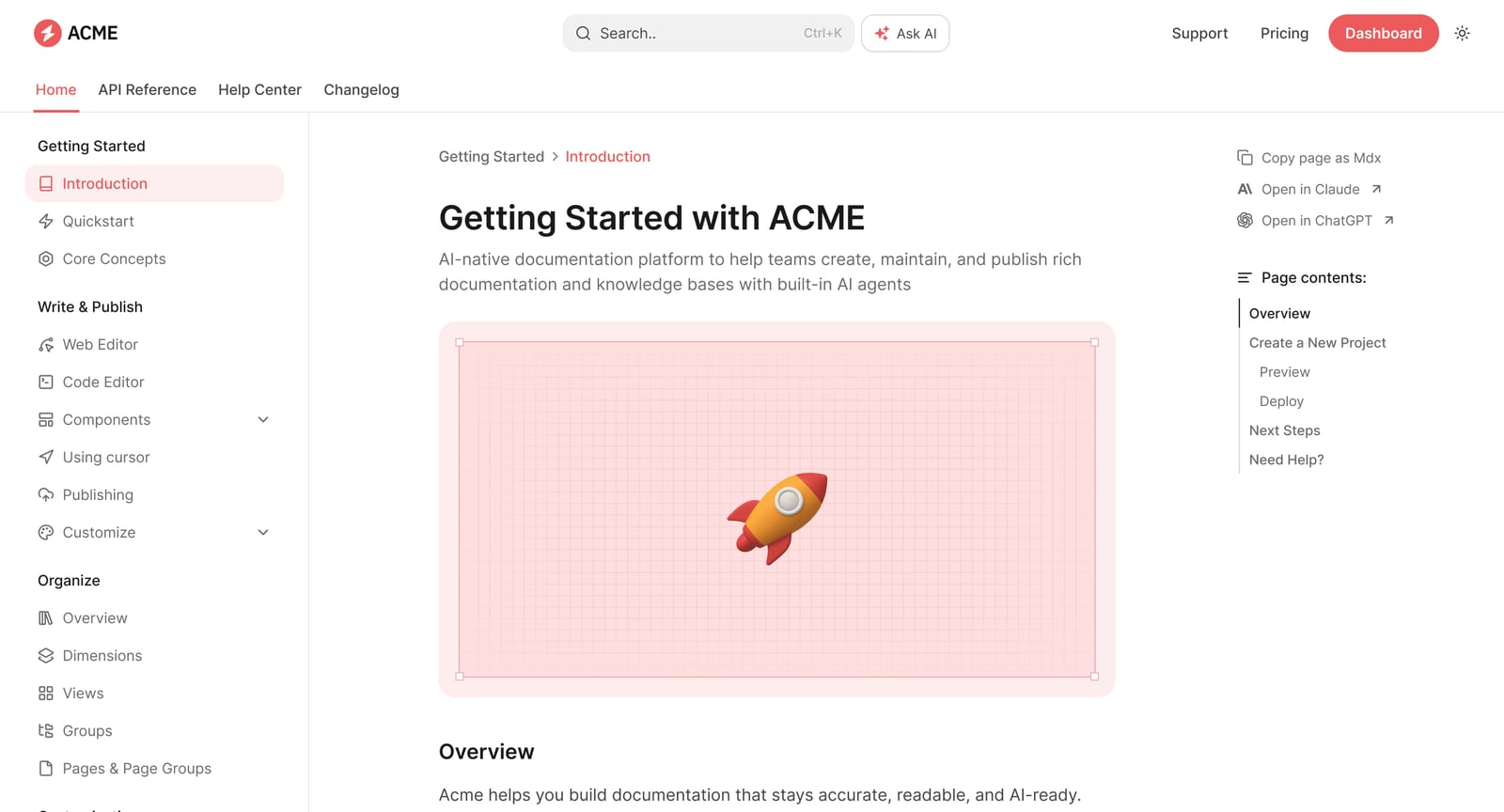
Documentation.AI product interface.
Documentation.AI: Docs-as-Code with Git Sync
For engineering-led teams, Documentation.AI’s Git integration is a decisive advantage. You can manage documentation in the same repositories and workflows as your codebase, with the AI Agent handling suggestions and formatting. The web editor is also available for less technical contributors, creating a bridge between developer and non-developer workflows. This dual approach makes Documentation.AI a strong candidate when documentation must stay tightly coupled with product releases.
HelpCenter.io: No-Code Visual Editor with Approval Workflows
HelpCenter.io prioritizes speed and simplicity for support teams. Its no-code visual template editor lets you build a branded help center without engineering involvement. Approval workflows ensure content quality before publication, and dynamic FAQ embeds let you place answer snippets directly on key website pages. The platform also supports seamless import from Zendesk, Intercom, or Notion, reducing migration friction.
Where HelpLook Fits
HelpLook offers a no-code content creation interface with a WYSIWYG rich text editor that supports multiple content types including images, videos, and documents. The platform’s directory interface provides clear visibility into content statuses, and automatic saving prevents work loss. For teams that need to build structured knowledge bases without technical overhead, this editor-first approach reduces the time from draft to published article.
Pricing Models and Scalability
Documentation.AI: Free Tier to Enterprise
Documentation.AI starts with a free tier that allows teams to explore core features before committing. Paid plans scale to enterprise with additions like SSO, custom SLAs, and advanced analytics. This graduated model works well for startups and mid-market companies that expect their documentation needs to grow alongside their product.
HelpCenter.io: Flat Per-Workspace Pricing
HelpCenter.io’s most distinctive commercial feature is its flat-rate pricing. Plans at $29, $119, and $179 per month cover the entire workspace regardless of how many team members maintain the help center. For a 25-person support team, this compares favorably against per-seat models that would cost $250–$500 monthly. A 14-day free trial with no credit card requirement and a 100% money-back guarantee lower the adoption risk further.
Where HelpLook Fits
HelpLook offers subscription plans ranging from a free tier to enterprise-level pricing, with AI credits and scalable resources included. The free tier allows teams to evaluate the platform without upfront cost, while paid plans unlock additional AI capacity, customization, and integration options suitable for growing businesses and global brands.
Branding, Customization, and SEO
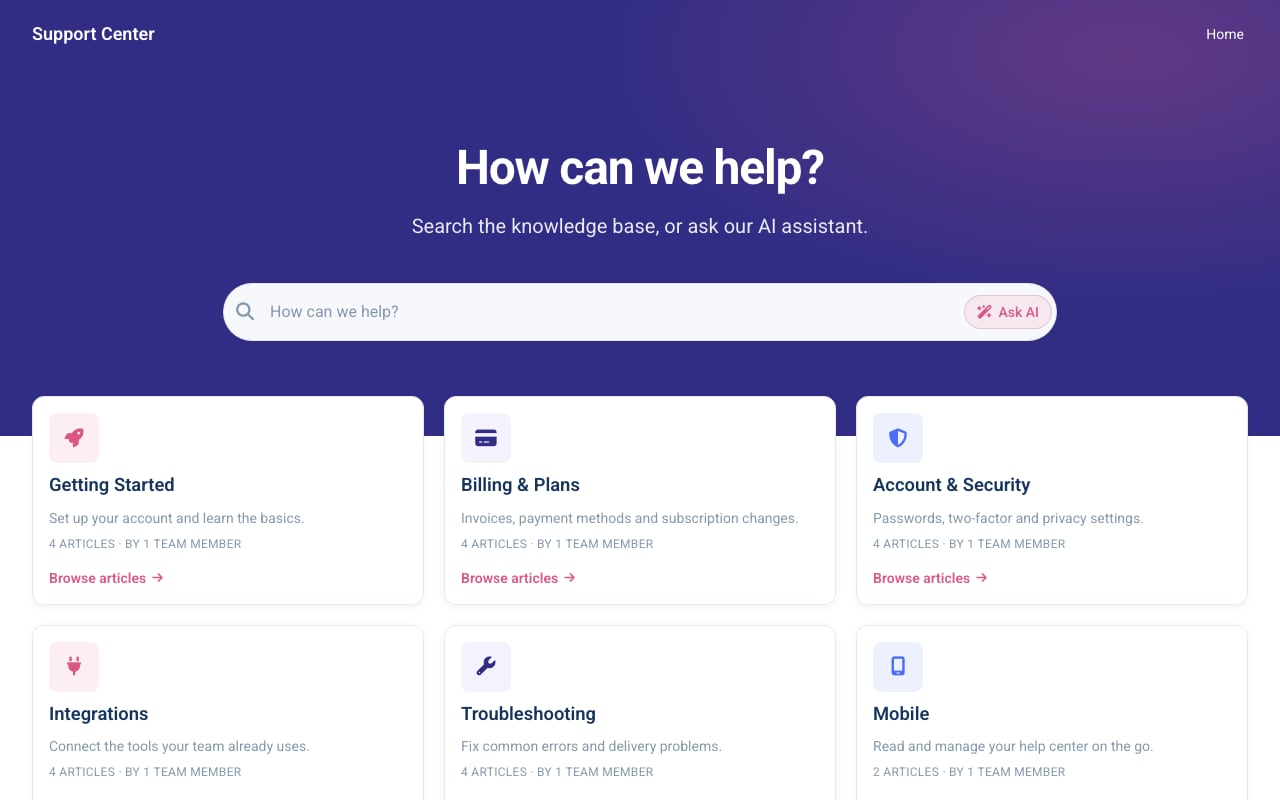
Aurora Support help center template.
Documentation.AI: Flexible Publishing for Developer Portals
Documentation.AI supports publishing through both a web editor and a docs-as-code pipeline, giving teams control over how their documentation looks and where it lives. The platform is structured for AI agents and LLMs, meaning your content is not only human-readable but also optimized for consumption by AI tools and search crawlers.
HelpCenter.io: Custom Domains and Multi-Language Support
HelpCenter.io provides custom domains on every plan, along with multi-language help center support. The visual template editor includes help-center-specific themes and layouts designed for customer self-service. SEO indexing is built to help public pages rank, which is critical for deflecting support tickets through organic search.
Where HelpLook Fits
HelpLook enables customizable site branding with custom domain names and SEO optimization features. The platform supports QR code access and PDF downloads, extending how users can discover and consume content. These branding and distribution options make HelpLook suitable for businesses that want their knowledge base to function as a public-facing brand asset.
Use Case Fit: Which Platform for Which Team?
Choosing the right tool depends on who builds and maintains your knowledge base, and who consumes it.
- Choose Documentation.AI if your documentation is product-led, tightly coupled with code releases, and maintained by developers or technical writers who value Git-based workflows and AI-assisted content freshness. It excels when API references, changelogs, and technical accuracy are non-negotiable.
- Choose HelpCenter.io if your primary goal is reducing customer support tickets through a branded, public-facing help center with contextual AI assistance. Its flat pricing and no-code editor make it accessible for support teams that want to move fast without per-seat cost anxiety.
- Choose HelpLook if you need a versatile AI knowledge base that spans customer support, e-commerce product manuals, enterprise blogs, and internal wikis, with multi-model AI flexibility and broad integration options.
For a deeper look at how HelpLook stacks up against other platforms in specific categories, see our comparisons of HelpLook vs Documentation.AI vs Mintlify for developer-focused alternatives, and HelpLook vs HelpCenter.io vs Helpjuice for customer support knowledge base options.
Integration Ecosystems
Documentation.AI
Documentation.AI’s Git integration is its flagship connector, embedding documentation workflows directly into the development toolchain. This makes it straightforward to incorporate doc updates into CI/CD pipelines and code review processes.
HelpCenter.io
HelpCenter.io emphasizes practical import paths from tools teams already use: Zendesk, Intercom, and Notion. The platform also integrates with ChatGPT and PartnerShare, and tracks performance through Capterra integration.
HelpLook
HelpLook integrates with third-party tools and supports multiple AI models including OpenAI, ERNIE Bot, and Azure. This broad AI integration strategy allows businesses to align the platform with their existing technology stack and AI governance requirements.
Migration and Onboarding
Documentation.AI
Documentation.AI’s onboarding path is optimized for teams migrating from documentation platforms like ReadMe. Customer stories from Datafiniti and Videograph highlight smoother transitions to AI-powered search and analytics.
HelpCenter.io
HelpCenter.io offers a free, done-for-you migration service on its Growth and Catalyst plans. The team rebuilds your article structure, content, and images in your new help center, typically delivering a live site in under seven days. This white-glove approach removes a common barrier to switching platforms.
HelpLook
HelpLook supports a no-code setup process that allows teams to build and launch a knowledge base without software installation. The platform is designed for quick deployment, with a free tier available for initial exploration.
Related reading
- HelpLook vs KnowledgeBase vs Bloomfire: 2026 Comparison - Compare HelpLook, KnowledgeBase, and Bloomfire on AI search, content creation, and knowledge management. Find the best self-service or enterprise KM platform for your team.
Sources and further reading
- HelpLook | Help Center - HelpLook | Help Center
- Compare HelpCenter.io vs. HelpLook in 2026 - What’s the difference between HelpCenter.io and HelpLook? Compare HelpCenter.io vs. HelpLook in 2026 by cost, reviews, features, integrations, and more
- HelpCenter.io vs Slite: The Slite Alternative for Customer-Facing Help Centers (2026) - Slite is an internal knowledge base; HelpCenter.io is a purpose-built customer help center. Compare features, pricing (flat vs per-user), and free migration.
Frequently Asked Questions
Which platform is best for developer-focused API documentation?
Documentation.AI is purpose-built for this use case. Its Git integration, docs-as-code workflow, and AI Agent that maintains technical content make it the strongest choice for product and engineering teams managing API references and developer portals.
How does HelpCenter.io’s flat pricing compare to per-seat models?
HelpCenter.io charges a flat rate per workspace ($29–$179/month) regardless of how many team members contribute to the help center. This contrasts with per-seat models where costs scale with headcount, making HelpCenter.io particularly cost-effective for larger support teams.
Can I use HelpLook for internal knowledge bases as well as customer-facing portals?
Yes. HelpLook supports multiple use cases including internal knowledge bases, customer support portals, e-commerce product manuals, and enterprise blogs. The platform’s AI search and no-code editor work across both internal and external content.
Does Documentation.AI support non-technical content contributors?
Yes. While Documentation.AI excels in docs-as-code workflows, it also provides a web editor that allows non-developers to create and edit content without touching Git. This dual approach accommodates mixed teams.
What kind of AI models does HelpLook support?
HelpLook integrates with OpenAI, ERNIE Bot, and Azure AI models, giving businesses flexibility to choose the AI backend that meets their performance, cost, and data residency requirements.
Making the Final Decision
Documentation.AI, HelpCenter.io, and HelpLook each bring distinct strengths to the AI knowledge base landscape. Documentation.AI leads for engineering-centric documentation that must stay current with product changes. HelpCenter.io wins for customer-facing help centers where contextual AI delivery and flat pricing are priorities. HelpLook provides a versatile, multi-model AI platform suitable for organizations that need a single knowledge base solution across customer support, e-commerce, and internal use cases.
Evaluate your primary content creators, your audience’s expectations, and your budget model. The right platform is the one that aligns with how your team actually works—not the one with the longest feature list. For additional comparisons across the knowledge base software landscape, explore our HelpLook vs KnowledgeOwl vs Zendesk analysis.