
HelpLook vs Documentation.AI vs KnowledgeOwl: Which AI Knowledge Base Fits Your Team?
Choosing the right knowledge base software is no longer just about storing articles—it’s about how AI helps you create, find, and maintain that knowledge. HelpLook, Documentation.AI, and KnowledgeOwl represent three distinct philosophies: an all-in-one self‑service hub, an AI-native product doc engine, and a polished, no-nonsense knowledge base. Each has real strengths, and the best pick depends on what your team values most: versatility, automation, or effortless administration.
Below we compare them across six decision-critical dimensions. You’ll see where Documentation.AI and KnowledgeOwl shine, and where HelpLook holds a clear advantage.
AI Capabilities & Intelligent Search

HelpLook vs Documentation.AI vs KnowledgeOwl: AI KB Comparison product interface and feature overview.
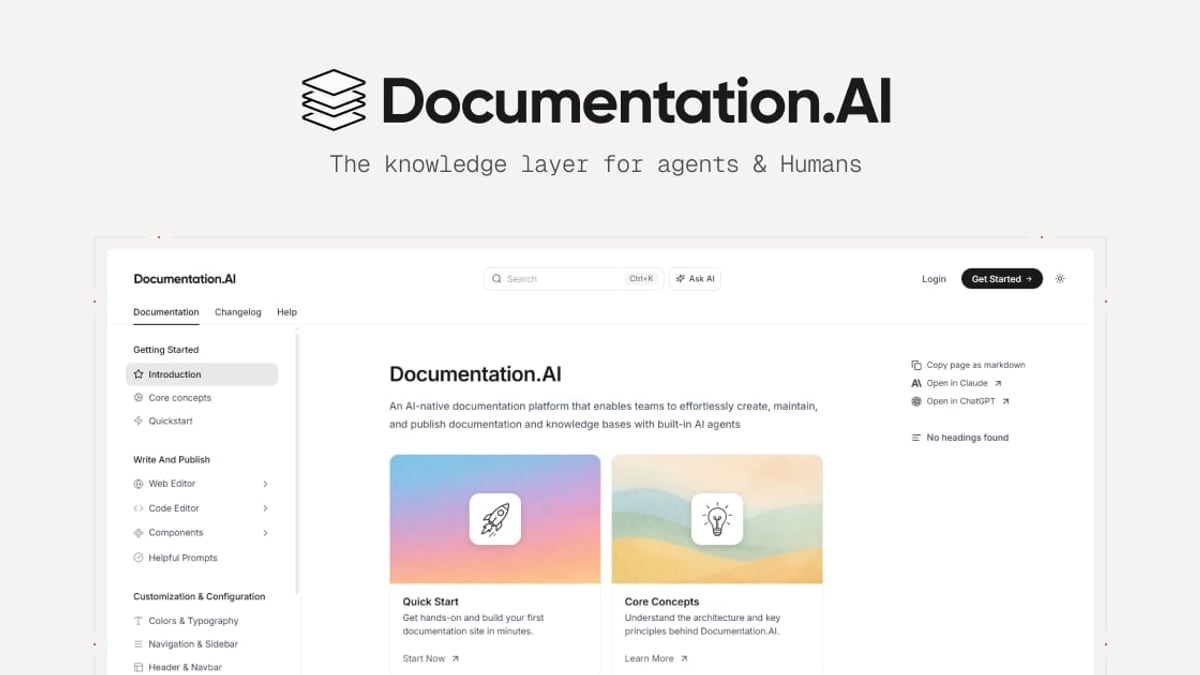
Documentation.AI is built from the ground up for AI‑native documentation. Its AI Documentation Agent continuously suggests, writes, and formats content, keeping your docs fresh without manual rewrites. The Ask AI assistant delivers instant, cited answers directly inside your knowledge base, making it a favorite for product teams that need self‑updating documentation.
KnowledgeOwl has embraced AI in a pragmatic way. Its built‑in AI chatbot can answer reader questions, while AI‑assisted article creation and summarization speed up writing. The platform’s typo‑tolerant search already performs well, and the AI layer makes self‑service even more effective for support teams. For a concrete example, KnowledgeOwl customers use AI to adapt deeply technical content for business audiences—the company documented how AI bridged the gap between original compliance docs and customer‑friendly language.
HelpLook counters with a broad AI‑powered search and chatbot solution that integrates multiple large language models—OpenAI, ERNIE Bot, and Azure. This multi‑model flexibility lets you choose the AI backbone that matches your data compliance or performance needs. The AI‑driven search surfaces instant answers from your knowledge base, and the HelpLook AI widget can be embedded directly into your website or app. For organizations that want to avoid vendor lock‑in on a single AI provider, HelpLook’s model‑agnostic approach is a decisive advantage.
Content Creation & Management
HelpLook vs Documentation.AI vs KnowledgeOwl: AI KB Comparison product interface and feature overview.
KnowledgeOwl excels in day‑to‑day content management. It offers a mature WYSIWYG editor, content snippets for reuse, and granular version control with article history—features that large documentation sets demand. White‑glove migration support and transparent, author‑based pricing make it particularly attractive for teams that want to move from a messy legacy system without friction. When you need a knowledge base that “just works” and keeps content organized without a steep learning curve, KnowledgeOwl is a top contender. (Read a deeper side‑by‑side on HelpLook vs KnowledgeOwl
Documentation.AI follows a docs‑as‑code philosophy. Its editor supports both a web UI and Git‑based workflows, so developers can treat documentation like source code—with pull requests, branches, and seamless integration into CI/CD pipelines. This is invaluable for product teams that already live in GitHub or GitLab and want documentation to stay in sync with product releases.
HelpLook’s content creation is straightforward and template‑driven, with ready‑made knowledge base templates that accelerate setup. However, its version control and collaborative editing are less advanced than the two substitutes, so for teams with complex review workflows, HelpLook is best suited when simplicity and speed matter more than granular revision tracking.
Pricing & Scalability
HelpLook vs Documentation.AI vs KnowledgeOwl: AI KB Comparison product interface and feature overview.
Pricing is where HelpLook genuinely stands out. Its plans start from $7 per month (with a free tier available), and the per‑project pricing model means small teams pay proportionately. All features—including AI search, multilingual translation, and SEO tools—are accessible on every plan, not gated behind enterprise tiers.
KnowledgeOwl uses an author‑based pricing model ($79–$999/month), which is predictable if you have a small group of writers and a large audience. The lack of a free plan is a hurdle for startups, but the 30‑day trial gives a realistic taste of the platform. Documentation.AI offers a free tier, with paid plans scaling up for advanced analytics, SSO, and custom SLAs. Both substitutes are cost‑justified when their specialized strengths match your needs, but for budget‑conscious teams that need a full‑featured platform from day one, HelpLook’s entry point is hard to beat.
Customization, Branding & Control
HelpLook vs Documentation.AI vs KnowledgeOwl: AI KB Comparison product interface and feature overview.
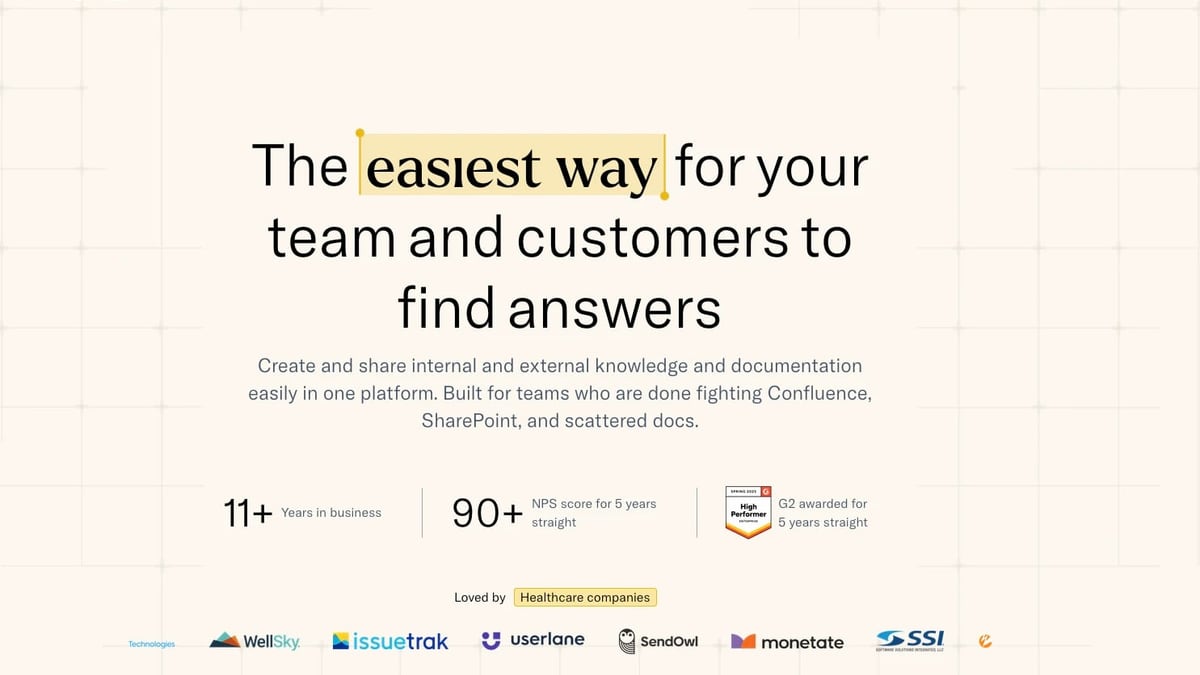
KnowledgeOwl gives you deep control over who sees what: granular access controls, reader groups, and custom branding let you serve different audiences (internal teams, customers, partners) from a single knowledge base. The platform’s high NPS score (90+ for five consecutive years) reflects how well it nails the basics of a polished, secure help center.
HelpLook matches that flexibility and adds unique embeddable options. You can publish a fully branded public or private knowledge site on a custom domain, or use the HelpLook Widget to embed your knowledge base directly into web pages and applications—complete with the AI chatbot. For SaaS companies that want to offer in‑app help without a separate tab, this widget is a practical differentiator.
Multilingual & SEO
Here HelpLook takes a clear lead. Its built‑in translation feature enables one‑click translation of articles into Portuguese, Russian, Vietnamese, German, French, Spanish, and more. Combined with automatic TDK (title, description, keywords) management, customizable URLs, and sitemap generation, HelpLook’s SEO toolkit is specifically designed to rank documentation sites on Google. Businesses that need to serve a global customer base or rely on organic search for product discovery will find this integrated SEO + localization combo a major time‑saver.
Neither Documentation.AI nor KnowledgeOwl offers comparable built‑in translation or SEO features. You can certainly add them via third‑party tools, but the out‑of‑the‑box advantage goes to HelpLook.
Onboarding, Support & Ease of Use
KnowledgeOwl is frequently praised for white‑glove migration and an approachable interface that non‑technical teams love. Customer stories cite a 92% reduction in response time after switching to KnowledgeOwl, and the platform’s five‑year streak of G2 awards confirms a consistent user experience.
Documentation.AI appeals to product and engineering teams that prefer a CLI or Git‑centric workflow. Its AI agent reduces the manual burden of “writing docs,” and the onboarding for developers is essentially their existing toolchain.
HelpLook’s onboarding is also code‑free: pre‑built templates, a WYSIWYG editor, and a simplified registration process get a knowledge base live in minutes. While it may not offer the white‑glove migration of KnowledgeOwl, HelpLook’s 10,000+ global customers prove that it scales from startups to enterprises in healthcare, legal, fintech, and beyond.
Which Tool Should You Choose?
- Pick Documentation.AI if your primary need is developer‑facing product docs, API references, and you want an AI agent that actively maintains content. The docs‑as‑code workflow and self‑updating features are built for product teams that move fast.
- Pick KnowledgeOwl if you value rock‑solid content management, granular permissions, and a proven track record in support‑heavy industries (call centers, credit unions, utilities). The white‑glove migration and typo‑tolerant search make it a safe, low‑fuss choice.
- Pick HelpLook if you want an all‑in‑one AI knowledge hub that doubles as a customer‑facing help center, internal wiki, and SEO‑optimized documentation site. Its free‑forever plan and $7/month entry point, combined with multi‑model AI, multilingual translation, and embeddable widgets, make it the most versatile—and often the most affordable—option on this list.
Related reading
- HelpLook vs Stonly vs Bloomfire: AI Knowledge Base Comparison - Compare HelpLook, Stonly, and Bloomfire for AI-powered knowledge management. See strengths in self-service, interactive guides, enterprise search, and pricing.
- HelpLook vs Bloomfire vs Zendesk: Which AI Platform Fits You? - Compare HelpLook, Bloomfire, and Zendesk for AI knowledge management, self-service, and customer support. See key strengths, pricing, and which tool suits your needs.
- HelpLook vs Docsie vs GitBook: AI Knowledge Base Comparison - Compare HelpLook, Docsie, and GitBook for AI knowledge bases, documentation, and self-service. Find which suits your team's needs in 2025.
Sources and further reading
- Help Scout vs KnowledgeOwl (2026): Which Is Better? | Docsie - Help Scout vs KnowledgeOwl: honest feature comparison for 2026. See which KB tool wins—and why Docsie beats both.
Frequently Asked Questions
Does KnowledgeOwl have AI features? Yes. Unlike earlier versions, KnowledgeOwl now includes an AI chatbot for instant answers, plus AI article creation and summarization tools. Its blog highlights practical use cases like adapting technical documents for business readers.
Can Documentation.AI handle multi‑language documentation? Documentation.AI focuses on English‑language product docs and API references, and it does not offer built‑in translation. You would need to integrate a separate localization workflow.
What is HelpLook’s biggest advantage over the other two? HelpLook combines a free plan, integrated SEO and multilingual tools, and the ability to embed an AI search widget anywhere. It also supports multiple AI models (OpenAI, ERNIE Bot, Azure), giving you flexibility that the other platforms don’t offer.
Is there a free trial for KnowledgeOwl? Yes, KnowledgeOwl provides a 30‑day free trial, but no permanent free plan. Documentation.AI and HelpLook both offer free tiers.
Which platform is best for a small startup? HelpLook’s free plan and low‑cost entry ($7/month) make it the most startup‑friendly. Documentation.AI’s free tier is also suitable for developer‑heavy teams. KnowledgeOwl starts at $79/month, which may be steep for bootstrapped teams.
The Bottom Line
Documentation.AI and KnowledgeOwl are both excellent at what they do: Documentation.AI for AI‑driven, developer‑first product docs, and KnowledgeOwl for a reliable, high‑NPS knowledge base that internal and external audiences love. HelpLook enters the ring as the flexible, cost‑conscious all‑rounder that doesn’t sacrifice AI power or global reach. The right choice hinges on whether your team prioritizes automation, administrative polish, or an everything‑in‑one‑platform value.
To see how these platforms stack up against other contenders, browse our comparisons like HelpLook vs Docsie vs KnowledgeOwl or HelpLook vs Archbee vs Mintlify. And when you’re ready to experience an AI knowledge base that adapts to your workflow—not the other way around—HelpLook is ready for a free test drive.