
HelpLook vs HappySupport vs HappyFox: Which AI Support Tool Fits?
Choosing an AI customer support platform is less about feature checklists and more about where your support pain actually lives. Is it scattered tickets, stale documentation, or a help center that never ranks? This comparison looks at three tools with different centers of gravity: HelpLook (AI knowledge base and help center), HappySupport (self-updating help center with AI chat), and HappyFox (AI help desk with ticketing and SLAs). We'll cover what each does well, where each fits, and how to decide.
Quick comparison at a glance
| Criterion | HelpLook | HappySupport | HappyFox |
|---|---|---|---|
| Core focus | AI knowledge base, help center, internal KB, blogs, product manuals | Help center with auto-updating screenshots, AI chatbot, ticket inbox | Help desk with ticketing, SLAs, automation, AI assistance |
| Best for | Content, ops, and support teams building public or private knowledge bases | SaaS teams drowning in stale docs and repeat questions | Support organizations needing structured ticket workflows across channels |
| AI capability | AI search and chatbot powered by GPT-3.5/4.0 and Wenxin Yiyan | AI chatbot answers from your own articles and cites them | AI assistance within help desk workflows |
| Documentation model | WYSIWYG editor, no-code site building | Click-recording captures UI steps; screenshots regenerate on UI changes | Knowledge base within help desk |
| Ticketing | Not the focus | Ticket inbox included | Full ticketing, routing, SLAs, automation |
| Pricing model | Free tier; subscriptions from ¥99/month | Flat monthly, no per-seat or per-resolution fees | Agent-based plans from $24/agent/month (annual); unlimited-agent options |
| Security/compliance | ISO/IEC 27001 | GDPR-compliant EU hosting in Germany | Not specified in provided sources |
HelpLook: AI knowledge base and help center first
HelpLook is a one-stop AI knowledge base system for building help centers, internal knowledge bases, enterprise blogs, and e-commerce product manuals without code. It combines a WYSIWYG editor with AI features—including integration with GPT-3.5/4.0 and Wenxin Yiyan—for intelligent search and chatbots. A website portal supports public or private access, and a website widget lets you embed the knowledge base or an AI chatbot into your product or site.
Strengths
- Fast, no-code setup for public help centers and private internal KBs.
- AI search and chatbot grounded in your content.
- SEO-friendly public portals that can drive organic traffic.
- Free tier and low entry pricing (from ¥99/month); over 10,000 companies use it.
- ISO/IEC 27001 certification for data security.
Where it fits best HelpLook shines when your priority is publishing and maintaining a knowledge base that serves both customers and internal teams—especially if you want AI answers and a searchable help center without adopting a full ticketing system. It's also a good fit for content-driven teams (SaaS, legal, healthcare, finance, education) that need structured documentation and SEO visibility.
Trade-offs to consider If your core problem is ticket routing, SLA enforcement, and multi-channel queue management, HelpLook is not a help desk replacement. It's a knowledge and AI layer, not a ticketing engine.
HappySupport: self-updating help center for SaaS teams
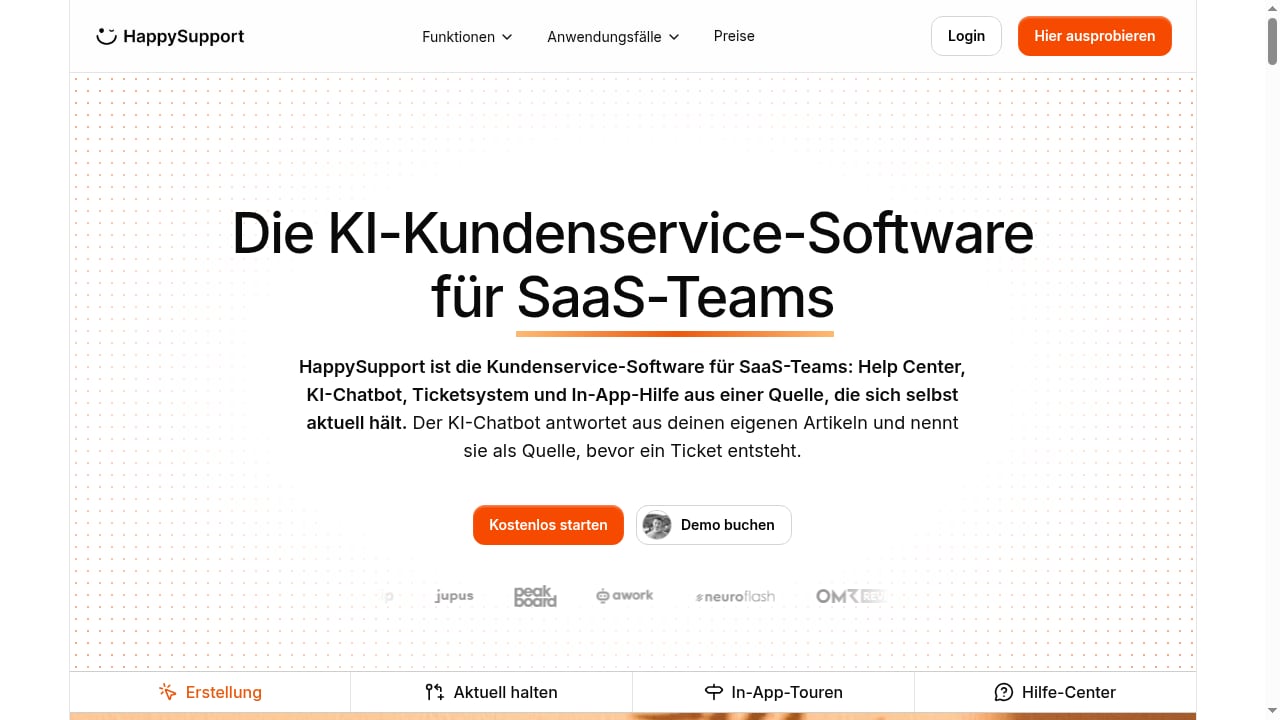
First viewport screenshot of www.happysupport.ai.
HappySupport is an AI customer support suite built around the help center. Its standout feature is how articles are created: you record clicks through your product via a Chrome extension or Windows app, and each click becomes a step with a screenshot. Because screenshots are captured through the interface structure rather than as static images, they regenerate automatically when the UI changes—eliminating manual screenshot updates after every release.
The AI chatbot answers from your own articles and cites them before a ticket is created, deflecting repeat questions. Additional capabilities include Git-based handoff and code search, health audits, changelog generation from commits, multilingual help centers with translation that stays in sync, a consistent glossary, and a help widget with article search on every plan.
Strengths
- Self-updating documentation reduces maintenance burden dramatically.
- AI answers cite your articles, building trust before ticket creation.
- Flat monthly pricing with no per-seat or per-resolution fees.
- GDPR-compliant EU hosting in Germany.
- Strong fit for SaaS teams with frequent UI changes.
Where it fits best HappySupport targets SaaS customer support and customer success teams, documentation managers, and support leaders who want to reduce ticket volume and stop maintaining stale documentation. Testimonials from Flip and sevDesk cite saved time and over €5,000/month in avoided costs.
Trade-offs to consider HappySupport includes a ticket inbox, but its center of gravity is the help center. Teams with complex, multi-channel ticketing and SLA requirements may still need a dedicated help desk.
HappyFox: AI help desk for structured support operations
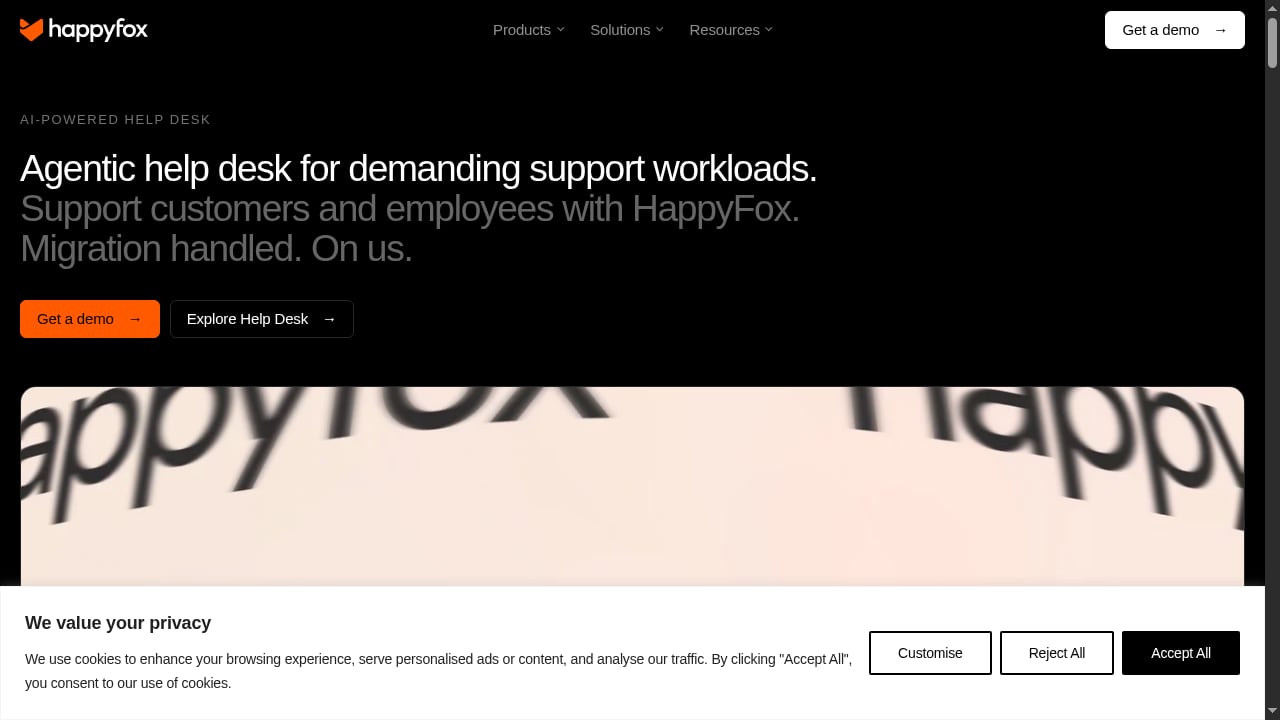
First viewport screenshot of www.happyfox.com.
HappyFox is an AI-powered help desk that unifies requests from email, phone, social media, web forms, and support portals into trackable tickets. It automates ticketing and SLAs, provides AI assistance, knowledge, and reporting, and can be configured for customer support, IT, HR, and operations with separate forms, queues, SLAs, workflows, permissions, and knowledge bases.
Strengths
- Robust ticketing, routing, and SLA automation across channels.
- AI assistance and reporting built into help desk workflows.
- Flexible configuration for multiple teams and use cases.
- Free white-glove migration and onboarding support.
- Agent-based plans from $24/agent/month (annual), with unlimited-agent options for larger teams.
Where it fits best HappyFox suits organizations that need a structured, scalable help desk—especially those managing high ticket volumes or supporting both external customers and internal employees (IT, HR, operations). It's a strong choice when process discipline and SLA compliance matter more than knowledge base publishing.
Trade-offs to consider HappyFox is a help desk first. If your primary goal is a fast, SEO-friendly public knowledge base with AI search and a low entry price, a dedicated knowledge base tool may be simpler and more cost-effective.
How to choose: match the tool to your bottleneck
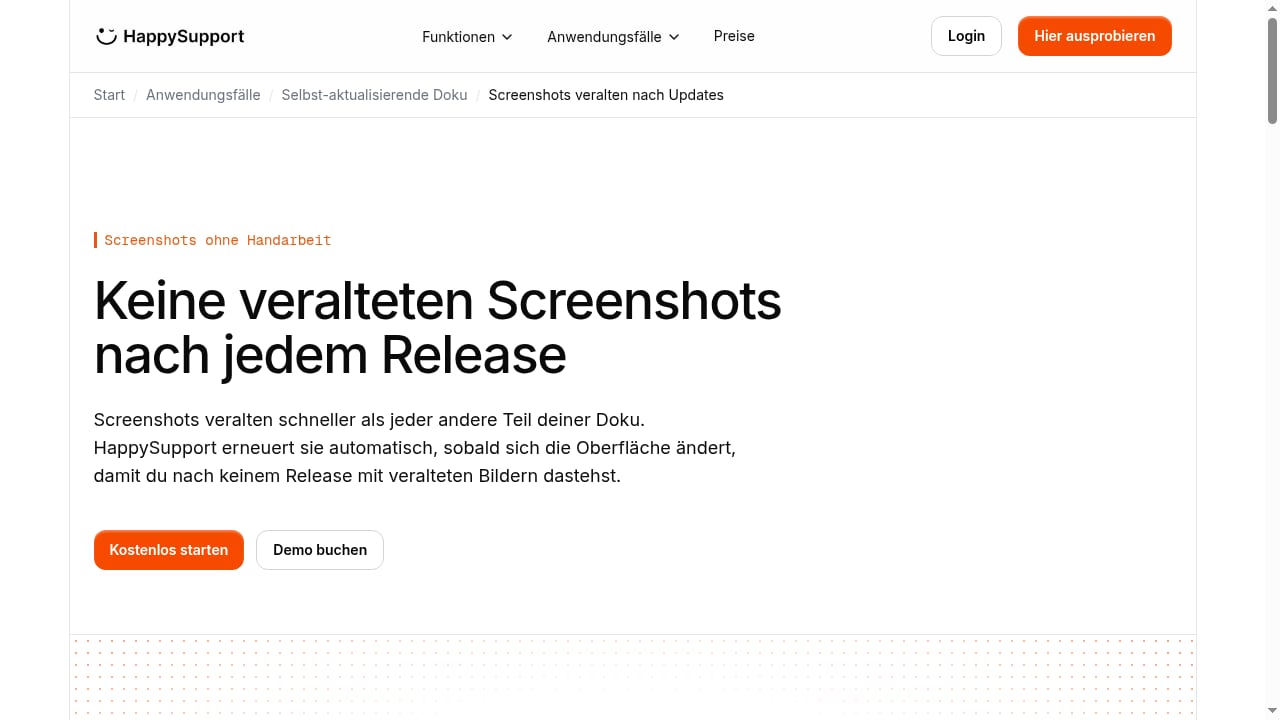
First viewport screenshot of www.happysupport.ai.
- Your docs go stale after every release, and repeat questions flood your inbox. HappySupport's self-updating screenshots and cited AI answers are purpose-built for this. Its flat pricing also appeals to teams scaling headcount.
- You need a public help center that ranks and serves AI answers, without a ticketing overhaul. HelpLook offers a no-code AI knowledge base with SEO benefits, a free tier, and low-cost subscriptions. It's a strong fit for content and support teams that want to reduce service costs and improve satisfaction.
- You need ticketing, SLAs, and multi-channel routing across customer and internal teams. HappyFox's help desk automation and configuration flexibility are the differentiators.
- You want both a knowledge base and a help desk. Consider pairing a knowledge base tool with a help desk, or evaluating which platform's knowledge features are strong enough to avoid a second system. For a broader view, see our top 10 AI-powered customer support and knowledge base software.
Practical examples
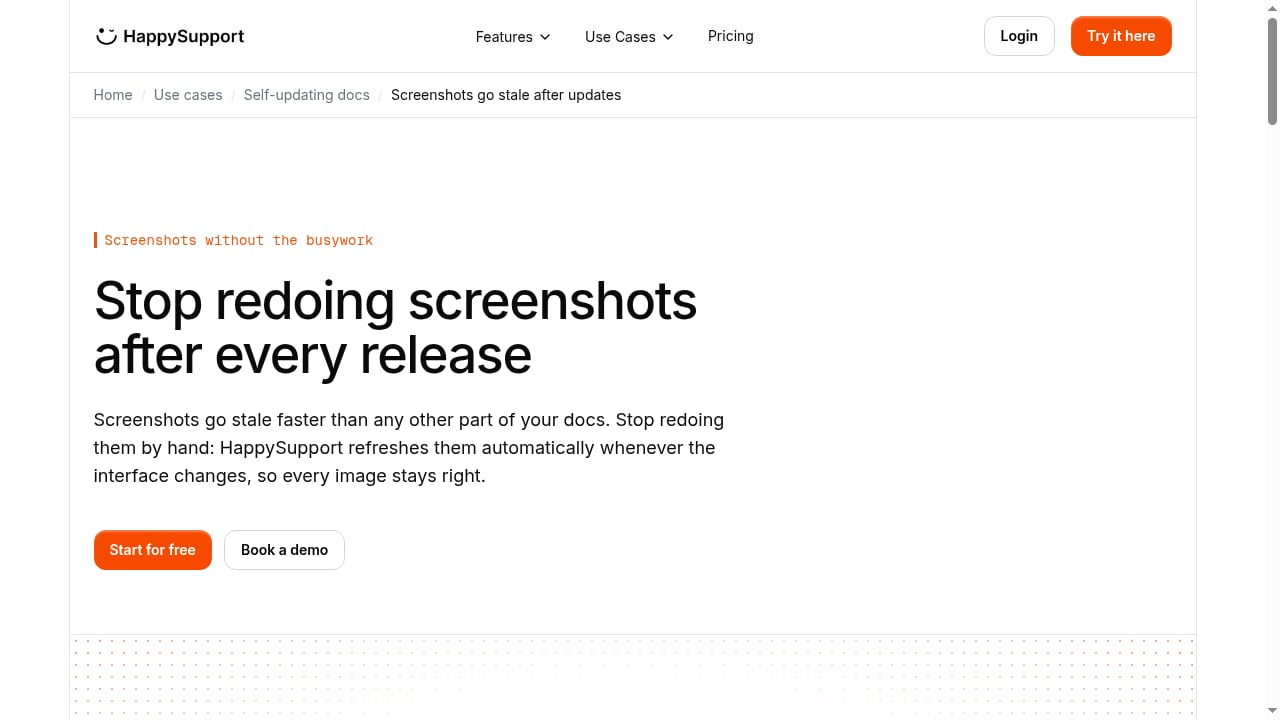
First viewport screenshot of www.happysupport.ai.
SaaS with weekly releases: A product team ships UI changes every week. HappySupport's click-recording approach means help articles update automatically, so the AI chatbot never cites outdated screenshots. This directly reduces ticket volume from "how do I…" questions.
Legal or healthcare firm building a public knowledge base: HelpLook's no-code editor and AI search let a small team publish a searchable help center and internal KB, with ISO/IEC 27001 certification addressing data security concerns. SEO-friendly portals can also attract organic traffic.
IT and HR shared services: HappyFox can run separate queues, SLAs, and knowledge bases for IT and HR while unifying reporting—useful when one help desk must serve multiple internal teams.
Related reading
- Chatbase Review 2026: AI Agents for Customer Experience - Evidence-based Chatbase review for 2026: AI support agent strengths, limits, pricing signals, setup, ideal users, and how it compares for CX teams.
Sources and further reading
- AI Help Desk Software for Customer Support | HappyFox - HappyFox help desk software unifies requests, automates ticketing and SLAs, and gives support teams AI assistance, knowledge, and reporting.
- AI Help Desk Software for CS, IT, HR & Ops | HappyFox - AI-powered help desk software for customer and employee support. Automate ticketing and SLAs, review support quality, and support CS, IT, HR, and Ops.
- The Best IT Help Desk Software for 2026 - IT help desk software enables your support team to track and resolve whatever issues your company's employees encounter. We've tested the top solutions to help you choose the right one for your small business.
FAQ
Is HelpLook a help desk? No. HelpLook is an AI knowledge base and help center platform. It excels at publishing, AI search, and chatbots, but it is not a ticketing or SLA management system.
Does HappySupport replace a help desk? HappySupport includes a ticket inbox, but it is built around the help center. Teams with complex multi-channel ticketing and SLA needs may still require a dedicated help desk.
How does HappyFox pricing work? HappyFox offers agent-based plans starting at $24 per agent per month, billed annually, with unlimited-agent options for larger organizations. Implementation and migration support are included with annual subscriptions.
Which tool is best for SEO? HelpLook emphasizes SEO traffic for public help centers, making it a strong choice if organic visibility is a priority. HappySupport and HappyFox focus more on support efficiency than SEO.
Can I use these tools together? Yes. A common pattern is a knowledge base (like HelpLook) for public content and AI answers, paired with a help desk (like HappyFox) for ticketing. Some teams also connect HelpLook with AI support agents; see our HelpLook and CoSupport AI setup guide.
Conclusion
There's no single winner—only the right fit for your bottleneck. If stale documentation and repeat questions are your pain, HappySupport's self-updating help center is compelling. If you need a fast, SEO-friendly AI knowledge base with a low entry price, HelpLook is a strong choice. If structured ticketing, SLAs, and multi-team workflows are non-negotiable, HappyFox delivers. Evaluate your primary use case, pricing model, and content maintenance burden before committing. For more comparisons, see our HelpLook vs Crisp analysis.