
HelpLook vs HelpCenter.io vs Stonly: Which AI Knowledge Base Fits Your Support Stack?
Choosing the right knowledge base platform now means choosing an AI partner that shapes how customers and agents find answers. HelpLook, HelpCenter.io, and Stonly all promise to reduce tickets and improve self-service, but they approach the problem from different angles. This comparison breaks down where each one excels, where they overlap, and which use cases they serve best, so you can match the tool to your actual support workflow.
Quick Comparison: HelpLook vs HelpCenter.io vs Stonly
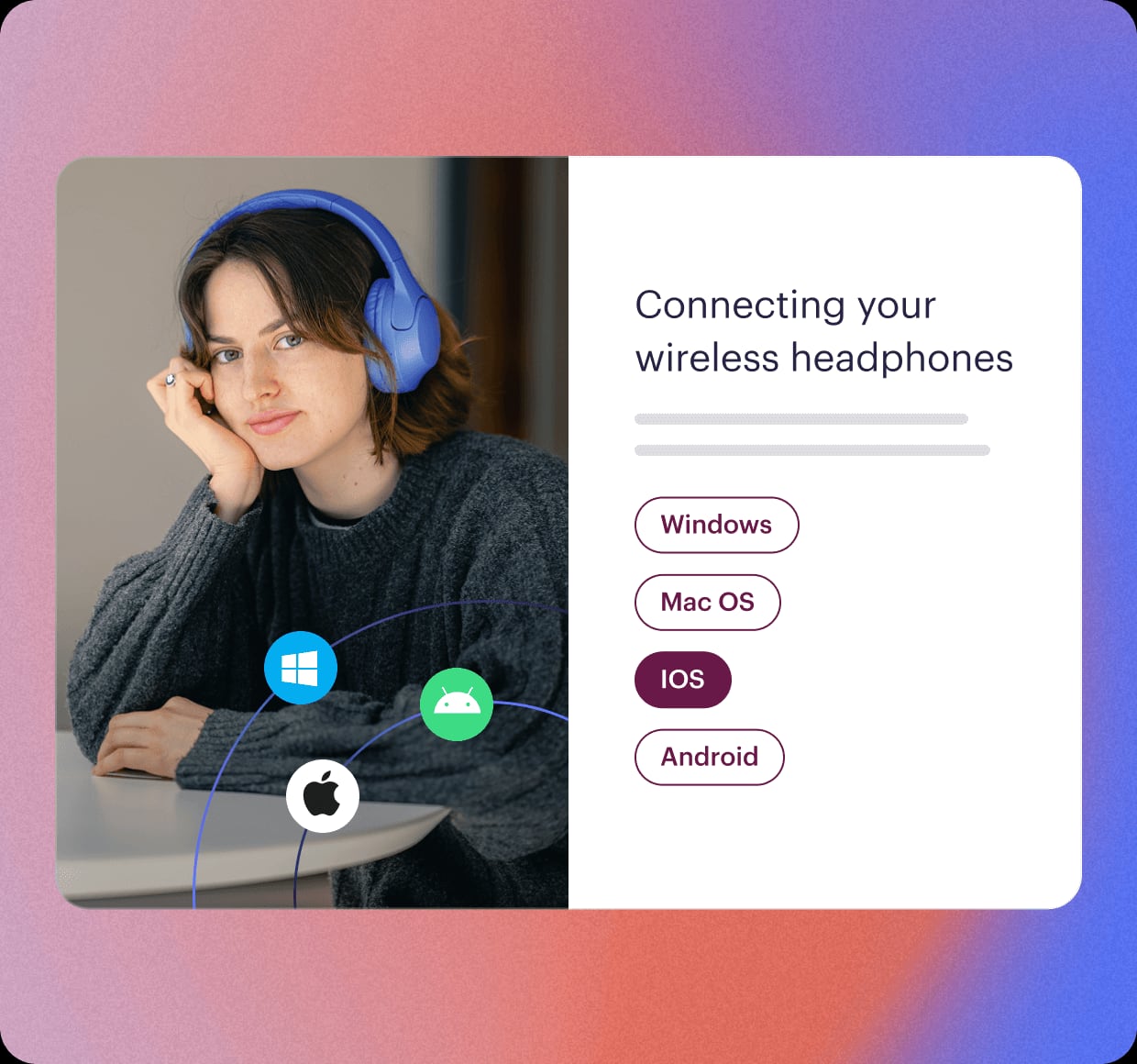
Stonly product interface.
Before diving deep, here is how the three platforms line up on the criteria that matter most for support and knowledge teams.
| Criteria | HelpLook | HelpCenter.io | Stonly |
|---|---|---|---|
| Primary Strength | AI search and no-code site building | Flat-rate pricing and contextual help widget | Interactive step-by-step guides and agent enablement |
| Best For | Teams needing a branded, SEO-optimized self-service portal with multi-model AI | Ecommerce and SaaS teams wanting predictable costs and quick setup | Support orgs focused on reducing handle time with guided workflows |
| AI Capabilities | Multi-model AI search, chatbot, content indexing | Grounded AI answers on public help center, proactive AI widget | AI-powered search, AI agents for guided resolutions |
| Content Creation | WYSIWYG rich text editor, no-code site builder | No-code visual template editor, dynamic FAQ embeds | Interactive step-by-step guide builder, no-code triggers |
| Pricing Model | Subscription tiers with AI credits; free tier available | Flat per-workspace ($29-$179/mo); 14-day free trial | Custom quote; positioned as high-ROI |
| Integrations | OpenAI, ERNIE Bot, Azure, third-party apps | Zendesk, Intercom, Notion import; Capterra tracking | Zendesk, Salesforce, Freshdesk, help desk integrations |
| Analytics | Usage tracking, popular search queries, feedback collection | Analytics dashboard, article performance | Full-path analytics, guide completion tracking |
| Custom Branding | Custom domains, site branding, live preview | Custom domains, branded help center themes | Custom branding, versioning |
Where HelpCenter.io Shines: Flat Pricing and Contextual Help
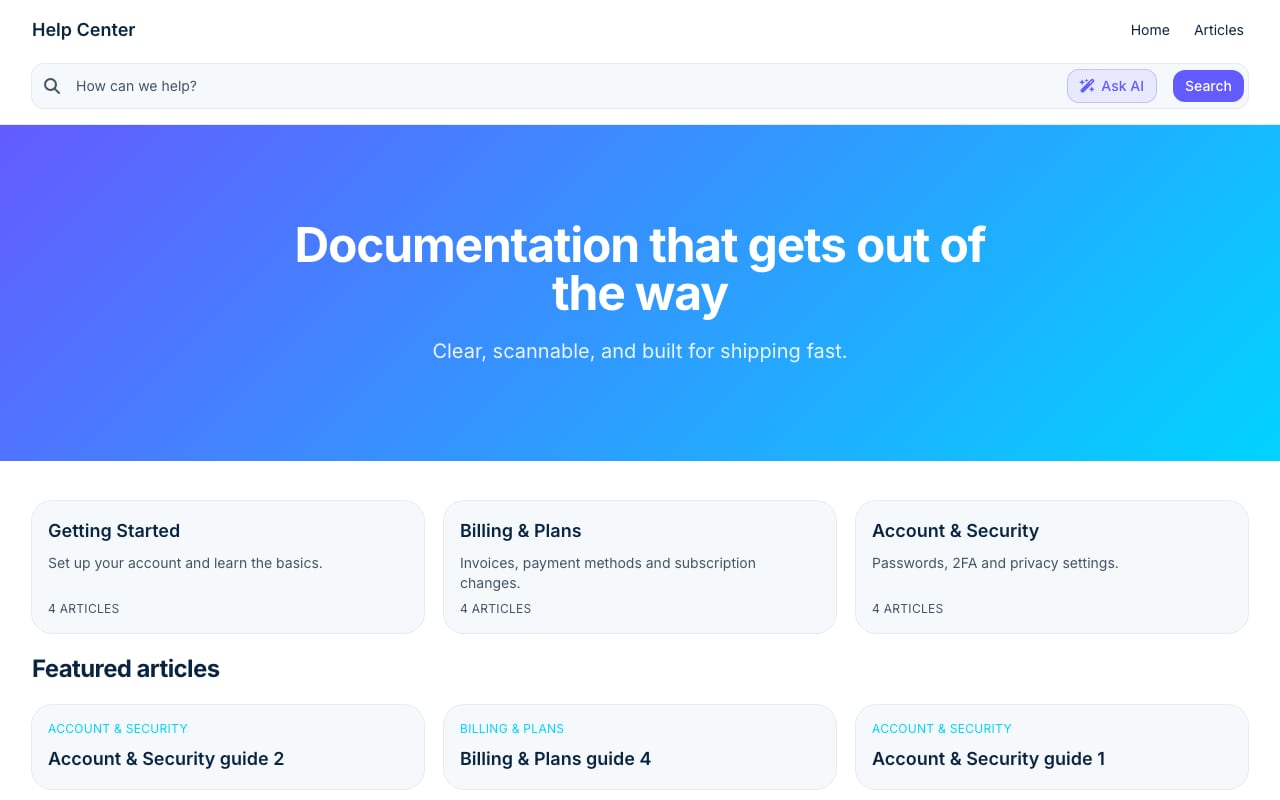
Stripe Clean help center template.
HelpCenter.io is built for teams that want a customer-facing help center without the per-seat cost anxiety that comes with many support tools. Its value proposition is refreshingly straightforward: a flat monthly rate per workspace, regardless of how many teammates maintain the knowledge base.
Predictable Costs That Don't Scale With Headcount
If you have 25 people updating articles, HelpCenter.io costs the same $179/month on the top Catalyst plan as it does for a team of three. This contrasts sharply with per-user pricing models common in the space. For growing support teams, this alone can make it a compelling HelpCenter.io alternative to tools that charge per agent.
Keeping Users in Flow with the AI Widget
HelpCenter.io embeds a smart widget directly into your app or website that proactively suggests relevant help articles based on the page a user is viewing. Instead of forcing customers to open a separate help tab, the widget surfaces answers contextually. This "in-flow" self-service approach is particularly effective for SaaS products and ecommerce checkouts where friction costs conversions.
Quick Setup with Visual Templates
The platform offers a no-code visual template editor and dynamic FAQ embeds that let teams launch a branded help center quickly. Importing existing content from Zendesk, Intercom, or Notion is built in, and the approval workflow supports teams that need editorial oversight before publishing.
Where Stonly Excels: Interactive Guides and Agent Enablement
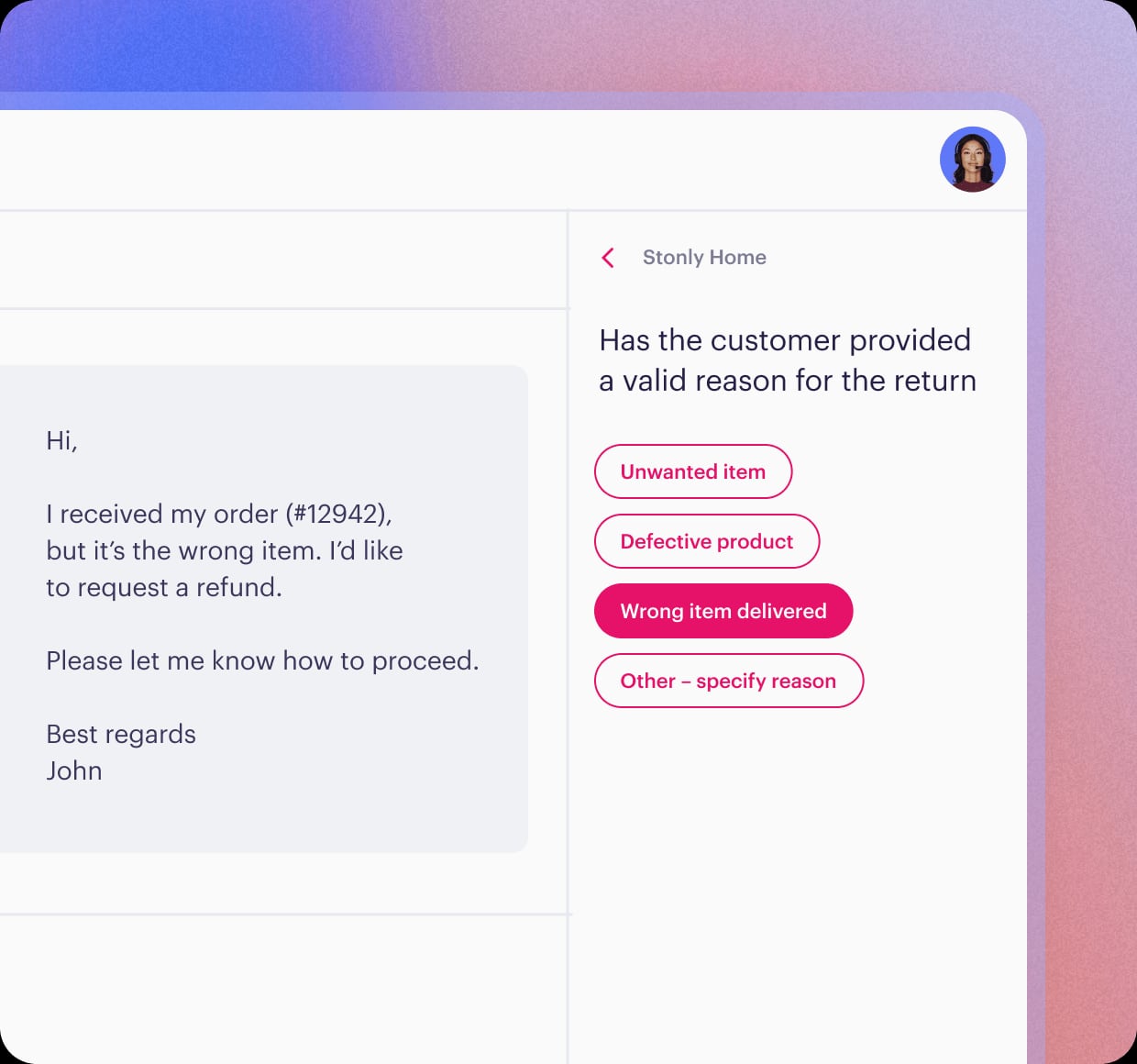
Stonly product interface.
Stonly takes a fundamentally different approach to knowledge management. Instead of treating a knowledge base as a static library of articles, it builds interactive, step-by-step guides that walk both customers and agents through processes.
Reducing Handle Time with Guided Workflows
Stonly's core differentiator is its interactive guide format. Rather than expecting an agent to read an article and then execute steps, Stonly presents a decision-tree-like flow that adapts based on user input. This is why customers like Anderson America and Dashlane report up to an 80% decrease in support tickets and a 20% reduction in resolution time. The platform is purpose-built for complex troubleshooting and procedural support.
Full-Path Analytics for Continuous Improvement
Stonly tracks exactly how users move through each guide, where they drop off, and which steps cause confusion. This full-path analytics approach gives knowledge managers concrete data to refine content, something that traditional article-based knowledge bases often lack. Combined with versioning and no-code triggers, Stonly enables a continuous improvement loop that directly impacts CSAT and agent ramp time.
Deep Help Desk Integrations
Stonly integrates natively with Zendesk, Salesforce, and Freshdesk, embedding guides directly into the agent workflow. For support teams already invested in these ecosystems, Stonly acts as a knowledge layer that sits on top of the ticketing system rather than replacing it. This makes it a strong Stonly alternative consideration for teams that want to enhance their existing help desk rather than migrate to a new one.
Where HelpLook Has an Advantage
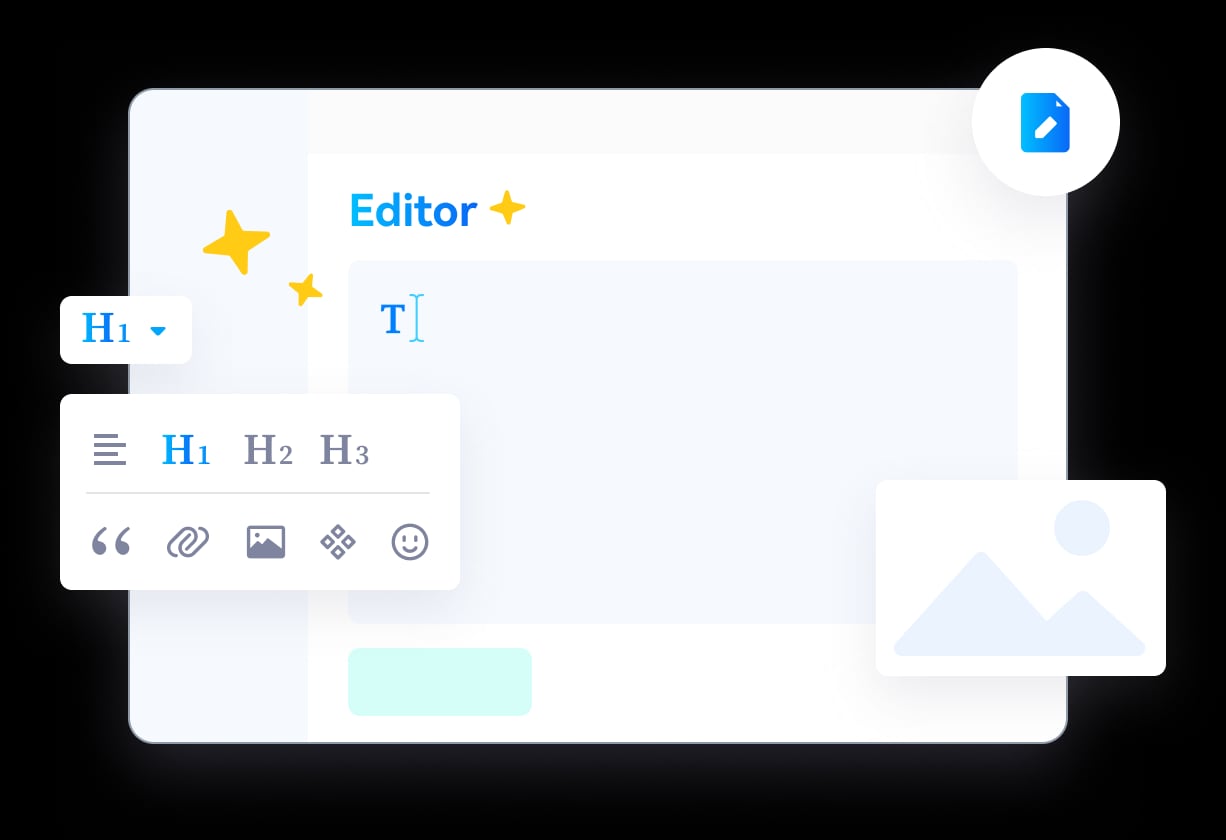
HelpLook product interface.
HelpLook competes by combining AI-powered search with a no-code site builder, making it a strong choice when your priority is a fully branded, SEO-optimized self-service portal that ranks in search engines and answers questions intelligently.
Multi-Model AI Flexibility
Unlike platforms tied to a single AI provider, HelpLook integrates with OpenAI, ERNIE Bot, and Azure, giving teams the flexibility to choose the model that best fits their language, compliance, and cost requirements. The AI continuously indexes content and summarizes lengthy articles into concise, natural-language answers directly in the search interface.
Built-In SEO and Content Discoverability
HelpLook treats your knowledge base as a public-facing content property. It offers custom domains, SEO optimization, and a directory interface designed to help articles rank in Google. For businesses that rely on organic search to deflect support tickets before they happen, this search-intent focus is a material advantage over platforms that treat SEO as an afterthought.
No-Code Site Building with Rich Media Support
The WYSIWYG rich text editor supports images, videos, documents, and audio files, and the platform offers a live preview of your branded site as you build. This makes HelpLook accessible to teams without engineering resources who still want a polished, professional help center. For a deeper look at how it stacks up against documentation-focused tools, see our HelpLook vs HelpCenter.io vs GitBook comparison.
How to Choose: Decision Framework
Your choice depends on what "knowledge management" means in your organization.
Choose HelpCenter.io if:
- You want predictable, flat-rate pricing that does not grow with your team size.
- Your primary goal is to deflect tickets with a contextual help widget that keeps users on your site.
- You need to launch a branded help center quickly with minimal technical overhead.
Choose Stonly if:
- Your support involves complex, multi-step troubleshooting that benefits from interactive guides.
- You need to reduce agent handle time and accelerate onboarding with structured workflows.
- You are already invested in Zendesk, Salesforce, or Freshdesk and want a knowledge layer on top.
Choose HelpLook if:
- You need a fully branded, SEO-optimized public knowledge base that ranks in search engines.
- You want multi-model AI flexibility (OpenAI, ERNIE Bot, Azure) for answering customer questions.
- You are building a self-service portal for both customers and employees without coding.
For teams comparing additional options, our HelpLook vs Stonly vs Zendesk comparison explores how these platforms fit alongside a full help desk suite.
Related reading
- HelpLook vs KnowledgeOwl vs Docmost: 2026 Comparison - Compare HelpLook, KnowledgeOwl, and Docmost on AI search, self-hosting, permissions, and pricing. Find the best knowledge base or wiki for your team in 2026.
- HelpLook vs HelpCenter.io vs GitBook: Which AI Knowledge Base? - Compare HelpLook, HelpCenter.io, and GitBook on AI search, pricing, ease of use, and core use cases. Find the best knowledge base for support or documentation teams.
- HelpLook vs Docsie vs Mintlify: Compare AI Knowledge Bases - Compare HelpLook, Docsie, and Mintlify on AI search, knowledge base use cases, pricing, and ease of use. Find the best self-service platform for your support or dev team.
Sources and further reading
- Compare HelpCenter.io vs. HelpLook in 2026 - What’s the difference between HelpCenter.io and HelpLook? Compare HelpCenter.io vs. HelpLook in 2026 by cost, reviews, features, integrations, and more
FAQ
What is the main difference between HelpCenter.io and Stonly?
HelpCenter.io focuses on building a traditional, searchable help center with an AI widget that proactively suggests articles. Stonly focuses on interactive, step-by-step guides that walk users through processes. HelpCenter.io is better for self-service deflection; Stonly is better for guided troubleshooting and agent enablement.
Does HelpLook offer interactive guides like Stonly?
HelpLook's core strength is AI-powered search and a no-code knowledge base builder, not interactive step-by-step guides. If interactive guides are your primary requirement, Stonly is the stronger fit. If you need a branded, SEO-optimized portal with flexible AI search, HelpLook is the better match.
How does HelpCenter.io pricing compare to per-seat models?
HelpCenter.io charges a flat rate per workspace ($29 to $179/month), regardless of how many team members manage the help center. This makes it significantly more predictable than per-user pricing models, especially for teams with more than a handful of content contributors.
Can I migrate my existing knowledge base to HelpLook?
Yes. HelpLook supports content import and offers a no-code interface for building your knowledge base. The platform is designed to get teams up and running without engineering support.
Which platform is best for reducing support tickets?
All three platforms aim to reduce tickets, but through different mechanisms. Stonly reduces tickets by guiding users through resolutions interactively. HelpCenter.io deflects tickets by surfacing relevant articles contextually. HelpLook reduces tickets by making answers findable through AI search and SEO. The best choice depends on whether your customers prefer self-search, contextual suggestions, or guided walkthroughs.
Conclusion
HelpLook, HelpCenter.io, and Stonly each represent a distinct philosophy of knowledge management. HelpCenter.io wins on pricing predictability and in-flow contextual help. Stonly leads on interactive guides and agent-facing workflows that directly reduce handle time. HelpLook stands out when you need a branded, SEO-driven self-service portal backed by multi-model AI. Match the platform to your support strategy—whether that is proactive deflection, guided resolution, or discoverable self-service—and you will see the ROI in fewer tickets and faster answers.