
HelpLook vs HelpCenter.io vs Zendesk: Which Knowledge Base and Support Platform Fits Your Team in 2026?
Choosing between HelpLook, HelpCenter.io, and Zendesk is not a simple apples-to-apples decision. Each product starts from a different center of gravity. HelpLook is an AI-powered knowledge base and help desk built for no-code self-service portals. HelpCenter.io is a focused knowledge base tool with grounded AI answers and a contextual help widget. Zendesk is a full customer service platform with AI agents, omnichannel ticketing, workforce management, and a knowledge base as one component of a much larger suite.
The right choice depends on what you are actually trying to solve: publishing a branded help center quickly, deflecting tickets with contextual self-service, or running a multi-channel support operation at scale. This comparison breaks down how the three platforms differ across AI capabilities, content creation, pricing, integrations, and ideal use cases.
How the Three Platforms Compare at a Glance
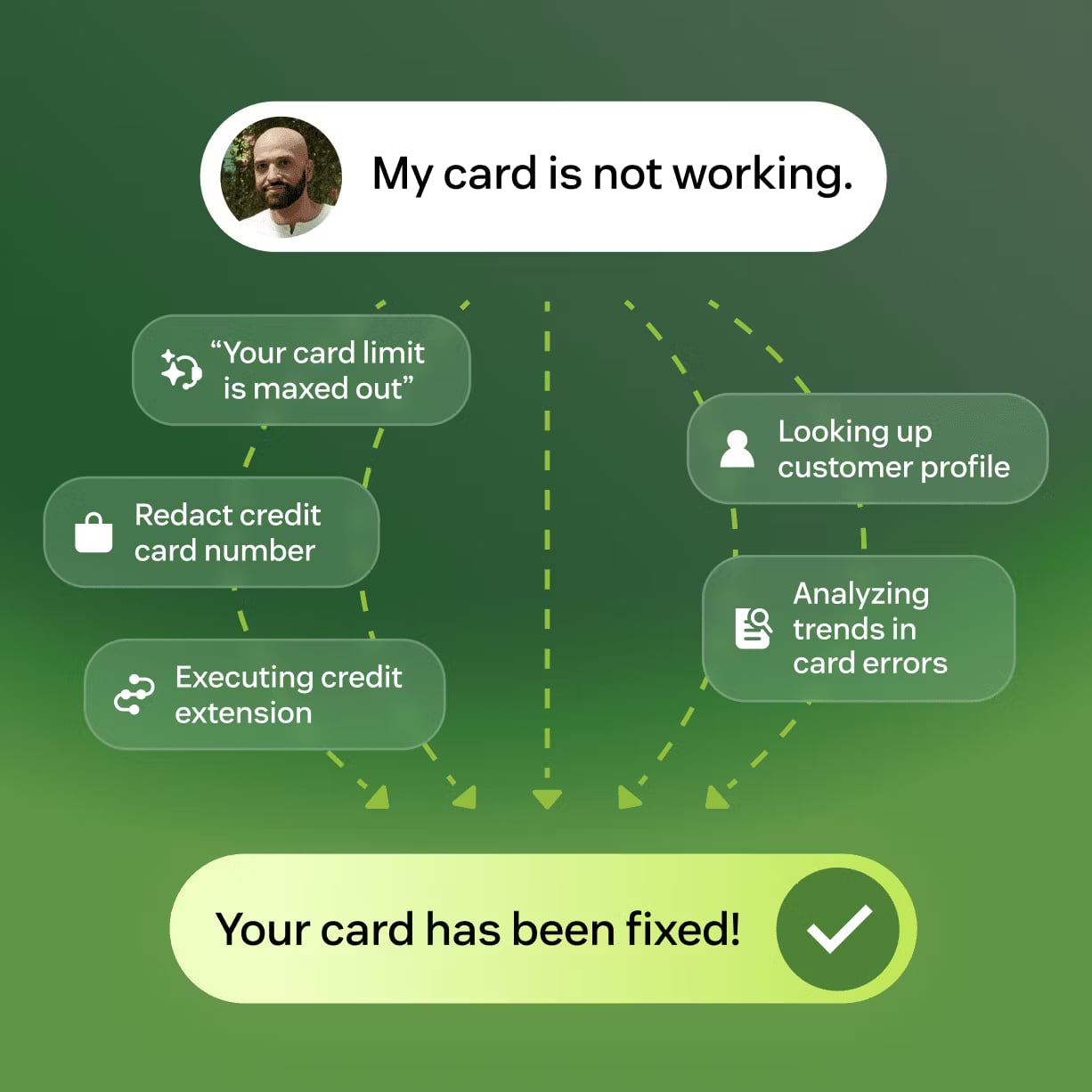
Zendesk product interface.
| Criteria | HelpLook | HelpCenter.io | Zendesk |
|---|---|---|---|
| Primary focus | AI knowledge base + help desk | AI knowledge base + contextual widget | Full omnichannel customer service platform |
| No-code content builder | Yes | Yes | Limited; more setup involved |
| AI search and chatbot | Yes, with OpenAI, ERNIE Bot, and Azure support | Yes, grounded AI answers | Yes, AI agents with Resolution Learning Loop |
| Custom branding and domain | Yes | Yes | Yes, with higher-tier plans |
| Multi-language support | Yes | Yes | Yes |
| Pricing model | Free tier; paid plans from $7/project/month | Flat-rate; 14-day free trial | Per-agent; starts at $19/agent/month |
| Best for | Teams wanting an affordable, SEO-friendly self-service portal | Teams wanting quick help center setup and contextual in-app help | Enterprises needing omnichannel support and workforce tools |
AI Search and Chatbot Capabilities

Zendesk product interface.
AI has become the defining feature of modern knowledge base software. All three platforms offer AI-assisted search, but the depth and scope differ significantly.
HelpLook: Flexible AI Models and 24/7 Chatbot Assistance
HelpLook positions AI as a core part of the knowledge base experience. The platform integrates with multiple leading AI models, including OpenAI, ERNIE Bot, and Azure, which gives teams flexibility in choosing the underlying model that fits their budget, language requirements, or data preferences. The AI-powered search is designed to return quick, precise answers from the knowledge base, and a built-in chatbot provides round-the-clock assistance to end users.
For teams that want AI without being locked into a single vendor's model, HelpLook's multi-model approach is a practical advantage. The AI credits system also lets smaller teams start with AI features without committing to enterprise-level spend.
HelpCenter.io: Grounded AI Answers and Contextual Suggestions
HelpCenter.io takes a slightly different approach to AI. Its AI answers are grounded in the content you have already published, which reduces the risk of hallucinated or off-brand responses. The platform also offers an AI Widget that proactively suggests relevant help articles based on the page a user is currently viewing. This contextual approach keeps users in flow and can reduce the number of support tickets before a customer even opens the help center.
The emphasis on grounded answers and contextual suggestions makes HelpCenter.io particularly strong for product teams that want self-service embedded directly into their app or website.
Zendesk: AI Agents That Learn from Every Interaction
Zendesk's AI capabilities go beyond search and suggestions. The platform's AI agents are designed to resolve customer inquiries across email, chat, voice, and social messaging, and they improve over time through what Zendesk calls the Resolution Learning Loop. Every interaction feeds back into the system, helping the AI get better at resolving similar issues in the future.
Zendesk reports that its AI customers have achieved up to 80% automation and delivered 4.8 billion resolutions. For large support teams, this level of automation can translate into significant cost savings. However, it is also a much heavier system to configure and manage than a standalone knowledge base tool.
Content Creation and Knowledge Base Management
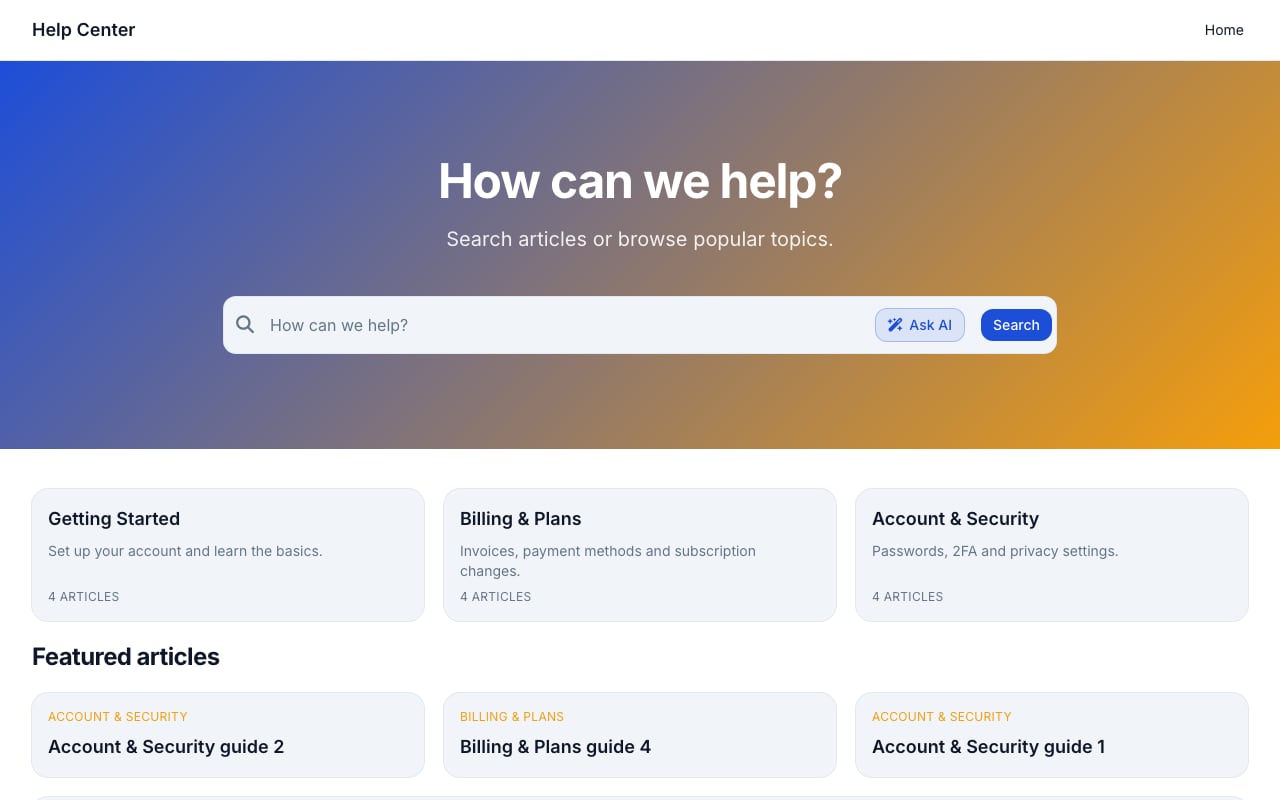
Support Classic help center template.
The ease with which your team can create, organize, and update content is a major factor in whether a knowledge base actually gets used.
HelpLook: No-Code Content Creation with SEO Optimization
HelpLook is built around a no-code content creation interface that lets non-technical teams build self-service portals for customers and employees. The platform supports customizable site branding, SEO optimization, QR code access, PDF downloads, and third-party integrations. The editing experience includes Markdown support, quick-access shortcuts, and a simplified interface for adding images and videos.
One area where HelpLook stands out is its focus on SEO. For businesses that want their public knowledge base to rank in search results and drive organic traffic, HelpLook's SEO optimization features are a meaningful advantage. The platform is used by over 10,000 global brands, which speaks to its accessibility for teams without dedicated technical resources.
HelpCenter.io: Visual Template Editor and Approval Workflows
HelpCenter.io offers a no-code visual template editor that makes it fast to build a branded help center. The platform supports custom domains, multi-language content, dynamic FAQ embeds, and approval workflows that let teams control what gets published. One practical feature is the ability to import existing content from Zendesk, Intercom, or Notion, which lowers the switching cost for teams moving from another platform.
HelpCenter.io also emphasizes keeping users in flow with contextual help. The AI Widget can be embedded on any page, and it suggests relevant articles based on the page context. This is a different philosophy from a standalone help center: instead of waiting for users to visit the knowledge base, the help comes to them.
Zendesk: Knowledge Base as Part of a Larger Suite
Zendesk includes a knowledge base, but it is one component of a much broader platform. The knowledge base integrates with Zendesk's ticketing, messaging, and AI agent features, which means support agents can surface relevant articles directly within the ticket interface. This tight integration is valuable for support teams that want a single system of record for all customer interactions.
The trade-off is that Zendesk's knowledge base is not as lightweight or as fast to set up as a dedicated tool like HelpLook or HelpCenter.io. Teams that only need a knowledge base may find Zendesk's complexity and per-agent pricing harder to justify.
Pricing and Total Cost of Ownership
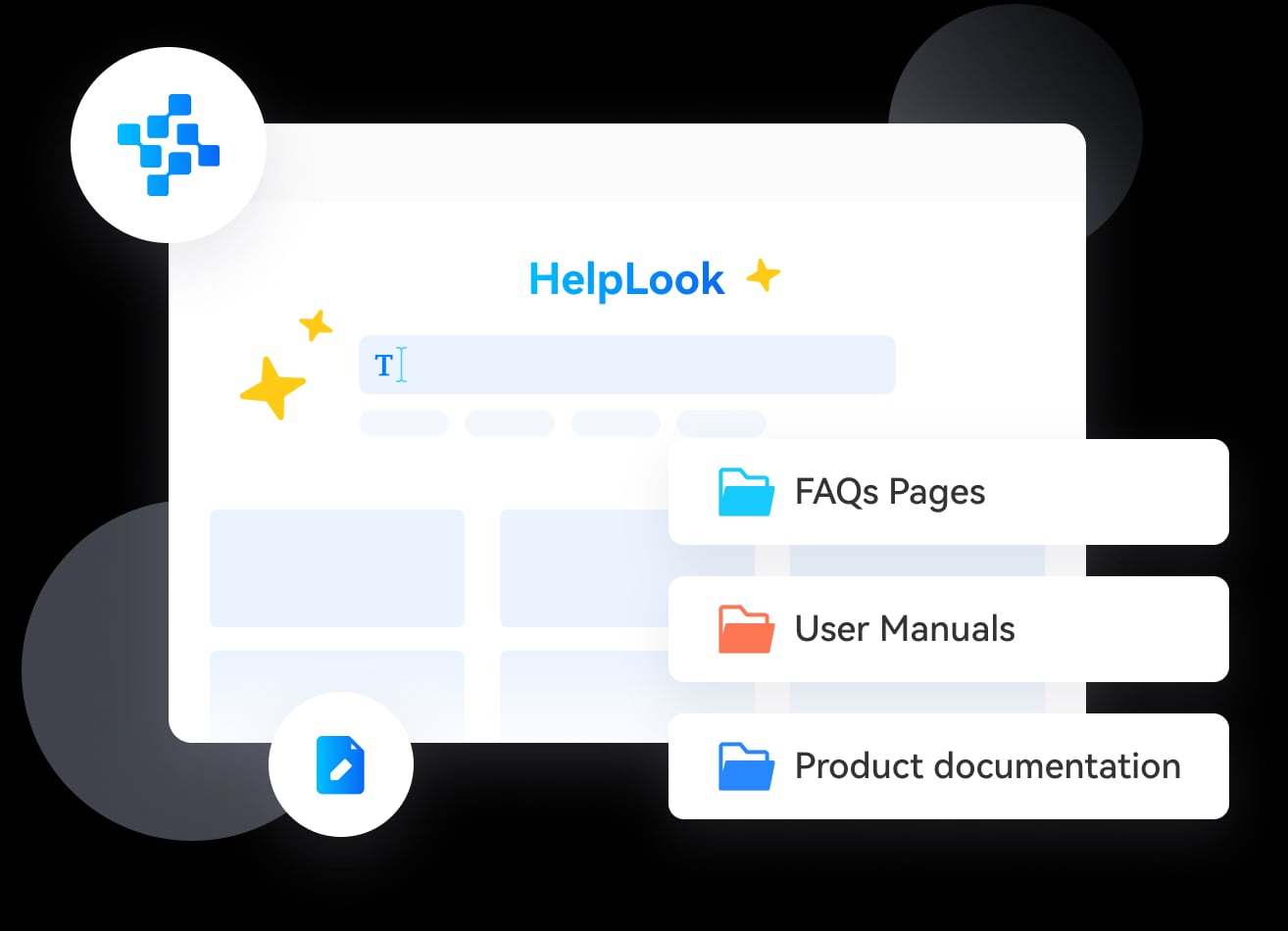
HelpLook product interface.
Pricing models are one of the clearest differentiators among the three platforms.
HelpLook: Free Tier and Low Entry Cost
HelpLook offers a free tier and paid plans starting at $7 per month per project. This makes it one of the most affordable ways to launch an AI-powered knowledge base. The project-based pricing model is also predictable: you pay for the projects you run, not for the number of agents or seats. For small teams and startups, this keeps costs low while still providing access to AI search, chatbot features, and analytics.
HelpCenter.io: Flat-Rate Pricing Without Per-Seat Fees
HelpCenter.io positions itself as a flat-rate alternative to per-seat pricing models like Zendesk. The platform offers a 14-day free trial with no credit card required and a 100% money-back guarantee. For teams that are tired of paying per agent, the flat-rate model provides predictable costs regardless of team size. This can be especially attractive for growing teams that do not want their support software bill to scale linearly with headcount.
Zendesk: Per-Agent Pricing with Enterprise Tiers
Zendesk's pricing starts at $19 per agent per month for the basic plan, with costs rising significantly as you add AI features, workforce management, quality assurance, and other advanced capabilities. For a small team, this may be manageable. For a larger support organization, the per-agent model can become expensive quickly. However, Zendesk's pricing reflects the breadth of the platform: you are paying for omnichannel support, AI agents, analytics, and workforce tools, not just a knowledge base.
Integrations and Ecosystem
HelpLook
HelpLook integrates with cloud storage solutions such as Google Drive to sync files seamlessly, and it supports content distribution to social media channels including Twitter, Facebook, LinkedIn, WhatsApp, LINE, Reddit, and more. The platform also supports third-party integrations, though its ecosystem is not as extensive as Zendesk's marketplace.
HelpCenter.io
HelpCenter.io offers seamless import from Zendesk, Intercom, or Notion, which makes it a practical choice for teams migrating from another platform. It also includes Capterra tracking integration, which helps teams measure the impact of their help center on customer satisfaction and review generation.
Zendesk
Zendesk has the largest integration ecosystem of the three, with a marketplace that includes hundreds of third-party apps across CRM, e-commerce, analytics, and productivity categories. The platform's unified Resolution Platform is designed to connect data and workflows across systems, which is a significant advantage for enterprises with complex tech stacks.
Analytics and Reporting
All three platforms offer analytics, but the depth varies.
HelpLook provides analytics reporting to track and enhance the effectiveness of your knowledge management infrastructure. Teams can see which articles are performing, where users are getting stuck, and how the knowledge base is contributing to support cost reduction.
HelpCenter.io includes analytics to track help center performance and self-service rates. The platform's focus on reducing support tickets means its analytics are oriented toward measuring deflection and user engagement.
Zendesk offers the most comprehensive analytics of the three, with operational insights, workforce management data, and quality assurance metrics built into the platform. For large support organizations that need to report on service levels, agent performance, and customer satisfaction, Zendesk's analytics are a major strength.
When to Choose Each Platform
Choose HelpLook if:
- You want an affordable, no-code knowledge base with AI search and chatbot features.
- SEO optimization for your public help center is a priority.
- You need to build both customer-facing and internal knowledge bases without coding.
- You want flexible AI model options, including OpenAI, ERNIE Bot, and Azure.
- You are a small to mid-sized team that wants to reduce support costs without enterprise-level complexity.
Choose HelpCenter.io if:
- You want to launch a branded help center quickly with a visual template editor.
- Contextual, in-app help suggestions are important for keeping users in flow.
- You are migrating from Zendesk, Intercom, or Notion and want a simple import process.
- You prefer flat-rate pricing over per-seat fees.
- Your primary goal is reducing support tickets through better self-service.
Choose Zendesk if:
- You need a full omnichannel customer service platform, not just a knowledge base.
- Your support team handles high volumes of tickets across email, chat, voice, and social messaging.
- You want AI agents that automate resolutions and improve over time.
- You need workforce management, quality assurance, and advanced operational analytics.
- You are an enterprise with security and compliance requirements such as SOC 2 and ISO 27001.
A Practical Decision Framework
Start by answering three questions:
What is your primary goal? If it is publishing a self-service portal and reducing support costs, HelpLook or HelpCenter.io will get you there faster and cheaper. If it is running a multi-channel support operation at scale, Zendesk is the stronger fit.
How technical is your team? HelpLook and HelpCenter.io are both designed for non-technical teams. Zendesk requires more configuration and ongoing administration.
What is your budget model? If you want predictable, low-cost pricing, HelpLook's project-based plans or HelpCenter.io's flat-rate pricing are attractive. If you are willing to pay per agent for a comprehensive platform, Zendesk is the established choice.
For teams evaluating other knowledge base options, our HelpLook vs Document360 vs GitBook comparison and HelpLook vs HelpCenter.io vs Archbee comparison provide additional context on how these tools stack up against other popular alternatives.
Related reading
- HelpLook vs Stonly vs Docmost: Which Knowledge Base Fits You? - Compare HelpLook, Stonly, and Docmost on AI search, interactive guides, deployment, security, and pricing. Find the right knowledge base for your team.
Sources and further reading
- Best 10 onboarding flow software tools for SaaS in 2026 - Onboarding flow software spans five distinct categories, each solving a different activation problem. Here's how 10 top SaaS tools compare.
- 10 Best Phone Answering Services for Small Businesses in 2026 - The best phone answering service for small businesses in 2026: 1. CloudTalk, 2. AnswerConnect, 3. Abby Connect & more. Compare features & pricing.
Frequently Asked Questions
Is HelpLook a good alternative to Zendesk?
For teams that primarily need a knowledge base and self-service portal, HelpLook is a strong, more affordable alternative to Zendesk. It offers AI search, chatbot capabilities, and no-code content creation at a fraction of Zendesk's cost. However, if you need full omnichannel ticketing, voice support, and workforce management, Zendesk remains the more complete platform.
Does HelpCenter.io replace Zendesk?
HelpCenter.io can replace Zendesk's knowledge base and help center functionality, and it offers a simple import process for teams migrating from Zendesk. However, HelpCenter.io does not offer the full ticketing, voice, and workforce management features that Zendesk provides. Teams that need those capabilities will need to keep Zendesk or pair HelpCenter.io with another support tool.
Which platform is best for a small business?
For small businesses, HelpLook and HelpCenter.io are generally better fits than Zendesk. HelpLook's free tier and $7/month starting price make it accessible for any budget, while HelpCenter.io's flat-rate pricing avoids per-seat costs. Zendesk's per-agent pricing and platform complexity are usually more than a small business needs.
Can I use AI chatbots with all three platforms?
Yes. HelpLook offers AI chatbot assistance with support for multiple AI models. HelpCenter.io provides grounded AI answers and a contextual AI Widget. Zendesk offers AI agents that can handle conversations across multiple channels and improve through its Resolution Learning Loop.
Which platform has the best SEO features?
HelpLook has the strongest built-in SEO optimization features among the three, making it a good choice for teams that want their public knowledge base to rank in search results. HelpCenter.io supports custom domains, which helps with SEO, but does not emphasize SEO features to the same degree. Zendesk's knowledge base can be SEO-friendly with configuration, but SEO is not a primary focus of the platform.
Conclusion
HelpLook, HelpCenter.io, and Zendesk serve different needs, and the best choice depends on where your team sits on the spectrum from simple self-service to full-scale customer service operations.
HelpLook is the strongest choice for teams that want an affordable, no-code, AI-powered knowledge base with SEO optimization and flexible AI model support. HelpCenter.io excels at fast help center setup, contextual in-app help, and predictable flat-rate pricing. Zendesk is the right call for enterprises that need a complete omnichannel platform with AI agents, workforce management, and deep analytics.
If you are still comparing options, our HelpLook vs Document360 vs Archbee comparison and HelpLook vs KnowledgeBase vs Docmost comparison offer additional perspectives on how HelpLook stacks up against other knowledge base tools. For a broader look at the knowledge base software landscape, HelpLook's guide to the top knowledge base software provides useful market context.