
HelpLook vs Hesk: AI Knowledge Base or Free PHP Help Desk?
Choosing between HelpLook and Hesk is not really a feature-by-feature contest. It is a decision about what kind of support operation you are building. Hesk is a focused, free PHP help desk that handles email and web tickets well. HelpLook is a no-code AI knowledge base and help center platform built to deflect tickets before they are created. This comparison looks at where each product is genuinely strong, where Hesk falls short for modern self-service, and how to decide.
What each product actually does
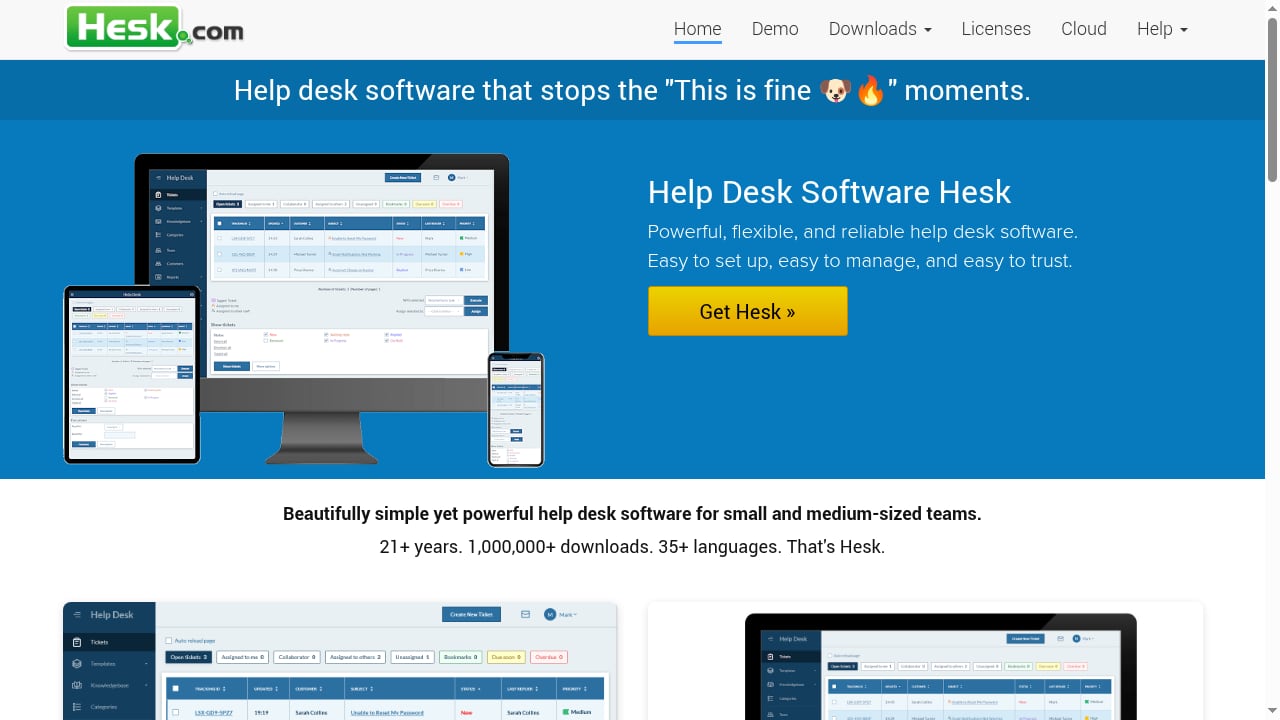
First viewport screenshot of Help Desk Software Hesk - a free PHP help desk.
HelpLook in one paragraph
HelpLook is a no-code SaaS platform for building AI-powered knowledge bases, help centers, and documentation sites. It combines a WYSIWYG editor with AI capabilities, including integration with GPT-3.5/4.0 and Wenxin Yiyan for AI-powered search and chatbots. Teams use it for customer self-service portals, product manuals, FAQs, enterprise blogs, and internal knowledge management. It offers a customizable website portal, embeddable widgets, SEO optimization, analytics, and granular access controls, with a free tier and paid plans starting at ¥99/month. HelpLook reports serving over 10,000 companies globally.
Hesk in one paragraph
Hesk lets you set up a web-based customer support portal or an IT help desk. It is secure, user-friendly, and easy to use, and is available as a cloud SaaS solution or on-premise help desk software. According to Hesk's own comparison pages, the product has been in development since 2005, reports over 1,000,000 downloads, and is aimed at teams that want dependable ticketing without turning support software into a large project. It handles email and web tickets, categories, priorities, custom statuses, assignments, due dates, custom forms, filters, reports, and a knowledge base.
Where Hesk is genuinely strong
Hesk's strengths are real and worth stating plainly, because they explain why it has lasted two decades.
- Self-hosting and deployment control. Hesk Free can run on your own PHP and MySQL server. An optional self-hosted license adds official support, and Hesk Cloud provides a fully managed option. Teams that need data on their own infrastructure get that choice.
- Low ownership burden. Hesk describes itself as built for straightforward support, and user testimonials on its site repeatedly mention fast installation and simple administration. One reviewer notes the download is around 3 MB, compared with a previous help desk package of roughly 440 MB.
- Predictable cost. Hesk's comparison pages emphasize flat Cloud pricing and lower costs as more agents need access, which matters for teams whose headcount grows faster than their budget.
- Bundled ticketing basics. Structured ticket forms, customer accounts, detailed filters, reports, and a knowledge base are included in the main product rather than sold as separate modules.
If your support model is "customer emails us, agent replies, ticket closes," Hesk covers that workflow competently and cheaply.
Where Hesk falls short for modern support
Hesk's own comparison library is unusually candid about its limits. The page states directly that another product may be the better choice when a support operation depends on capabilities outside Hesk's main focus, and it lists four specific gaps:
- Native voice, social, or broad messaging channels. Hesk concentrates on email and web tickets. Teams that need live chat, phone, or social messaging must look elsewhere.
- Built-in AI across the support platform. Hesk does not position AI as a core capability. There is no AI answer generation, no AI search across the knowledge base, and no AI chatbot in the product's stated scope.
- Large app and integration marketplaces. Hesk keeps its footprint small, which also means fewer ready-made connectors to CRMs, e-commerce platforms, and analytics tools.
- Complex enterprise routing and governance. Advanced routing rules, formal SLAs, and enterprise-grade governance sit outside Hesk's focus.
There is a fifth gap that matters more than any single feature: Hesk's knowledge base is a supporting module, not the product's center of gravity. Hesk is a ticketing system that happens to publish help articles. HelpLook is a knowledge platform that happens to reduce tickets. That distinction drives everything downstream.
The self-service gap: why knowledge base architecture matters in 2026
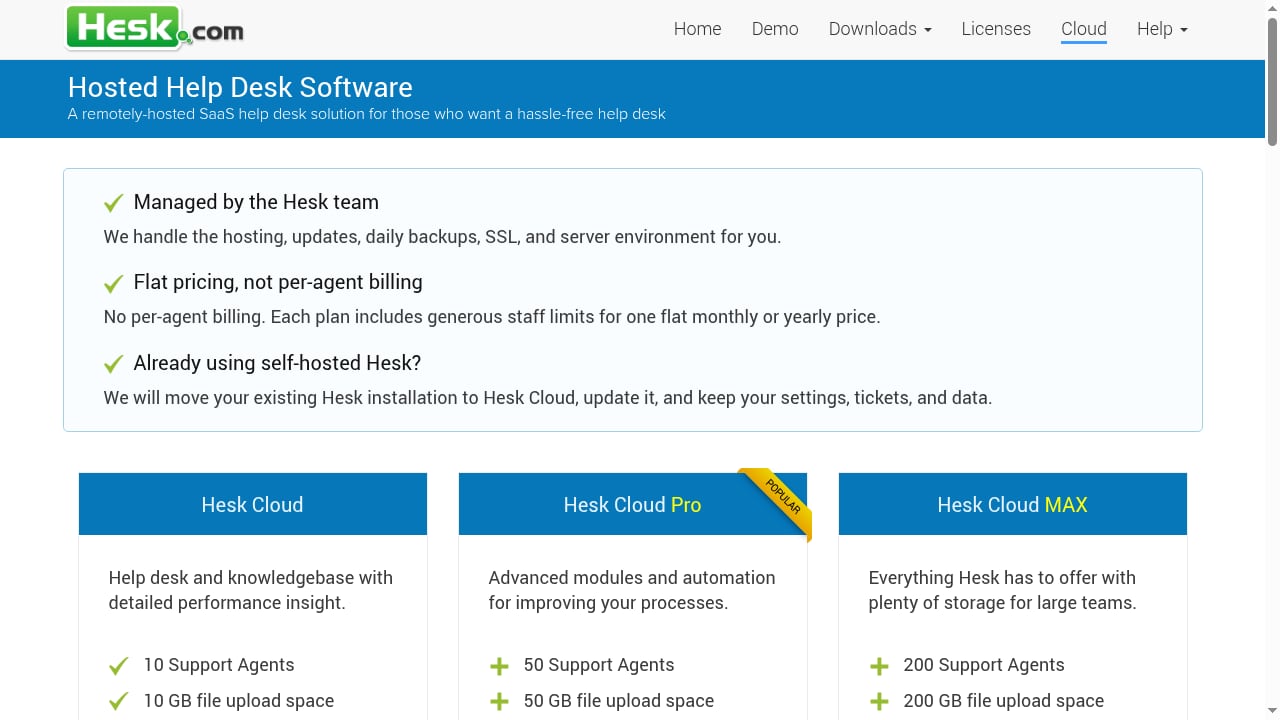
First viewport screenshot of Remote Hosted Help Desk.
The product context behind HelpLook cites two data points that frame this comparison: 89% of millennials search online before contacting support, and more than 70% of customers expect immediate help. Neither expectation is satisfied by a ticket queue. They are satisfied by a searchable, accurate, always-available answer.
This is where a ticketing-first tool and a knowledge-first tool diverge in practice:
| Dimension | Hesk | HelpLook |
|---|---|---|
| Primary object | Ticket | Knowledge article |
| AI search and chatbot | Not a stated capability | Built in, with GPT-3.5/4.0 and Wenxin Yiyan integration |
| Authoring | Basic knowledge base module | WYSIWYG editor with AI assistance |
| Portal customization | Customizable header, footer, and style files | No-code customizable website portal |
| Embeddable widgets | Not a stated capability | Supported |
| SEO optimization | Not a stated capability | Built-in |
| Analytics | Reports and filters | Data analytics on content and search behavior |
| Access control | Staff privileges | Granular access controls |
| Deployment | Self-hosted PHP/MySQL or Hesk Cloud | SaaS, no-code |
| Entry cost | Free self-hosted | Free tier, paid plans from ¥99/month |
Read the table carefully and the tradeoff becomes clear. Hesk wins on deployment control and raw cost at the low end. HelpLook wins on everything related to finding answers without opening a ticket.
Practical example: the same request, two outcomes
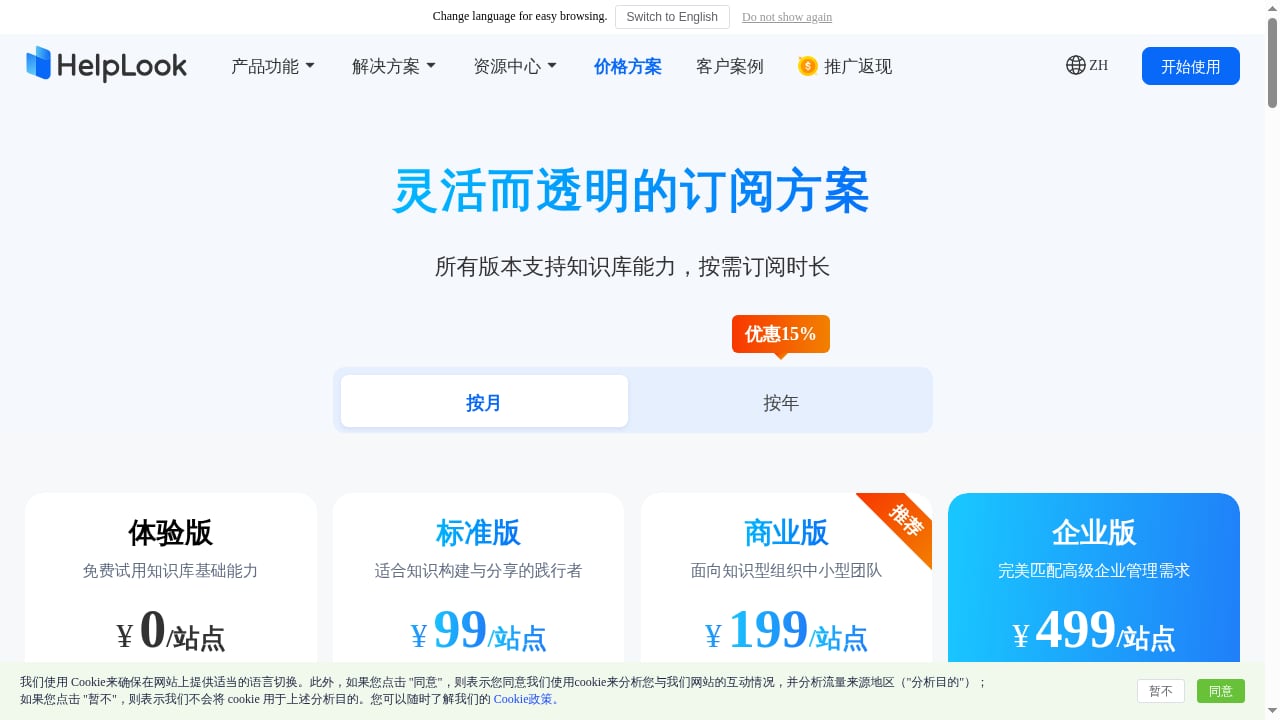
First viewport screenshot of HelpLook Pricing - Create AI Knowledge Base and Help Center Software Online.
Imagine a customer cannot figure out how to export their data.
In Hesk: They open your support portal, fill in a custom form, choose a category, and submit. The ticket is assigned, prioritized, and answered by an agent, possibly using a canned response. The customer waits. The next customer with the same question repeats the process. Hesk's filters and reports will show you that this question keeps arriving, but the product does not automatically turn that pattern into a published answer.
In HelpLook: The customer lands on your help center, types "export data" into AI-powered search, and gets the relevant article or an AI-generated answer immediately. No ticket is created. Your analytics show which queries are rising, so you know what to document next. The same content can be embedded as a widget inside your product, so the answer appears where the confusion happens.
The second scenario is not better because the software is newer. It is better because the knowledge base is the product, so search quality, authoring speed, and content analytics are first-class concerns rather than side features.
When Hesk is the better choice
Be honest about this. Hesk is the right pick when:
- Your support volume is low and mostly handled through email and a web form.
- You need to self-host on your own PHP and MySQL infrastructure for compliance or cost reasons.
- You want a free or very cheap ticketing system and do not need AI, chat, or omnichannel support.
- Your team is small, technical, and comfortable maintaining a server.
- You already have a separate documentation site and only need ticket management.
Hesk's own guidance supports this: it recommends a short pilot with real tickets, separating must-haves from nice-to-haves, and comparing full cost including agent growth, setup, training, integrations, and ongoing administration.
When HelpLook is the better choice
First viewport screenshot of Create and Optimize Your AI Knowledge Base | HelpLook Official Site.
HelpLook fits when:
- Ticket deflection is the goal, not just ticket management.
- Customers expect instant answers and search before they contact you.
- You want AI search and a chatbot trained on your own documentation.
- Your content needs SEO so prospects find answers before they become customers.
- You want to embed help content inside your product or website.
- You need granular access controls for internal and external knowledge bases.
- You prefer no-code setup over maintaining PHP and MySQL.
If your team is weighing several knowledge platforms rather than help desks, the HelpLook vs Document360 comparison and the HelpLook vs HelpDocs vs AI knowledge management breakdown go deeper on authoring, AI search, and pricing signals.
Can you use both?
Yes, and some teams do. A reasonable architecture is HelpLook as the public help center and AI answer layer, with a ticketing system behind it for the cases that genuinely need a human. If you already run a CRM, the HelpLook and HubSpot integration walkthrough shows how to connect knowledge to customer records so deflected questions and routed leads stay in one view.
If you are evaluating a broader ticketing platform instead of Hesk, the Zendesk review for 2026 covers where a large customer service ecosystem earns its cost, and the top 10 AI knowledge platforms roundup covers the knowledge-side alternatives.
A decision framework in four questions
- Do most of your customers find answers themselves, or do they open tickets? If self-service dominates, lead with HelpLook. If tickets dominate and volume is low, Hesk is enough.
- Is AI search or an AI chatbot a firm requirement? Hesk does not offer it as a stated capability. HelpLook does.
- Must you self-host? If yes, Hesk. If no, the no-code SaaS model removes server maintenance entirely.
- What is the full cost at your expected agent count? Include setup, training, integrations, support, and administration, not just the entry price. Hesk's flat pricing is a genuine advantage here, and HelpLook's free tier plus ¥99/month entry point keeps the low end accessible too.
Sources and further reading
- Help Desk Software Hesk - a free PHP help desk - Hesk allows you to set up a web-based customer support portal or an IT help desk. Hesk is secure, user-friendly, and easy to use. Available as a cloud SaaS solution or on-premise help desk software.
- How Hesk Compares to Other Help Desk Solutions - Compare Hesk with popular help desk and service management products. See where each product fits before reading the detailed comparisons.
- Help desk software Hesk - Price: Freeware, Language: PHP, Type: Web based, Database: MySQL
Frequently asked questions
Is Hesk really free?
Yes. Hesk Free can run on your own PHP and MySQL server at no charge. An optional self-hosted license includes official support, and Hesk Cloud is a paid managed option with flat team pricing. Hesk's comparison pages state this directly.
Does Hesk have AI features?
Hesk does not list built-in AI as a capability. Its own comparison page names "built-in AI across the support platform" as a reason a team might choose a larger product instead. HelpLook, by contrast, integrates GPT-3.5/4.0 and Wenxin Yiyan for AI-powered search and chatbots.
Can Hesk handle a knowledge base?
Yes, a knowledge base is included in Hesk's main product, along with search. It is a supporting module within a ticketing system rather than a dedicated documentation platform with AI search, SEO controls, embeddable widgets, and content analytics.
Is HelpLook a help desk?
Not in the ticketing sense. HelpLook is an AI knowledge base and help center platform. It reduces the number of tickets by answering questions through search and AI, but it is not a replacement for a ticket queue if your team needs formal ticket assignment, SLAs, and agent workflows.
Which is cheaper for a growing team?
It depends on what you count. Hesk's flat Cloud pricing and free self-hosted option are hard to beat on license cost alone. HelpLook's free tier and plans starting at ¥99/month are competitive on the knowledge side, and the calculation changes once you factor in the cost of agents answering questions that a knowledge base could have deflected.
Can I migrate from Hesk to HelpLook later?
Your help articles are content, and content can be moved. The harder thing to migrate is the habit of treating support as a ticket queue rather than a knowledge problem. Teams that start by documenting answers early tend to have an easier transition.
Conclusion
Hesk and HelpLook are not competing for the same job. Hesk is a dependable, free, self-hostable PHP help desk for teams whose support runs on email and web tickets. It is honest about its scope, and its longevity and download numbers speak to how well it does that job.
HelpLook targets a different problem: making answers findable so tickets never get created. With AI search, AI chatbots, a no-code portal, embeddable widgets, SEO, analytics, and granular access controls, it is built for teams that treat documentation as the first line of support rather than an appendix to the ticket queue.
If you need a ticket system and nothing more, Hesk will serve you well and cost you almost nothing. If you need fewer tickets in the first place, HelpLook is built for that outcome. Start with the four questions above, run a small pilot with real customer questions, and let the workflow decide.