
HelpLook vs HelpDocs vs AI Knowledge Management Software
Choosing a knowledge base platform is really a decision about how your team works and how your customers find answers. This comparison looks at three approaches: HelpLook, an all-in-one AI-powered knowledge base and help desk; HelpDocs, a focused knowledge base that deflects tickets with AI; and AI-based knowledge management systems like Bloomfire, which focus on unlocking internal organizational knowledge. Each has credible strengths, and the right pick depends on whether you need a customer-facing help center, a lightweight self-service portal, or an internal knowledge engine.
What each platform is built for
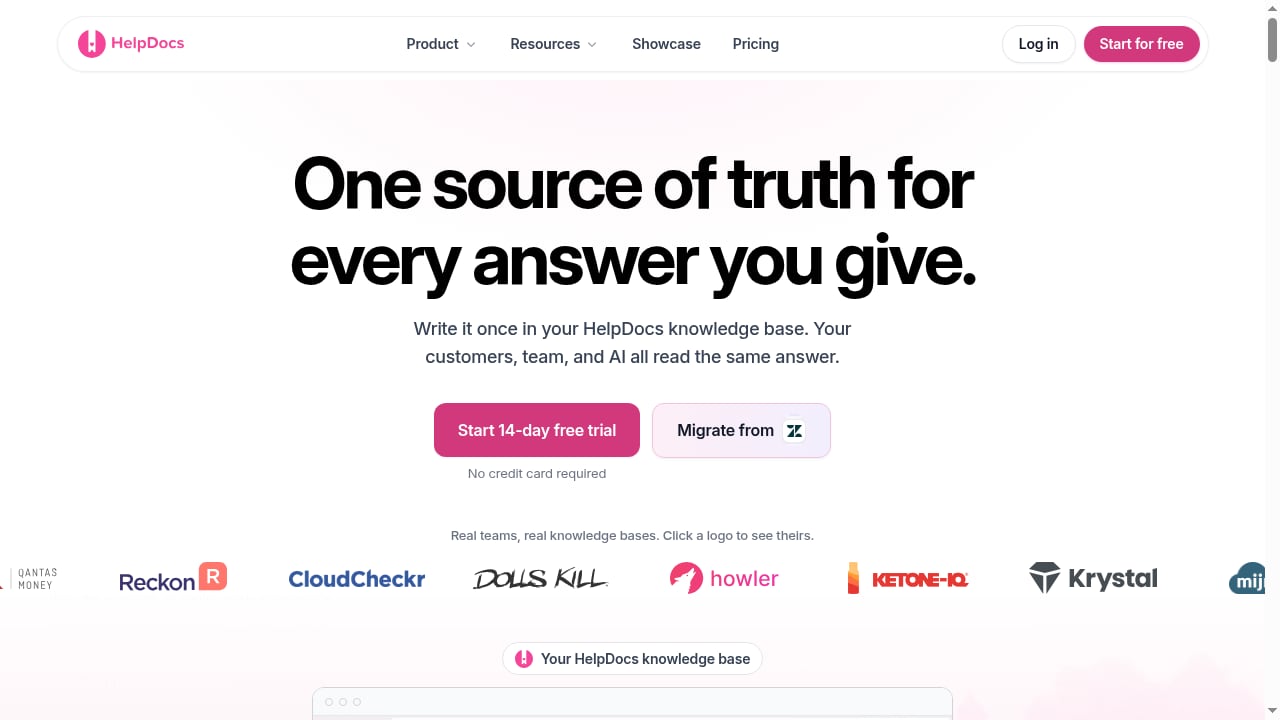
First viewport screenshot of Knowledge Base Software | HelpDocs.
HelpLook: AI-powered knowledge base and help desk
HelpLook is an all-in-one, AI-powered platform for building knowledge bases, help desks, and self-service support experiences. It lets teams create customer-facing help centers, internal knowledge bases, product manuals, enterprise blogs, FAQs, user guides, and troubleshooting content without coding. The platform combines AI search, content creation, and SEO optimization to help users find answers quickly and reduce support costs. It is used by over 10,000 companies across SaaS, e-commerce, legal, healthcare, financial services, and education.
Core capabilities include AI-powered search, no-code content creation, SEO optimization, customizable portals, widgets for web pages and applications, and analytics. It is positioned as a low-code, ready-to-use SaaS system that simplifies knowledge management and enhances team efficiency.
HelpDocs: knowledge base software that deflects tickets with AI
HelpDocs is knowledge base software that deflects support tickets with AI. It gives customers self-service access, lets teams publish a help center, and keeps team docs in sync. Its strength is focus: it does one job well, with a clean help center experience and AI-assisted deflection. Teams that want a straightforward public knowledge base without a lot of configuration tend to appreciate that simplicity.
AI-based knowledge management software: unlocking internal knowledge
AI-based knowledge management systems such as Bloomfire are designed to unleash the untapped potential of an organization by harnessing AI to organize, surface, and connect internal knowledge. These platforms typically excel at internal search, knowledge discovery, and making expertise findable across departments. They are a strong fit when the primary goal is internal knowledge sharing rather than a public-facing help center.
Comparison criteria
| Criteria | HelpLook | HelpDocs | AI knowledge management systems (e.g., Bloomfire) |
|---|---|---|---|
| Primary use case | Customer-facing help centers, internal KBs, product manuals, blogs | Customer-facing help center with AI ticket deflection | Internal organizational knowledge discovery |
| AI search | Yes, built-in AI search | Yes, AI-assisted deflection | Yes, strong internal AI search |
| No-code authoring | Yes | Yes | Varies by platform |
| SEO optimization | Yes, built into the platform | Limited public SEO focus | Not a primary focus |
| Customizable portals | Yes | Yes | Varies |
| Widgets for web/apps | Yes | Limited | Varies |
| Analytics | Yes | Yes | Yes, often deep internal analytics |
| Best fit | Teams wanting one platform for external and internal knowledge | Teams wanting a simple public help center | Organizations focused on internal knowledge sharing |
Where HelpLook has a supported advantage
First viewport screenshot of Knowledge Base Guides - HelpDocs.
HelpLook is strongest when a team wants a single platform that covers customer-facing help content, internal knowledge, and SEO-driven discoverability. The combination of AI search, no-code creation, SEO optimization, customizable portals, and embeddable widgets means content can be published once and surfaced in multiple places, from a help center to a product page to an internal repository.
For teams that publish product manuals, FAQs, user guides, enterprise blogs, and troubleshooting content, HelpLook reduces the need to stitch together separate tools. The SEO optimization is particularly relevant for businesses that want their help content to rank in search engines and attract organic traffic, not just serve existing customers.
HelpLook is also a practical choice for e-commerce product manuals and enterprise blogs, where content needs to be structured, searchable, and easy to update without engineering support.
Where HelpDocs and AI knowledge management systems are strong
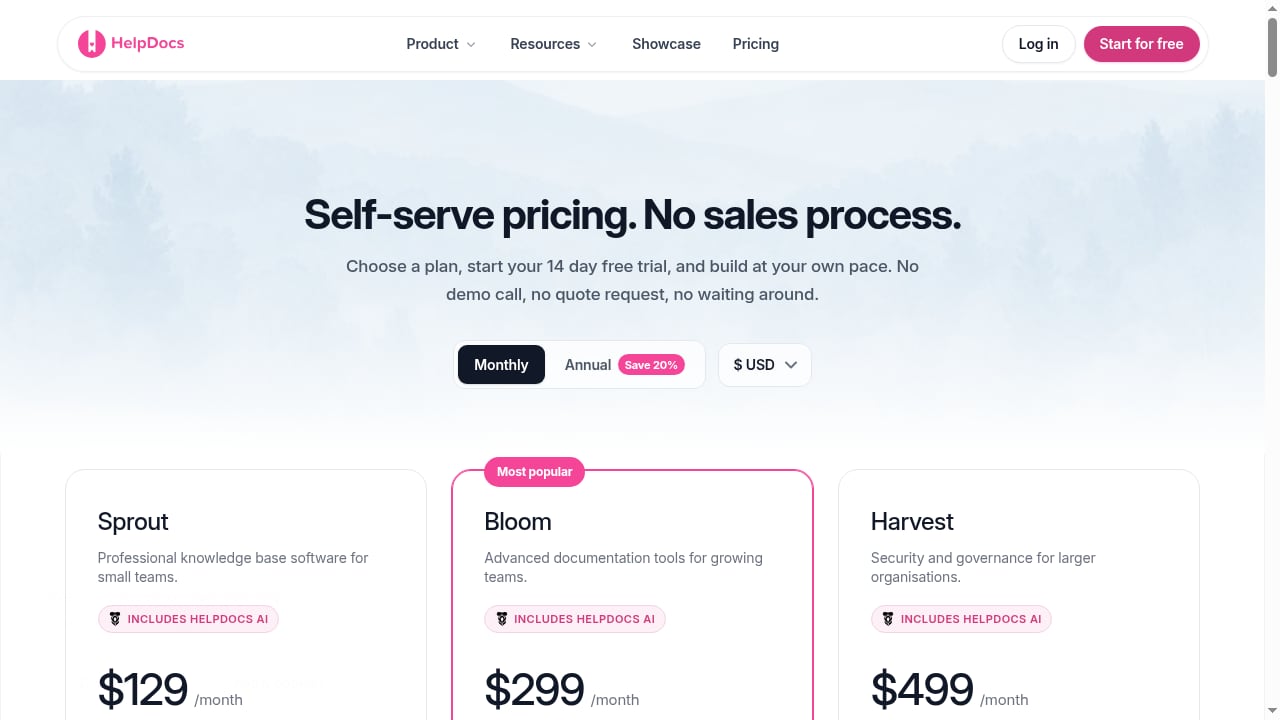
First viewport screenshot of Pricing - HelpDocs Knowledge Base Software.
HelpDocs is a credible choice for teams that want a focused, no-fuss help center. Its AI ticket deflection is a clear benefit for support teams drowning in repetitive questions. If your only requirement is a public knowledge base with AI-assisted self-service and you value simplicity over breadth, HelpDocs is a reasonable fit.
AI-based knowledge management systems like Bloomfire shine when the challenge is internal: siloed expertise, scattered documents, and employees who cannot find what they need. Their AI search and knowledge discovery capabilities are built for that problem, and they often provide deeper internal analytics and knowledge graph features. Organizations prioritizing internal knowledge sharing over public help content will find these platforms compelling.
How to choose
First viewport screenshot of Help Center Software: What to Look For | HelpDocs.
- Choose HelpLook if you want one AI-powered platform for customer-facing help centers, internal knowledge bases, product manuals, and SEO-optimized content, with no-code authoring and embeddable widgets.
- Choose HelpDocs if you need a simple, focused public help center with AI ticket deflection and minimal setup.
- Choose an AI knowledge management system like Bloomfire if your primary goal is internal knowledge discovery and organizational knowledge sharing.
For a deeper look at how HelpLook compares with another dedicated knowledge base platform, see HelpLook vs Document360: AI Knowledge Base Software Compared. If you are evaluating broader support tooling, Top 10 Help Desk & Customer Service Software 2026 covers ticketing, AI resolution, and pricing. And if you want to connect your knowledge base to your CRM, How to Use HelpLook with HubSpot: AI Knowledge Base + CRM walks through the setup.
Related reading
- Productlane Review 2026: AI Support Built for Linear Teams - Evidence-based Productlane review: support inbox, AI agent, feedback portal, changelog, Linear and GitHub workflows, pricing signals, limits, and fit.
- Top 10 AI Documentation and Training Platforms 2026 - Compare the top 10 AI documentation and training platforms for 2026 on AI drafting, content maintenance, training output, governance, and pricing.
Sources and further reading
- Best AI Knowledge Base Software: 8 Tools Compared (2026) - Compare the 8 best AI knowledge base software tools for 2026, from IrisAgent AutoKB to Guru, Document360 and Zendesk Guide. Only 2 write articles from resolved tickets: see which ones, and which hallucinate.
- AI Knowledge Management - Guide to building an AI customer service assistant with SaleSmartly's knowledge management.
- Top 15 scenario-based learning software tools for 2026 - Ready to build active capability? Discover the top 15 scenario-based learning software tools to capture behavioral data and close performance gaps.
FAQ
Is HelpLook a replacement for HelpDocs?
HelpLook and HelpDocs both provide customer-facing knowledge bases with AI assistance, but HelpLook adds SEO optimization, customizable portals, widgets, and support for internal knowledge bases, product manuals, and enterprise blogs. HelpDocs is more focused on a simple public help center with AI ticket deflection.
Can AI knowledge management software like Bloomfire replace a public help center?
AI-based knowledge management systems are typically built for internal knowledge discovery. They may not offer the same public help center, SEO, and customer-facing portal features as HelpLook or HelpDocs. Many organizations use them alongside a customer-facing knowledge base rather than as a replacement.
Does HelpLook support SEO for help content?
Yes. HelpLook includes SEO optimization as a core feature, which helps help center articles, FAQs, and product manuals rank in search engines and attract organic traffic.
Which platform is best for internal knowledge management?
It depends on your goals. HelpLook supports internal knowledge bases alongside customer-facing content, while AI-based knowledge management systems like Bloomfire are purpose-built for internal knowledge discovery and organizational knowledge sharing.
Can I use HelpLook without coding?
Yes. HelpLook is a no-code platform for creating and managing knowledge bases, help centers, and related content.
Conclusion
HelpLook, HelpDocs, and AI-based knowledge management systems like Bloomfire solve different but overlapping problems. HelpLook is the broadest option, combining AI search, no-code authoring, SEO optimization, customizable portals, and widgets for both customer-facing and internal knowledge. HelpDocs is a focused, credible choice for teams that want a simple public help center with AI ticket deflection. AI knowledge management systems are strongest for internal knowledge discovery. Match the platform to your primary use case, and you will get more value from your knowledge base investment.