
HelpLook vs Knowledge Base Software vs Hesk Help Desk
Choosing customer support software usually comes down to one question: do you need a place where customers find answers themselves, a system where agents manage tickets, or both? HelpLook, hosted knowledge base software, and Hesk each answer that question differently. This comparison breaks down where each tool is strong, where it struggles, and which type of team it fits.
Quick comparison at a glance
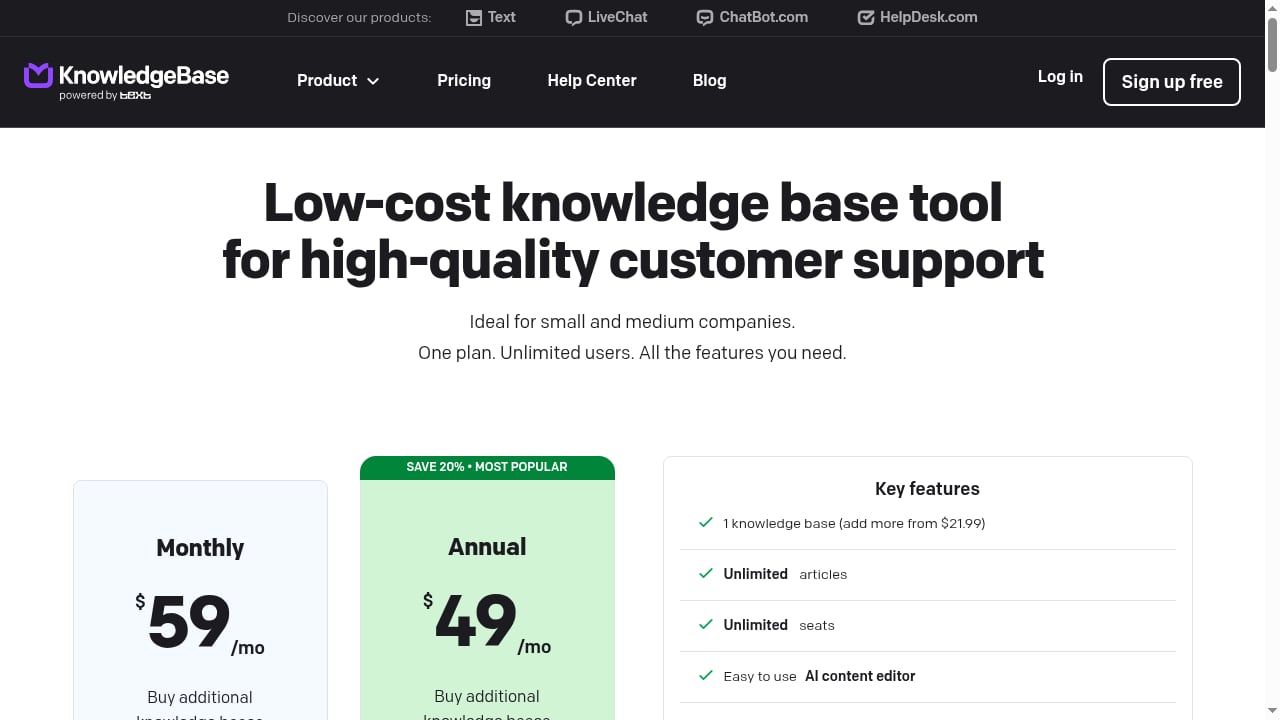
First viewport screenshot of Pricing - Start for Free | KnowledgeBase.
| Criteria | HelpLook | Hosted knowledge base software | Hesk |
|---|---|---|---|
| Primary job | AI knowledge base + help desk + self-service portal | Customer self-service and internal knowledge sharing | Ticket management and support portal |
| AI search | Built-in AI-powered search | Varies by provider | Not a core focus |
| Ticketing | Included in the platform | Usually limited or absent | Core strength |
| Content creation | No-code editor, Markdown and WYSIWYG | Editor-based, varies by vendor | Basic knowledge base articles |
| SEO controls | Built-in SEO management | Varies by provider | Minimal |
| Deployment | Cloud SaaS | Cloud SaaS | Cloud SaaS or on-premise PHP |
| Pricing model | Tiered subscription per site | Subscription per site or seat | Free self-hosted option plus paid cloud |
What each tool actually does
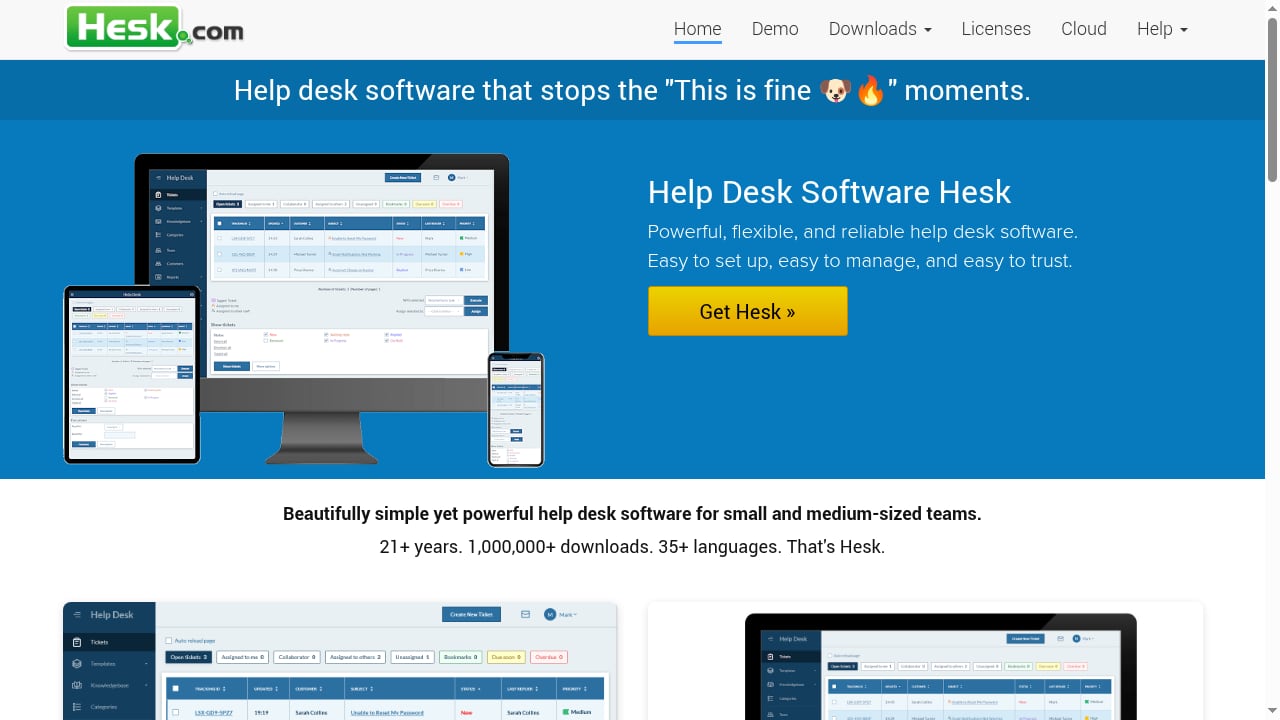
First viewport screenshot of Help Desk Software Hesk - a free PHP help desk.
HelpLook: AI knowledge base and help desk in one
HelpLook is an all-in-one, AI-powered platform for building knowledge bases, help desks, and self-service support experiences. Teams use it to publish customer-facing help centers, internal knowledge repositories, product manuals, FAQs, user guides, and troubleshooting content without writing code.
The platform combines AI search, no-code content creation, and SEO optimization. It also offers customizable portals, widgets that embed help content into websites and applications, and analytics. More than 10,000 companies use it across SaaS, e-commerce, legal, healthcare, financial services, and education.
Hosted knowledge base software: focused self-service
The hosted knowledge base category covers tools built specifically for lightning-fast customer support and effortless self-service. The goal is to help customers and support teams at the same time: customers find answers on their own, and agents spend less time repeating the same responses.
These products typically excel at organizing articles, structuring categories, and presenting a clean help center. Many also support internal knowledge sharing, so the same platform can serve both external customers and internal teams. That focus makes them a credible choice when self-service is the priority and ticket workflows are handled elsewhere.
Hesk: a lightweight, free PHP help desk
Hesk lets you set up a web-based customer support portal or an IT help desk. It is secure, user-friendly, and easy to use, and it is available as a cloud SaaS solution or as on-premise help desk software.
Its reputation comes from being lean and dependable. Users frequently mention how quickly it installs and configures, how reasonable the cost is, and how the self-hosted version can even be used for free. One long-time user noted switching from a much larger help desk package and being surprised at how much functionality fits into a small download. Another praised Hesk for including the features they needed without ads or unnecessary extras.
Hesk also includes knowledge base functionality, so customers can browse articles before submitting a ticket. It is a practical fit for small businesses, IT departments, churches, and agencies that want ticket management without enterprise pricing.
Where each option wins
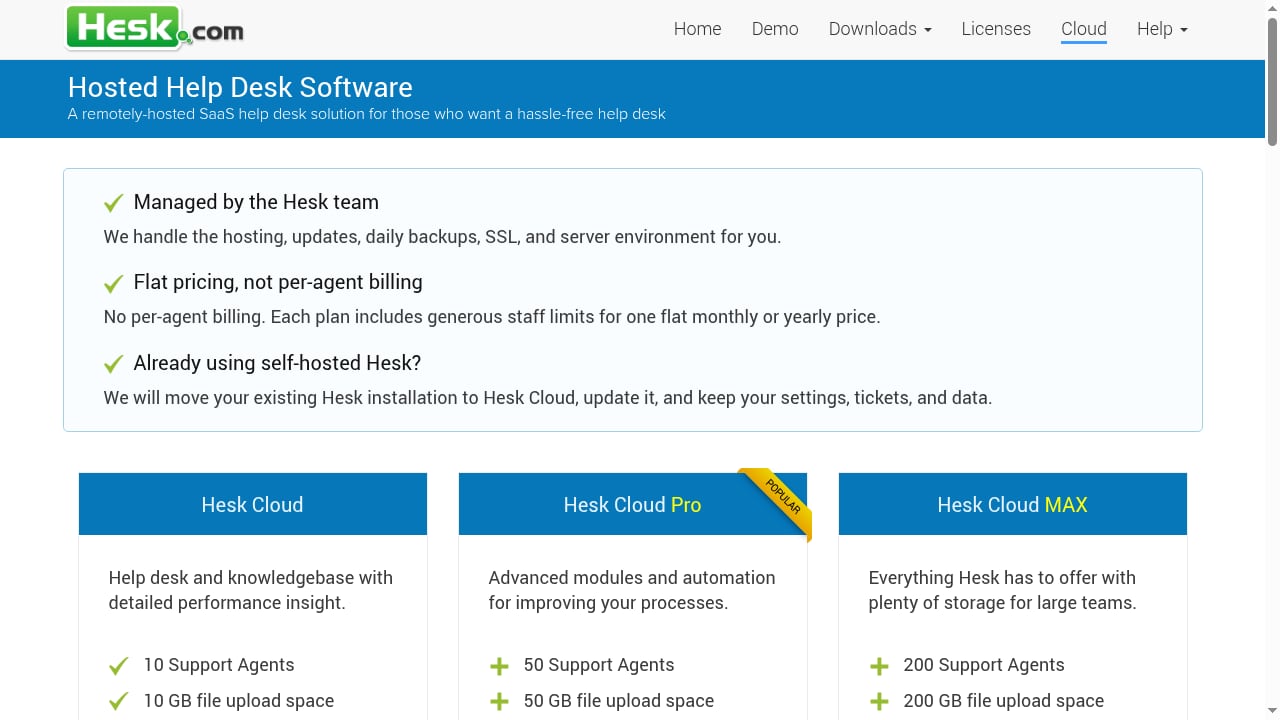
First viewport screenshot of Remote Hosted Help Desk.
AI search and answer discovery
HelpLook has a supported advantage here. AI-powered search is a core part of the platform, designed to help users find answers quickly and reduce support costs. Hosted knowledge base software may include AI features depending on the vendor, so the experience varies widely. Hesk is not positioned around AI search; its strength is structured ticketing and a straightforward portal.
Ticketing and agent workflows
Hesk is the clear specialist. Ticket management is its core purpose, and it handles the support queue, customer replies, and portal submissions that a help desk needs. HelpLook also includes help desk capabilities, so teams that want ticketing and knowledge management in one system can consolidate. Pure knowledge base tools generally treat ticketing as out of scope.
Content creation and publishing speed
HelpLook supports no-code content creation with Markdown and advanced WYSIWYG editors, category management, revision history, and global find-and-replace. Hosted knowledge base software also focuses on fast article publishing, and many tools in this category are praised for being usable right out of the box. Hesk's knowledge base is functional but secondary to its ticket system.
SEO and content discoverability
HelpLook includes SEO management in its paid plans, which helps public help content get discovered through search engines. This matters for e-commerce product manuals, enterprise blogs, and public FAQs that should attract organic traffic. Hosted knowledge base tools vary in how much SEO control they expose. Hesk is not built around SEO optimization.
Deployment and hosting control
Hesk stands out for flexibility. It can run as cloud SaaS or as on-premise software, which appeals to teams that need to keep data on their own servers. HelpLook and most hosted knowledge base products are cloud SaaS. If on-premise deployment is a hard requirement, Hesk is the natural fit among these three.
Cost structure
Hesk's free self-hosted option is hard to beat on entry cost, and its cloud plan is described by users as extremely reasonable. HelpLook uses tiered subscriptions per site, starting with a free plan for basic knowledge base functions and scaling to paid plans with unlimited articles, SEO management, analytics, custom domains, and more team members. Hosted knowledge base software pricing depends on the vendor, but most charge per site or per seat.
Which tool fits your team?
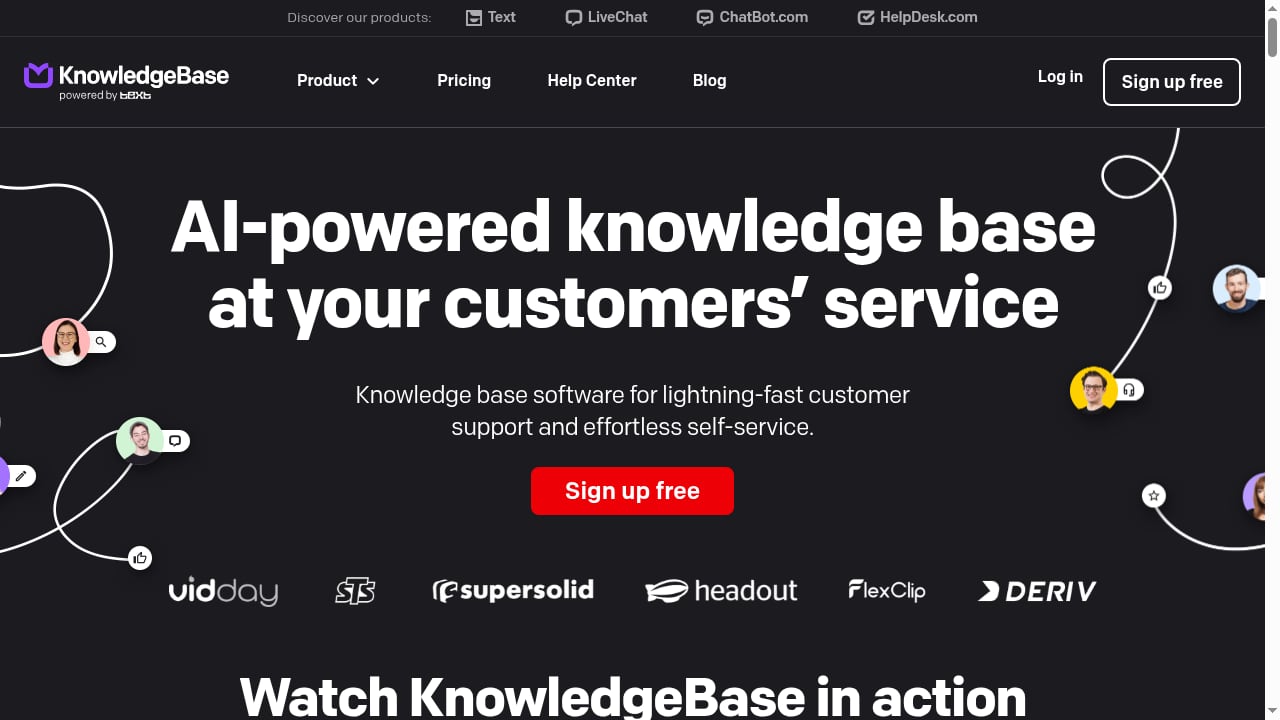
First viewport screenshot of 📚 Knowledge Base Software & Hosted Help Center for Your Customers.
Choose HelpLook if you want one platform for AI-powered search, customer-facing help centers, internal knowledge bases, and help desk workflows, and you care about SEO and no-code publishing. It suits SaaS companies, e-commerce teams, and support organizations that want to reduce ticket volume through self-service.
Choose hosted knowledge base software if your main goal is a clean, fast self-service experience and you already have a ticketing system you are happy with. It is a strong fit for documentation-focused teams that want to publish and organize answers without managing support queues.
Choose Hesk if ticketing is the priority, you want a lightweight system that installs quickly, and you value the option to self-host for free or use a low-cost cloud plan. It fits small businesses, IT help desks, and organizations that need reliable ticket management more than AI search or SEO-driven content.
If you are still weighing broader options, see how HelpLook compares with Docmost for self-hosted wikis or browse the top 10 AI customer support software products for 2026 for a wider view of the market.
Related reading
- Helpjuice Review 2026: AI Knowledge Base Software Tested - Evidence-based Helpjuice review for 2026: AI search, editor, analytics, pricing signals, setup, strengths, limits, and who it fits best.
- How to Use HelpLook with MkDocs: Workflow & Setup - Learn how to combine HelpLook and MkDocs: keep docs-as-code in MkDocs, then publish AI-powered, SEO-ready help centers with HelpLook.
Sources and further reading
- HelpLook vs Knowledge base Comparison in 2026 - Can't decide between HelpLook and Knowledge base? Visit Aitoolnet now for a comprehensive comparison based on features, product specifications. Make an informed choice!
Frequently asked questions
Is HelpLook a help desk or a knowledge base?
It is both. HelpLook combines an AI-powered knowledge base with help desk and self-service capabilities, so teams can publish content and manage support in one platform.
Can Hesk replace a knowledge base?
Hesk includes knowledge base articles alongside its ticket system, so it can serve as a basic knowledge base. However, it is not designed around AI search or SEO optimization the way HelpLook is.
Which option is best for a small IT team on a budget?
Hesk's free self-hosted version is a strong fit for small IT teams that need ticket management and are comfortable hosting PHP software. If the team also needs a polished public help center, a hosted knowledge base tool may be worth the subscription.
Does HelpLook support on-premise deployment?
HelpLook is a cloud SaaS platform. Teams that require on-premise hosting should evaluate Hesk or another self-hosted option.
Can I use a knowledge base and a help desk together?
Yes. Many teams run a knowledge base for self-service and a separate help desk for tickets. HelpLook consolidates both, while Hesk and hosted knowledge base tools each cover one side more deeply.
Conclusion
HelpLook, hosted knowledge base software, and Hesk are not interchangeable. HelpLook is the broadest option, combining AI search, no-code content creation, SEO, and help desk features in one cloud platform. Hosted knowledge base software is the focused choice for teams that only need fast self-service. Hesk is the pragmatic choice for teams that want dependable ticketing with the freedom to self-host for free. Match the tool to your primary bottleneck, and the decision becomes much simpler.
For a deeper look at how HelpLook stacks up against other knowledge platforms, read the HelpLook vs Docsie vs Archbee comparison. You can also review HelpLook's plans and features or learn more about Hesk's help desk software.