
HelpLook vs KnowledgeBase vs Bloomfire: Which AI Knowledge Platform Fits Your Team?
Choosing between an AI-powered knowledge base and a full enterprise knowledge management system isn't a one-size-fits-all decision. HelpLook, KnowledgeBase, and Bloomfire each take a distinct path to organizing and sharing information. One prioritizes no-code self-service portals, another focuses on lightning-fast customer support, and the third aims to become your organization's central intelligence layer. This comparison breaks down their strengths, ideal use cases, and where each platform truly excels, so you can match the right tool to your team's actual workflow.
Search Intent and Audience
KnowledgeBase product interface.
People searching for "HelpLook vs KnowledgeBase vs Bloomfire" are typically team leads, support managers, or operations directors evaluating software to reduce support tickets, centralize scattered documentation, or improve employee onboarding. They want a clear, honest comparison that goes beyond feature lists and explains which platform solves their specific problem—whether that's building a customer-facing help center, speeding up agent responses, or connecting enterprise-wide knowledge silos.
Comparison Criteria
We evaluated each platform across five dimensions that matter most in daily use:
- Core purpose and primary use case
- AI-powered search and content discovery
- Content creation and management experience
- Customization, branding, and deployment
- Analytics, governance, and scalability
Core Purpose and Primary Use Case

Bloomfire product interface.
KnowledgeBase is built squarely for customer support teams. Its entire design revolves around reducing ticket volume through self-service and giving agents instant answers. If your primary goal is to deflect repetitive customer questions and speed up response times, KnowledgeBase aligns directly with that mission. It serves as a centralized hub where support teams create, manage, and share articles, with a tight integration ecosystem that includes LiveChat, ChatBot, and HelpDesk. The platform's AI-generated articles, titles, and keywords accelerate content production when support queues are overflowing.
Bloomfire operates at the enterprise knowledge management level. It's not just a knowledge base—it's a system designed to capture tacit expertise, surface trusted knowledge across departments, and support strategic decisions. Organizations use Bloomfire for employee onboarding, sales enablement, cross-departmental collaboration, and customer support. Its self-healing knowledge base, deep content indexing across formats (including video and audio), and Q&A engine make it suitable for companies where knowledge decay and content sprawl are real business risks. Global 2000 firms trust Bloomfire when scattered SharePoint folders and outdated wikis are hurting productivity.
HelpLook focuses on enabling businesses to build branded, SEO-optimized self-service portals without writing code. It's particularly strong for teams that need a customer-facing knowledge base, e-commerce product manuals, or an internal wiki that looks polished and professional. The no-code interface and customizable site branding mean you can launch a fully styled help center quickly, while AI-driven search and chatbot capabilities handle visitor questions automatically.
AI-Powered Search and Content Discovery

KnowledgeBase product interface.
Search quality directly impacts whether users find answers or open another support ticket. Each platform approaches this differently.
Bloomfire offers the most sophisticated enterprise search. It deep-indexes all content—including text inside slides, audio transcripts, and video—so employees can find exact answers across formats. Its AI-powered search returns verified answers with clickable citations, and users can search inside video clips with highlighted key phrases. The self-healing knowledge base proactively flags outdated or duplicate content before it pollutes search results, triggering review workflows automatically. For large organizations drowning in content, this governance layer is a significant advantage.
KnowledgeBase uses AI-powered QuickAnswer to deliver instant tailored responses to customer queries. Rather than simply returning a list of articles, it generates specific answers drawn from your knowledge base content. This reduces the cognitive load on customers who just want a fast resolution. The AI also assists with generating articles, titles, and keywords, which helps maintain a fresh, searchable content library even when support teams are stretched thin.
HelpLook provides AI-driven search and chatbot capabilities powered by leading models like OpenAI, ERNIE Bot, and Azure. Visitors can ask natural language questions and receive relevant article suggestions or direct answers. For businesses that want to offer modern self-service without complex AI configuration, HelpLook packages these capabilities into an accessible, integrated experience.
Content Creation and Management Experience
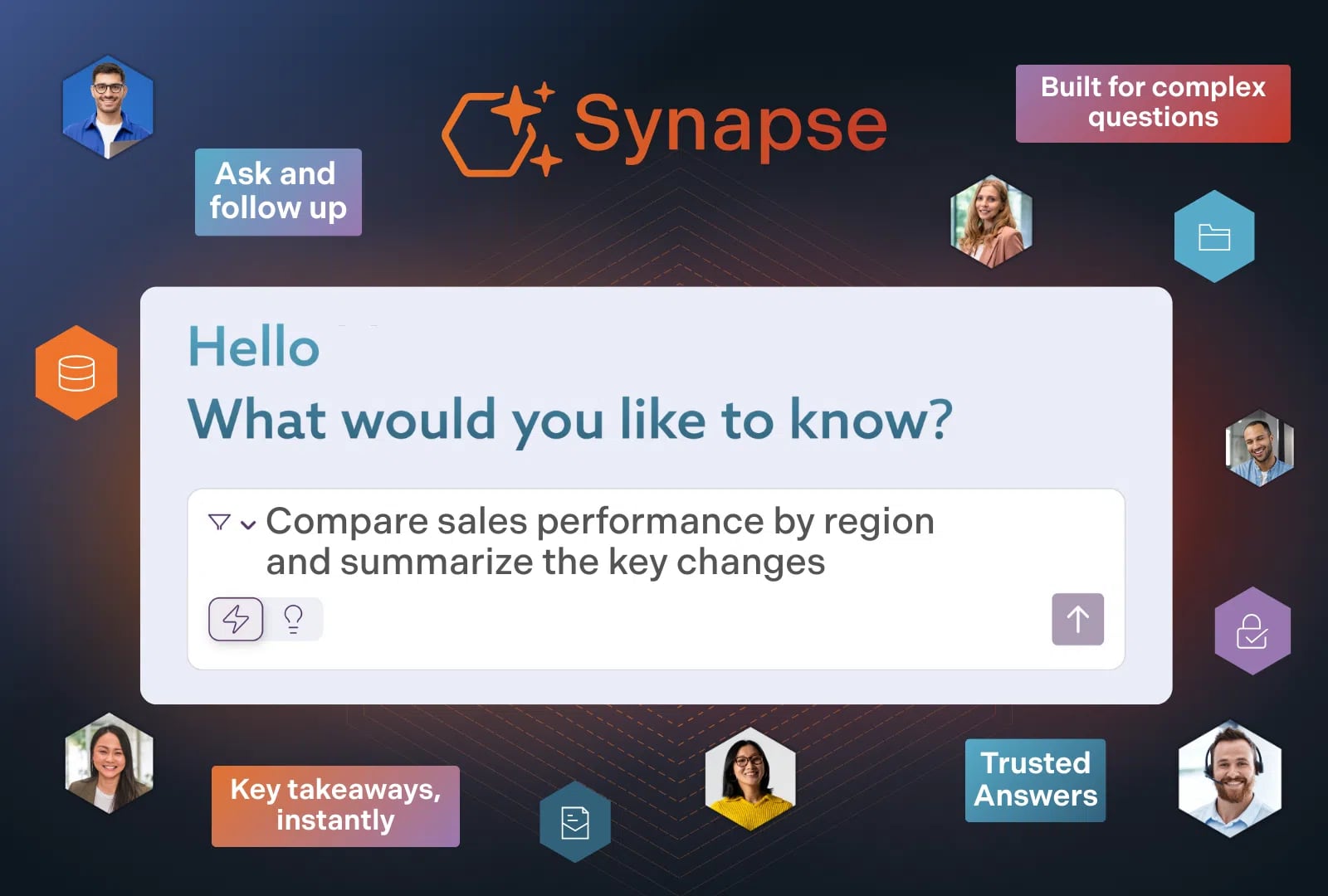
Bloomfire product interface.
The ease with which teams can create, organize, and maintain content determines whether a knowledge platform gets adopted or abandoned.
HelpLook excels with its no-code content creation interface. Teams can build articles, structure knowledge bases, and customize the entire portal's appearance without technical skills. The platform supports QR code access and PDF downloads, making content distributable across channels. For businesses that want to maintain a blog alongside their knowledge base, HelpLook accommodates that within the same system. Compare how HelpLook stacks up against other documentation tools to see its content creation strengths in context.
KnowledgeBase streamlines article creation with AI-generated drafts, titles, and keyword suggestions. Support teams can quickly turn common ticket topics into published articles. The platform supports both internal and external knowledge bases, so agents can maintain a private repository of troubleshooting guides while customers see only the polished public-facing content. The 14-day free trial with no credit card requirement makes it easy to test whether the creation workflow fits your team's pace.
Bloomfire provides AI-powered authoring tools that automatically tag, summarize, and categorize content upon upload. This is particularly valuable when migrating large volumes of existing documentation—the AI handles taxonomy work that would take humans weeks. Content and document management includes publishing a single document across multiple communities with automatic update distribution, eliminating version chaos. Moderation tools with approval flows and engagement tracking give governance teams control without creating bottlenecks.
Customization, Branding, and Deployment
HelpLook offers extensive site branding customization, allowing businesses to match their knowledge base to their brand identity. The no-code approach extends to visual design, so marketing teams can maintain consistency without developer involvement. SEO optimization features help public-facing portals rank in search engines, driving organic traffic to self-service content.
KnowledgeBase provides customizable help centers that can be tailored to match brand guidelines. The platform's strength lies in its integration with the broader Text, Inc. ecosystem—teams already using LiveChat or ChatBot can create a seamless support experience where customers move fluidly between chat and self-service.
Bloomfire emphasizes enterprise-grade deployment with SOC2, GDPR, SSO, SCIM, and encryption compliance. The platform is built to scale across global departments, with role-based permissions governing visibility at granular levels. For regulated industries like finance, insurance, and life sciences, these security credentials are often non-negotiable requirements.
Analytics, Governance, and Scalability
Bloomfire provides a comprehensive analytics suite with real-time visualizations, custom metrics tracking, and downloadable data for company reporting. Teams can identify content gaps, track engagement trends, and measure the business impact of knowledge sharing. The platform's self-healing mechanisms and moderation tools create a continuous feedback loop that improves AI results over time. A major credit union reported annual time savings equivalent to $469,000 using Bloomfire, alongside a 72% search conversion rate and 13% reduction in call volumes.
KnowledgeBase focuses on reducing support ticket volume as its primary success metric. By enabling customer self-service and speeding up agent response times, the platform aims to demonstrate clear ROI through decreased support workload. The backing of Text, Inc., which serves tens of thousands of businesses, provides infrastructure reliability for growing teams.
HelpLook includes analytics to track knowledge base usage, helping teams understand which articles perform well and where content gaps exist. For businesses scaling their self-service strategy, these insights inform content priorities. Explore how HelpLook compares to HelpCenter.io and Helpjuice for additional perspective on analytics capabilities across platforms.
When to Choose Each Platform
Choose KnowledgeBase if:
- Your primary objective is reducing customer support ticket volume through self-service
- You want AI to generate article drafts and instant answers for customers
- You value tight integration with live chat and help desk tools
- You need a quick, low-commitment trial to validate the approach
Choose Bloomfire if:
- You manage knowledge across multiple departments in a mid-to-large enterprise
- Content exists in diverse formats (video, audio, slides, documents) that need deep indexing
- Governance, compliance, and content freshness are critical business requirements
- You need to capture tacit expertise before it walks out the door
Choose HelpLook if:
- You want to build a branded, SEO-optimized self-service portal without coding
- Your use case includes customer-facing knowledge bases, product manuals, or enterprise blogs
- You need QR code access, PDF downloads, and flexible third-party integrations
- You value a no-code interface that marketing and support teams can manage independently
For teams evaluating broader enterprise knowledge management options, our comparison of HelpLook, Bloomfire, and GitBook provides additional context on how documentation-focused platforms differ from KM-first systems.
Related reading
- HelpLook vs Docsie vs Docmost: 2026 Comparison Guide - Compare HelpLook, Docsie, and Docmost on AI knowledge bases, self-hosting, content conversion, and pricing. Find the best fit for support, docs, or wikis.
Sources and further reading
- AI-Based Knowledge Management Software System - Unleash the untapped potential of your entire organization by harnessing Bloomfire’s comprehensive knowledge management engagement features and AI tools.
- 26 Best Bloomfire Alternatives for Knowledge Management in 2026 - Compare 26 Bloomfire alternatives for internal knowledge management. Real pricing, feature depth, and honest reviews to find the right KM platform.
- Top Bloomfire Alternatives & Competitors 2026 | Gartner Peer Insights - Learn more about the top Bloomfire alternatives. Easily compare competitors and read verified real user reviews on Gartner Peer Insights.
FAQ
What is the main difference between a knowledge base and knowledge management software?
A knowledge base is typically a repository of articles and FAQs designed for information retrieval—often customer-facing. Knowledge management software like Bloomfire goes further by capturing expertise, connecting information across departments, and maintaining content quality through governance features. KnowledgeBase sits closer to the knowledge base end, while Bloomfire is firmly in the knowledge management category.
Does KnowledgeBase offer a free trial?
Yes, KnowledgeBase offers a 14-day free trial with no credit card required, allowing teams to test the platform's AI-powered QuickAnswer and article creation features before committing.
Is Bloomfire suitable for small businesses?
Bloomfire is designed for scalability and is primarily adopted by mid-market and enterprise organizations, including Global 2000 companies. Its governance features, deep indexing, and compliance certifications deliver the most value when managing large volumes of content across multiple departments. Smaller teams may find more streamlined alternatives better matched to their needs.
Can HelpLook integrate with AI models beyond OpenAI?
Yes, HelpLook integrates with leading AI models including OpenAI, ERNIE Bot, and Azure, giving teams flexibility in choosing the AI backbone that powers their search and chatbot experiences.
How do these platforms handle content that becomes outdated?
Bloomfire's self-healing knowledge base automatically flags outdated or duplicate content and triggers review workflows. KnowledgeBase relies on AI-generated suggestions to help teams refresh content. HelpLook provides analytics to identify underperforming articles, enabling manual content updates based on usage data.
Conclusion
HelpLook, KnowledgeBase, and Bloomfire represent three distinct philosophies in the knowledge platform landscape. KnowledgeBase optimizes for customer support efficiency—getting answers to customers fast and reducing agent workload. Bloomfire optimizes for enterprise knowledge intelligence—connecting people to trusted expertise across silos and formats. HelpLook optimizes for accessible, branded self-service—letting any team launch a professional portal without technical overhead.
Your choice should follow your primary pain point. If support ticket volume keeps you up at night, start with KnowledgeBase. If organizational knowledge is scattered across drives, chats, and people's heads, Bloomfire's enterprise intelligence approach merits serious evaluation. If you need a polished, SEO-friendly help center that your team can manage independently, HelpLook delivers that outcome efficiently.
Still comparing options? Our HelpLook vs KnowledgeOwl vs Zendesk comparison examines how these platforms stack up against additional alternatives in the knowledge base and customer experience space.