
HelpLook vs Mintlify: Which Documentation Platform Fits Your Team?
Choosing the right documentation platform in 2026 means weighing AI search, self-service, and how much engineering effort you can spare. HelpLook and Mintlify both promise AI-powered documentation, but they take different paths. This comparison breaks down where each platform shines and where it may fall short, so you can match the tool to your team's workflow.
Quick verdict
- HelpLook is an all-in-one, AI-powered knowledge base and help desk platform. It combines AI search, no-code content creation, SEO optimization, customizable portals, widgets, and analytics. Trusted by over 10,000 companies, it serves editors, support teams, content creators, and operations professionals across SaaS, e-commerce, legal, healthcare, financial services, and education.
- Mintlify positions itself as "the documentation platform for agents" with self-updating documentation for startups, enterprises, and agents. It focuses on keeping docs current automatically, which appeals to fast-moving teams that want to reduce manual maintenance.
Neither is universally better. The right choice depends on whether you prioritize a ready-to-use, no-code help center with built-in SEO and support features (HelpLook) or a self-updating documentation engine that leans on agent-driven automation (Mintlify).
What each platform actually does
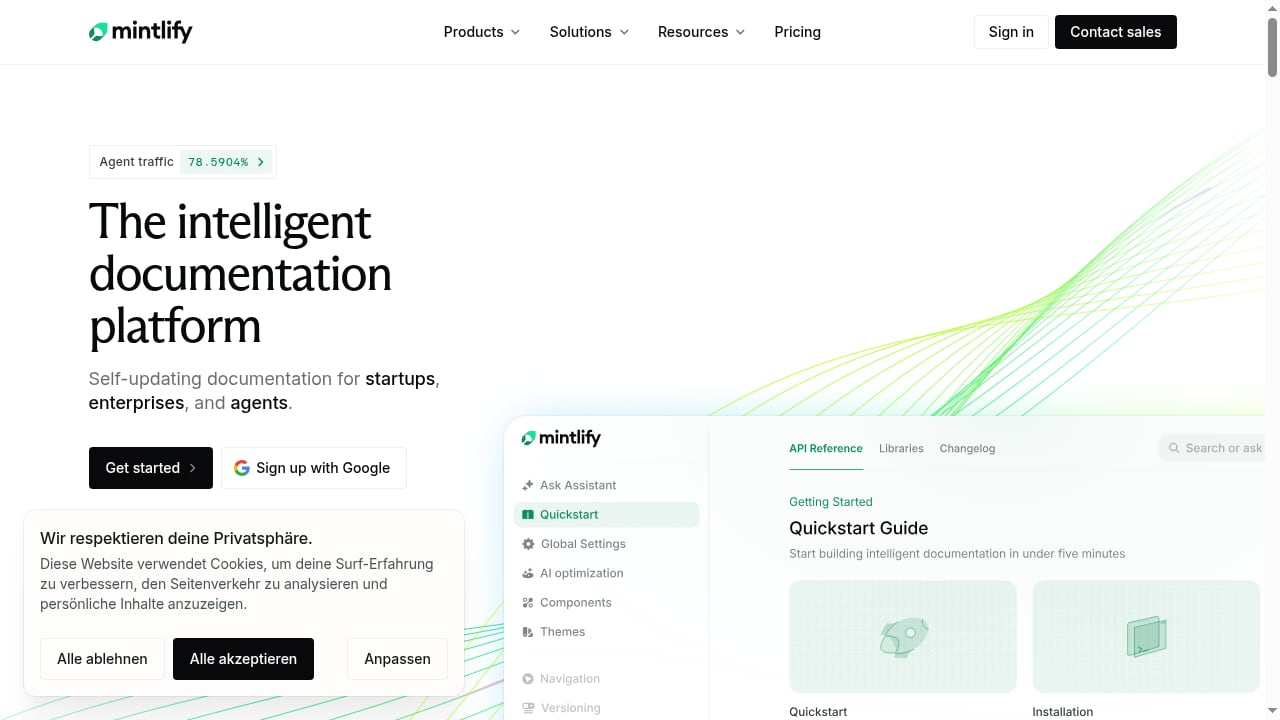
First viewport screenshot of Mintlify - The documentation platform for agents.
HelpLook: all-in-one AI knowledge base and help desk
HelpLook is built for teams that need to publish customer-facing help centers, internal knowledge bases, product manuals, enterprise blogs, FAQs, user guides, and troubleshooting content without coding. Its core strengths include:
- AI-powered search that helps users find answers quickly and reduces support costs.
- No-code content creation so editors and support teams can publish without engineering tickets.
- SEO optimization to make help content discoverable in search engines.
- Customizable portals and widgets for web pages and applications.
- Analytics to track content performance and user behavior.
HelpLook is a low-code, ready-to-use SaaS system that simplifies knowledge management and enhances team efficiency. It is a strong fit for organizations that want one platform for both external help centers and internal knowledge repositories.
Mintlify: self-updating documentation for agents
Mintlify describes itself as "the documentation platform for agents" and offers self-updating documentation for startups, enterprises, and agents. The core idea is that documentation should stay current automatically, reducing the manual burden of tracking product changes. This can be attractive for teams that ship frequently and struggle with stale docs.
However, the public description of Mintlify is narrower than HelpLook's. It emphasizes self-updating docs and agent-oriented workflows, but does not highlight a full help desk, no-code portal customization, or built-in SEO optimization in the same way HelpLook does. Teams that need a complete self-service support experience may find Mintlify's focus too narrow.
Head-to-head comparison
| Capability | HelpLook | Mintlify |
|---|---|---|
| Primary focus | AI-powered knowledge base and help desk | Self-updating documentation for agents |
| No-code content creation | Yes | Not highlighted in public description |
| AI-powered search | Yes | Implied through agent focus |
| SEO optimization | Yes | Not highlighted |
| Customizable portals | Yes | Not highlighted |
| Widgets for web/apps | Yes | Not highlighted |
| Analytics | Yes | Not highlighted |
| Help desk features | Yes | Not highlighted |
| Self-updating docs | Not highlighted | Yes |
| Target users | Editors, support teams, content creators, operations | Startups, enterprises, agents |
| Trusted by | Over 10,000 companies | Not specified in public description |
This table is based on publicly available product descriptions. Features not highlighted by a vendor may still exist, but buyers should verify directly.
Where HelpLook wins
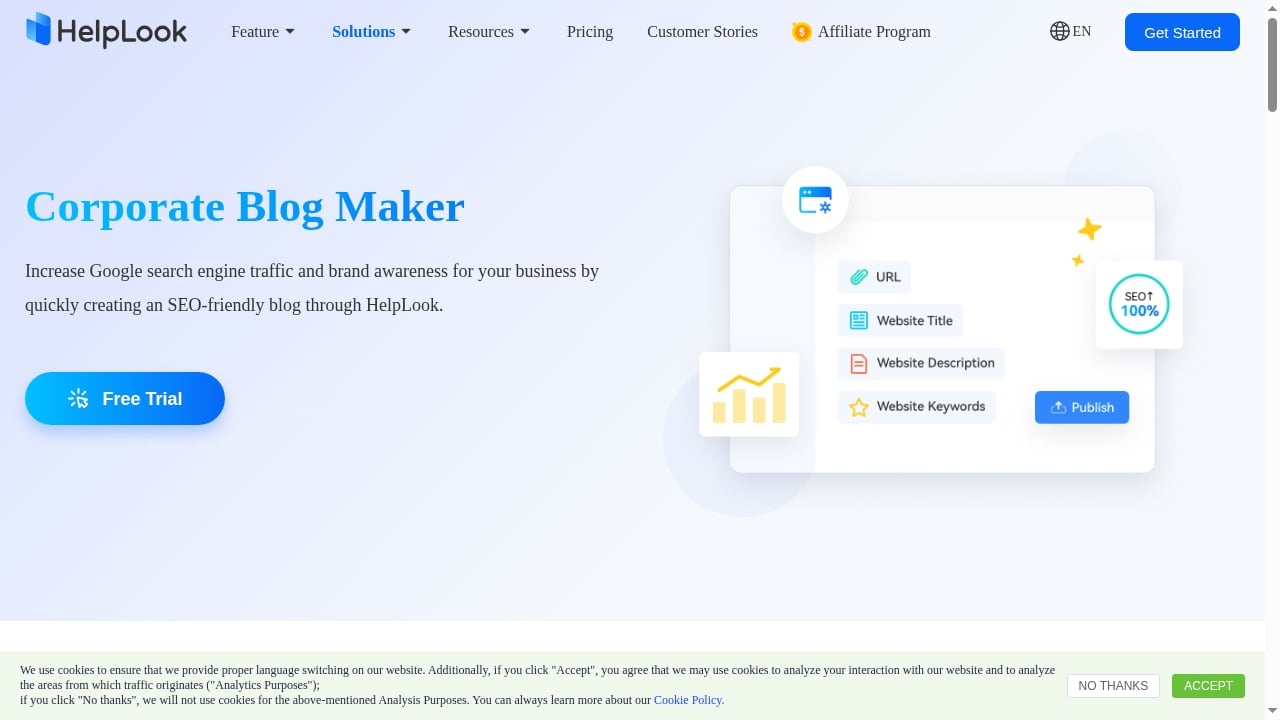
First viewport screenshot of Create a Custom Enterprise Blog with Blogging Software - HelpLook.
1. Complete self-service support stack
HelpLook goes beyond documentation. It includes help desk capabilities, customizable portals, and widgets that let you embed AI-searchable answers into your website or application. If your goal is to reduce support tickets and empower users to find answers on their own, HelpLook offers a more complete toolkit out of the box.
2. No-code creation for non-technical teams
Support teams, content creators, and operations professionals can build and maintain knowledge bases without writing code. This lowers the barrier to entry and speeds up publishing. Mintlify's agent-focused approach may still require technical setup or engineering involvement, which can slow down non-technical contributors.
3. Built-in SEO optimization
HelpLook includes SEO optimization to help your help center rank in search engines. For businesses that rely on organic search to attract and assist customers, this is a significant advantage. Mintlify's public description does not emphasize SEO features, which may matter if discoverability is a priority.
4. Proven adoption across industries
HelpLook is trusted by over 10,000 companies across SaaS, e-commerce, legal, healthcare, financial services, and education. This breadth suggests the platform is flexible enough to handle diverse content needs, from product manuals to enterprise blogs to internal knowledge repositories.
5. Analytics for continuous improvement
HelpLook provides analytics so you can see what content performs and where users struggle. This data helps you refine your knowledge base over time. Mintlify's public description does not highlight analytics, leaving a gap for teams that want to optimize based on usage data.
Where Mintlify wins
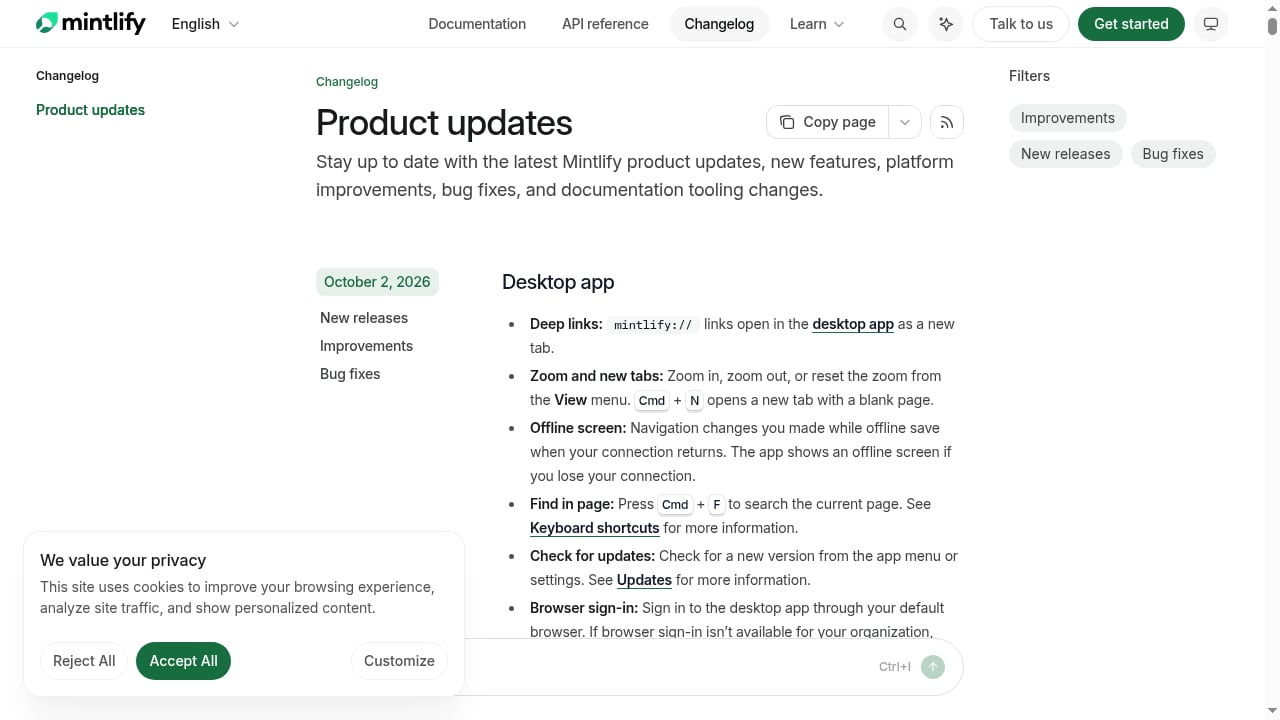
First viewport screenshot of Product updates - Mintlify.
1. Self-updating documentation
Mintlify's core promise is self-updating documentation. If your team ships product changes frequently and struggles to keep docs in sync, Mintlify's automated approach could reduce manual maintenance. This is a genuine advantage for fast-moving startups and enterprises with high release velocity.
2. Agent-oriented design
Mintlify explicitly targets agents, which may appeal to teams building AI-driven workflows or autonomous documentation systems. If your roadmap includes agent-based content management, Mintlify's positioning aligns with that direction.
3. Focus on startups and enterprises
Mintlify's stated audience includes startups and enterprises, suggesting it scales from small teams to larger organizations. However, without public details on pricing, features, or adoption numbers, it is harder to assess fit compared to HelpLook's transparent positioning.
When to choose HelpLook
Choose HelpLook if you need:
- A single platform for customer-facing help centers and internal knowledge bases.
- No-code content creation for non-technical teams.
- AI-powered search to deflect support tickets.
- SEO optimization to make help content discoverable.
- Customizable portals and widgets for web and app integration.
- Analytics to measure and improve content performance.
- A proven solution trusted by over 10,000 companies.
HelpLook is particularly well-suited for SaaS, e-commerce, legal, healthcare, financial services, and education organizations that want to reduce support costs and enhance team efficiency.
When to choose Mintlify
Choose Mintlify if you need:
- Self-updating documentation that reduces manual maintenance.
- An agent-oriented documentation platform.
- A solution designed for startups and enterprises with fast release cycles.
If your primary pain point is documentation drift and you have the technical resources to support an agent-driven workflow, Mintlify may be a better fit.
Practical examples
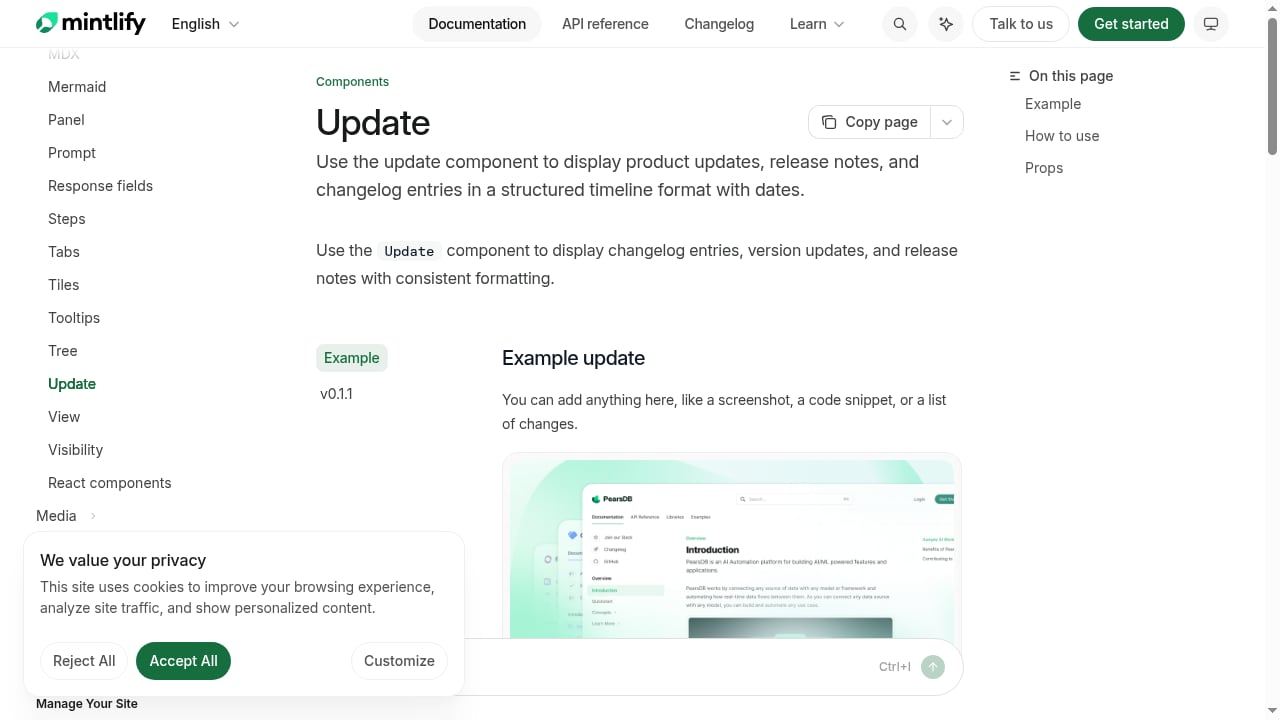
First viewport screenshot of Update - Mintlify.
Example 1: E-commerce product manuals
An e-commerce company needs to publish product manuals, FAQs, and troubleshooting guides. With HelpLook, the support team can create and update content without coding, embed a search widget on the website, and use SEO to attract organic traffic. Mintlify's self-updating docs could help if product details change frequently, but the lack of highlighted help desk and SEO features may require additional tools.
Example 2: SaaS internal knowledge base
A SaaS company wants an internal knowledge repository for support agents and a customer-facing help center. HelpLook provides both in one platform, with AI search and analytics. Mintlify's agent focus could appeal if the company wants automated doc updates, but it may not cover the full help desk experience.
Example 3: Fast-shipping startup
A startup releases features weekly and struggles to keep documentation current. Mintlify's self-updating documentation could reduce the burden on engineers. However, if the startup also needs a customer-facing help center with SEO and no-code editing, HelpLook offers a more complete solution.
Related reading
- Stonly Review 2026: Knowledge Management for Customer Service - Evidence-based Stonly review for 2026: interactive guides, decision trees, AI answers, pricing signals, setup, strengths, limits, and who it fits.
- How to Use HelpLook with Sendbird: Chat + AI Knowledge Base - Connect HelpLook with Sendbird to power in-app chat and omnichannel support with AI-searchable answers. Setup steps, workflow, examples, and FAQs.
- HelpLook vs Knowledge Base Software vs Hesk Help Desk - Compare HelpLook, hosted knowledge base software, and Hesk help desk on AI search, self-service, ticketing, SEO, and cost to pick the right support stack.
FAQ
Is HelpLook a good alternative to Mintlify?
Yes, if you need an all-in-one AI knowledge base and help desk with no-code creation, SEO, customizable portals, widgets, and analytics. HelpLook is trusted by over 10,000 companies and supports multiple industries. Mintlify may be better if self-updating documentation is your top priority.
Does Mintlify offer a help desk?
Mintlify's public description focuses on self-updating documentation for agents. It does not highlight help desk features, so if you need ticketing or a full support suite, you should verify directly with Mintlify.
Which platform is better for SEO?
HelpLook includes SEO optimization as a core feature. Mintlify's public description does not emphasize SEO, so HelpLook is likely the stronger choice for organic discoverability.
Can I use HelpLook without coding?
Yes. HelpLook is designed for no-code content creation, making it accessible to editors, support teams, and operations professionals.
Is Mintlify only for technical teams?
Mintlify targets startups, enterprises, and agents, and its self-updating approach may appeal to technical teams. However, its public description does not specify no-code capabilities, so non-technical teams should evaluate carefully.
Conclusion
HelpLook and Mintlify serve different needs. HelpLook is a comprehensive, no-code AI knowledge base and help desk platform with SEO, analytics, and customizable portals, trusted by over 10,000 companies. Mintlify is a self-updating documentation platform for agents, ideal for teams that prioritize automated maintenance. If you want a ready-to-use solution that covers the full self-service support experience, HelpLook is the stronger choice. If self-updating docs are your main requirement and you have the technical resources, Mintlify may fit better.
For more comparisons, see our Top 10 AI Knowledge Management Software Products 2026 and HelpLook vs Docmost: AI Knowledge Base vs Self-Hosted Wiki. You can also learn How to Use HelpLook with MkDocs to combine docs-as-code with AI-powered help centers.
External references: