
Top 10 AI Knowledge Management Software Products 2026
Your team's collective knowledge is scattered across wikis, tickets, Slack threads, and shared drives. Finding a reliable answer often takes longer than solving the problem itself. AI knowledge management software promises to fix that by using natural language processing, semantic search, and generative AI to surface the right information — and increasingly, to keep it current without manual audits.
This guide ranks the top 10 AI knowledge management software products for 2026 based on transparent criteria: AI search quality, content creation and maintenance capabilities, integrations, analytics, governance, and pricing transparency. We evaluated each product using vendor documentation, independent reviews, and hands-on testing insights from credible sources. No product paid for placement.
How We Evaluated These Products
First viewport screenshot of Discuss Pricing Options.
Every platform on this list earned its spot through the same lens:
- AI search and retrieval: Does it handle natural-language queries, synonyms, and context — or just keyword matching?
- Content creation and maintenance: Can AI draft, summarize, and flag stale content? Does it detect drift or leave fixes entirely to humans?
- Integrations: How well does it connect to Slack, Microsoft Teams, Google Workspace, CRM, and ticketing systems?
- Analytics and governance: Are there usage reports, permission controls, and audit trails?
- Pricing transparency: Is pricing published, or is it quote-only?
- Best-fit use case: Internal knowledge, customer-facing support, or both?
We prioritized products that genuinely belong to the AI knowledge management category — not general project management tools with a search feature bolted on.
The Top 10 AI Knowledge Management Software Products for 2026
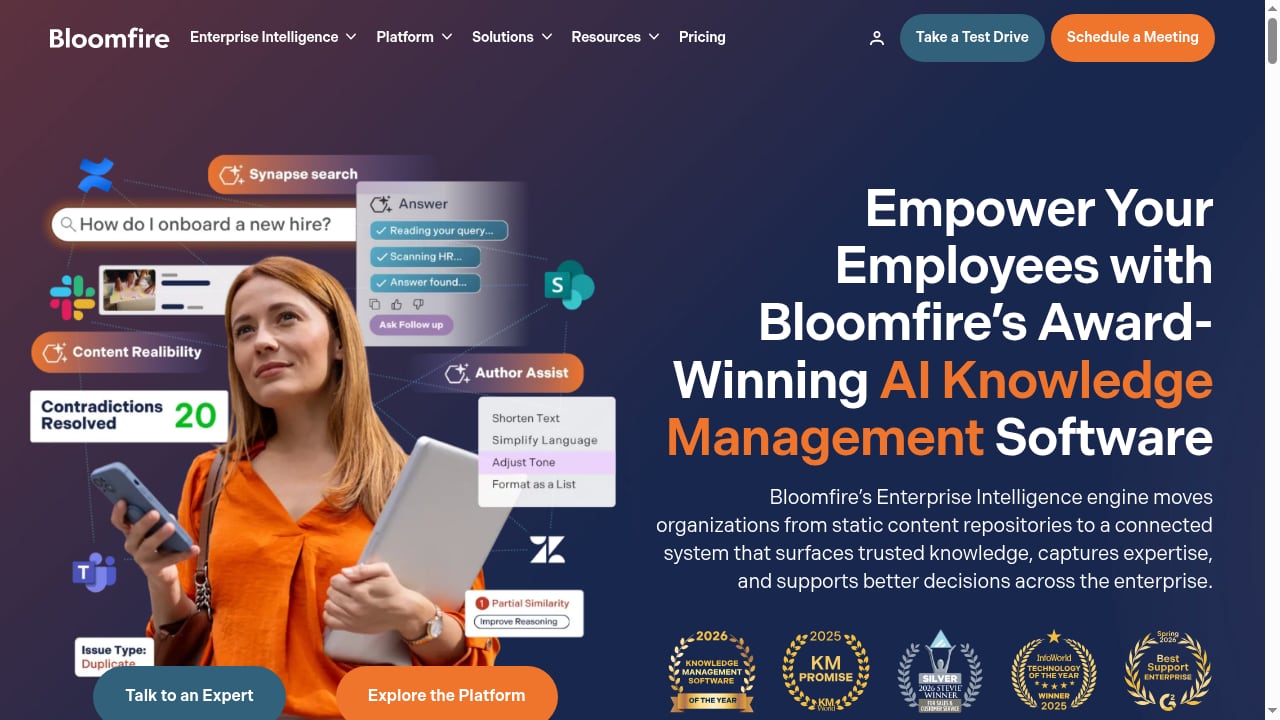
First viewport screenshot of AI-Based Knowledge Management Software System.
1. Glean
Best for: Enterprise-wide AI search across many applications.
Glean connects to over 100 applications and builds a unified index of company knowledge. Its personal AI assistants provide context-aware summaries and answers, pulling from documents, messages, and tickets. The platform is particularly strong for large organizations with strict compliance needs, as it emphasizes secure data handling and permission-aware retrieval.
Strengths: Broad connector library, strong semantic search, enterprise-grade security. Limits: Pricing is quote-only, and setup requires meaningful IT involvement.
2. Document360
Best for: Customer-facing knowledge bases with AI-assisted authoring.
Document360 combines a knowledge base platform with AI features like Eddy AI search, an AI writing agent, and a support ticket deflector. It supports SaaS, IT, and healthcare documentation workflows, with integrations into Freshdesk, Salesforce, Zendesk, Intercom, Microsoft Teams, and Slack.
Strengths: Strong content organization, AI search for both customers and staff, analytics on article performance. Limits: Custom pricing; smaller teams may find the feature set overwhelming.
3. Bloomfire
Best for: Teams working with mixed content formats — video, audio, PDFs, and documents.
Bloomfire's AI-based knowledge management platform indexes diverse content types and surfaces answers through semantic search. Its Content Reliability feature flags outdated or conflicting content, helping teams maintain trust in their knowledge base over time. Custom analytics show what people search for and where gaps exist.
Strengths: Deep indexing of multimedia, content reliability signals, strong analytics. Limits: Custom pricing tiers by team, department, or company size; not aimed at individual users.
4. Guru
Best for: Large or heavily regulated organizations needing a governed knowledge layer.
Guru focuses on internal knowledge retrieval with daily trust-signal checks that flag stale or unverified content. It integrates with Slack, Microsoft Teams, and browsers, delivering answers in the flow of work. The platform is audit-ready and offers deep controls for compliance-focused teams.
Strengths: Governance and verification workflows, in-workflow delivery, strong for regulated industries. Limits: Detection of stale content still requires a person to fix it; custom pricing.
5. Slite
Best for: AI-forward teams wanting a self-maintaining knowledge base.
Slite's Agent detects document drift and proposes fixes for human approval, positioning the platform as a knowledge base that helps maintain itself. It also serves as a context layer for AI agents, so support, ops, and sales agents read from current documentation. Pricing starts around $10 per user per month on the Basic annual plan.
Strengths: Drift detection with approval workflows, clean editor, affordable entry pricing. Limits: Smaller connector ecosystem than Glean; best for teams that commit to the Slite workflow.
6. Confluence
Best for: Organizations already invested in the Atlassian ecosystem.
Confluence pairs team-based document collaboration with Atlassian Intelligence writing assistance on Premium plans and above. It is a mature platform with extensive templates, permissions, and integrations into Jira and other Atlassian tools. Pricing starts around $5.42 per user per month on the Standard annual plan.
Strengths: Deep collaboration features, strong ecosystem, predictable per-seat pricing. Limits: AI capabilities are less advanced than dedicated AI knowledge platforms; search can feel dated without add-ons.
7. Tettra
Best for: Small and medium businesses wanting a Q&A-driven knowledge base.
Tettra turns frequently asked questions into reusable knowledge, with a Kai AI bot and scheduled content verification. It integrates with Slack and Microsoft Teams, making it easy to capture answers where conversations happen. Pricing starts around $8 per user per month on the Scaling plan with a 10-user minimum.
Strengths: Simple Q&A workflow, affordable for SMBs, Slack-native capture. Limits: Less suited to complex, multi-department knowledge structures.
8. Stonly
Best for: High-volume customer service teams that need guided self-service.
Stonly's Knowledge Agents monitor sources around the clock and suggest updates, while guided flows walk customers through multi-step processes. It is built for support scenarios where knowledge must execute real processes, not just answer questions. Pricing is available on request.
Strengths: Interactive guides, proactive knowledge monitoring, strong for complex support flows. Limits: Quote-based pricing; may be overkill for simple internal wikis.
9. Nuclino
Best for: Small to medium businesses merging knowledge management with project collaboration.
Nuclino offers a lightweight, visual workspace with Sidekick AI for drafting and summarizing. It combines documents, boards, and graphs in one interface, making it easy to see how knowledge connects. Pricing starts around $6 per user per month on the Starter annual plan.
Strengths: Intuitive interface, affordable, good for cross-functional teams. Limits: AI features are more assistive than transformative; not designed for massive enterprise deployments.
10. Zendesk
Best for: Growing customer support teams needing a scalable, multilingual knowledge base.
Zendesk's knowledge base is part of a broader customer service platform, with AI features like the Resolution Learning Loop that connects AI, agents, and knowledge. It supports advanced automation and multilingual content, making it a fit for expanding support operations. Pricing starts around $55 per agent per month on the Suite Team plan.
Strengths: Tight integration with ticketing, strong automation, scalable for large support teams. Limits: Knowledge management is one piece of a larger platform; costs add up as you add agents and features.
How to Choose the Right AI Knowledge Management Software
First viewport screenshot of Knowledge Management Software Pricing & Plans.
Start with your primary use case:
- Internal knowledge retrieval: Prioritize Glean, Guru, or Slite if your team needs fast answers across many apps.
- Customer-facing knowledge bases: Document360, Stonly, and Zendesk are built for external support content.
- Mixed content formats: Bloomfire excels when your knowledge includes video, audio, and PDFs.
- Budget-conscious SMBs: Tettra and Nuclino offer strong value at lower price points.
- Atlassian-centric organizations: Confluence integrates seamlessly if you already use Jira.
Next, check pricing transparency and integration fit. Quote-only pricing often signals enterprise complexity — factor in implementation time and IT involvement.
If your team also needs a no-code, AI-powered help center or self-service portal alongside an internal knowledge base, it is worth evaluating adjacent tools. For example, HelpLook is an all-in-one platform for building knowledge bases, help desks, and self-service support experiences without coding. It combines AI search, content creation, and SEO optimization, and is trusted by over 10,000 companies. While it is not a member of the AI knowledge management category ranked above, it can complement platforms like Document360 or Zendesk when you need a customer-facing help center with SEO-ready portals. You can see how it compares in this HelpLook vs Docsie vs Archbee comparison or explore a Helpjuice review for 2026 if you are weighing dedicated knowledge base tools.
Related reading
- How to Use HelpLook with Sendbird: Chat + AI Knowledge Base - Connect HelpLook with Sendbird to power in-app chat and omnichannel support with AI-searchable answers. Setup steps, workflow, examples, and FAQs.
- HelpLook vs Knowledge Base Software vs Hesk Help Desk - Compare HelpLook, hosted knowledge base software, and Hesk help desk on AI search, self-service, ticketing, SEO, and cost to pick the right support stack.
- HelpLook vs Docmost: AI Knowledge Base vs Self-Hosted Wiki - HelpLook vs Docmost compared: AI search, no-code help centers, SEO, and cloud SaaS versus self-hosted enterprise wiki with SSO, MFA, and compliance controls.
Frequently Asked Questions
What is AI knowledge management software?
AI knowledge management software uses natural language processing, machine learning, and generative AI to organize, search, and maintain organizational knowledge. Unlike traditional wikis, it understands intent-based queries, surfaces direct answers, and can flag outdated content.
How much does AI knowledge management software cost in 2026?
Pricing ranges from around $5–$10 per user per month for tools like Confluence, Nuclino, and Tettra, to $55 per agent per month for Zendesk's Suite Team plan. Enterprise platforms like Glean, Guru, and Bloomfire use quote-based pricing, which typically reflects implementation and governance needs.
Which AI knowledge management tool is best for customer support?
Document360, Stonly, and Zendesk are strongest for customer-facing support knowledge. They combine AI search with ticket deflection, guided flows, and integration into support workflows. For internal support teams, Guru and Slite are better fits.
Can AI knowledge management software replace a human knowledge manager?
No. AI can detect stale content, suggest updates, and draft new articles, but human review and approval remain essential. Platforms like Slite and Guru explicitly route AI-detected issues to people for verification.
What should I look for in a free trial or demo?
Test natural-language search with real questions your team asks. Check how well the tool integrates with your existing stack (Slack, Teams, Google Workspace, CRM). Look for analytics on search gaps, and confirm whether AI content maintenance is included or an add-on.
Conclusion
The best AI knowledge management software for 2026 depends on whether you need internal knowledge retrieval, customer-facing support content, or both. Glean leads for enterprise-wide search, Document360 and Zendesk excel for customer support, and Bloomfire handles mixed media better than most. For teams that also need a no-code, SEO-optimized help center, complementary tools like HelpLook can fill that gap without replacing your core knowledge platform.
Evaluate each option against your integration requirements, governance needs, and budget — then run a focused trial with real queries from your team. The right platform is the one your people actually use.
Sources: