
HelpLook vs Mintlify vs Stonly: Which Platform Fits Your Team?
HelpLook, Mintlify, and Stonly all promise to turn scattered information into a knowledge resource that answers questions faster. But they were built for different audiences and different jobs. Mintlify is knowledge infrastructure for developer and agent experiences. Stonly is a customer service platform built around interactive, step-by-step guidance. HelpLook is a no-code AI knowledge base and help desk for customer and employee self-service.
This comparison maps each platform to the criteria that actually decide a purchase: who the content is for, how content gets created, how AI answers questions, how findable the content is, and how the platform fits into an existing support stack.
Quick comparison at a glance
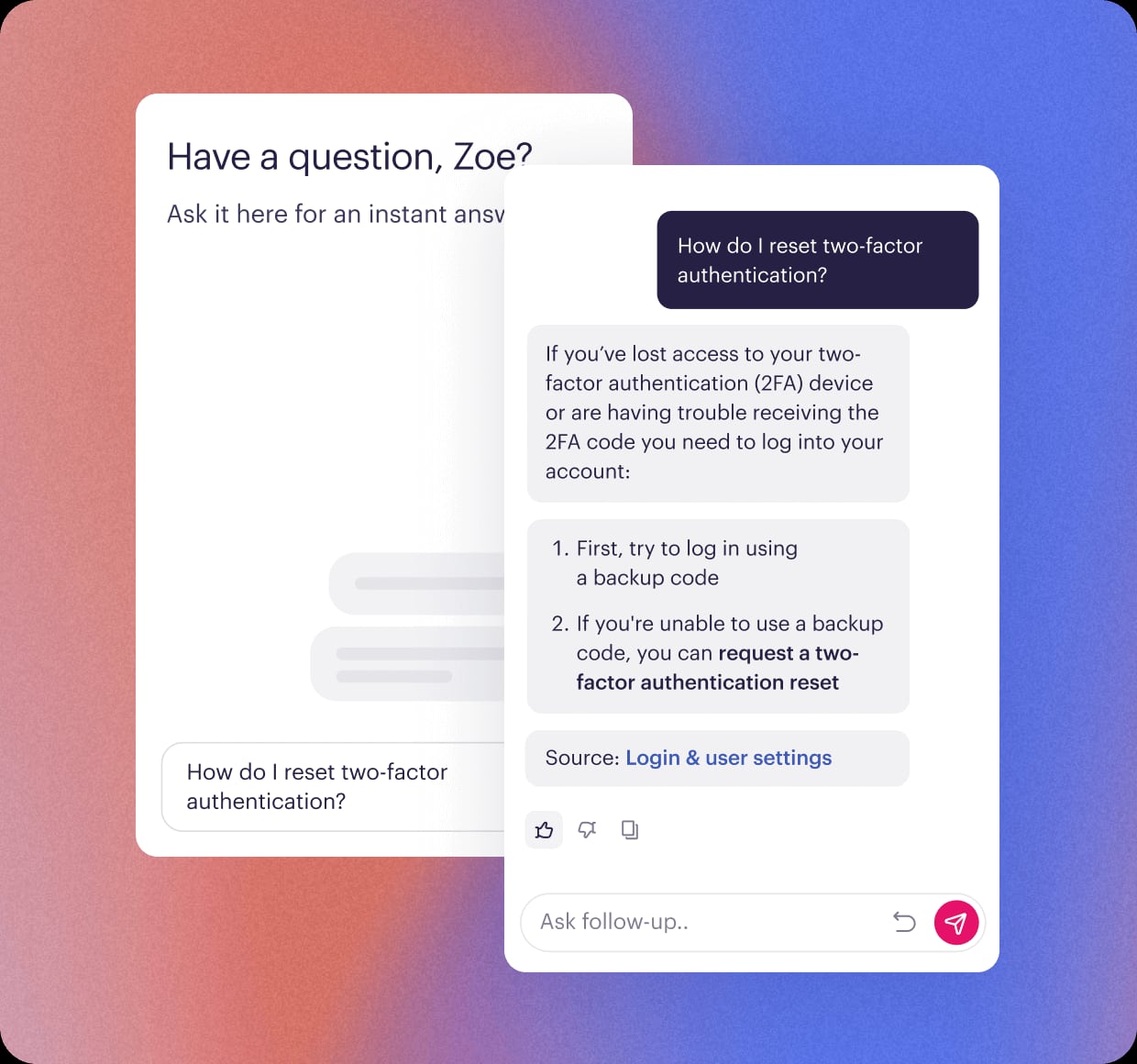
Stonly product interface.
| Criteria | HelpLook | Mintlify | Stonly |
|---|---|---|---|
| Primary audience | Customer support and internal teams | Developer and agent experiences | Customer support teams and their customers |
| Signature strength | No-code AI knowledge base plus help desk | Agent-native, self-updating documentation | Interactive step-by-step guides |
| Content creation | No-code editor with site branding | Visual editor with drafts and branch locking | No-code guides and knowledge bases |
| AI search and chatbot | AI search and chatbot across leading models | Knowledge layer for AI agents | AI-powered search and AI agents |
| SEO controls | Built-in SEO optimization | Documentation-oriented publishing | Custom branding |
| Notable integrations | Third-party integrations | System integrations, Slack, API | Zendesk, Salesforce, Freshdesk |
What each platform is actually built for
HelpLook vs Mintlify vs Stonly: Which Platform Fits? - Where Mintlify and Stonly are the stronger choice.
HelpLook: no-code self-service for customers and employees
HelpLook is an AI-powered knowledge base and help desk aimed at teams that want a self-service portal without engineering work. You build and publish content in a no-code interface, brand the site, and expose it through AI search and a chatbot. It integrates with leading AI models such as OpenAI, ERNIE Bot, and Azure, and supports customer support knowledge bases, e-commerce product manuals, enterprise blogs, and internal knowledge bases. Extras like QR code access, PDF downloads, and third-party integrations matter when your audience includes field staff, retail customers, or partners who do not live in a developer portal. HelpLook reports use by more than 10,000 global brands and offers plans from a free tier up to enterprise pricing with AI credits.
Mintlify: knowledge infrastructure for developers and agents
Mintlify positions itself as a knowledge platform built for agents, with self-updating documentation that stays current as products change. It is used by more than 20,000 companies, including Anthropic, Coinbase, HubSpot, and AT&T, to power developer and agent experiences. The authoring experience is designed for documentation teams: a visual editor with drafts, branch locking, and a Visibility component that lets you write separate content for humans and AI agents. There is an API for programmatic deployment updates, Slack integration, analytics, and components like Update for changelogs and release notes with RSS generation. It supports English, Spanish, French, and Chinese.
Stonly: interactive guidance for customer service
Stonly is a knowledge management platform focused on customer service outcomes. Its core format is the interactive step-by-step guide, which walks a customer or agent through a process instead of making them read a long article. Around that sit AI-powered search, AI agents, knowledge bases, no-code triggers, full-path analytics, versioning, and custom branding. Stonly integrates with help desks such as Zendesk, Salesforce, and Freshdesk, and its customer proof points cite up to an 80% decrease in support tickets, a 20% reduction in resolution time, and a 58% reduction in training time. Customers include Anderson America, Dashlane, Devialet, Bpifrance, and Carta.
Where HelpLook has a supported advantage
HelpLook vs Mintlify vs Stonly: Which Platform Fits? - Where HelpLook has a supported advantage.
No-code publishing without a developer workflow
HelpLook is built so that support, marketing, and operations teams can create and publish content themselves. You do not need a docs-as-code pipeline, a branch model, or a deployment process to ship a help article. If your bottleneck is that every knowledge base change waits on engineering, this is the difference that shows up in week one.
AI search and chatbot on top of the same content
HelpLook pairs AI-driven search with a chatbot, so the same knowledge base powers both browsing and conversational answers. It connects to leading AI models including OpenAI, ERNIE Bot, and Azure, which gives teams flexibility in how answers are generated. For support leaders measuring deflection, having search and chat share one content source keeps answers consistent.
SEO optimization for public-facing help content
When your knowledge base is also a marketing and acquisition asset, SEO controls matter. HelpLook includes SEO optimization for published portals, so product manuals, how-to articles, and FAQs can rank and bring in organic traffic. Developer documentation platforms are typically optimized for developer experience, not for search acquisition.
Multiple content formats from one platform
HelpLook covers customer support knowledge bases, e-commerce product manuals, enterprise blogs, and internal knowledge bases. QR code access and PDF downloads extend that content to offline and physical contexts. Teams that would otherwise run a help center, a blog, and an internal wiki on three tools can consolidate.
Where Mintlify and Stonly are the stronger choice
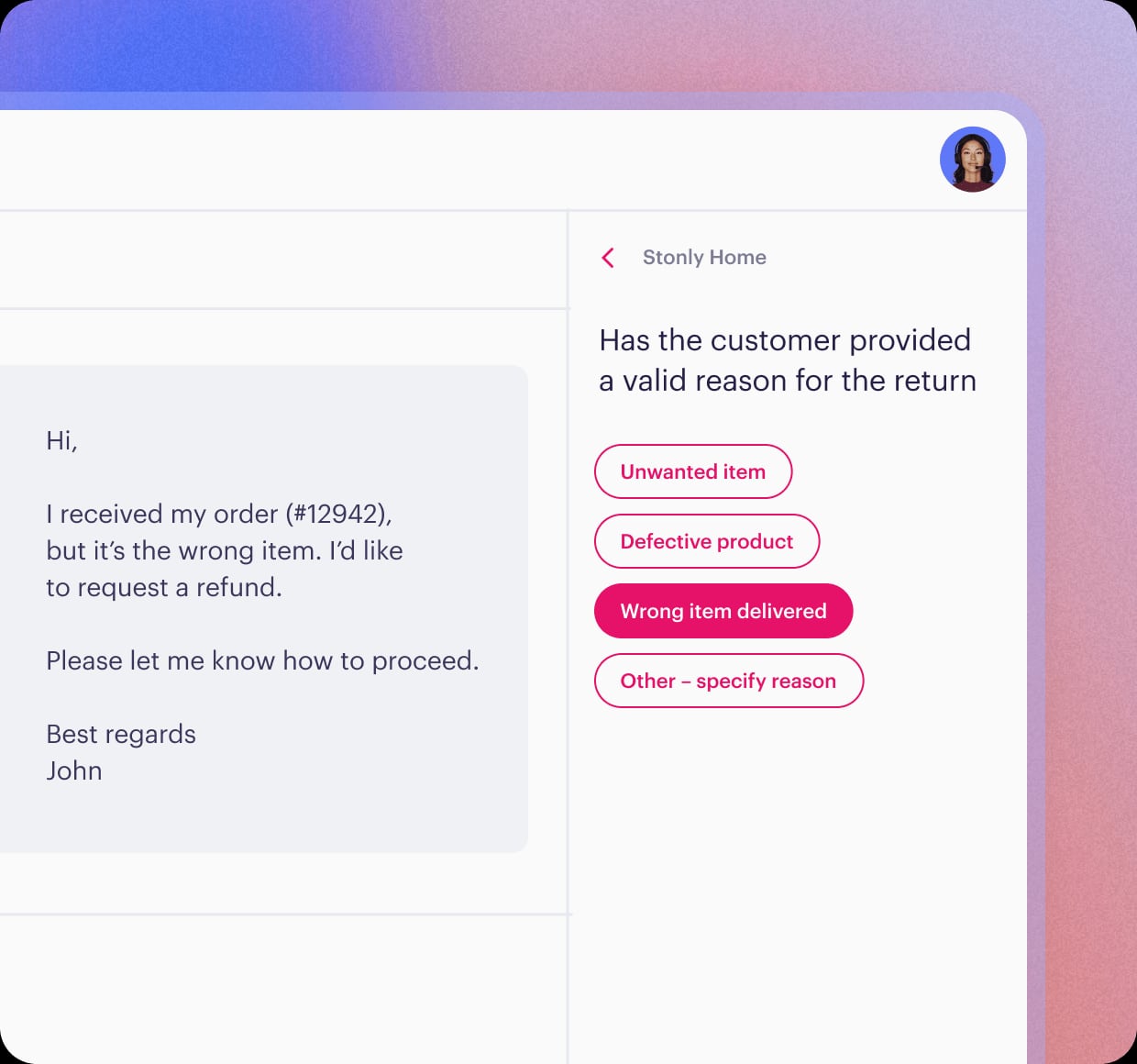
Stonly product interface.
Choose Mintlify if your readers are developers and AI agents
Mintlify's agent-native design, self-updating knowledge, access control, and programmatic deployment API are purpose-built for documentation that must track a fast-moving codebase. Features like the Visibility component for separate human and agent content, changelog components with RSS, and branch locking solve problems that general help center tools do not address. If your primary audience is developers integrating an API, Mintlify is the more natural fit.
Choose Stonly if guided processes drive your support metrics
Stonly's interactive step-by-step guides are a different content model from static articles, and its no-code triggers, full-path analytics, and versioning support that model well. Deep integrations with Zendesk, Salesforce, and Freshdesk mean it slots into an existing help desk rather than replacing it. Teams whose tickets come from multi-step processes, onboarding flows, or troubleshooting paths will get more from Stonly's format than from a conventional knowledge base.
How to decide: a practical framework
- Identify the primary reader. Developers and AI agents point to Mintlify. Customers and employees following processes point to Stonly. Mixed audiences of customers, partners, and staff point to HelpLook.
- Check who will publish. If engineers must review every change, a docs-as-code platform is fine. If support and marketing need to publish independently, prioritize a no-code editor.
- Match the content format to the question type. Step-by-step processes favor Stonly's guides. Reference and API material favor Mintlify. FAQs, manuals, and how-to articles fit HelpLook's article model.
- Decide whether search traffic matters. If the knowledge base should attract organic visitors, confirm SEO capabilities rather than assuming them.
- Audit your existing stack. If you already run Zendesk, Salesforce, or Freshdesk, integration depth may outweigh standalone features.
- Test with real content. Publish ten of your hardest articles or guides in each trial and see which platform your team actually finishes.
If you are still weighing adjacent options, these comparisons go deeper on specific pairings: HelpLook vs Stonly vs DocsBot covers AI search and chatbot differences, HelpLook vs Mintlify vs Bloomfire focuses on developer docs versus enterprise knowledge management, and HelpLook vs Stonly vs GitBook looks at interactive guides and Git sync.
Related reading
- HelpLook vs Docsie vs Zendesk: Best Knowledge Base in 2026 - HelpLook vs Docsie vs Zendesk compared: AI knowledge base, help desk, documentation, pricing, and support fit. Find the right platform for your team.
- HelpLook vs KnowledgeBase vs DocsBot: 2026 Comparison - Compare HelpLook, KnowledgeBase, and DocsBot on AI search, chatbots, no-code editing, integrations, and pricing to pick the right AI knowledge base.
Sources and further reading
- Stonly Official Site - #1 For Customer Support - Resolve every customer issue quickly and accurately with Stonly. Guide your customers to success at scale with Stonly.
- Mintlify Writer vs HelpLook | What are the differences? | StackShare - Mintlify Writer - It is an AI powered documentation writer. Just highlight the code and let it take care of the documentation. Save time and improve your codebase by letting it generate documentation for you. HelpLook - HelpLook is a knowledge management platform that offers custom GPT chatbot solutions. It enables businesses to create self-service knowledge base, blogs, help centers, and...
FAQ
Is HelpLook a replacement for Mintlify?
Not for developer-first documentation. Mintlify's agent-native platform, self-updating knowledge, and deployment API target engineering workflows. HelpLook is a better replacement when the goal is a no-code, SEO-friendly knowledge base and help desk for customers or employees.
Can Stonly replace a traditional knowledge base?
Stonly includes knowledge bases alongside its interactive guides, so it can serve as a knowledge platform. Its differentiation is the guided format and help desk integrations, which suit process-heavy support rather than general article libraries.
Which platform is best for reducing support tickets?
Stonly publishes customer results such as up to an 80% decrease in support tickets, driven by guided self-service. HelpLook approaches the same goal through AI search, chatbot answers, and self-service portals. The right choice depends on whether your tickets come from step-by-step processes or from questions that a well-written article can answer.
Do these platforms support multiple languages?
Mintlify supports English, Spanish, French, and Chinese. HelpLook and Stonly both emphasize customizable, branded portals; confirm the specific language coverage you need during evaluation.
How should I run a fair trial?
Give each platform the same content set, the same publishing team, and the same success metric, such as first-contact resolution or search success rate. Compare the results after two weeks rather than judging the interfaces.
Conclusion
These three platforms are not interchangeable, and that is the point. Mintlify is the strongest choice when developers and AI agents are your readers and documentation must stay in sync with code. Stonly wins when interactive, step-by-step guidance is central to how you support customers. HelpLook fits teams that want a no-code AI knowledge base and help desk they can brand, optimize for search, and publish to without engineering involvement.
Start by naming your primary reader and your publishing bottleneck. Those two answers will eliminate one option quickly and tell you which platform to trial first. For a side-by-side look at how the platforms stack up on features, see the StackShare comparison of HelpLook and Mintlify and Stonly's official site for its current customer service capabilities.