
HelpLook vs Stonly: Which Knowledge Management Platform Fits Customer Service?
Customer service teams rarely fail because they lack information. They fail because the right answer is buried, outdated, or locked inside a tool that customers and agents do not want to use. That is the problem both HelpLook and Stonly try to solve, but they approach it from different directions.
HelpLook is an all-in-one, AI-powered knowledge base and help desk platform for building customer-facing help centers, internal knowledge bases, product manuals, and self-service portals without code. Stonly is an AI knowledge management and customer service platform built around interactive, step-by-step explanations, decision trees, and guides that adapt to each customer's situation. This comparison looks at where each one is strong, where the trade-offs appear, and which type of team should pick which.
What Each Platform Actually Does
First viewport screenshot of Pricing and Plans | Stonly.
HelpLook in one paragraph
HelpLook combines AI search, no-code content creation, SEO optimization, customizable portals, embeddable widgets, and analytics in a single SaaS product. Teams use it to publish help centers, FAQs, user guides, troubleshooting content, enterprise blogs, and internal knowledge repositories. It is trusted by over 10,000 companies and is positioned as a low-code, ready-to-use system for editors, support teams, content creators, and operations professionals across SaaS, e-commerce, legal, healthcare, financial services, and education.
Stonly in one paragraph
According to its Crozdesk software profile, Stonly describes itself as "the modern knowledge platform for customer service." Its core idea is that knowledge should be interactive rather than static. It offers step-by-step guides, decision trees, AI answers, automations, walkthroughs, checklists, and knowledge bases for both agents and customers. Stonly integrates with tools such as Zendesk, Salesforce Service Cloud, Freshworks, and HubSpot, and it scores 93/100 in Crozdesk's Knowledge Management category based on user satisfaction and other signals.
Feature-by-Feature Comparison
| Dimension | HelpLook | Stonly |
|---|---|---|
| Primary format | AI-powered knowledge base, help center, and self-service portal | Interactive guides, decision trees, and AI answers |
| Content creation | No-code editor for help centers, FAQs, manuals, blogs, and internal wikis | Step-by-step guide builder and decision-tree authoring |
| AI search | AI-powered search across published knowledge | AI answers that leverage existing knowledge |
| Customer-facing SEO | Built-in SEO optimization for public help content | Not positioned as an SEO-first publishing platform |
| Delivery surfaces | Customizable portals, web and app widgets | In-product walkthroughs, checklists, and support-tool integrations |
| Analytics | Portal and content analytics | Feedback collection and knowledge impact measurement |
| Best-fit teams | Support, content, e-commerce, and operations teams that want one publishing and self-service hub | Support teams that want guided, branching resolutions inside existing tools |
Where HelpLook Has an Advantage
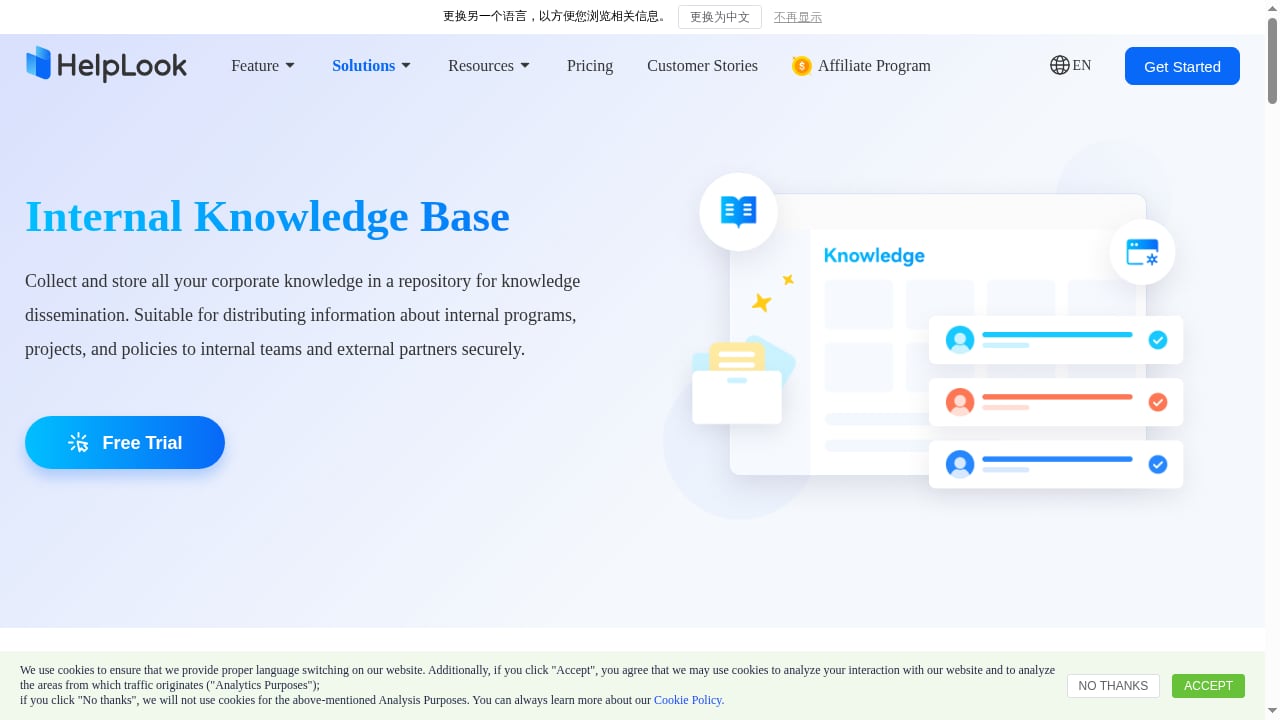
First viewport screenshot of Ideal AI-Powered Internal Knowledge Base Software- HelpLook.
1. One platform for publishing, search, and self-service
HelpLook is designed as an all-in-one system. A team can create a customer-facing help center, an internal knowledge base, a product manual, an enterprise blog, and an FAQ from the same platform, then expose that content through customizable portals and widgets. That reduces the number of tools a support or content team has to stitch together.
2. SEO is treated as a first-class feature
Public help content is only useful if people can find it before they contact support. HelpLook includes SEO optimization for help centers and knowledge base pages, which means troubleshooting articles and FAQs can rank in search engines and absorb demand that would otherwise become tickets. Stonly's strength is interactive guidance delivered inside support workflows, not organic search visibility for public documentation.
3. No-code setup for non-technical teams
HelpLook is positioned as a low-code, ready-to-use SaaS system. Editors, support managers, and operations professionals can build and maintain knowledge without engineering involvement. That matters for teams that do not have a dedicated docs-as-code pipeline or developer time to spare.
4. Broad content-type coverage
The same platform handles customer knowledge bases, e-commerce product manuals, enterprise blogs, and internal knowledge repositories. Teams that need more than a support widget, and want a single home for multiple content types, get more mileage from HelpLook's structure.
Where Stonly Has an Advantage
First viewport screenshot of Knowledge Management For Customer Service | Stonly.
1. Interactive, branching guidance
Stonly's clearest differentiator is that its knowledge is interactive instead of static. Decision trees and step-by-step guides can walk a customer or agent through a resolution path that changes based on their answers. For complex, multi-branch troubleshooting, that format can be more effective than a flat article.
2. Deep support-tool integrations
Stonly integrates with Zendesk, Salesforce Service Cloud, Freshworks, HubSpot, and other tools. If your support operation already lives inside one of those platforms, Stonly can deliver guidance directly in the agent's workflow rather than asking them to open a separate knowledge base.
3. Strong user satisfaction signal
Crozdesk reports a 93/100 score in the Knowledge Management category, driven by a 95/100 user satisfaction component. That is a meaningful signal for buyers who weight end-user experience heavily.
4. Feedback and impact measurement
Stonly provides tools to collect feedback, measure, and improve how knowledge affects business outcomes. Teams that want to prove knowledge ROI inside a support organization will find that framing useful.
Where Each Platform Shows Trade-Offs
No platform wins every category, and the honest comparison is about fit rather than absolute superiority.
- Public search visibility: HelpLook treats SEO as a built-in capability for help centers and knowledge bases. Stonly's public profile and product description emphasize interactive delivery and support integrations, not organic search performance for public documentation.
- Content format flexibility: Stonly's interactive guides and decision trees are powerful for branching scenarios, but that format is narrower than a full publishing platform for blogs, manuals, and multi-type knowledge repositories.
- Ecosystem dependence: Stonly's value is amplified when paired with tools like Zendesk, Salesforce Service Cloud, Freshworks, or HubSpot. Teams outside those ecosystems get less of the workflow benefit.
- Tool consolidation: HelpLook is positioned as an all-in-one platform covering knowledge base, help desk, and self-service experiences. Teams that want one vendor for publishing, search, and portal management will find that consolidation appealing.
Pricing and Evaluation Signals
Both products appear in software review directories with free trial and free version options. Crozdesk lists Stonly with a 93/100 Knowledge Management score, and HelpLook's Crozdesk listing places it alongside other knowledge management tools in the same category. Techreviewer's AI knowledge base software category also includes HelpLook among AI-powered knowledge base platforms, noting its focus on help centers, internal wikis, and self-service portals with integrated AI search.
Because pricing tiers change, the practical move is to run a short pilot with your own content. Publish ten real articles or guides, test search quality, and measure how often customers resolve issues without contacting an agent.
Which Should You Choose?
First viewport screenshot of Case Studies | Stonly.
Choose HelpLook if you want:
- A single platform for customer help centers, internal knowledge bases, product manuals, and blogs
- AI-powered search across all published knowledge
- SEO optimization so public help content ranks and reduces ticket volume
- No-code content creation for editors and support teams without engineering support
- Customizable portals and widgets for web pages and applications
Choose Stonly if you want:
- Interactive, branching guides and decision trees for complex resolutions
- Guidance delivered inside Zendesk, Salesforce Service Cloud, Freshworks, or HubSpot
- Strong end-user satisfaction signals and feedback-driven knowledge improvement
- A support-first platform rather than a broad publishing and SEO system
If your priority is reducing inbound tickets through findable, search-optimized self-service content, HelpLook's combination of AI search, SEO, and no-code publishing is a strong fit. If your priority is guiding customers and agents through branching, interactive resolutions inside an existing support suite, Stonly's format is the differentiator.
For a wider view of the category, see this comparison of the top AI knowledge base and help desk software for 2026, or read the dedicated Stonly review for knowledge management in customer service for a deeper look at that platform's strengths and limits.
Related reading
- Archbee Review 2026: Knowledge Portal Platform Pros & Cons - Evidence-based Archbee review: block editor, API docs, AI features, real pricing tiers, setup, limitations, and who should choose it in 2026.
- How to Use HelpLook with Context Link: AI Meets Your Business - Connect HelpLook and Context Link so ChatGPT, Claude, and AI agents get source-backed answers from your knowledge base. Setup steps, workflow, and examples.
- HelpLook vs Helpjuice vs AI Support Platforms: 2026 Guide - Compare HelpLook, Helpjuice, and AI customer service platforms on AI search, self-service, SEO, and cost to pick the right support stack for 2026.
Frequently Asked Questions
Is HelpLook a replacement for Stonly?
They overlap in customer service knowledge management, but they are not identical. HelpLook is an all-in-one AI knowledge base and help desk platform with SEO and no-code publishing. Stonly is built around interactive guides, decision trees, and AI answers delivered inside support workflows. Teams that want public, search-optimized self-service content often lean toward HelpLook; teams that want branching in-product guidance often lean toward Stonly.
Does Stonly support SEO for public help centers?
Stonly's public positioning emphasizes interactive knowledge, AI answers, automations, and integrations with support platforms. SEO optimization for public help content is not its headline capability, whereas HelpLook includes SEO optimization as a core feature.
Can HelpLook handle complex troubleshooting flows?
HelpLook supports troubleshooting content, FAQs, user guides, and product manuals, and it provides AI-powered search so users can find the right answer quickly. If your resolution paths require deeply branching decision trees, that is where Stonly's interactive format is specifically designed to excel.
Which platform is easier for non-technical teams?
HelpLook is positioned as a low-code, ready-to-use SaaS system, so editors and support teams can create and manage content without coding. Stonly also provides authoring tools for guides and decision trees, but its value is closely tied to integrating with existing support platforms.
What should I test before deciding?
Run a two-week pilot with real content. Publish a mix of FAQs, troubleshooting articles, and one branching scenario. Then measure search success, self-service resolution rate, and how much time agents save. That evidence will tell you more than any feature checklist.
Conclusion
HelpLook and Stonly both aim to make customer service knowledge more useful, but they solve different problems. HelpLook is the broader platform: AI search, no-code publishing, SEO-optimized help centers, customizable portals, and support for many content types in one system. Stonly is the specialist: interactive guides, decision trees, and AI answers delivered where support teams already work.
If your goal is to build a findable, search-optimized self-service knowledge base that reduces ticket volume and serves customers, agents, and content teams from one place, HelpLook is the more complete fit. If your goal is to guide users through complex, branching resolutions inside Zendesk, Salesforce Service Cloud, Freshworks, or HubSpot, Stonly's interactive approach is worth a close look. Evaluate both against your own content and support workflow, and let resolution data make the final call.