
HelpLook vs Stonly vs DocsBot: Which AI Knowledge Base Wins?
Choosing an AI knowledge base is less about ticking off features and more about matching how your team actually resolves questions. HelpLook, Stonly, and DocsBot all promise faster answers and fewer tickets, but they take different routes to get there.
This comparison breaks down where each platform is strong, where it is limited, and which type of team gets the most value from it.
Quick Verdict
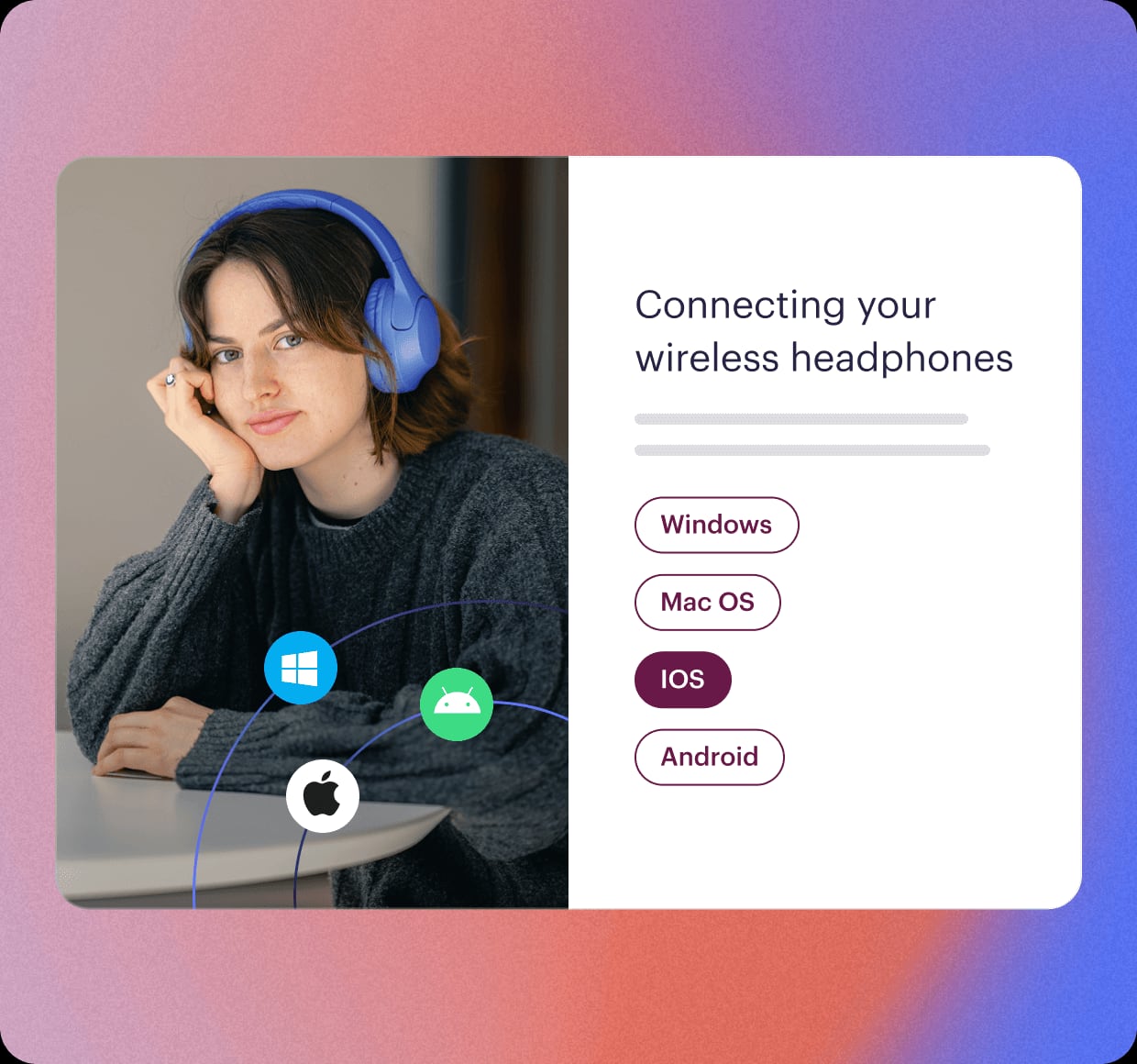
Stonly product interface.
- HelpLook is a strong fit if you want a no-code, SEO-friendly knowledge base and help desk with AI search, a chatbot, and flexible branding — all in one subscription.
- Stonly stands out when your support process depends on interactive, branching guides and deep help desk execution.
- DocsBot is compelling when your priority is training an AI agent on many content sources and connecting it to thousands of apps.
What Each Platform Does Best
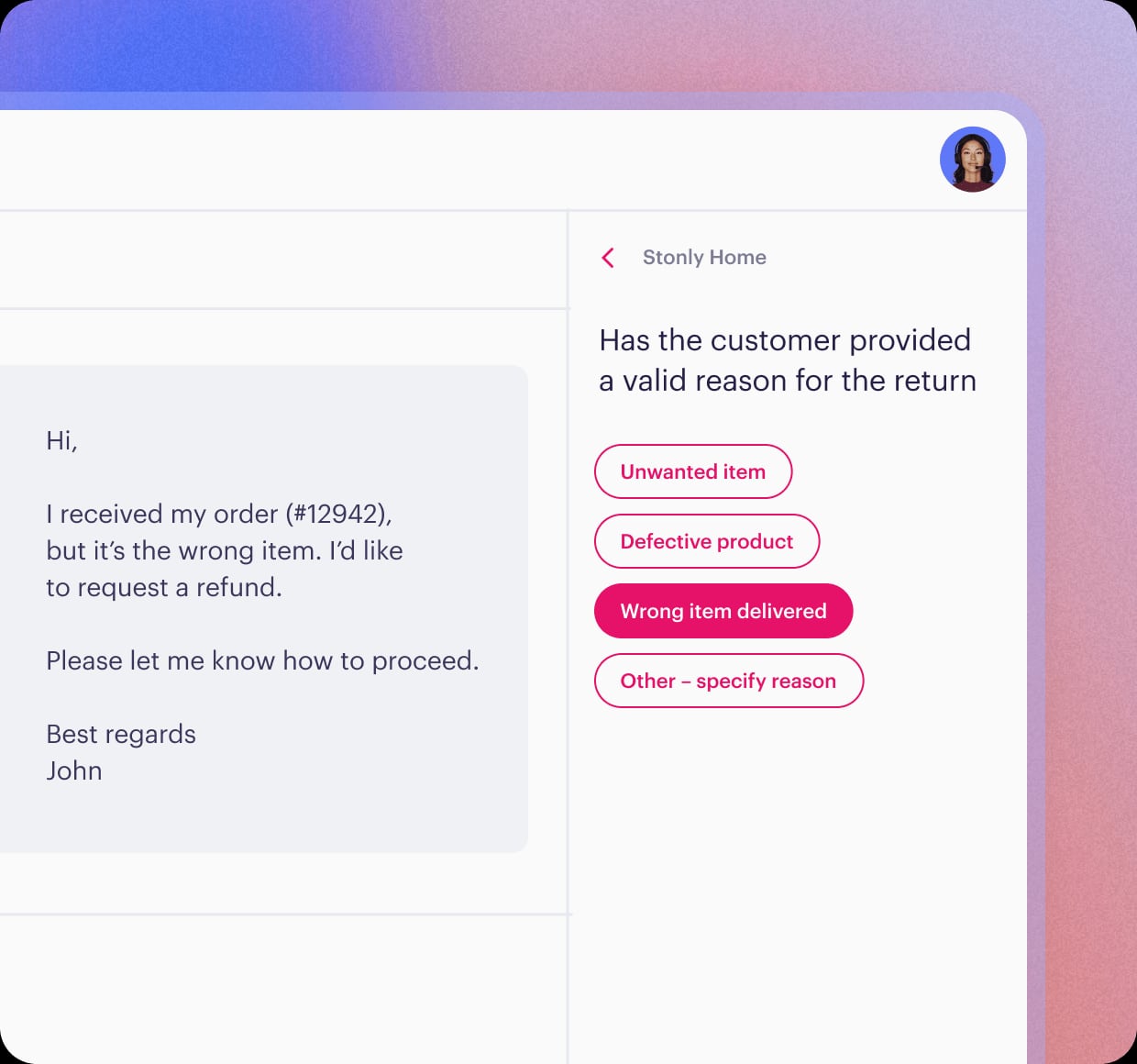
Stonly product interface.
HelpLook: No-Code Knowledge Base with AI Search and Chatbot
HelpLook is built for teams that want to publish a polished self-service portal without writing code. Content creation happens in a visual editor, and you can customize the site branding so the knowledge base looks like part of your product.
Key strengths include:
- AI-driven search and chatbot that pull answers from your published content.
- SEO optimization for public help centers and product manuals.
- Multiple use cases — customer support knowledge bases, e-commerce product manuals, enterprise blogs, and internal knowledge bases.
- Integrations with leading AI models such as OpenAI, ERNIE Bot, and Azure.
- Practical extras like QR code access, PDF downloads, and third-party integrations.
The platform is used by over 10,000 global brands and offers subscription plans from a free tier to enterprise-level pricing.
Stonly: Interactive Guides and Process Automation
Stonly approaches knowledge differently. Instead of relying only on static articles, it lets you build step-by-step guides that branch based on what the reader selects. That makes it a natural fit for troubleshooting flows, SOPs, and processes where the right answer depends on context.
Notable capabilities:
- Interactive step-by-step guides that adapt to each customer's situation.
- AI answers that cite sources and ask clarifying questions on ambiguous queries.
- Knowledge Agents that flag gaps, outdated content, and inconsistencies, then draft updates.
- Full-path analytics covering self-service completion rates, ticket deflection, and content gaps.
- Two-way integrations with help desks like Zendesk, Salesforce, and Freshdesk.
Stonly reports customer outcomes such as up to 80% decrease in support tickets, 20% reduction in resolution time, and 58% reduction in training time. It serves support teams in technology, finance, manufacturing, and energy.
DocsBot: Custom AI Agents Trained on Your Content
DocsBot focuses on turning your existing documentation into a custom AI agent. You can train it on websites, documents, helpdesk tickets, Notion, Confluence, and more than 28 source types.
The platform's core strengths are:
- No-code chat widget that deploys quickly on your site.
- Smart escalation to human agents when the AI cannot resolve a question.
- Multilingual support for global audiences.
- Integrations with 7,000+ apps via Zapier and APIs for custom development.
- Use cases across support, sales, and internal teams — including pre-sales chatbots that capture leads and internal knowledge assistants.
DocsBot is trusted by 75,000+ users and 3,000+ businesses. Pricing ranges from a free plan to business plans up to $499/month, with annual discounts.
Head-to-Head Comparison
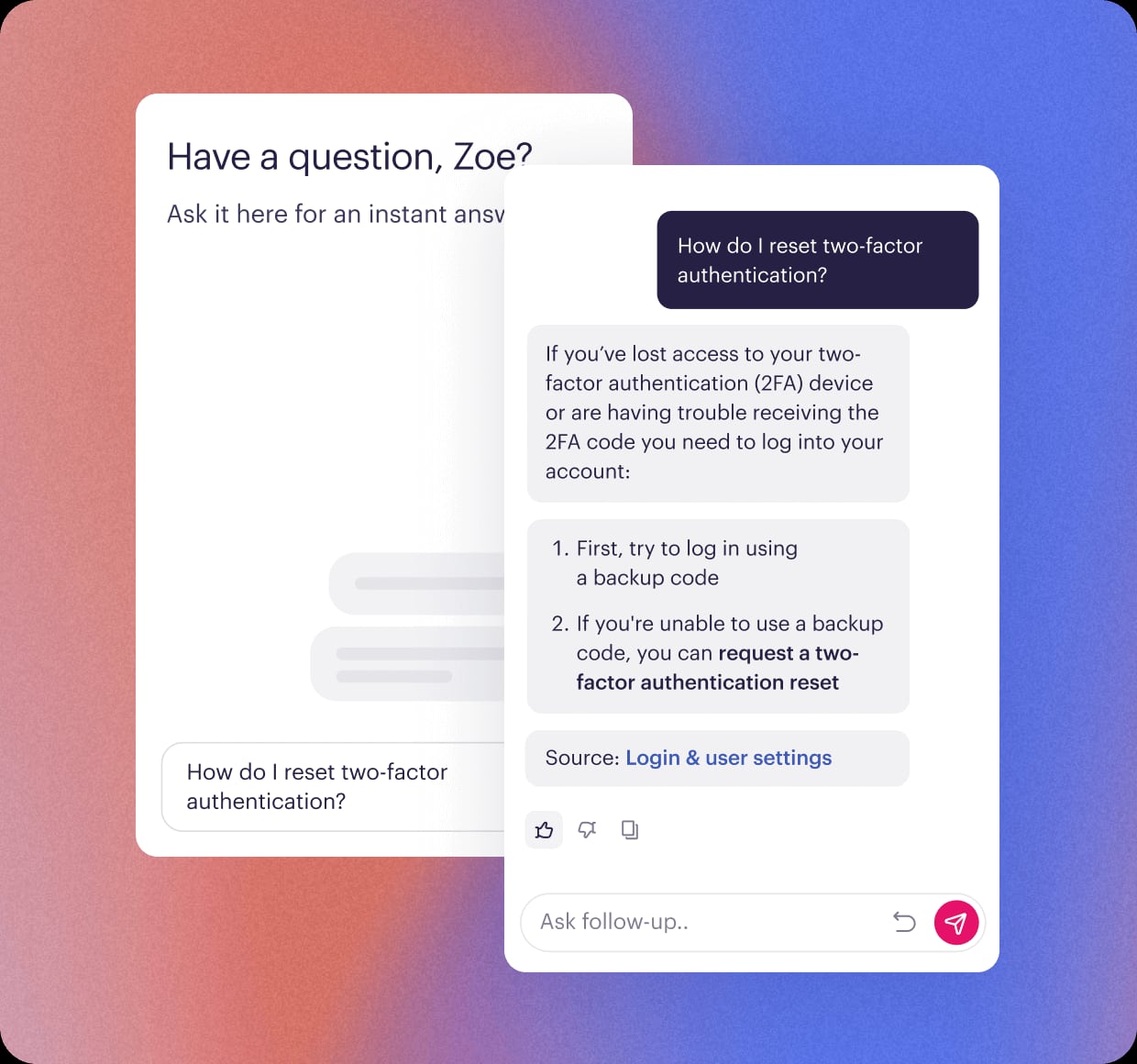
Stonly product interface.
| Criteria | HelpLook | Stonly | DocsBot |
|---|---|---|---|
| Primary focus | AI knowledge base and help desk | AI knowledge management for customer service | AI agents trained on your content |
| No-code content editing | Yes | Yes | Not a full knowledge base editor |
| AI search and chatbot | Yes | Yes | Yes |
| Interactive branching guides | Not a core feature | Yes | No |
| SEO optimization | Yes | Not a primary focus | Not a primary focus |
| Source training breadth | Content published in HelpLook | Stonly content plus connected tools | 28+ source types |
| Help desk integrations | Third-party integrations | Zendesk, Salesforce, Freshdesk, ServiceNow | 7,000+ apps via Zapier |
| Analytics | Usage tracking | Full-path analytics | Support efficiency metrics |
| Pricing model | Free tier to enterprise | Custom pricing | Free to $499/month |
How to Choose

DocsBot product interface.
Choose HelpLook if...
- You want a no-code knowledge base that also works as a help desk.
- SEO visibility for your public documentation matters.
- You need customizable branding, QR code access, and PDF downloads.
- You prefer a subscription with a free tier to start.
Choose Stonly if...
- Your support content depends on interactive, branching guides.
- You need two-way help desk integrations that execute steps inside the ticket.
- You want analytics tied directly to ticket deflection and self-service completion.
Choose DocsBot if...
- Your priority is an AI agent trained on many existing content sources.
- You need broad app connectivity through Zapier and custom APIs.
- You want a pre-sales chatbot or internal knowledge assistant alongside support.
Practical Examples
E-commerce product manuals: HelpLook's no-code editor and SEO features make it straightforward to publish product manuals that rank in search and are easy for customers to browse. QR code access can link physical products to digital instructions.
Complex troubleshooting: Stonly's interactive guides shine when a customer's answer to one question changes the next step. Instead of reading a long article, they follow a path tailored to their situation.
Multi-source AI assistant: DocsBot can ingest helpdesk tickets, Notion pages, and Confluence docs, then answer questions across all of them — useful when knowledge is scattered across tools.
Related reading
- HelpLook vs Stonly vs GitBook: Which Knowledge Base Wins? - Compare HelpLook, Stonly, and GitBook on AI search, no-code editing, interactive guides, Git sync, SEO, and pricing to pick the right knowledge base.
- HelpLook vs Document360 vs DocsBot: Best AI KB in 2026 - Compare HelpLook, Document360, and DocsBot on AI search, chatbots, no-code editing, SEO, integrations, and pricing to pick the right knowledge base.
Sources and further reading
- Stonly - Built For Customer Support - See The Stonly Difference - Resolve every customer issue quickly and accurately with Stonly. Guide your customers to success at scale with Stonly.
FAQ
Is HelpLook a full help desk or just a knowledge base?
HelpLook combines an AI-powered knowledge base with help desk software, so you can publish self-service content and manage support workflows in one platform.
Can Stonly replace a traditional knowledge base?
Yes. Stonly supports standard articles alongside interactive guides, AI answers, and knowledge maintenance agents, so it can serve as both a knowledge base and a process guidance tool.
Does DocsBot include a knowledge base editor?
DocsBot is primarily an AI agent platform. It trains on your existing content sources rather than providing a full no-code knowledge base editor like HelpLook or Stonly.
Which platform is best for SEO?
HelpLook includes SEO optimization as a core feature, making it a strong choice for public-facing documentation that needs to rank in search engines.
Can I start with a free plan?
HelpLook offers a free tier, and DocsBot has a free plan. Stonly uses custom pricing, so you will need to contact its sales team.
Conclusion
HelpLook, Stonly, and DocsBot solve different parts of the same problem. HelpLook gives you a no-code, SEO-friendly knowledge base with AI search and a chatbot in one subscription. Stonly excels at interactive, process-driven guidance with deep help desk execution. DocsBot turns scattered content into a custom AI agent with broad app connectivity.
If your goal is a polished self-service portal that is easy to build and easy to find, HelpLook is worth a close look. If your support process depends on branching logic, Stonly is the stronger fit. If you need an AI agent trained on many sources, DocsBot leads there.
For more comparisons, see how HelpLook stacks up against Docsie and Zendesk and how it compares with KnowledgeBase and DocsBot. You can also read Stonly's guide to help center software and its head-to-head comparison of Helpjuice and Document360 for additional context on the knowledge base market.