
How to Use HelpLook with Fin: AI Knowledge Base + AI Agent
Fin answers customer questions automatically. HelpLook holds the answers your team writes and maintains. Used together, Fin becomes the voice of your HelpLook knowledge base — resolving tickets with accurate, source-backed replies instead of guessing.
This guide explains how the two products complement each other, how to connect them, and what the combined workflow looks like in practice.
Why pair HelpLook with Fin?

Fin product interface.
HelpLook is an all-in-one, AI-powered platform for building knowledge bases, help desks, and self-service support experiences. It gives you a no-code editor, AI search, SEO-optimized help portals, widgets, and analytics — the place where your team writes and organizes product manuals, FAQs, user guides, and troubleshooting content.
Fin is an AI customer service agent that resolves customer queries across the customer journey. It integrates with major helpdesks like Intercom, Salesforce, Freshdesk, HubSpot, and Zendesk, and averages a 76% resolution rate, with many customers seeing over 85%. It handles 2 million weekly resolutions, and its performance improves with use — resolution rates increase roughly 1% every month.
The division of labor is simple:
- HelpLook is the source of truth. Your team writes, edits, and structures the content.
- Fin is the delivery layer. It reads that content and answers customers automatically, in chat, voice, and other channels.
When the knowledge base is strong, Fin's resolution rate goes up. When Fin surfaces gaps — unanswered questions, weak articles — HelpLook gives you the analytics and editing tools to fix them. That feedback loop is the real value of the combination.
How HelpLook and Fin work together
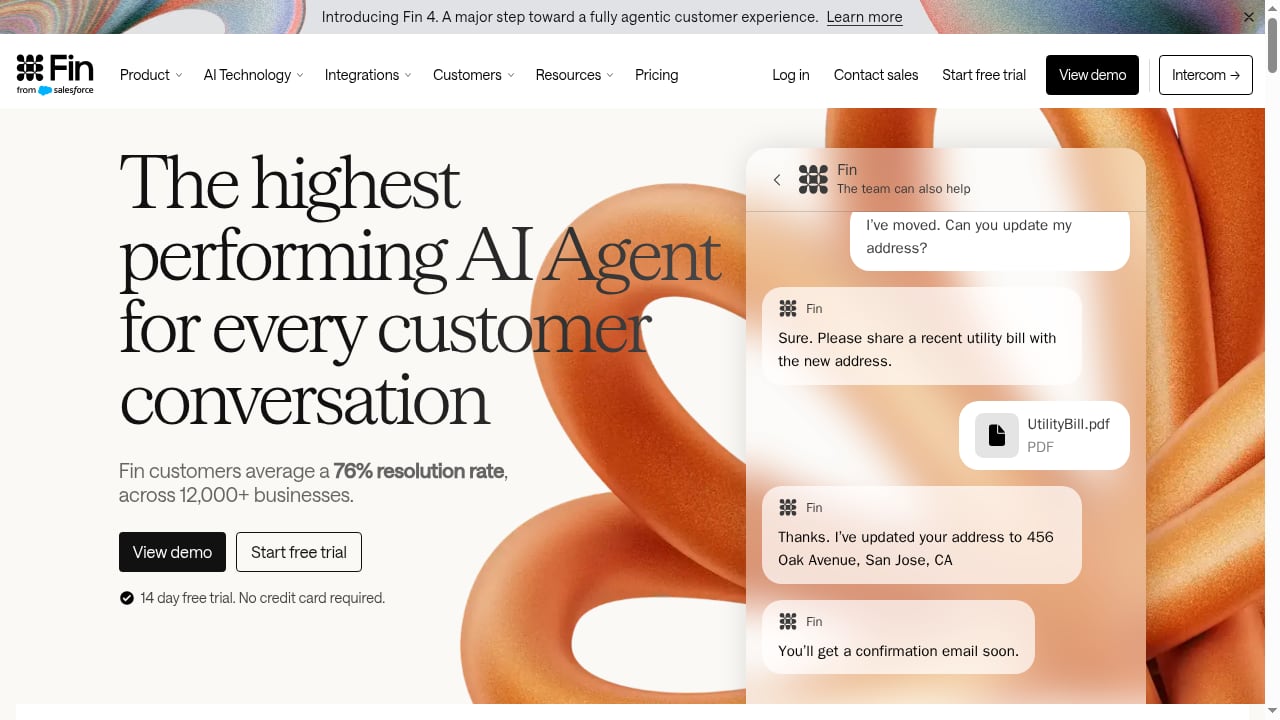
First viewport screenshot of Fin. The highest performing Customer Agent.
The workflow has three stages: publish, connect, and improve.
Stage 1: Publish authoritative content in HelpLook
Start by building the knowledge base that Fin will draw from. In HelpLook you can:
- Create a help center or internal knowledge base using the no-code editor. Add articles, categories, images, videos, tables, and related-article links.
- Write for answerability. Use clear question-style headings, short paragraphs, and step-by-step instructions. Fin performs better when content is structured and unambiguous.
- Optimize for search. HelpLook's SEO features help your public help center rank, while AI search helps visitors find answers directly.
- Embed the knowledge base on your website or product using HelpLook widgets, so customers can self-serve before they ever open a ticket.
Stage 2: Connect Fin to your knowledge sources
Fin reads content from connected helpdesks and knowledge sources. The exact connection depends on which helpdesk you use:
- If you use Intercom, Zendesk, Freshdesk, HubSpot, or Salesforce, connect Fin through that helpdesk's integration. Fin will ingest your help center articles and use them as its answer source.
- If your HelpLook help center is a public site, you can point Fin at it as a content source, or sync HelpLook articles into your helpdesk so Fin can index them.
- Use content guidance in Fin to prioritize which sources it should trust first — for example, your HelpLook product manual over older forum posts.
Stage 3: Measure, find gaps, and improve
Once Fin is live, watch two sets of numbers:
- Fin's resolution rate — the share of conversations it resolves without a human.
- HelpLook analytics — search terms, popular articles, and content gaps.
When Fin can't resolve a question, that's a signal. Add or rewrite the relevant HelpLook article, then let Fin re-index it. Over time, this loop raises resolution rates and reduces support workload.
Setup steps in practice

Fin product interface.
Here's a practical sequence for a SaaS team already using HelpLook.
Step 1: Audit your HelpLook content
Before connecting Fin, make sure your top 20–30 articles are accurate and current. Outdated content is the fastest way to lower an AI agent's accuracy.
Step 2: Choose your integration path
| Your setup | Recommended path |
|---|---|
| HelpLook help center + Zendesk/Intercom/Freshdesk/HubSpot/Salesforce | Connect Fin through your helpdesk; sync HelpLook articles into it |
| HelpLook as the primary public help center | Point Fin at the public site as a content source |
| Internal knowledge base only | Keep HelpLook for internal docs; use Fin for customer-facing answers from your public help center |
Step 3: Configure Fin's content guidance
Tell Fin which sources matter most. If your HelpLook product manual is the canonical reference, rank it above marketing pages or legacy docs.
Step 4: Test before going live
Use Fin's batch testing to run real customer questions against your knowledge base. Check whether answers match your HelpLook articles. Fix gaps in HelpLook, then re-test.
Step 5: Launch and monitor
Start with a limited channel or a subset of conversations. Watch Fin's resolution rate and HelpLook's search analytics side by side. Expand as quality stabilizes.
Practical examples
Example 1: E-commerce order status questions
A customer asks, "Where is my order?" Fin can pull order data through a Stripe or Shopify data connector and answer directly. For policy questions — returns, shipping times — Fin pulls from the HelpLook help center. HelpLook holds the policy; Fin handles the personalization.
Example 2: SaaS troubleshooting
A user reports an error. Fin walks through the troubleshooting steps from your HelpLook user guide. If the issue needs a human, Fin escalates with context. Your team then writes a new HelpLook article for that error, and Fin resolves it automatically next time.
Example 3: Sales meeting booking
Fin's Chili Piper integration lets it book meetings when a prospect asks for a demo. The qualifying questions and pricing FAQ live in HelpLook; Fin handles the conversation and the calendar.
Example 4: Multi-brand support
If you run several brands, HelpLook can host separate help centers, and Fin supports multi-brand help centers. Each brand's agent answers from its own knowledge base.
What problems does this combination solve?
- Hallucinated answers. Fin answers from your HelpLook content, not from general training data.
- Stale knowledge. When HelpLook articles change, Fin's answers change with them.
- Support overload. Self-service in HelpLook deflects simple questions; Fin resolves the rest automatically.
- No visibility into gaps. HelpLook analytics show what customers search for; Fin shows what it couldn't resolve. Together they reveal exactly what content to write next.
- Slow onboarding of new products. Write once in HelpLook, and Fin can answer questions about the new product immediately.
When this combination fits — and when it doesn't
First viewport screenshot of The latest updates from Fin.
It fits well if:
- You already maintain a HelpLook knowledge base and want to automate first-line support.
- You use a helpdesk that Fin integrates with (Intercom, Zendesk, Freshdesk, HubSpot, Salesforce).
- You want measurable resolution rates and a content feedback loop.
Consider alternatives if:
- You need only a knowledge base with no AI agent — HelpLook alone may be enough. See our comparison of HelpLook vs Zendesk vs Documentation.AI for context.
- You want an interactive guide or decision-tree approach rather than a conversational agent. Our HelpLook vs Stonly comparison covers that trade-off.
- You're evaluating the broader market. The top 10 AI knowledge base and help desk software for 2026 roundup compares the main options.
Related reading
- Archbee Review 2026: Knowledge Portal Platform Pros & Cons - Evidence-based Archbee review: block editor, API docs, AI features, real pricing tiers, setup, limitations, and who should choose it in 2026.
Sources and further reading
- Customize and Optimize Your AI-Powered Knowledge Base - HelpLook is a tool for quickly building a free help desk and knowledge base system, providing comprehensive support and assistance for your products. Help you create product manuals, blogs, FAQs, user guides, troubleshooting, and other content without coding, solving various problems for your users. By using HelpLook, you can add SEO optimized keywords to your official product website, helping more users discover and utilize your product. The fast, simple, and free user experience allows you to focus on product development and operations without worrying about the construction of the help center and knowledge base.
- Customize and Optimize Your AI-Powered Knowledge Base - HelpLook is a tool for quickly building a free help desk and knowledge base system, providing comprehensive support and assistance for your products. Help you create product manuals, blogs, FAQs, user guides, troubleshooting, and other content without coding, solving various problems for your users. By using HelpLook, you can add SEO optimized keywords to your official product website, helping more users discover and utilize your product. The fast, simple, and free user experience allows you to focus on product development and operations without worrying about the construction of the help center and knowledge base.
- License Usage Summary Reports Overview - The License Usage Summary report within D365FSC has become a source of truth for license reporting. Let’s take a look at what reports are availa
FAQ
Does Fin replace HelpLook?
No. Fin is the agent that answers; HelpLook is where the answers live. You need a well-maintained knowledge base for Fin to perform well.
Can Fin read my HelpLook help center directly?
Fin reads from connected helpdesks and content sources. If your HelpLook help center is public, you can point Fin at it, or sync HelpLook articles into a supported helpdesk like Zendesk, Intercom, or Freshdesk.
How long does setup take?
Connecting Fin to a helpdesk is typically quick. The longer work is auditing and improving your HelpLook content so Fin has accurate material to work from.
What resolution rate should I expect?
Fin averages 76% across customers, with many seeing over 85%. Your results depend on content quality and query complexity. Resolution rates tend to improve over time as you fill gaps.
Do I need technical skills?
HelpLook is no-code, and Fin's integrations are configuration-based. Most teams can set this up without engineering support.
How do I know what content to write next?
Compare HelpLook search analytics with Fin's unresolved conversations. The overlap shows exactly which articles to add or improve.
Conclusion
HelpLook and Fin solve two halves of the same problem: HelpLook gives you a structured, searchable, SEO-friendly knowledge base, and Fin turns that knowledge into automated customer conversations. The setup is straightforward — publish content, connect Fin to your helpdesk or help center, configure source guidance, test, and iterate. The payoff is a support system that resolves more tickets automatically and gets better every month.
Start by auditing your top HelpLook articles, then connect Fin and run a batch test. The gap analysis that follows will tell you exactly what to do next.