
KnowledgeOwl Review 2026: Reliable Knowledge Base Software?
KnowledgeOwl is a standalone knowledge base platform that helps teams publish help content for customers and staff. This review examines its strengths, limitations, pricing signals, and fit based on verified user feedback and product documentation.
What Is KnowledgeOwl?
KnowledgeOwl is a software platform for creating, organizing, and managing documentation and knowledge bases. Founded in 2015 and based in Boulder, United States, the company focuses on knowledge retention and customer satisfaction. The platform supports both internal and external audiences, allowing organizations to centralize resources in a configurable repository.
Key capabilities include:
- Full branding and theming control
- An editor with source HTML editing
- A widget for embedding contextual help
- Flexible table of contents organization
- Advanced security and restricted access options
- Mobile-responsive design
- ElasticSearch-based search
- A glossary tool with automatic highlighting and pop-over definitions
- AI-powered article creation, style guide enforcement, and meta description generation
- Semantic search and an AI chatbot for readers
- Owl Analytics for search analytics, user journeys, and engagement metrics
- Version control with recent revisions and comparison
- More than 70 permission options for role-based access
Who Is KnowledgeOwl For?
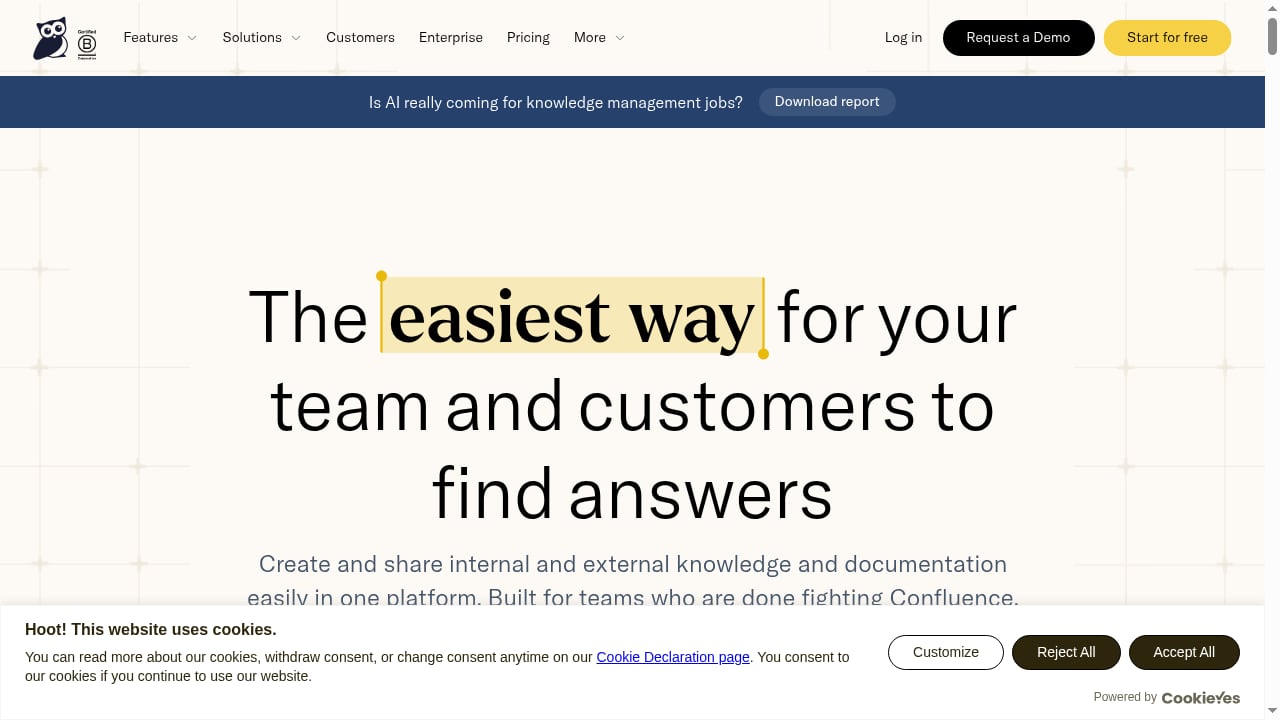
First viewport screenshot of Knowledge Base Software You Can Rely On | KnowledgeOwl.
KnowledgeOwl suits teams that need a powerful, easy-to-use help center that can serve both customers and employees. Based on user reviews and product information, ideal users include:
- Small to medium-sized businesses that want a standalone knowledge base without a full help desk suite.
- Customer support teams looking to reduce ticket volume through self-service.
- Internal documentation teams needing granular access controls and versioning.
- Organizations with non-technical authors who still require advanced features like HTML editing and glossary tools.
- Teams that value strong customer support during setup and migration.
A Gartner Peer Insights review noted that KnowledgeOwl allows structured content categorization for easy filtering across teams. Another reviewer described it as a solid option for knowledge sharing with internal colleagues and client users.
Key Strengths of KnowledgeOwl
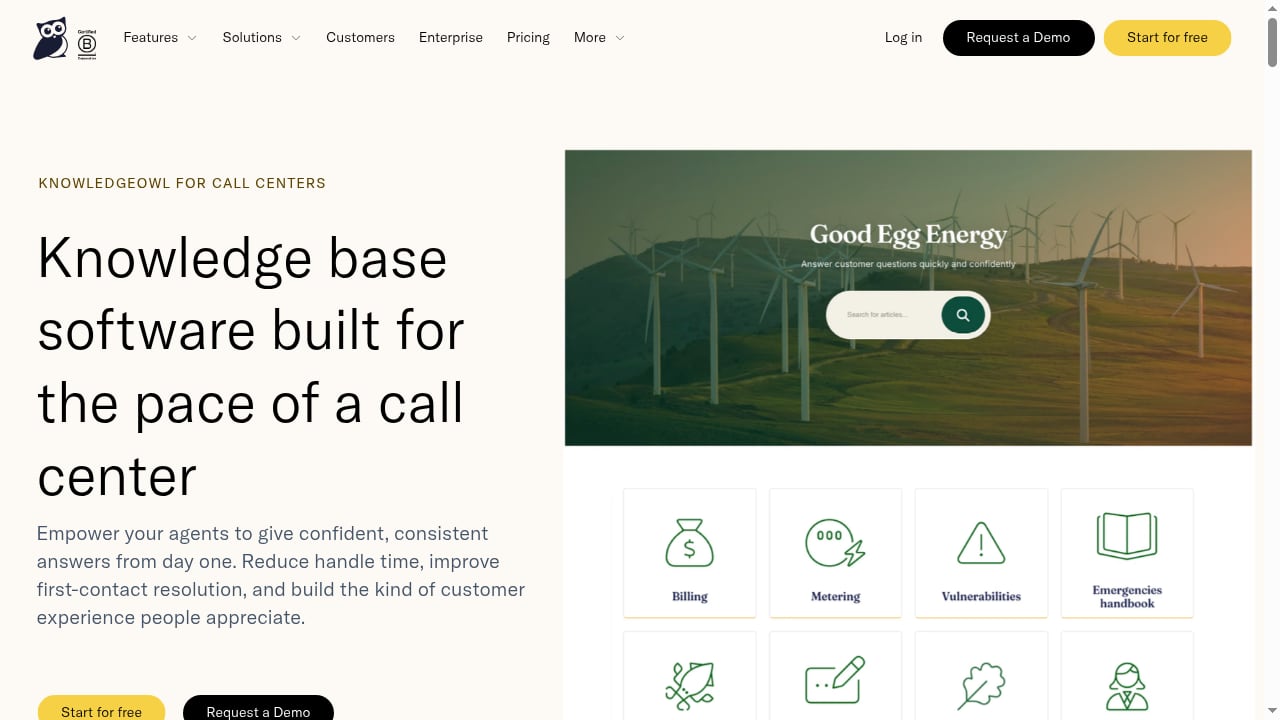
First viewport screenshot of KnowledgeOwl for call centers.
1. Ease of Use and Quick Setup
Users consistently highlight the intuitive editor and fast setup. The platform balances simplicity for non-technical authors with power for those who want HTML control. A customer quoted on KnowledgeOwl's blog praised the migration experience: "Their support is unmatched... They went above and beyond to make sure our transition was as smooth as possible."
2. Powerful Search and AI Features
KnowledgeOwl uses ElasticSearch for search and adds semantic search that understands intent, synonyms, and typos. The AI chatbot provides a conversational interface for readers. For authors, AI helps generate article drafts, enforce style guides, and create meta descriptions.
3. Robust Analytics
Owl Analytics goes beyond basic page views, offering search analytics (including zero-result searches), full user journeys, entry/exit pages, bounce rates, and time on page. This data helps teams identify content gaps and improve self-service.
4. Granular Access Controls
With over 70 permission options, administrators can precisely control what each author or role can see and do. This is particularly valuable for internal knowledge bases with sensitive information.
5. Version Control and Glossary
The glossary tool automatically highlights defined terms and shows pop-over definitions, eliminating repetitive explanations. Version control preserves the last 10 saves, shows changes, and allows reverting.
Limitations and Considerations
1. Limited API Abilities
A Gartner Peer Insights reviewer wished for more API capabilities. While KnowledgeOwl offers an API for integrations, teams with complex automation needs may find it less extensive than some competitors.
2. Not a Wiki-Style Collaborative Editor
KnowledgeOwl is designed as a single-source-of-truth system with editorial control. Teams wanting real-time co-authoring or wiki-style collaboration might prefer tools like Notion or Guru, as noted in KnowledgeOwl's own comparison guide.
3. Pricing May Be High for Very Small Teams
Pricing starts at $100 per month according to KnowledgeOwl's blog. While this includes many features, solopreneurs or very small teams may find it a stretch compared to free or low-cost alternatives.
4. No Built-In Help Desk
KnowledgeOwl is a standalone knowledge base, not a full help desk. Teams needing ticketing, live chat, or omnichannel support would need to integrate with other tools or consider platforms like Zendesk Guide.
Pricing Signals
KnowledgeOwl's pricing starts at $100 per month. The company offers plans for small, medium, and enterprise companies. For exact current pricing, including any usage-based components or add-ons, check the official KnowledgeOwl website. When evaluating cost, consider the value of included features like AI capabilities, analytics, and unlimited authors (if applicable) compared to competitors that charge per agent.
Setup and Migration
Setup is generally quick. The platform provides customizable templates and an intuitive editor. Migration from another system is supported, and user reviews frequently praise the support team's assistance during migration. One customer shared: "We began the migration of our entire knowledge base to KnowledgeOwl in 2022, and had an amazing experience."
For teams considering a switch, it's wise to request a demo and trial to test the editor, search, and analytics with your own content.
Decision Criteria: Is KnowledgeOwl Right for You?
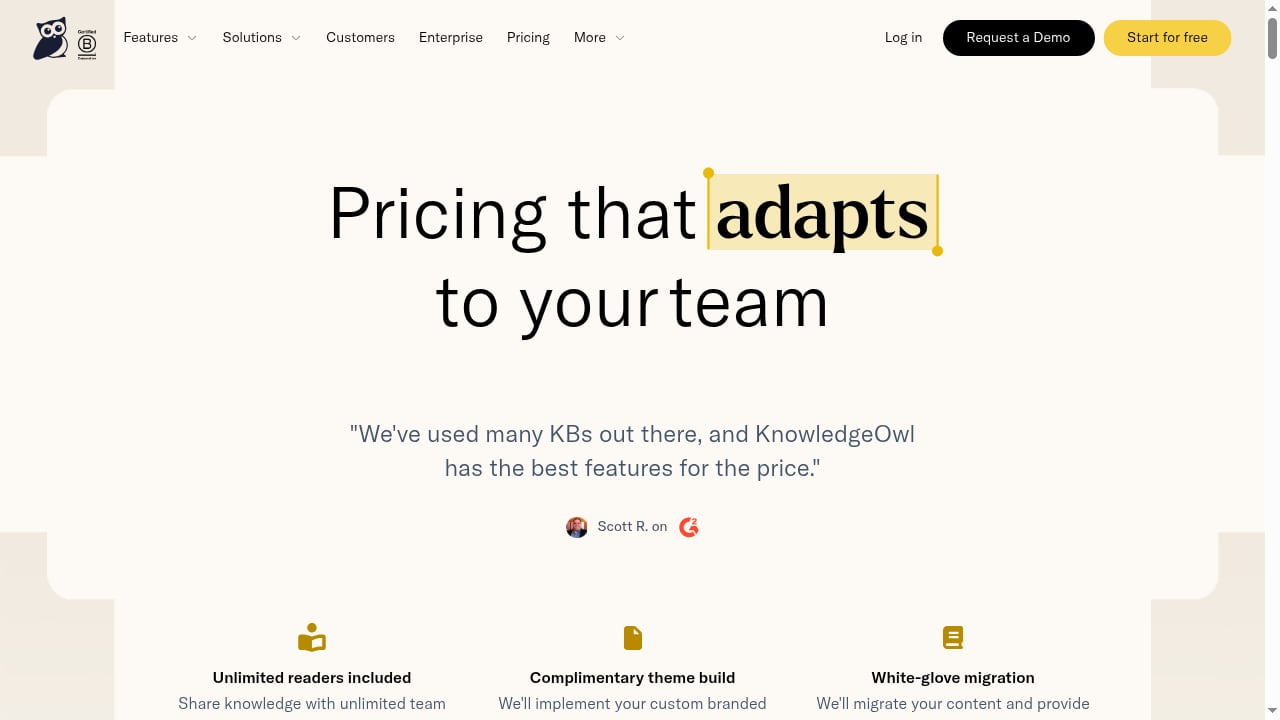
First viewport screenshot of Knowledge Base Software Pricing | KnowledgeOwl Plans from $100/mo.
Use this checklist to decide:
- Do you need both internal and external knowledge bases? KnowledgeOwl handles both well.
- Are granular permissions important? With 70+ options, it excels here.
- Do you want built-in analytics? Owl Analytics is a strong differentiator.
- Do you need wiki-style real-time collaboration? If yes, look elsewhere.
- Do you require extensive API integrations? Evaluate whether KnowledgeOwl's API meets your needs.
- Is your budget at least $100/month? If not, consider free or lower-cost options.
- Do you value strong customer support? User reviews consistently highlight KnowledgeOwl's support.
For broader comparisons, see our articles on Top 10 AI Knowledge Base & Customer Support Automation Platforms 2026 and HelpLook vs Docsie vs Zendesk: Best Knowledge Base in 2026.
KnowledgeOwl Alternatives
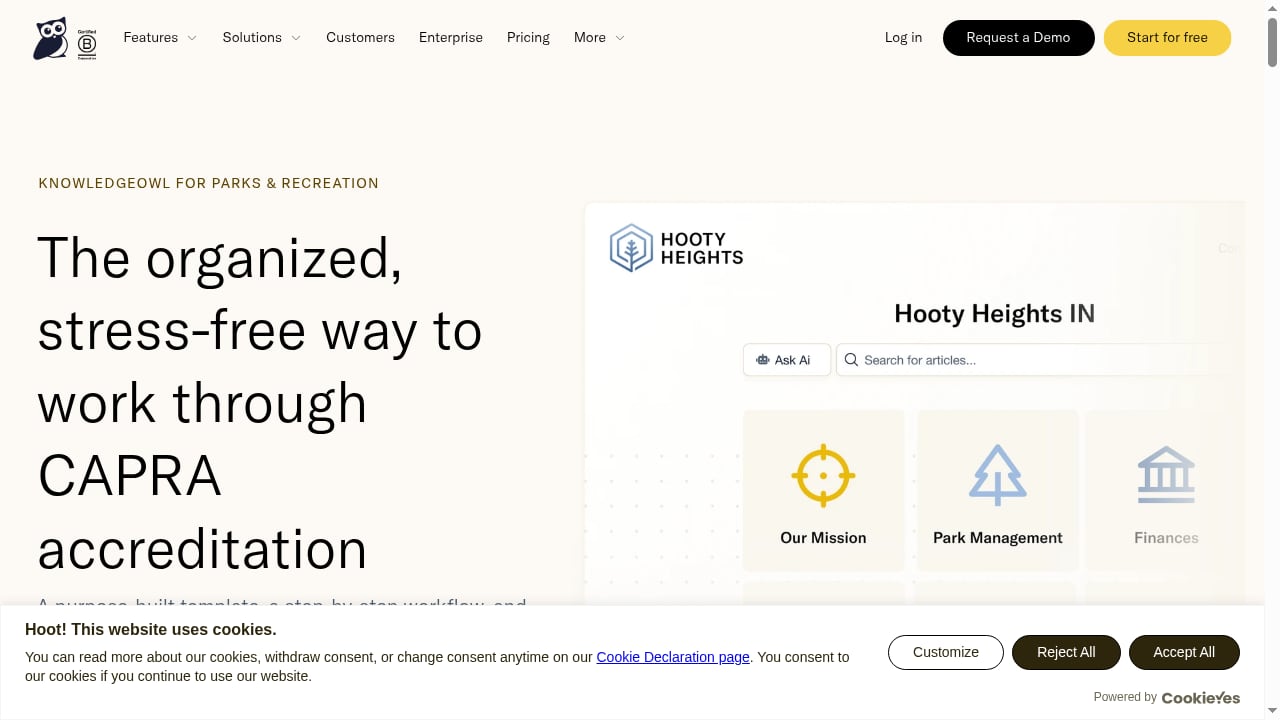
First viewport screenshot of CAPRA accreditation made manageable | KnowledgeOwl.
If KnowledgeOwl doesn't fit, consider these alternatives based on your needs:
- Document360: Best for teams wanting cutting-edge features and fast updates.
- Helpjuice: Best for teams wanting flat-rate pricing.
- Zendesk Guide: Best for teams already using Zendesk Suite.
- Stonly: Best for customer service teams needing agentic AI and interactive step-by-step guides.
- Notion: Best for small teams wanting an all-in-one workspace.
- Confluence: Best for software teams needing project management integration.
- Guru: Best for internal knowledge with universal search.
For a deeper dive, see our comparison of HelpLook vs Stonly vs GitBook: Which Knowledge Base Wins?.
Related reading
- Top 10 Customer Service AI Platforms 2026: Ranked & Reviewed - Compare the top 10 customer service AI platforms for 2026. Evidence-based rankings, pricing, strengths, limits, and a practical buyer's checklist.
- HelpLook vs Mintlify vs Stonly: Which Platform Fits? - Compare HelpLook, Mintlify, and Stonly on audience, AI search, no-code editing, SEO, integrations, and pricing to pick the right knowledge platform.
Sources and further reading
- KnowledgeOwl Reviews & Ratings 2026 | Gartner Peer Insights - Explore 15 in-depth KnowledgeOwl reviews and insights from real users verified by Gartner, and choose your business software with confidence.
- The 12 best knowledge base software solutions for 2026 - Compare the best knowledge base software solutions for your team's needs. A guide through the forest of options to find your best fit among the leading platforms, with expert recommendations and key features.
- KnowledgeOwl Reviews 2026: Details, Pricing, & Features - G2 - KnowledgeOwl: The Easiest Way for your Customers and Employees to Find Answers KnowledgeOwl is comprehensive knowledge management software built for ...
FAQ
Is KnowledgeOwl good for customer support?
Yes. It provides self-service help centers, AI chatbot, semantic search, and analytics to reduce ticket volume and improve customer satisfaction.
Is KnowledgeOwl suitable for internal knowledge bases?
Yes. With granular permissions, version control, and glossary, it works well for employee training and internal documentation.
How much does KnowledgeOwl cost?
Pricing starts at $100 per month. Contact KnowledgeOwl for current plans and enterprise pricing.
Does KnowledgeOwl have AI features?
Yes. It offers AI article creation, style guide enforcement, meta description generation, semantic search, and an AI chatbot.
Can I migrate my existing knowledge base to KnowledgeOwl?
Yes. KnowledgeOwl supports migration, and user reviews praise the support team's assistance during the process.
What are the main limitations of KnowledgeOwl?
Limited API abilities, no wiki-style real-time collaboration, and pricing that may be high for very small teams.
Conclusion
KnowledgeOwl is a reliable knowledge base software for teams that need a powerful, easy-to-use help center with strong analytics, granular permissions, and AI features. It excels for small to medium-sized businesses and internal documentation teams. However, teams needing extensive API integrations or wiki-style collaboration should evaluate alternatives. With pricing starting at $100/month and a reputation for excellent support, KnowledgeOwl is worth considering if its strengths align with your needs.
For more options, explore our Top 10 Self-Hosted Enterprise Wiki Software Products 2026.