
TeamSupport Review 2026: An Account-Level Support Platform for B2B Teams
TeamSupport is a Dallas-based B2B customer support platform that has been on the market since 2008. It is built around a premise that separates it from generic help desks: in business-to-business support, the unit that matters is not the individual ticket, it is the account. Multiple contacts, recurring revenue, renewals, and expansion all live at the company level, and TeamSupport organizes its ticketing, messaging, success, and analytics modules around that idea.
This review looks at what the platform actually does, where it fits, what it costs, and where reviewers consistently report friction. It is written for support, success, and operations leaders evaluating whether TeamSupport belongs in a 2026 stack.
What TeamSupport Is and Who It Is Built For
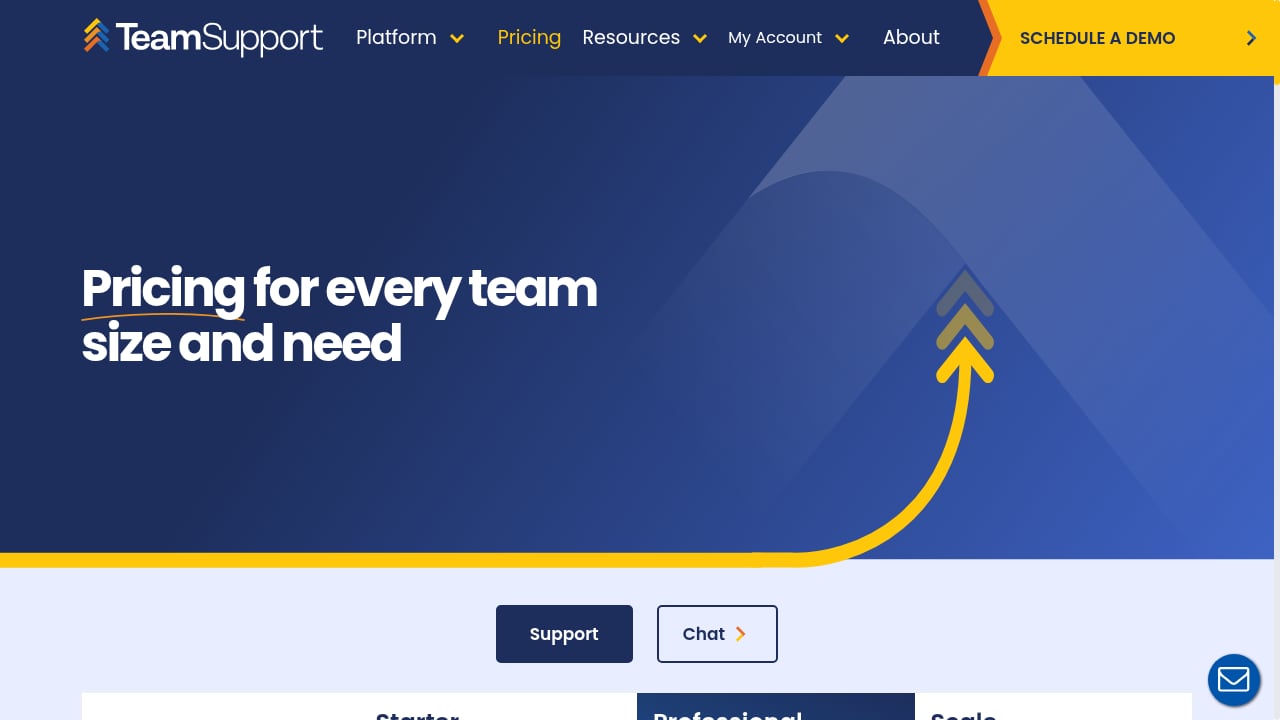
First viewport screenshot of Pricing.
TeamSupport describes itself as an AI-native customer operations and intelligence platform for B2B technology companies. In practice, that means four connected areas:
- Support — ticketing and a customer hub with account-level views, SLA tracking, routing rules, collision detection, and custom fields.
- Messaging and live chat — omnichannel chat across web and digital channels, deepened by the 2021 acquisition of live chat provider SnapEngage.
- Success — account health monitoring, renewal and expansion workflows, and lifecycle playbooks.
- Insights — dashboards and reporting across tickets, products, customer health, and team performance.
Ideal users
The strongest fit is a mid-market or growth-stage B2B SaaS or technology-enabled company with recurring, multi-stakeholder customer relationships. Typical buyers include support managers, heads of support, customer success managers, VPs of customer experience, and operations leaders who want support and success data in one place.
It is a weaker fit for very small teams with simple business-to-consumer support needs, organizations that want a minimal low-cost ticketing tool with almost no configuration, or companies that mainly need a sales-centric CRM rather than a dedicated post-sale support platform.
Use cases worth testing in a trial
- Managing several product lines or brands with separate portals, knowledge bases, and reporting views.
- Tracking a single customer organization across many contacts and open issues instead of isolated end-user tickets.
- Flagging at-risk accounts before renewal using account health signals rather than ticket volume alone.
- Converting resolved tickets into knowledge base articles so self-service content grows without extra writing overhead.
- Coordinating support, success, product, and engineering on complex issues through internal notes, an internal wiki, and a shared activity feed.
Key Features That Shape Daily Work
First viewport screenshot of AI Customer Support Software for B2B | TeamSupport.
Account-level ticketing and automation
TeamSupport's core strength is its data model. A ticket belongs to an organization, not just a requester, so agents see the full relationship: other contacts, past issues, products and versions in use, and open items across the account. Rules-based routing, SLA tracking, and custom fields let teams adapt workflows without heavy administration.
Customer Distress Index (CDI)
The proprietary Customer Distress Index is the platform's most distinctive feature. It combines engagement, sentiment, and support activity into an account-level health score that highlights customers at risk before renewal. If your team currently infers churn risk from gut feel or a spreadsheet, CDI is the capability most worth evaluating hands-on.
AI Assist and AI agents
AI features include ticket summarization, suggested replies, knowledge article generation, and an AI agent that can auto-respond and route requests. TeamSupport reports a 76% AI agent CSAT score, roughly 6 hours saved per agent per week, a 10% auto-resolution rate, and a 40% reduction in support costs. Treat those as vendor-reported figures and validate them against your own ticket mix during a trial.
Customer portal, knowledge base, and playbooks
A branded portal lets customers submit and track tickets and search a knowledge base. Playbooks automate lifecycle cadences for onboarding, adoption, renewal, and expansion, triggered by usage or CRM events.
Integrations and extensibility
TeamSupport connects with Salesforce, HubSpot, Jira, Zendesk, Slack, Microsoft Teams, Outlook, Zapier, and others, and offers a REST API. Reviewers note that some connectors, particularly Jira and certain CRM links, feel less flexible than they would like, so test your most important integration early.
If your evaluation also covers the self-service layer, our comparison of AI knowledge base and help desk software is a useful companion read.
Strengths and Limitations Reviewers Actually Report
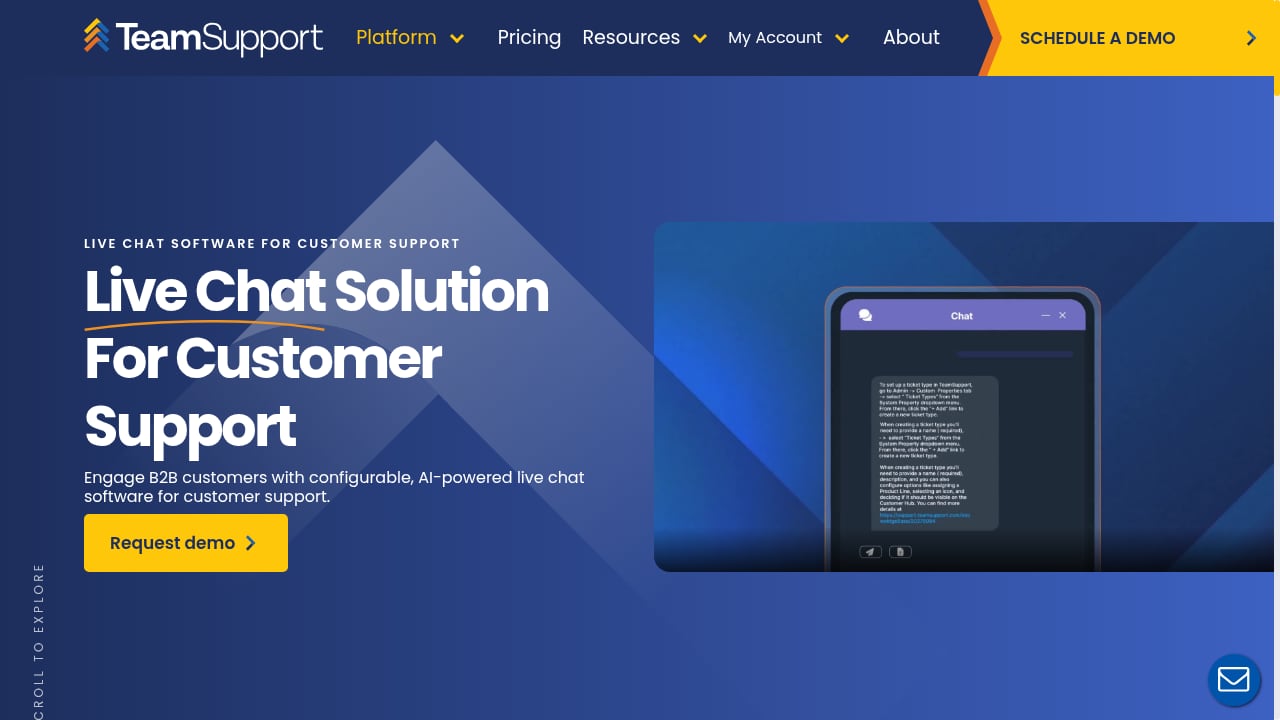
First viewport screenshot of Live Chat Software for Customer Support | TeamSupport.
Strengths
- Genuine B2B fit. Account-level views, multiple contacts per customer, and multi-brand support are native rather than bolted on.
- Customizable workflows. Routing rules, fields, and SLAs are configurable without a heavy admin burden.
- Responsive vendor support. Onboarding help and ongoing assistance are frequently praised in public reviews.
- Collaboration features. Internal notes, the internal wiki, and the shared activity feed help cross-functional teams resolve complex issues.
- Centralized channels. Ticketing, portal, knowledge base, and live chat reduce tool sprawl.
Limitations
- Dated interface. Reviewers on Capterra and elsewhere describe the UI as less modern than newer competitors, with some workflows requiring more clicks than expected.
- Performance complaints. Slow page loads, search latency, and occasional downtime appear repeatedly in user feedback.
- Mobile gaps. The mobile app lags the web version in features and user experience.
- Integration depth. Some connectors are seen as less robust than users would like.
- Add-on pricing. Advanced AI, messaging, and insights modules raise the effective cost, which can feel high for smaller teams.
Aggregated ratings sit around 4.4–4.5 out of 5 across hundreds of verified reviews on G2 and Capterra, which suggests broad satisfaction with a consistent set of caveats rather than polarized opinion.
Pricing Signals: What You Will Actually Pay
Published tiers at the time of research are per-agent, billed annually, with no free plan:
| Tier | Price | Notes |
|---|---|---|
| Starter | $45/user/month | Up to five users; core ticketing, contacts database, core integrations; AI tools sold as add-ons |
| Professional | $65/user/month | Unlimited users; customer intelligence and distress signals, customer portal and knowledge base, playbooks |
| Scale | $85/user/month | Unlimited users; advanced AI, deeper reporting and analytics, more powerful configuration |
Two cost signals matter more than the headline numbers. First, messaging and live chat, AI tools, insights, and professional services are add-ons, so your real per-agent cost can exceed the tier price. Second, implementation and integration services may carry additional fees. TeamSupport also promotes a 10x ROI potential at $125/month, which implies a small-team entry point; confirm how that maps to your seat count and required add-ons before budgeting.
Always verify current rates directly with the vendor, since published pricing shifts.
Setup and Implementation Realities
TeamSupport is a cloud platform with web, iOS, and Android access, and a free trial is available. Setup is optional but recommended for complex environments, and implementation services may be billed separately.
Plan for these steps:
- Model your accounts. Decide how organizations, contacts, products, and brands map to TeamSupport's structure. This decision drives everything downstream.
- Configure routing and SLAs. Translate your existing escalation rules into automation rules and test edge cases.
- Connect integrations. Prioritize your CRM and developer tools, and validate data flow in both directions.
- Load knowledge content. Seed the knowledge base so the portal and AI features have something accurate to work from.
- Pilot AI and CDI. Run AI Assist and the Distress Index against real historical tickets to see whether the signals match your own judgment.
Because the platform is highly configurable, the main setup risk is over-configuration. Start with the workflows you can maintain.
How TeamSupport Compares and When to Choose It
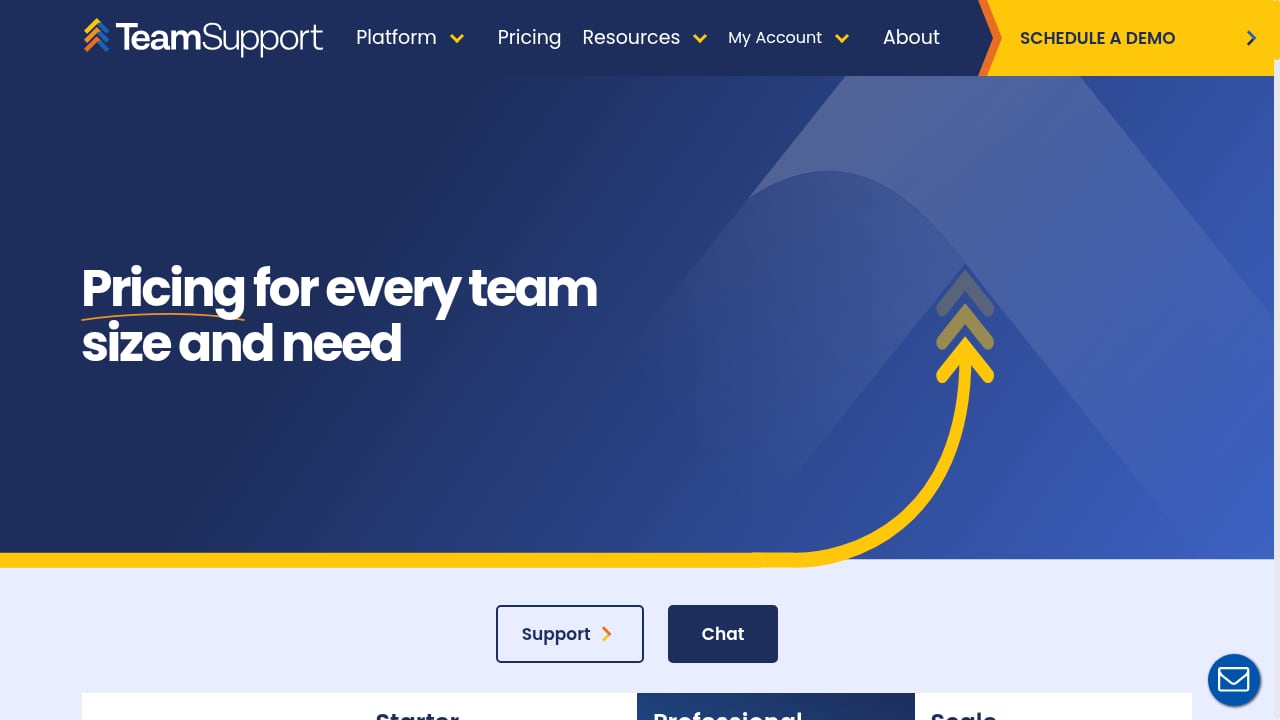
First viewport screenshot of Pricing.
Choose TeamSupport when account-level context, multi-contact B2B relationships, and pre-renewal risk signals are central to your operation, and when you value configurable workflows over a polished out-of-the-box interface.
Look elsewhere when you need a lightweight, low-cost ticketing tool, a modern consumer-style UI above all else, or a platform where advanced AI is included rather than an add-on.
If your priority is the knowledge and self-service layer rather than the ticketing engine, it is worth comparing dedicated options. Our HelpLook vs Zendesk vs Documentation.AI comparison covers AI documentation and knowledge base trade-offs, and the knowledge portal platform roundup benchmarks portal design, AI search, and governance across vendors.
Decision criteria checklist
- Does your support model require account-level views with multiple contacts per customer? If not, you may be paying for capability you will not use.
- How many add-ons (messaging, AI, insights) do you need, and what does the total per-agent cost become?
- Can your team tolerate a functional but dated interface in exchange for configurability?
- Which integrations are non-negotiable, and do they work the way you need?
- Will you actually act on health scores, or is CDI a feature you will admire and ignore?
Related reading
- How to Use HelpLook with Fin: AI Knowledge Base + AI Agent - Learn how to connect HelpLook and Fin so your AI agent resolves tickets with accurate, source-backed answers from your knowledge base. Setup, workflow, examples.
- HelpLook vs Stonly: Best Knowledge Management for Support - HelpLook vs Stonly for customer service knowledge management. Compare AI search, no-code help centers, SEO, interactive guides, and pricing signals.
Sources and further reading
- TeamSupport Review 2026: Pricing, Features, Pros & Cons | SalesHive - TeamSupport review (G2 4.4/5): TeamSupport is a B2B customer support platform with ticketing, live chat, customer success and AI-driven analytics built for…
FAQ
Is TeamSupport good for small teams?
The Starter tier caps at five users and starts at $45/user/month, so it can work for a small B2B team. However, AI tools and messaging are add-ons, and the platform's value is highest when you have complex account relationships. Very small teams with simple needs may find lighter tools more economical.
What is the Customer Distress Index?
It is TeamSupport's proprietary account health score. It combines engagement, sentiment, and support activity to flag at-risk customers before renewal, giving success and support teams a shared signal for intervention.
Does TeamSupport have a free plan?
No. All editions are paid per-agent subscriptions billed annually, though a free trial is available.
How does TeamSupport handle AI?
AI features include ticket summarization, suggested replies, knowledge article generation, and an AI agent that can auto-respond and route requests. Vendor-reported results include a 76% AI agent CSAT score, 6 hours saved per agent per week, a 10% auto-resolution rate, and a 40% reduction in support costs. Validate these against your own data.
What do reviewers complain about most?
Interface modernity, performance (slow loads and search latency), mobile app limitations, and the depth of some integrations. Ratings remain solid overall, averaging roughly 4.4–4.5 out of 5 across major review platforms.
Conclusion
TeamSupport occupies a specific and defensible position: it is a B2B support platform that treats the account, not the ticket, as the unit of work. Its account-level data model, Customer Distress Index, and lifecycle playbooks address problems that generic help desks handle awkwardly. The trade-offs are real — a dated interface, performance complaints, mobile gaps, and add-on pricing that raises the effective cost above the tier price.
The practical path is a structured trial: model one real customer account, connect your most important integration, and run AI Assist and CDI against historical tickets. If the account-level signals change how your team prioritizes work, the platform earns its place. If they do not, a lighter or more modern-feeling alternative will likely serve you better.