
HelpLook vs Archbee vs DocsBot: Which AI Knowledge Platform Fits Your Team in 2025?
Modern teams can’t afford messy help centers or outdated manual support. Whether you’re publishing product docs, powering a customer self-service portal, or automating answers with AI, the platform you pick shapes how quickly users find solutions – and how much your support team grows.
HelpLook, Archbee, and DocsBot all aim to solve this, but they go about it in fundamentally different ways. One acts as an all-in-one, no-code knowledge base with built-in SEO and AI search. Another is a developer‑friendly knowledge portal built for technical documents and collaborative authoring. The third turns your existing content into a conversational AI agent that handles support and sales automatically.
We’ll walk through where each tool truly shines, leaving out forced advantages, so you can choose the right one without sifting through marketing fluff.
Quick Overview: What Each Tool Brings to the Table

HelpLook vs Archbee vs DocsBot: AI Knowledge Base Showdown 2025 product interface and feature overview.
HelpLook: The All‑in‑One, No‑Code Self‑Service Platform
HelpLook combines content creation, a customizable public/private knowledge base, an embeddable widget, and AI‑powered search and chatbot into a single package. You don’t need developers to build a beautiful help center, internal wiki, e‑commerce manual, or company blog. It integrates with AI models from OpenAI, ERNIE Bot, and Azure for instant, personalized answers right inside your content hub. Built‑in SEO tools, multilingual support, and analytics come standard, making it a practical choice for SaaS, legal, healthcare, and education teams that need rapid deployment on a budget.
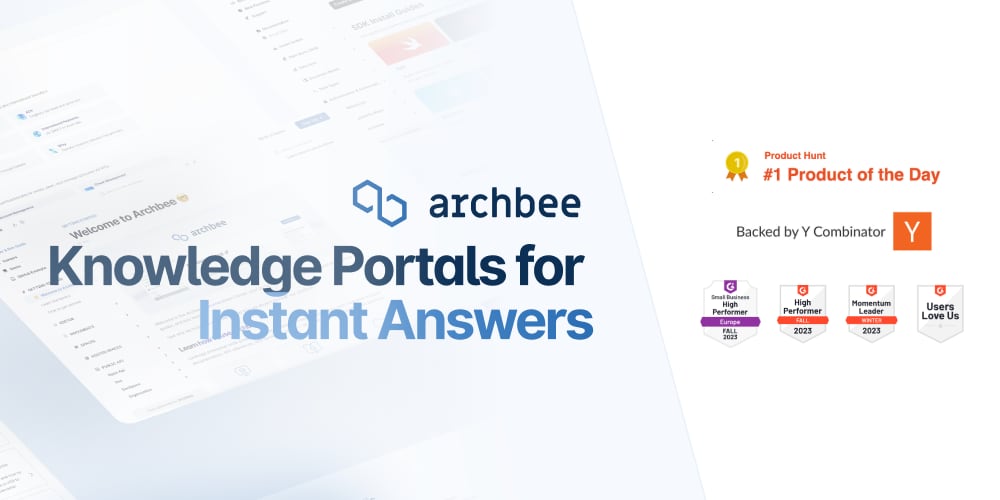
Archbee: The Knowledge Portal Platform for Technical Teams
Archbee is a knowledge portal platform built for technical writers, product managers, and developer audiences. It excels at turning complex product and API documentation into searchable, scalable portals. Native branching and drafts let teams collaborate without stepping on each other, while reusable content variables and display rules keep everything consistent. AI‑powered writing assistance, automatic translations, and deep integrations with GitHub, GitLab, and changelog tools make it a strong pick for engineering‑heavy organizations.
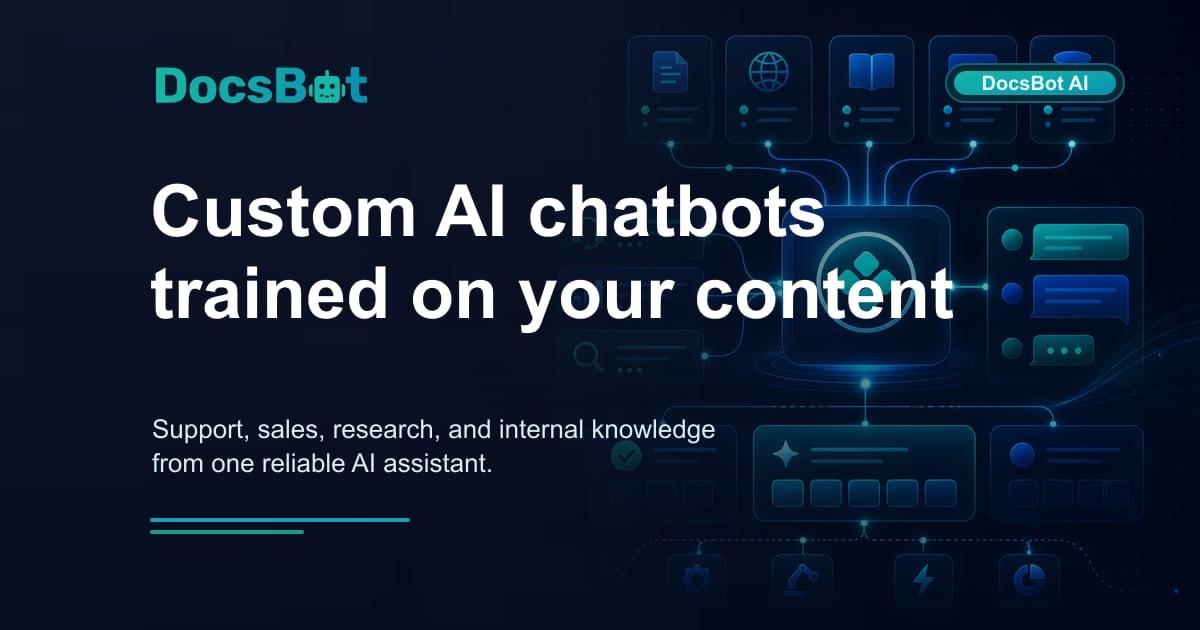
DocsBot: Custom AI Chatbots Trained on Your Content
DocsBot is all about turning your existing documentation, helpdesk tickets, Notion pages, websites, and more into powerful AI agents. These agents answer customer questions, capture leads pre‑sale, and assist internal teams inside Slack, SharePoint, or any web property. There’s no separate knowledge‑base builder to learn – you just upload or connect your sources, and DocsBot handles the rest with a no‑code chat widget, smart human escalation, and over 7,000 integrations through Zapier.
Feature Comparison: Where Each Platform Excels
HelpLook vs Archbee vs DocsBot: AI Knowledge Base Showdown 2025 product interface and feature overview.
Ease of Content Creation and Management
HelpLook is purpose‑built so non‑technical teams can launch a styled, structured knowledge portal in hours. The Portal editor, custom branding, and the ability to manage both public and private content without writing code cut setup time dramatically. This is a real advantage if your content team isn’t comfortable inside a developer tool.
Archbee caters to technical writers with a more advanced environment. Native branching/drafts, reusable content snippets, and display rules give teams fine‑grained control over complex documentation projects. The learning curve is steeper, but for multi‑version API docs or internal SOPs that demand precise conditionality, it’s worth the effort.
DocsBot focuses less on content authoring and more on consuming what you already have. If you’ve got a messy mix of PDFs, Confluence spaces, and old help tickets, DocsBot can train a bot in minutes – but you’ll still need another tool to actually write and manage the source content.
AI Search and Chatbot Capabilities
HelpLook AI embeds intelligent search and a conversational assistant directly into your knowledge site and widget. It works across your entire content library, supporting multiple AI models so you’re not locked into one vendor. The result is a unified help center where search suggestions, article recommendations, and a live chatbot coexist naturally.
Archbee includes AI writing and translation assistance, but its end‑user search – while fast – doesn’t offer a full‑featured chatbot experience out of the box. It’s designed more to help authors create content efficiently than to field incoming customer inquiries autonomously.
DocsBot flips the script entirely: its entire value centers on the AI agent. Train a bot on your knowledge base, and it instantly handles repetitive customer questions, pre‑sales queries, and internal Q&A. With natural‑language understanding and swipe‑to‑escalate human hand‑offs, it’s the go‑to option when your main goal is automating conversations rather than building a traditional knowledge base.
Developer and API Documentation
If your primary need is first‑class API references, interactive code blocks, and OpenAPI/Swagger imports, Archbee is purpose‑built for this. The editor understands technical workflows, and the platform supports versioned, localized API docs that developer audiences expect.
HelpLook can handle product manuals and general documentation well, and DocsBot can answer questions from ingested API docs, but neither tool offers the same depth of dedicated developer documentation features.
Multilingual Support and Localization
Global teams will find capable multilingual tooling in all three platforms. HelpLook offers built‑in multi‑language content creation without extra complexity. Archbee uses AI‑powered auto‑translation to speed up localization, ideal when accuracy matters but time is short. DocsBot’s chatbots automatically detect and reply in the user’s language, making it a low‑touch option for international customer bases.
SEO and Public‑Facing Help Centers
HelpLook prioritizes public help centers with native SEO optimization, custom domains, and analytics built right in. This makes it a strong candidate when your knowledge base needs to rank on Google as a discoverable support resource.
Archbee supports custom domains and branding, but its core design leans toward controlled, gated documentation portals rather than public‑facing SEO content. DocsBot’s widget can be embedded anywhere, but it doesn’t create a search‑engine‑optimized help site; it’s a conversational layer on top of content you host elsewhere.
Pricing Transparency and Value
HelpLook stands out with a flexible pricing model that starts free and scales affordably. There are no hidden add‑on surprises – AI search, multilingual options, and analytics are part of the package, not extras that require separate purchases.
Archbee’s advertised $50/month base price can be misleading. Essential features like AI Write Assist ($20/month), Analytics ($80/month), and API access are priced as add‑ons, bringing the realistic total to $150‑230/month. DocsBot offers a generous free plan and straightforward paid tiers up to $499/month based on usage and bot numbers, which works well if you value predictable AI‑chatbot pricing over a traditional knowledge‑base platform.
Decision Scenarios: Which Tool Fits Your Team?
HelpLook vs Archbee vs DocsBot: AI Knowledge Base Showdown 2025 product interface and feature overview.
Choose HelpLook When…
- You need an all‑in‑one, no‑code platform to build a full‑featured customer help center or internal wiki quickly.
- SEO visibility, custom branding, and built‑in analytics matter for your support site.
- You want AI‑powered search and a chatbot working directly inside your content portal without stitching together separate tools.
- Budget predictability is key, and you’d rather avoid modular add‑on costs.
For more on how HelpLook stacks up against other popular knowledge base tools, take a look at our HelpLook vs GitBook vs DocsBot comparison.
Choose Archbee When…
- Your primary workload is product and API documentation for developers.
- You need advanced editorial workflows like branching, reusable content variables, and deep Git integrations.
- AI‑assisted writing and translations are a bonus, not the main reason for the platform.
- You’re comfortable managing a technical authoring environment rather than a simple help‑center builder.
If you’re curious how Archbee compares directly alongside other AI‑focused documentation tools, our earlier HelpLook vs Helpjuice vs Archbee analysis dives deeper.
Choose DocsBot When…
- You already have a lot of documentation scattered across different tools and just want a smart AI chatbot trained on it.
- Automating support replies, capturing pre‑sale leads, or building internal Slack assistants is your top priority.
- You don’t need a standalone knowledge base builder – the bot is the product.
- The library of 7,000+ Zapier integrations matters more than deep document authoring.
Practical Examples
HelpLook vs Archbee vs DocsBot: AI Knowledge Base Showdown 2025 product interface and feature overview.
SaaS Company Launching a Customer Help Center: A mid‑size SaaS team wants a public knowledge base with SEO‑optimized articles, a branded custom domain, and an AI assistant to answer questions instantly. HelpLook delivers all of this without code, while built‑in analytics show which articles reduce support tickets.
Startup Building Developer Documentation: A startup needs to document its REST API, maintain multiple versioned guides, and let the engineering team review drafts collaboratively. Archbee’s Git‑friendly editor, branching, and API‑first approach make it a natural fit.
E‑Commerce Business Automating Support: An online store already has a thick FAQ, product manuals, and old help‑desk tickets. DocsBot ingests all those sources, trains a chatbot, and embeds it on the site – instantly answering order, shipping, and return questions and handing off complex issues to live agents.
Related reading
- HelpLook vs GitBook vs KnowledgeOwl: 2025 AI Knowledge Base Comparison - Compare HelpLook, GitBook, and KnowledgeOwl on AI search, multilingual support, ease of use, developer docs, pricing, and more. Find the best knowledge base for your team.
Sources and further reading
- Compare HelpLook vs Document360 vs Archbee - Web resultsCompare HelpLook vs Document360 vs ArchbeeCrozdeskhttps://crozdesk.com › compare › helplook-vs-docume...Crozdeskhttps://crozdesk.com › compare › helplook-vs-docume...Side-by-side comparison of HelpLook (78%), Document360 (93%) and Archbee (88%) including features, pricing, scores, reviews
- Top Archbee Alternatives & Competitors 2026 | Gartner Peer Insights - Learn more about the top Archbee alternatives. Easily compare competitors and read verified real user reviews on Gartner Peer Insights.
- Archbee vs Zendesk Guide 2026 | Documentation Platform Comparison | Features Pricing & Use Cases | Technical Writers Developers Product Teams | Knowledge Base Tools Guide - Archbee and Zendesk Guide serve different documentation needs—Archbee focuses on developer and API documentation with add-on pricing, while Zendesk Guide is a help center bundled with ticketing systems. Neither tool offers video-to-docs conversion or
Frequently Asked Questions
Is HelpLook a complete replacement for a dedicated documentation tool like Archbee?
It can be for many teams. HelpLook covers customer‑facing help centers, internal wikis, and e‑commerce guides with strong AI and SEO. If your primary need is not deep API‑documentation workflows, HelpLook often replaces heavier authoring tools with a simpler, integrated experience.
Can DocsBot be used without an existing knowledge base?
Absolutely. You can train it on websites, uploaded PDFs, Notion pages, or even raw help‑desk tickets. While a well‑structured knowledge base improves accuracy, DocsBot works with whatever content you have.
Which platform offers the best multilingual support for global teams?
All three provide robust multilingual capabilities. HelpLook includes native multi‑language content management, Archbee uses AI‑powered translation to accelerate localization, and DocsBot’s chatbots automatically respond in the user’s language. The “best” depends on whether you’re building a content portal or just need a multilingual chatbot.
How do pricing practices compare?
HelpLook’s pricing is straightforward and includes many features in the base plans. Archbee’s headline price often requires add‑ons, pushing real costs higher. DocsBot’s free tier and usage‑based pricing make it easy to start small, but costs can increase with high bot‑interaction volumes.
Can I integrate these tools with my existing workflow?
Yes, though the approach differs. Archbee offers native GitHub, GitLab, and changelog integrations. DocsBot connects to 7,000+ apps via Zapier, making it highly flexible for sales and support stacks. HelpLook integrates into your sites and apps with its embeddable widget and custom domain support, fitting neatly into your existing web presence.
Conclusion: The Right Fit Depends on Your Need, Not the Feature List
HelpLook, Archbee, and DocsBot each solve real problems – they just prioritize differently. HelpLook is the practical, all‑in‑one choice when you want a no‑code knowledge base with AI and SEO built in from day one. Archbee gives technical teams the precise editorial controls and API documentation muscle they need. DocsBot transforms existing content into an autonomous AI agent that handles conversations immediately.
Rather than compare every checkbox, ask what outcome you’re after: a discoverable self‑service portal, world‑class API docs, or an AI teammate that answers questions without human help. Your answer points straight to the tool that will actually make a difference.
For more side‑by‑side knowledge base comparisons, check out our HelpLook vs Document360 vs KnowledgeOwl guide or the HelpLook vs GitBook vs DocsBot breakdown.