
HelpLook vs Document360 vs KnowledgeOwl: 2025 AI Knowledge Base Guide
Selecting an AI‑powered knowledge base software involves balancing content creation, search accuracy, branding flexibility, and budget. HelpLook, Document360, and KnowledgeOwl each address those needs differently. This guide compares them honestly, emphasising the genuine strengths each platform brings to the table, so you can choose the one that fits your team’s self‑service goals without marketing fluff.
If you’re also considering how these platforms fare against others like Bloomfire, read HelpLook vs Document360 vs Bloomfire.
Quick Overview

HelpLook vs Document360 vs KnowledgeOwl: 2025 Guide product interface and feature overview.
HelpLook is an all‑in‑one AI knowledge base and help desk platform built for no‑code creation of customer‑facing help centers, internal wikis, and product manuals. Its standout features include multi‑model AI search and chatbot (OpenAI, ERNIE Bot, Azure), strong SEO optimisation, multilingual translation, and a free starter plan.
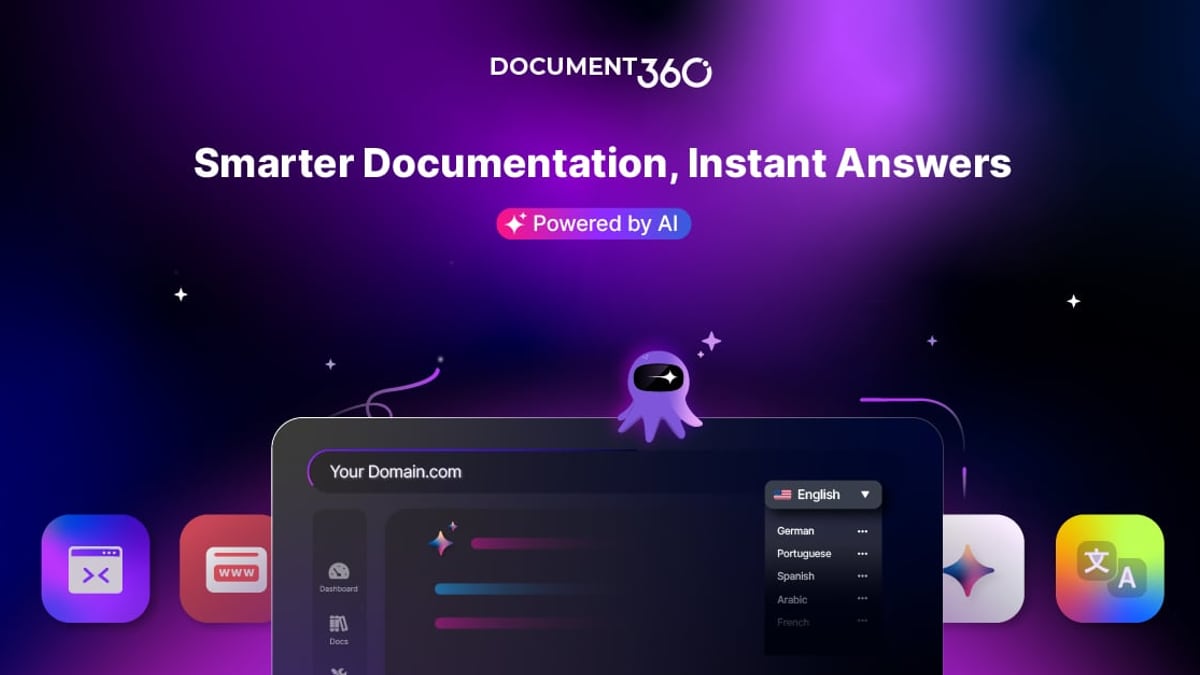
Document360 combines human expertise with advanced AI to serve product documentation, support portals, SOPs, and API docs. It offers 100+ features, an AI writing agent (“Eddy”), an MCP server, deep analytics, and enterprise‑grade security (SOC 2, ISO 27001, GDPR). Its 4.7/5 G2 rating reflects a mature, integration‑rich platform.
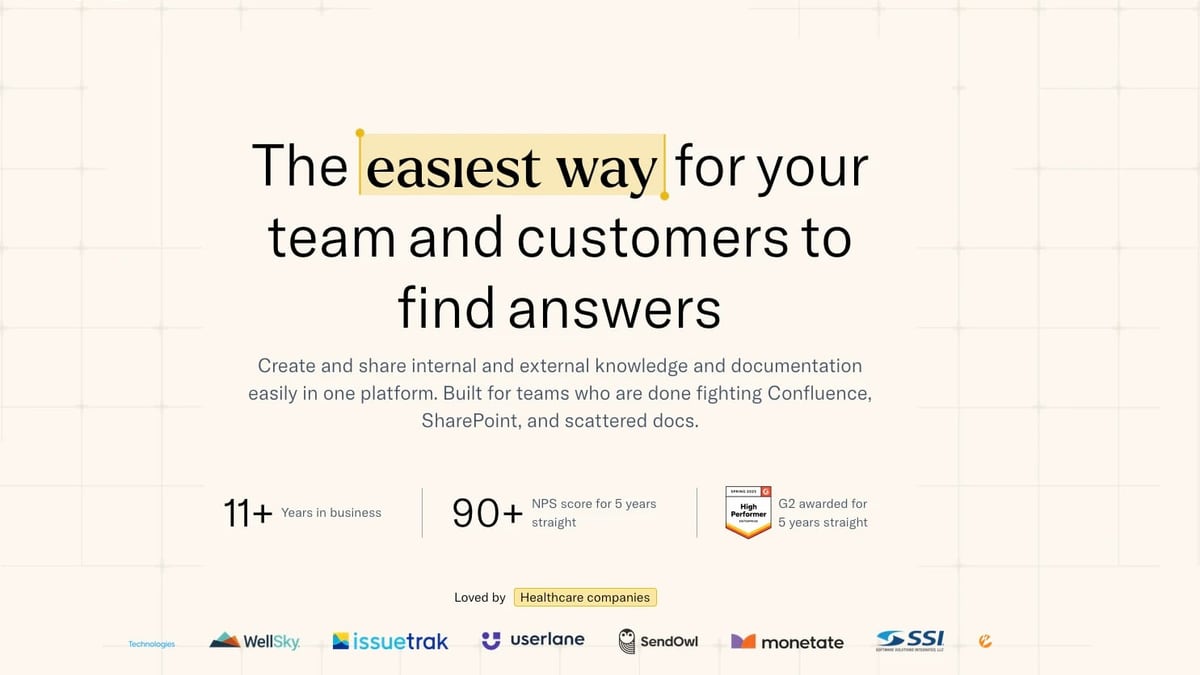
KnowledgeOwl focuses on simplicity and hospitality. The editor is intuitive, search is typo‑tolerant, and customer support earns an NPS above 90 year after year. Transparent pricing based on authors—not readers—and white‑glove migration make it a favourite for teams that want to get up and running fast without hidden costs.
Head‑to‑Head Feature Comparison
HelpLook vs Document360 vs KnowledgeOwl: 2025 Guide product interface and feature overview.
| Feature | HelpLook | Document360 | KnowledgeOwl |
|---|---|---|---|
| AI‑powered search | Multi‑model AI search & chatbot, instant answers | AI search with relevance ranking, AI chatbot | Typo‑tolerant search, AI chatbot (applied to content) |
| AI writing assistant | Built‑in AI suggestions (OpenAI, ERNIE) | Advanced AI agent “Eddy”, content from files/audio/video | AI article creation & summaries |
| Pricing model | Starts free; paid from $7/user/month | Team‑based tiers (free trial requires work email) | Per‑author pricing (readers free) |
| SEO tools | Custom TDK, sitemap, free SEO plugins, URL management | Meta tags, sitemap, Google Search Console ready | Article title tags, meta descriptions, sitemap |
| Multi‑language | Built‑in translation to multiple languages | AI‑driven system content translation | No native multi‑language; workarounds possible |
| Knowledge base templates | Wide variety of pre‑built templates | Some templates, fewer out‑of‑the‑box | Customisable with pre‑built themes |
| Ease of setup | No‑code, rapid deployment | Requires work email; setup can be involved | Very intuitive; quick to get live |
| Customisation | Custom domain, branding, widget embed | Full brand customisation, CSS/HTML, category manager | CSS/HTML editing, four themes, full code access |
| Analytics | Basic article analytics | In‑depth reports, article performance, search analytics | Article ratings, popular articles, zero‑view reports |
| User management | Role‑based access controls | Granular roles, groups, workflow builder | Granular access, author/editor roles, groups |
| Integrations | AI model integrations, REST API | Zendesk, Freshdesk, API, MCP server, Zapier | API, webhooks, Zapier |
| Security / compliance | Data encryption, GDPR | SOC 2, ISO 27001, GDPR, HIPAA readiness | GDPR; enterprise‑grade controls on request |
AI‑Powered Search and Assistance
HelpLook vs Document360 vs KnowledgeOwl: 2025 Guide product interface and feature overview.
Document360 shines with its AI writing agent, Eddy. Feed it a text file, audio clip, or video and it creates ready‑to‑publish articles. The AI‑driven search returns results ranked by relevance across articles, categories, and API references, which is a productivity multiplier for support agents.
KnowledgeOwl keeps things practical: its typo‑tolerant search lets users find what they need even when they mistype. The recently added AI chatbot serves answers from your existing content, and AI article summaries help readers scan long documents quickly.
HelpLook connects to multiple large language models (OpenAI, ERNIE Bot, Azure) so the search and chatbot can adapt to different content domains. It understands queries in natural language and retrieves instant answers from your knowledge base—ideal for global teams that need consistent, multilingual self‑service.
For a broader look at AI‑driven knowledge management, see our HelpLook vs Documentation.AI vs GitBook comparison.
Pricing and Total Cost of Ownership
HelpLook vs Document360 vs KnowledgeOwl: 2025 Guide product interface and feature overview.
Document360 offers rich features but its subscription tiers can be expensive for small teams, and the free trial requires a work email address. The cost scales with team size and advanced capabilities, making it a bigger investment for growing businesses.
KnowledgeOwl uses a transparent per‑author pricing model. Readers never count against your bill, so you can serve thousands of customers without surprise fees. This makes budgeting predictable, especially for organizations with a small content team and a large reader base. Their pricing page (linked from their Document360 comparison) underscores this approach.
HelpLook targets affordability: a free plan gets you started, and paid plans begin at $7 per user per month. All plans give access to every feature—AI search, multilingual tools, custom domain, and widget embedding—so smaller teams don’t miss out on advanced functionality.
Ease of Use and Setup Speed
KnowledgeOwl is repeatedly praised for an editor that feels like a word processor. You can start writing immediately, rearrange categories with drag‑and‑drop, and see changes live. The onboarding experience, paired with legendary customer support, routinely gets teams up and running in hours, not days. KnowledgeOwl’s own side‑by‑side comparison with Document360 reinforces how that simplicity reduces learning curves.
HelpLook eliminates the need for coding. Pre‑built knowledge base templates allow you to deploy a branded help center in a few clicks. The registration process accepts any email, so you can start a free trial instantly.
Document360 offers a polished interface but demands a bit more from new users. Sign‑up requires a work email, and leveraging its full 100+ feature set benefits from the platform’s extensive documentation and support. As you scale, the learning investment pays off in analytics and workflow depth.
SEO and Multilingual Capabilities
When organic search visibility matters, HelpLook delivers. It provides free SEO plugins, lets you set Title‑Description‑Keywords (TDK) per page, customise URLs, and generate a sitemap—all inside the dashboard. Combined with fast‑rendering knowledge base sites, this helps your public help center rank faster on Google.
Document360 also supports SEO with meta tags, sitemaps, and Google Search Console integration. Its AI can translate system content (e.g., category names, UI strings) into multiple languages, which is useful for global deployments. If you publish API docs alongside user guides, the unified SEO framework is a bonus.
KnowledgeOwl handles the basics well: editable title tags, meta descriptions, and sitemaps. While it lacks native multi‑language article translation, you can create separate article sets for different languages.
HelpLook’s built‑in translation feature covers languages like Portuguese, Russian, Vietnamese, German, French, and Spanish without extra plug‑ins, making it a cost‑effective choice if you must serve a multilingual audience right out of the gate.
Customer Support and Service
KnowledgeOwl is legendary here. It has maintained a Net Promoter Score of 90+ for five consecutive years, and users consistently mention a support team that reads emails carefully and replies with personalised, knowledgeable answers. For teams that value human connection, this is a decisive factor.
Document360 provides solid support via ticket, knowledge base, and demo requests. Its higher‑tier plans offer dedicated account management, and the platform’s own documentation is comprehensive.
HelpLook offers support channels appropriate to the plan, but its primary differentiator is the self‑service AI chatbot that can deflect repetitive questions from human agents, freeing support teams to handle complex issues.
Use‑Case Recommendations
- Choose HelpLook if you need an affordable, SEO‑optimised knowledge base with powerful AI search, multilingual support, and no‑code templates to launch quickly. Its free plan and low entry price make it perfect for startups and small‑to‑medium businesses that want advanced features without a heavy investment.
- Choose Document360 when advanced AI writing assistance, deep analytics, granular category management, and enterprise‑grade security are non‑negotiable. Its strong helpdesk integrations and SOC 2 / ISO 27001 compliance fit regulated industries and large support teams.
- Choose KnowledgeOwl if you prioritise exceptional, human‑first customer support, transparent per‑author pricing, and a friction‑less editor that lets non‑technical staff create and manage content fast. It’s a favourite for call centers, credit unions, and any organisation that values simplicity and reliability.
If you’re still exploring, our HelpLook vs Docsie vs Bloomfire guide adds more perspective on AI‑powered knowledge management options.
Related reading
- HelpLook vs GitBook vs DocsBot: 2025 Comparison - Compare HelpLook, GitBook, and DocsBot for AI knowledge bases, documentation, and customer support. Discover strengths, use cases, and which tool fits your team.
- HelpLook vs Bloomfire vs Docmost: 2025 Comparison Guide - Compare HelpLook, Bloomfire, and Docmost on AI search, ease of use, deployment, pricing, and security. Find the best knowledge base or wiki for your team.
- HelpLook vs Helpjuice vs Docmost: Which Tool Fits You? - A balanced comparison of HelpLook, Helpjuice, and Docmost: AI search, pricing, security, and ease of use. Find the best knowledge base for your team’s needs.
Sources and further reading
- HelpLook VS Document360: Which is Better for Knowledge Base Management? - Knowledge Base Management: HelpLook vs. Document360. Explore features, pricing, and more. HelpLook offers affordability, versatility, SEO optimization, AI search, and multi-language support.
- 7 KnowledgeOwl Alternatives Worth Trying - Need an alternative to KnowledgeOwl? Explore tools for building smarter, faster, and more searchable knowledge bases.
Frequently Asked Questions
Is HelpLook free?
Yes, HelpLook offers a free plan that includes core knowledge base features, AI search, and the ability to publish content. Paid plans add more capacity and advanced customisation.
Does Document360 allow personal email sign‑ups?
No. Document360 requires a work email address to create an account and access the free trial.
How does KnowledgeOwl’s pricing work?
KnowledgeOwl charges per author (content creator), not per reader. Readers are unlimited, so costs stay predictable even as your audience grows.
Can I use these platforms in multiple languages?
HelpLook includes built‑in translation for many languages. Document360 offers AI‑driven system content translation. KnowledgeOwl does not have native multilingual article translation, but you can manage separate language-specific articles.
Which tool has the best customer support?
KnowledgeOwl consistently receives top marks for its personalised, quick, and knowledgeable support, earning an NPS above 90 for five years.
Do any of these tools offer white‑label or custom branding?
All three support custom branding (logos, colours, CSS). HelpLook and Document360 allow custom domains; KnowledgeOwl provides full code access and pre‑built themes to match any brand style.
Conclusion
HelpLook, Document360, and KnowledgeOwl each bring distinct strengths to the table. HelpLook wins on affordability, SEO, and rapid deployment with strong AI search out of the box. Document360 suits teams that need an AI writing agent, enterprise security, and analytics depth to support complex documentation workflows. KnowledgeOwl’s blend of ease‑of‑use, transparent pricing, and world‑class support makes it a beloved choice for organisations that want a dependable knowledge base without hassle.
Ultimately, the best fit depends on your priorities: budget, AI capabilities, support style, or compliance requirements. Use this guide to match your must‑haves to the platform that delivers them—and your knowledge base will start paying dividends from day one.