
HelpLook vs Bloomfire vs KnowledgeOwl: Which Knowledge Platform Fits Your Team?
Choosing the right knowledge platform isn't just about ticking feature boxes. It's about matching your team's operating model—whether you're building a customer-facing help center, an internal company wiki, or an AI-powered self-service portal. HelpLook, Bloomfire, and KnowledgeOwl each solve different problems at different scales. This comparison breaks down their strengths, ideal use cases, and where each one pulls ahead.
Quick Overview: Three Distinct Approaches

Bloomfire product interface.
Before diving into the details, here's how these platforms position themselves:
- HelpLook: An AI-powered knowledge base and help desk designed for teams that want to launch a branded, SEO-optimized self-service portal without coding. It combines content creation, AI-driven search, and chatbot capabilities in a single, accessible interface.
- Bloomfire: An enterprise-grade knowledge management platform built for large organizations that need to centralize internal expertise, improve cross-departmental findability, and scale best practices across hundreds or thousands of employees.
- KnowledgeOwl: A dedicated knowledge base platform focused on ease of use, fast implementation, and transparent pricing. It's particularly strong for support teams that need granular permissions, typo-tolerant search, and white-glove migration help.
Where Bloomfire Pulls Ahead
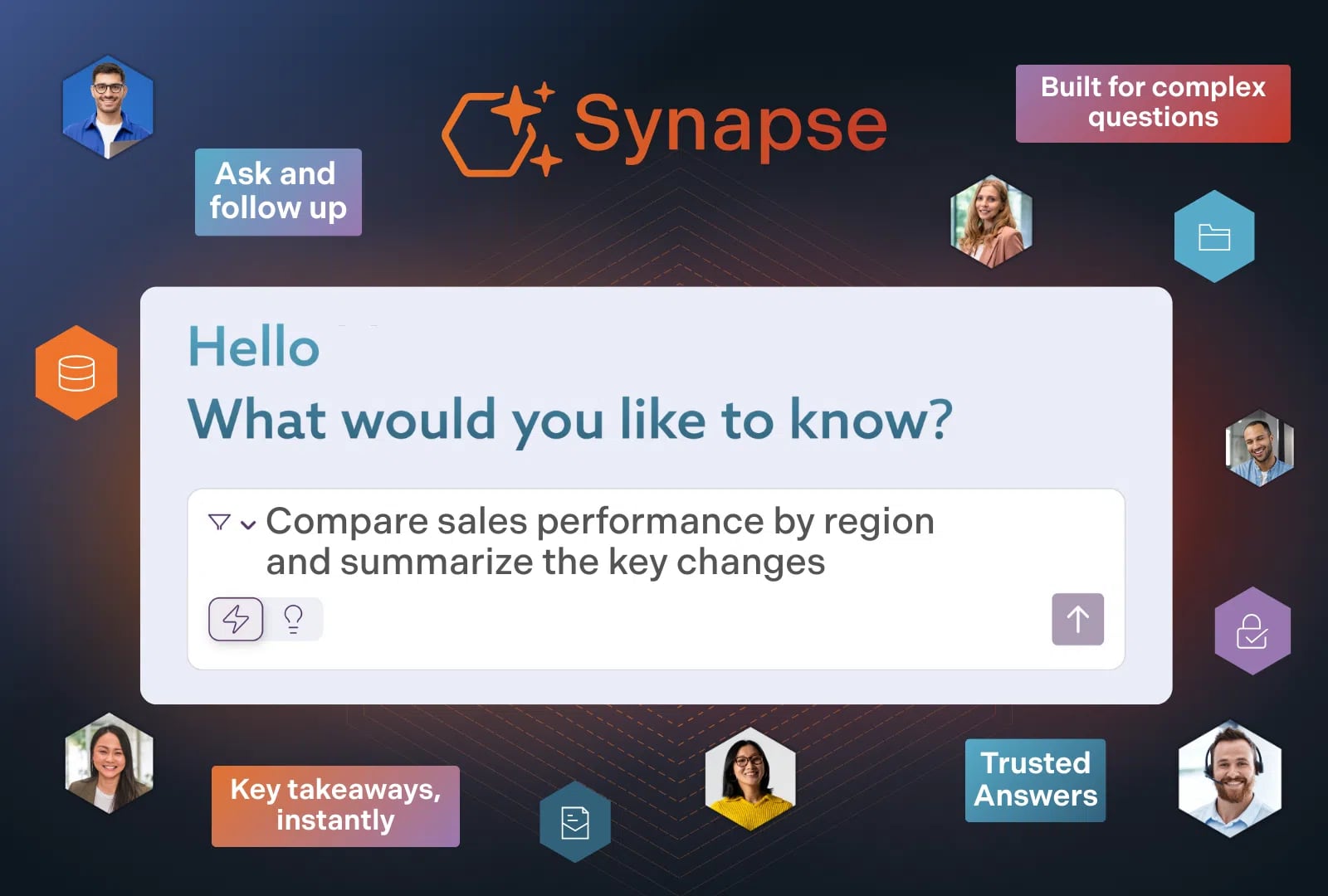
Bloomfire product interface.
Bloomfire is not a lightweight help center. It's an internal knowledge management engine designed for enterprises that treat institutional knowledge as a strategic asset.
Enterprise Knowledge Discovery and Community
Bloomfire's core strength is surfacing trusted knowledge across large, siloed organizations. Its AI-powered enterprise search connects employees to the exact information they need, whether it lives in documents, Q&A threads, or rich media. The platform includes a community Q&A engine that captures tacit expertise—the kind of knowledge that usually walks out the door when a senior employee leaves.
For companies in regulated industries like finance, insurance, and life sciences, Bloomfire offers compliance-ready features including SOC2, GDPR, SSO, and SCIM support. Its data foundations layer ensures that content governance and permissions scale with the organization.
Measurable ROI for Large Teams
Bloomfire's proof points speak to enterprise-scale impact. A major credit union reported annual time savings equivalent to $469,000. Users see a 72% search conversion rate, meaning people actually find what they're looking for. A 13% reduction in call volumes demonstrates how effective self-service reduces pressure on support teams.
Best Fit for Bloomfire
Choose Bloomfire when you're buying an internal knowledge management program, not just a documentation tool. It fits organizations that need implementation-led rollouts, knowledge communities, and a platform that can govern content across departments. If your primary goal is a customer-facing help center, Bloomfire may be more platform than you need.
Where KnowledgeOwl Pulls Ahead

KnowledgeOwl product interface.
KnowledgeOwl wins on focus. It does one thing—knowledge bases—and does it with uncommon care for the teams that build and maintain them.
Purpose-Built for Support Teams
KnowledgeOwl is designed for teams that need a dedicated help center with powerful search, granular access controls, and version control. Its typo-tolerant search engine handles the messy reality of how people actually type queries, reducing frustration for both agents and customers. The platform supports multiple knowledge bases, making it practical for organizations that serve different audiences or need separate internal and external documentation.
Migration Help and Transparent Pricing
One of KnowledgeOwl's standout differentiators is its white-glove migration service. For teams moving from another platform, KnowledgeOwl handles the heavy lifting of importing and structuring content. Pricing is based on authors, not readers, which keeps costs predictable as your audience grows. Plans range from $79/month to custom enterprise tiers, with no hidden per-reader fees.
Customer Satisfaction That Speaks Volumes
KnowledgeOwl has maintained an NPS score above 90 for five consecutive years and earned G2 awards for the same period. One customer reported a 92% reduction in response time after implementing the platform. These aren't just vanity metrics—they reflect a product that support teams genuinely enjoy using.
Best Fit for KnowledgeOwl
Choose KnowledgeOwl when a dedicated knowledge base is your main requirement. It's ideal for teams that value migration help, custom theming, and a vendor that specializes in knowledge base operations rather than trying to be a broader platform. Small to mid-sized support teams, call centers, and organizations with compliance documentation needs will find it a natural fit.
Where HelpLook Offers a Supported Advantage
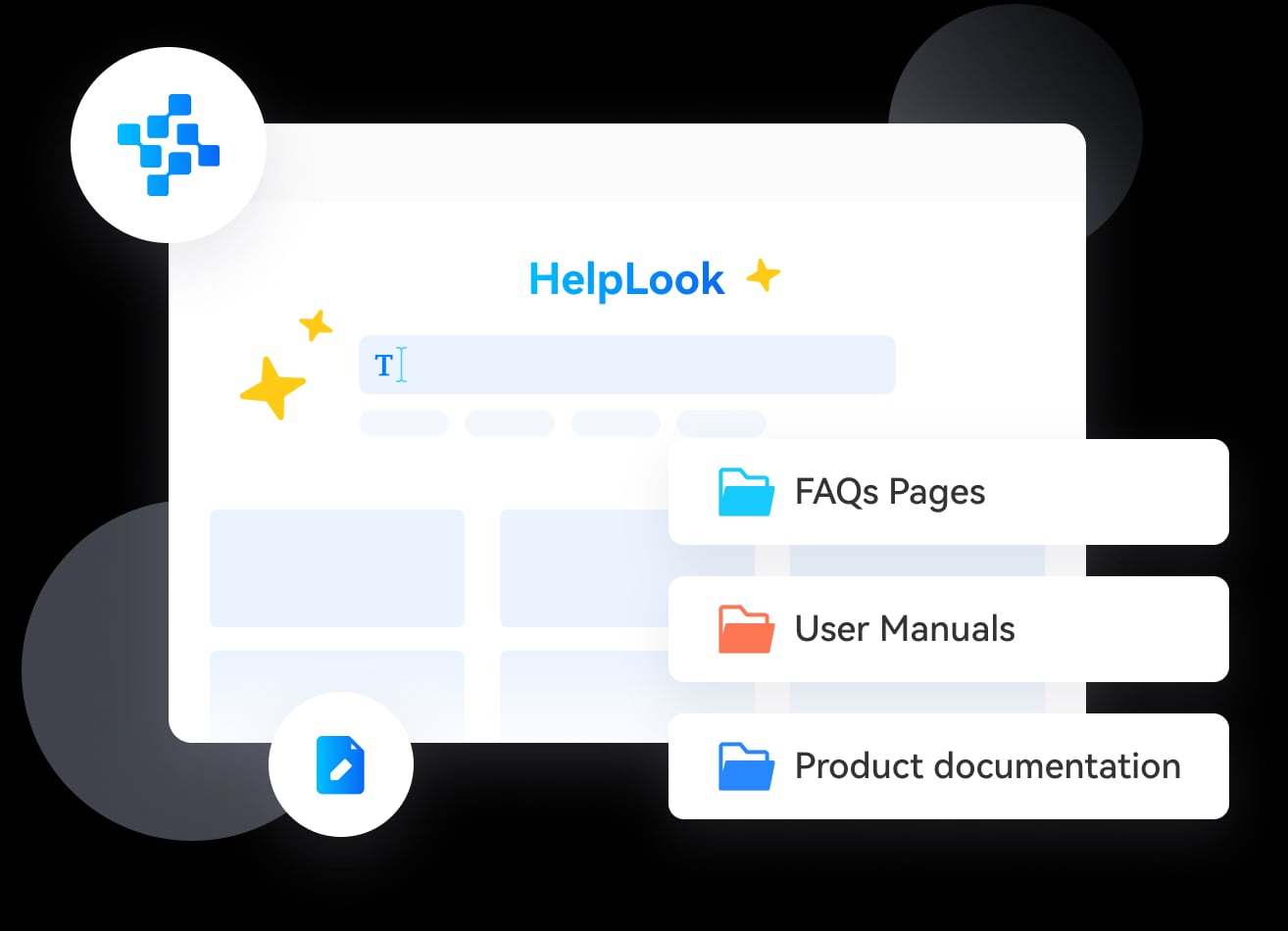
HelpLook product interface.
HelpLook occupies a distinct position: it's the platform for teams that want an AI-native, no-code self-service portal that works for both customers and employees. While Bloomfire targets enterprise knowledge management and KnowledgeOwl focuses on dedicated KB operations, HelpLook bridges content creation, AI search, and help desk functionality in a unified experience.
No-Code Portal Creation with SEO Built In
HelpLook enables businesses to build fully branded, SEO-optimized knowledge portals without writing a single line of code. Unlike platforms that treat SEO as an afterthought, HelpLook includes built-in optimization features that help your self-service content rank in search engines—a critical advantage when your goal is to deflect support tickets by helping customers find answers on their own. For a deeper look at how AI knowledge bases compare on SEO and customization, see our HelpLook vs Helpjuice vs Stonly comparison.
AI Search and Chatbot Integration
HelpLook integrates with leading AI models including OpenAI, ERNIE Bot, and Azure to power intelligent search and chatbot experiences. This means your knowledge base doesn't just store articles—it actively helps users find answers through conversational AI. The platform's AI credits system makes these capabilities accessible even on lower-tier plans, unlike enterprise platforms where advanced AI features often require premium contracts.
Multi-Use Case Flexibility
HelpLook supports customer support knowledge bases, e-commerce product manuals, enterprise blogs, and internal knowledge bases from a single platform. Features like QR code access, PDF downloads, and third-party integrations make it practical for diverse scenarios—from retail product documentation to internal onboarding. For teams evaluating how different platforms handle these varied use cases, our HelpLook vs GitBook vs KnowledgeOwl comparison provides additional context.
Accessible Pricing for Growing Teams
HelpLook offers a free tier alongside scalable paid plans, making it accessible for startups and small teams while still supporting enterprise-level resources. This contrasts with Bloomfire's minimum seat requirements and implementation fees, and provides an alternative to KnowledgeOwl's author-based pricing for teams that need reader-facing AI features without per-user complexity.
Side-by-Side Comparison
| Capability | HelpLook | Bloomfire | KnowledgeOwl |
|---|---|---|---|
| Primary Use Case | AI-powered customer/employee self-service portals | Enterprise internal knowledge management | Dedicated help center and knowledge base |
| No-Code Portal Builder | Yes, with SEO optimization | No, enterprise-managed workspace | Yes, with custom branding |
| AI-Powered Search | Yes, multi-model AI integration | Yes, enterprise AI search and discovery | Yes, typo-tolerant search |
| AI Chatbot | Yes, integrated AI chatbot | AI search assistant | Yes, AI chatbot |
| AI Content Generation | Yes | Suggestions only | Yes, article creation and summaries |
| Community Q&A | No | Yes, enterprise communities | No |
| Granular Permissions | Yes | Yes, enterprise-grade | Yes, reader groups and access controls |
| Multi-Language Support | Yes | Partial | Multiple KBs per language |
| Version Control | Yes | Basic | Article history |
| Migration Support | Standard | Implementation-led | White-glove migration |
| Pricing Model | Free tier + subscription plans | Annual contracts, 50-user minimum | Author-based, starting at $79/month |
| Best For | Teams wanting AI-native, no-code portals | Large enterprises with internal KM needs | Support teams wanting dedicated KB |
How to Choose the Right Platform
Choose HelpLook if you need:
- A no-code, SEO-optimized self-service portal for customers or employees
- AI-powered search and chatbot capabilities without enterprise complexity
- Flexible use cases spanning support, e-commerce, blogs, and internal docs
- A free tier to start and scalable pricing as you grow
Choose Bloomfire if you need:
- An enterprise knowledge management platform for large, cross-functional organizations
- Internal knowledge communities and Q&A to capture tacit expertise
- Compliance-ready features for regulated industries
- Implementation services and a managed rollout
Choose KnowledgeOwl if you need:
- A dedicated knowledge base with powerful, typo-tolerant search
- White-glove migration from an existing platform
- Transparent, author-based pricing with no per-reader fees
- A vendor that specializes in knowledge base operations and support
For teams still exploring the landscape, our Top 10 AI Knowledge Base & Help Desk Software in 2026 roundup provides a broader view of the market.
Related reading
- Helpjuice vs Document360 vs HelpLook: AI Knowledge Base Comparison - Compare Helpjuice, Document360, and HelpLook on AI search, pricing, customization, and ease of use. Find the best AI knowledge base for your support team.
- HelpLook vs KnowledgeOwl vs DocsBot: Which AI Knowledge Base Wins? - Compare HelpLook, KnowledgeOwl, and DocsBot on AI search, granular permissions, chatbot automation, pricing, and ease of use. Find the best fit for your support team.
- HelpLook vs HelpCenter.io vs KnowledgeBase: 2025 Comparison - Compare HelpLook, HelpCenter.io, and KnowledgeBase on AI search, pricing, self-service, and more. Find the best AI knowledge base for your team's needs.
Sources and further reading
- Bloomfire vs KnowledgeOwl (2026): Which Is Better? | Docsie - Bloomfire vs KnowledgeOwl: enterprise search vs simple KB. See which fits your team—and why Docsie beats both.
- Bloomfire vs KnowledgeOwl - Bloomfire is usually the better fit when the team wants a internal knowledge management platform centered on the company is buying an internal...
- Bloomfire vs. KnowledgeOwl: Knowledge Management Solution Comparison 2026 - Compare Bloomfire and KnowledgeOwl two leading Knowledge Management solutions. Features, use-cases, satisfaction, and more.
Frequently Asked Questions
What is the main difference between Bloomfire and KnowledgeOwl?
Bloomfire is an enterprise knowledge management platform focused on internal knowledge discovery, communities, and governance for large organizations. KnowledgeOwl is a dedicated knowledge base platform designed for support teams that need a help center with strong search, permissions, and migration support. Bloomfire suits enterprise-wide KM programs; KnowledgeOwl suits focused KB operations.
Can HelpLook replace both Bloomfire and KnowledgeOwl?
HelpLook can replace KnowledgeOwl for teams that want a no-code, AI-powered self-service portal with SEO capabilities. It can partially replace Bloomfire for internal knowledge base use cases, but it lacks Bloomfire's enterprise community Q&A and implementation-led rollout features. The best choice depends on whether you need a broad KM platform or a focused, accessible portal.
Which platform is best for a small support team?
KnowledgeOwl and HelpLook are both strong options for small support teams. KnowledgeOwl offers transparent author-based pricing and excellent migration support. HelpLook provides a free tier and AI chatbot capabilities that can reduce ticket volume from day one. Bloomfire's enterprise pricing and minimum seat requirements make it less practical for small teams.
Do these platforms offer AI content generation?
Yes, all three offer some form of AI assistance. HelpLook integrates with multiple AI models for content generation and chatbot responses. KnowledgeOwl includes AI article creation and summaries. Bloomfire provides AI-powered authoring suggestions within its enterprise platform. The depth and accessibility of these features vary by platform and plan tier.
How does pricing compare across the three platforms?
HelpLook offers a free tier with paid plans scaling by resources and AI credits. KnowledgeOwl starts at $79/month with pricing based on authors, not readers. Bloomfire uses annual contracts with implementation fees and a 50-user minimum, making it the most expensive entry point but potentially cost-effective at enterprise scale.
Conclusion
HelpLook, Bloomfire, and KnowledgeOwl represent three valid but distinct approaches to knowledge management. Bloomfire is the enterprise knowledge engine for organizations that need to capture and scale institutional expertise. KnowledgeOwl is the dedicated knowledge base for support teams that value ease of use and migration help. HelpLook is the AI-native, no-code portal for teams that want to launch a branded self-service experience quickly, with SEO and chatbot capabilities built in.
The right choice depends on your operating model: Are you buying an enterprise KM program, a dedicated help center, or an accessible AI-powered portal? Answer that question first, and the platform decision becomes much clearer.