
HelpLook vs DocsBot: Which AI Knowledge Base and Support Platform Fits Your Team?
When evaluating AI knowledge base and customer support platforms, HelpLook and DocsBot often appear on the same shortlist. Both promise to turn your documentation into instant answers, but they approach the problem from different angles. HelpLook is a no-code AI knowledge base and help center builder with publishing, SEO, and chatbot capabilities. DocsBot is an AI agent platform focused on customer support, pre-sales, and internal knowledge retrieval with actions. This comparison breaks down their strengths, weaknesses, and best-fit scenarios so you can choose with confidence.
What Is HelpLook?
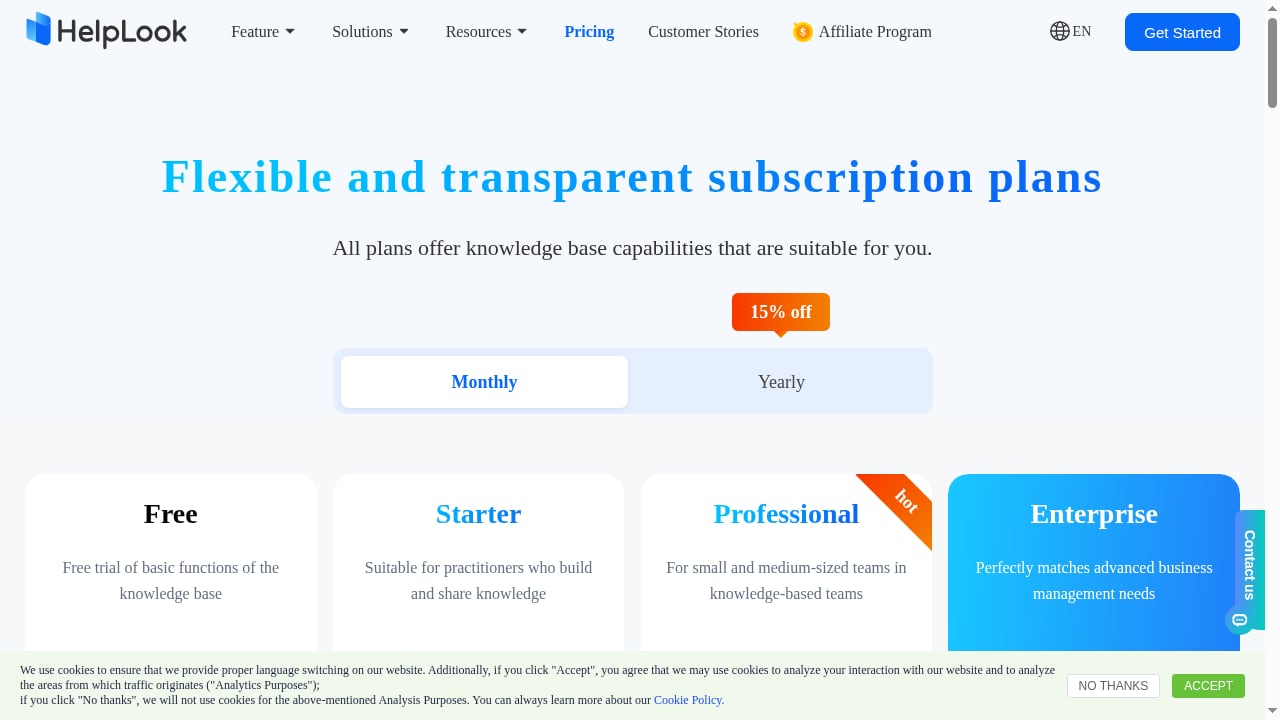
First viewport screenshot of HelpLook Pricing - AI-Powered Knowledge Base & Help Desk Software.
HelpLook is a no-code AI knowledge base and help center platform. It lets businesses create, manage, and publish self-service content such as help centers, FAQs, user manuals, product documentation, enterprise blogs, and internal knowledge bases. The platform combines a WYSIWYG editor with AI-powered search and chatbot capabilities, integrating GPT-3.5/4.0 and Wenxin Yiyan models to provide instant answers. Key features include a customizable website portal, embeddable website widget, AI chatbot, SEO optimization tools, multi-language support, access control, and data analytics. HelpLook positions itself as a one-stop AI knowledge base building system that reduces customer service costs, improves customer satisfaction, and enhances team collaboration. It offers a free tier and subscription plans starting at ¥99/month, with over 10,000 companies using it. The platform is ISO/IEC 27001 certified for information security and provides TLS encryption and data backup.
What Is DocsBot?
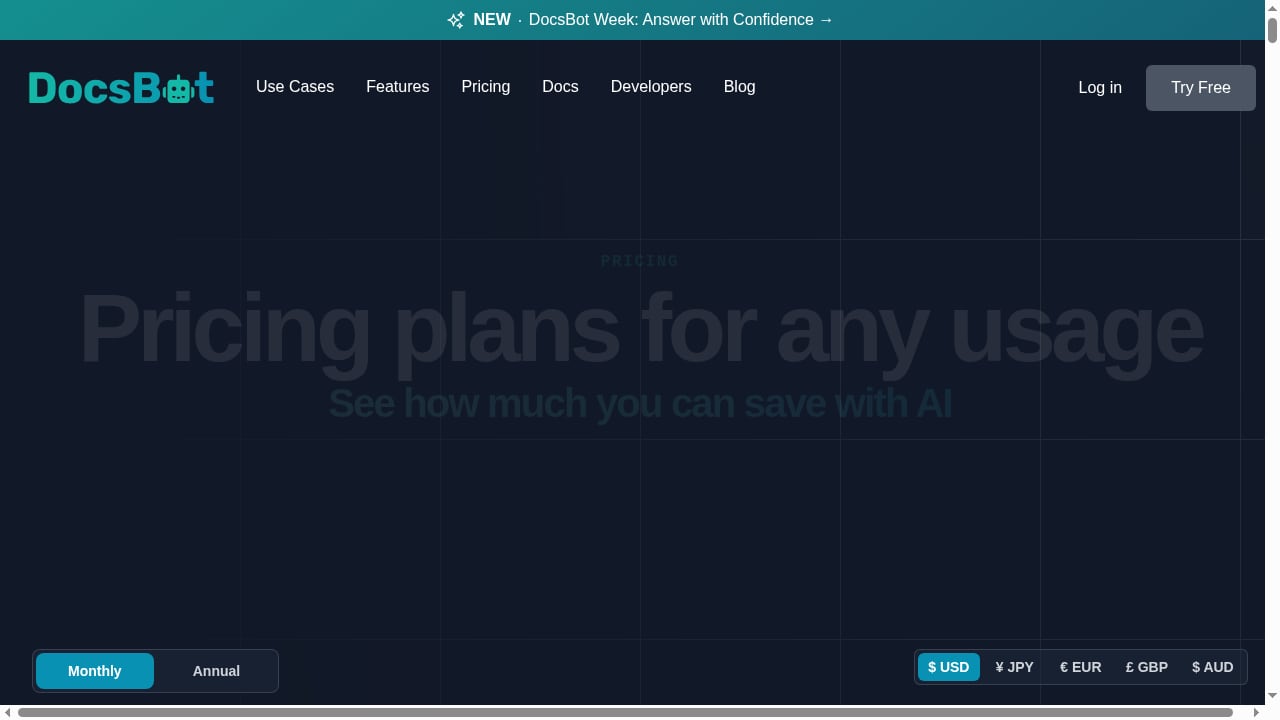
First viewport screenshot of docsbot.ai.
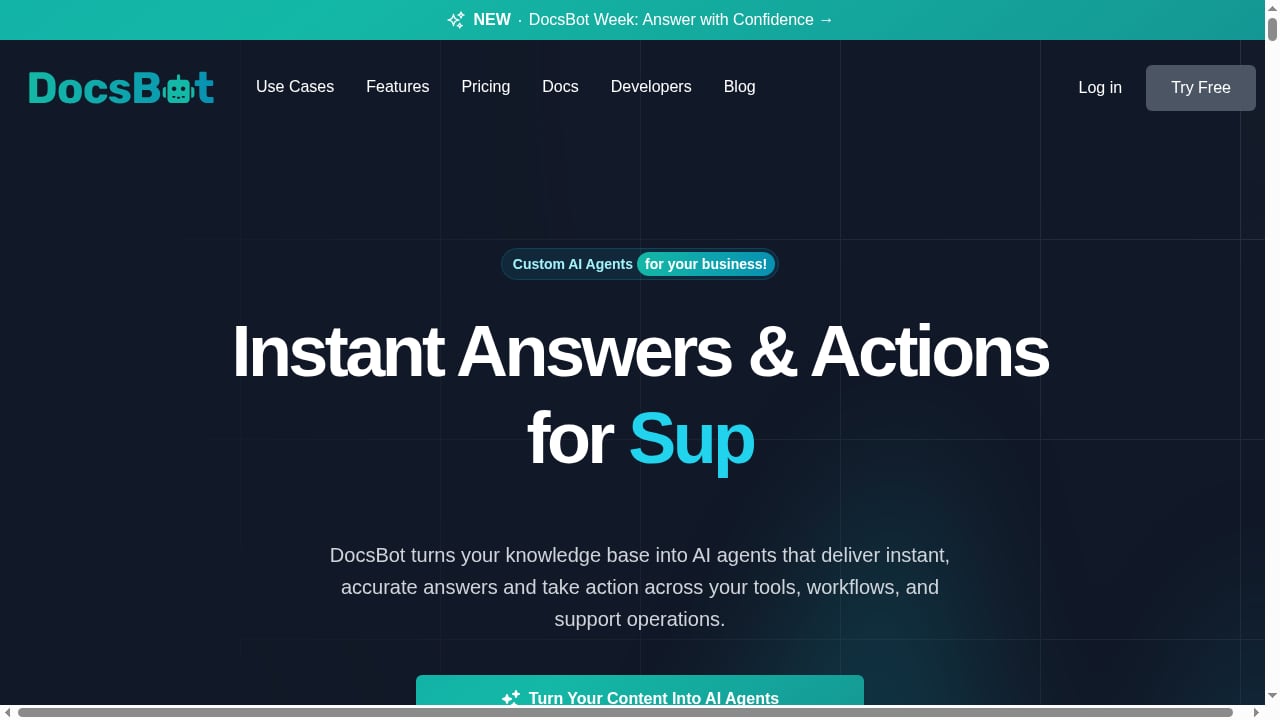
DocsBot is an AI agent platform that transforms business knowledge bases into customer support, pre-sales, and internal knowledge tools. According to its website, it enables businesses to build custom AI chatbots trained on their own content—documentation, knowledge bases, PDFs, and websites. DocsBot supports 38+ content sources, AI actions, voice agents, deep research, and integrations with tools like Slack, Zapier, and Make. It offers a free plan and paid tiers starting at $49/month (Personal), $149/month (Standard), and $499/month (Business), with annual billing giving two months free and a 14-day money-back guarantee. DocsBot claims over 75,000 users and 3,000 businesses. Its focus is on moving from answers to action, with agents that can automate processes and connect to existing systems.
Feature Comparison: HelpLook vs DocsBot
First viewport screenshot of docsbot.ai.
Knowledge Base Creation and Publishing
HelpLook excels at building and publishing structured help centers and documentation sites. Its WYSIWYG editor, customizable portal, and SEO tools make it a strong choice for teams that want a public-facing knowledge base that ranks well in search engines. DocsBot, by contrast, is primarily a chatbot platform that ingests existing content from various sources. It does not offer a full-fledged help center builder or SEO optimization for published documentation. If your priority is creating a polished, search-optimized help center from scratch, HelpLook has the edge.
AI Chatbot and Search
Both platforms provide AI-powered chatbots trained on your content. HelpLook integrates GPT-3.5/4.0 and Wenxin Yiyan models, offering instant answers within your help center and via an embeddable widget. DocsBot offers similar chatbot capabilities but adds advanced features like voice agents, deep research with live web search and Code Interpreter, and AI actions that can trigger workflows. DocsBot's chatbot is more action-oriented, while HelpLook's is tightly integrated with its knowledge base and search experience.
Content Sources and Integrations
DocsBot supports 38+ content sources, including websites, documents, YouTube videos, Notion, Confluence, Zendesk Guide, and more. It also integrates with Slack, Microsoft Teams, Zapier, Make, and various ticketing systems. HelpLook, while capable of importing content, is more focused on its own ecosystem for building and managing knowledge. It offers multi-language support and access control but does not advertise the same breadth of external content sources or workflow integrations as DocsBot.
SEO and Multi-Language Support
HelpLook includes built-in SEO optimization tools, making it easier to create documentation that ranks in search engines. It also supports multi-language content, which is essential for global businesses. DocsBot supports multilingual self-service (over 100 languages) but does not provide SEO tools for published content. For teams that rely on organic search traffic to their help center, HelpLook is the stronger option.
Security and Compliance
HelpLook is ISO/IEC 27001 certified and provides TLS encryption and data backup. DocsBot emphasizes enterprise-grade security with controls for sensitive data, including client-side PII redaction on higher plans. Both take security seriously, but HelpLook's ISO certification may be a deciding factor for organizations with strict compliance requirements.
Pricing
HelpLook offers a free tier and paid plans starting at ¥99/month, making it accessible for small teams and startups. DocsBot's free plan is limited to 1 DocsBot, 50 source pages, and 100 monthly AI credits. Paid plans start at $49/month for Personal, $149/month for Standard, and $499/month for Business. While DocsBot's entry price is higher, it includes more advanced AI actions and integrations. HelpLook's pricing is more budget-friendly for basic knowledge base needs.
Where HelpLook Shines
- All-in-one knowledge base and help center: HelpLook provides a complete solution for creating, managing, and publishing documentation with AI search and chatbot built in.
- SEO optimization: Built-in tools help your help center rank in search engines, driving organic traffic and reducing support tickets.
- Customizable portal: You can design a branded help center that matches your website.
- Multi-language support: Serve global audiences with content in multiple languages.
- ISO/IEC 27001 certification: Ensures high information security standards.
- Affordable pricing: Plans start at ¥99/month, with a free tier available.
Where DocsBot Excels
First viewport screenshot of docsbot.ai.
- Advanced AI actions: DocsBot can automate workflows, connect to APIs, and perform tasks beyond answering questions.
- Broad content ingestion: Supports 38+ sources, including videos, cloud storage, and ticketing systems.
- Voice agents: Offers voice-based customer support, expanding accessibility.
- Deep research: Combines knowledge base with live web search and Code Interpreter for cited insights.
- Extensive integrations: Connects with Slack, Microsoft Teams, Zapier, Make, and more.
Where DocsBot May Fall Short
- No help center builder: DocsBot does not provide a full publishing platform for creating and SEO-optimizing a help center.
- Higher starting price: Paid plans begin at $49/month, which may be steep for small teams.
- Limited SEO tools: Lacks built-in SEO optimization for documentation.
- Complex setup for advanced features: AI actions and integrations may require technical configuration.
Where HelpLook May Fall Short
- Fewer content sources: Does not support as many external content sources as DocsBot.
- Less advanced automation: Lacks AI actions and workflow automation comparable to DocsBot.
- No voice agents: Does not offer voice-based support.
Which Platform Is Right for You?
Choose HelpLook if:
- You need a complete, SEO-optimized help center with AI search and chatbot.
- You want an affordable, no-code solution for building and publishing documentation.
- You value multi-language support and ISO-certified security.
- Your primary goal is self-service content that ranks in search engines.
Choose DocsBot if:
- You need advanced AI agents that can take actions and automate workflows.
- You want to ingest content from a wide variety of sources, including videos and ticketing systems.
- You require voice agents or deep research capabilities.
- You already have a help center and need a powerful chatbot layer on top.
Related reading
- ProProfs Knowledge Base Review 2026: AI Help Center Tested - Evidence-based ProProfs Knowledge Base review: AI features, pricing signals, setup, limitations, and who it fits in 2026.
- HelpLook vs Productlane vs Forethought: 2026 Comparison - Compare HelpLook, Productlane, and Forethought for AI knowledge base, support automation, and feedback management. Find the best fit for your team.
- HelpLook vs Hesk: AI Knowledge Base or Free PHP Help Desk? - Compare HelpLook's AI knowledge base with Hesk's free PHP help desk. See where each fits, what Hesk lacks, and how to choose for 2026 support teams.
Frequently Asked Questions
Can HelpLook replace DocsBot?
HelpLook can handle many of the same use cases, especially if your focus is on building and publishing a knowledge base with AI search and chatbot. However, DocsBot offers more advanced automation and integrations. If you need AI actions and voice agents, DocsBot may be more suitable.
Does DocsBot offer a help center builder?
No, DocsBot is primarily a chatbot and AI agent platform. It does not provide a full help center builder or SEO tools for publishing documentation.
Is HelpLook more affordable than DocsBot?
HelpLook's paid plans start at ¥99/month, while DocsBot's paid plans start at $49/month. For basic knowledge base needs, HelpLook is generally more budget-friendly. However, DocsBot's higher tiers include more advanced features.
Which platform is better for SEO?
HelpLook includes built-in SEO optimization tools for your help center, making it the better choice if organic search traffic is important. DocsBot does not offer SEO tools for published content.
Can both platforms integrate with my existing tools?
DocsBot offers extensive integrations with Slack, Microsoft Teams, Zapier, Make, and more. HelpLook provides an embeddable widget and API, but its integration ecosystem is smaller.
Conclusion
HelpLook and DocsBot serve different but overlapping needs. HelpLook is a comprehensive AI knowledge base and help center platform with strong publishing, SEO, and multi-language capabilities. DocsBot is an AI agent platform focused on customer support automation, advanced actions, and broad content ingestion. Your choice depends on whether you prioritize building a search-optimized help center (HelpLook) or deploying AI agents that can act across your business tools (DocsBot). For many teams, starting with HelpLook's free tier and evaluating DocsBot's free plan can help clarify which fits best.
For more comparisons, see our Top 10 AI Knowledge Management & Documentation Platforms 2026 and HelpLook vs Document360: AI Knowledge Base Software Compared.
Sources: